-
Golden State Warriors vs Sacramento Kings in the Seattle KeyArena
October 6th, the NBA is playing in the Seattle KeyArena. Golden State Warriors vs Sacramento Kings in an exciting pre season game!
Five 12mm shots were enough to capture the whole arena, before construction begins on the $700 million renovation.

One the way back, a view on the newly renovated Space Needle in the moon light. This was just one 12mm shot.

-
Stereographic projection
The 300° stereographic down projection is also known as the little planet projection. Usually it is used to transform a 360°×180° into those famous little planets, but in this example it is applied on a vertical 180° panorama with the last photo upside down:

Loaded into PTGui with the little planet transform:

Gets you this amazing view:

See also Panotools projection, The Balcony Panorama, Panotools projections example and Use Case for Transverse Mercator Projection ✅.
-
Seattle panorama
Cityscape is constantly changing and over the weekend I took a snapshot of the Seattle water front.


-
Seattle Great Wheel through the Fisheye

-
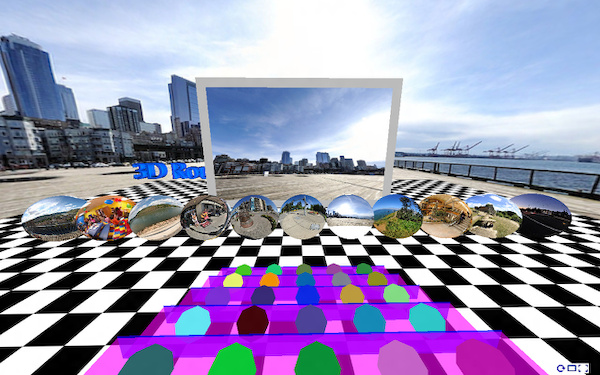
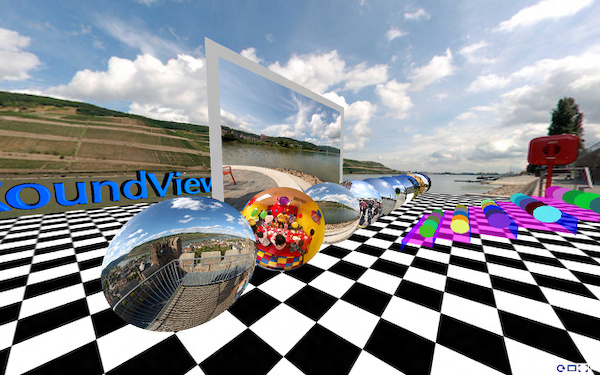
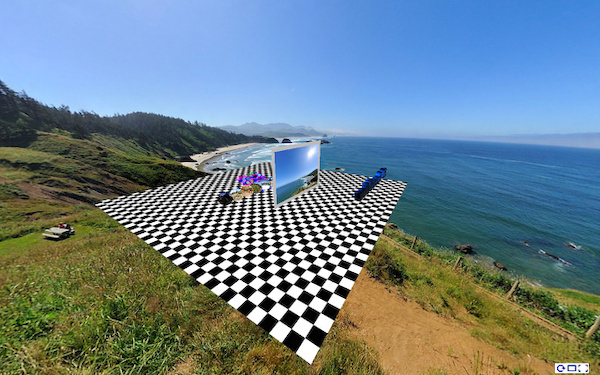
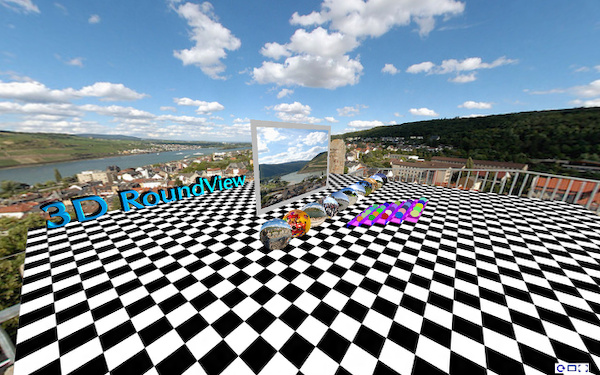
3D RoundView
3D RoundView is a panoramic viewer for a modern Browser.
Click and drag to move the view, click inside the screen to drag the current selection or click one of the preview spheres to change the current view for the 25 cats on the bleachers. Double click for the single view.

To get started:
Add the following scripts
<script type="text/javascript" src="https://bitfabrik.io/3DRoundView/js/three.min.js"></script>
<script type="text/javascript" src="https://bitfabrik.io/3DRoundView/js/KeyboardState.js"></script>
<script type="text/javascript" src="https://bitfabrik.io/3DRoundView/js/CSS3DRenderer.js"></script>
<script type="text/javascript" src="https://bitfabrik.io/3DRoundView/js/font.js"></script>
Add the panorama div tag that will contain the panorama:
<div id="panorama">
    <div id="reset">
        <img alt="Reset" title="Reset (R)" src="https://bitfabrik.io/3DRoundView/img/reset.png" /></div>
    <div id="vollbild">
        <img alt="Fullscreen" title="Fullscreen" src="https://bitfabrik.io/3DRoundView/img/vollbild.png" /></div>
    <div id="singleView">
        <img alt="Single View" title="Single View (S)" src="https://bitfabrik.io/3DRoundView/img/singleView.png" /></div>
</div>
Set the panorama list:
<script type="text/javascript">
    var panoramaFiles = ['myPanorama1.jpg',
                         'myPanorama2.jpg'];

    var floorTextureImg = 'floorTexture.jpg';
    var movieScreenClr = 0xbbbbbb;
</script>
followed by the 3D-RoundView script
<script type="text/javascript" src="https://bitfabrik.io/3DRoundView/js/3dRoundView.js"></script>For a more simplified step:
Download cPicture for your language, select your panorama pictures and use the function to create a panorama website. This will add all the project files to a selected folder which can be copied to your webserver to publish the panorama.


Examples: