-
Perfectly Square
How to make a rectangular object perfectly square using PTGui:
The frame is straight, but somehow the photo looks distorted.
The camera (film/sensor) was not exactly parallel to the object during the exposure and resulted in a slightly skewed frame along with some distortions (bowed lines) caused by the lens:

This can easily be fixed with the panotools: start with vertical and horizontal control points. For this I'm using the PTGui software. Note: by default t1 points (vertical line) are selected. Change horizontal control points to the t2 type.
It is important to align vertical and horizontal control points not only at the corner points but also in the middle of the sides. Any camera lens has a distortion and lines are not straight. Using the middle points will fix those bows too.
Make sure the lens type is rectilinear:
And the projection is set to rectilinear:
Select Raw, Pitch and Roll and run the first optimization. It is important not to select all variables at once: optimization is finding a low spot in a multidimensional field and optimizing for Raw, Pitch and Roll first you make sure not to optimize on a local spot in a wrong location.
The first result looks good and corners are aligned correctly. Now we fix the bowed lines.
Add the Field of View, b and vert/horz shift. Do not use a, b and c altogether. Just the b parameter is perfectly suited for the non-wavy camera lens distortions. The optimizer can now calculate the exact parameter values:
The object is now straitened:
The panotools take all the calculated parameters and create the final output image:
Perfectly square:
-
Micro 4/3 7.5mm Fisheye, Panorama - Teil 2: Halter
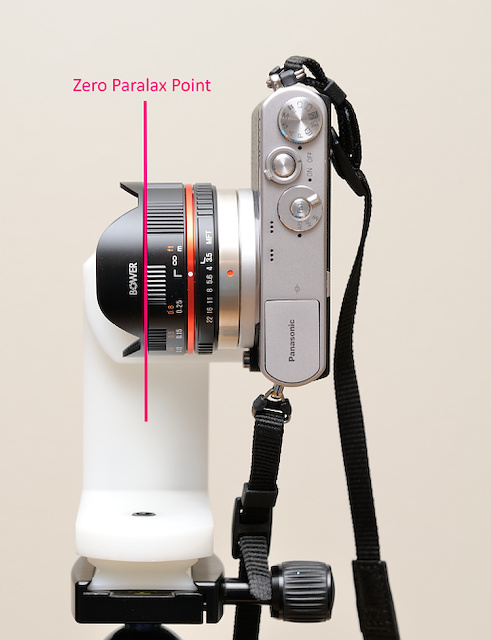
Für ein Kugelpanorama ist es wichtig den Null-Parallaxpunkt des Objektivs um einen festen Raumpunkt zu drehen.
Es ist nicht notwendig den Panoramakopf auszurichten, da ja die gesamte Umgebung erfasst wird.Die Ebene des Null-Parallaxpunkt des 7.5mm Fisheye-Objektivs ist am vorderen Objektivrand.
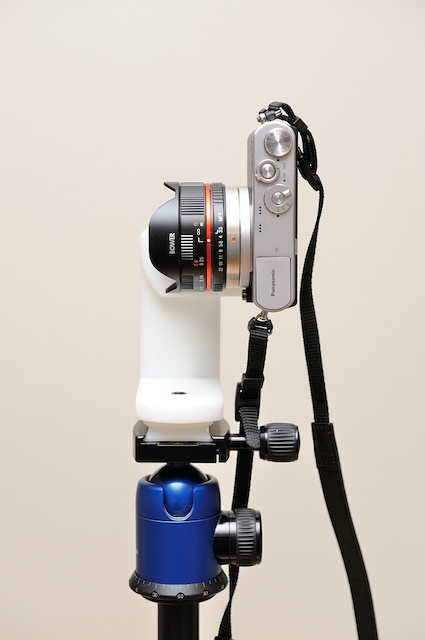
Halter
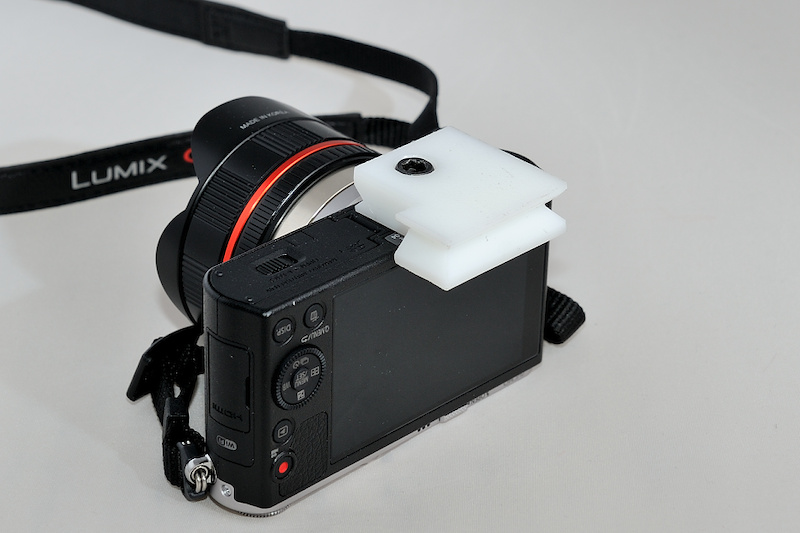
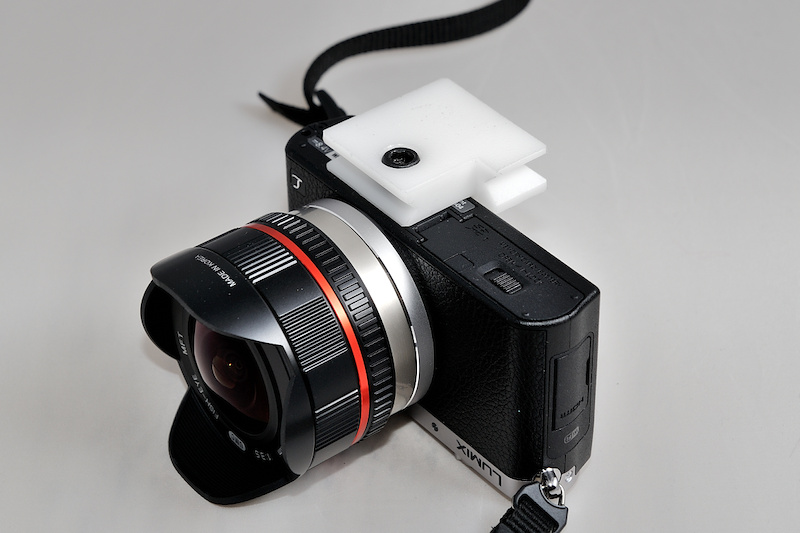
Dieser Halter ist speziell für die Panasonic GM1:
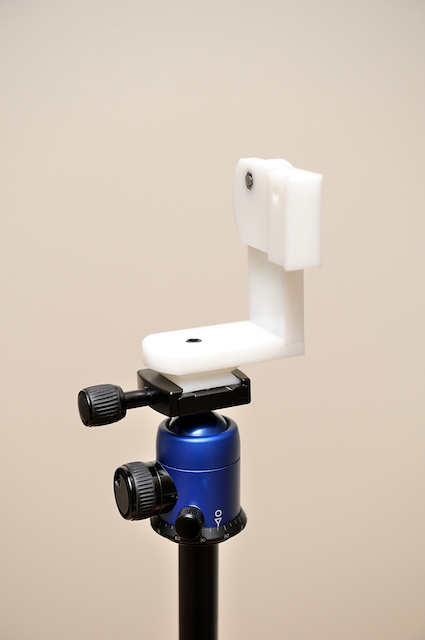
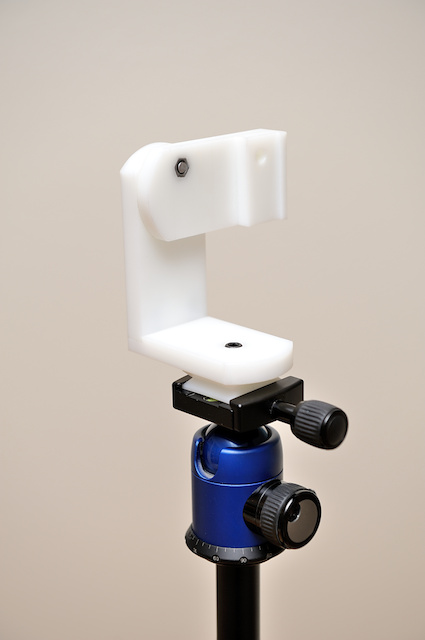
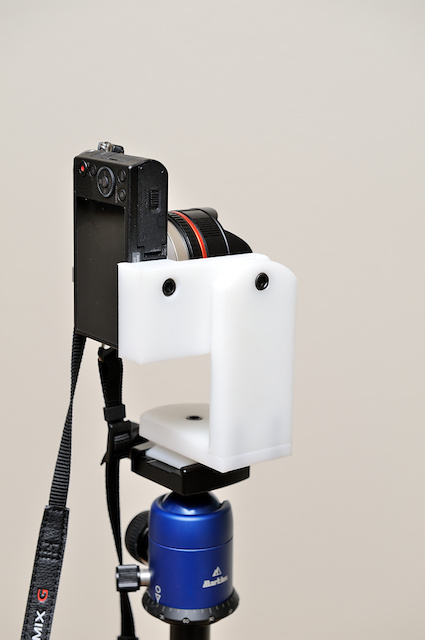
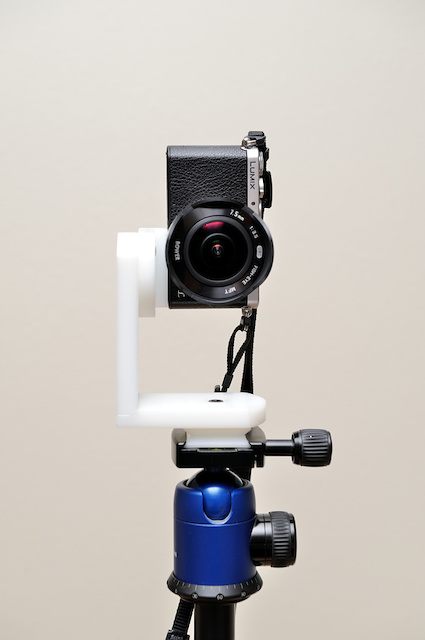
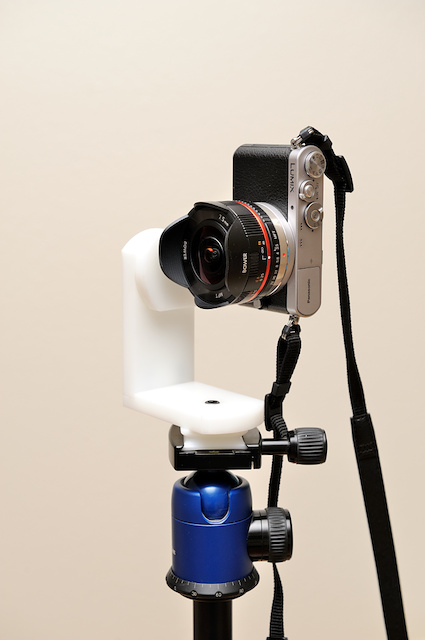
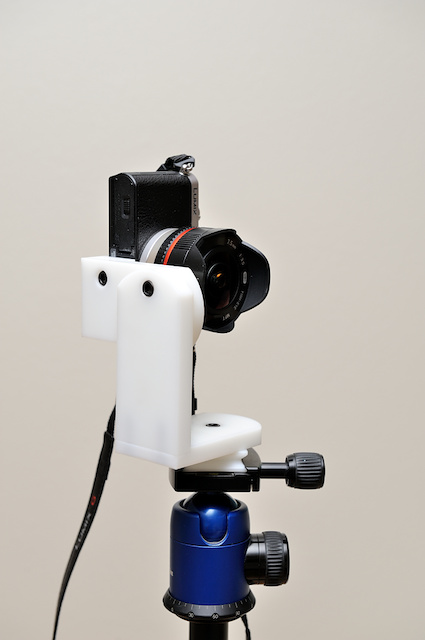
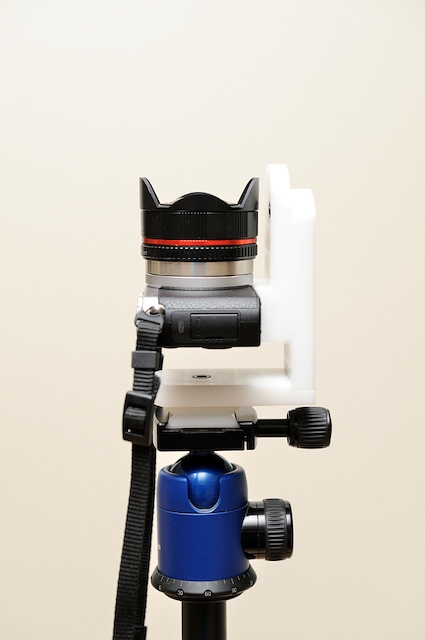
-
Micro 4/3 7.5mm Fisheye, Panorama - Teil 1: Der Aufbau
Das ist der erste Teil der Serie um ein 360°×180°-Panoramabild mit dem 7.5mm Micro 4/3 Fisheye zu erstellen. Das Objektiv ist ein 7.5mm Vollformat-Fisheye (180° diagonale) für den Micro 4/3-Objektivanschluß mit Blenden und Entfernungsring. Das Objektiv ist rein mechanisch aufgebaut und hat keine elektrischen Kontaktpunkte zur Kamera und muß daher im A-Modus und mit der Einstellung ohne Objektiv Bilder zu machen betrieben werden.
Der Aufbau
Mit einem Fischeye-Objektiv kann ein 360°×180°-Panoramabild mit minimaler Bilderanzahl erstellt werden. Mit einem Vollformat-Fischeye werden nur 6 Bilder insgesamt benötigt: 4 Bilder horizontal , ein nach oben (Zenit) und eins nach unten (Nadir).
Das 7.5mm Fisheye:
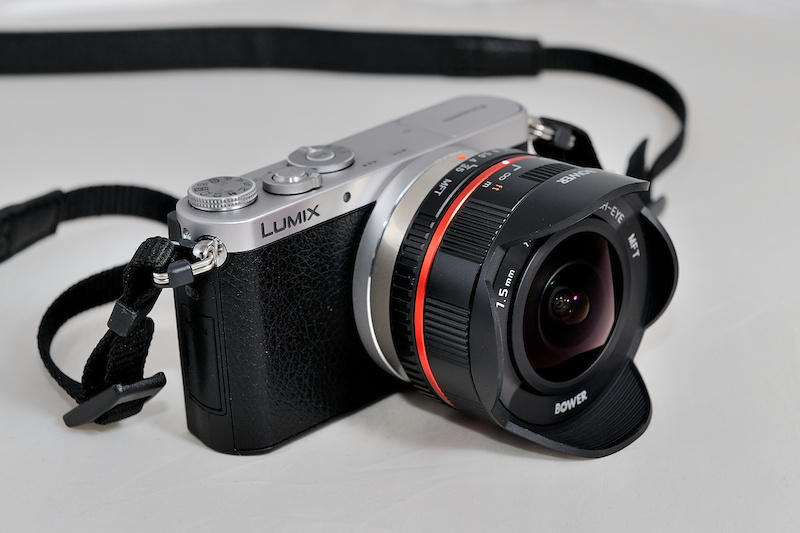
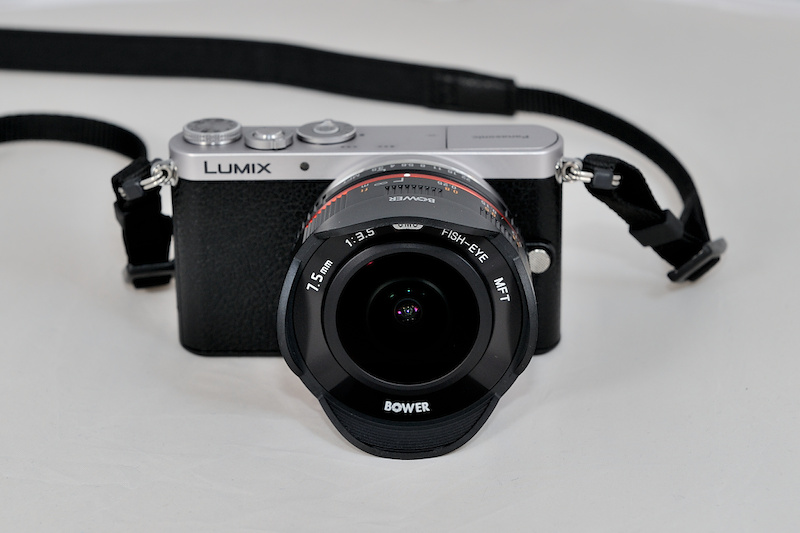
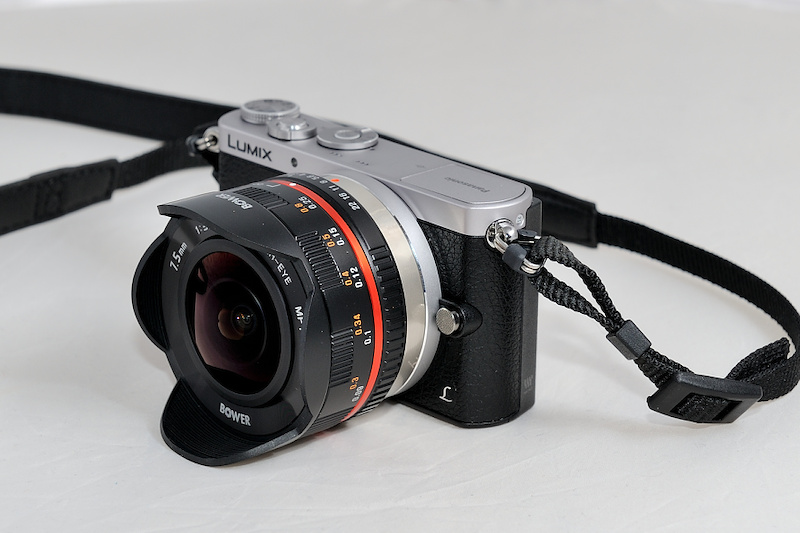
Mit einer selbstgebauten Arca-Swiss-Verbindungsplatte wird die Kamera an den Nodal-Ninja panoramic adapter angeschlossen:
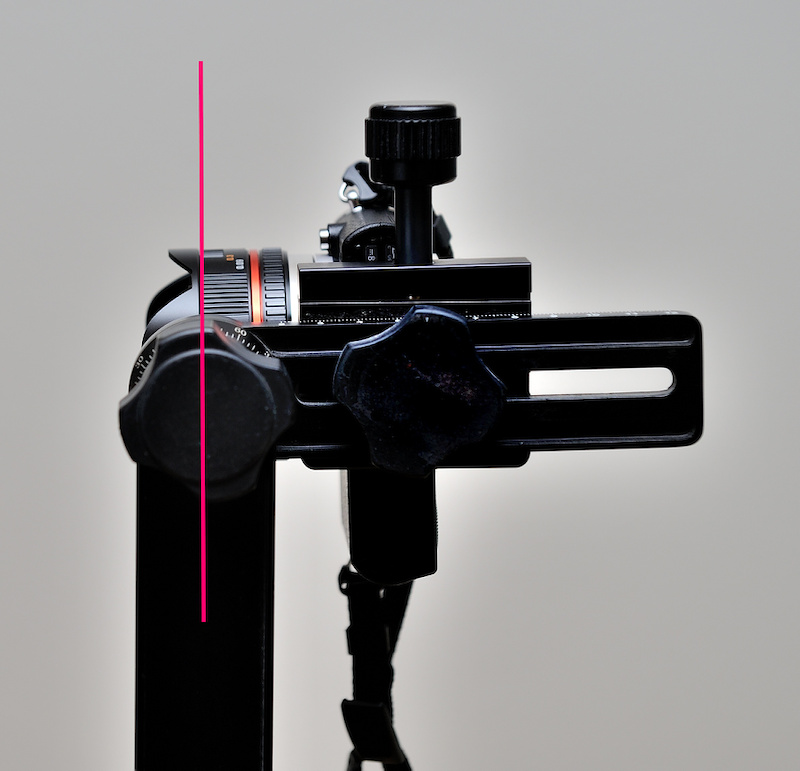
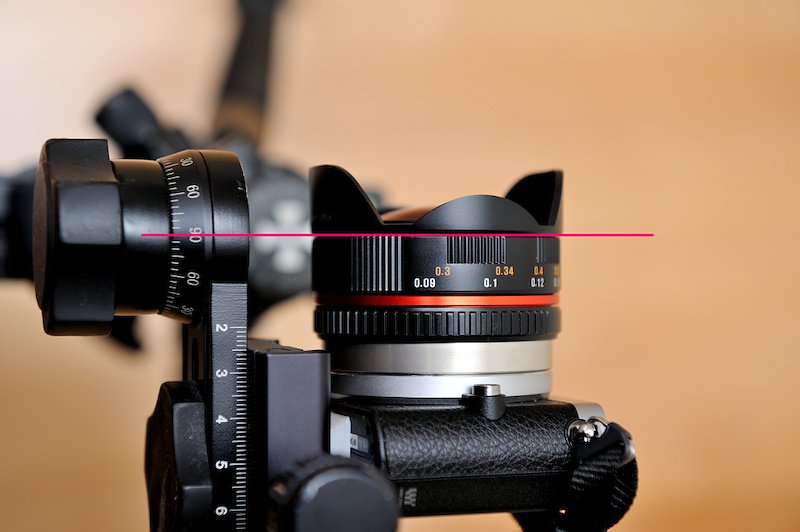
Die rote Linie stellt den Nullpunkt da, um den das Objektiv gedreht wird. Der Adapter wird entsprechend angepasst:
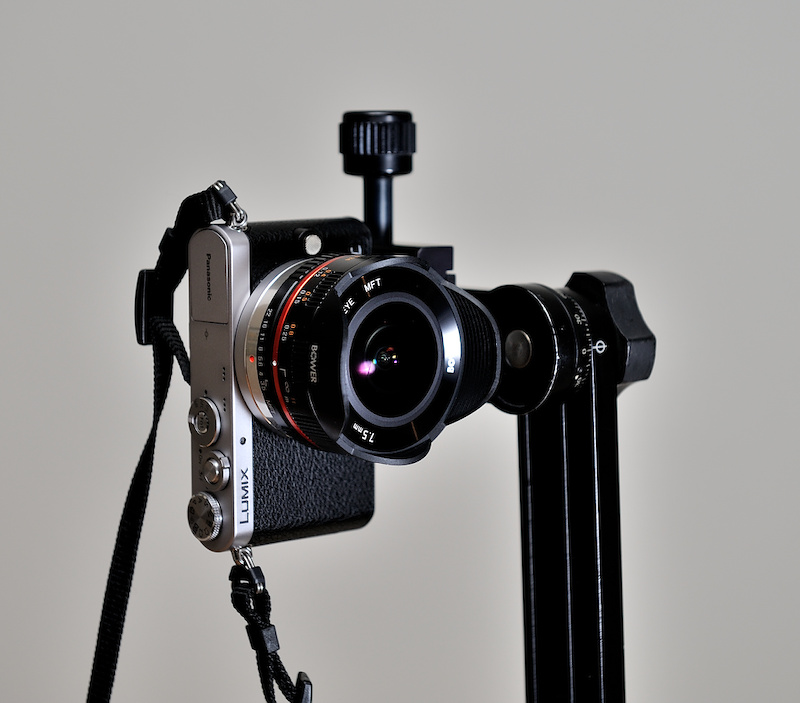
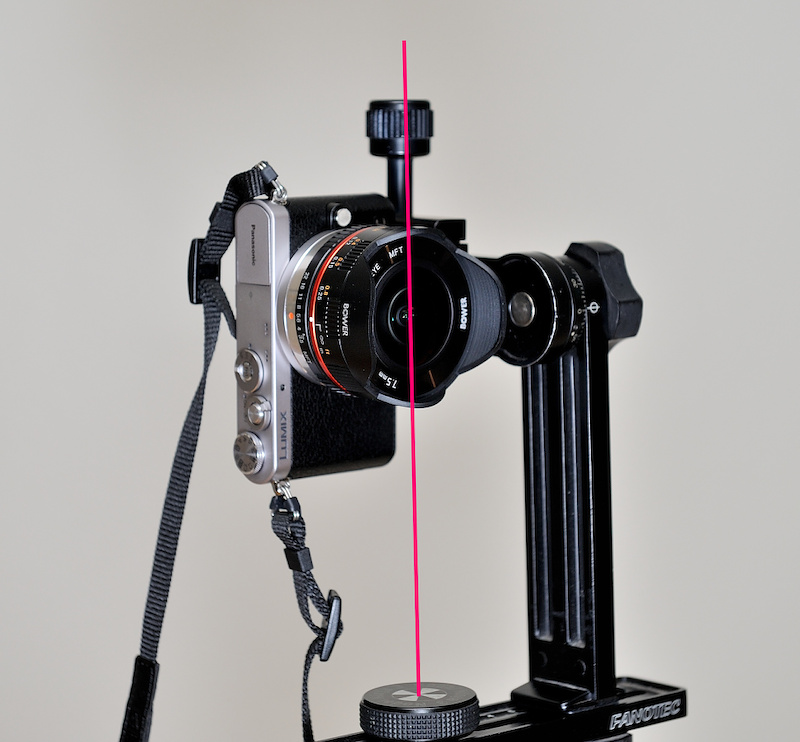
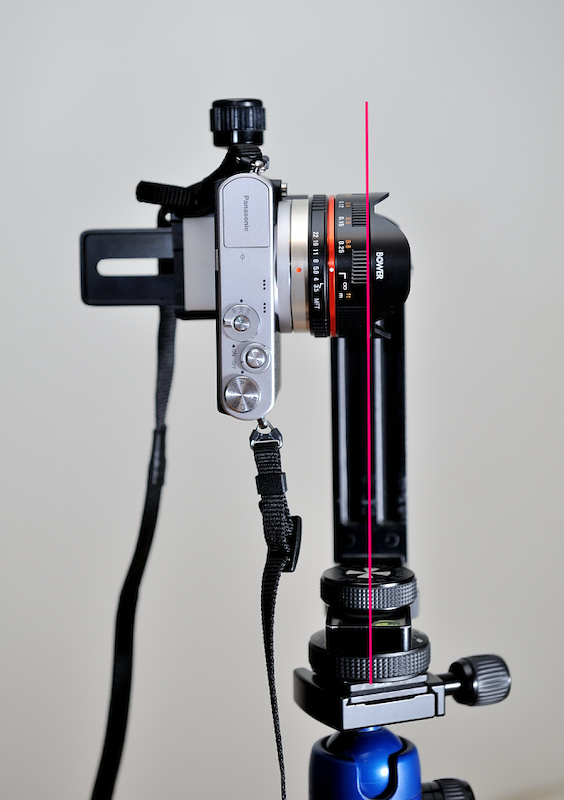
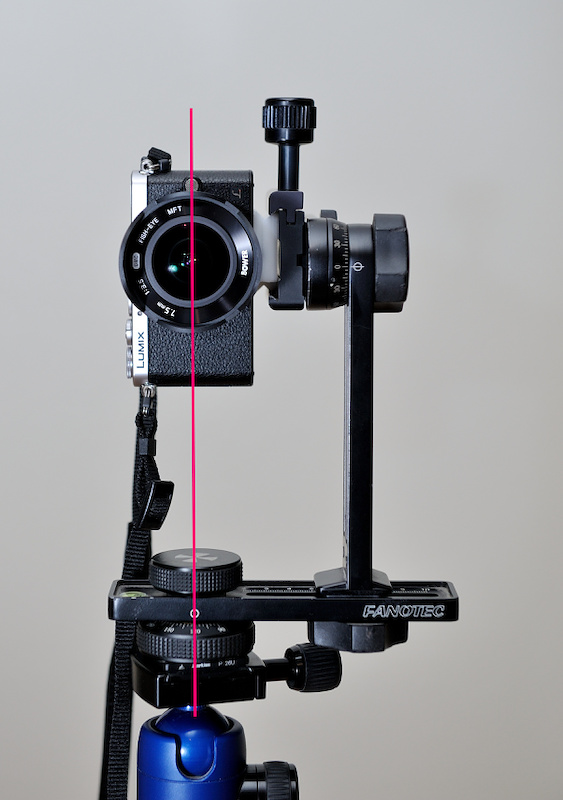
-
Adapter für Micro 4/3 auf Nikon F
Ein selbstgemachter Adapter für FOTGA Micro 4/3 auf Nikon F.


Die einzelnen Schritte:
Zuerst wird ein 54mm Loch in eine 12mm Plastikplatte gebohrt:


Die Platte wird in einen Drehkopf gespannt, um die Außenseite zu erstellen:


Der untere Halter wird ausgerichtet und auf Maß gefräst:

Die Seiten werden mit einem 45°-Winkel eingekerbt:


Der 12mm Schlitz um die obere Platte zu halten:


Eine Seite wird aufgesägt, um den Adapter festklemmen zu können:

Ein 3.5mm Loch für das M5 Gewinde:

-
The Tower Panorama
Unlike a classic 360°×180° panorama, a tower panorama is not taken from a single center point. Imagine yourself on a tower with a viewing platform. You can walk around, but usually you cannot position yourself in the center.
The way to create a 360° tower panorama is to take multiple segments from each side. Using a fisheye to cover the entire side is not an advantage here. Taking multiple segments is better to allow for more correction of the parallax error.
Using a wide angle lens, you would take a picture from each side and each corner as illustrated below. The blue shaded triangles is the view taken from the sides and the beige shaded triangles is the view taken from the corners. The grey part is the overlap of the pictures.
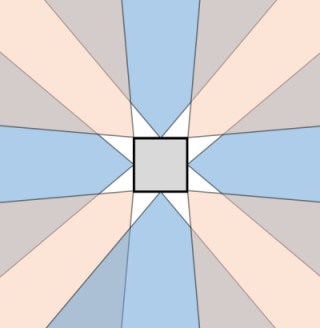
If you walk around the platform of a light tower or any other round platform, you would take equiangular steps. For example, take a picture every 45°.

Depending on the angle of view of your lens, you take one or more vertical pictures.

With a 24mm lens, you would need at least two pictures at each position using landscape orientation:

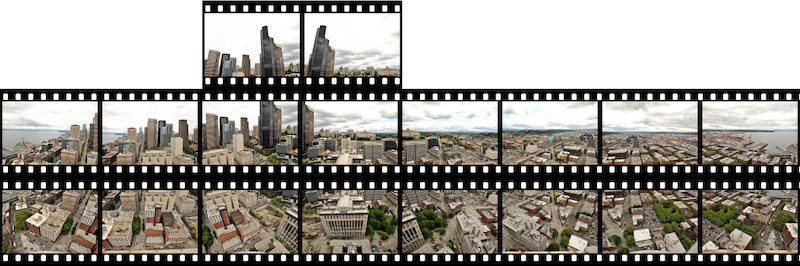
Here are the segments used for this example of panorama taking from the viewing platform of a tower with a square shape using a 24mm wide angle lens.
Eight horizontal segments:
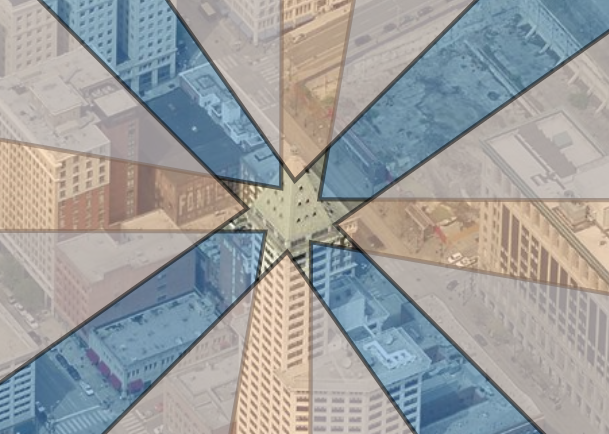
Two vertical segments:
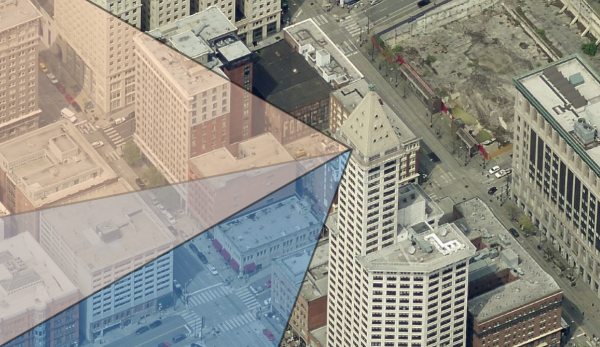
Two additional pictures were taken to capture the tall building.
Do not worry about the zenit. Usually you cannot take a full picture of the sky above because of the tower structure but you take a picture of the sky later from any place. You only need to make sure the environment match (weather, clouds, brightness, time of day, sun position).
With all taken pictures, you stitch them like any other spherical panorama, but there will be stitching errors because of the different position of each picture. If you are using PTGui, there is a very efficient way to make it perfect by using the mask tool. Decide which part you want to keep and paint the conflicting part in red to exclude it. Do not try to correct it with too many control points and individual lens parameters. There is always the possibility to post process using an editor. In this example, I had only three stitching errors around the center which were removed by using the mask feature in PTGui.
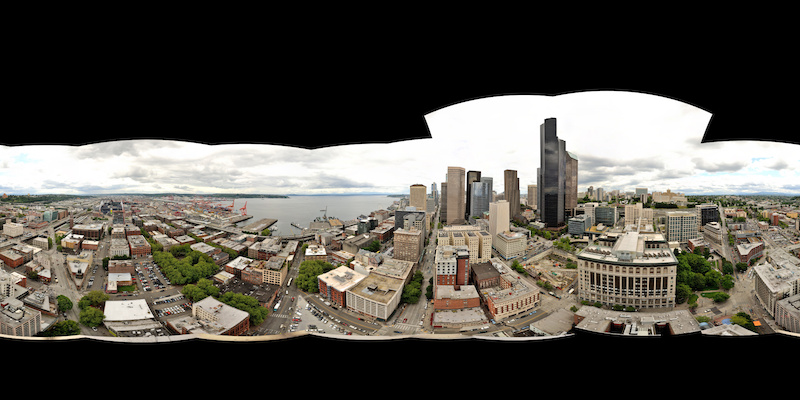
The base of the platform can be patched with an aerial view of the tower or simply colored.

Using the stereographic projection 'little planet' you can make an impressive view from above:
