-
Bellevue Downtown Park
A short walk through the Bellevue Downtown Park.
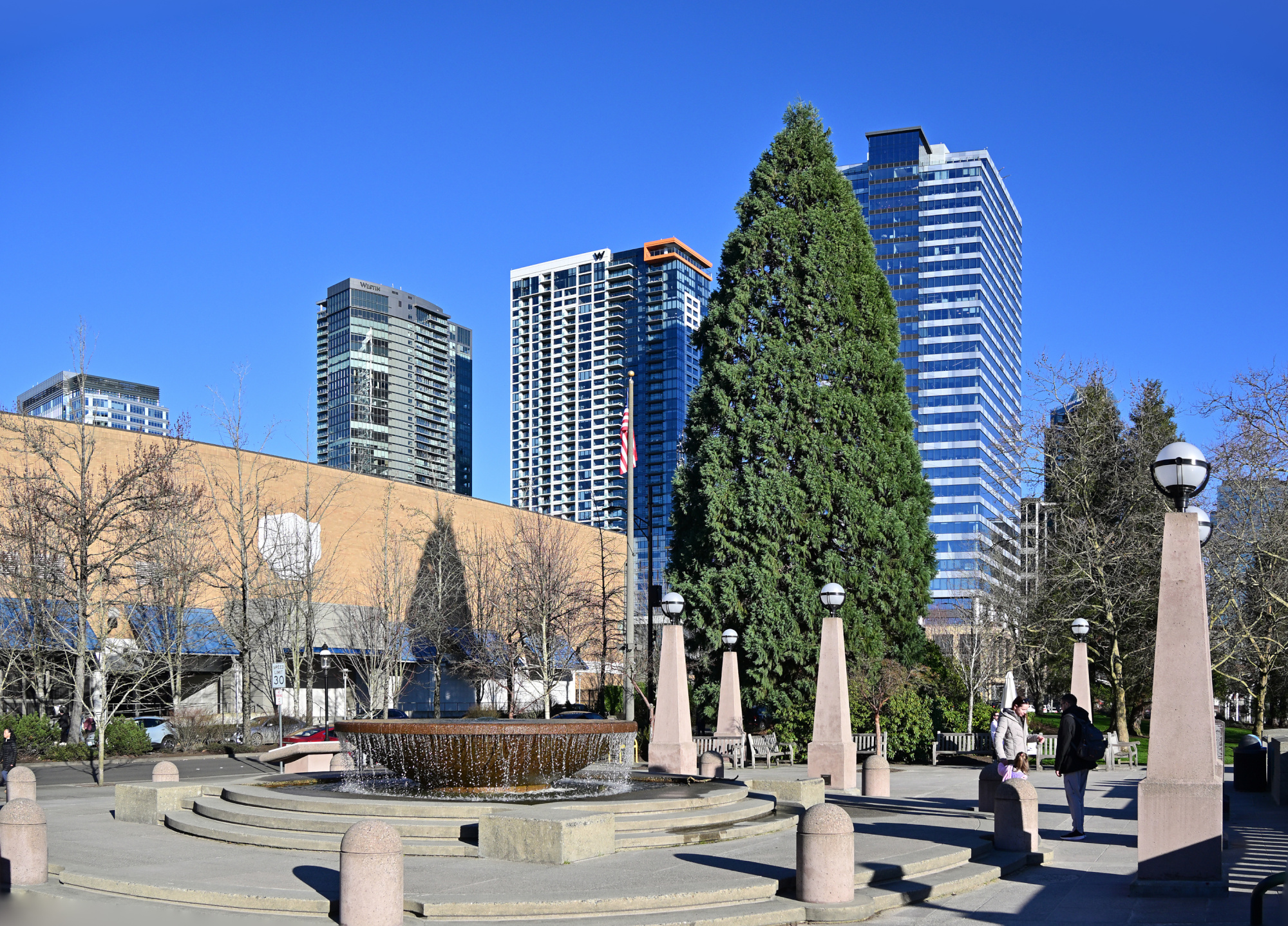
Entrance of the Bellevue Downtown Park
Bellevue apparently keeps the largest Christmas tree all year.
1/800s f/5,6 ISO 100/21° 18-140mm f/3,5-6,3 VR f=18mm/27mm
At The Fountain
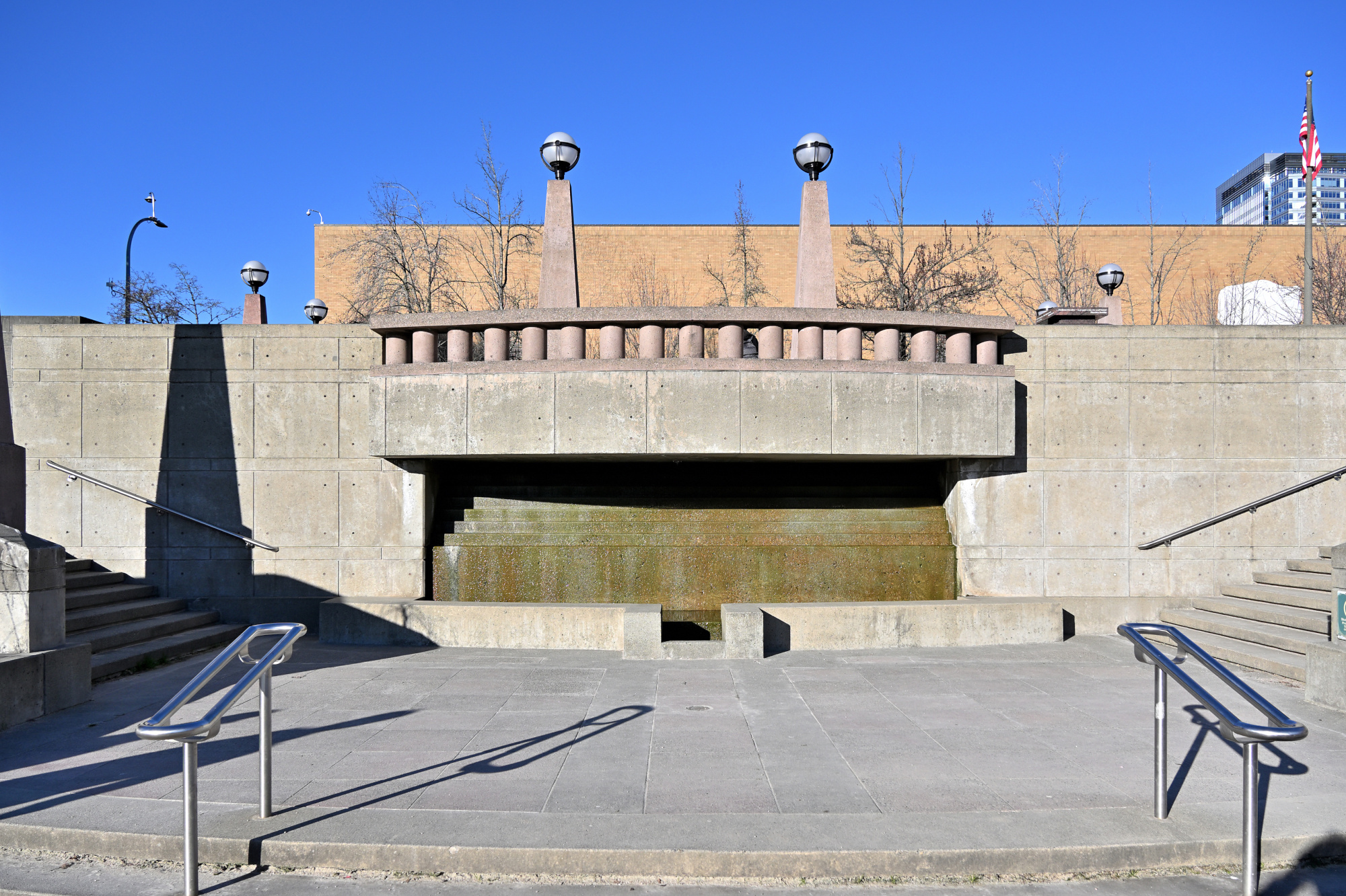
The place was lively, though the frame suggests otherwise. A quiet trick of timing made it possible.
1/800s f/5,6 ISO 100/21° 18-140mm f/3,5-6,3 VR f=18mm/27mm
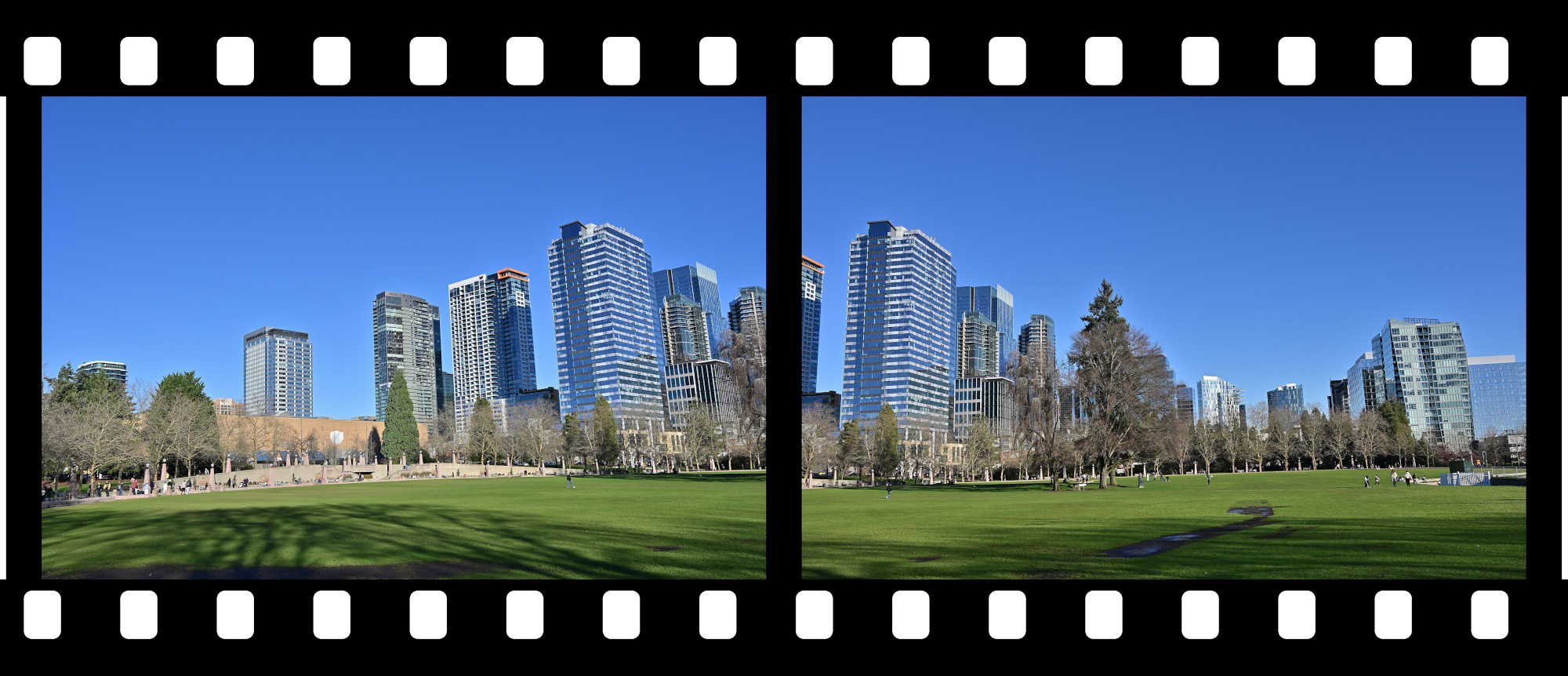
View to Downtown Bellevue
A calm view of a busy city arranged as if waiting for its next frame.
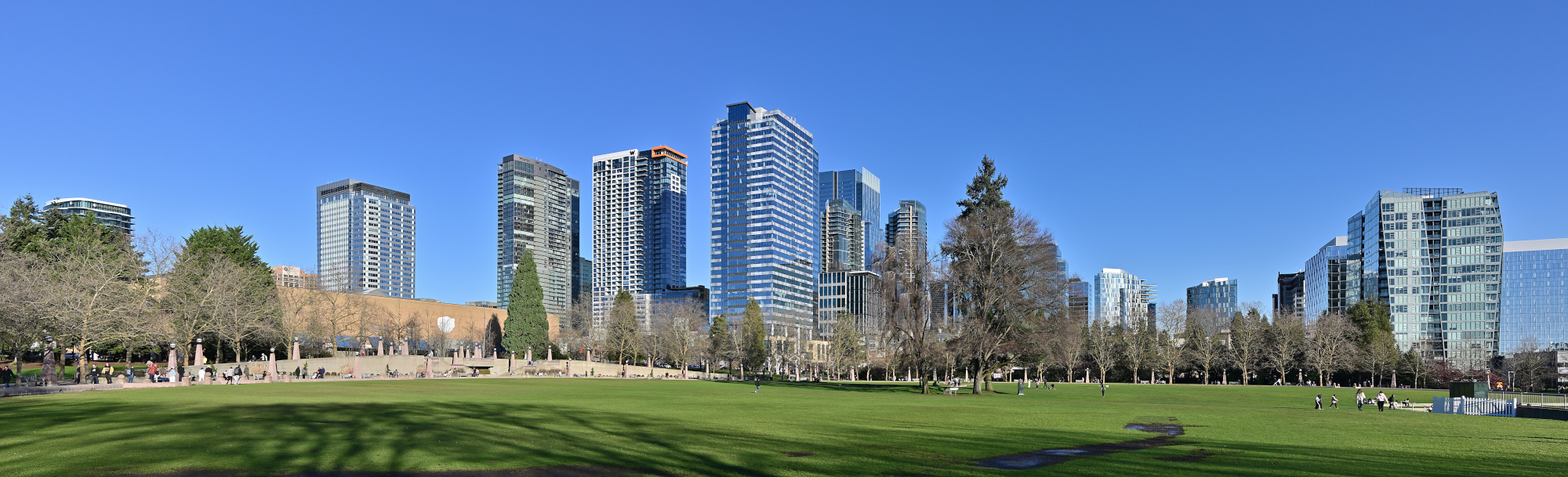
1/320s f/9 ISO 100/21° 18-140mm f/3,5-6,3 VR f=22mm/33mm
Bellevue Ice Skating Arena
A quiet scene around the arena, everything held in a clear winter light.
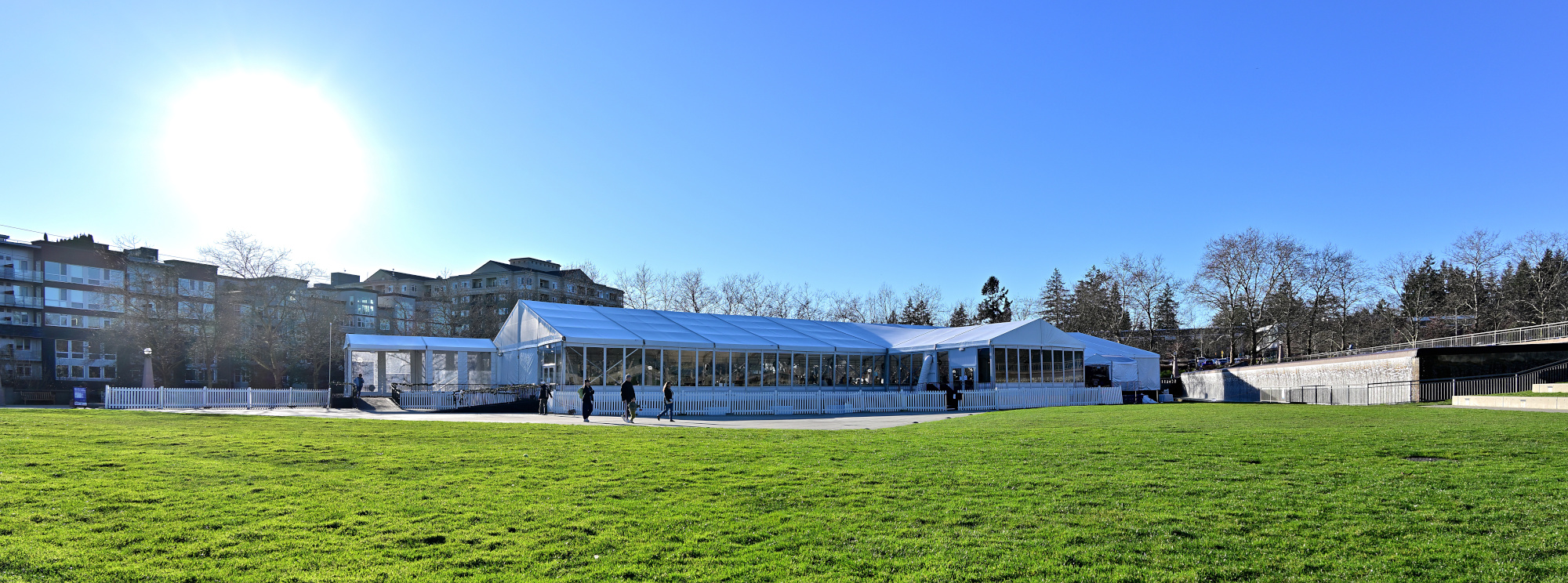
1/200s f/7,1 ISO 100/21° 18-140mm f/3,5-6,3 VR f=18mm/27mm
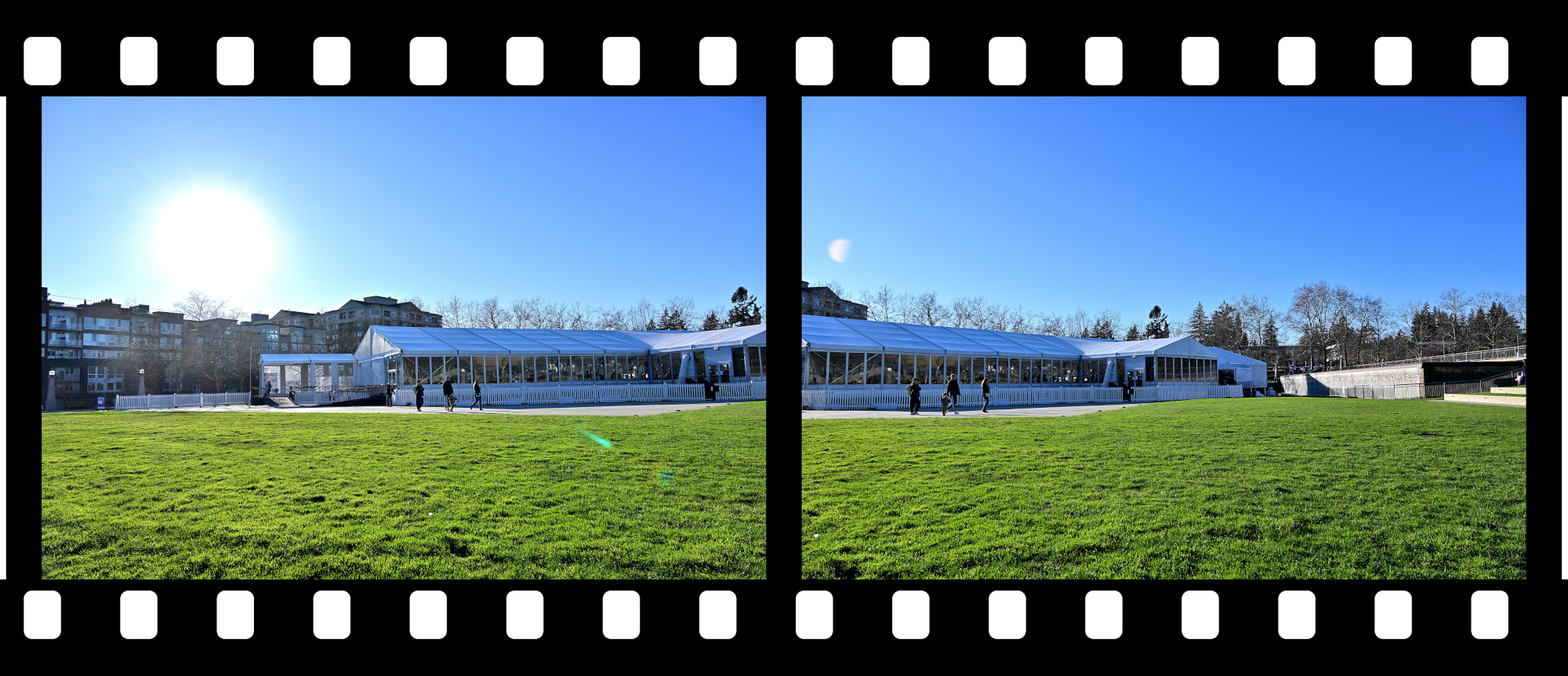
Views from the Walking Path
1/250s f/8 ISO 100/21° 18-140mm f/3,5-6,3 VR f=38mm/57mm
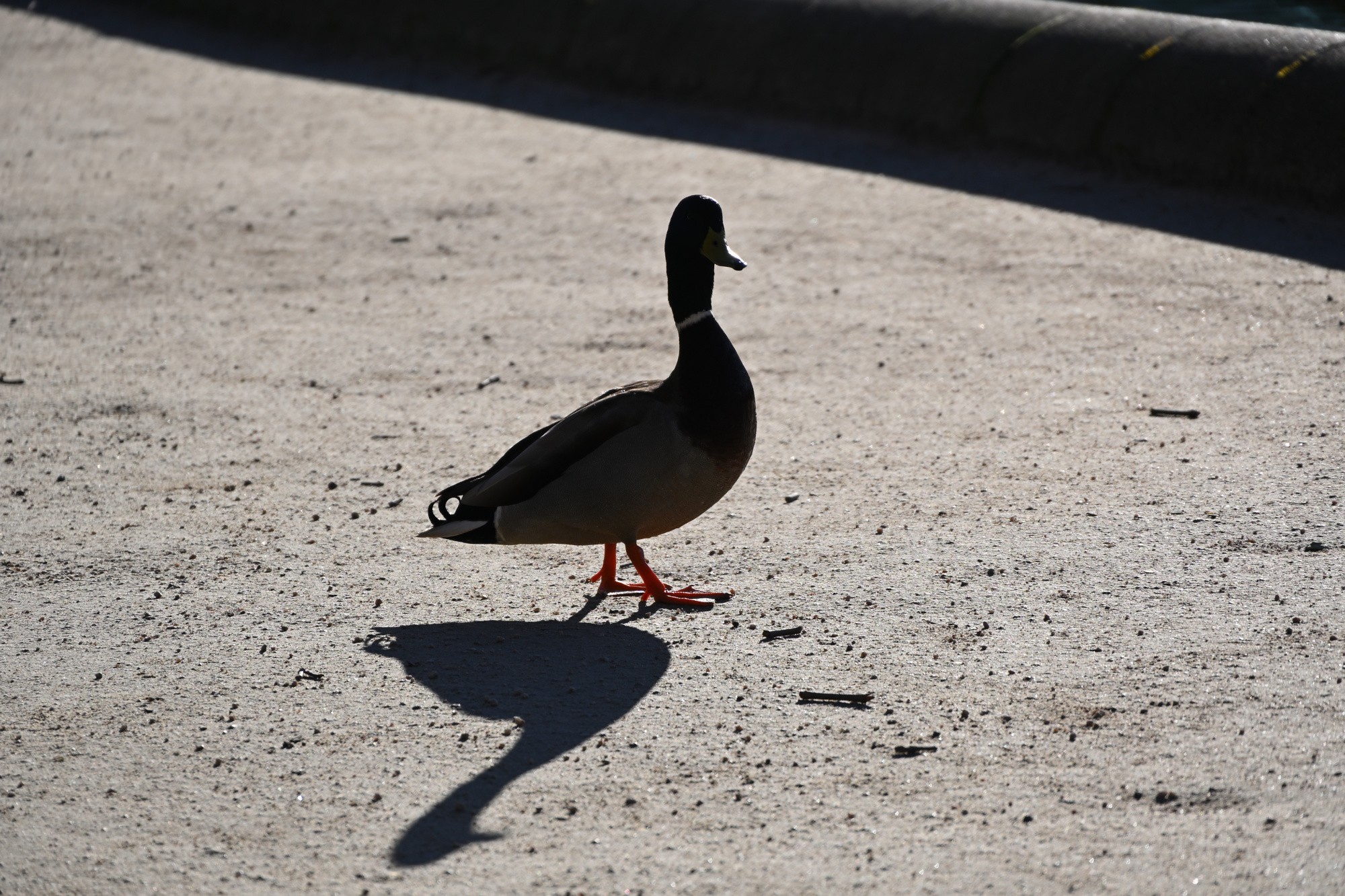
Watched closely under Tiny Director Protocol, a silhouette with the calm presence of an agent making sure the panorama was in order1.
1/500s f/6,3 ISO 100/21° 18-140mm f/3,5-6,3 VR f=140mm/210mm
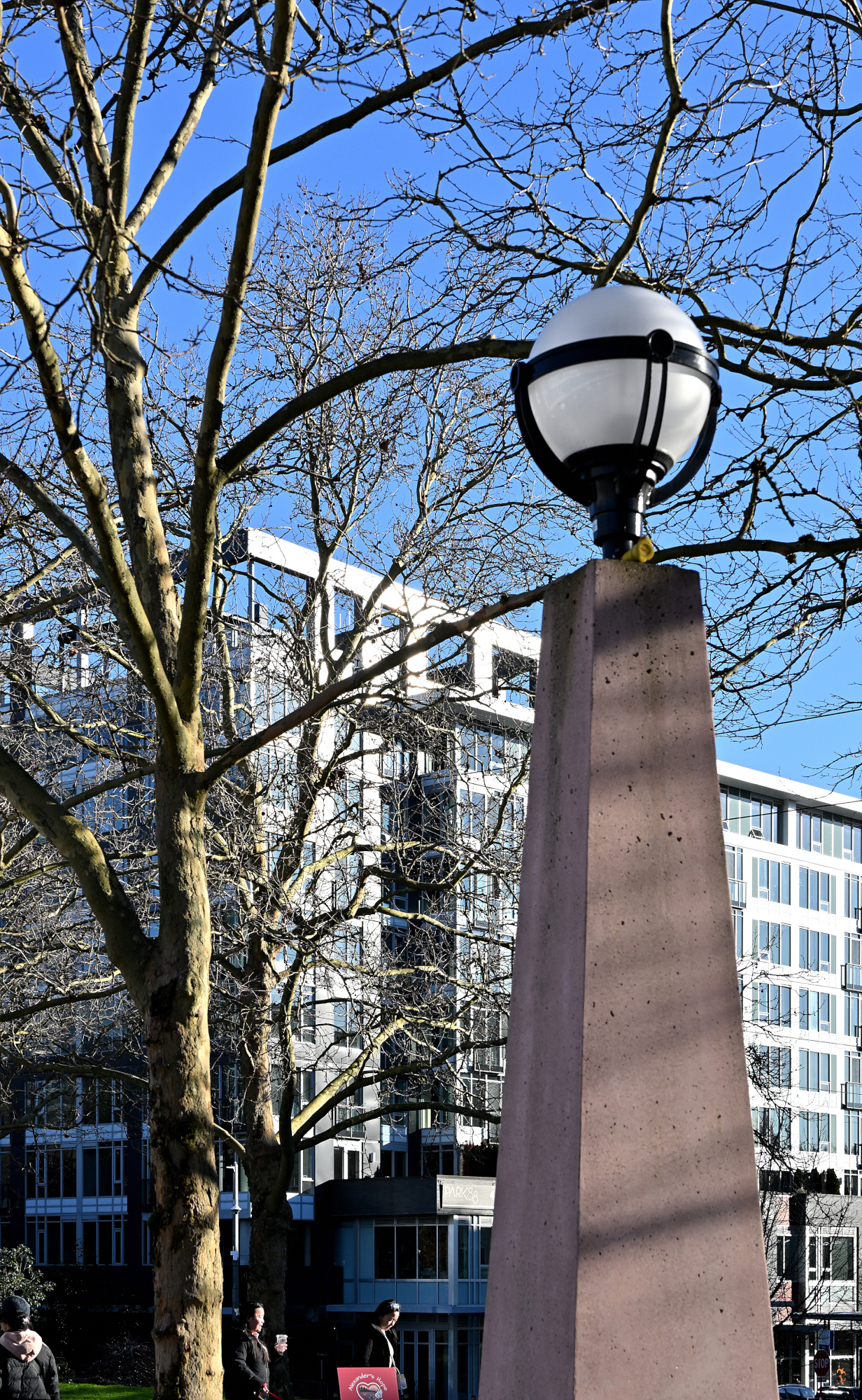
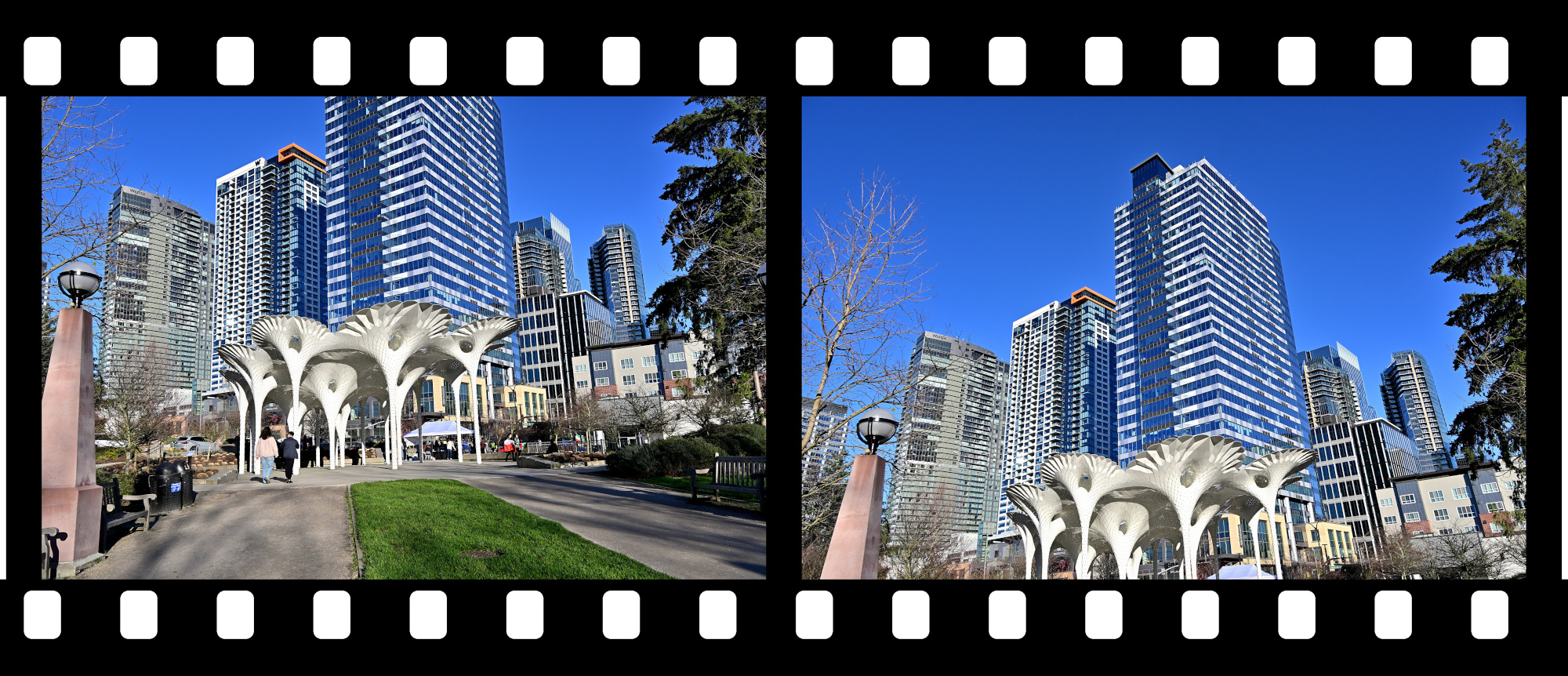
Piloti Scupture2
Geometry and shade, stitched into a brief vertical view.
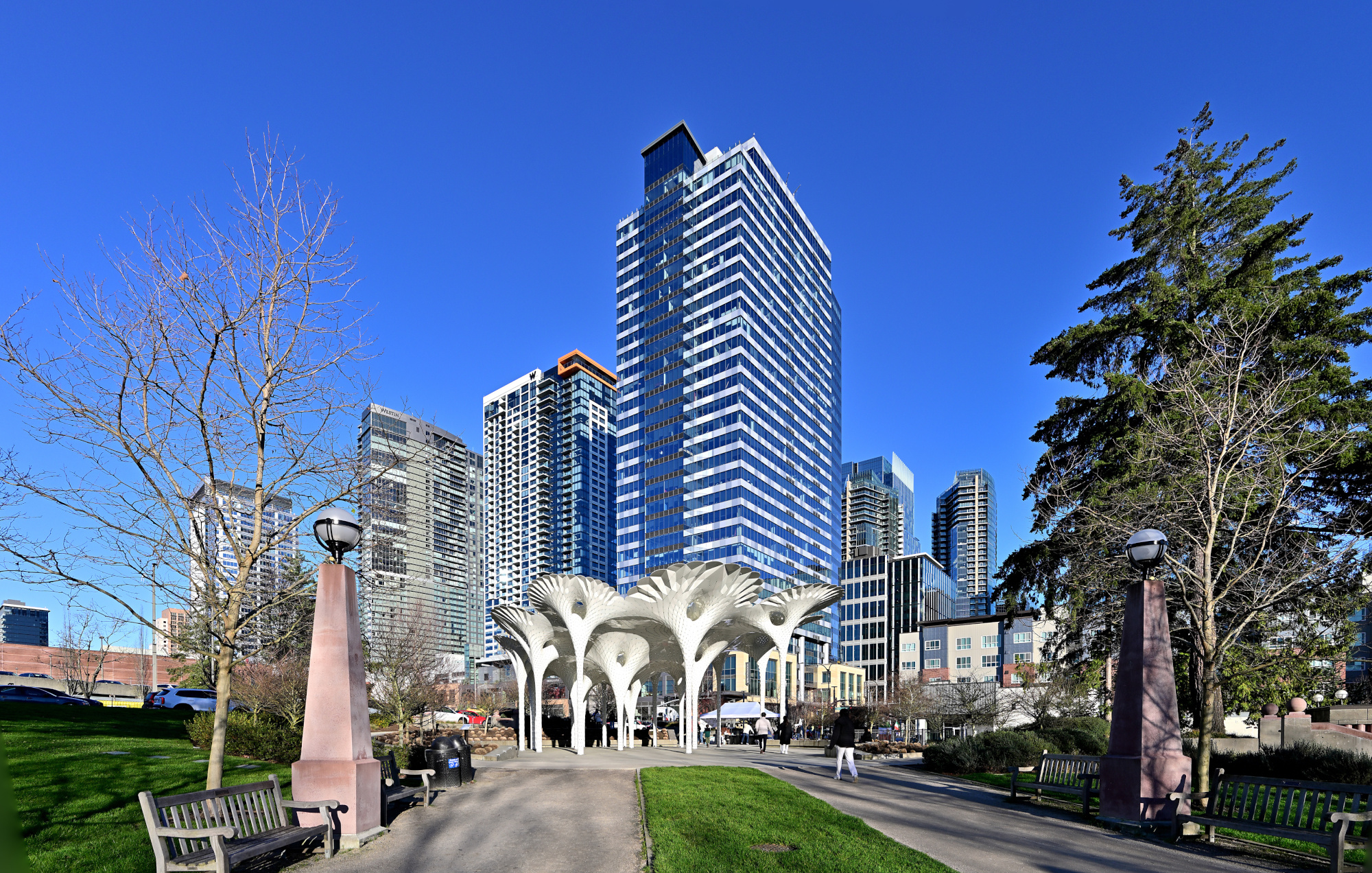
1/250s f/8 ISO 100/21° 18-140mm f/3,5-6,3 VR f=18mm/27mm
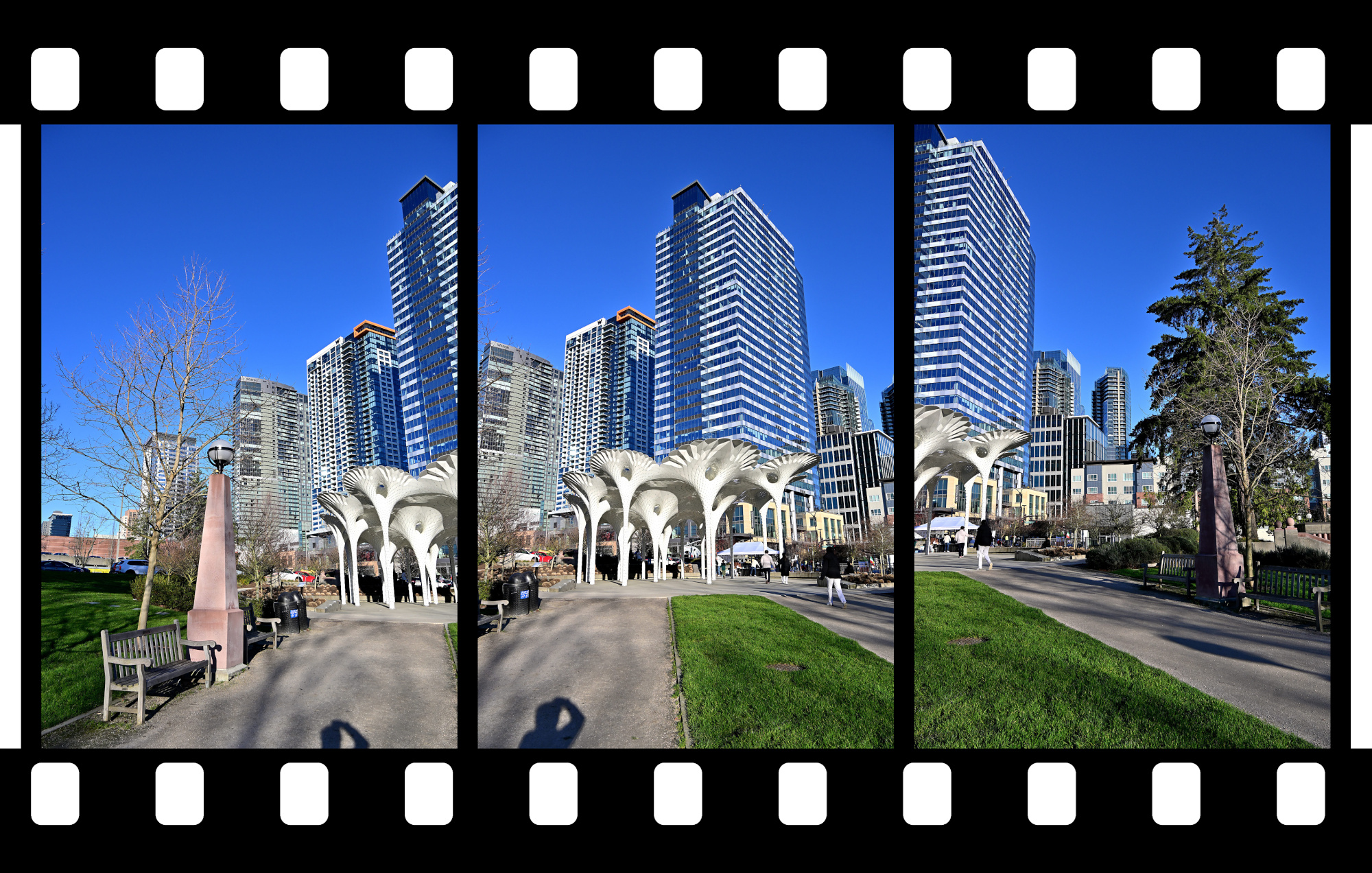
Piloti scupture taken with two vertical aligned pictures.
1/320s f/9 ISO 100/21° 18-140mm f/3,5-6,3 VR f=18mm/27mm
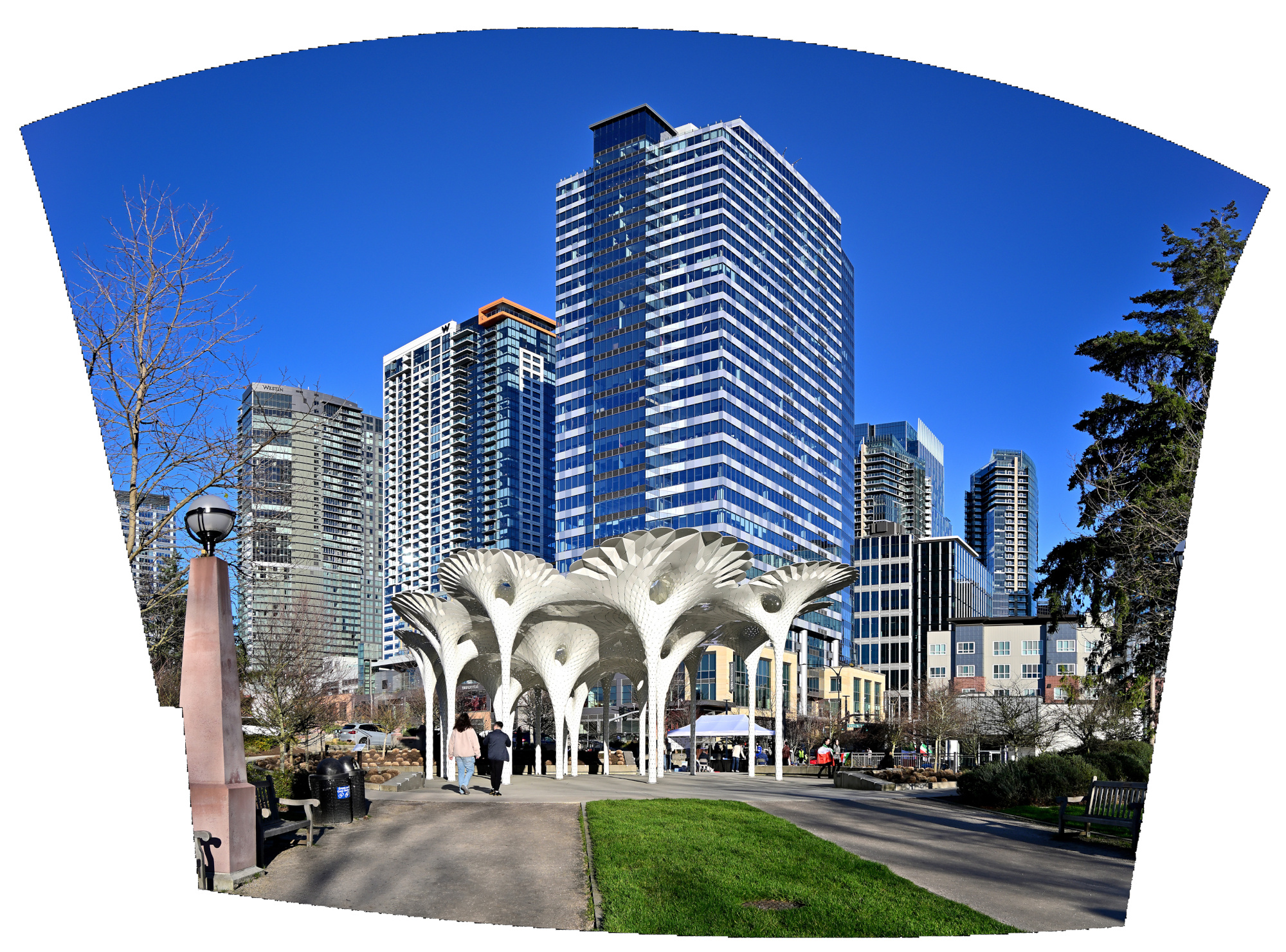
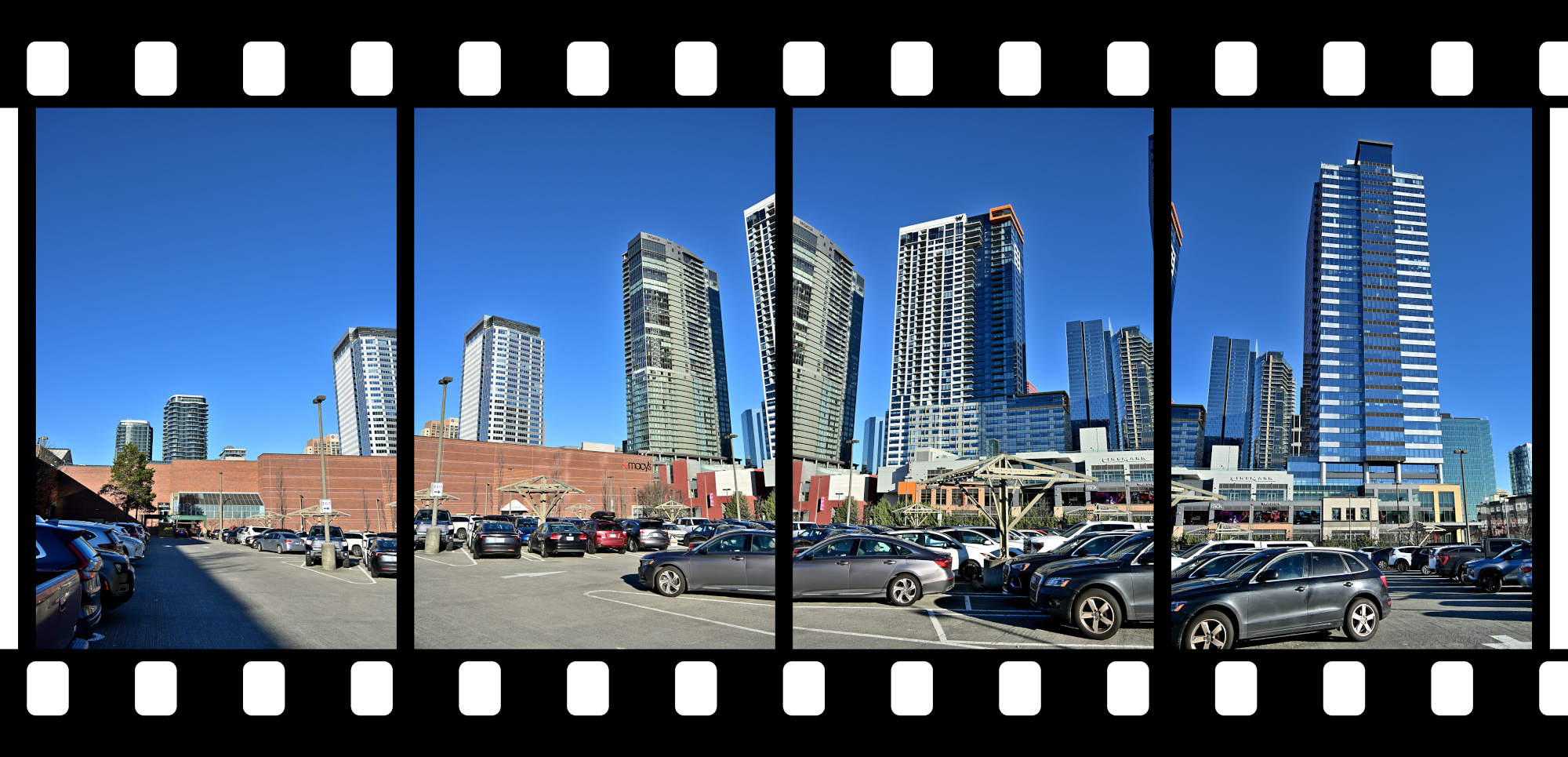
Back at the Bellevue Square
A clear sweep across the skyline, settling the scene before the light shifted again.
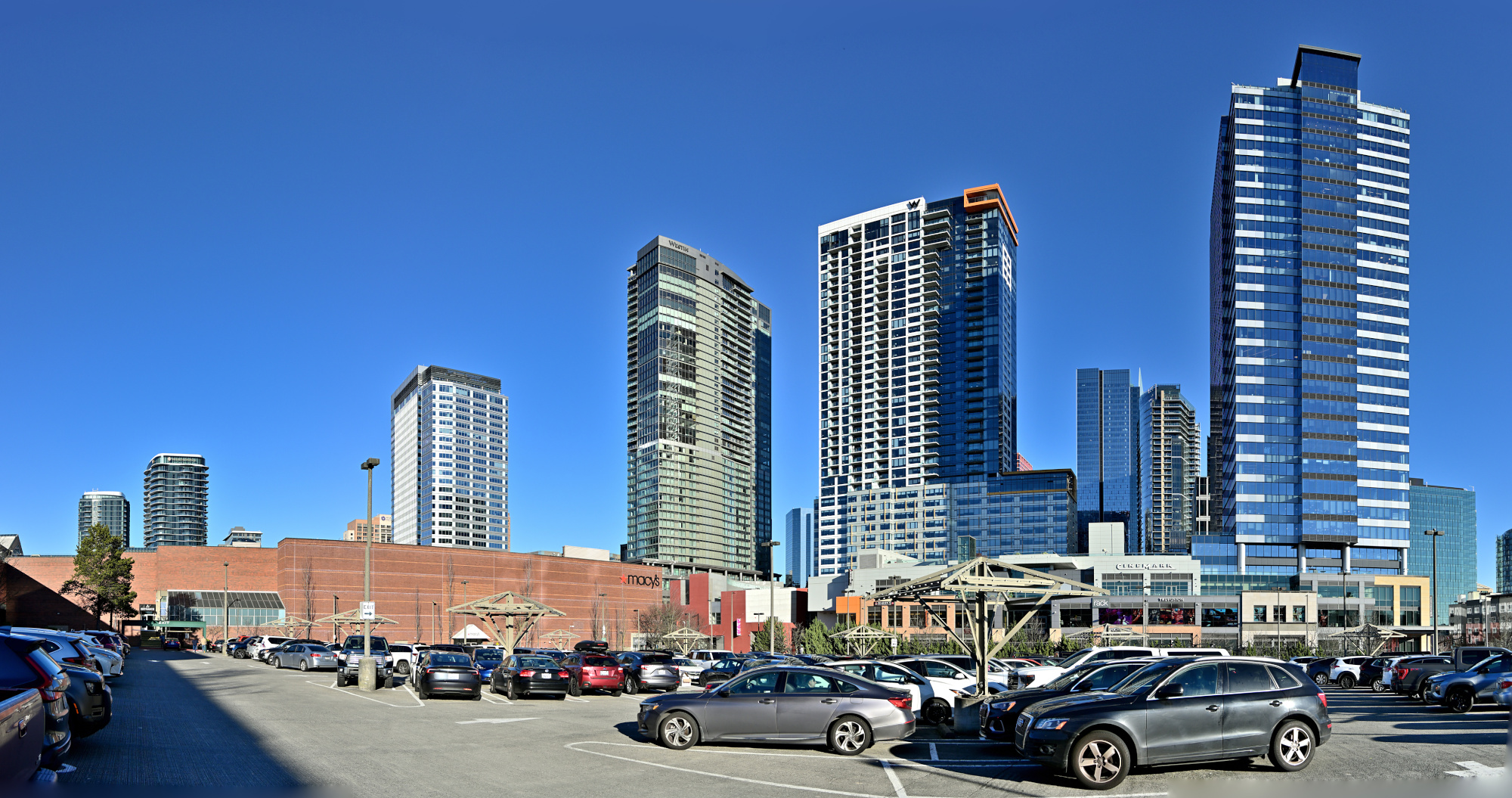
1/800s f/5,6 ISO 100/21° 18-140mm f/3,5-6,3 VR f=21mm/31mm
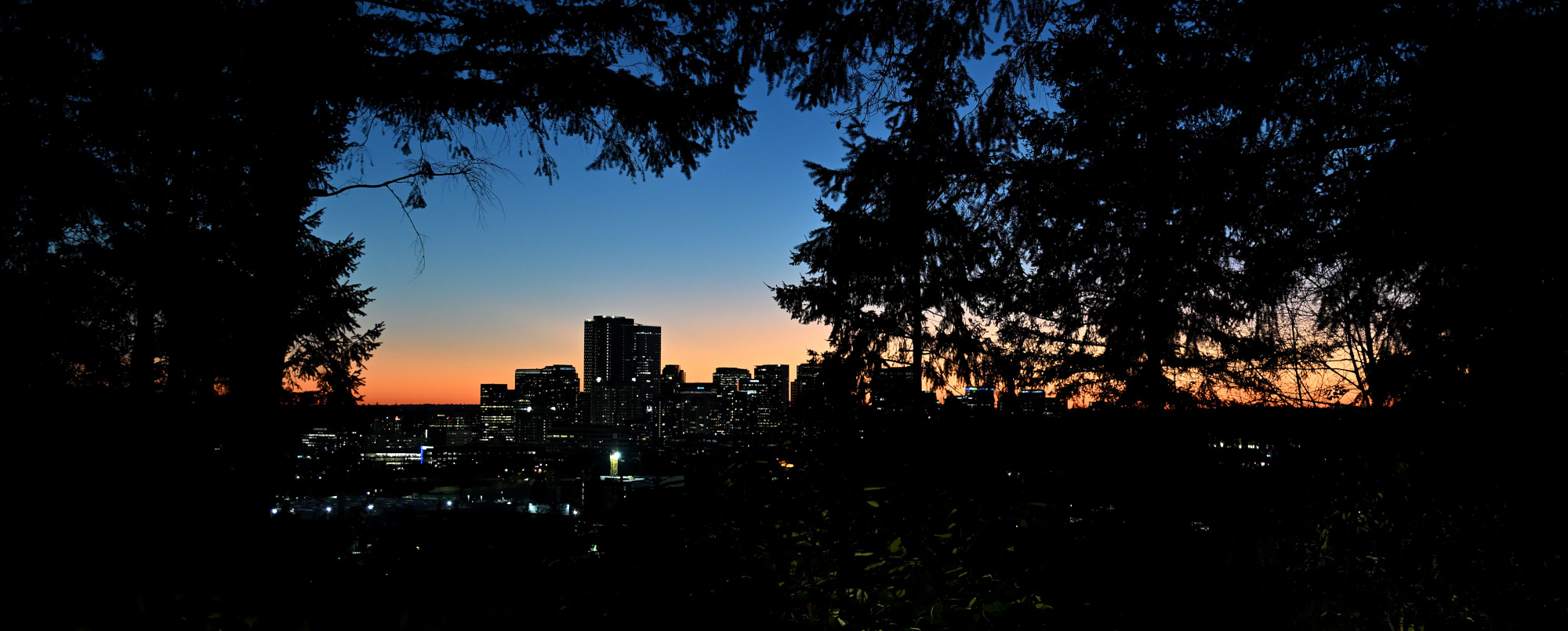
The Last Frame
And the sunny day ended quietly over Downtown Bellevue.
1/30s f/3,2 ISO 640/29° 16-50mm f/2,8 VR f=25mm/38mm
See also panoramas from the Bellevue Downtown Park in 2025
-
With Gaze Vector Analysis the observer was identified as Agent Ducky.
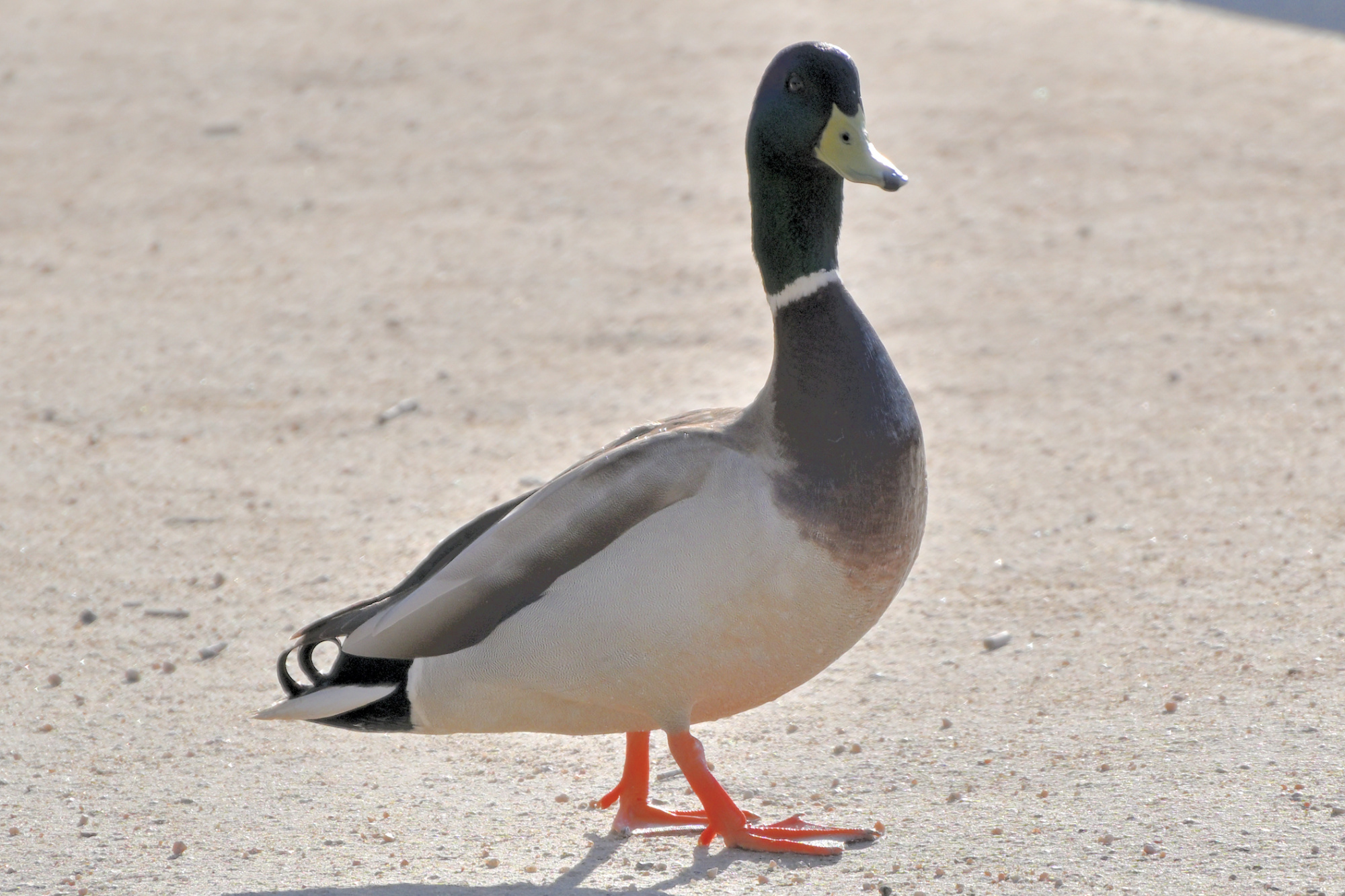
ADK 07, internal
Field Operative for the Panorama Supervision Unit
Special focus on persistent observation
Eyes on scene, confirmation by Gaze Vector Analysis
Identity confirmed as Agent Ducky
Tiny Director Protocol first noted during the prior observation. ↩
-
-
Winter Escape in Sarasota
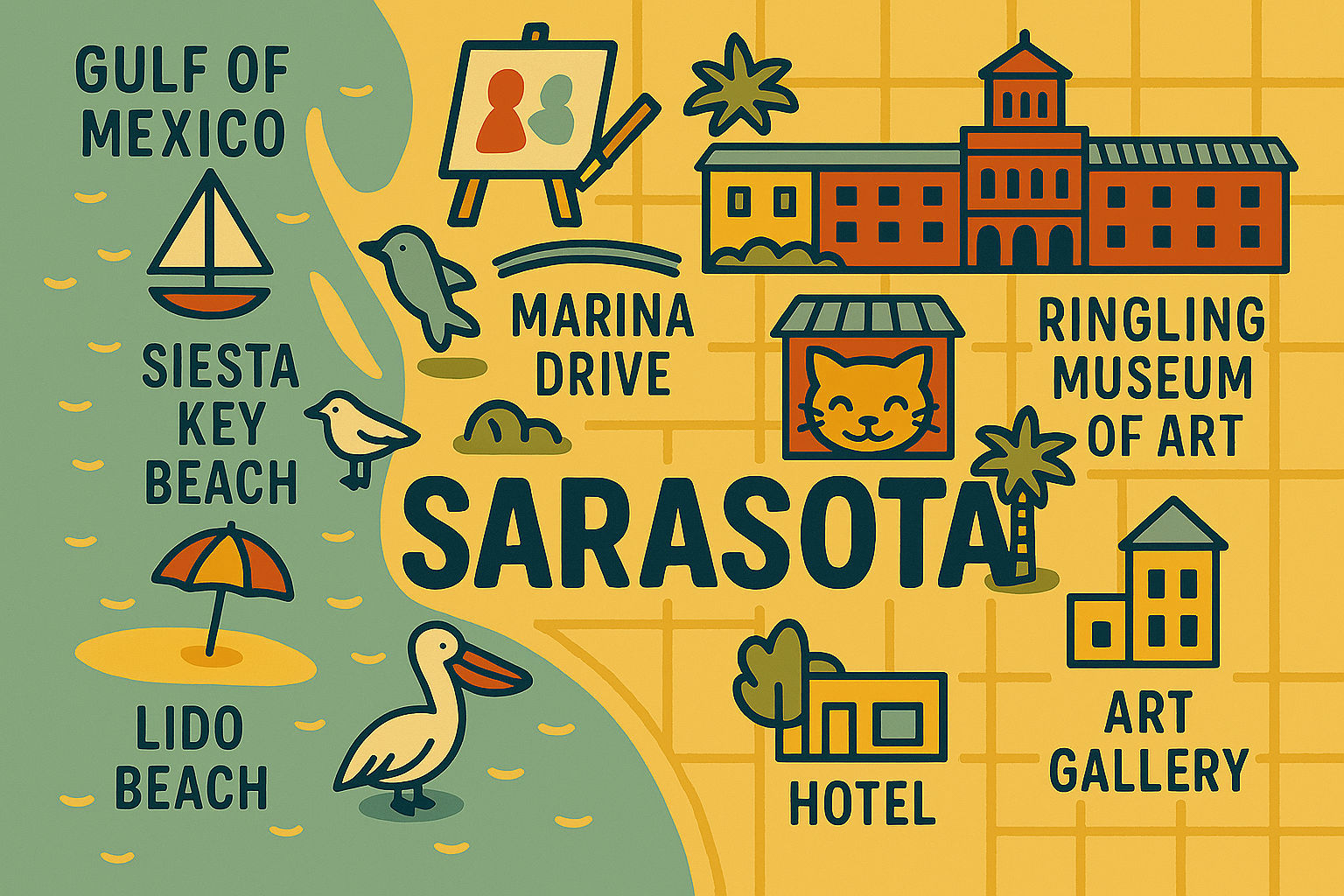
Sarasota is a coastal city in Southwest Florida on the Gulf of Mexico. The horizon opens to the west, the afternoon light settles low across the water, and shallow tides draw long arcs along the coast. North is the Tampa Bay area, while to the south the beaches open into clear water and soft light.
It is a place that opens fully only in a wide view, and the panoramas from those days capture a completeness that no simple photograph can match.
A panorama brings the whole scene into the picture instead of only the view in front of you.
- Art Ovation Hotel
- The Jumping Fish
- Gulfstream Park
- Marina Drive
- War Memorial
- Five Points Roundabout
- Siesta Key Beach
- Bayfront Park
- Milan Art Gallery
- Katy's Cat Cafe
- Farmers Market
- Ringling Museum of Art
- Coquina Beach
- Lido Beach
Art Ovation Hotel
An evening with a clear sky and a full moon above the rooftop pool marked the beginning of a winter escape in Sarasota, a quiet moment that shaped the days ahead.
Interactive Panorama Rooftop Pool
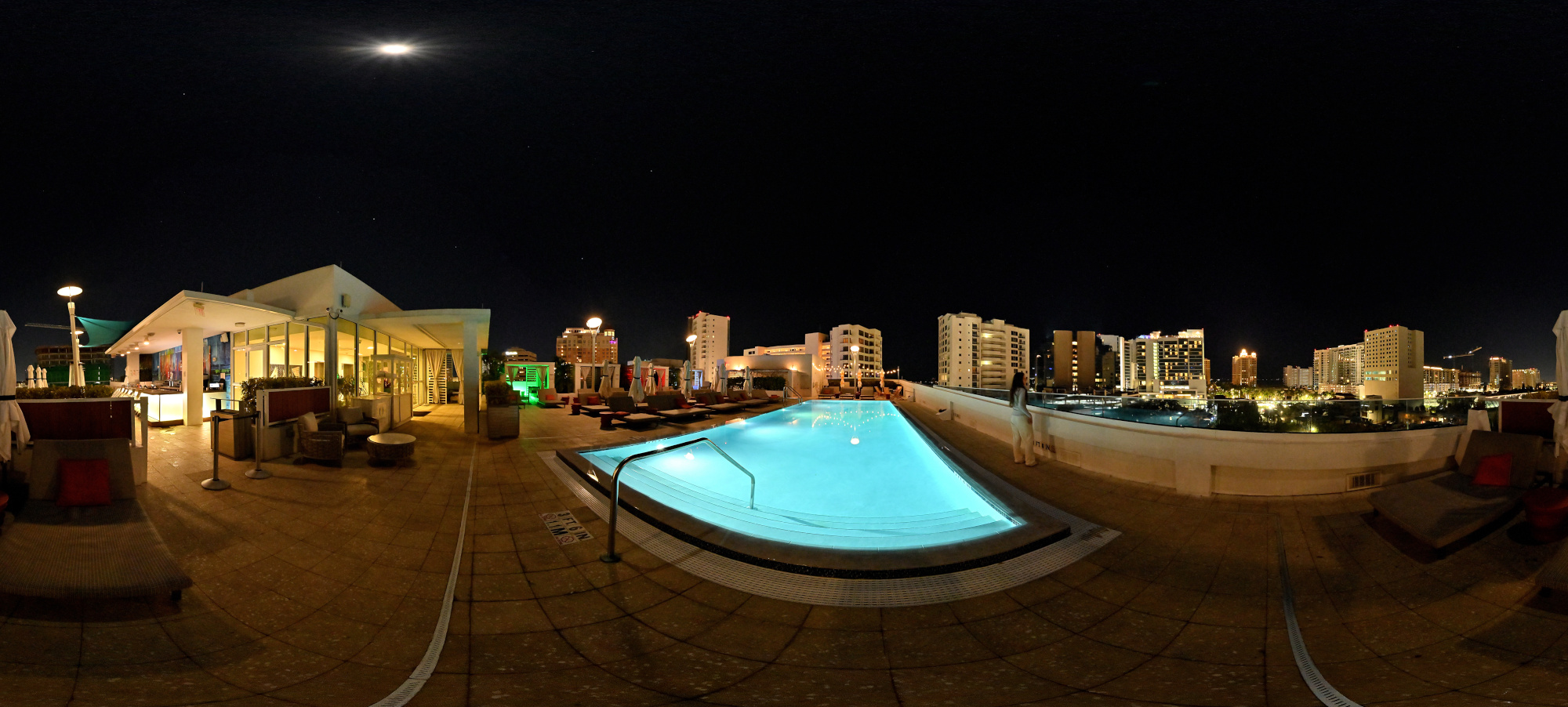
1/10s f/5,6 ISO 2500/35° f=7,5mm
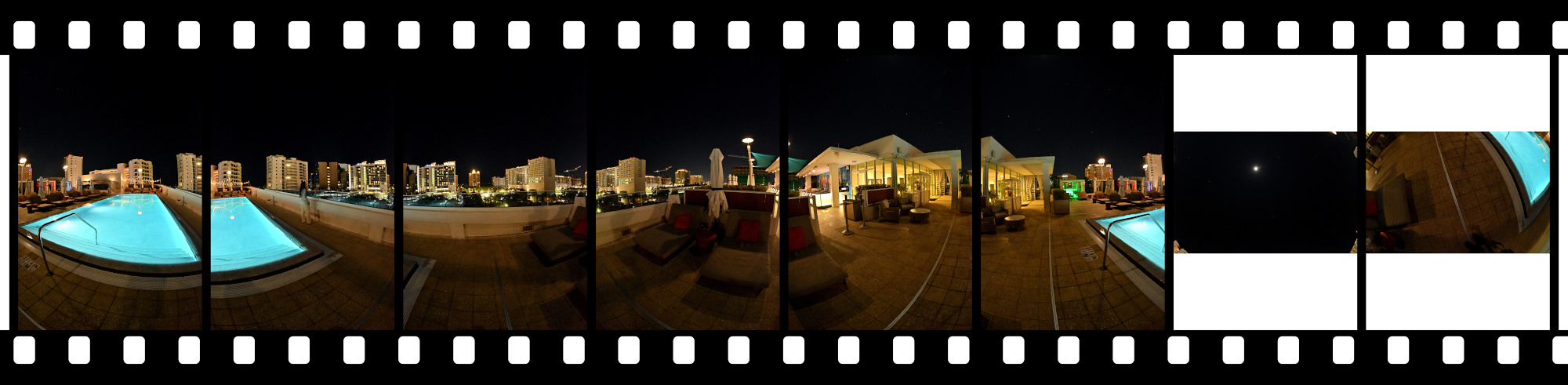
The Jumping Fish
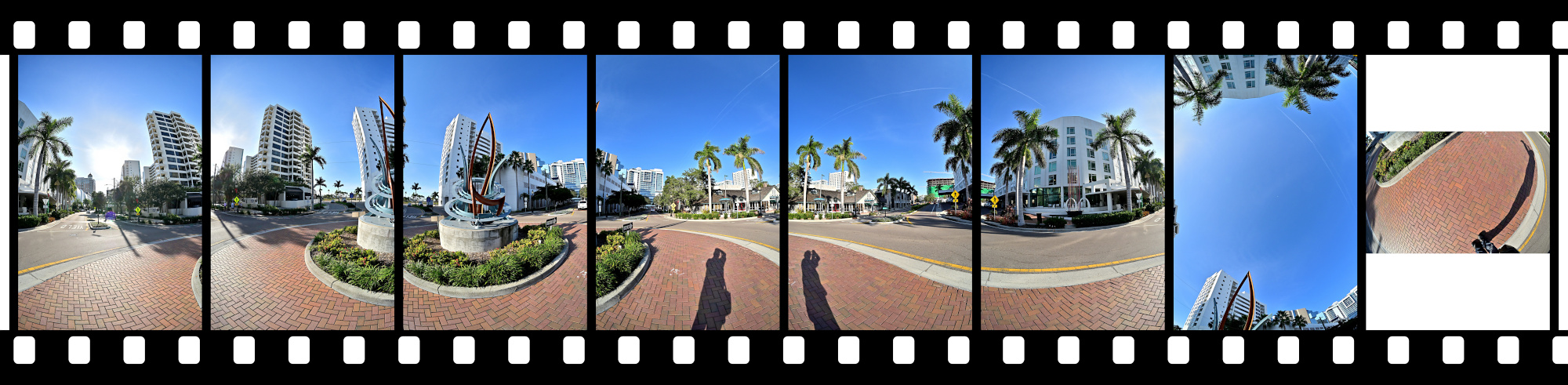
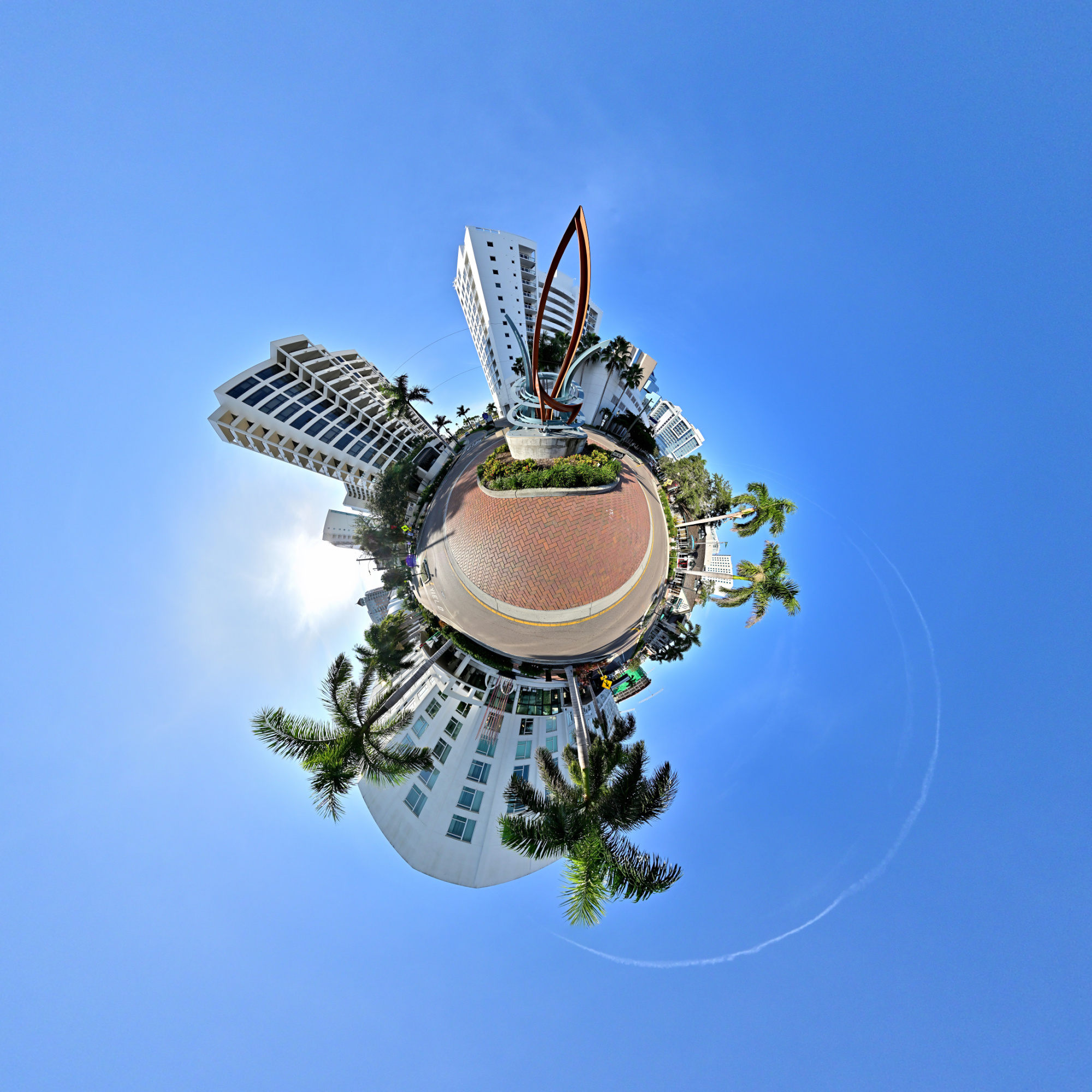
A morning view with The Jumping Fish sculpture in the first sunlight, a small piece of Sarasota art set in the roundabout near our hotel.
Interactive Panorama The Jumping Fish
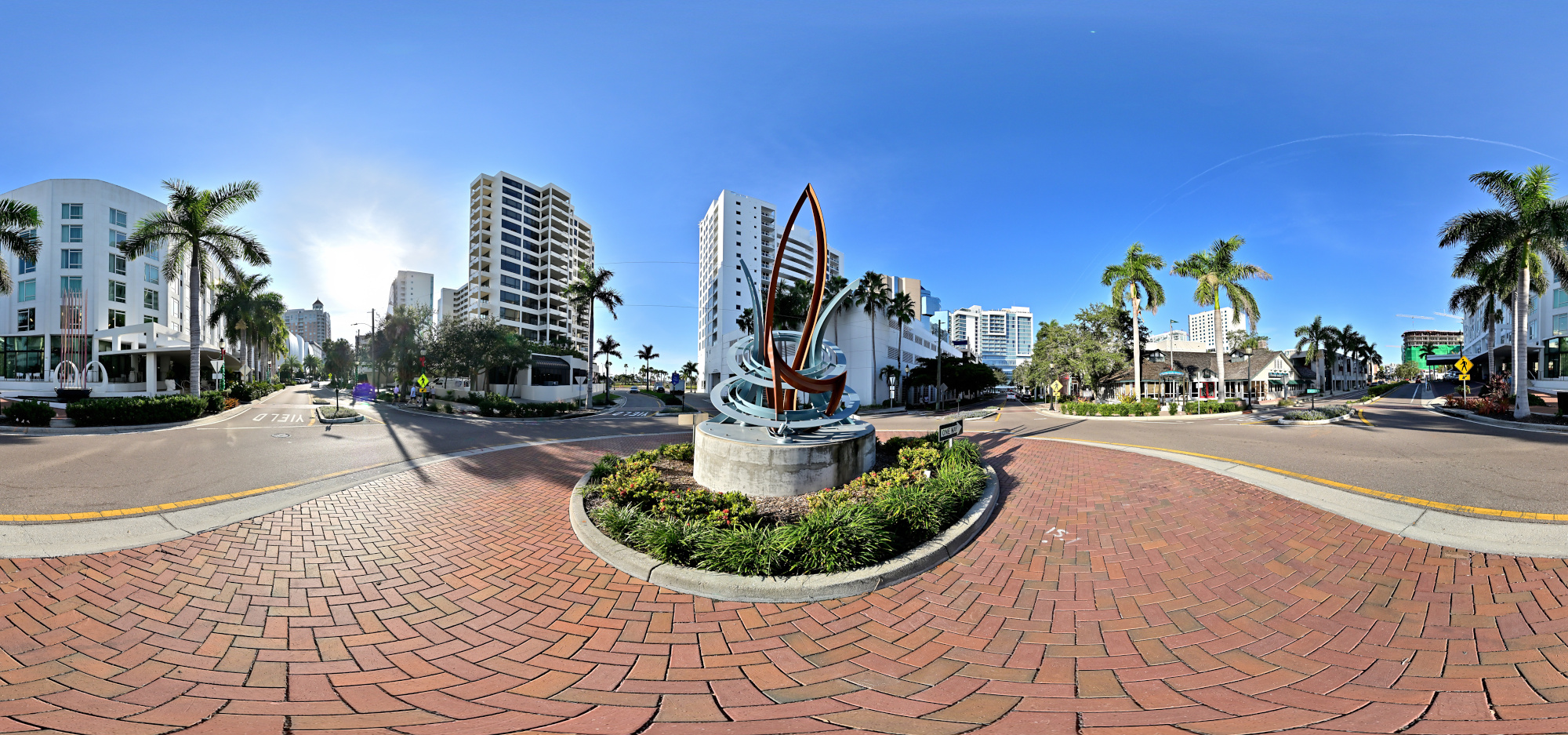
1/800s f/5,6 ISO 100/21° f=7,5mm
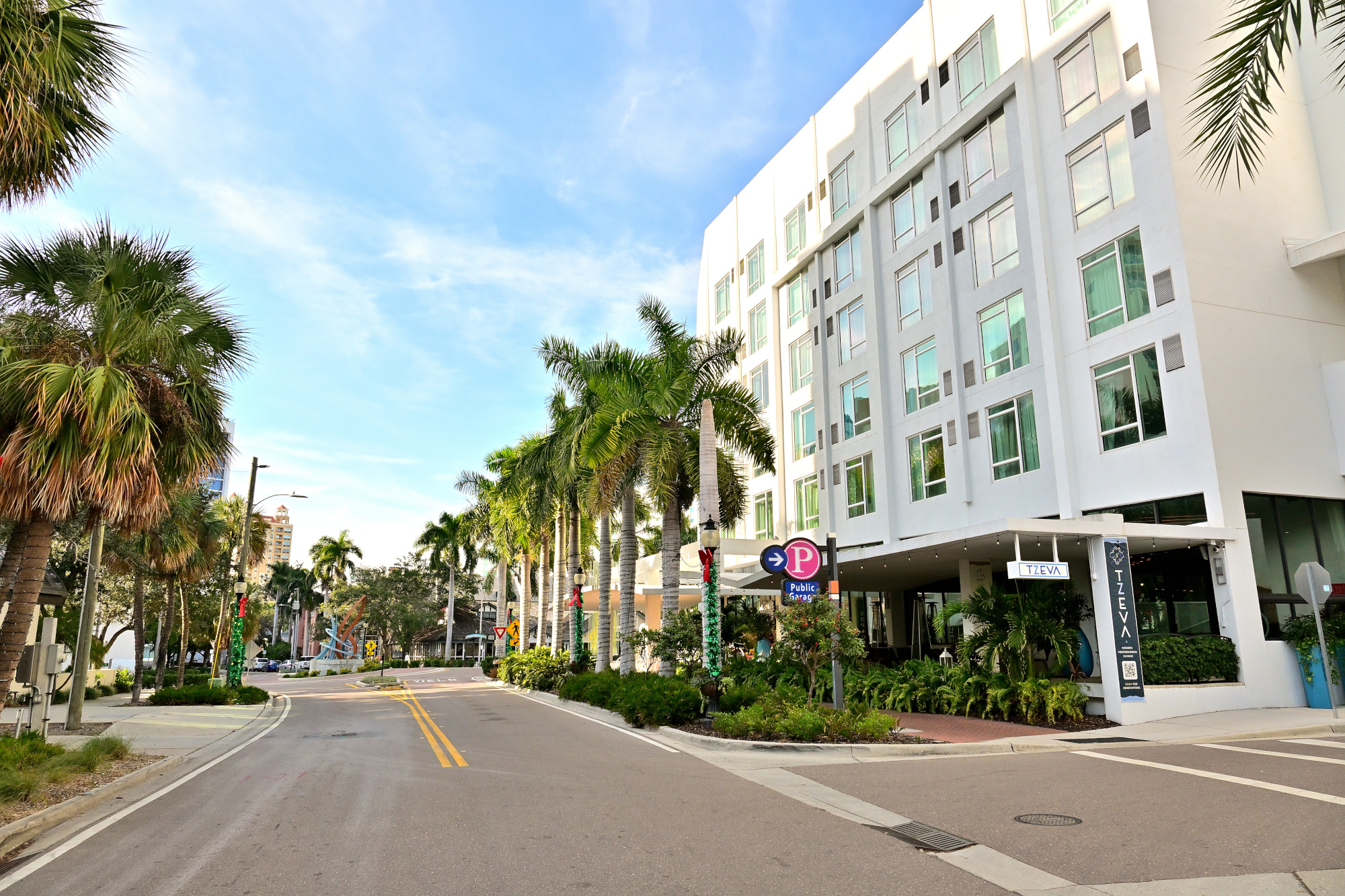
Afternoon streetview approaching The Jumping Fish roundabout.
1/500s f/8 ISO 250/25° 16-50mm f/2,8 VR f=16mm/24mm
Gulfstream Park
Gulfstream Park sits between the waterfront and downtown, a small strip of green that links the marina area with the city streets. The pond in the center gives the park its quiet character, with a few paths and patches of shade that slow the pace for a moment. It is a simple space, but it fits naturally into Sarasota's mix of water, traffic, and public art.
Interactive Panorama Gulfstream Park
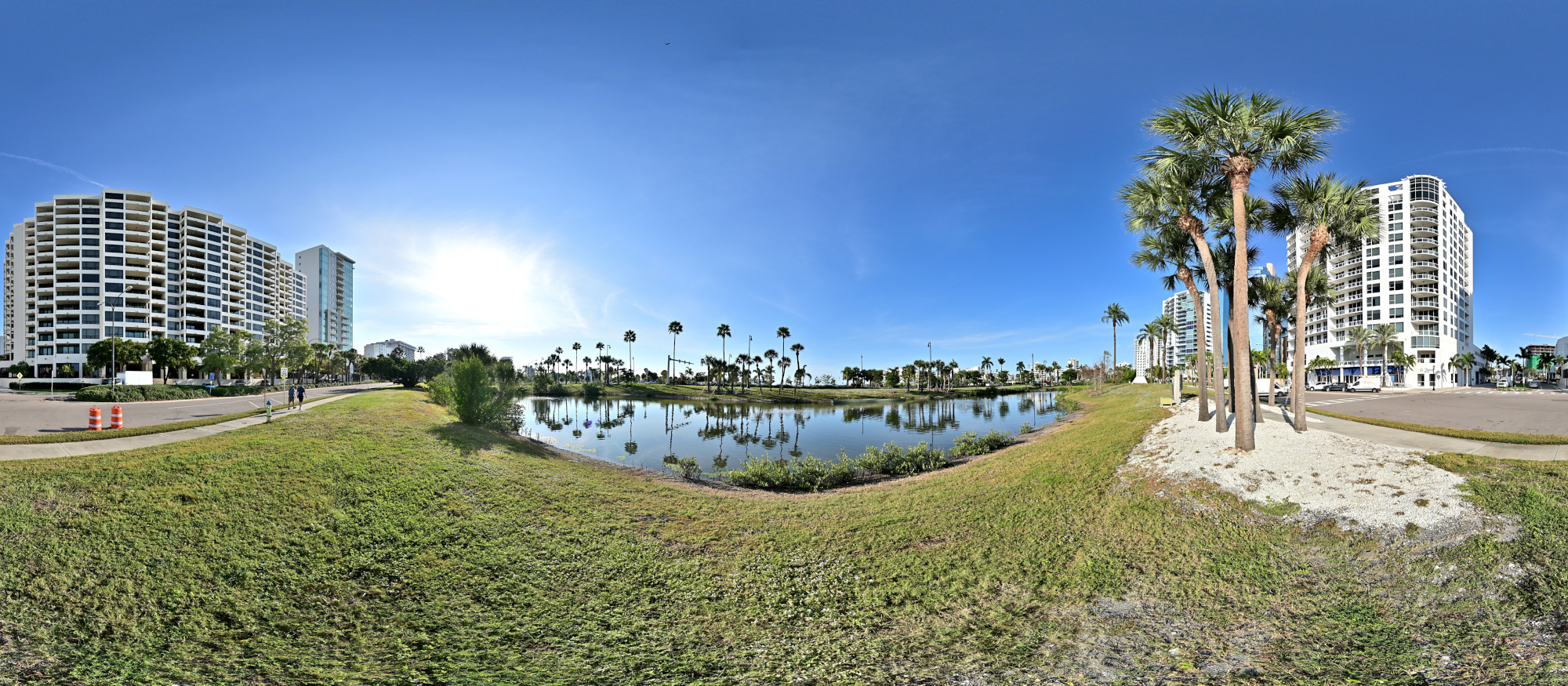
1/800s f/5,6 ISO 100/21° f=7,5mm
Marina Drive
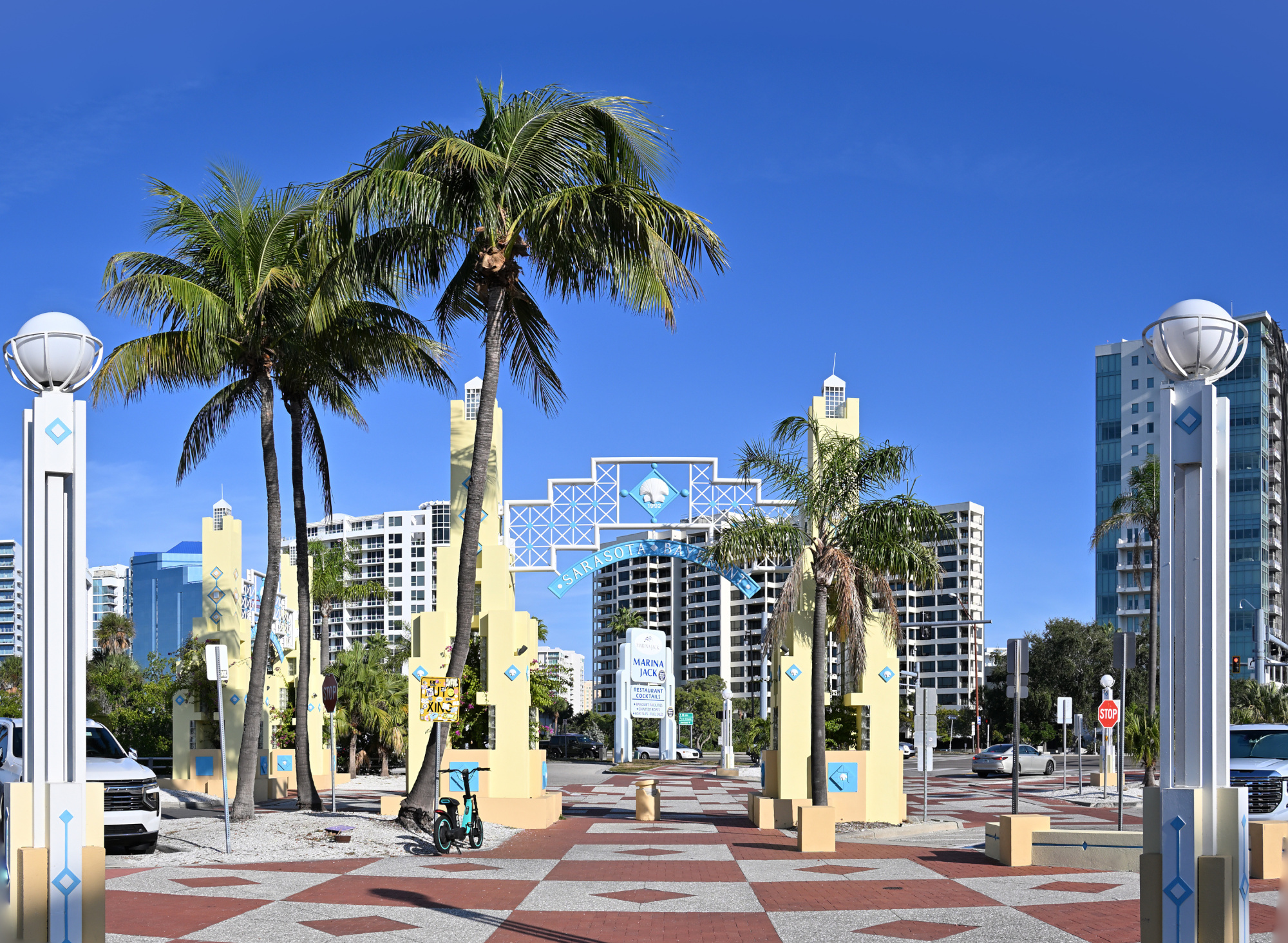
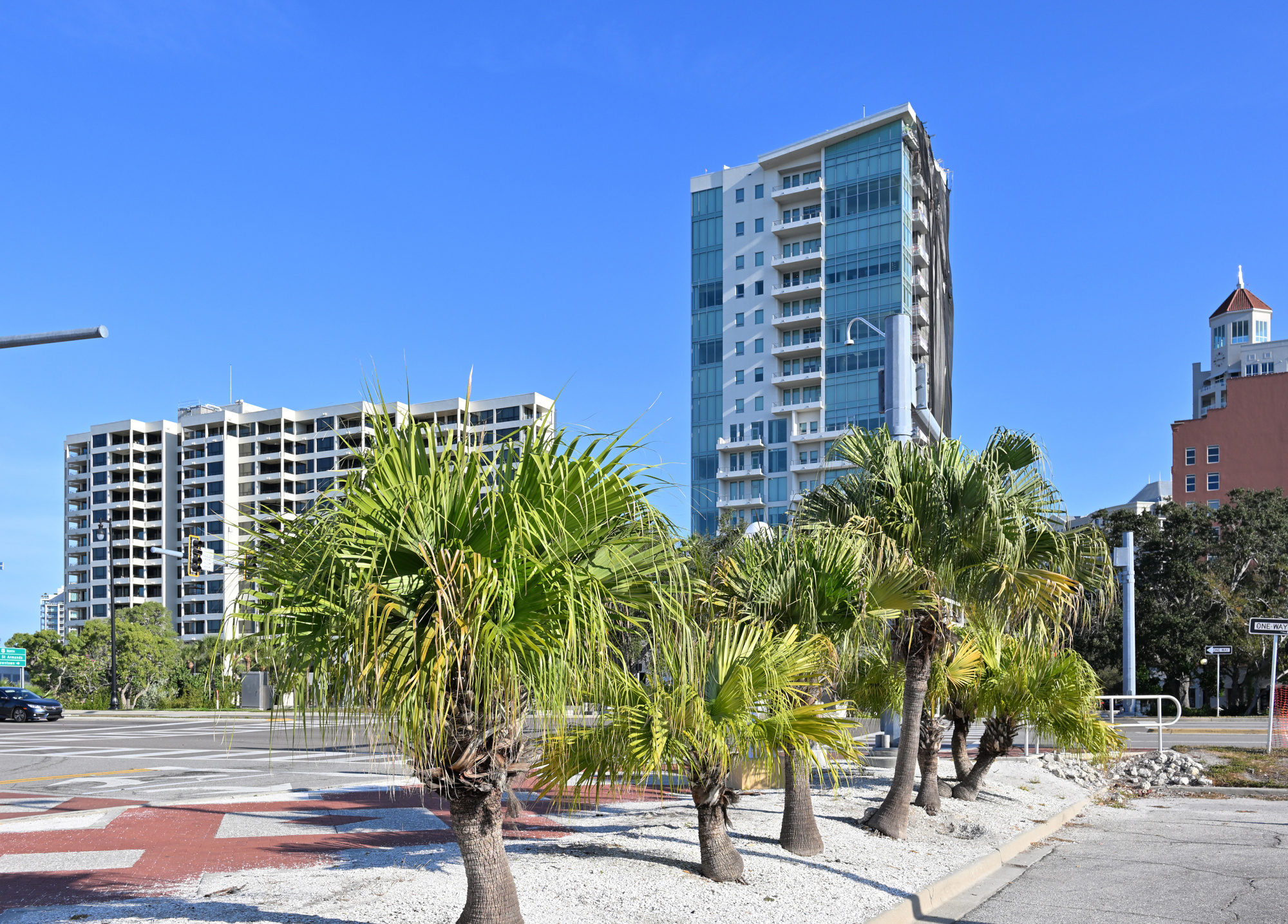
Marina Drive runs just behind Gulfstream Park and borders the marina itself. It is a short stretch where boats, water, and the edge of downtown meet. Palm trees everywhere.
1/500s f/8 ISO 100/21° f=17mm/18mm
1/400s f/7,1 ISO 100/21° f=21mm
Interactive Panorama Marina Drive
1/1250s f/5,6 ISO 100/21° f=7,5mm

War Memorial
The War Memorial stands at the edge of J.D. Hamel Park, marking Sarasota's tribute to residents who served in World War I and the conflicts that followed. The bronze Doughboy figure adds a direct link to the era, reproduced from a 1920 design and placed here after a later restoration. It is a small but steady presence on the bayfront, easy to pass but worth a quiet look.
Interactive Panorama War Memorial
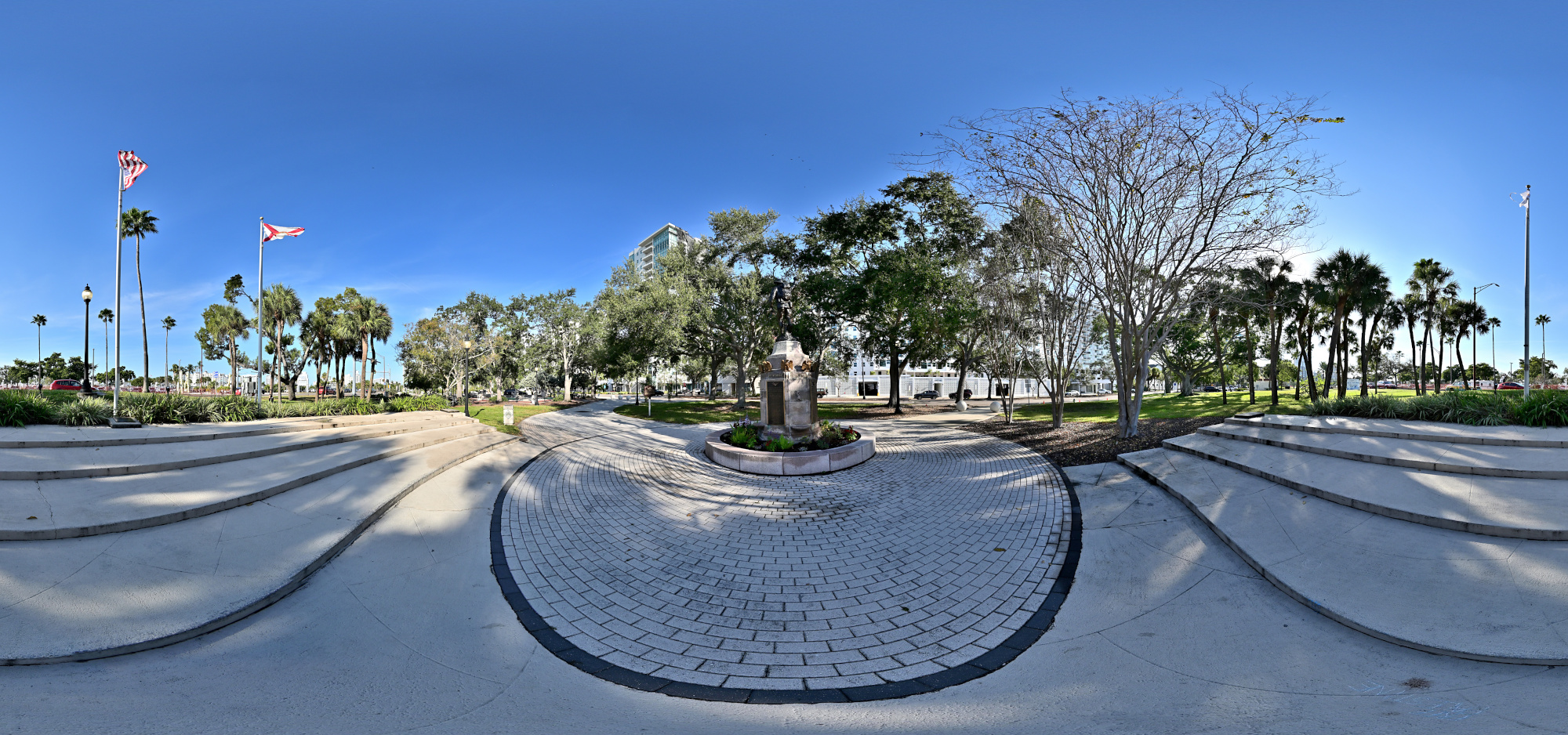
1/800s f/5,6 ISO 100/21° f=7,5mm
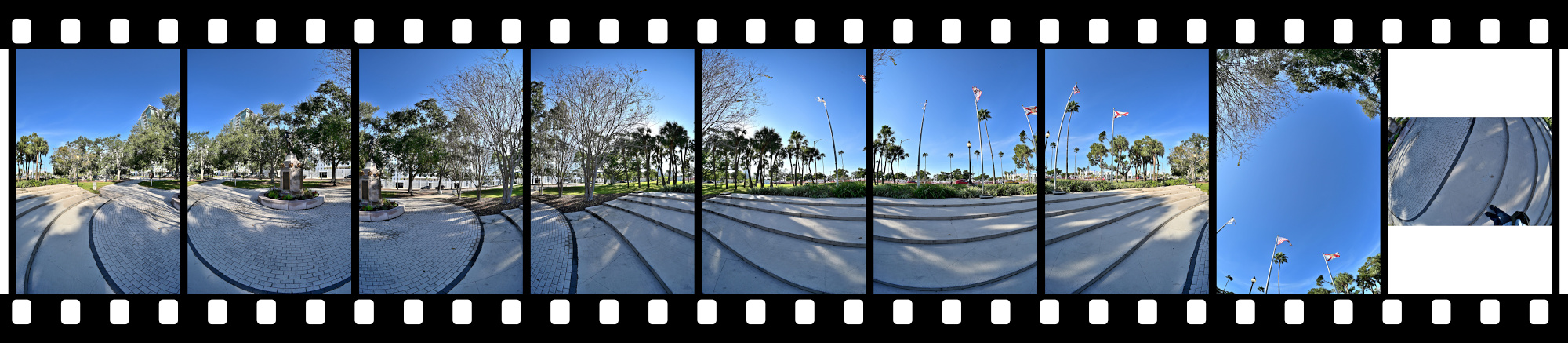
Five Points Roundabout
The Five Points Roundabout sits at the center of downtown and pulls several streets into one compact junction. Traffic moves steadily around it, framed by shops, cafés, and a bit of midday noise. It is one of those places where you notice how close the city, the bayfront, and the quieter neighborhoods actually are.
Interactive Panorama Five Points Roundabout
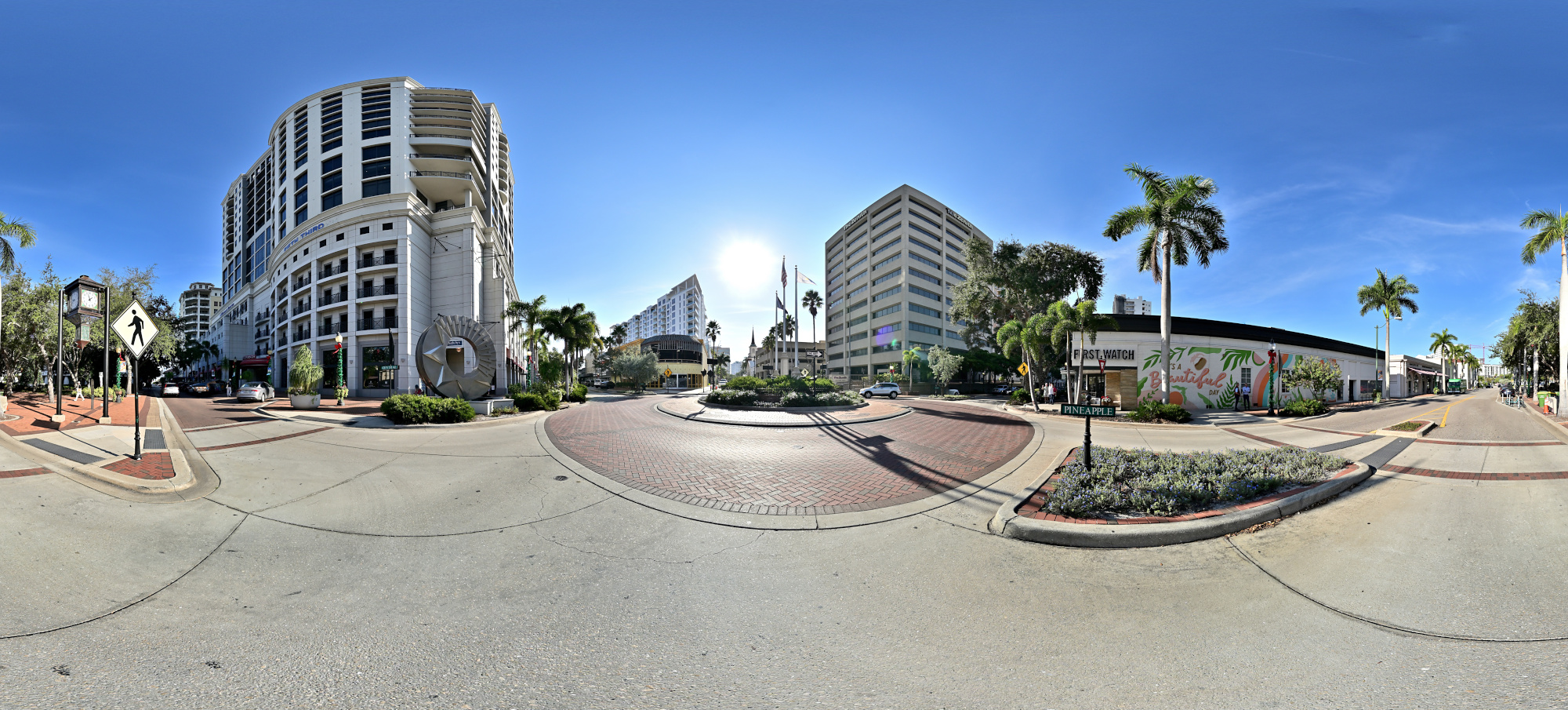
1/1000s f/5,6 ISO 100/21° f=7,5mm

Next to the roundabout is Selby Five Points Park.
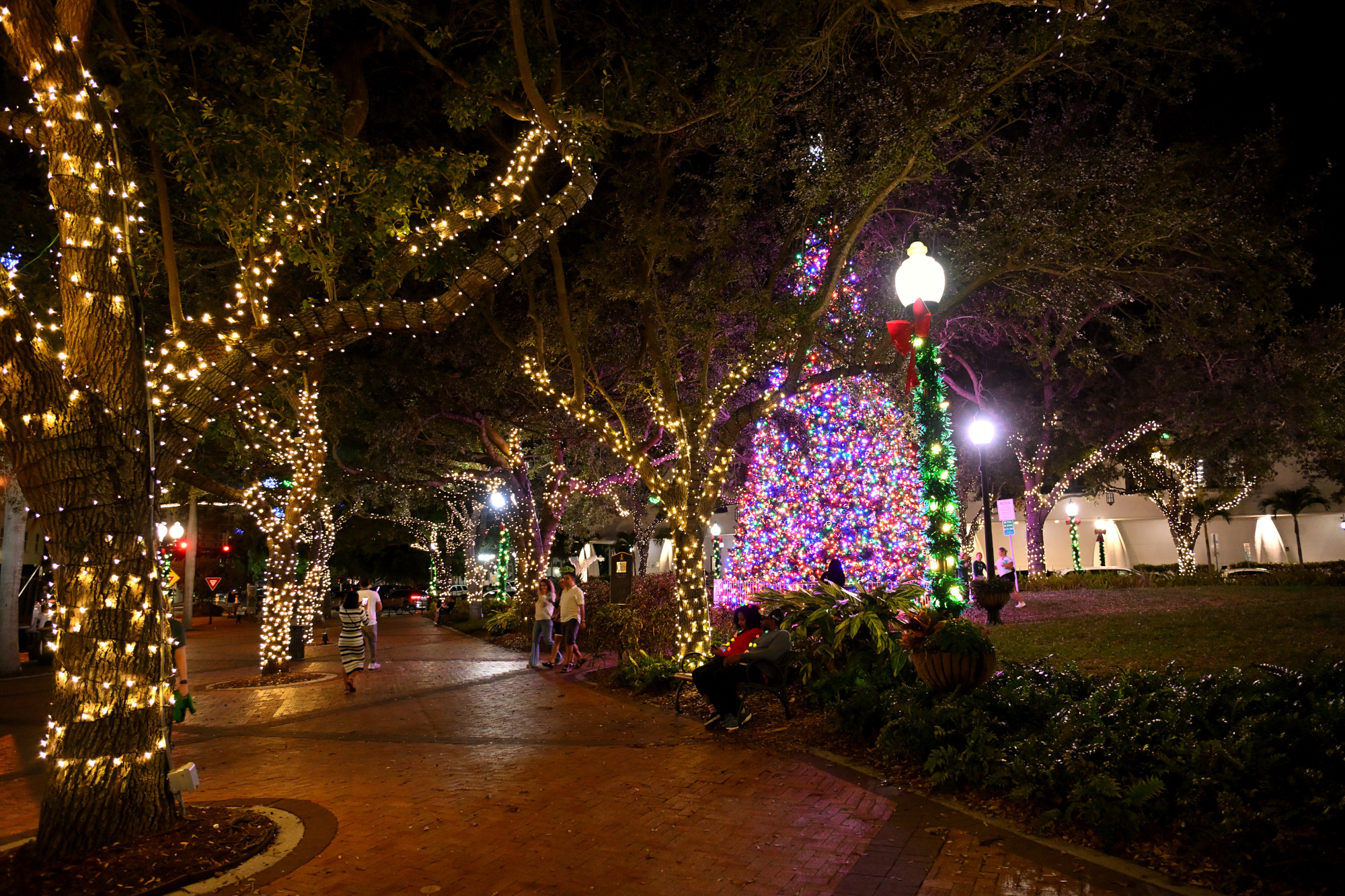
A Christmas market is missing here with all the good things: air that smells like roasted almonds and gingerbread, and you are mysteriously holding a Bratwurst in one hand and a paper cone of roasted chestnuts in the other.
Once in France I came across a Christmas market that kept going well into February.1/40s f/2,8 ISO 1250/32° 16-50mm f/2,8 VR f=16mm/24mm
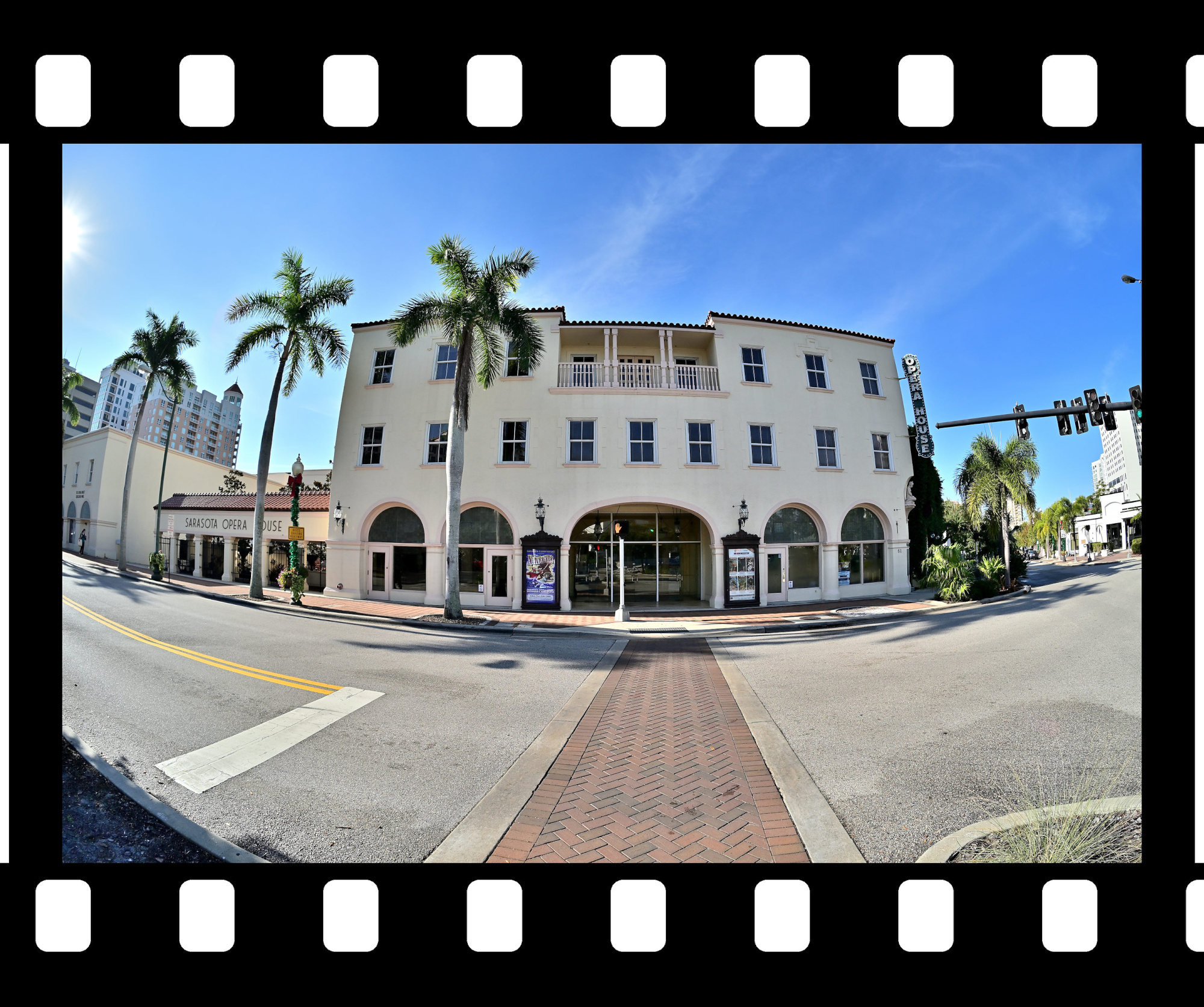
Half a block further you arrive at the Opera House of Sarasota. It has a sign, it has a door, and yet at first glance you could be forgiven for thinking you are entering a well behaved municipal building. If you pause for a moment, a faint aria seems to rise through the stairwell, as if the building is politely reminding you of its true purpose.
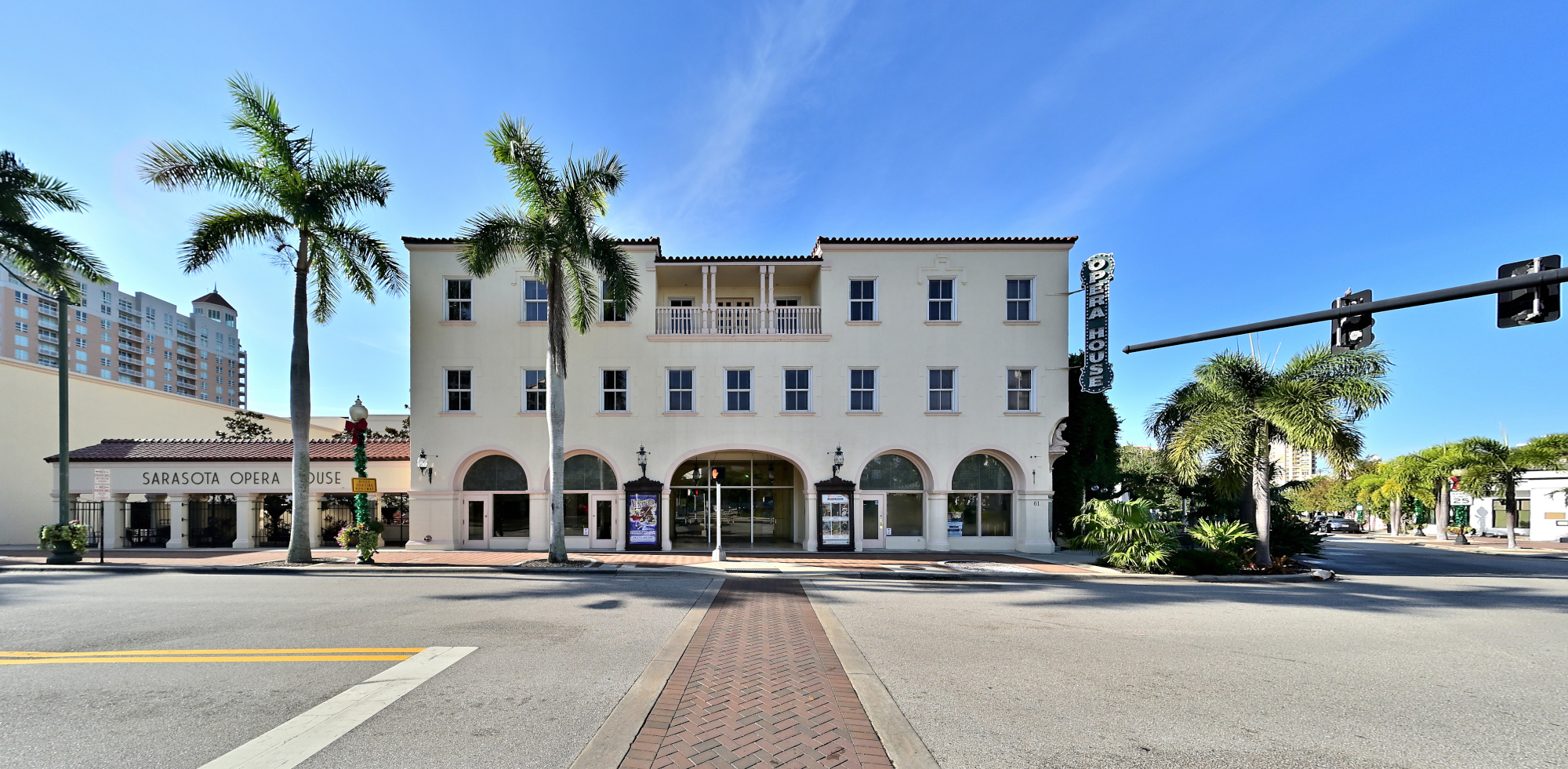
1/640s f/5,6 ISO 100/21° f=7,5mm
Siesta Key Beach
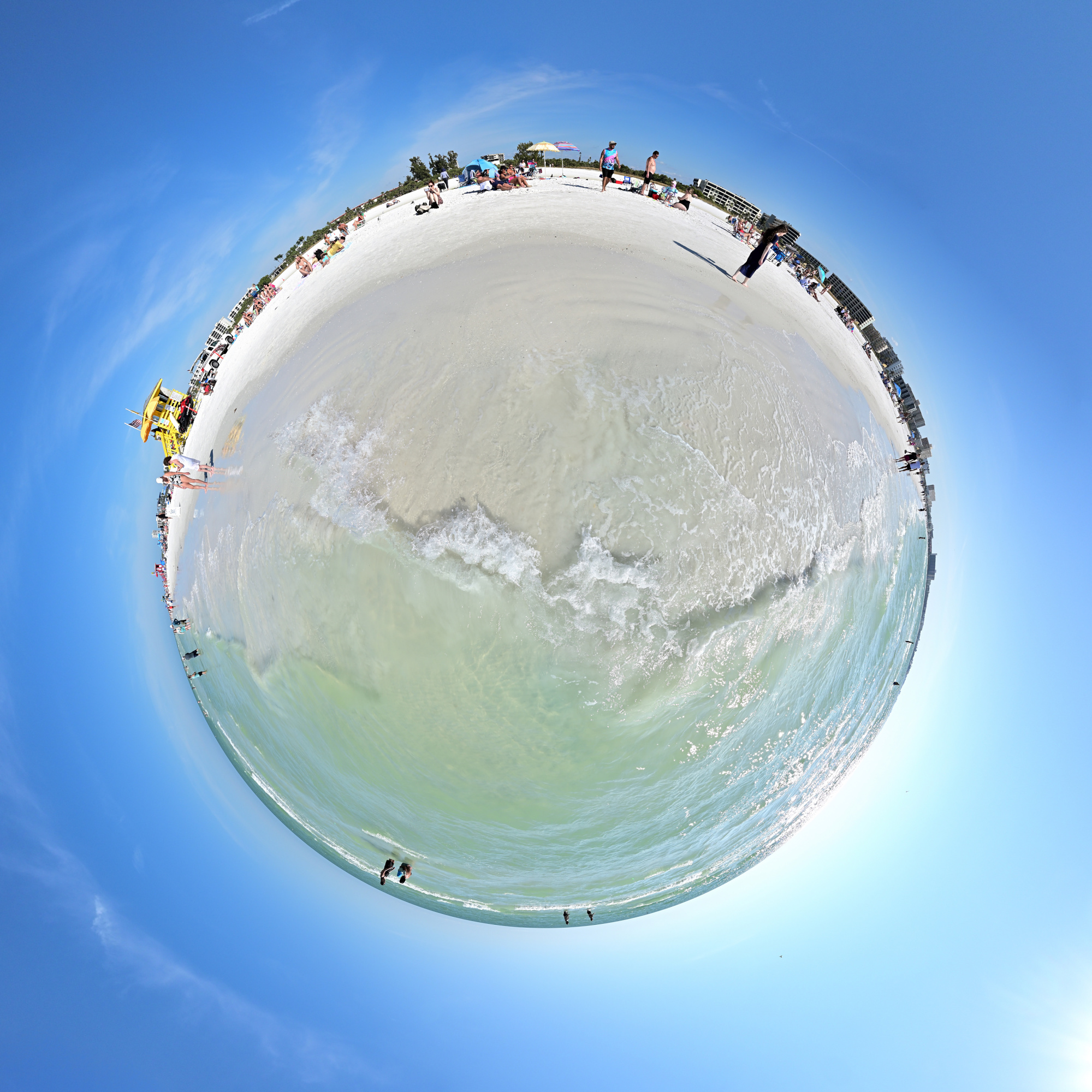
Siesta Key3 Beach is all about light sand, a wide beach, and a clear horizon. Even on busy days, the shoreline still feels open, with shallow waves and long stretches to walk. It is the quiet blend of sun, breeze, and open space that makes Siesta Key stand out on Sarasota's coast.
Interactive Panorama Siesta Key Beach 1
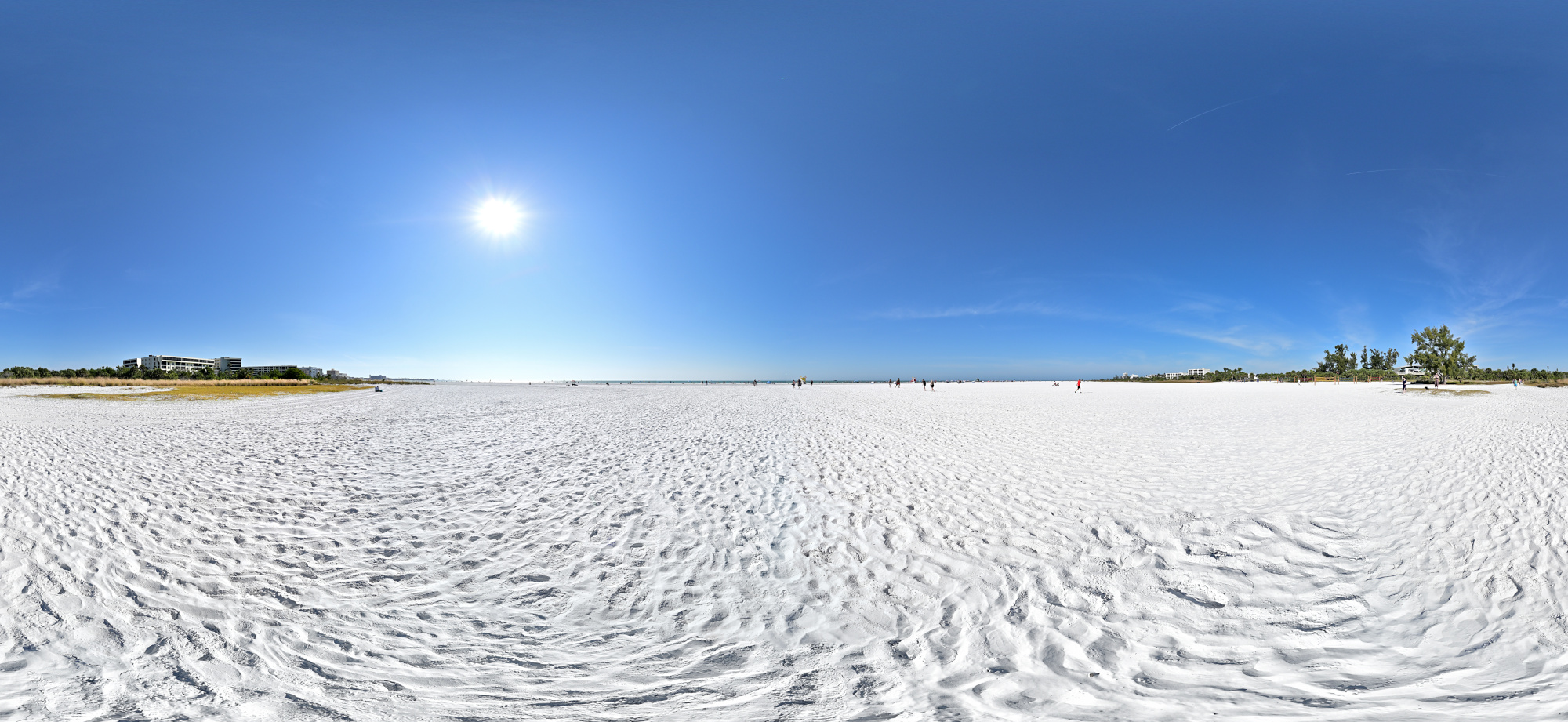
1/1250s f/5,6 ISO 100/21° f=7,5mm
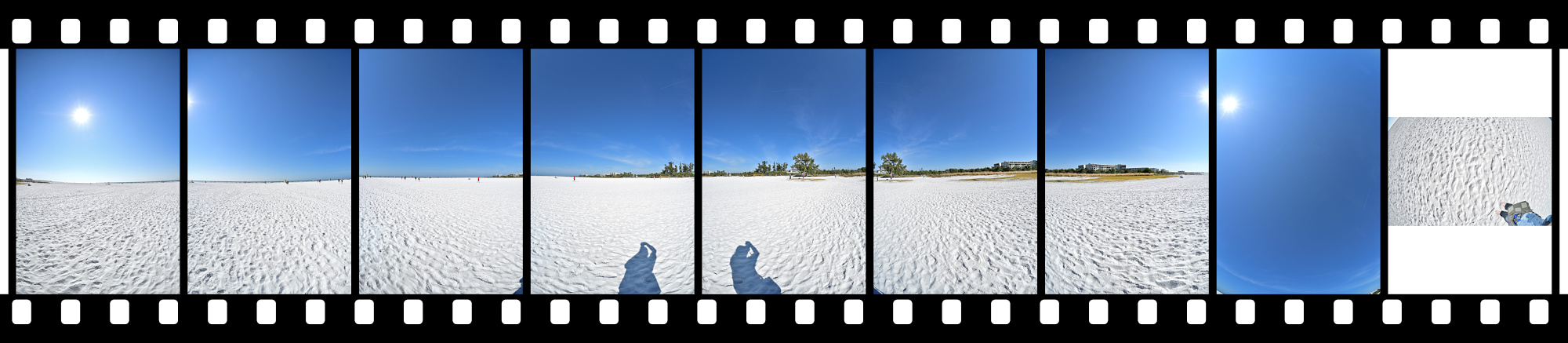
Siesta Key Desert Planet
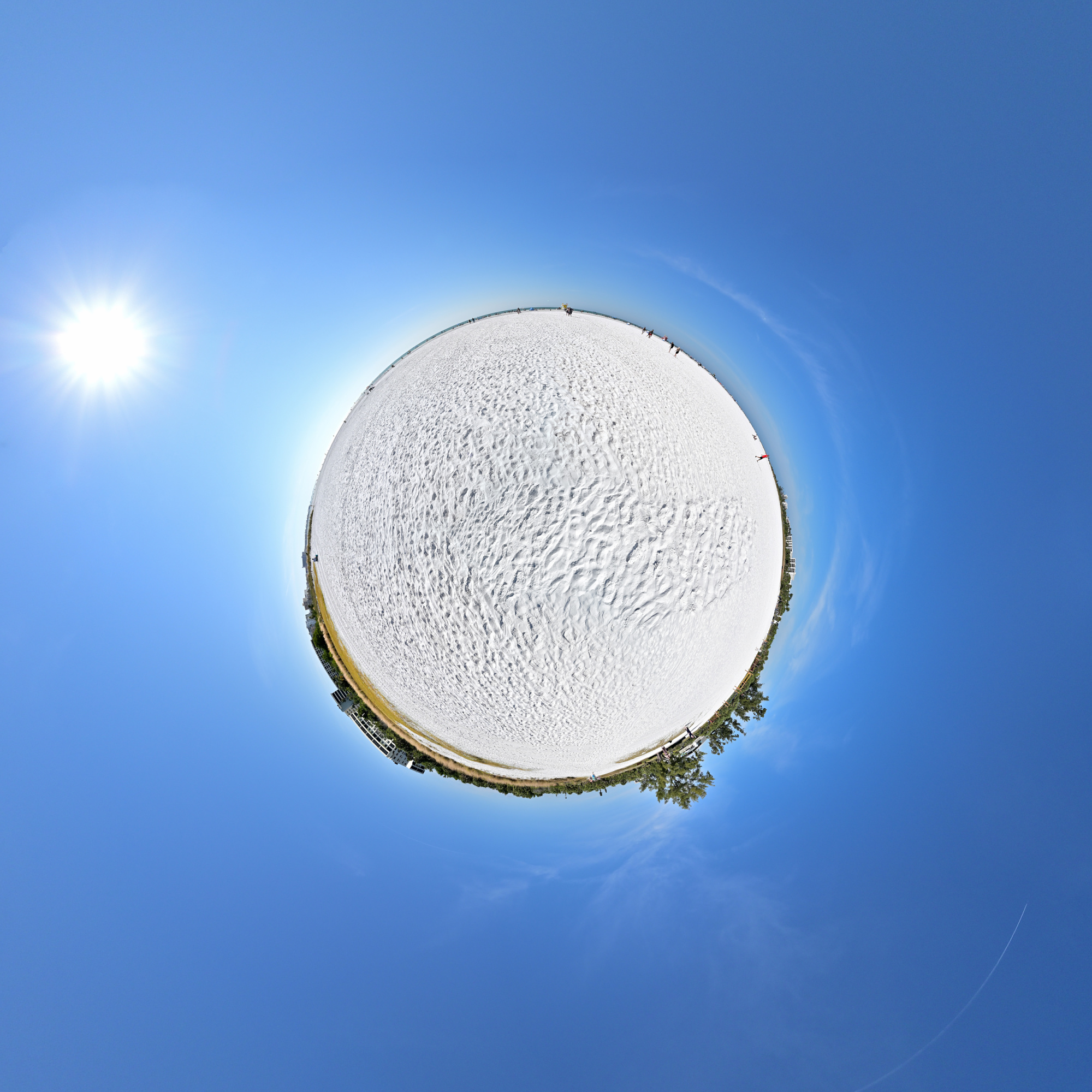
Exploration of perception for the Worldwide Panoramas event.
Perception is shaped not only by what is visible, but also by the position from which it is experienced.
Just off the beach but not out in the water, that in-between place changes the way the scene reads. At the edge, everything is in motion, and you are between two worlds, seeing both at once.
There are no footprints to hide here, but the moving waves bring their own challenges. Masks in the stitch editor guide the transitions between frames and help maintain alignment where the surface never stays still.
Photographed in winter, the scene carries a tropical atmosphere. That quiet inversion becomes part of the viewer's perception.
Interactive Panorama Siesta Key Beach 2
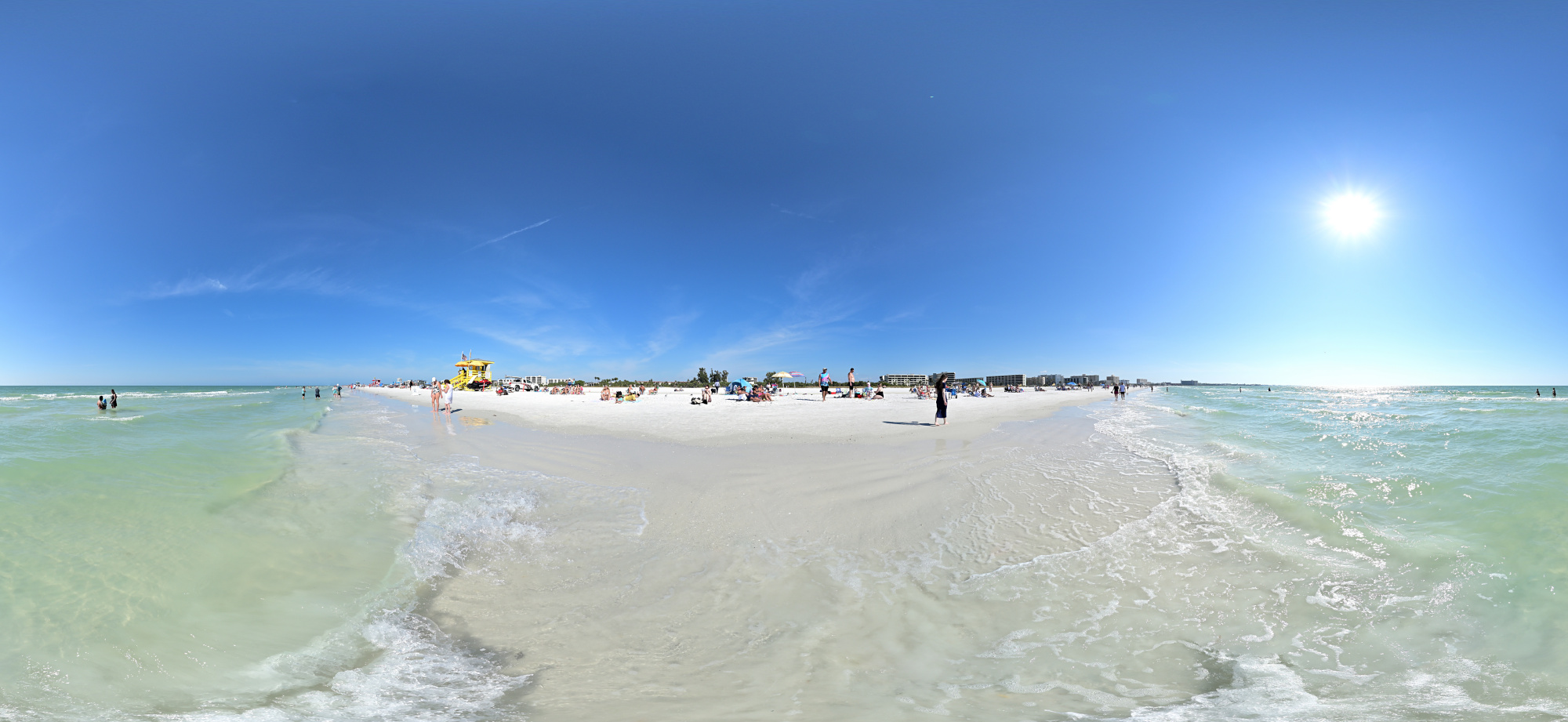
1/1250s f/5,6 ISO 100/21° f=7,5mm

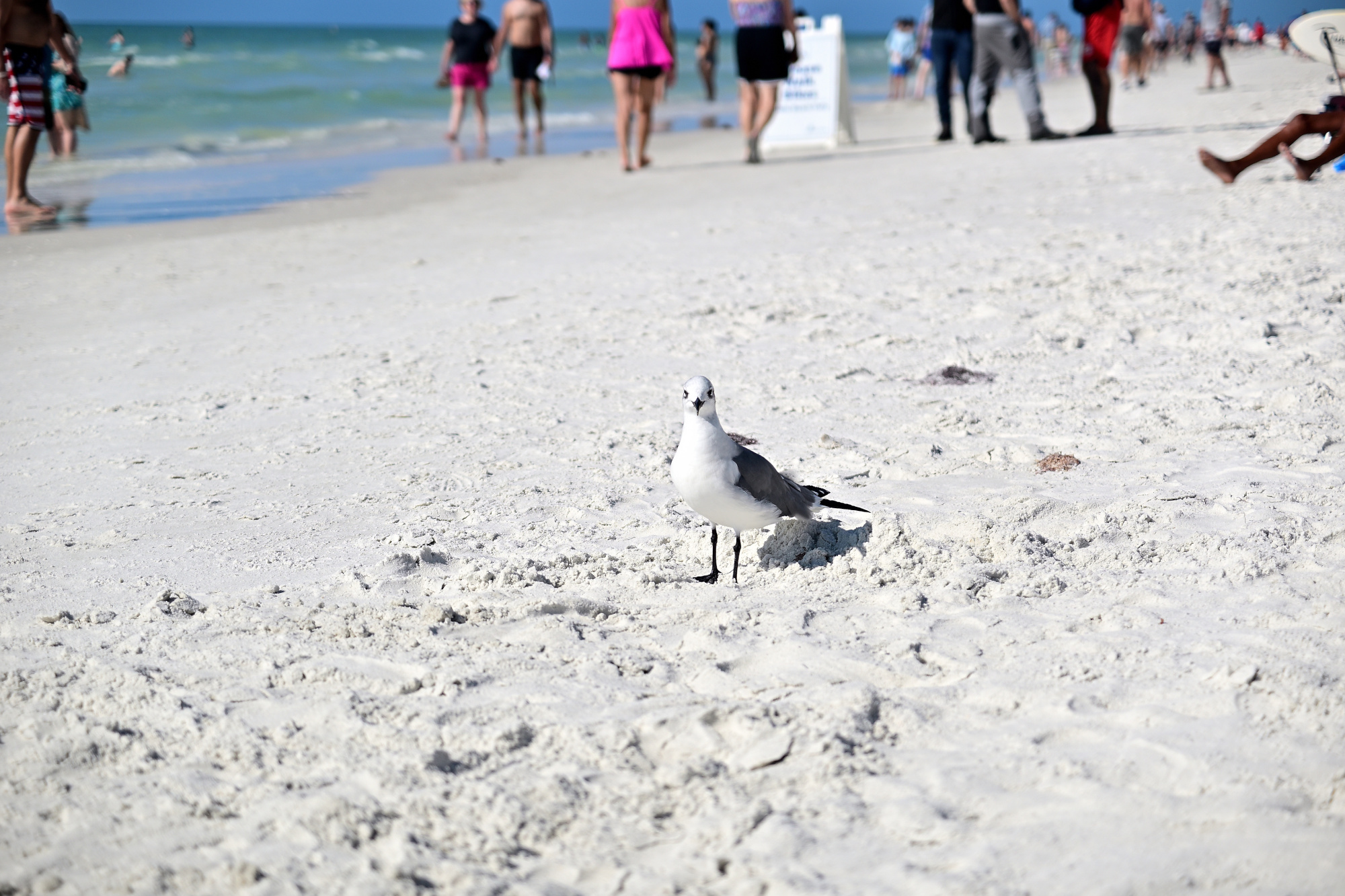
With my camera in hand, I noticed a seagull staring and inspecting me. Surely one panorama should be acceptable, right? It watched calmly like a tiny director and never blinked4.
1/50s f/2,8 ISO 100/21° 16-50mm f/2,8 VR f=50mm/75mm
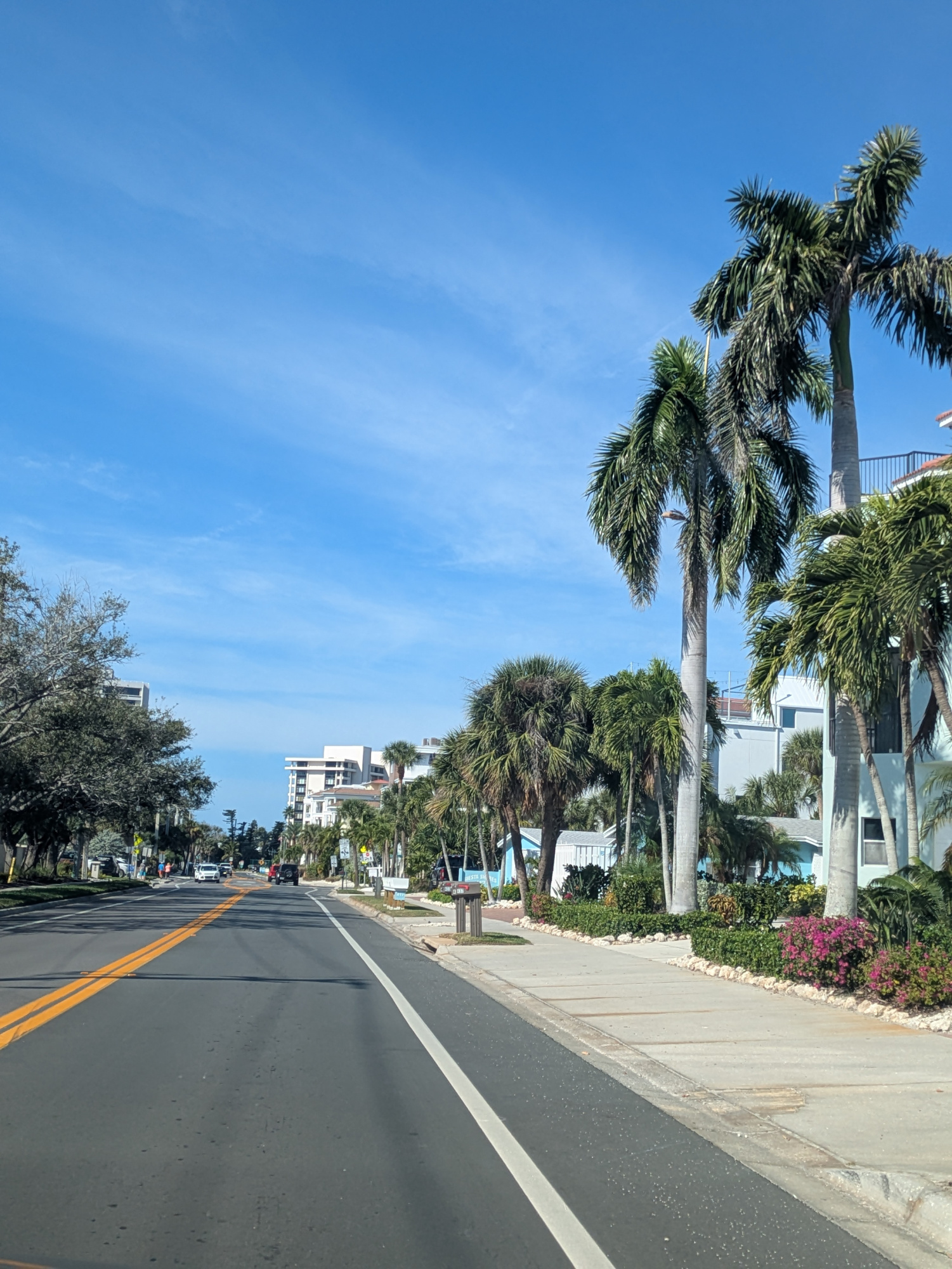
Driving away from the beach, the palm trees lined the street in a clean row, like they were guiding the way.
1/1546s f/1,9 ISO 47 f=5mm/25mm
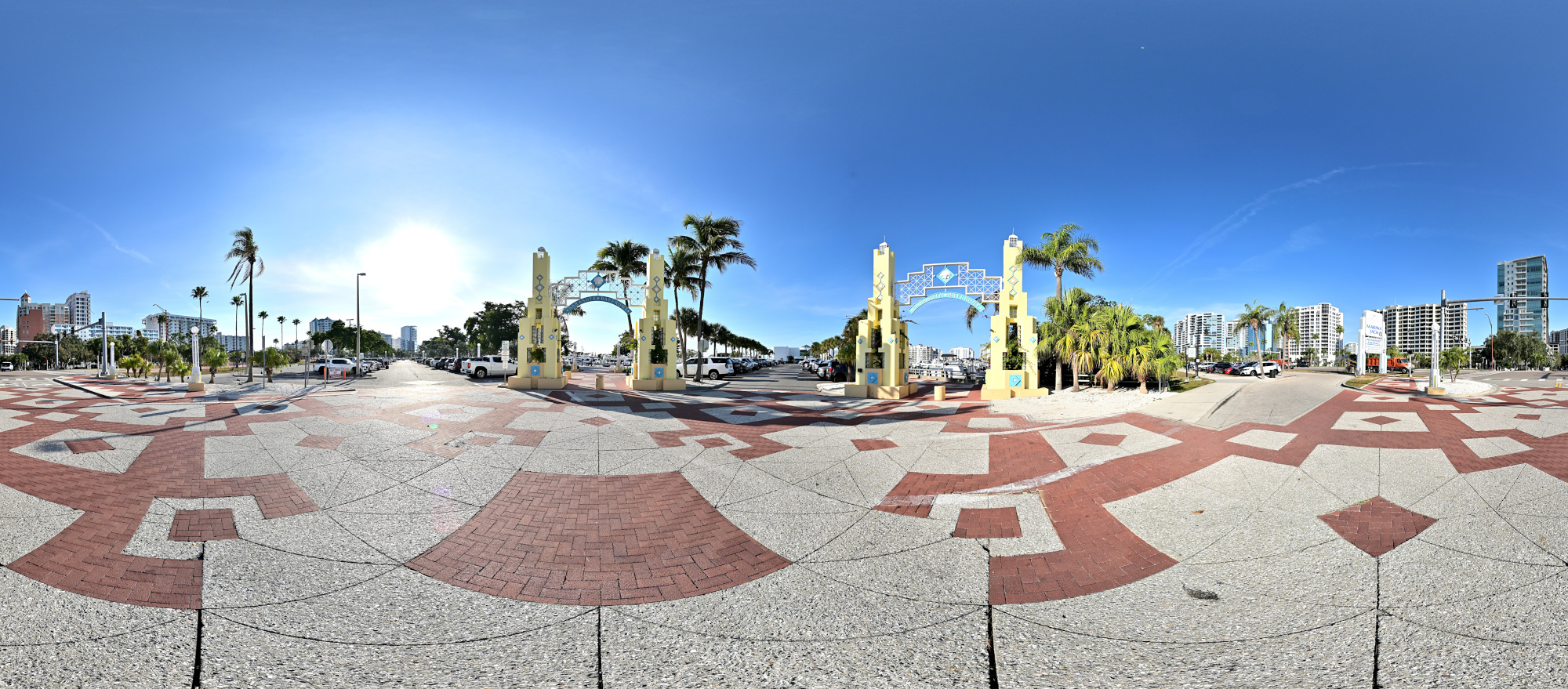
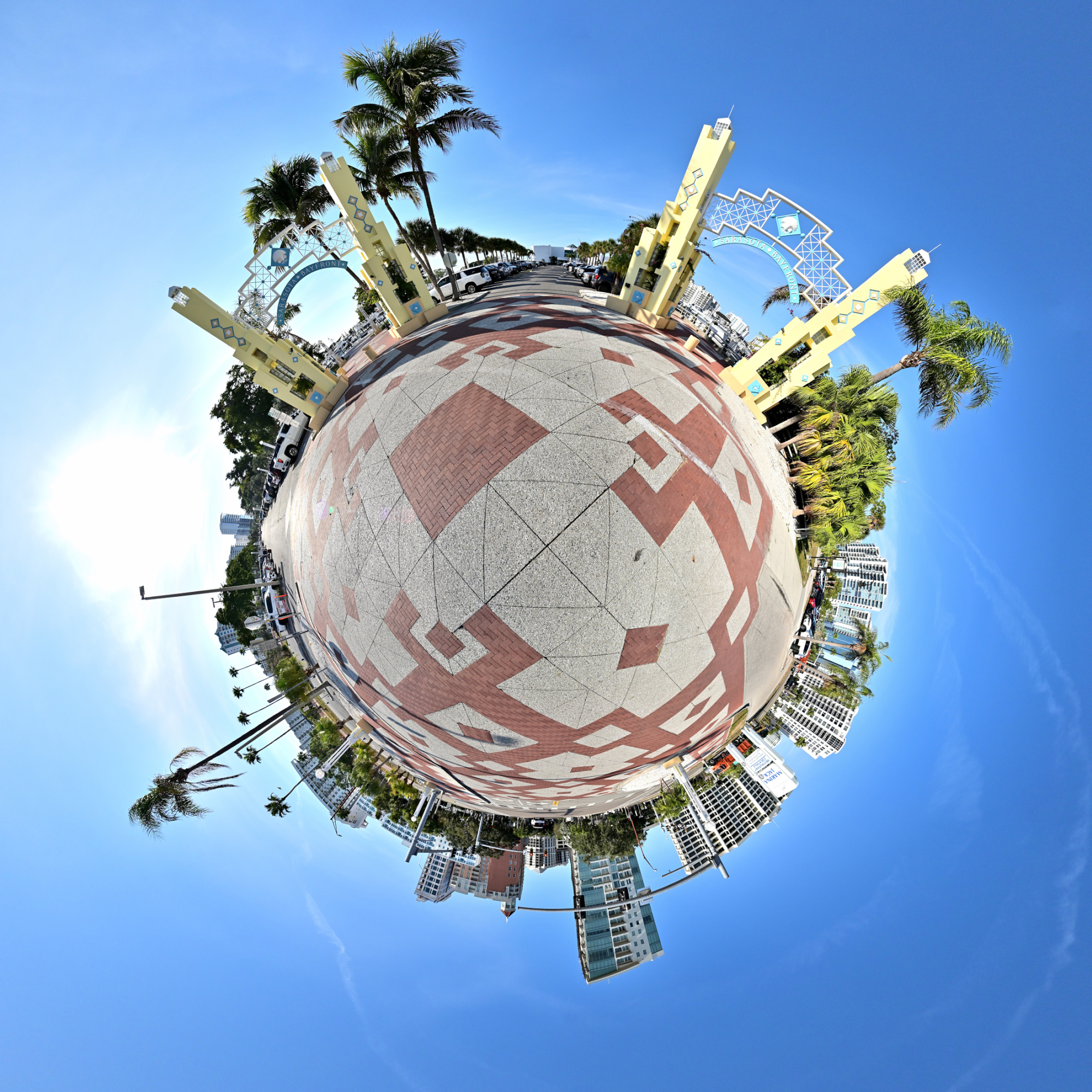
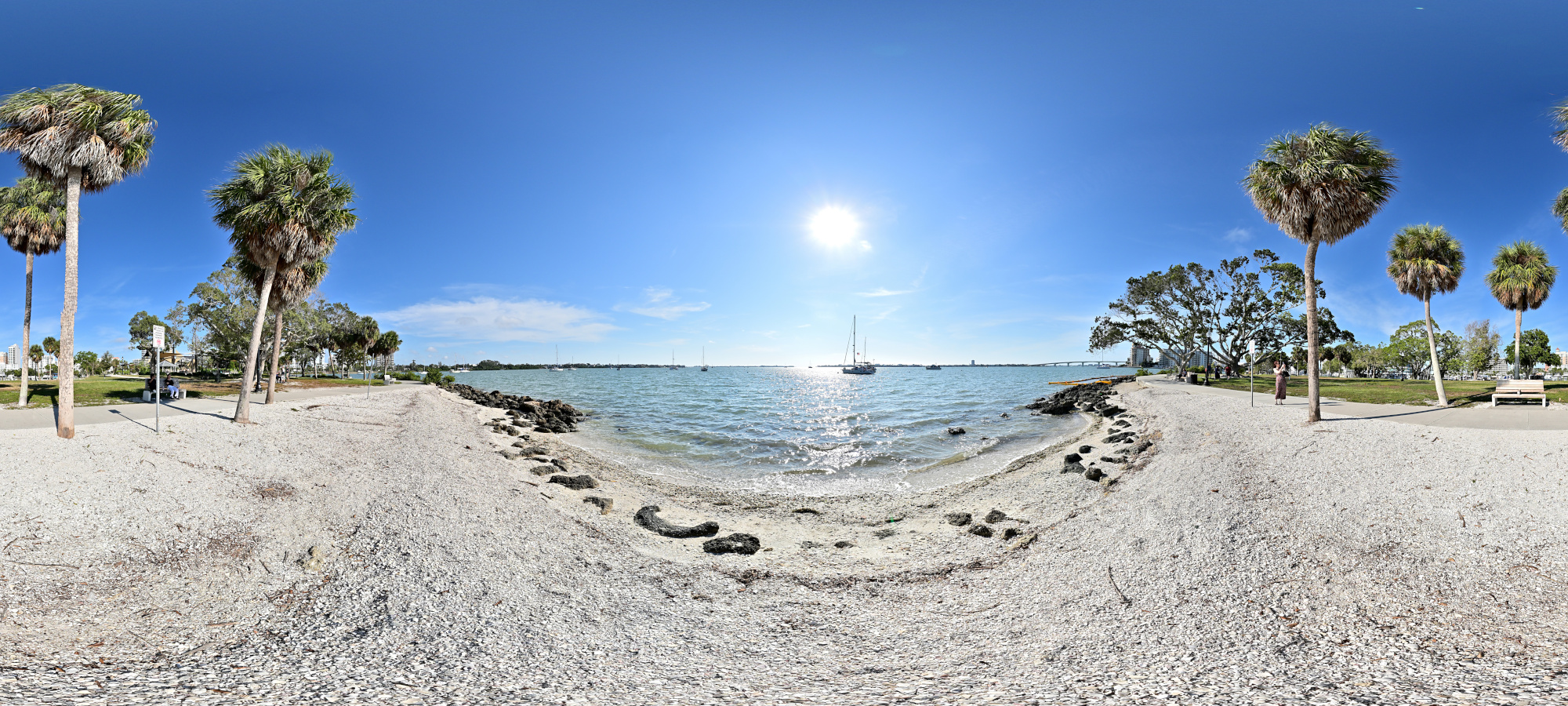
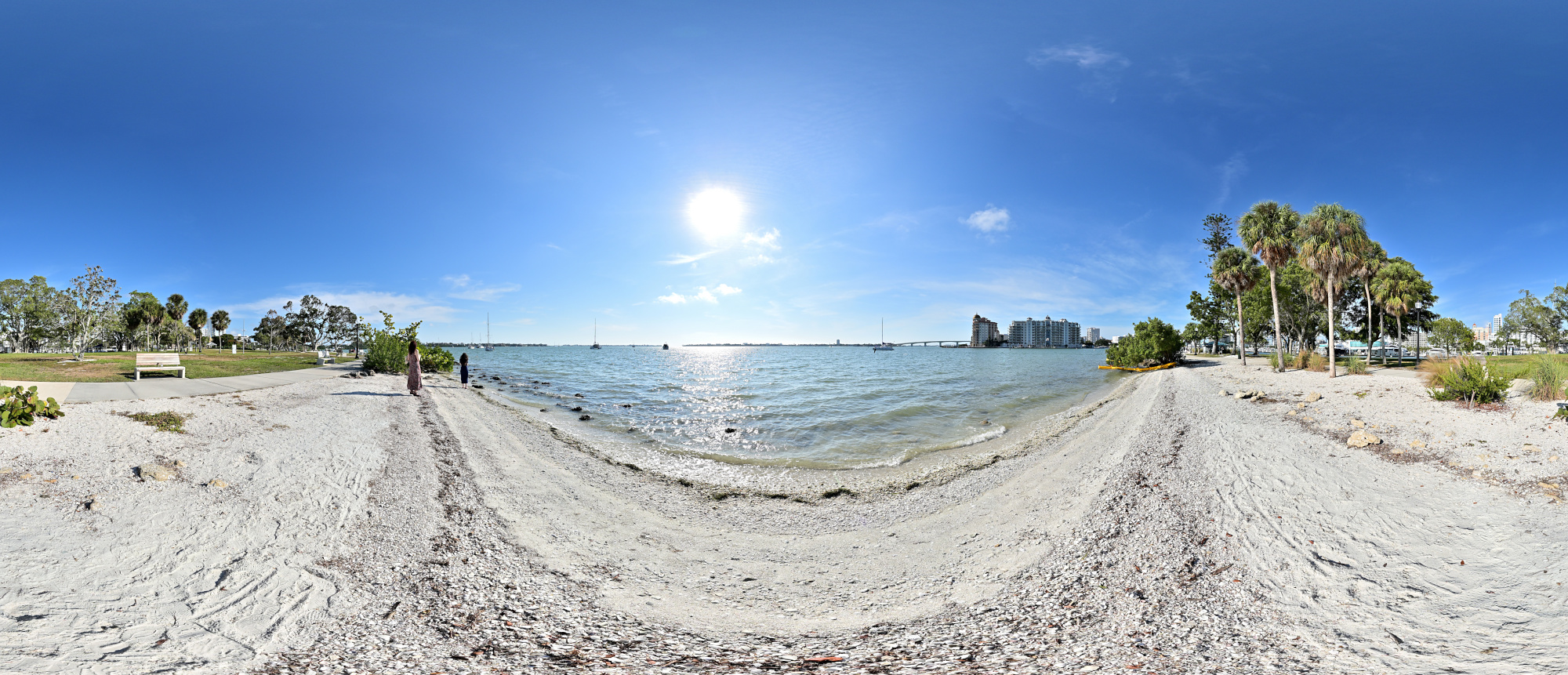
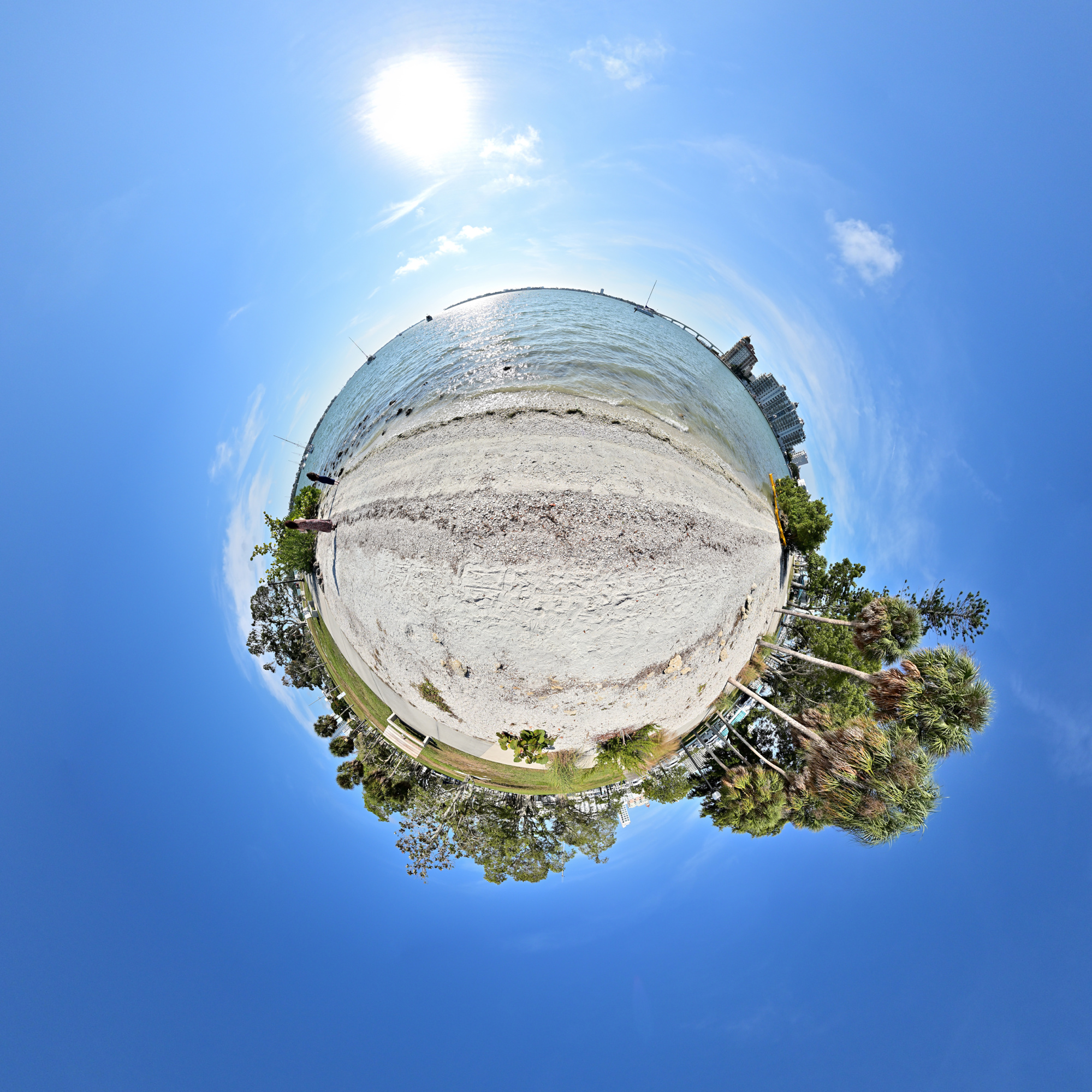
Bayfront Park
Bayfront Park sits right on the water between the marina and the bay. A few paths, some shade, and benches facing the boats make it an easy stop on the way along the waterfront.
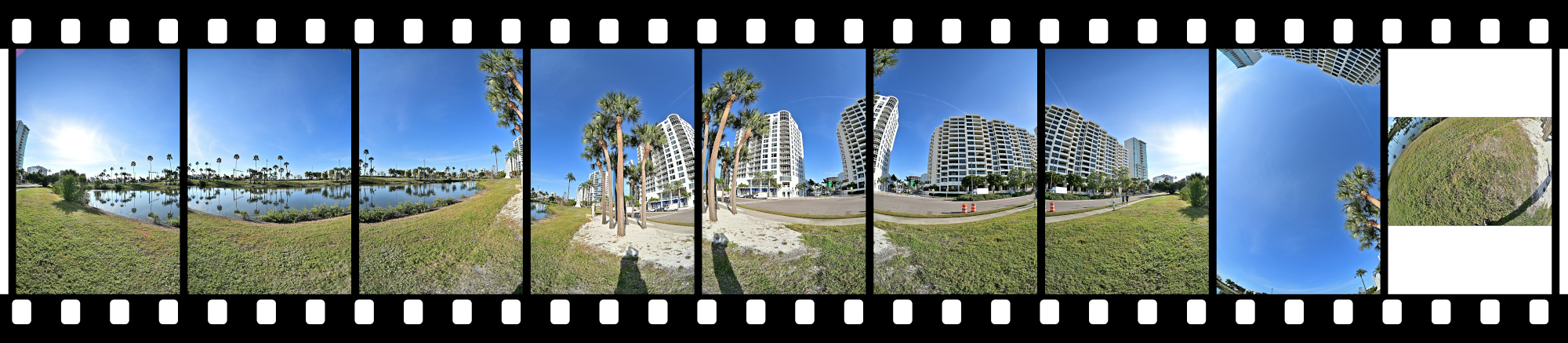
Equirectangular Projection
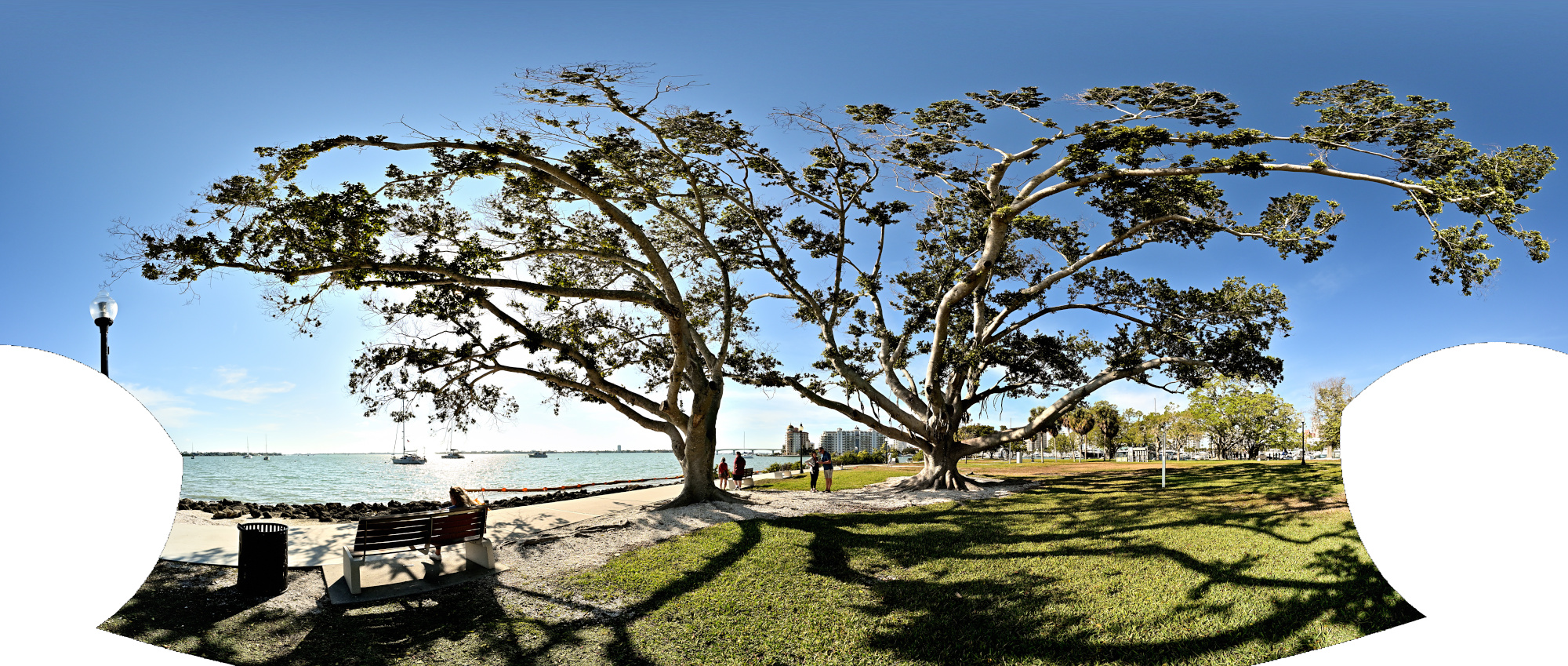
Mercator Projection
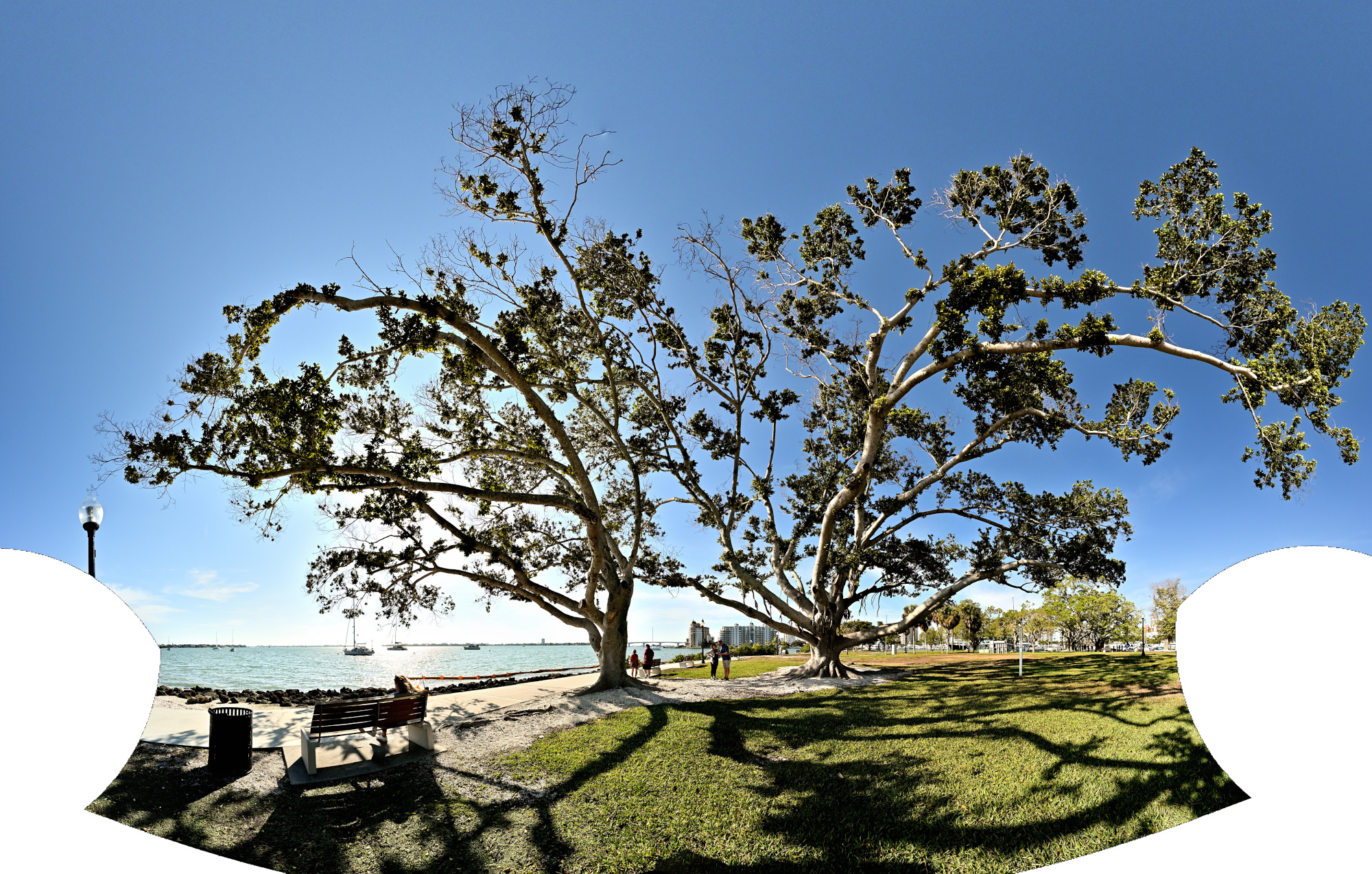
1/640s f/5,6 ISO 100/21° f=7,5mm
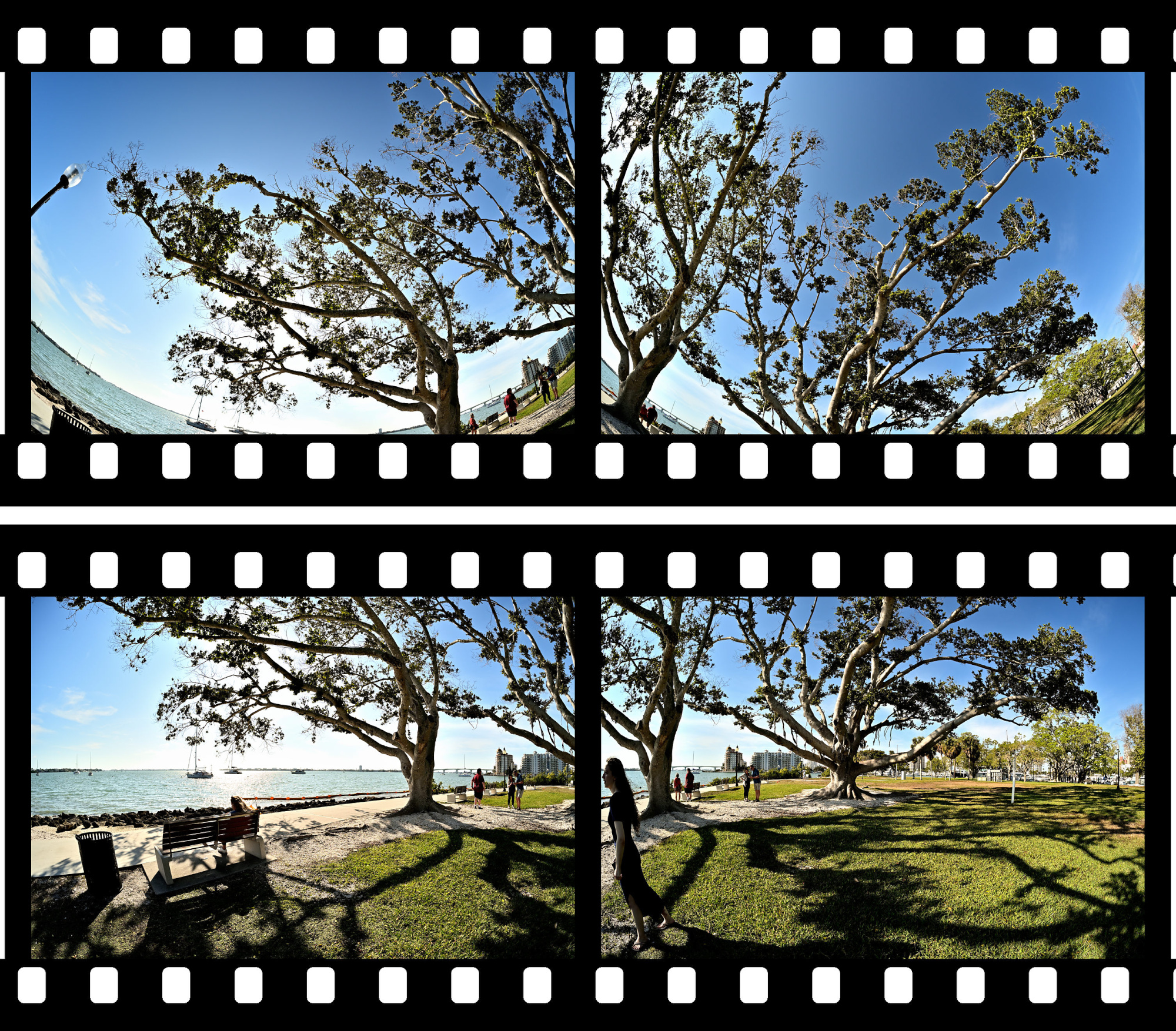
Interactive Panorama Bayfront Park 1
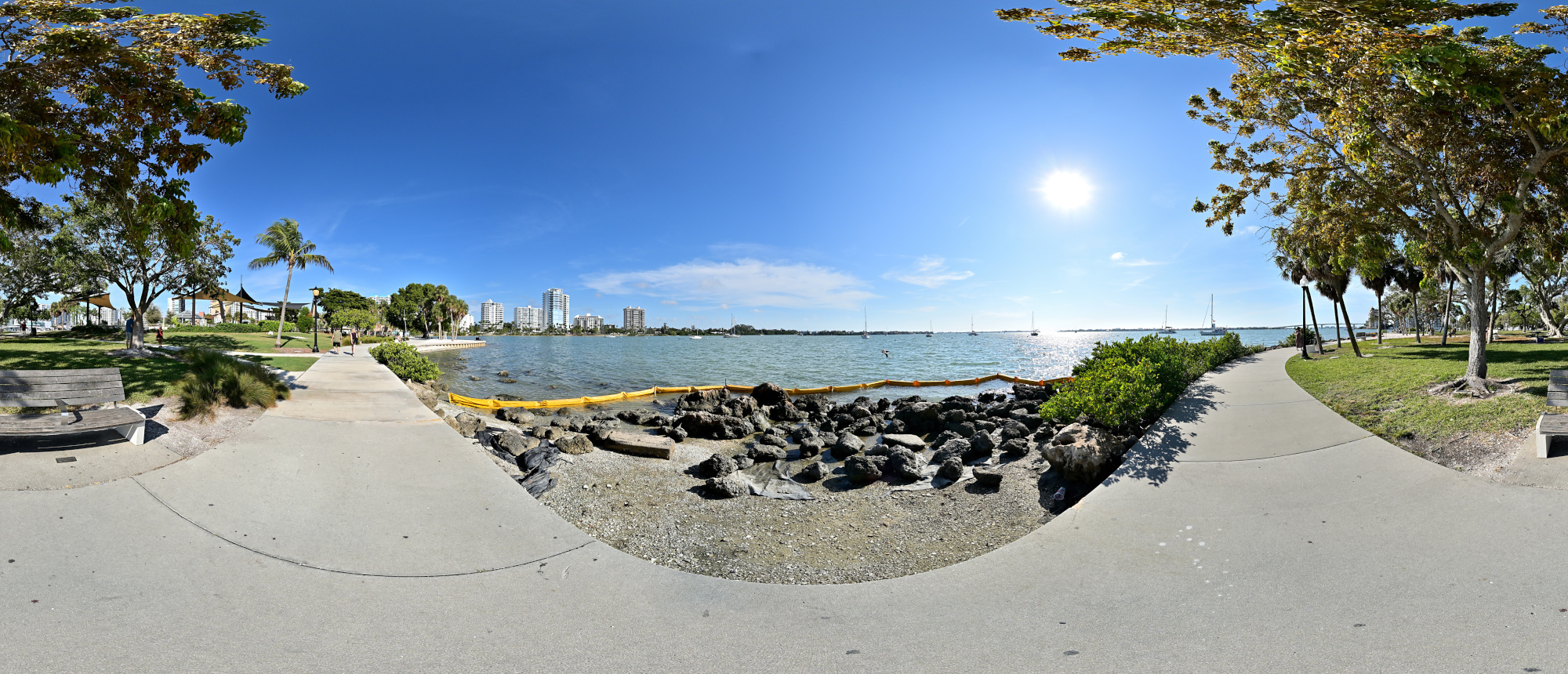
1/1000s f/5,6 ISO 100/21° f=7,5mm
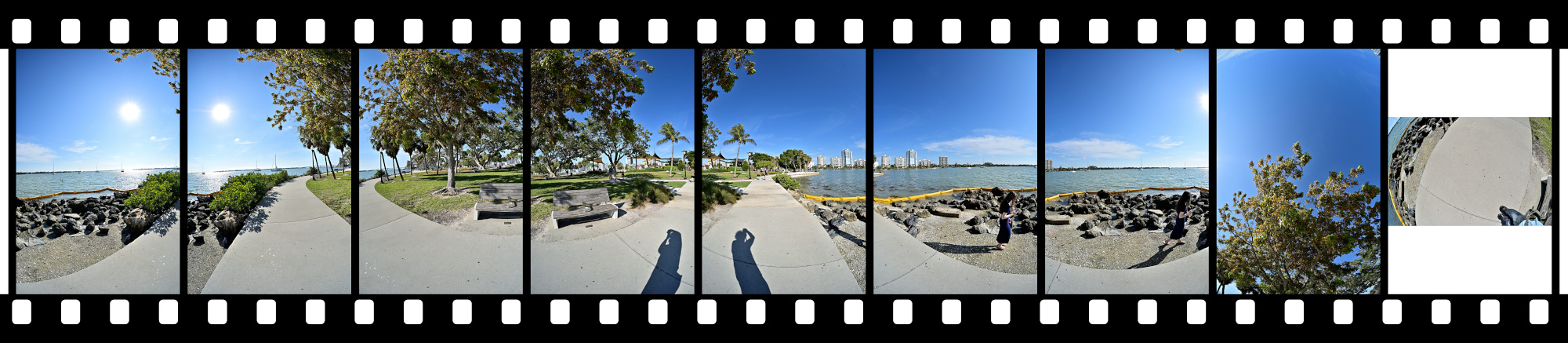
Interactive Panorama Bayfront Park 2
1/1000s f/5,6 ISO 100/21° f=7,5mm

Interactive Panorama Bayfront Park 3
1/1000s f/5,6 ISO 100/21° f=7,5mm

Interactive Panorama Bayfront Park 4
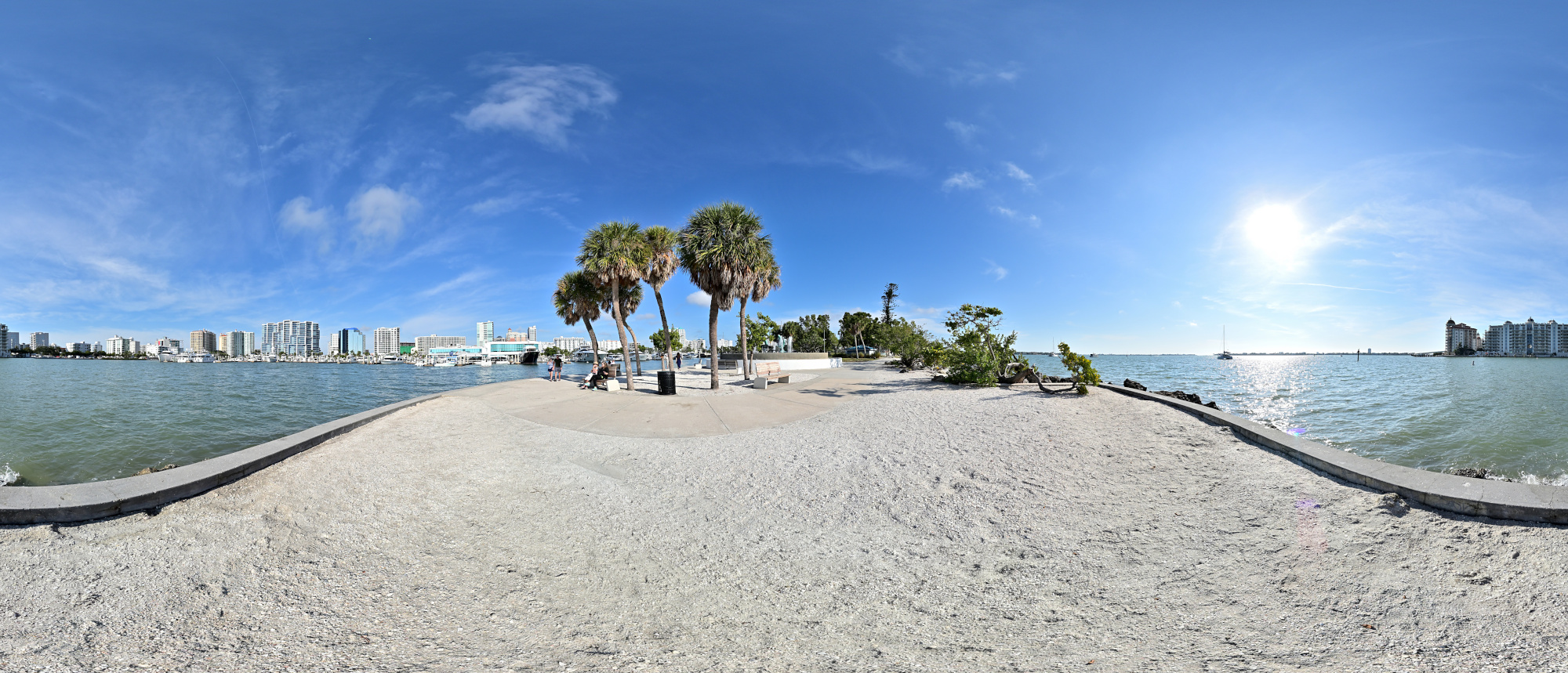
1/1000s f/5,6 ISO 100/21° f=7,5mm
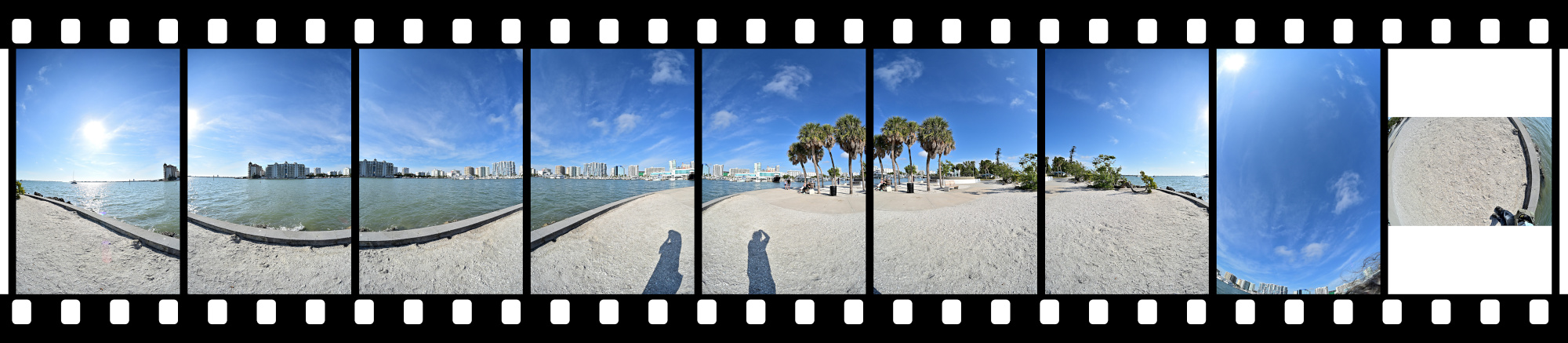
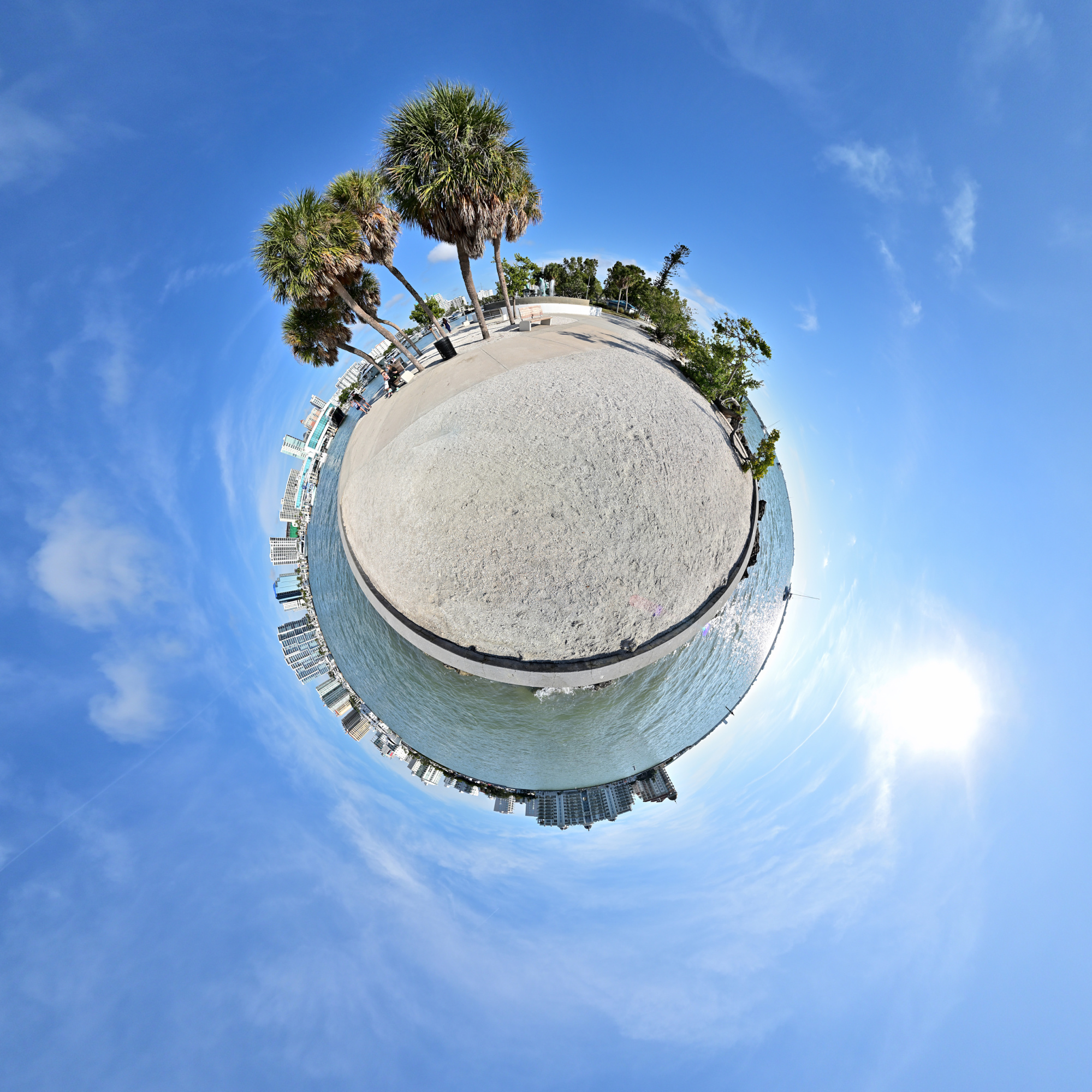
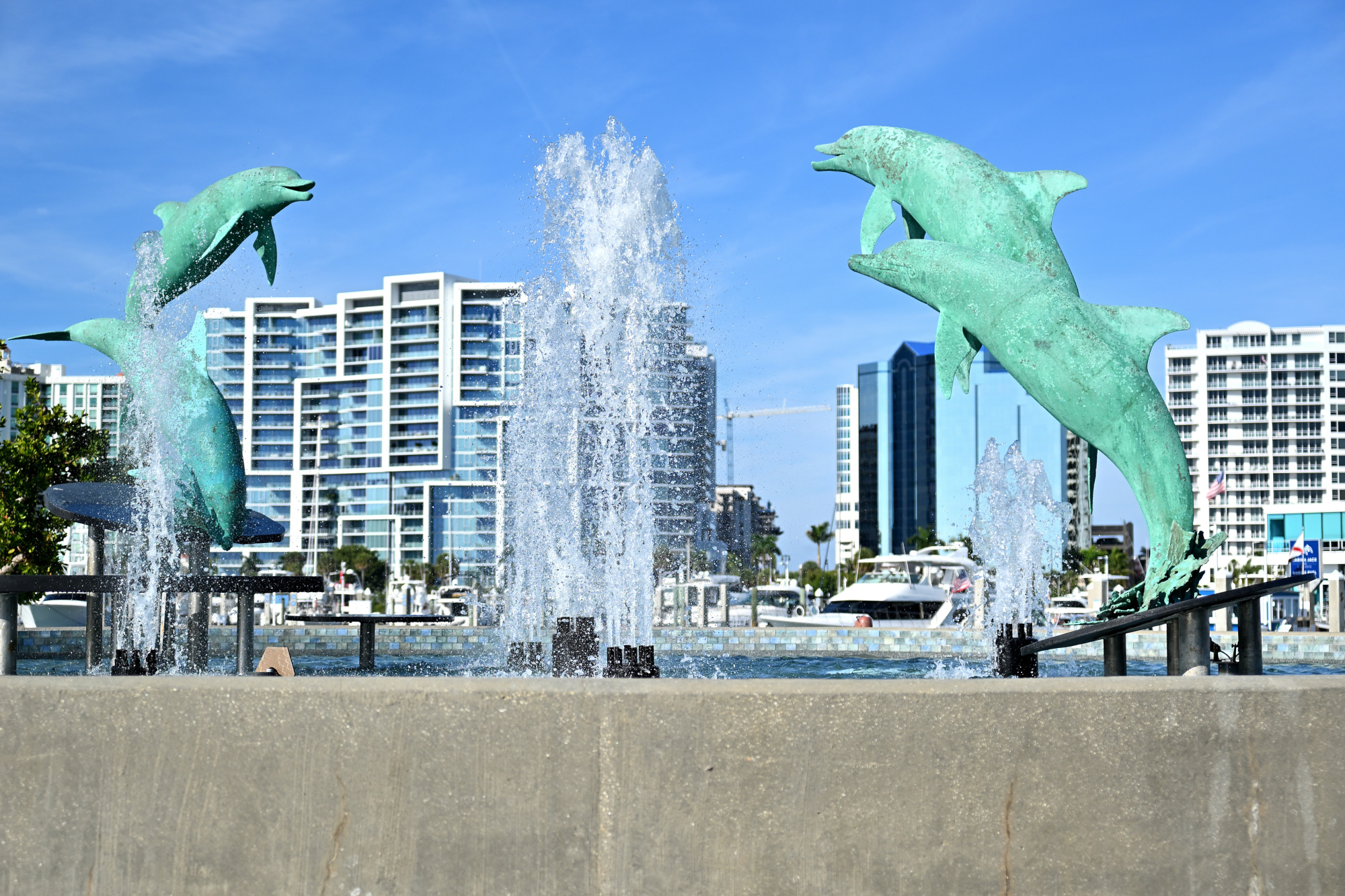
The four bronze dolphins by sculptor Steve Dickey rise in a clean upward arc. The figures stand a little over three and a half meters tall within a circular basin of about twelve meters. In the bright light the moment feels like a paused film frame, held just before the scene continues.
1/4000s f/2,8 ISO 100/21° 16-50mm f/2,8 VR f=37mm/55mm
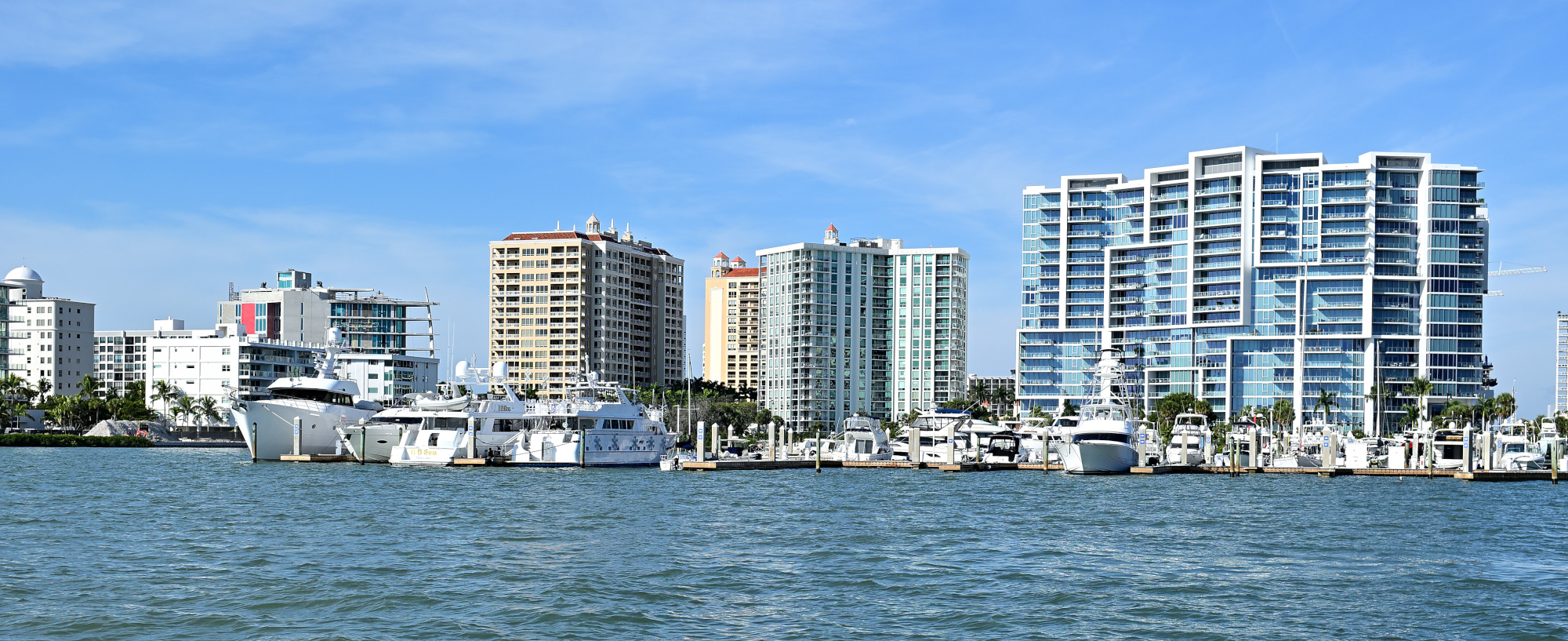
We arrived by plane, not by boat.
1/500s f/8 ISO 100/21° 16-50mm f/2,8 VR f=28mm/42mm
Milan Art Gallery
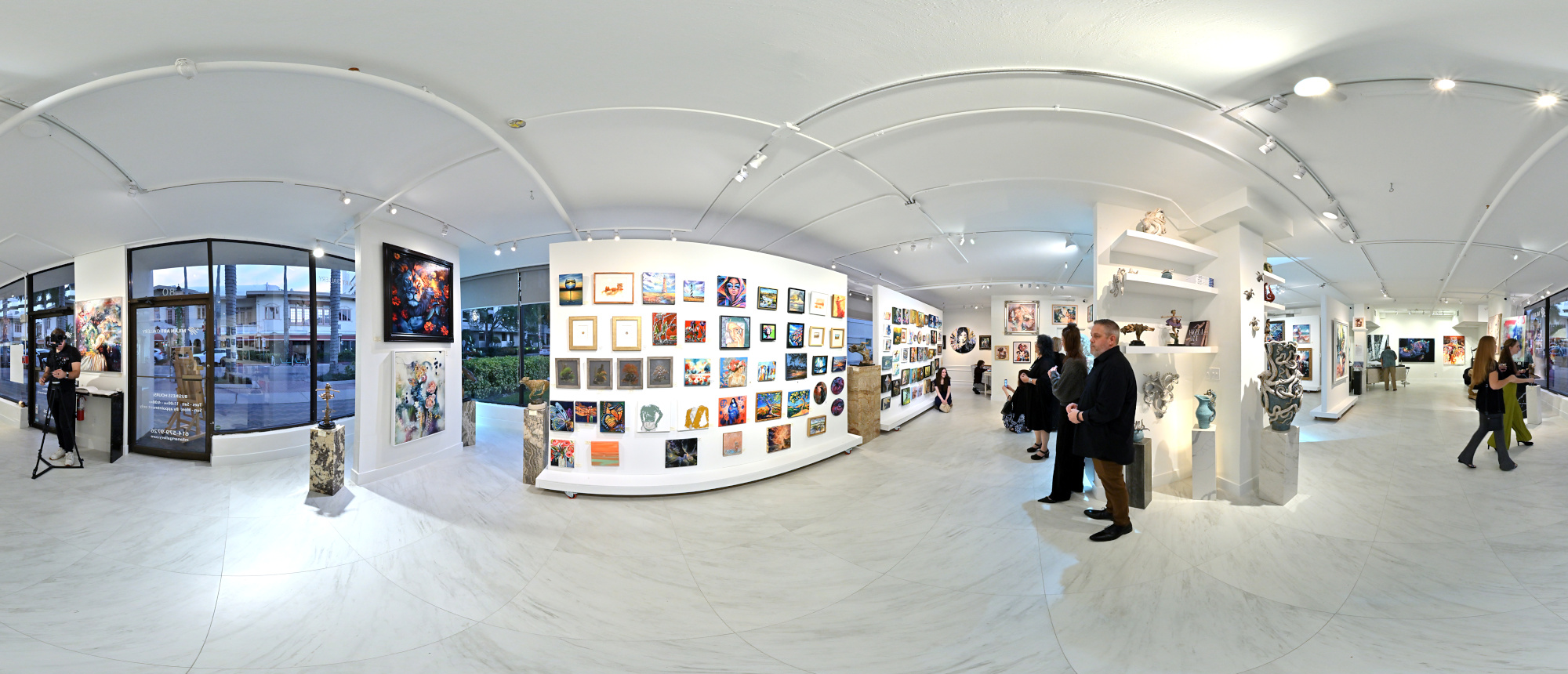
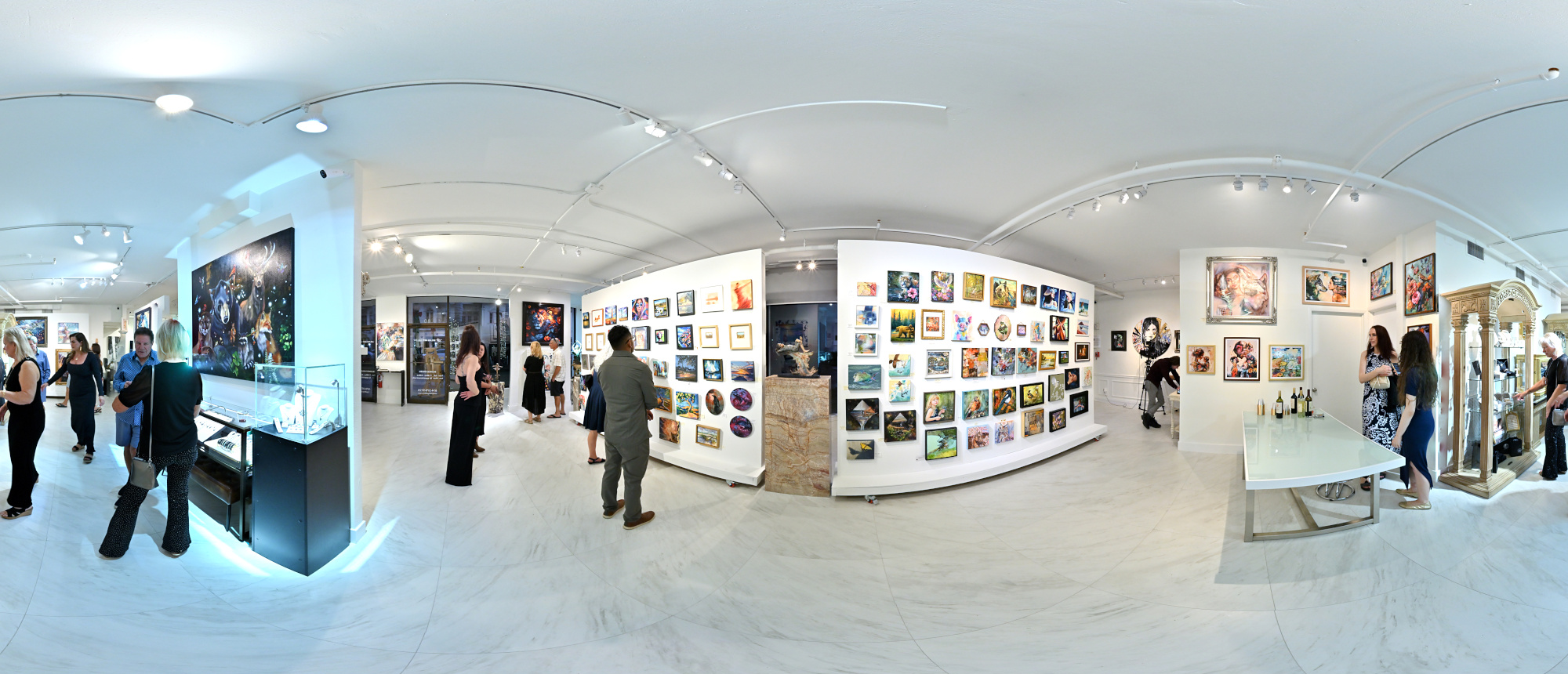
Visited the Milan Art Gallery for the opening of the Mini Masterpieces Collection exhibition. It featured original works from a variety of artists. The paintings were striking, with a level of detail and character that kept drawing us back for a second look. It was part of Art Walk, a recurring evening that brings the local art scene together, and one of the highlights of the night.
Interactive Panorama Milan Art Gallery 1
1/80s f/5,6 ISO 500/28° f=7,5mm

Interactive Panorama Milan Art Gallery 2
1/80s f/5,6 ISO 500/28° f=7,5mm

Katy's Cat Cafe 🐱
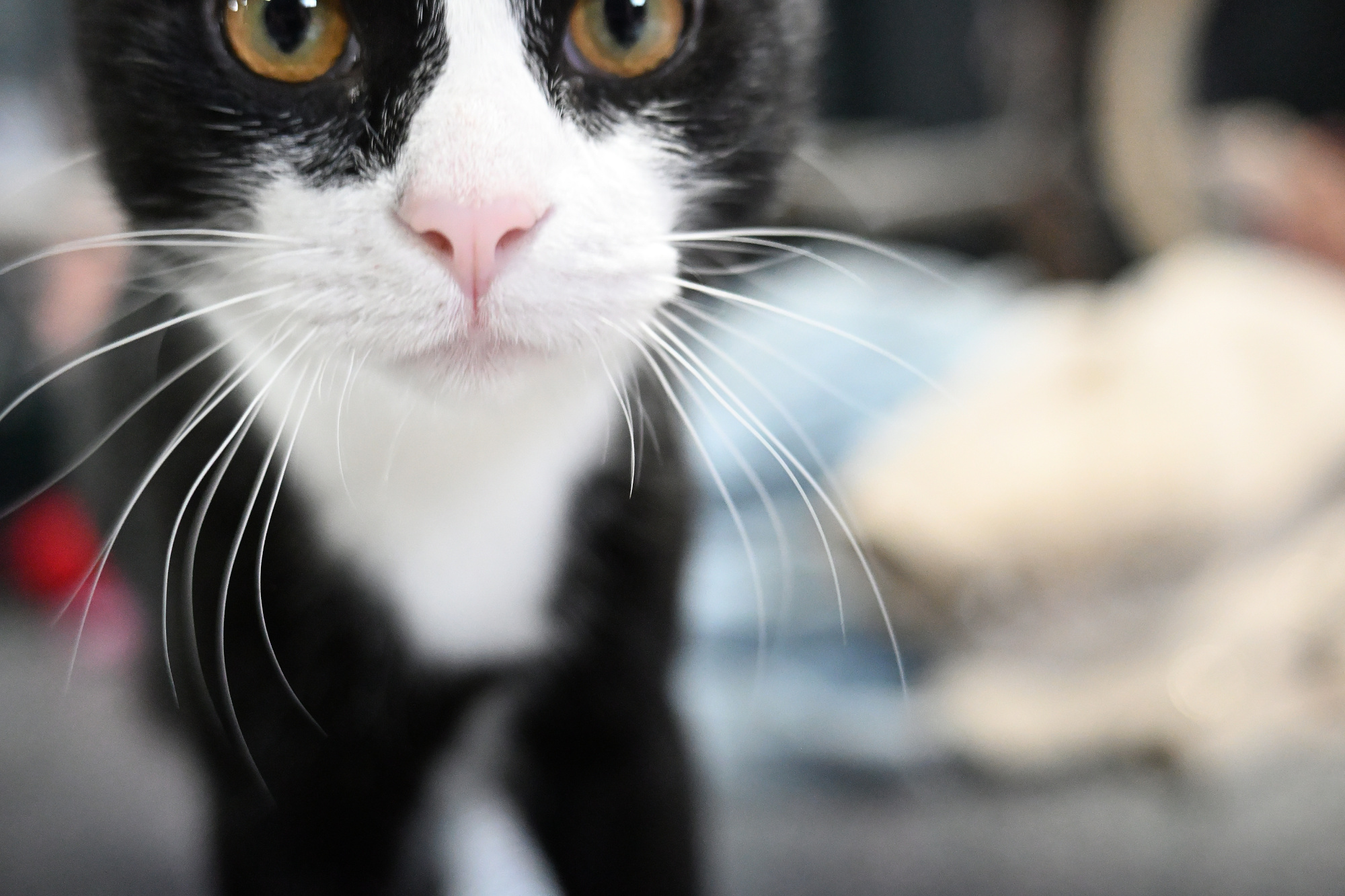
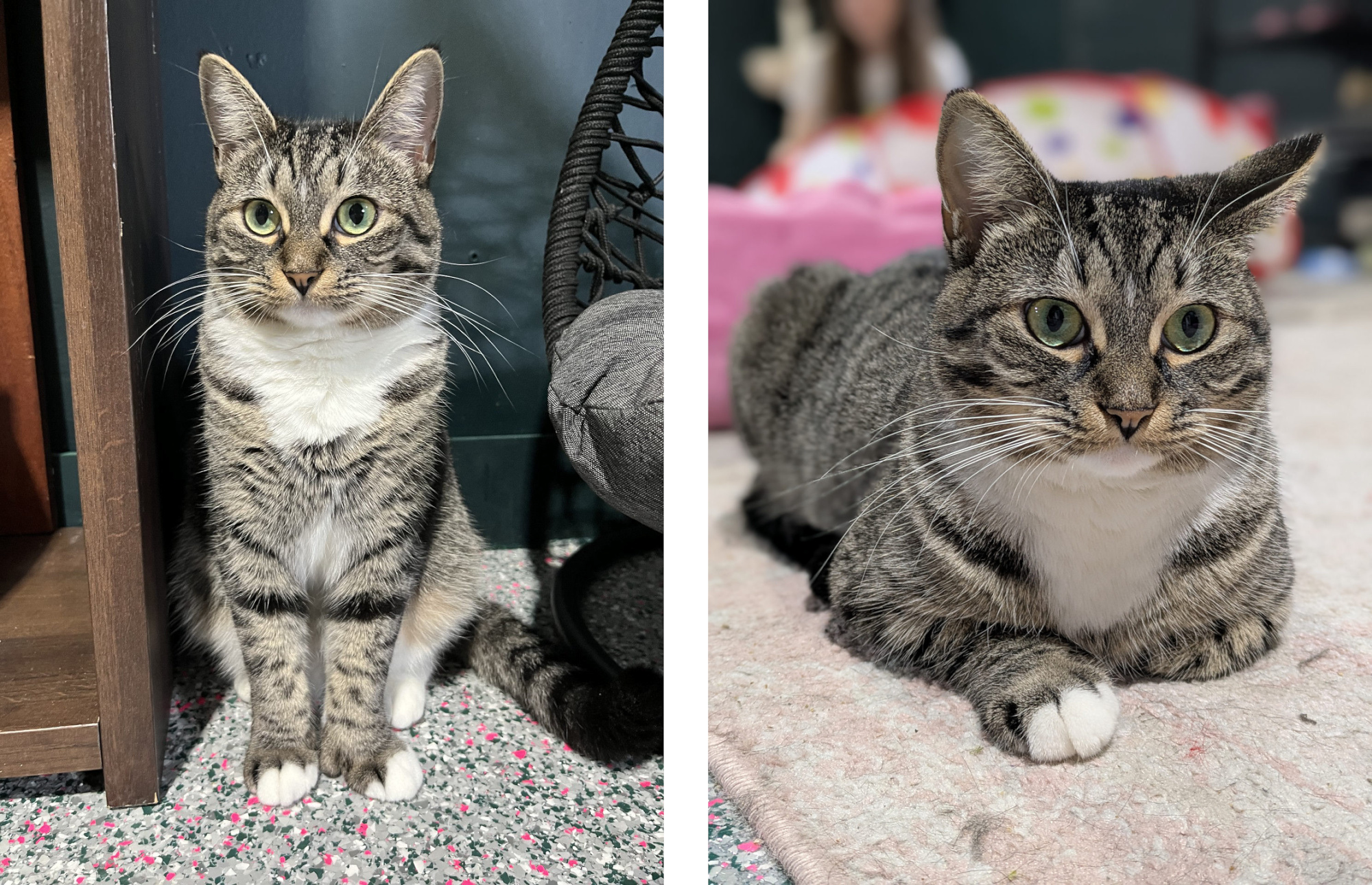
Parsley checks the minimum focus distance.
1/500s f/2,8 ISO 6400/39° 16-50mm f/2,8 VR f=30mm/45mm
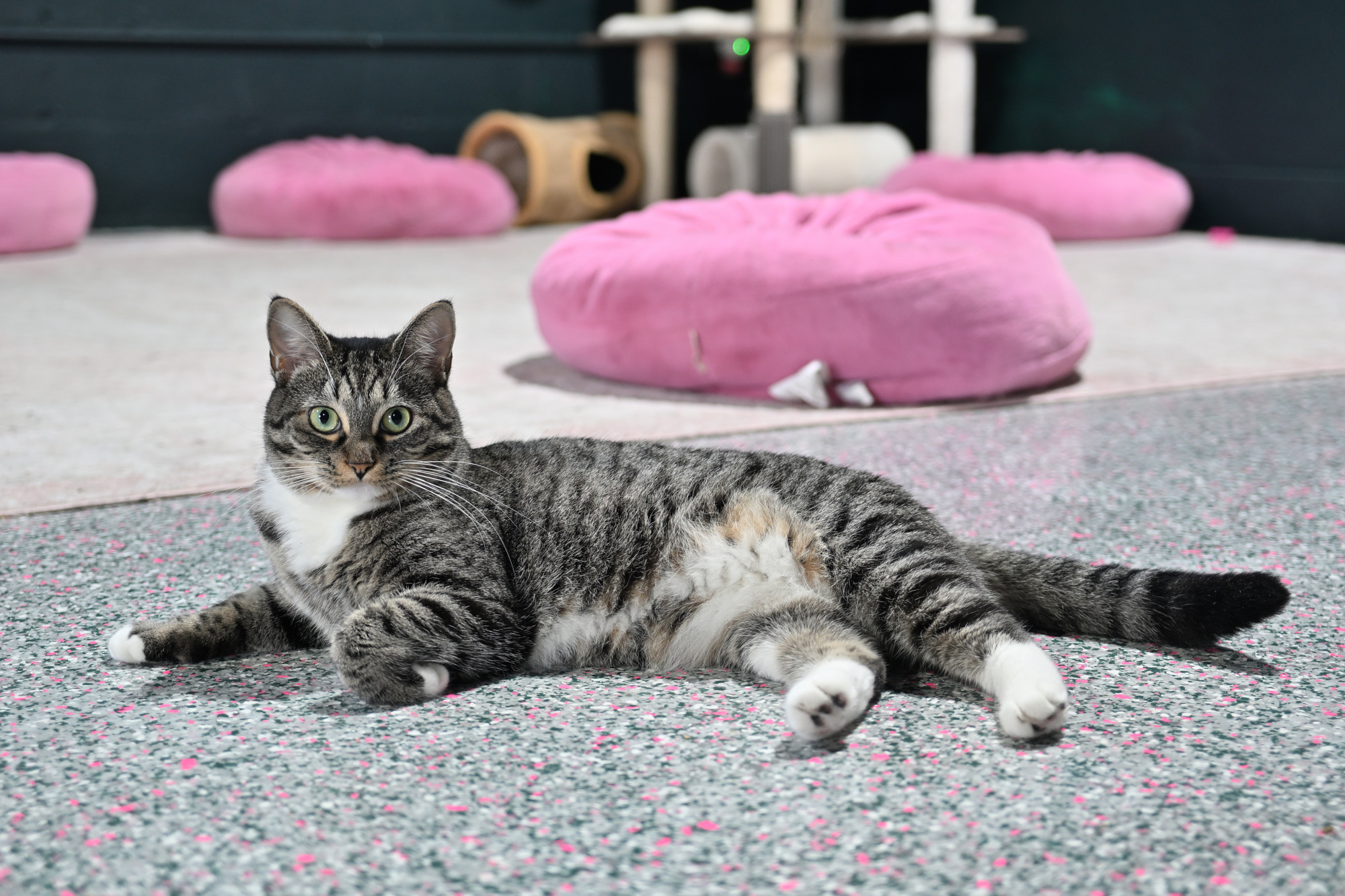
Audrey poses with the confidence of a professional model.
1/25s f/2,8 ISO 400/27° 16-50mm f/2,8 VR f=35mm/52mm
1/30s f/1,9 ISO 314/26° f=5mm/25mm
Farmers Market
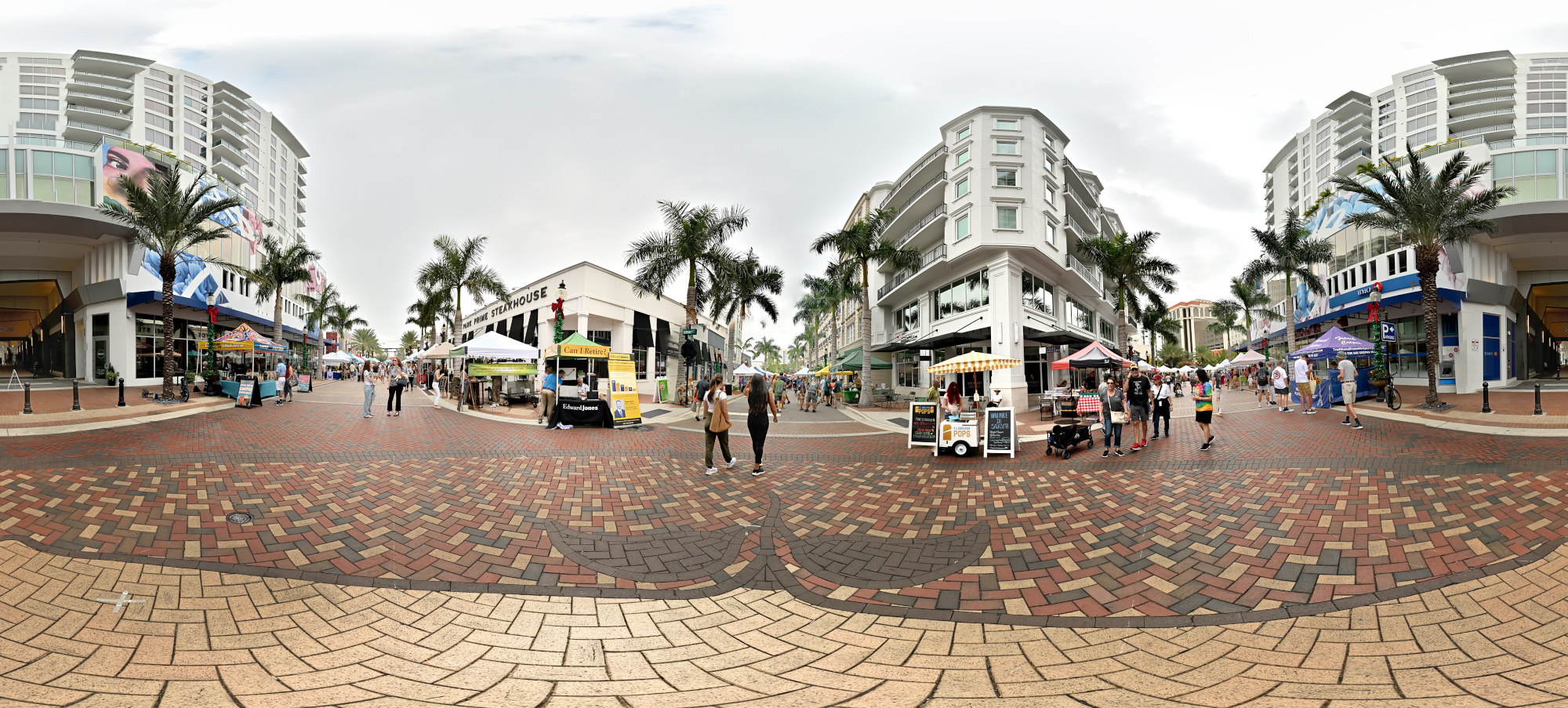
Not many farmers, but lots of stitching errors. Handheld usually works fine; here it refused.
Interactive Panorama Farmers Market
1/320s f/5,6 ISO 500/28° f=7,5mm

Ringling Museum of Art
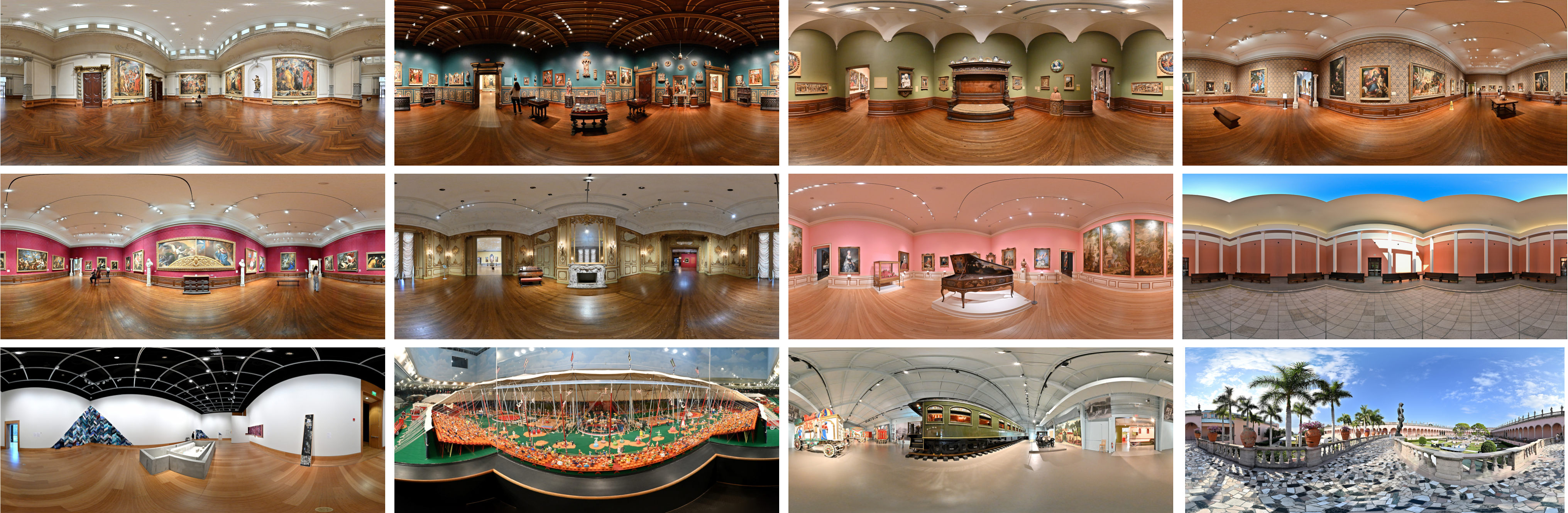
Panoramas from the Ringling Museum of Art, with views from galleries to courtyard.
Coquina Beach
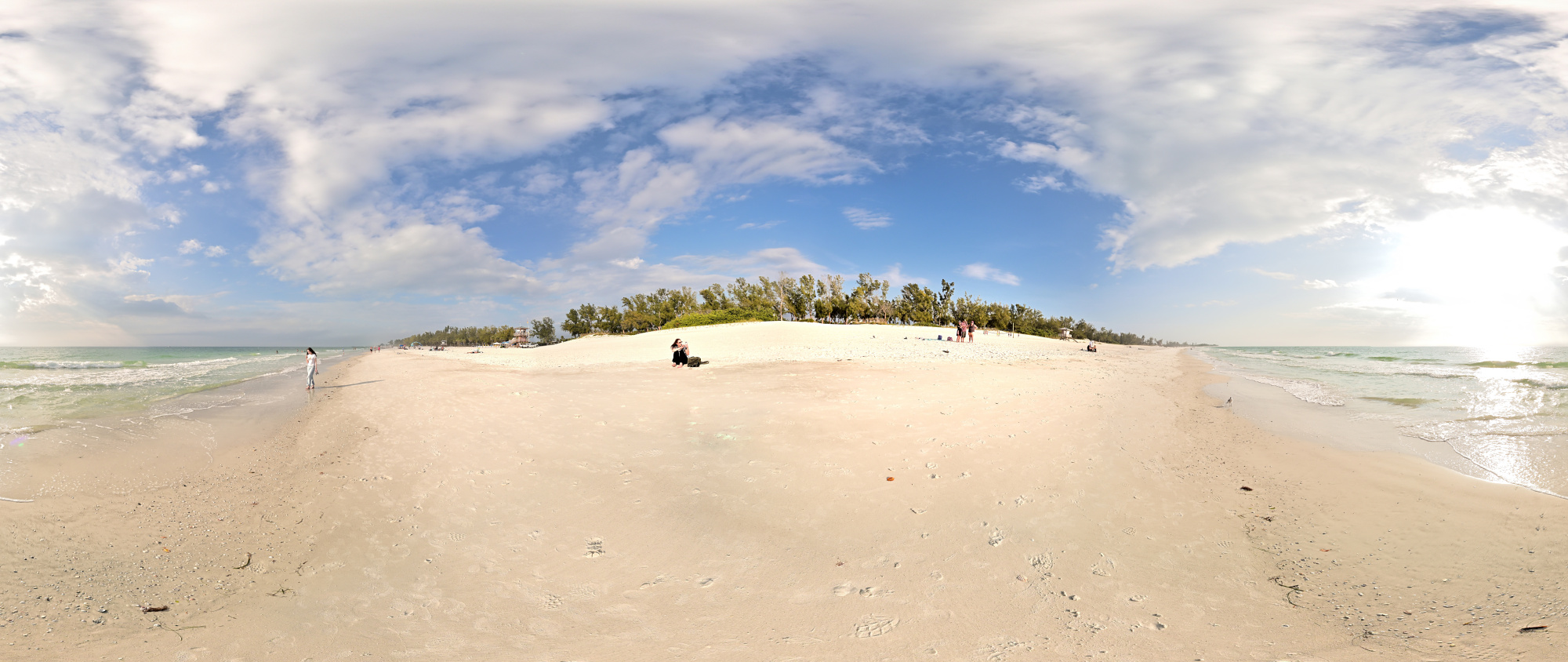
Soft light, almost no wind, and water that barely moved. Dark clouds moved in from the gulf, and the brightness faded. Minutes later, the storm closed in around the bay.
Interactive Panorama Coquina Beach
1/1000s f/5,6 ISO 100/21° f=7,5mm
Lido Beach
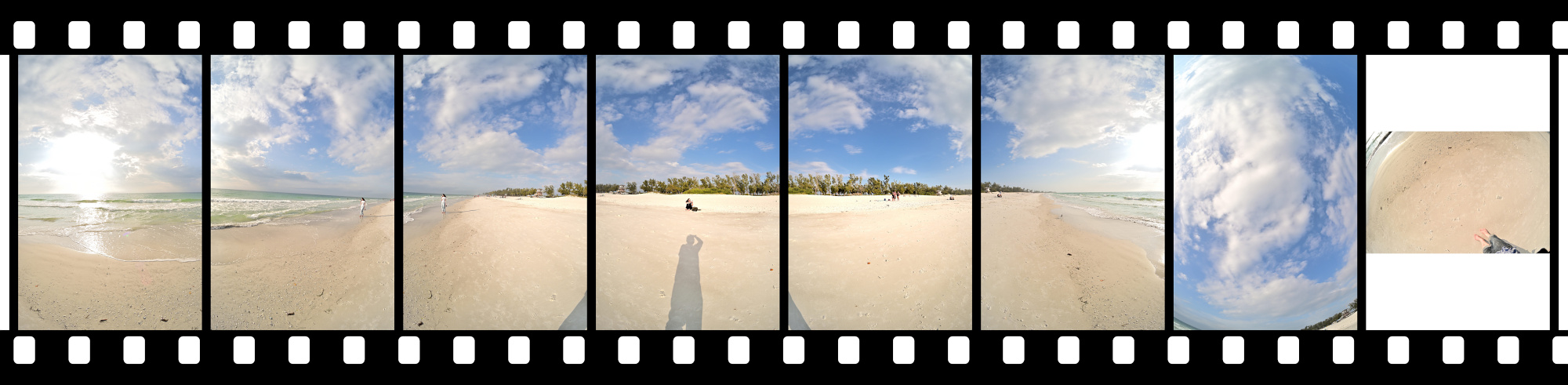
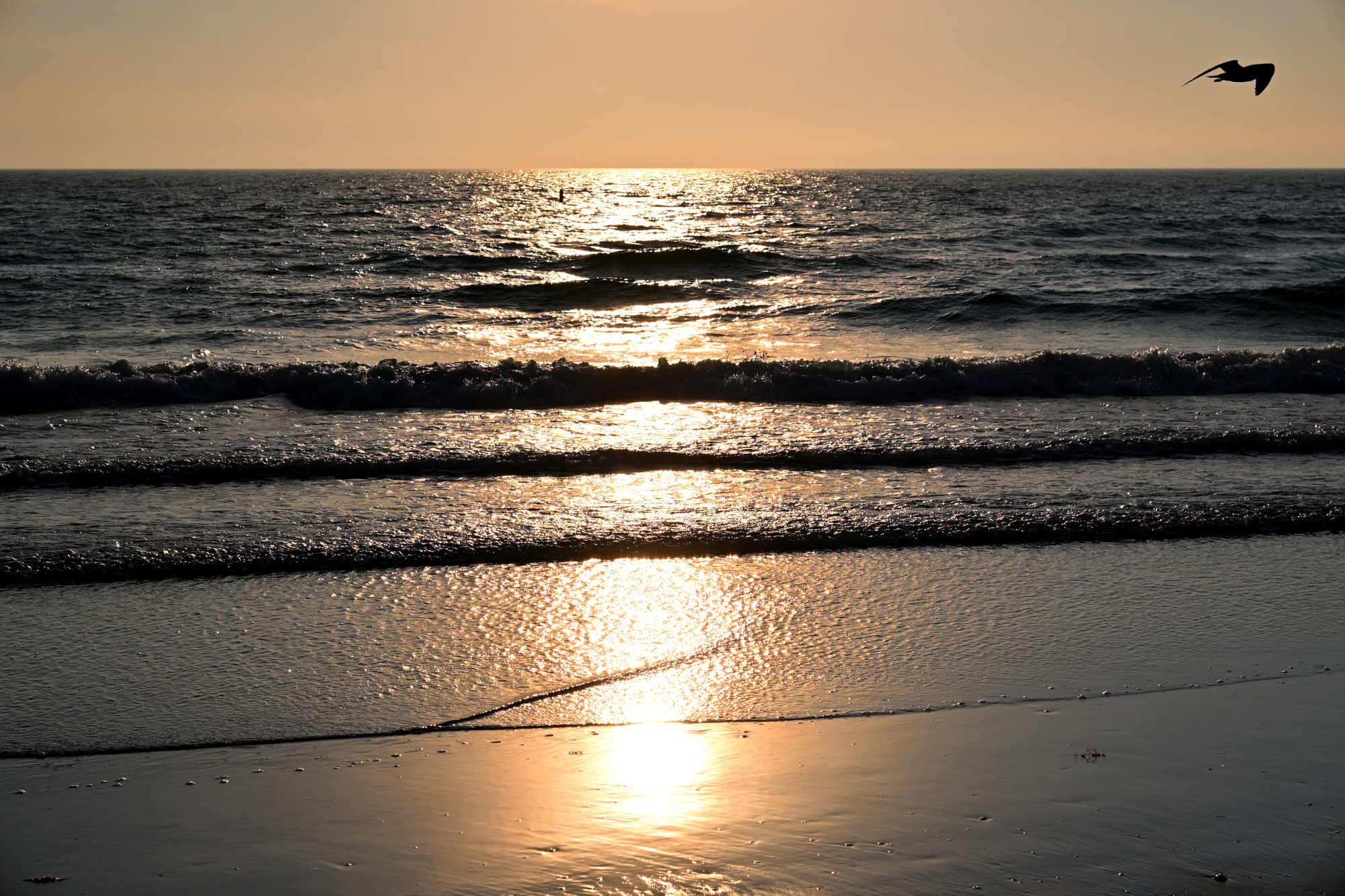
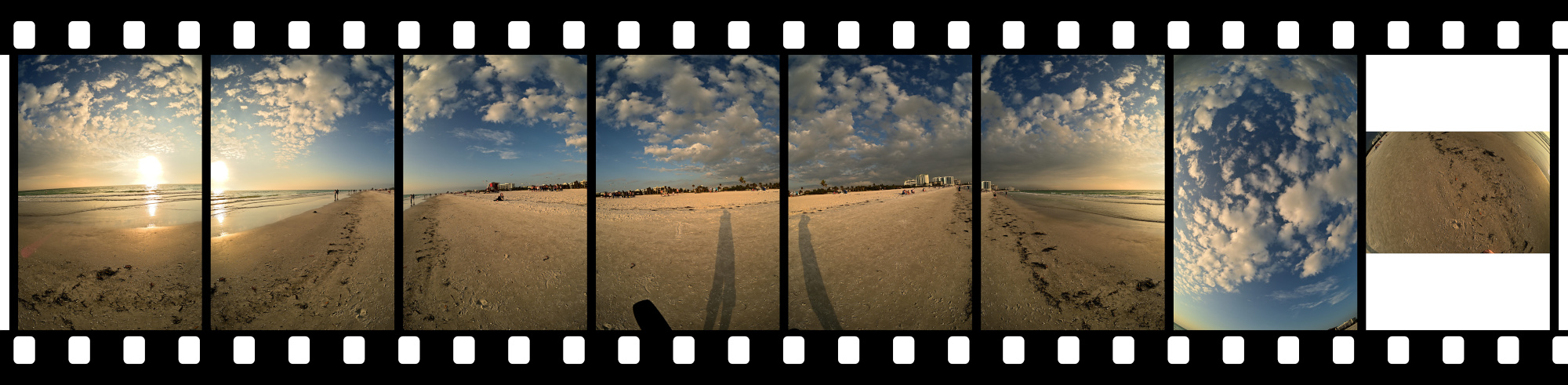
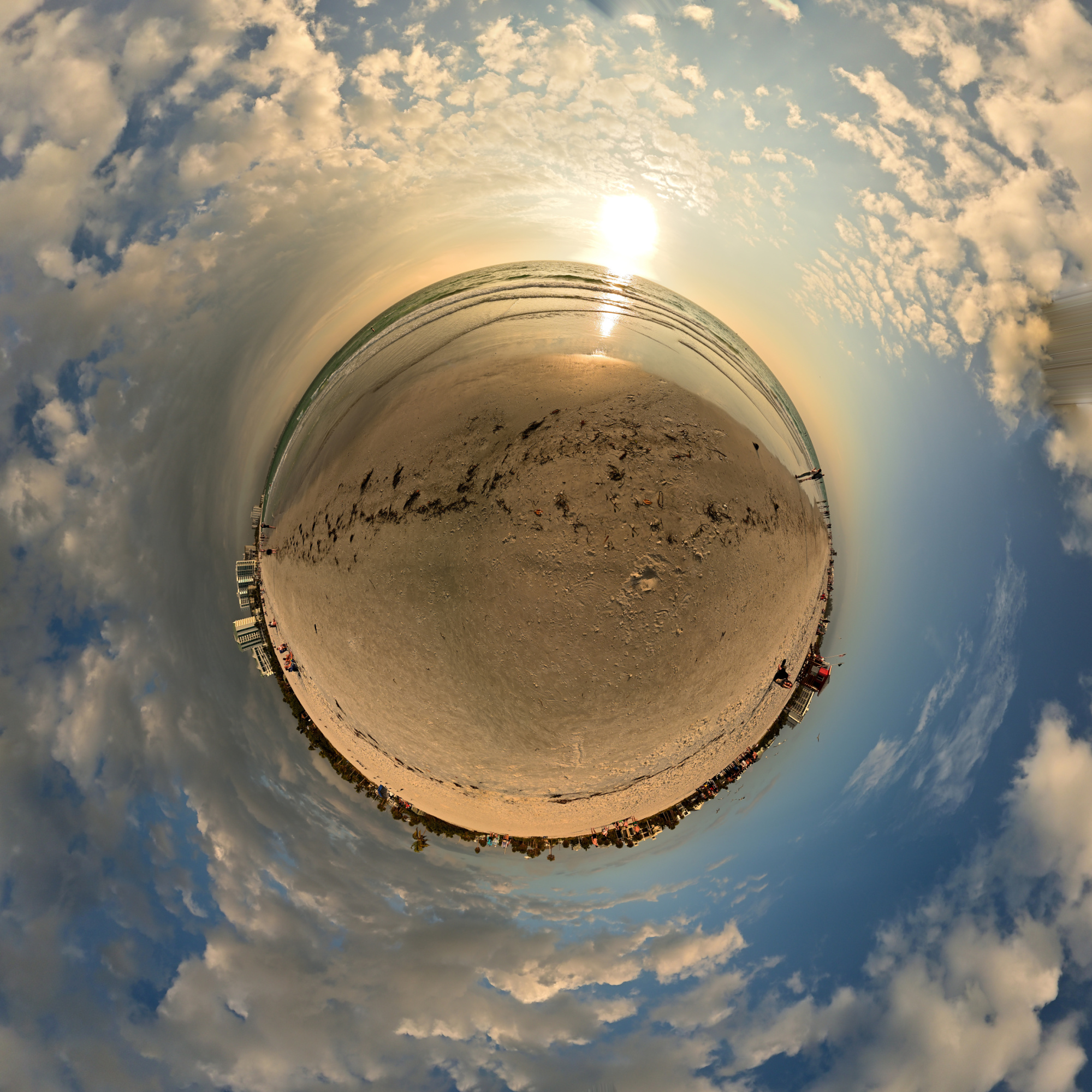
The last light of the day settled in as the sky dimmed, the colors softened, and the shoreline eased quietly toward evening.
1/4000s f/8 ISO 100/21° 16-50mm f/2,8 VR f=50mm/75mm
Interactive Panorama Lido Beach
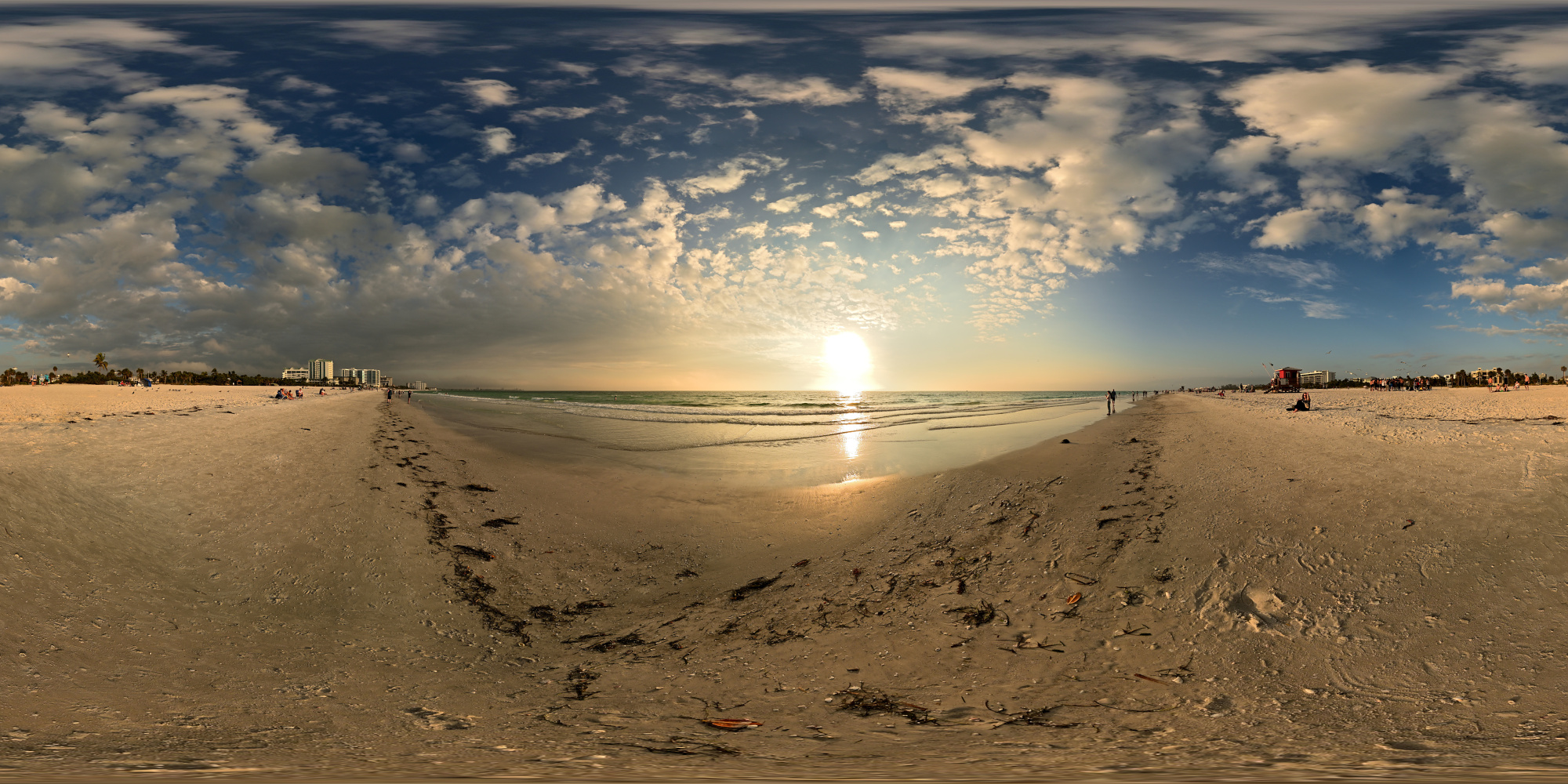
1/800s f/5,6 ISO 100/21° f=7,5mm
A winter escape at 25°C, with days shaped more by place than by schedule. The coast offered space, the water stayed calm, and the light guided the course of the trip. It became a quiet record of a season lived differently.
-
The word Key is derived from the Spanish cayo, meaning a small, low-lying island formed from coral or sand. Early Spanish explorers used the term across the region, and the English name Key developed from this usage. Many coastal islands in Florida, including Siesta Key, still carry this inherited name. ↩
-
Later review confirmed the presence of Agent Gull from the Panorama Supervision Unit:
AGL 01, internal
Field Observer for the Panorama Supervision Unit
Calm presence noted during direct face to face inspection
Observation confirmed from first frame
Identity confirmed as Agent Gull ↩
-
Ringling Museum of Art, Sarasota
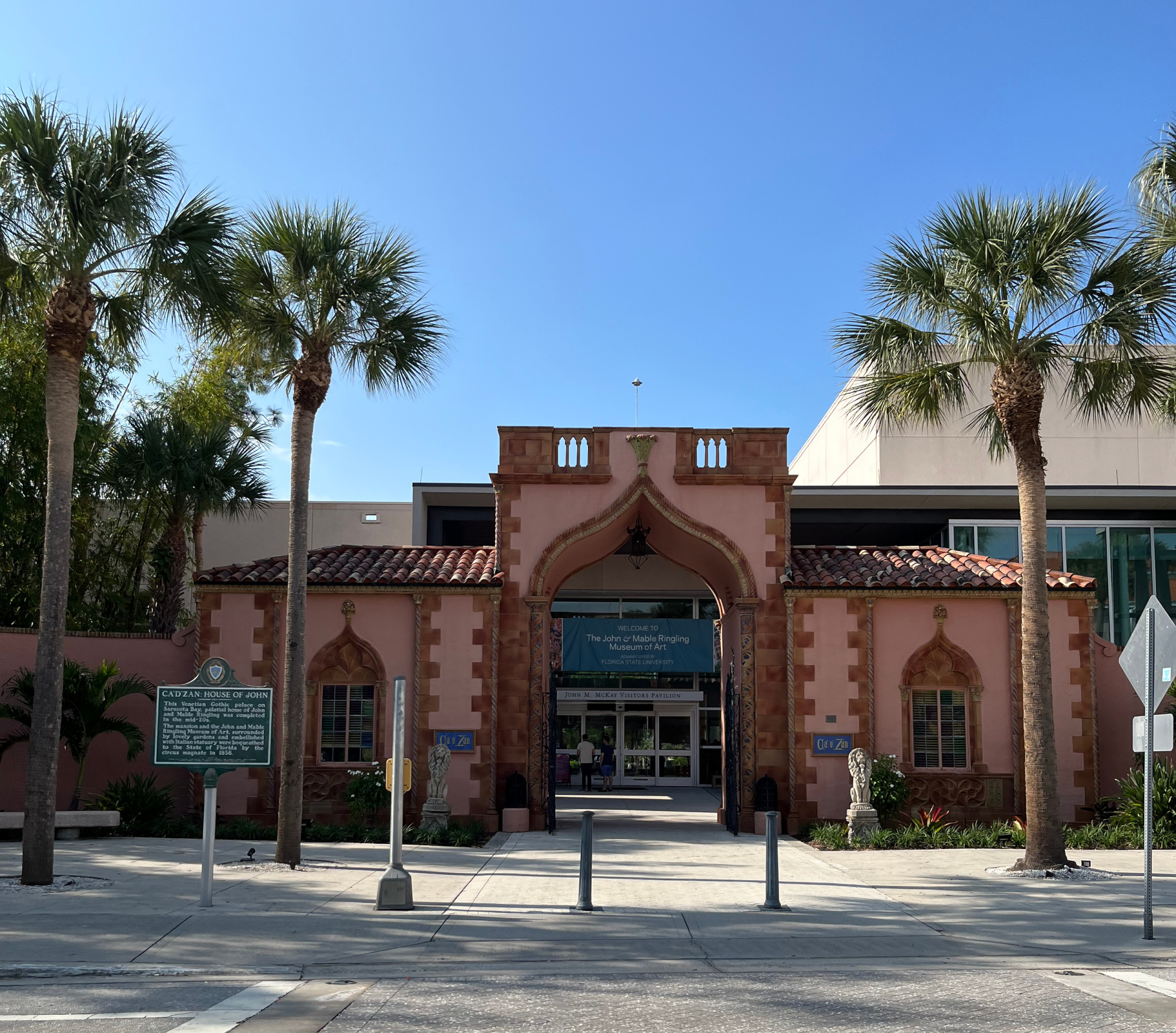
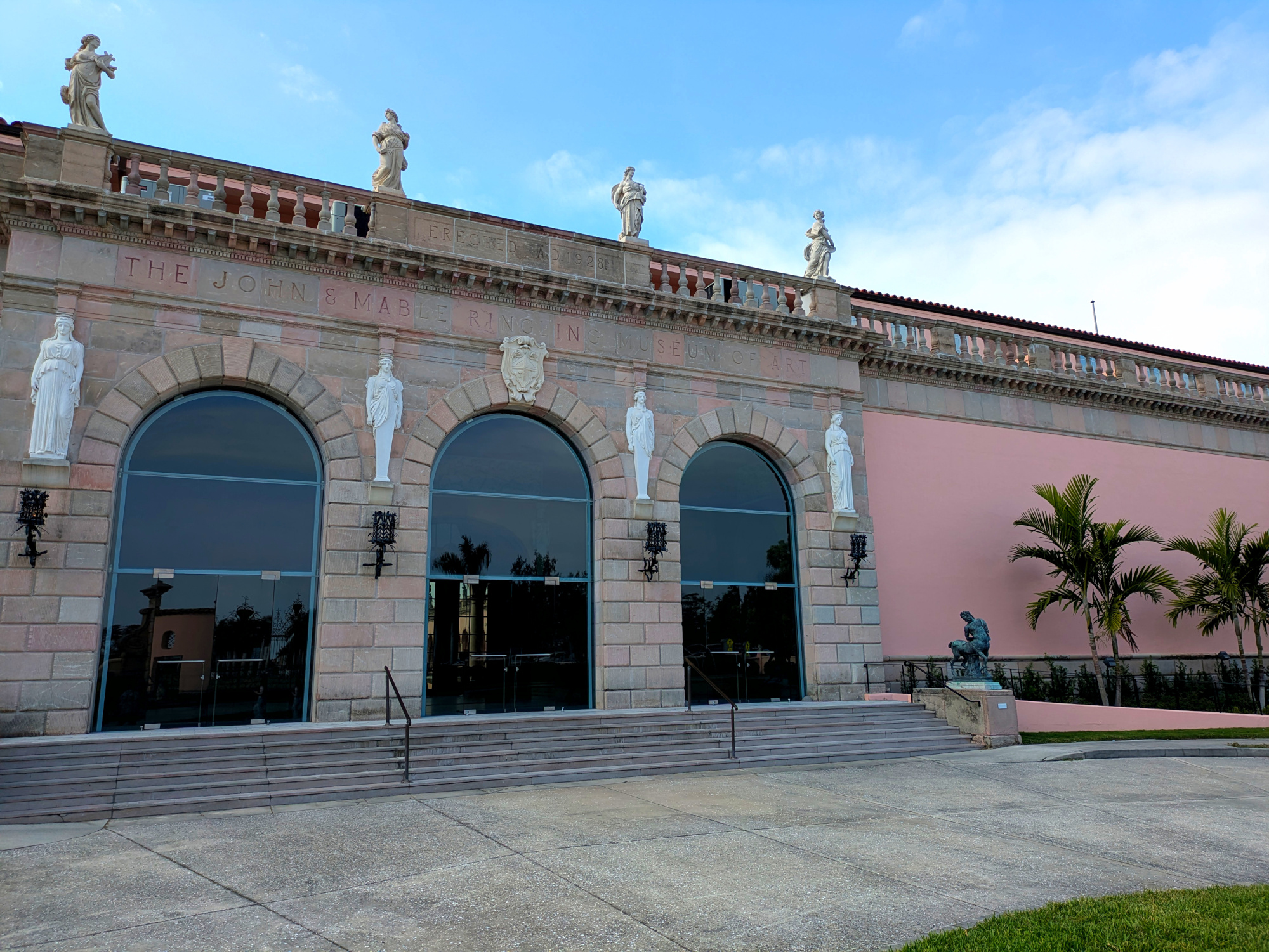
Established in 1927, the John and Mable Ringling Museum of Art was completed in 1928 and welcomed its first visitors in 1930.
1/3745s f/1,6 ISO 50/18° f=5mm/26mm
1/1316s f/1,9 ISO 45 f=5mm/25mm
1/2755s f/1,6 ISO 50/18° f=5mm/26mm

Started as a circus, now a museum by the bay.
Ringling turned seasons on the road into an art collection in Sarasota, and these panoramas take the long view in wide frames.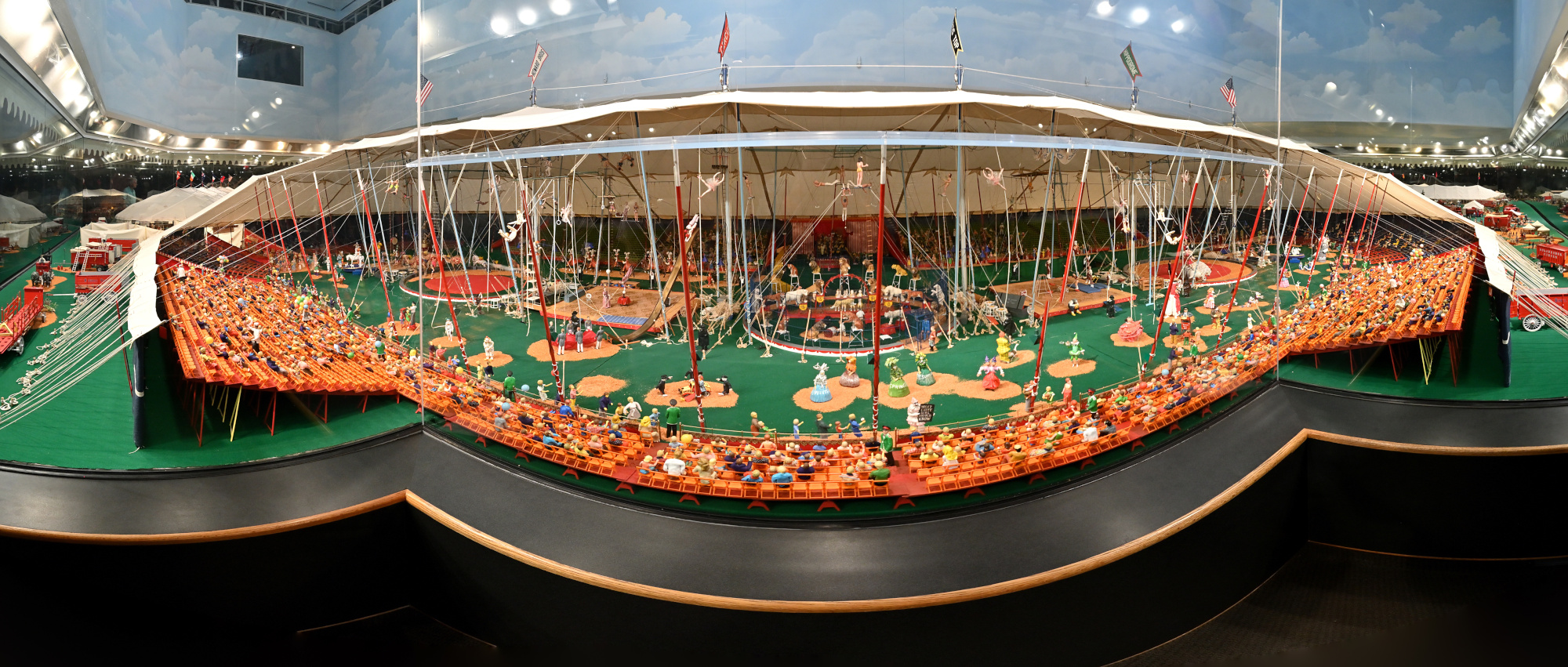
1/10s f/5,6 ISO 500/28° f=7,5mm
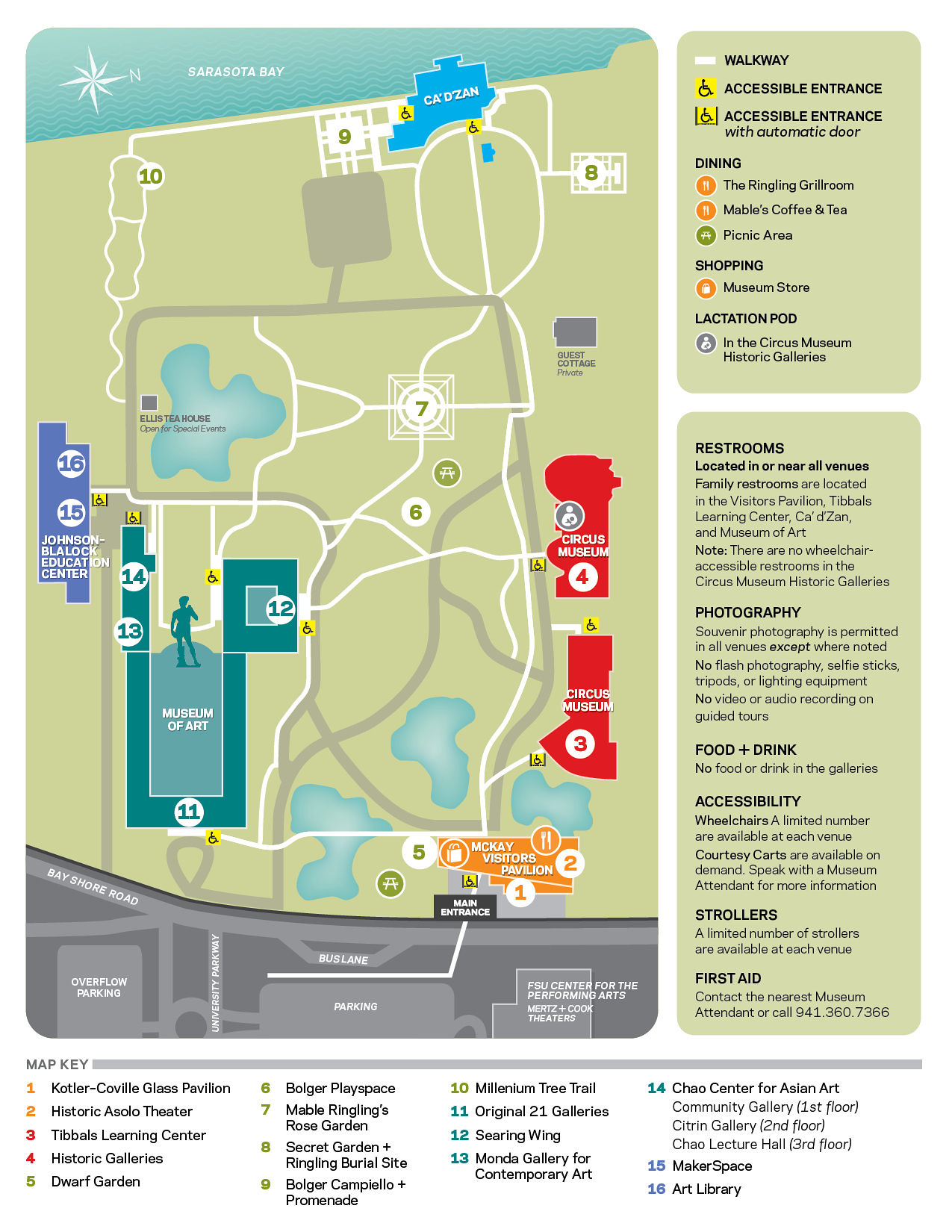
In case you get lost in the art, here is the official map. The place is big.
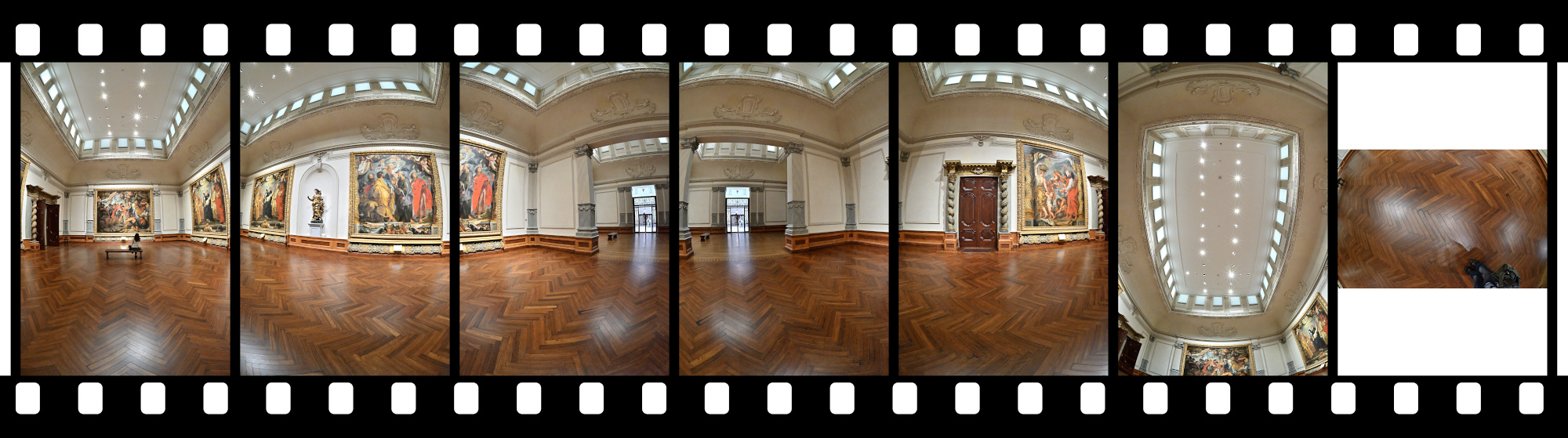
As tripods were not permitted, all panoramas were captured handheld, increasing the risk of stitching errors from parallax and alignment sensitivity in an environment where precise alignment is most important.
Gallery 1
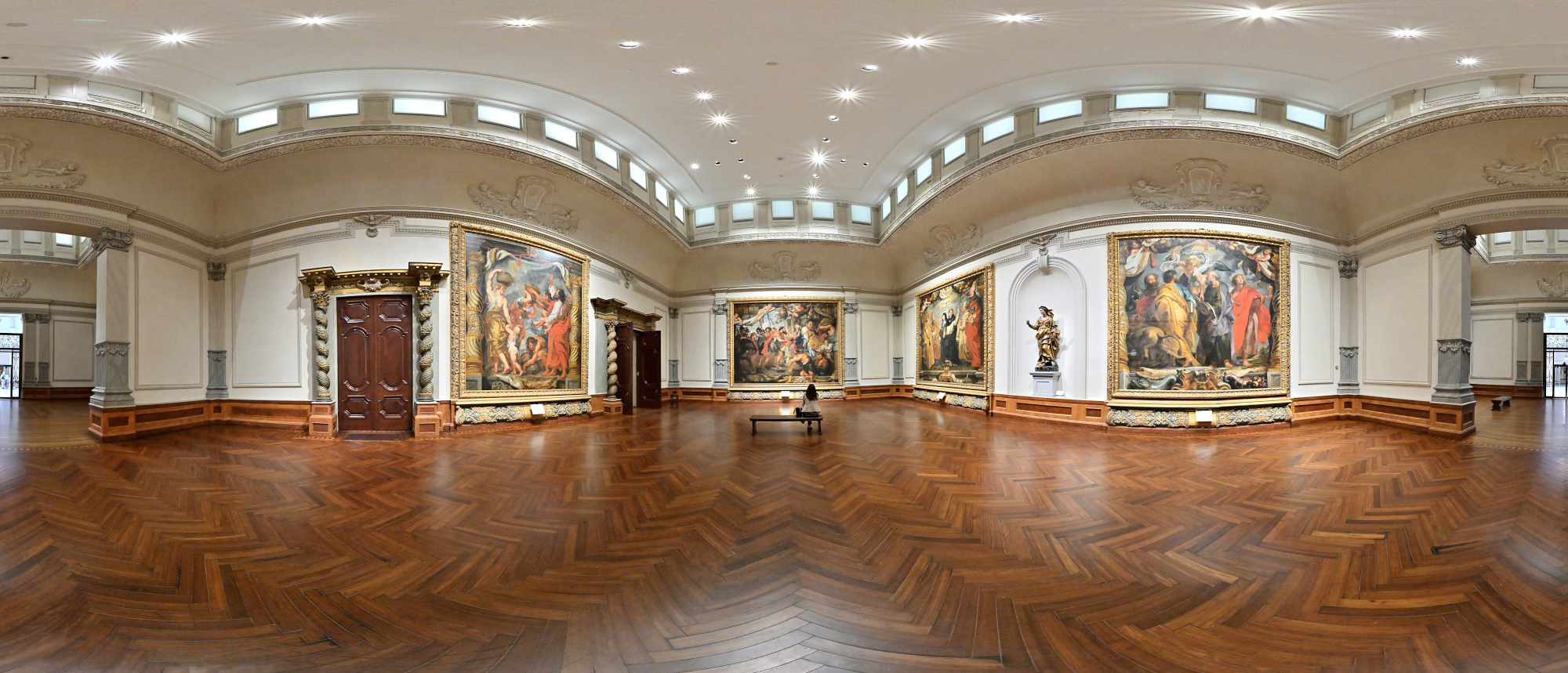
Rubens opens the walk with five towering canvases from his Triumph of the Eucharist series. Once made for royalty, now casually greeting anyone who steps inside.
Interactive Panorama Gallery 1
1/50s f/5,6 ISO 2000/34° f=7,5mm
Gallery 3
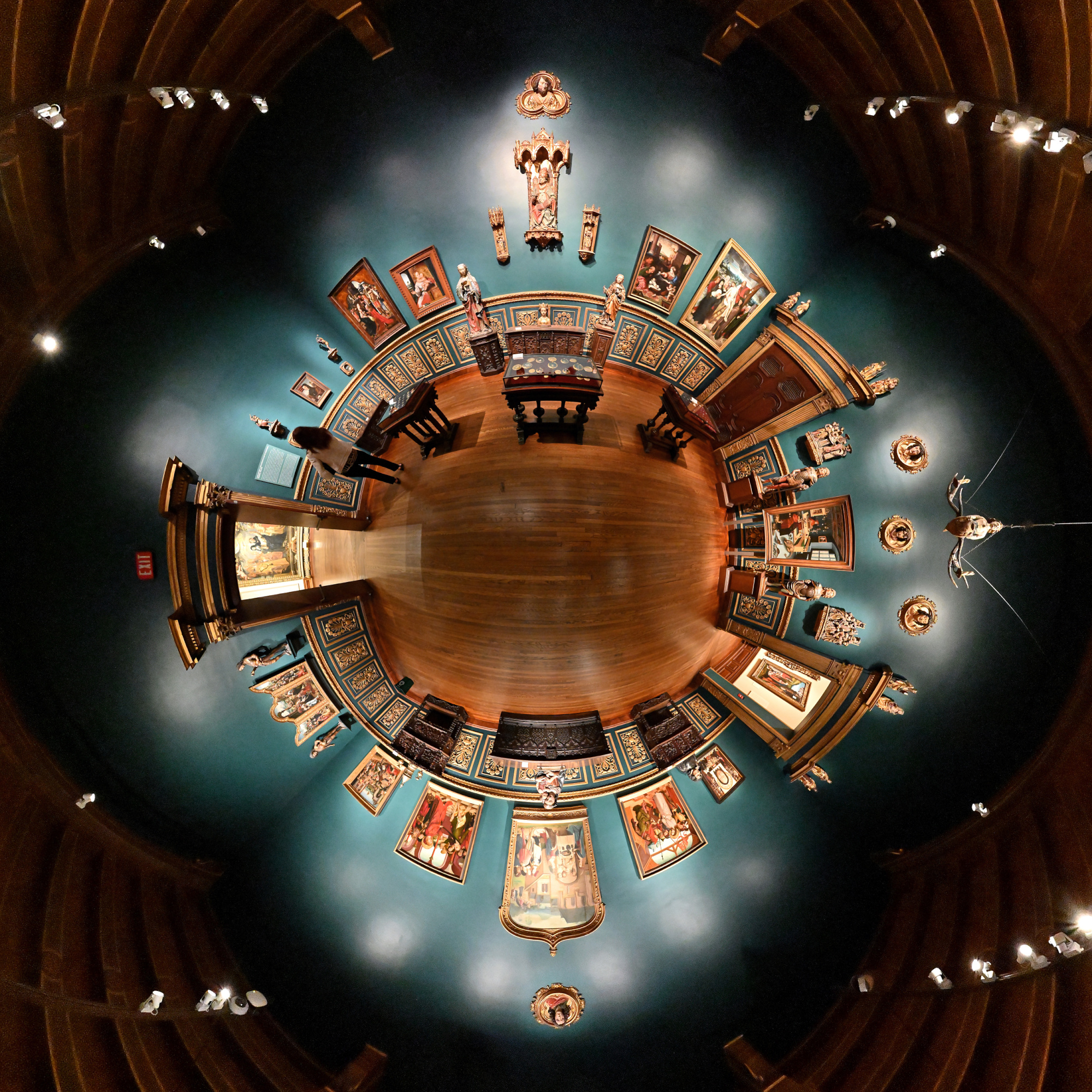
Late Gothic and Renaissance works from Northern Europe, including pieces by Cranach the Elder, Cornelis van Cleve, and Quinten Metsys. Sculptures, furniture, and smaller objects complete the atmosphere and give a good sense of the period.
Interactive Panorama Gallery 3
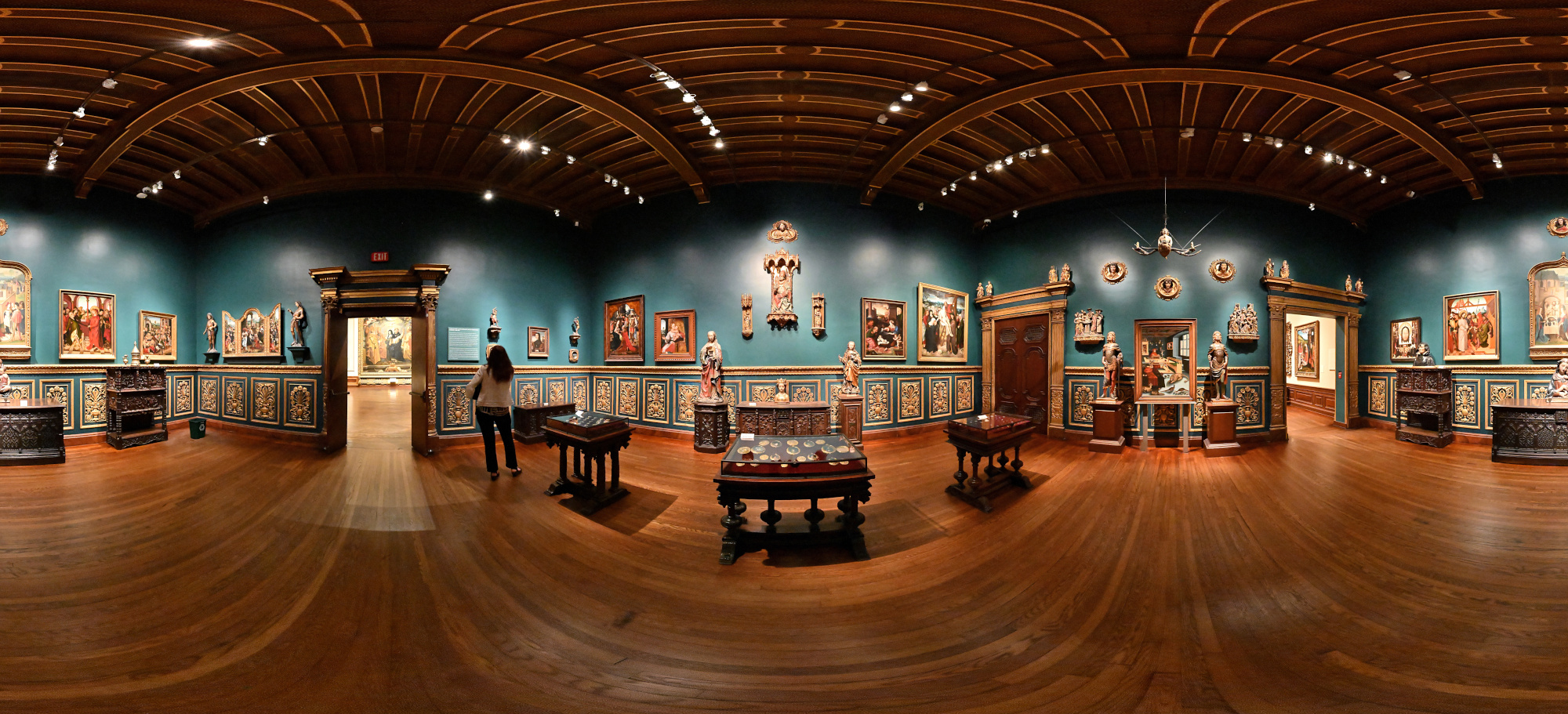
1/50s f/5,6 ISO 10000/41° f=7,5mm

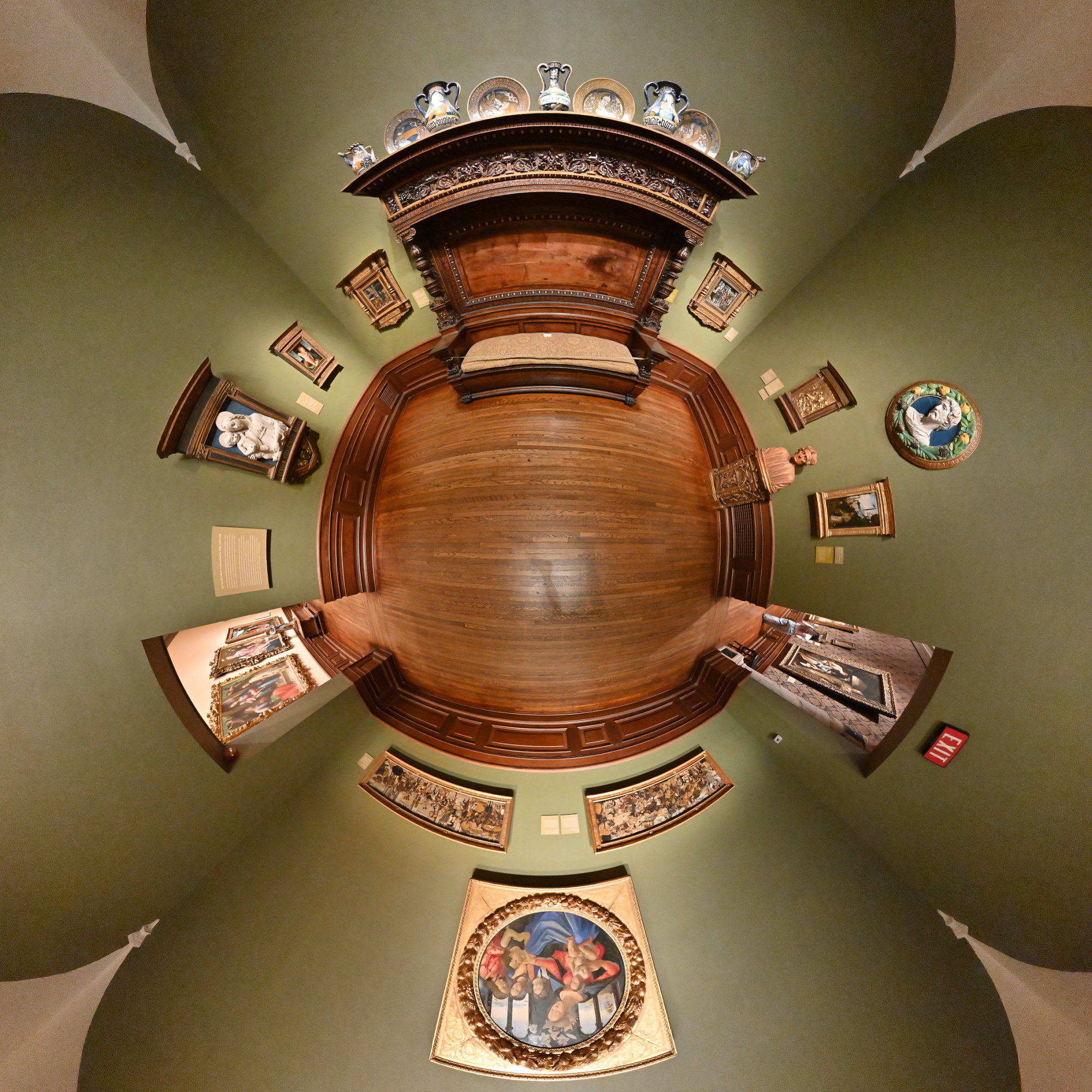
Gallery 5
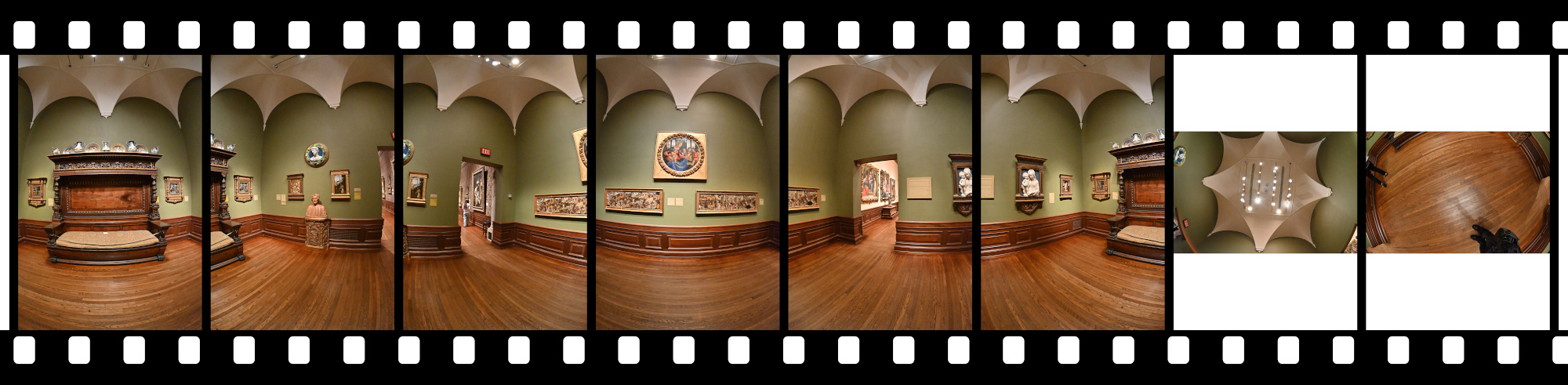
Renaissance life shows up in softer tones. A 16th century daybed and devotional pieces, including a gentle Della Robbia Madonna and a warm Ghirlandaio, set the mood.
Interactive Panorama Gallery 5
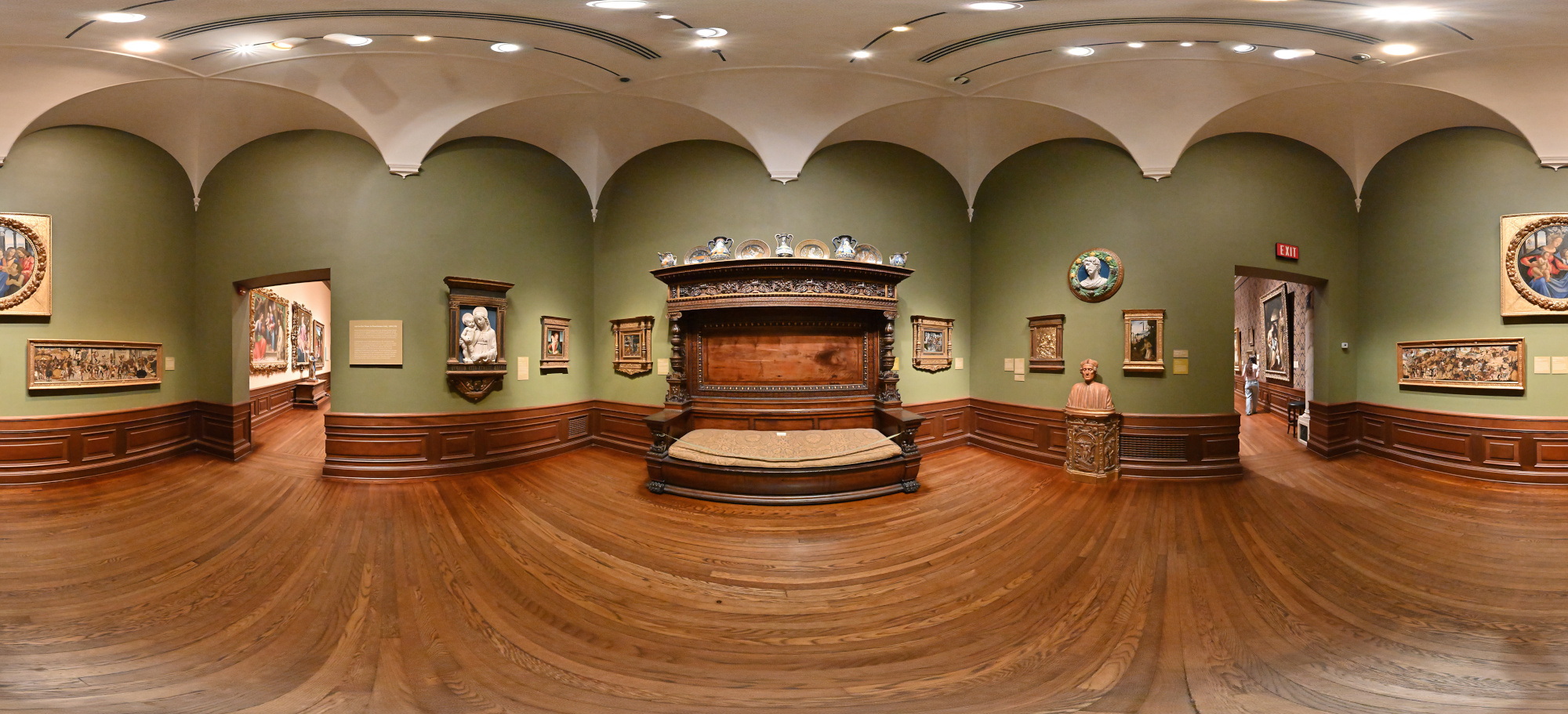
1/50s f/5,6 ISO 10000/41° f=7,5mm
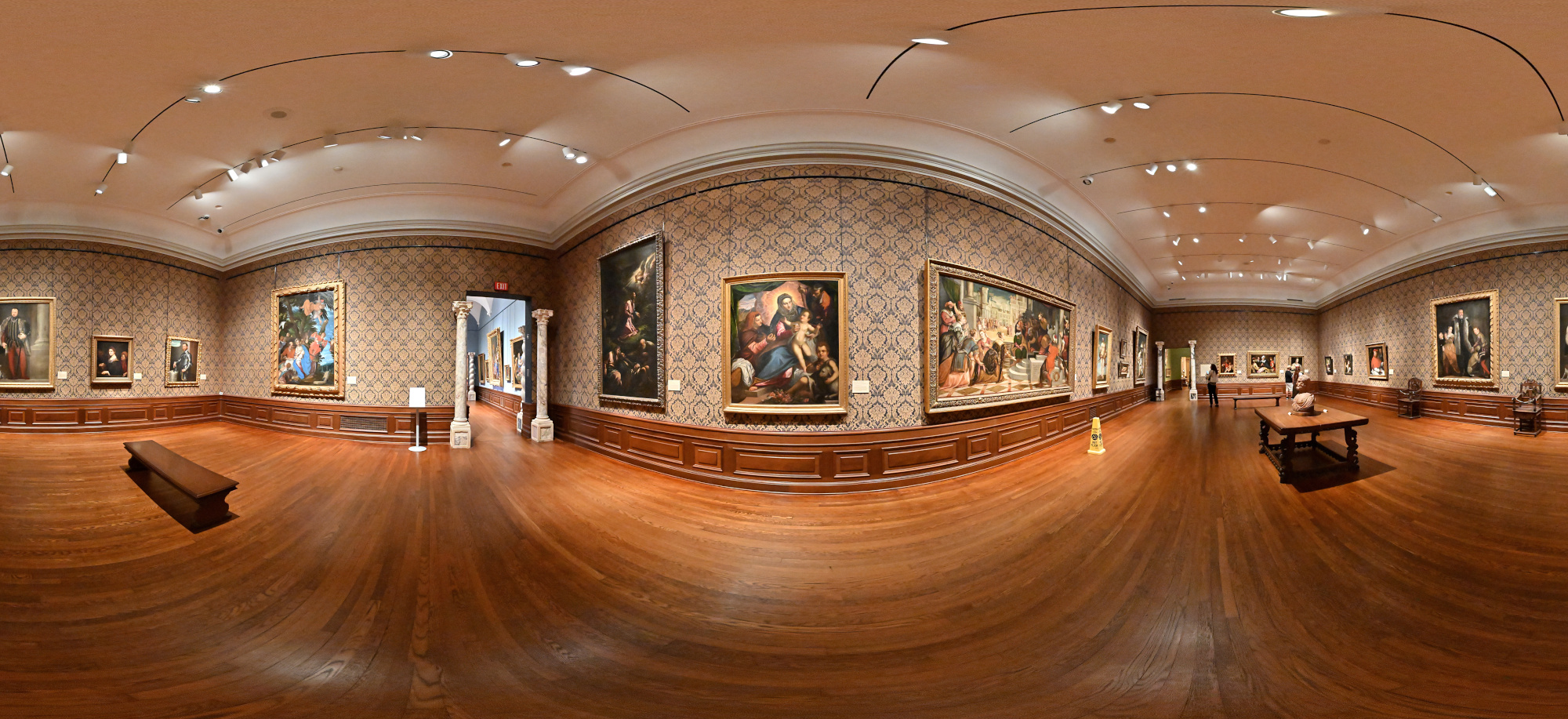
Gallery 6
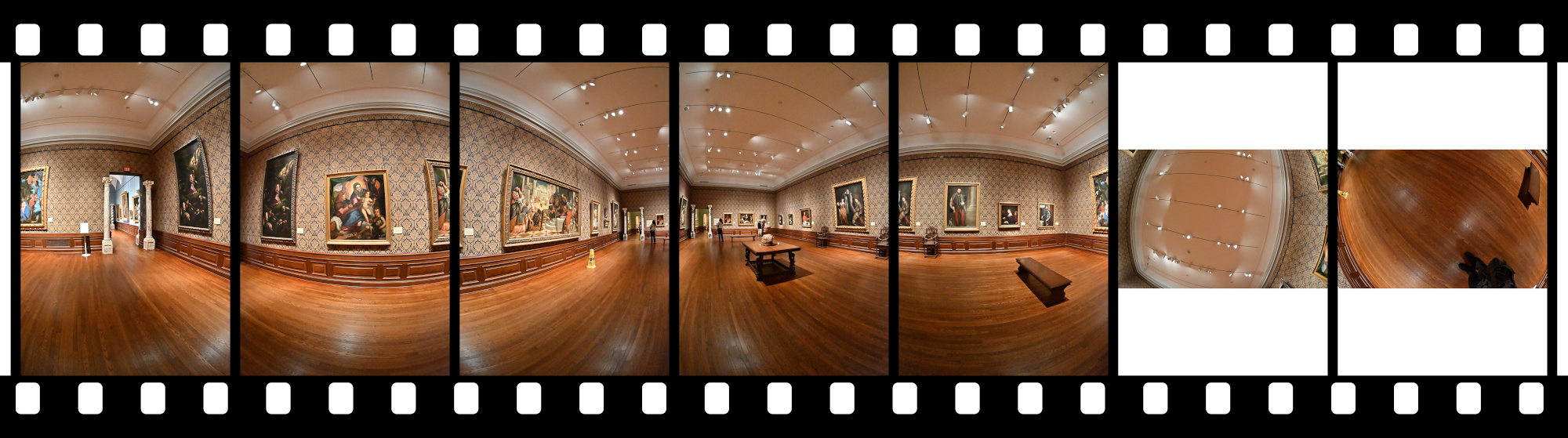
Sixteenth century Italy comes into focus with Veronese's large Rest on the Flight to Egypt. Palma and Fasolo add drama and family presence to the room.
Interactive Panorama Gallery 6
1/50s f/5,6 ISO 10000/41° f=7,5mm
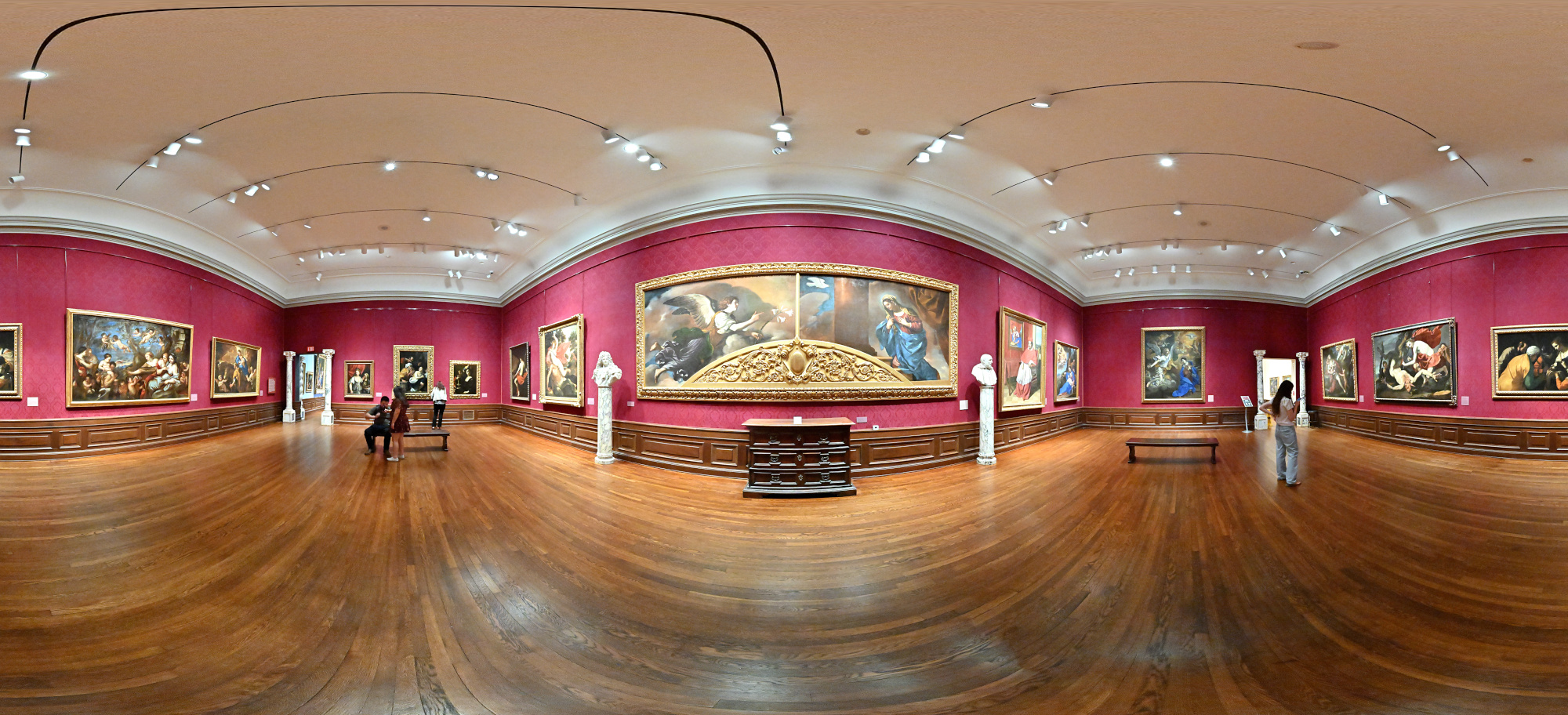
Gallery 8
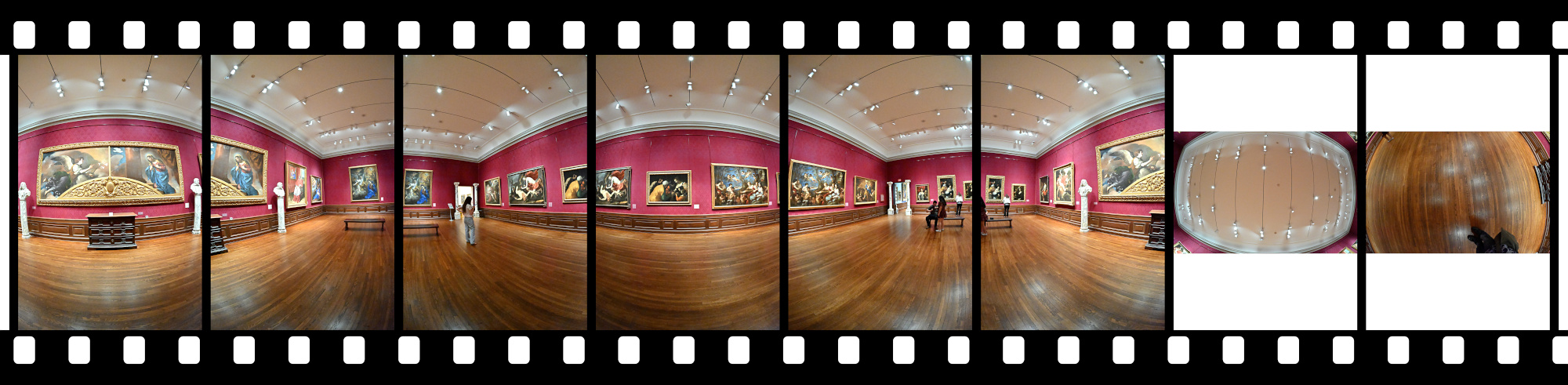
Drama finds its home here. Italian Baroque painters like Fede Galizia, Guercino, and Benedetto Gennari II pull the room into motion with sharp light, deep shadow, and stories that never quite sit still.
Interactive Panorama Gallery 8
1/50s f/5,6 ISO 6400/39° f=7,5mm
Gallery 15
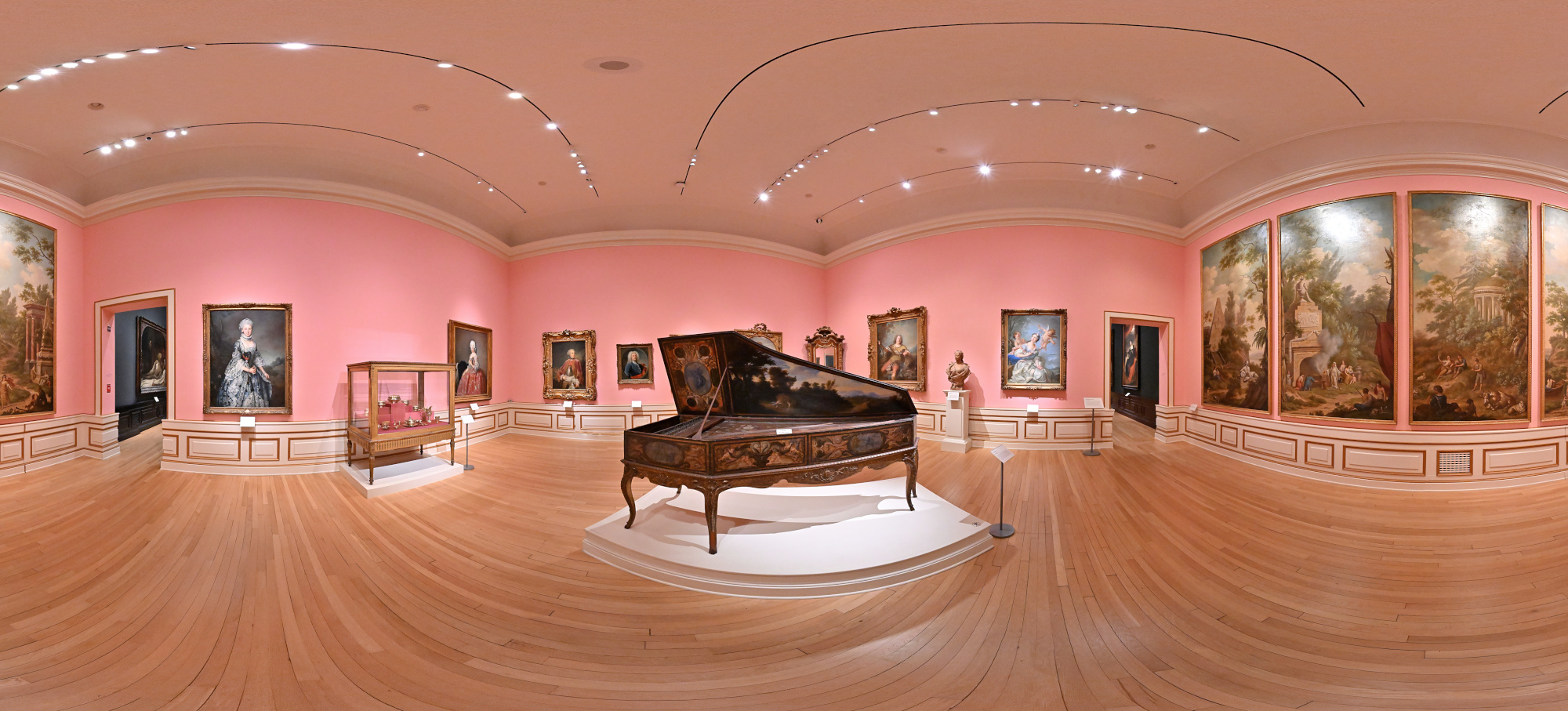
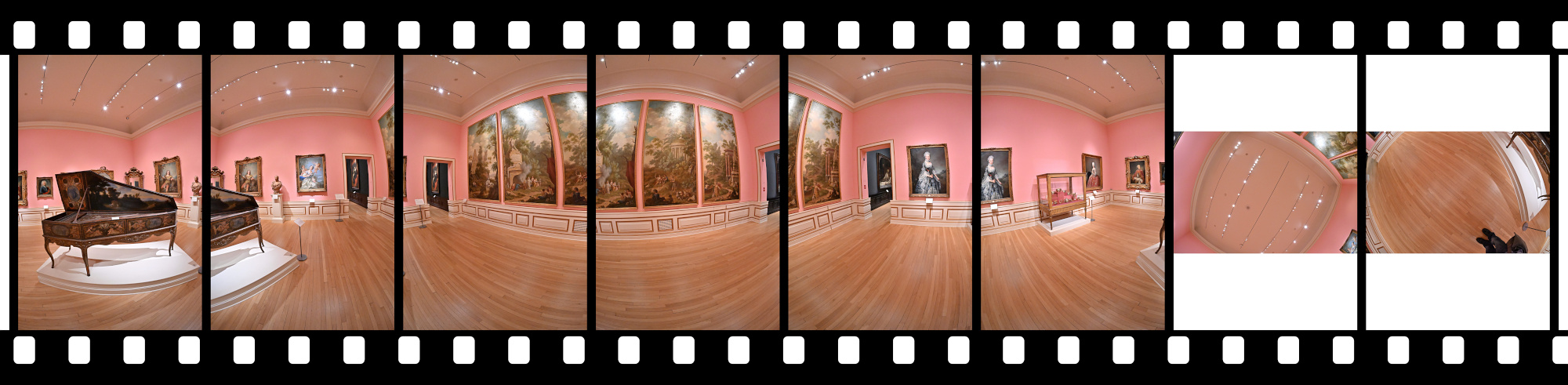
This room dives into French Rococo with its lighthearted portraits and playful decoration. A highlight is the richly decorated harpsichord, almost 400 years old.
Interactive Panorama Gallery 15
1/50s f/5,6 ISO 5000/38° f=7,5mm
Gallery 19
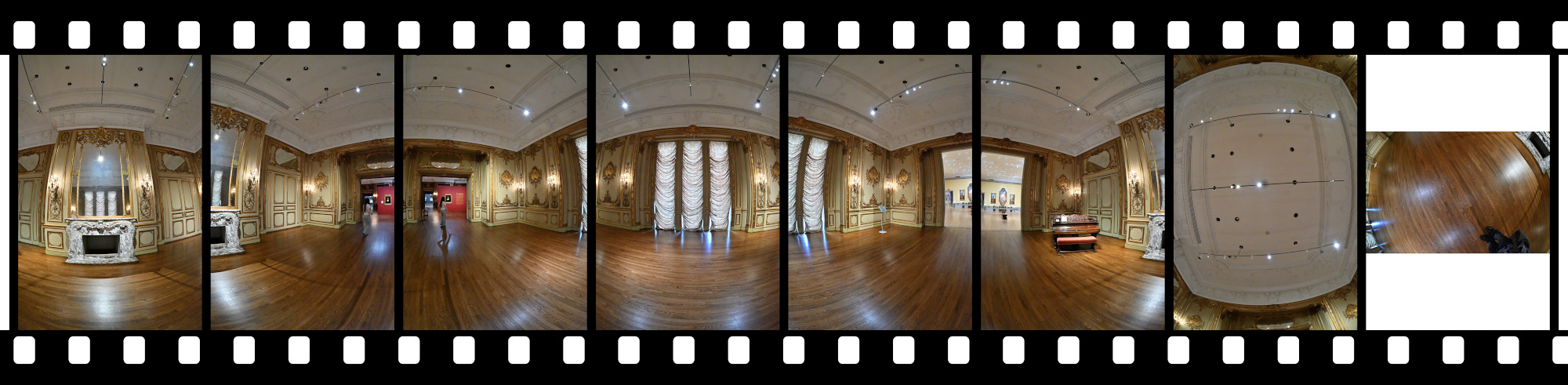
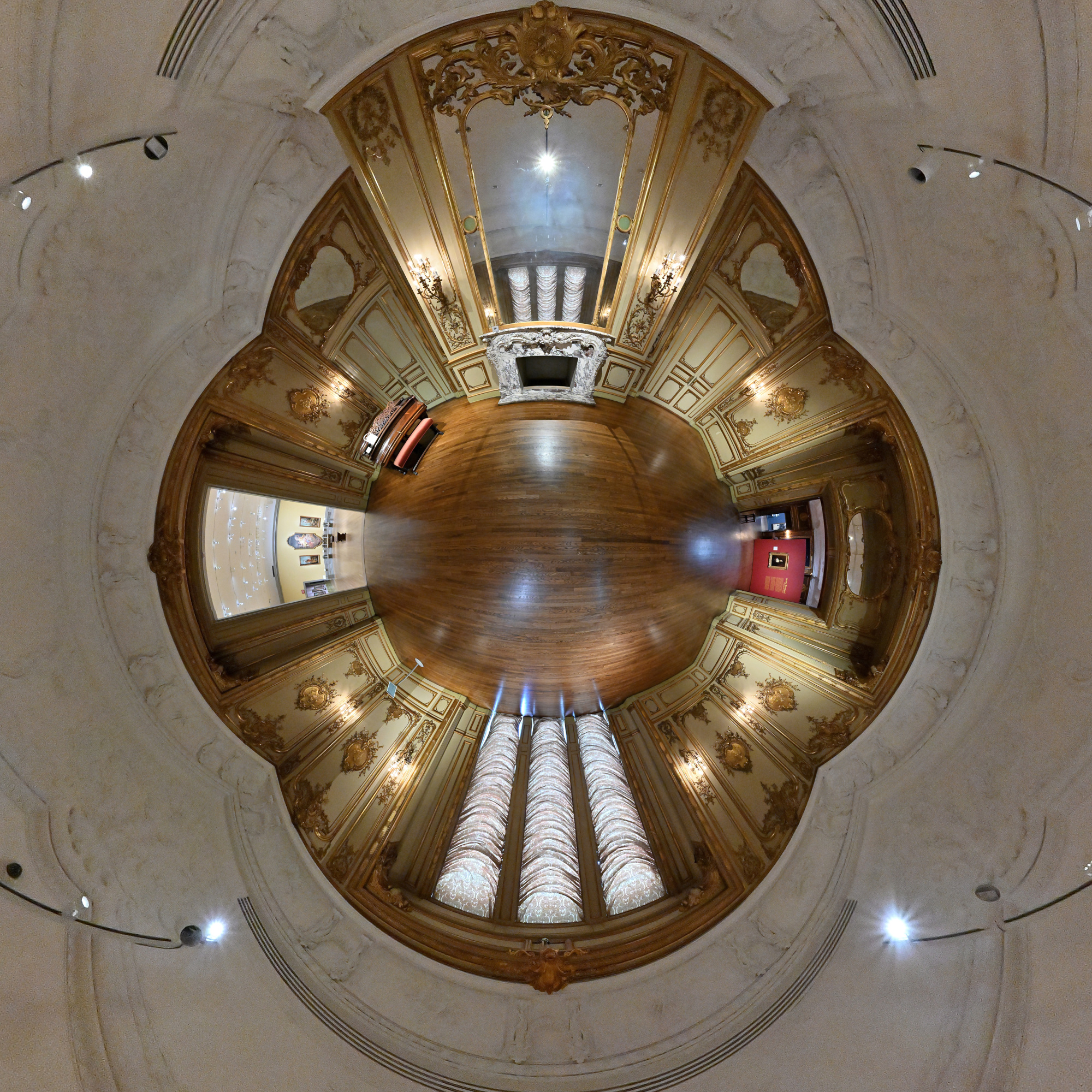
Here the Astor Mansion lives on. Ringling saved these Gilded Age interiors from demolition in 1926 and gave them a new home in Sarasota, where they now sit in quiet comfort.
Interactive Panorama Gallery 19
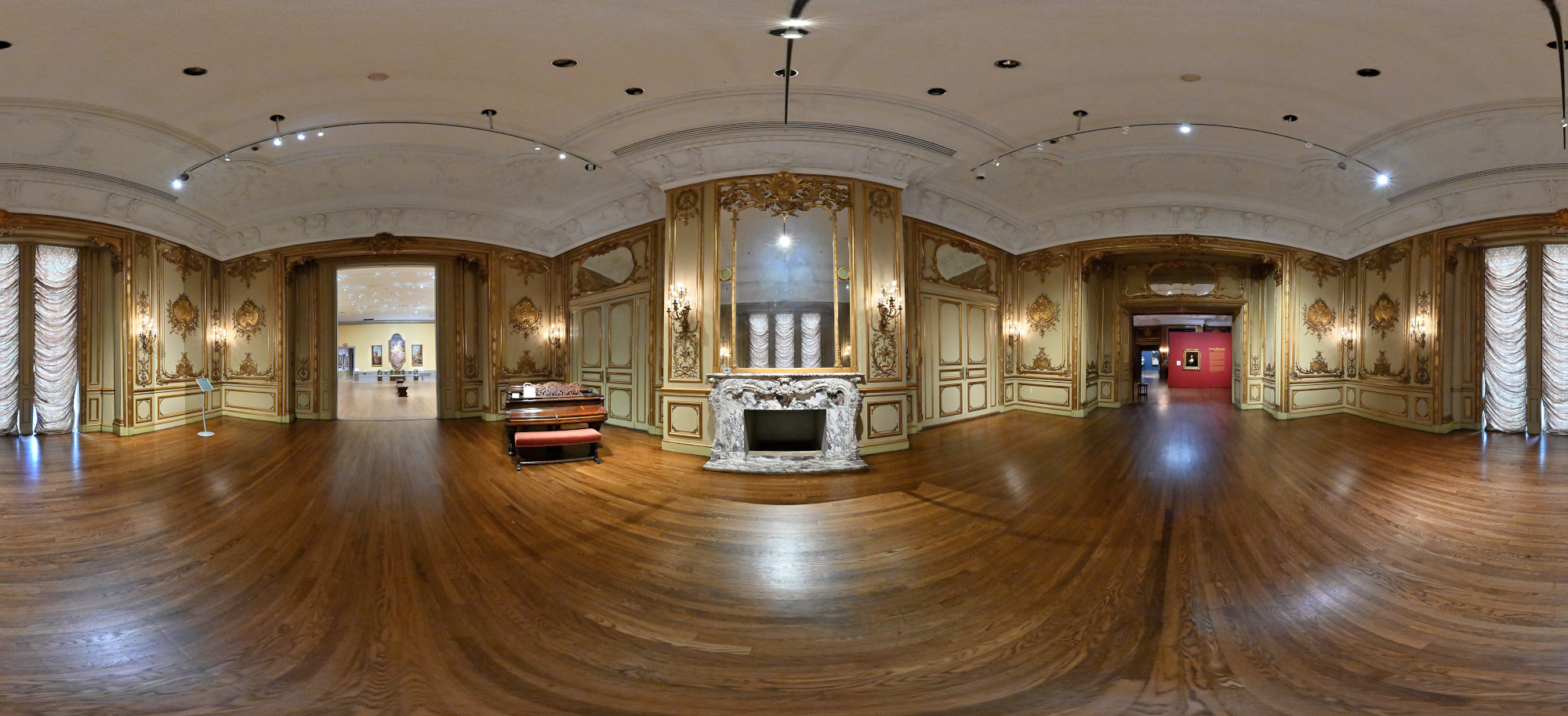
To keep the camera and my reflection out of the mirror, I photographed the scene from below the line where the fireplace mantle touched the mirror and projected the frame back into the panorama. In the index, the first frame is the one captured from that low angle, the others were taken from the normal viewpoint. The approach avoided the need for editing altogether.
1/50s f/5,6 ISO 5000/38° f=7,5mm
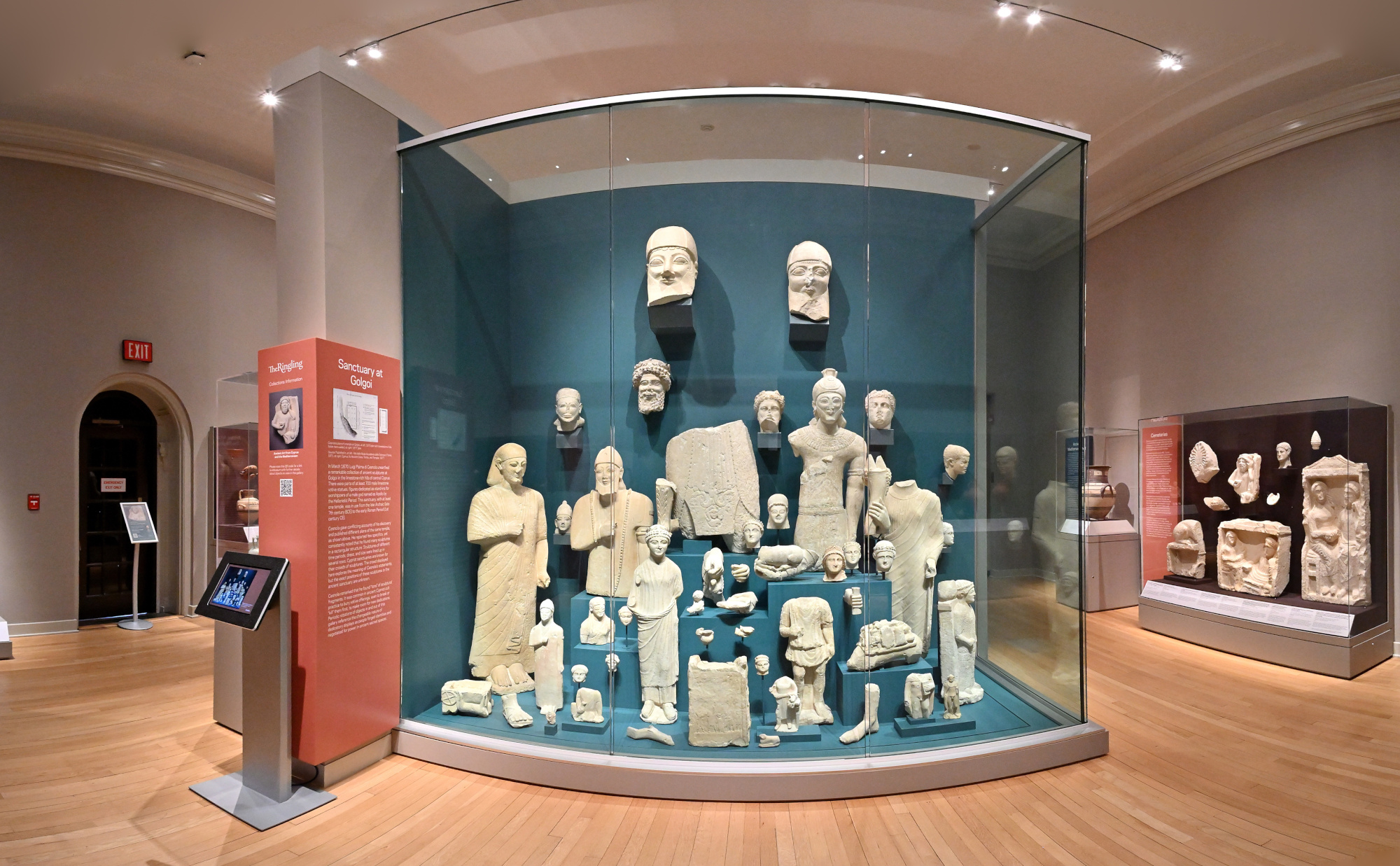
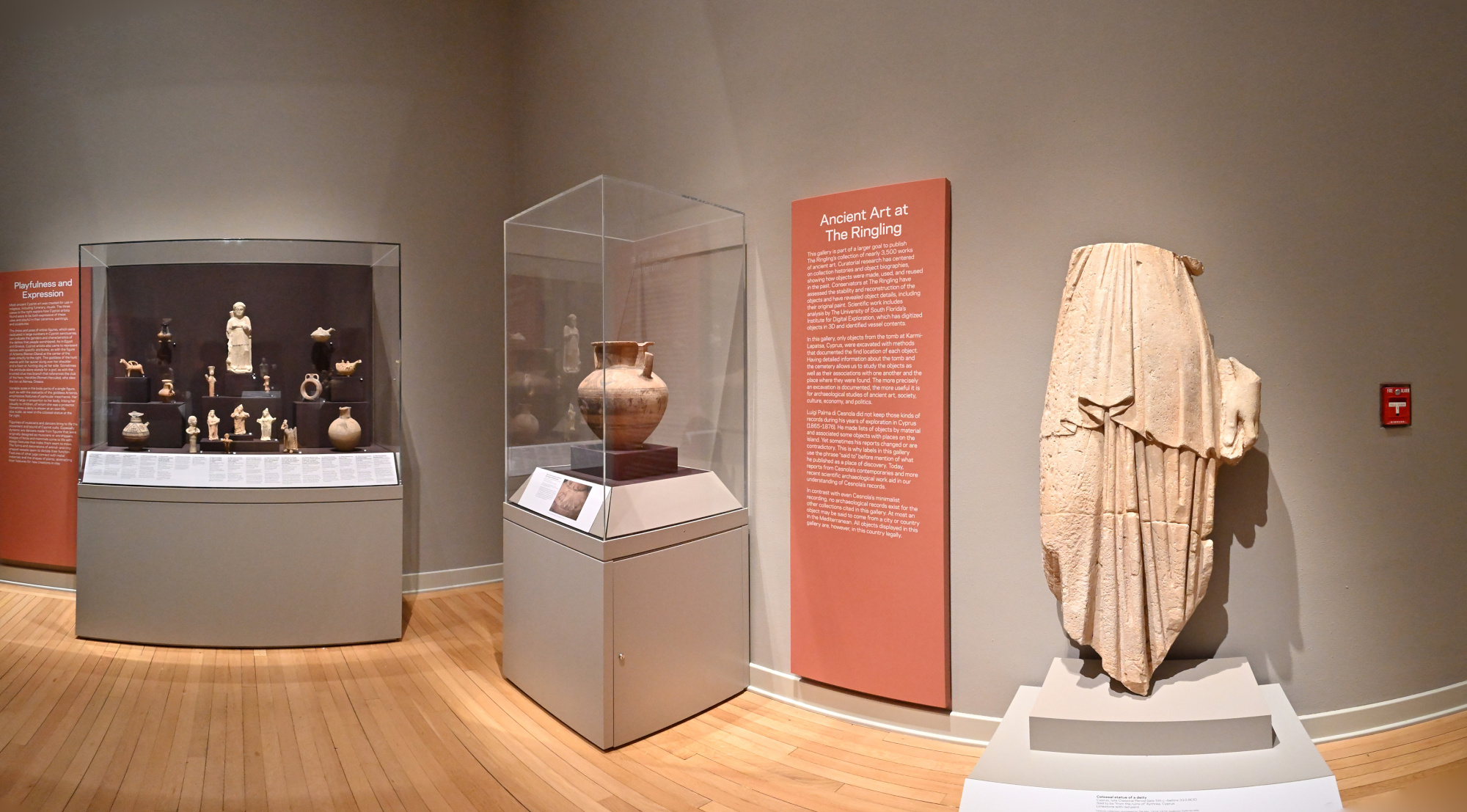
Ancient Art at the Ringling
The Ancient Art galleries at the Ringling bring together a small group of Greek, Roman, and early Mediterranean pieces. Most works are modest in scale, but their materials and craftsmanship make the room an unexpectedly quiet stop in the museum.
1/50s f/5,6 ISO 2500/35° f=7,5mm
1/50s f/5,6 ISO 2500/35° f=7,5mm
Circus Museum
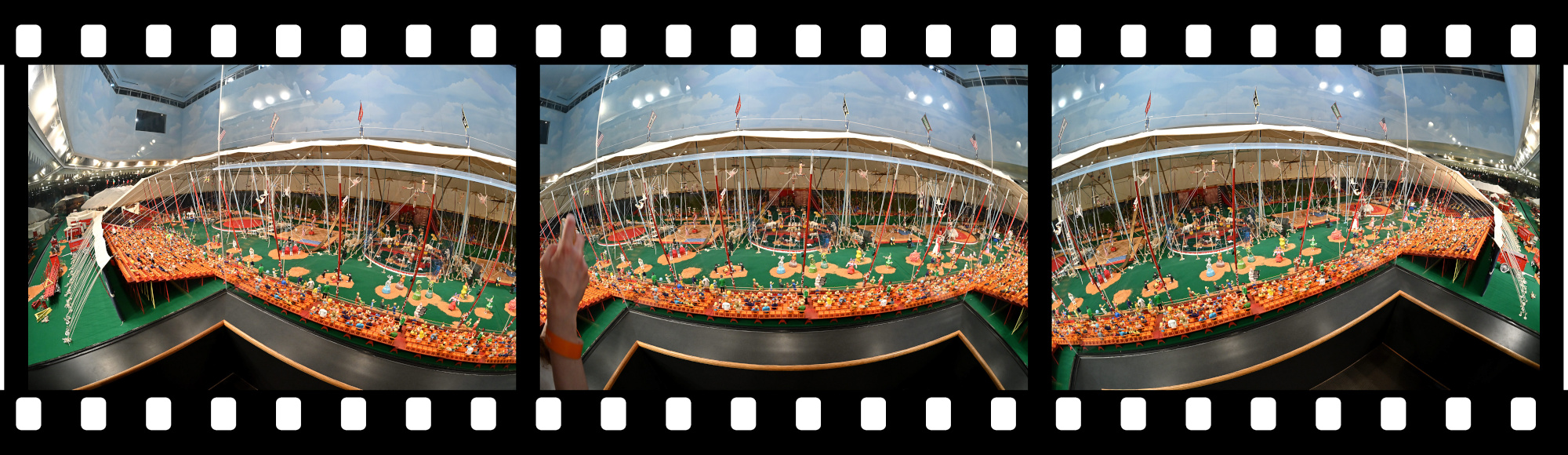
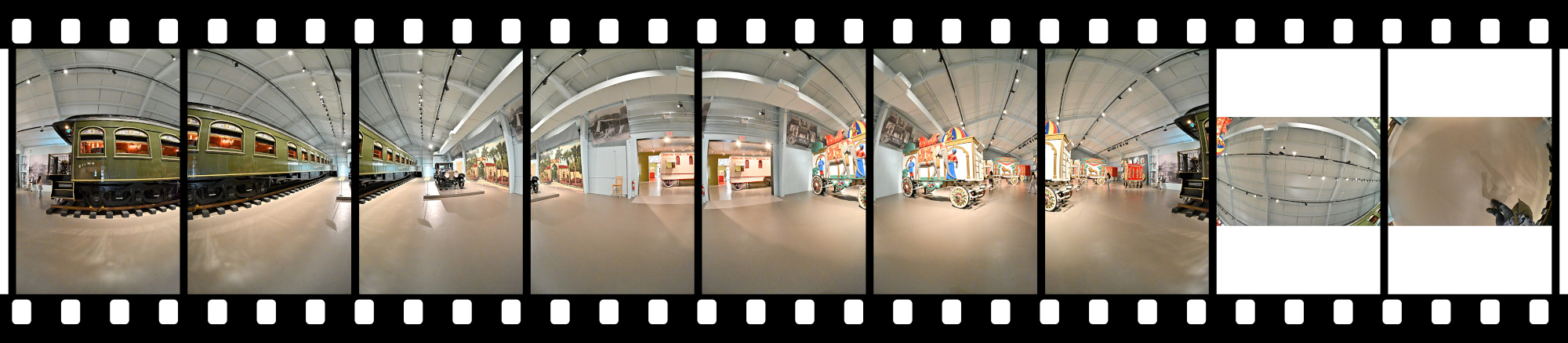
The Ringling story shows its roots here. Original wagons, trains, and gear capture the life on the road that started everything long before the art collection took shape.
Interactive Panorama Circus Museum
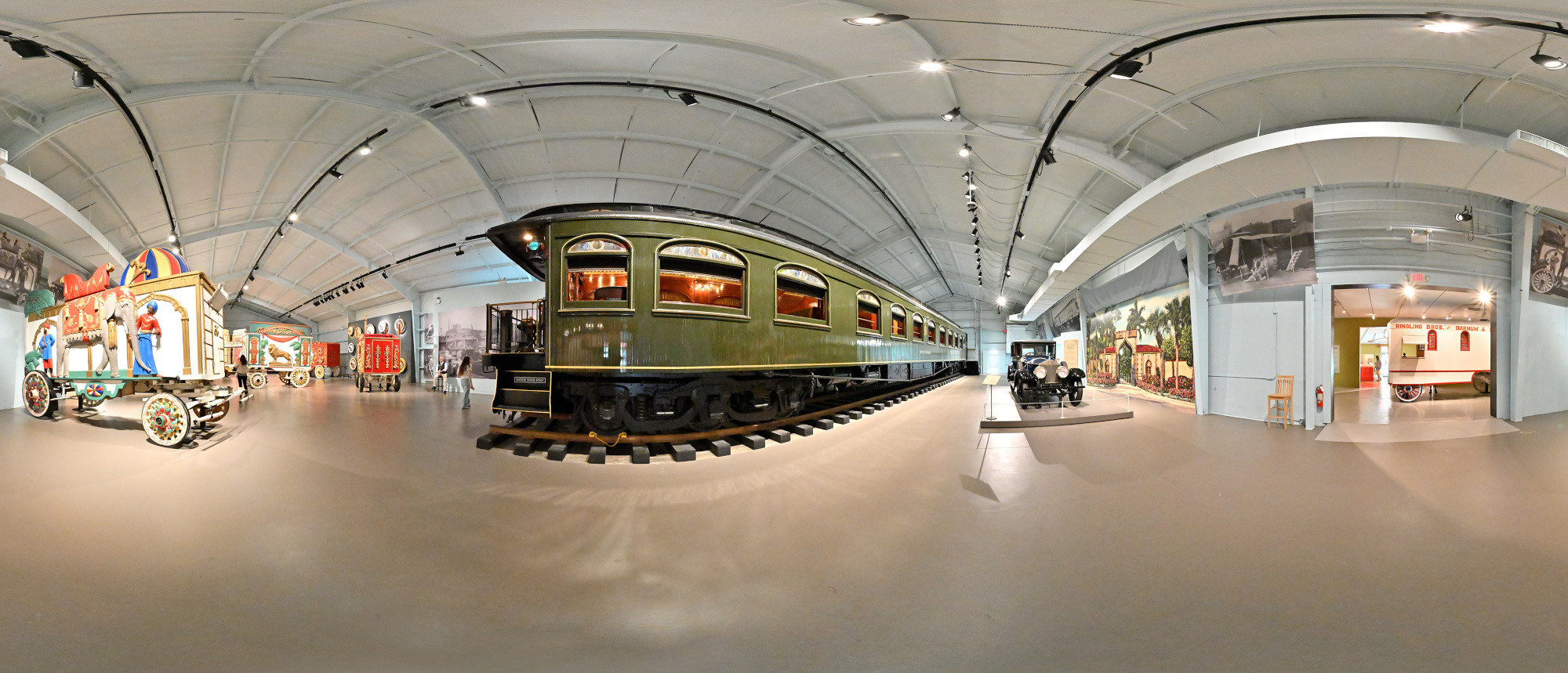
1/50s f/5,6 ISO 12800/42° f=7,5mm
Contemporary Art
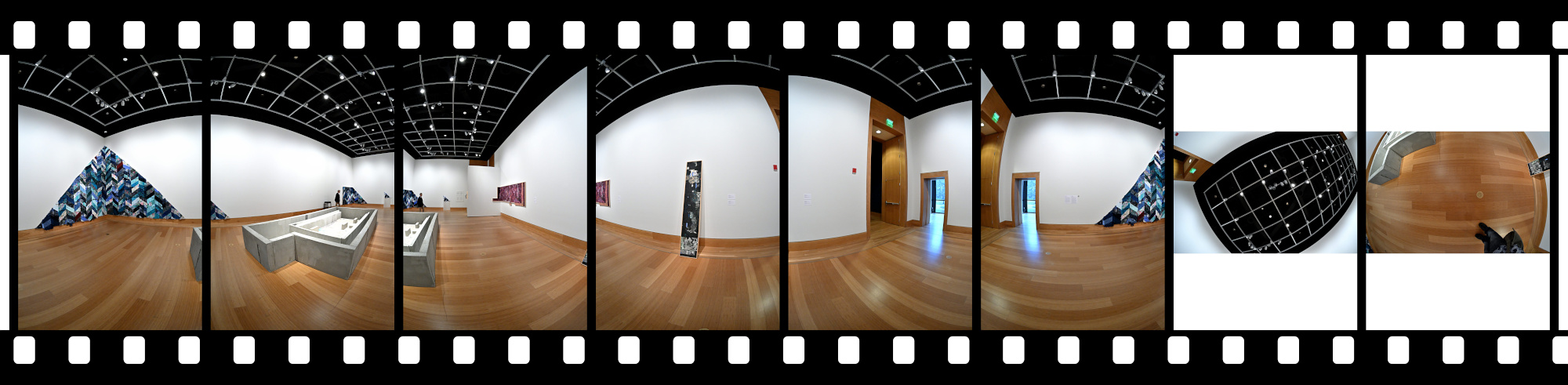
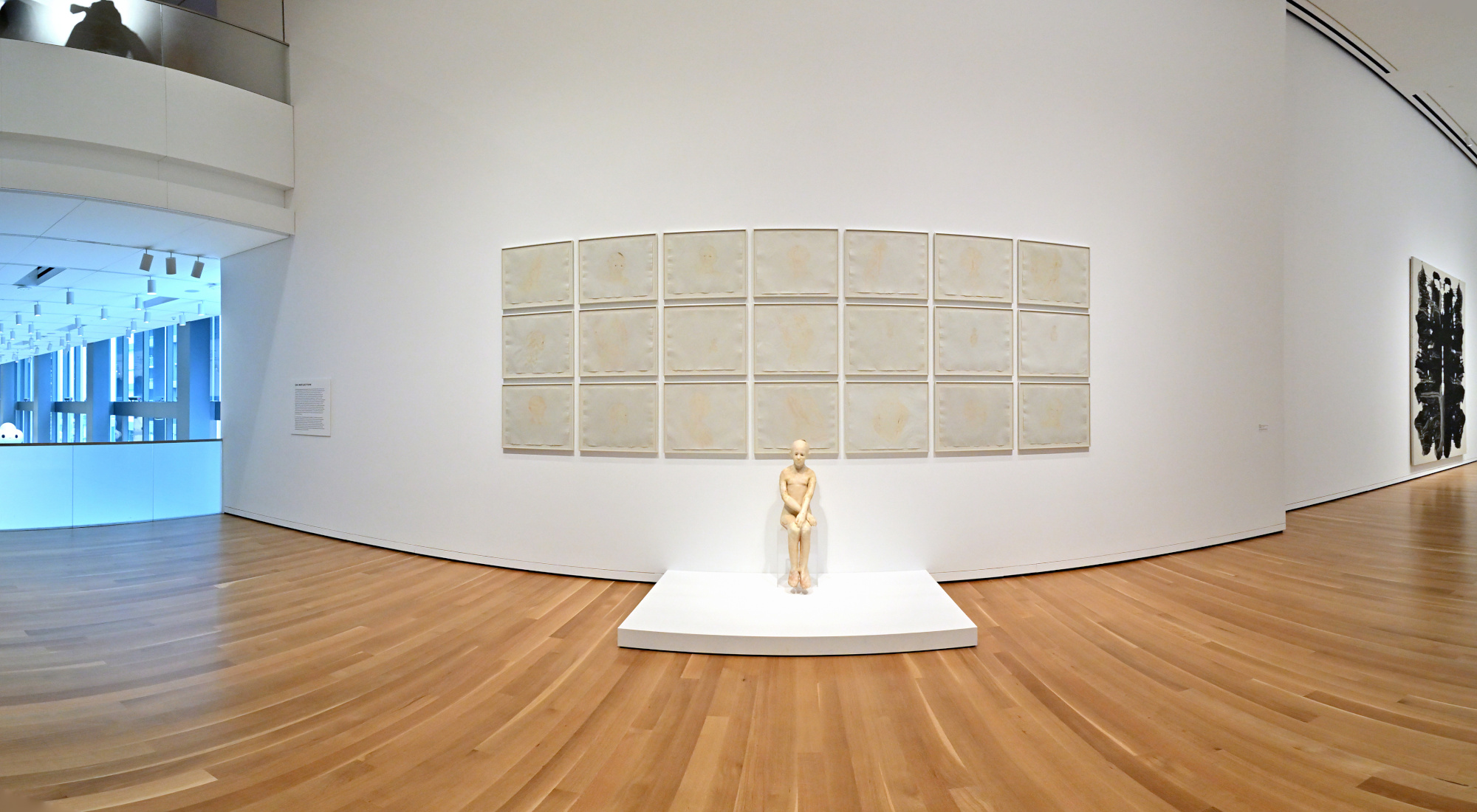
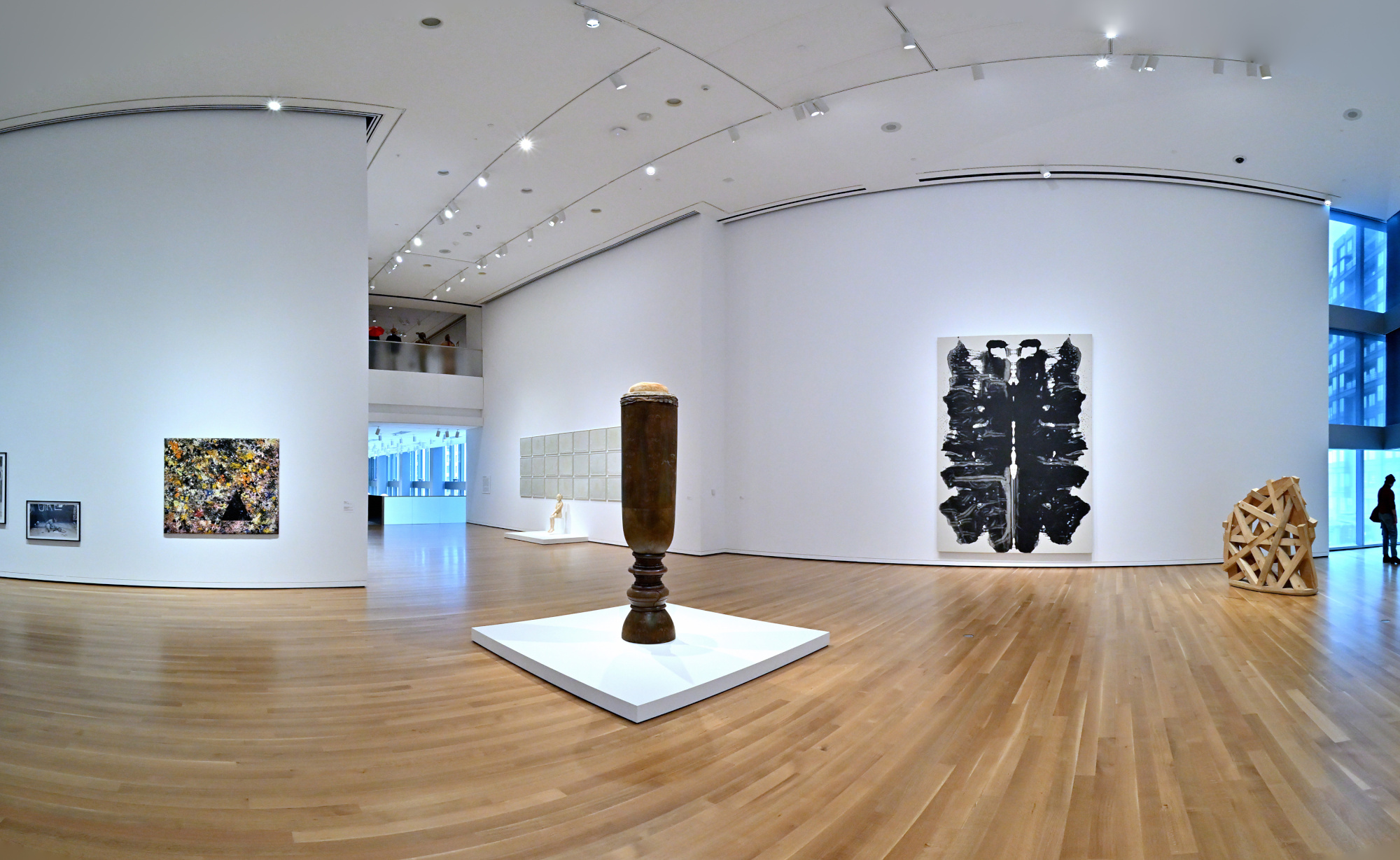
A different world entirely. The room abandons traditional paintings in favor of bold objects, sharp angles, and ideas that challenge more than they clarify. A concrete structure dominates the center as if making a statement only it fully understands, while a few quiet surprises wait in the corners. It is modern, very modern, and it certainly invites the ongoing question of what exactly we are looking at.
Interactive Panorama Contemporary Art
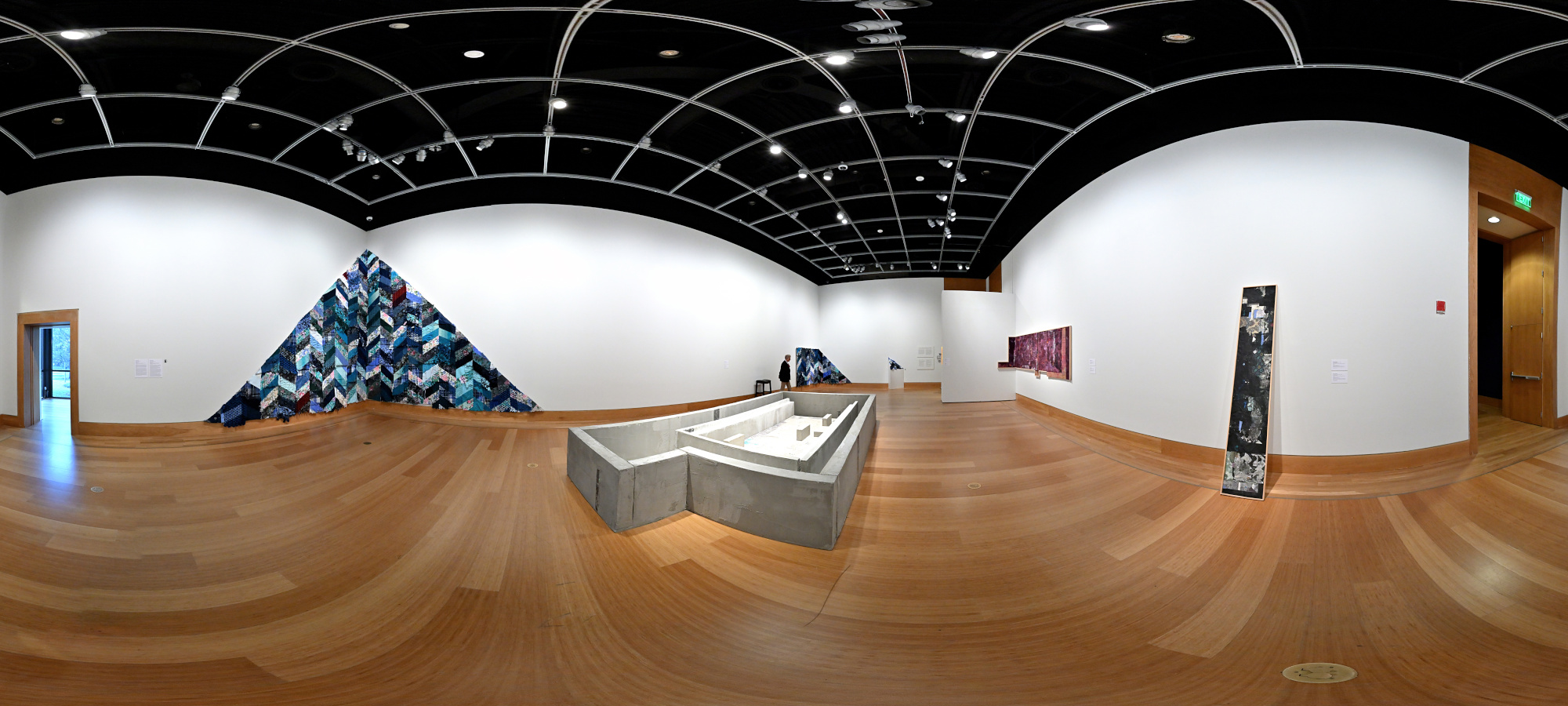
1/50s f/5,6 ISO 2000/34° f=7,5mm
Inner Courtyard, Skyspace
The atrium echoes the Pantheon in Rome through its square opening, offering a calm pause of light and air between the rooms.
Interactive Panorama Inner Courtyard
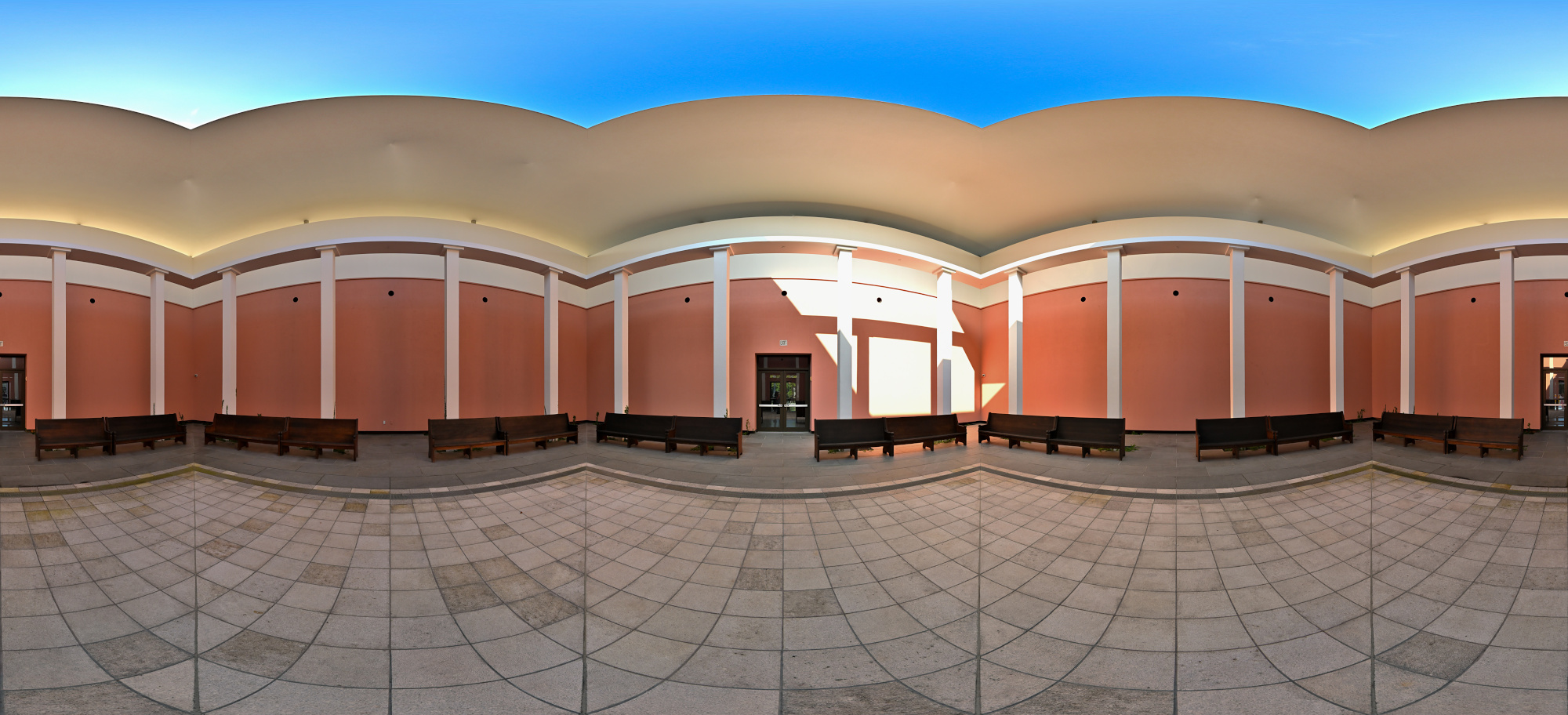
1/160s f/5,6 ISO 125/22° f=7,5mm
Exposure for the ceiling: 1/400s f/5,6 ISO 125/22° f=7,5mm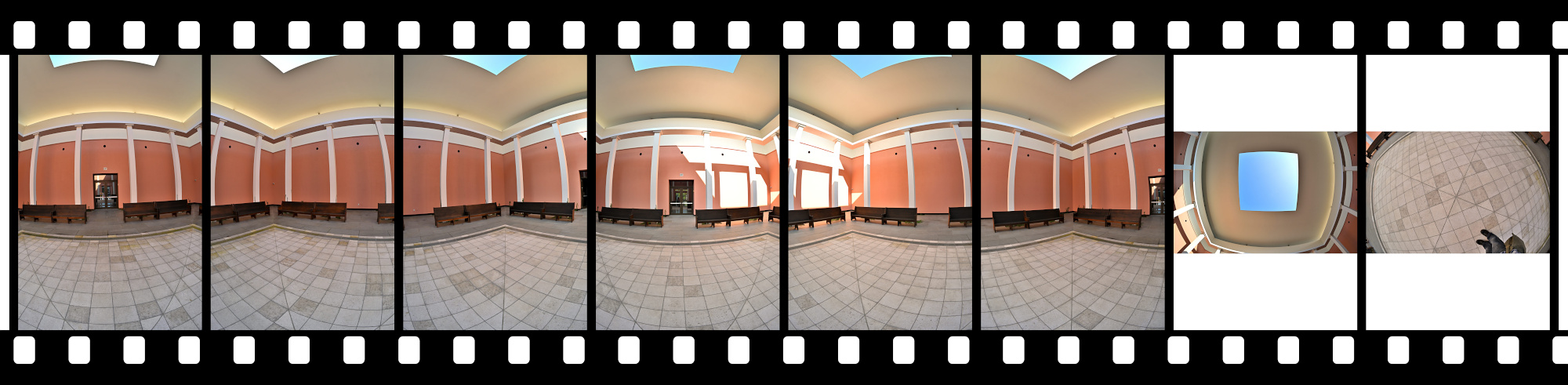
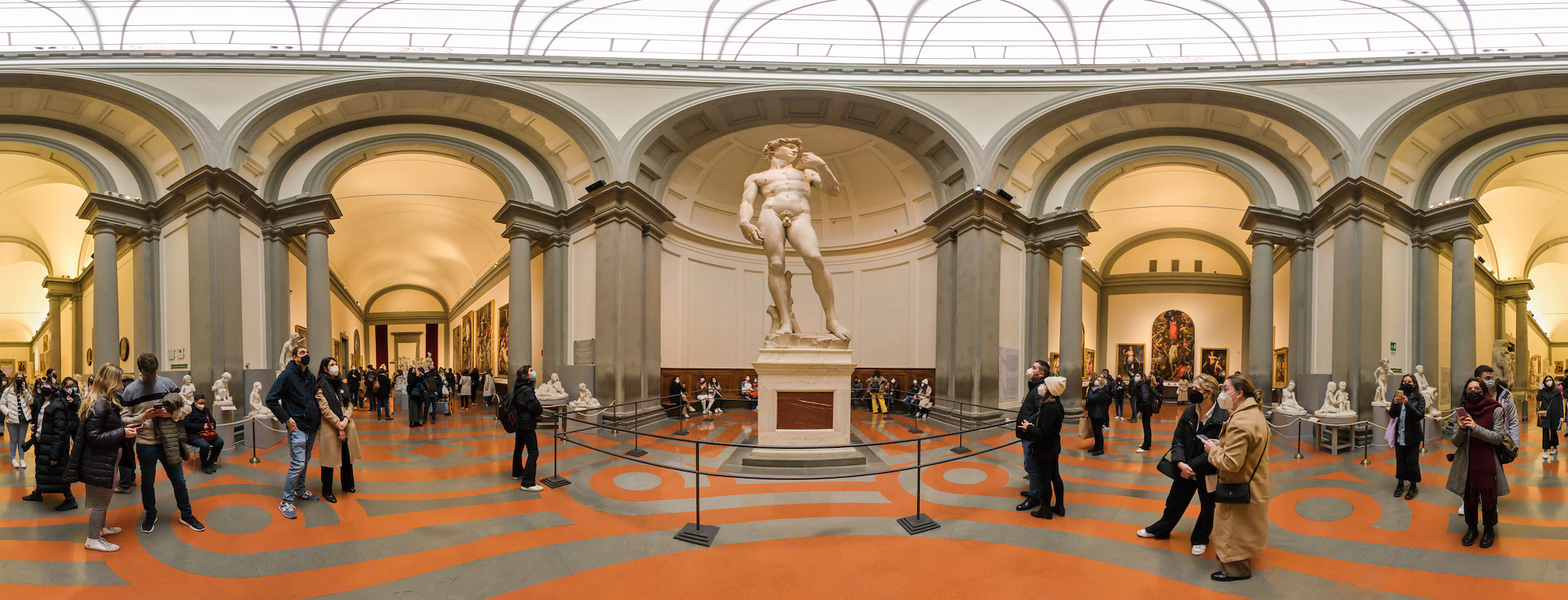
Grand Courtyard, Michelangelo's David
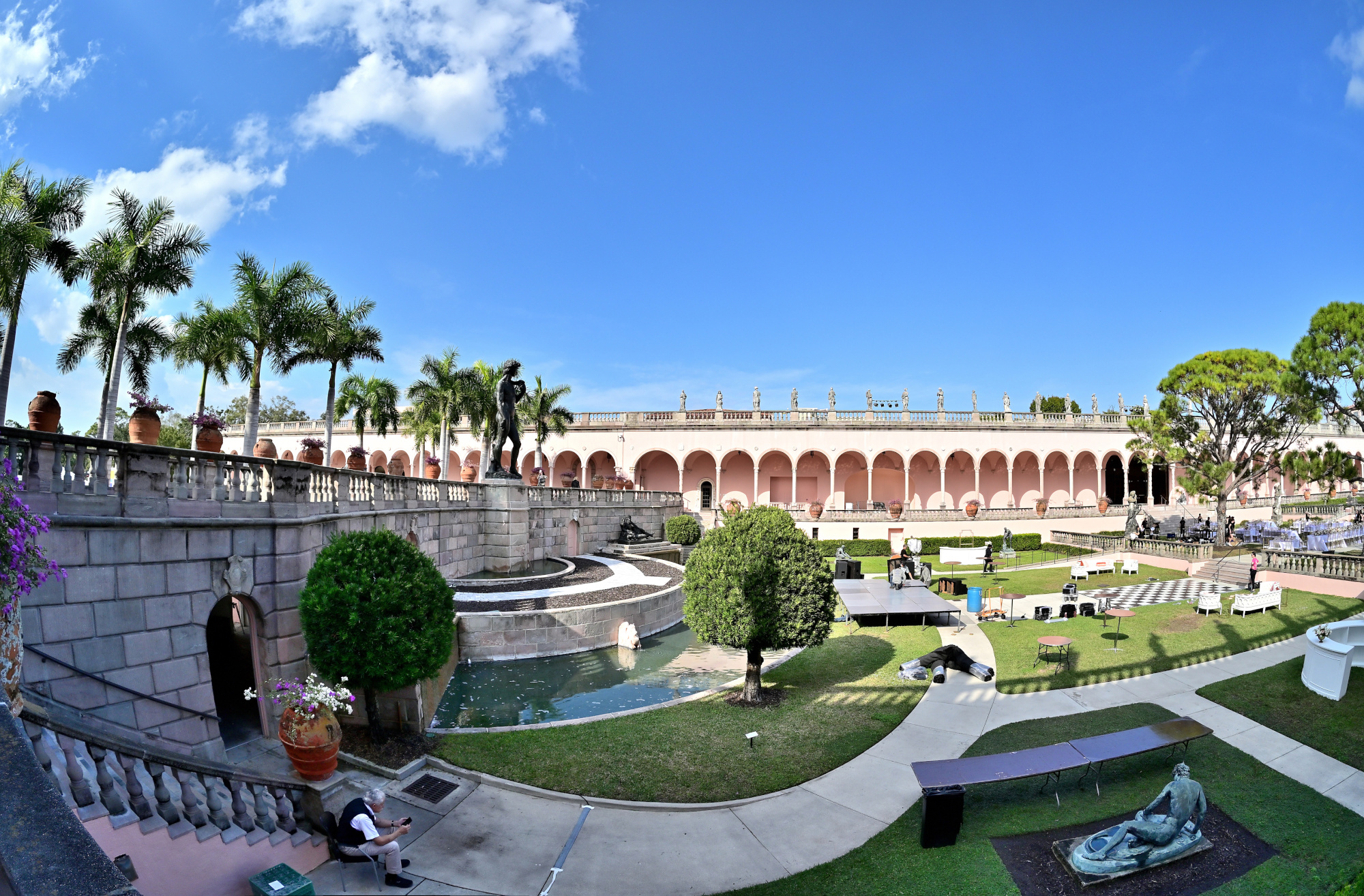
The 21 galleries surround a wide courtyard of fountains, sculptures, and a marble loggia. At its center stands a bronze replica of Michelangelo's David, looking out over the classical architecture.
Interactive Panorama Grand Courtyard, Michelangelo's David
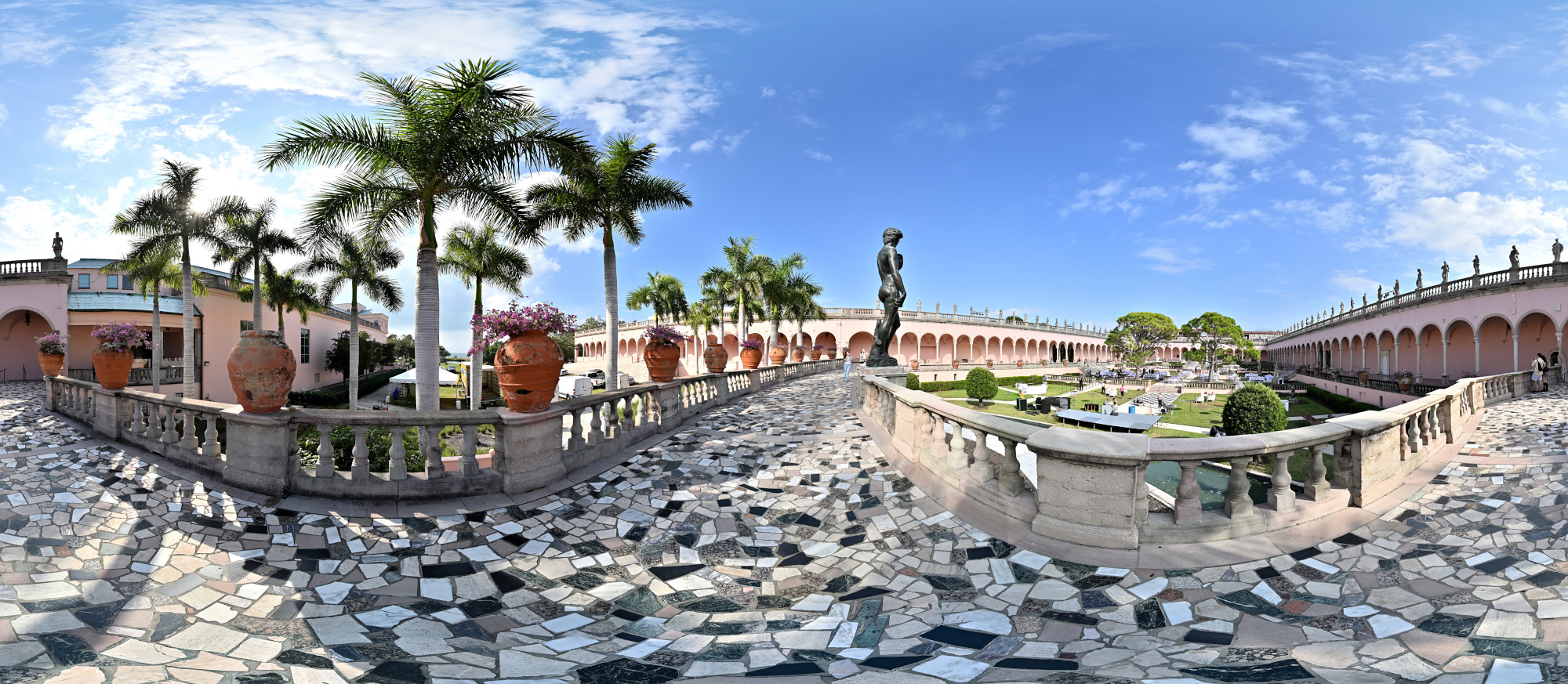
1/800s f/5,6 ISO 100/21° f=7,5mm
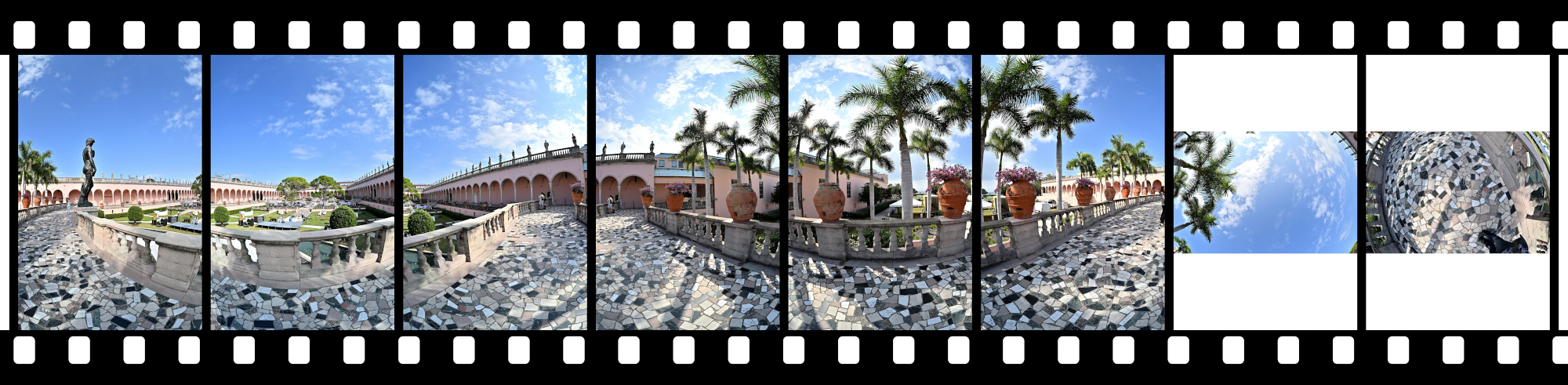
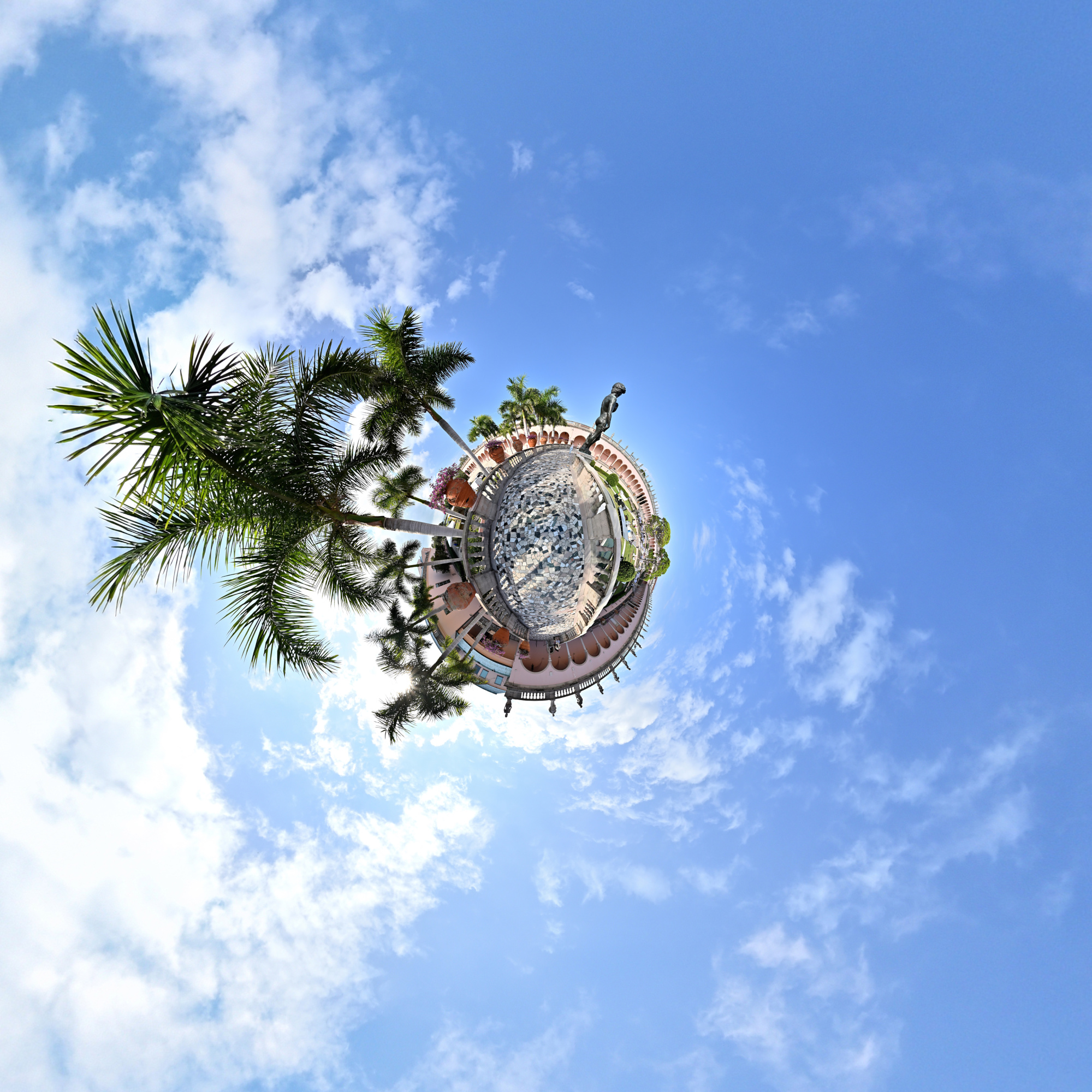
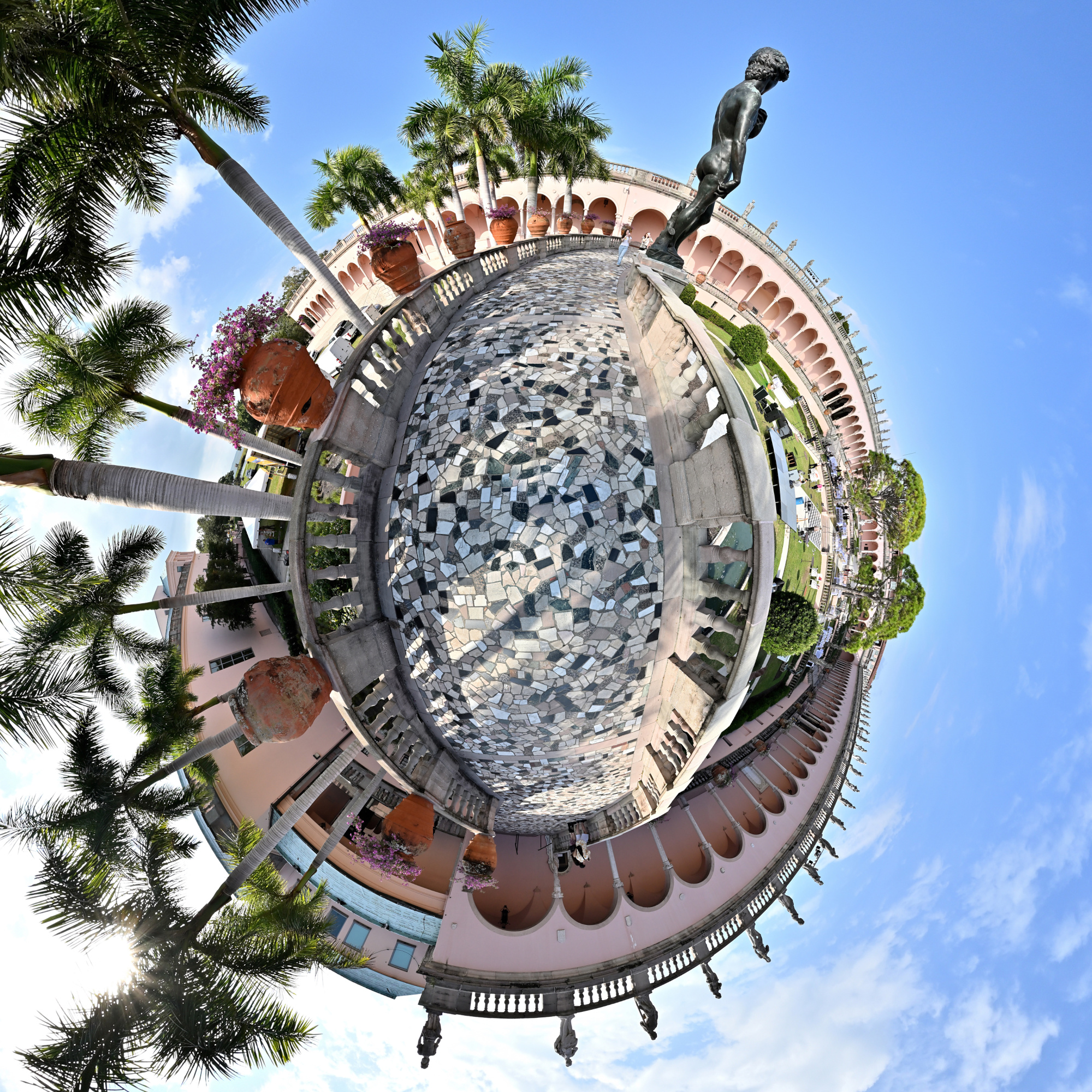
Full-Frame Fisheye Projection
1/800s f/5,6 ISO 100/21° f=7,5mm
Equirectangular Projection
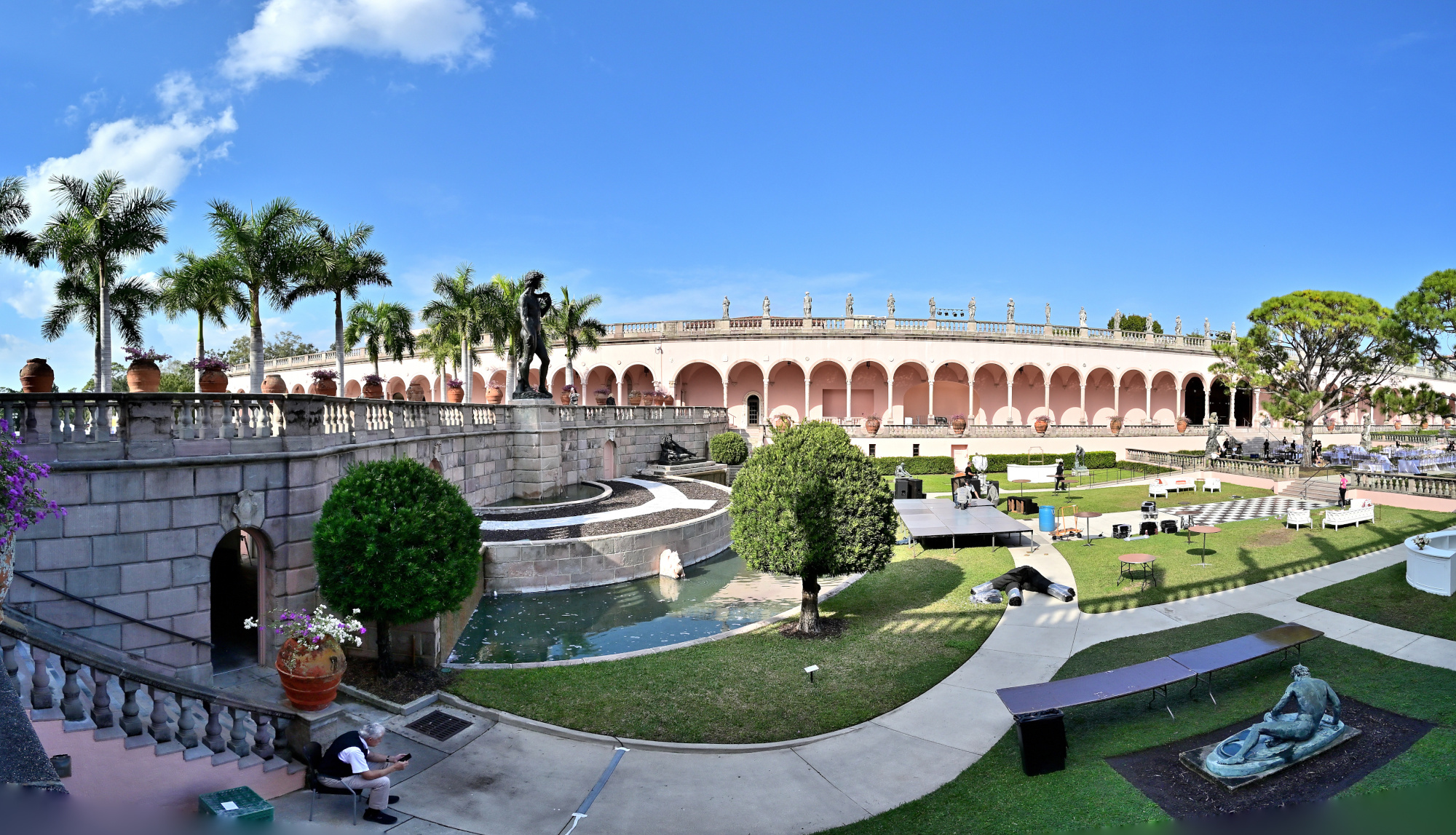
The Sarasota copy is nice, but here is the original.
-
Seattle Art Museum
A cold, wet, and grey Sunday. Pacific Northwest in autumn is nature's way of saying, "Stay indoors."
So thats where we stay. In the Seattle Art Museum, of course.
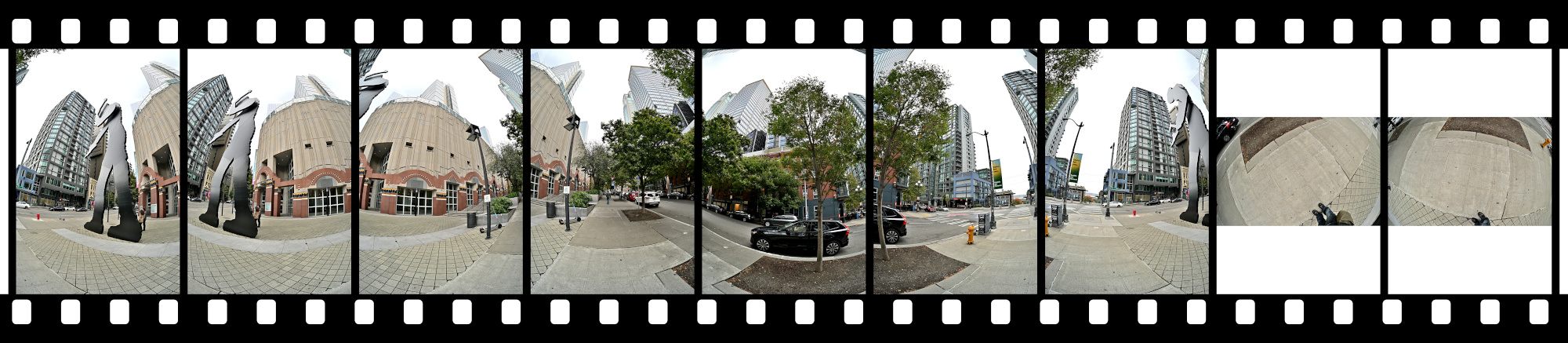
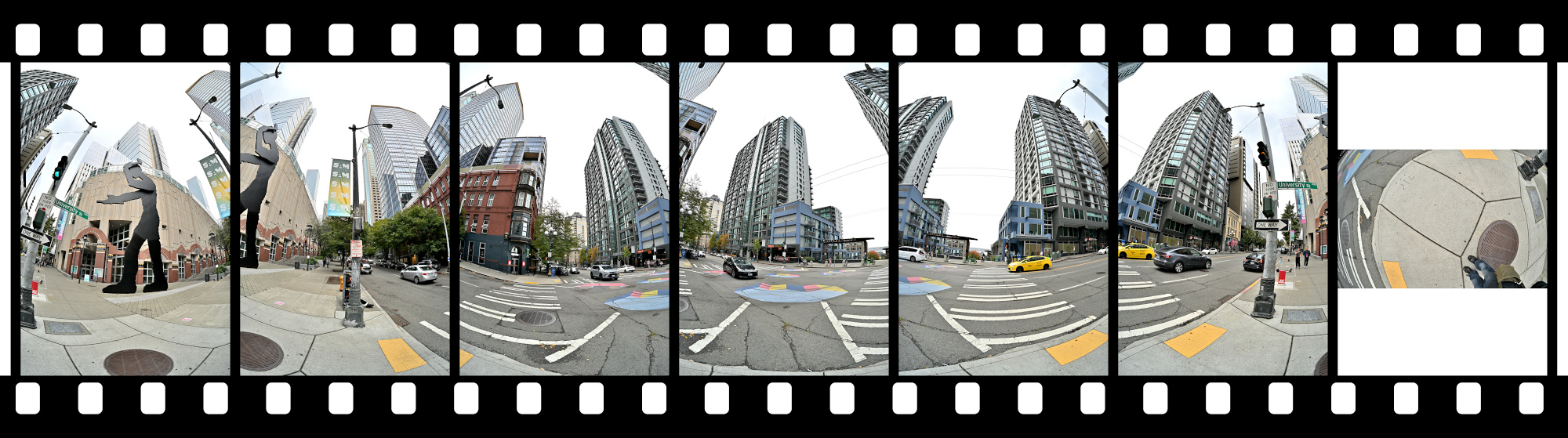
Where architecture curves into art — captured in a fisheye projection1/200s f/5,6 ISO 200/24° f=7,5mm
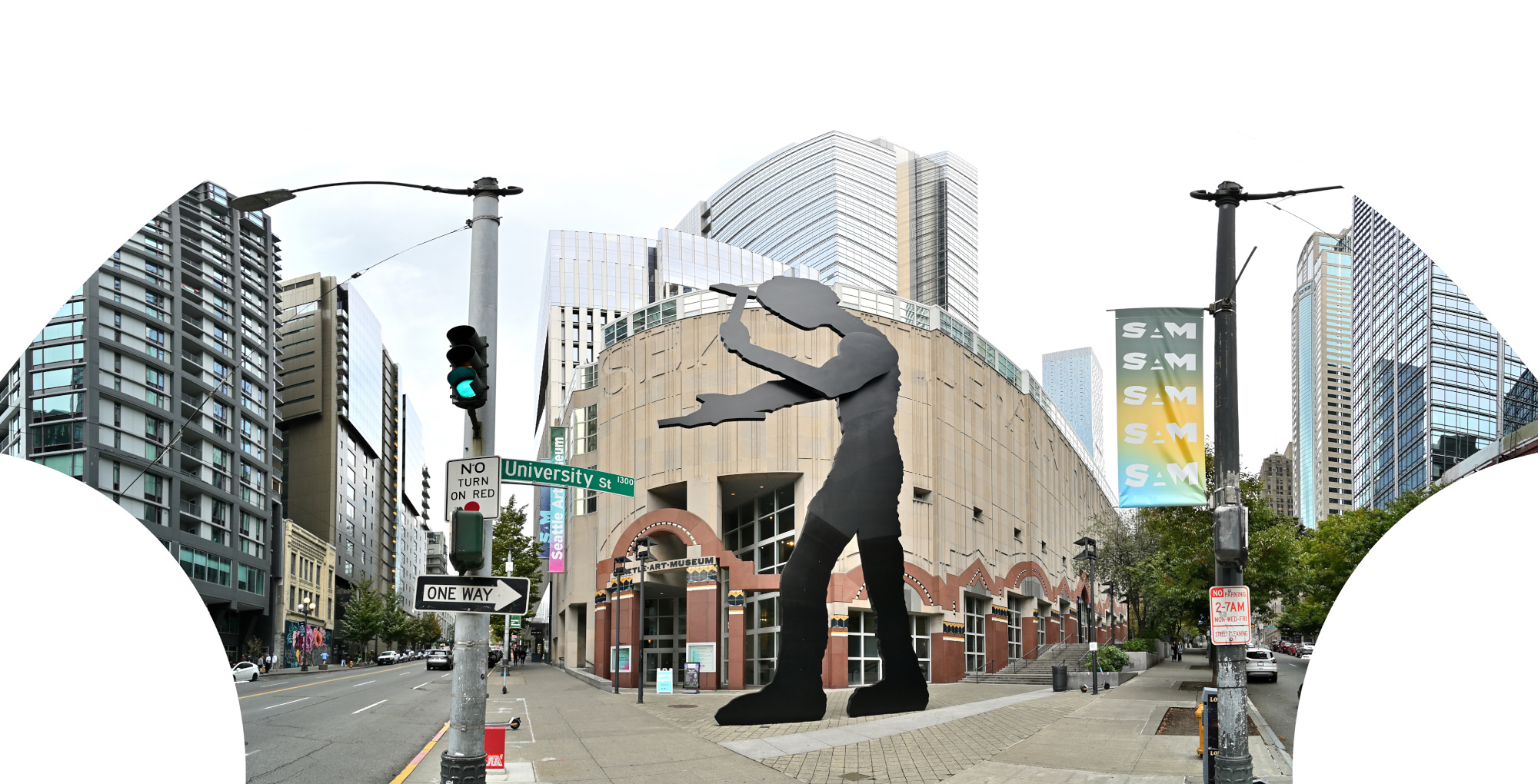
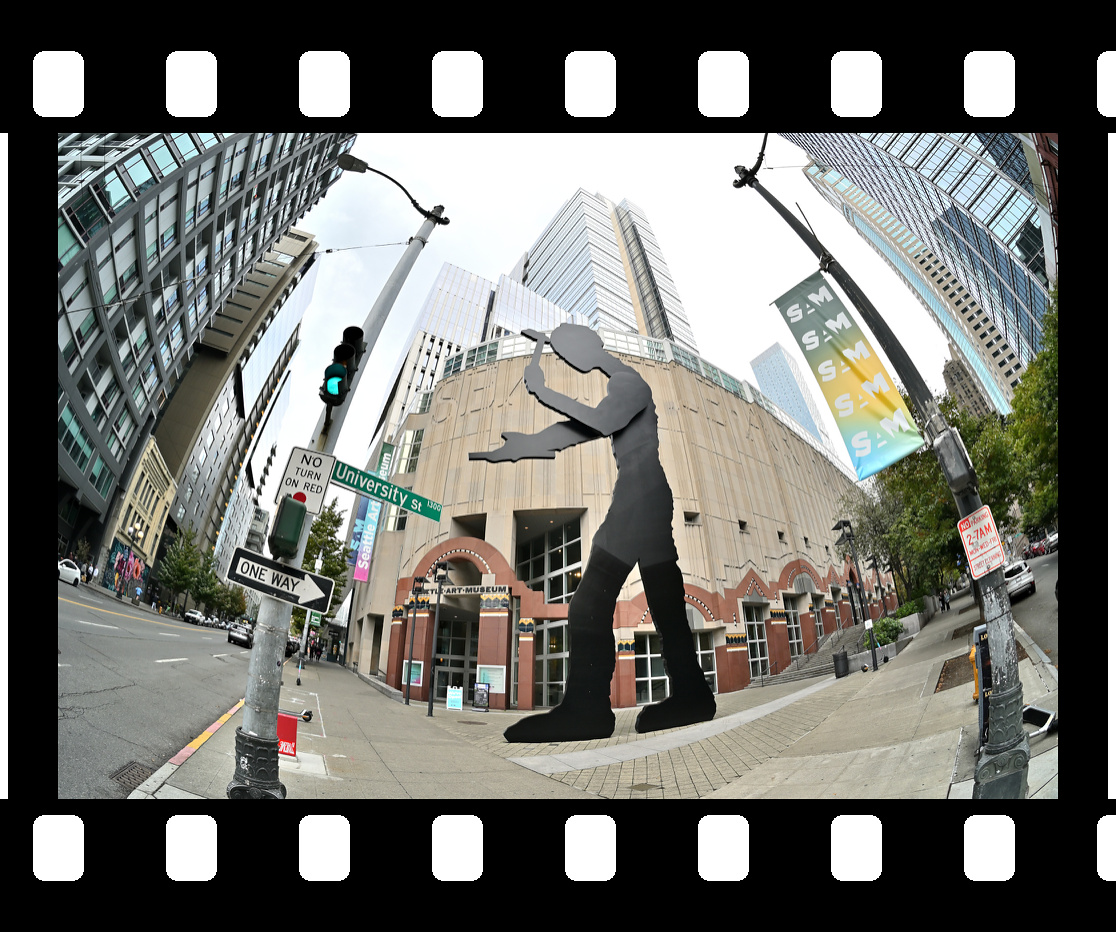
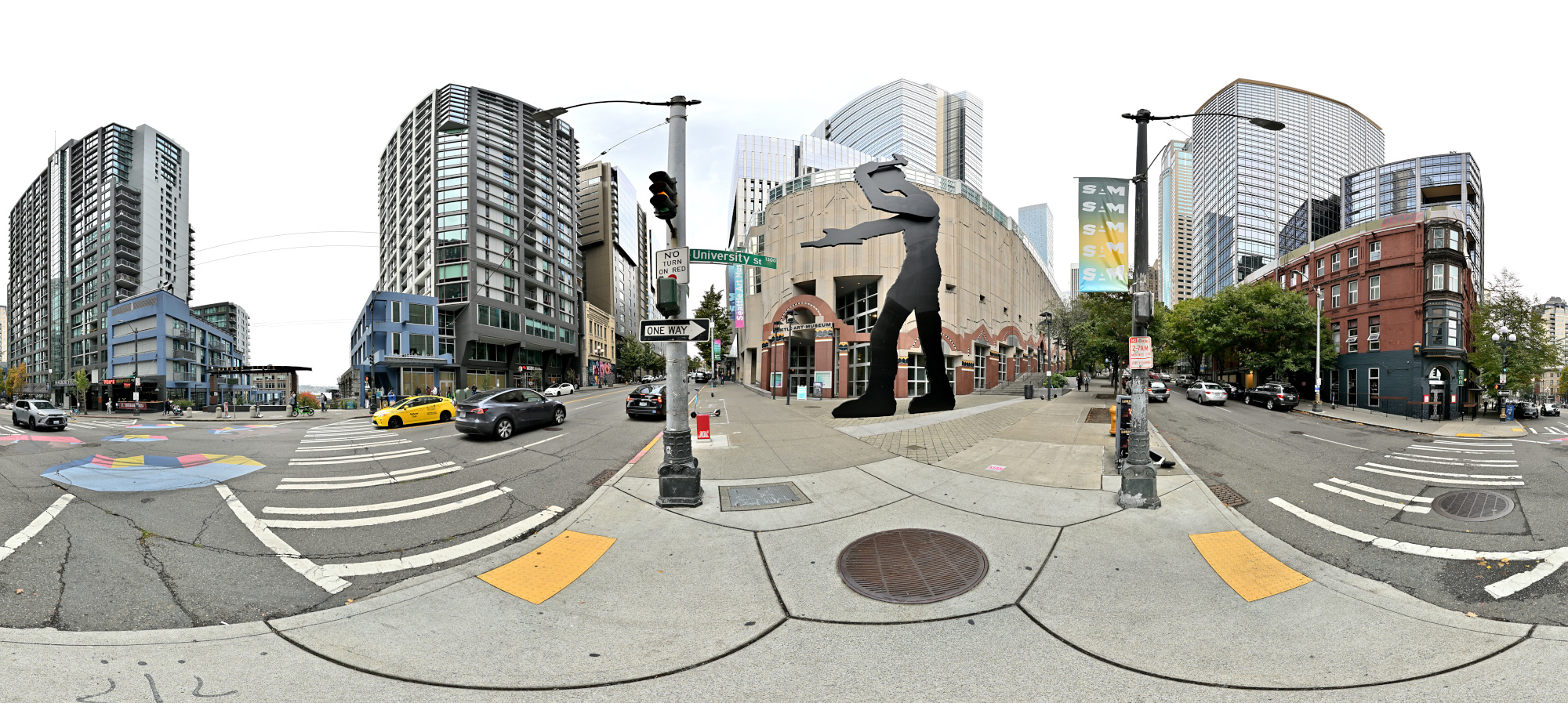
Interactive Panorama Seattle Art Museum 1
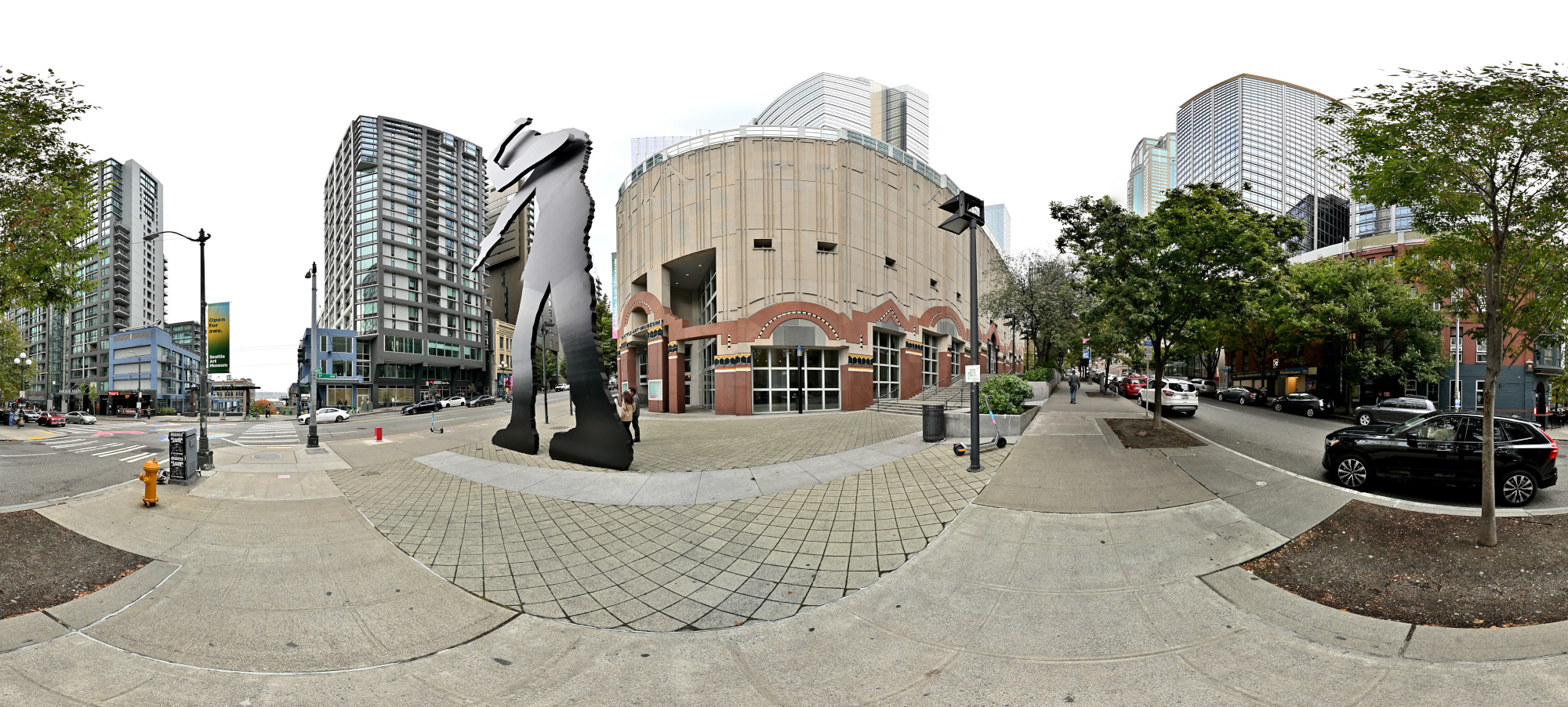
1/200s f/5,6 ISO 200/24° f=7,5mm
Interactive Panorama Seattle Art Museum 2
1/200s f/5,6 ISO 200/24° f=7,5mm
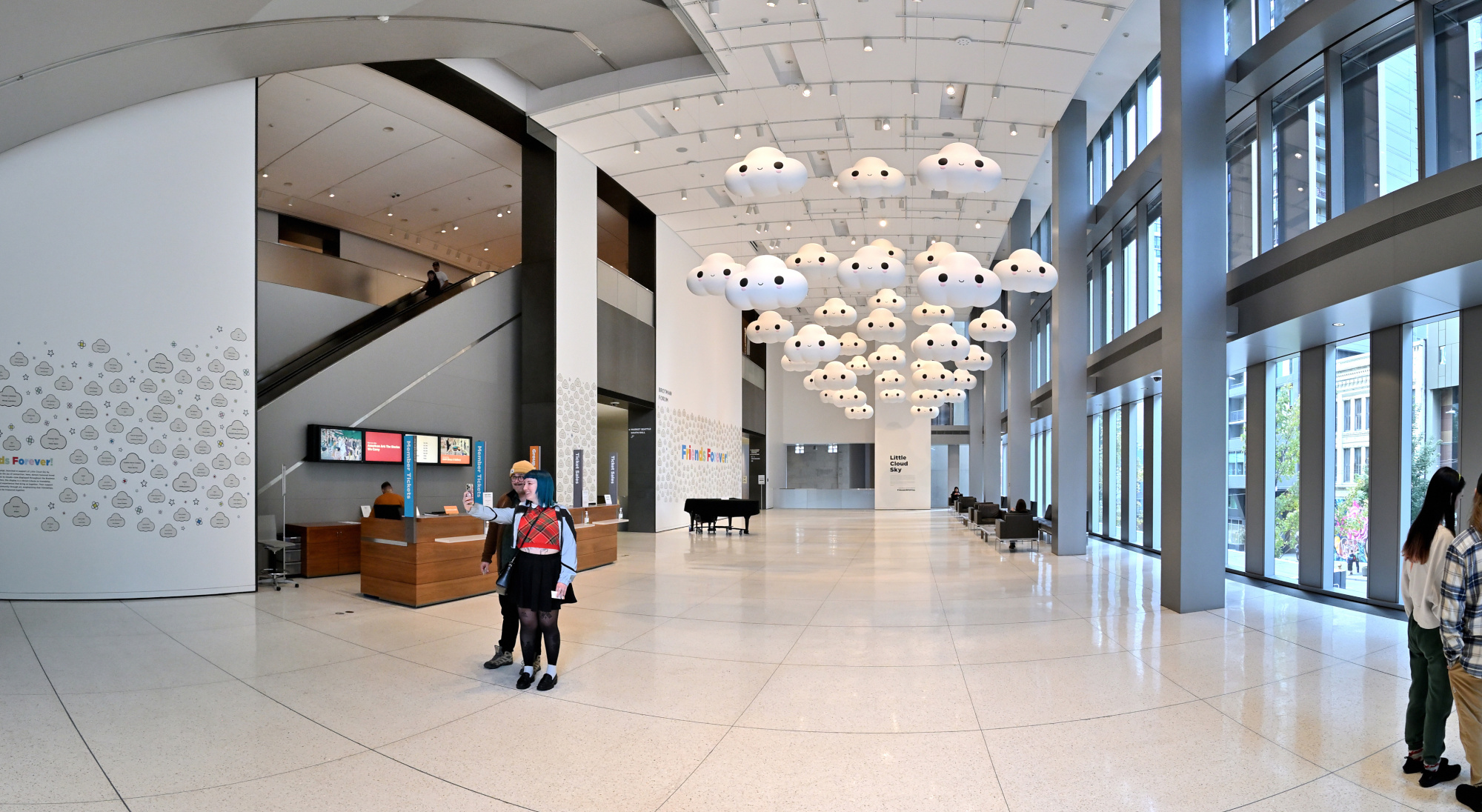
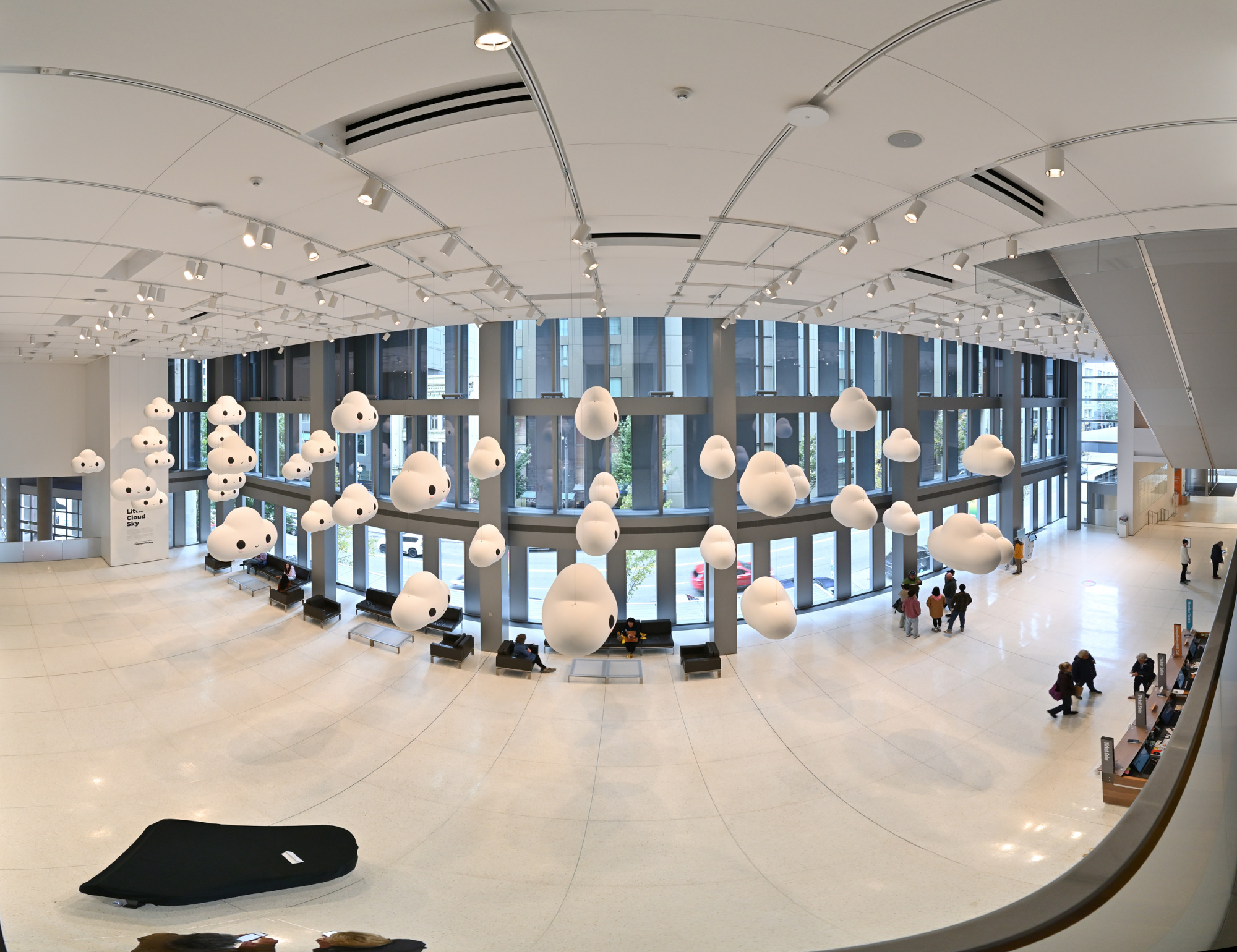
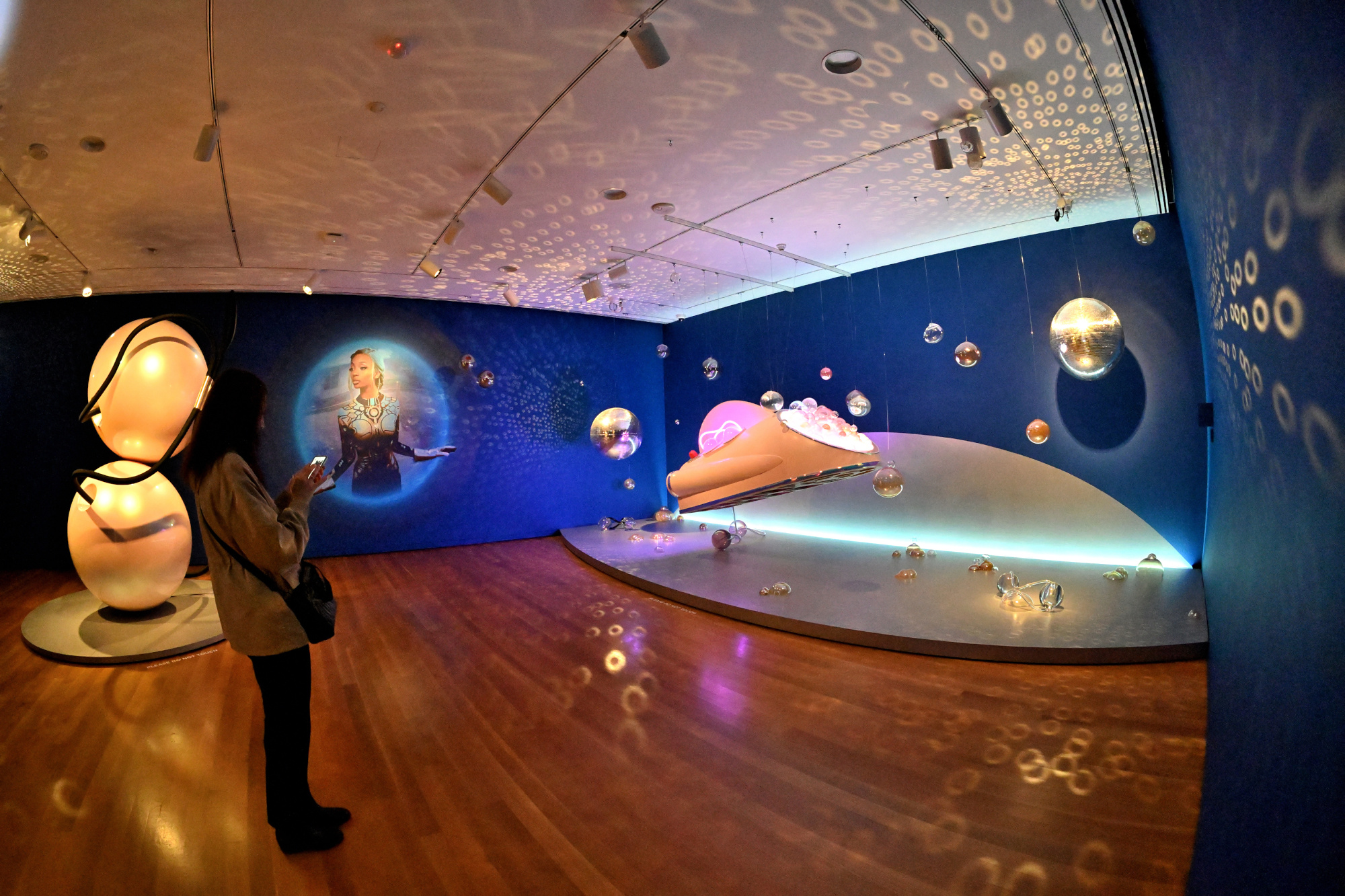
FriendsWithYou: Little Cloud Sky
Location: Brotman Forum (Main Foyer)
1/50s f/5,6 ISO 640/29° f=7,5mm
1/30s f/5,6 ISO 250/25° f=7,5mm
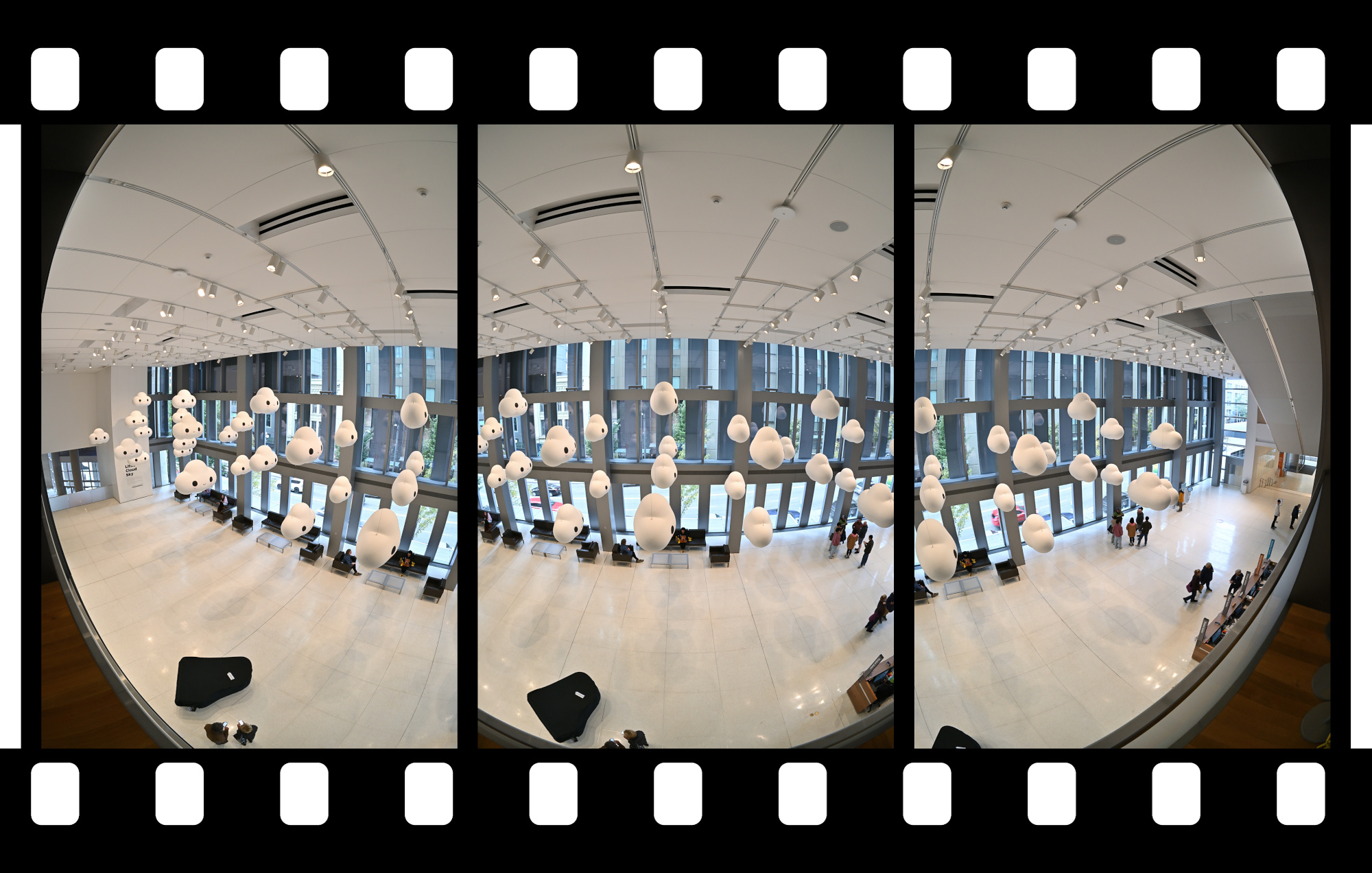
1/40s f/5,6 ISO 1000/31° f=7,5mm
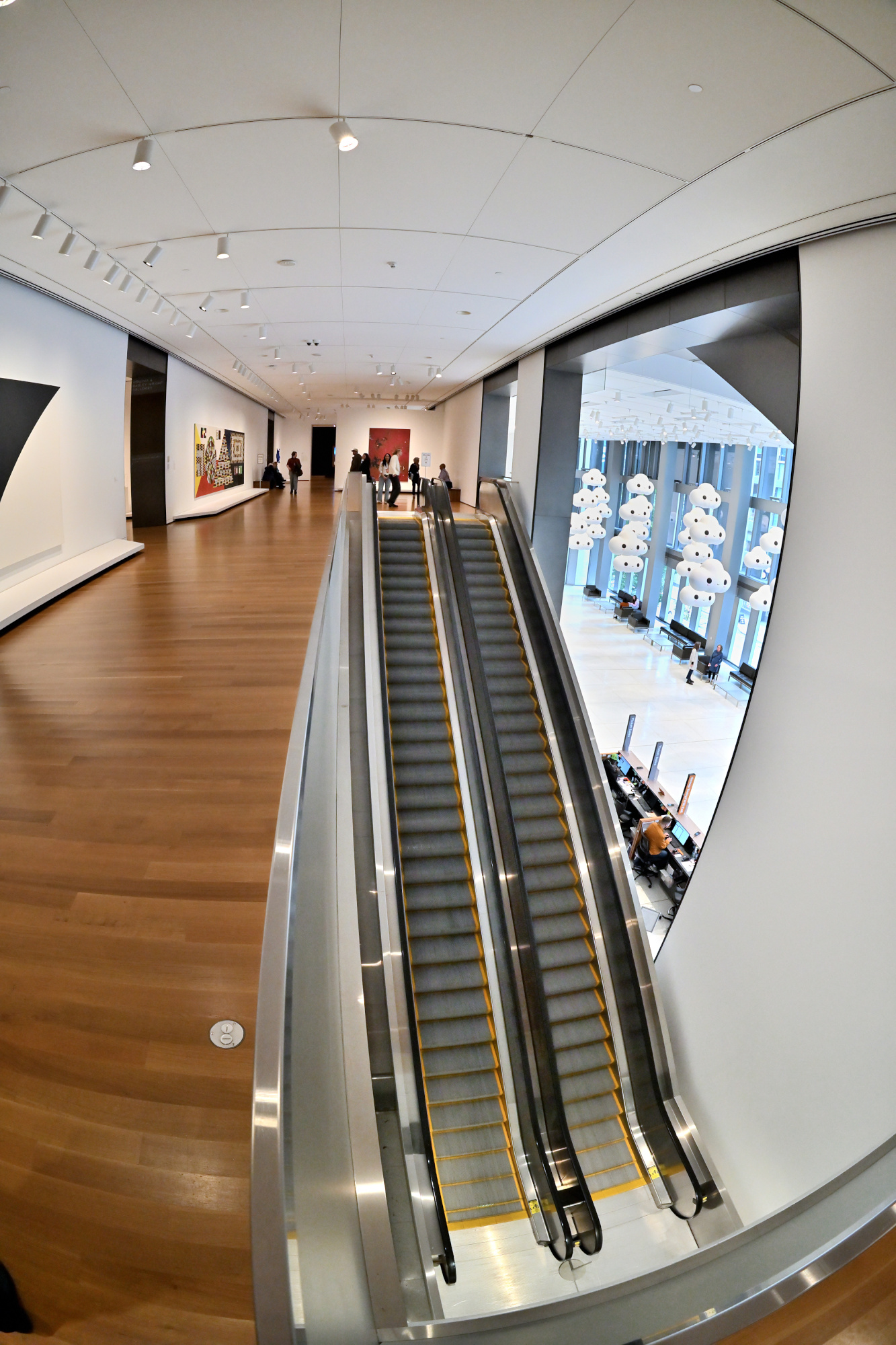
1/30s f/5,6 ISO 2000/34° f=7,5mm
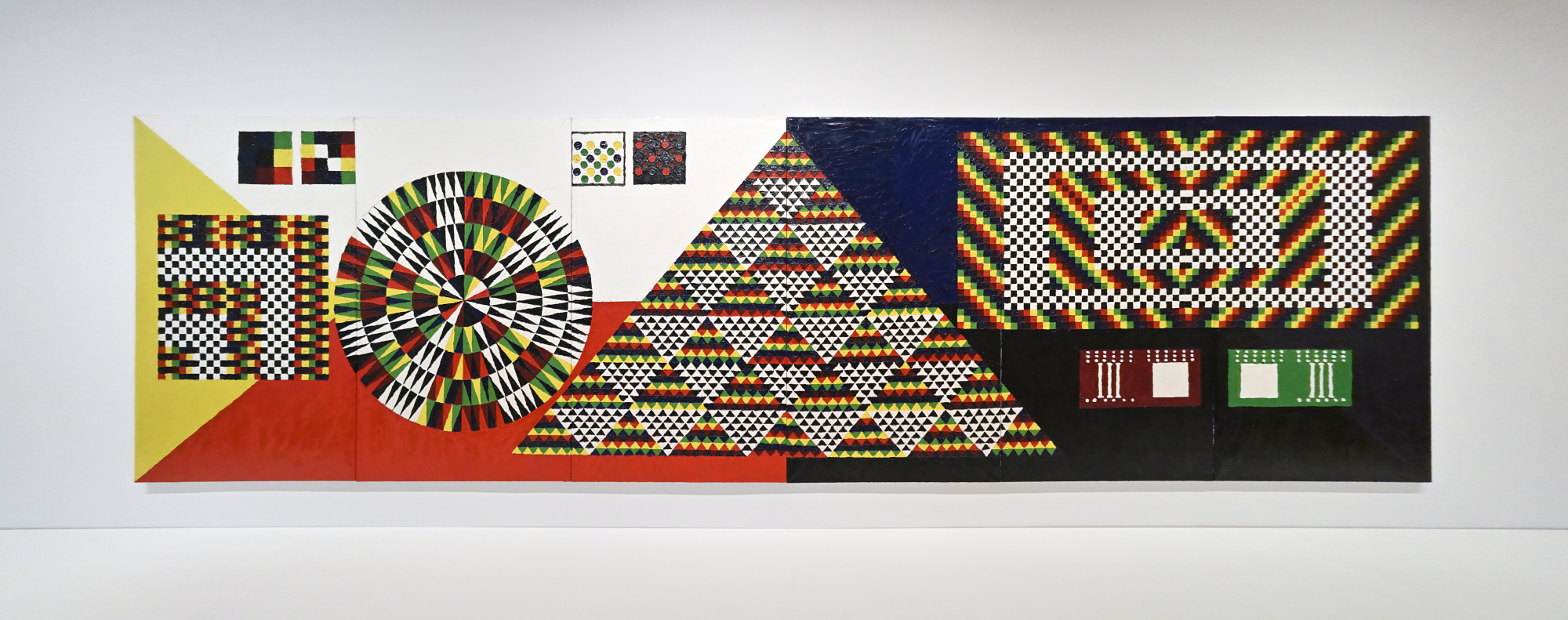
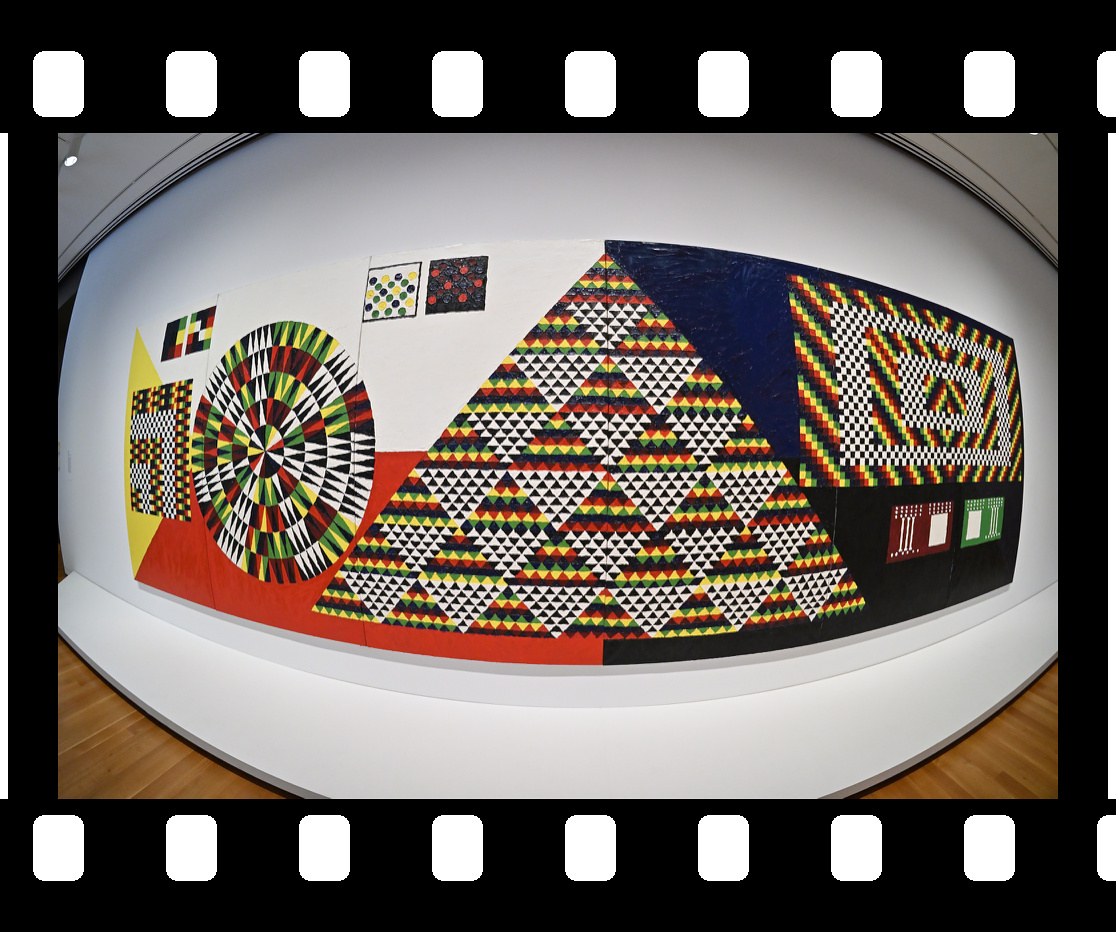
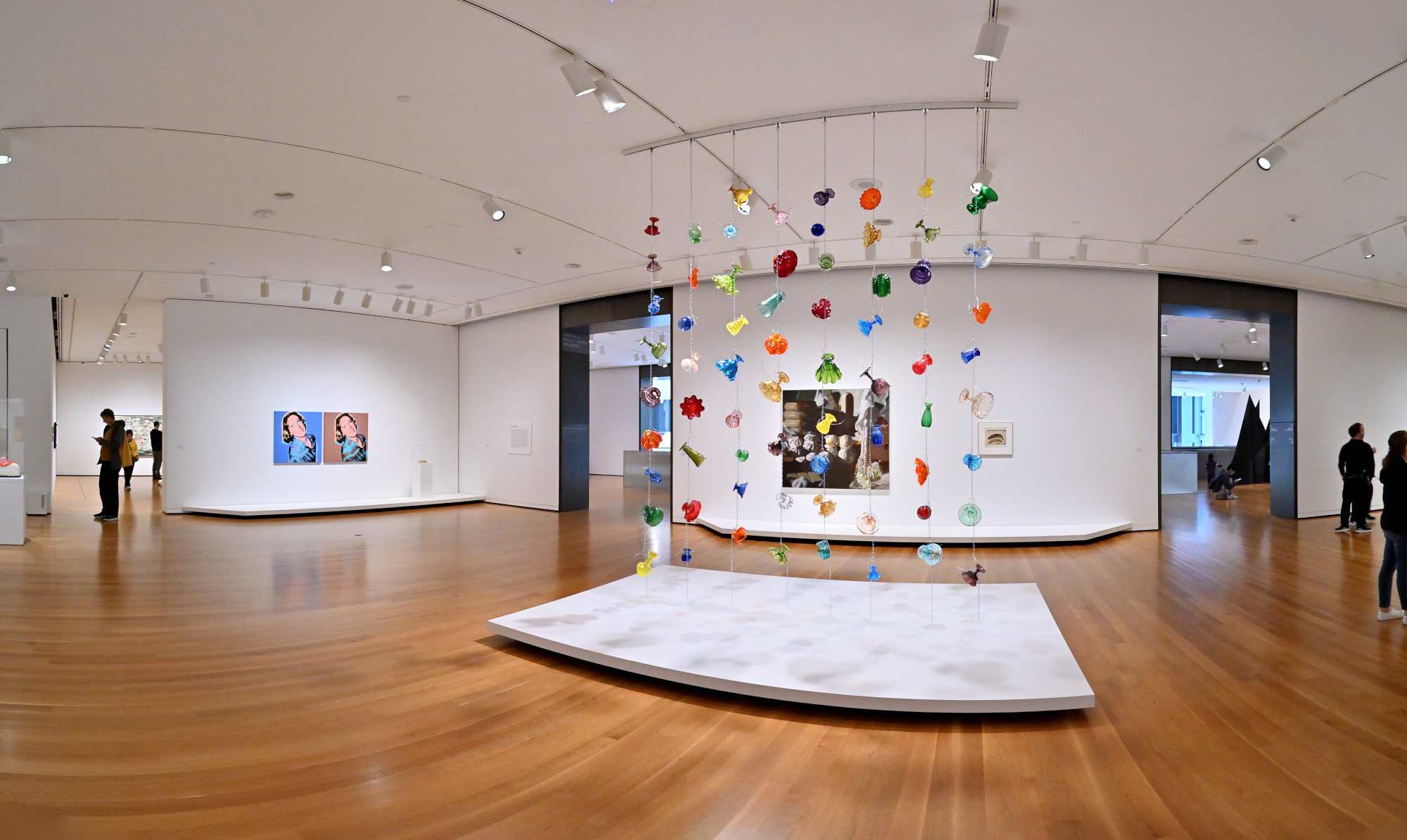
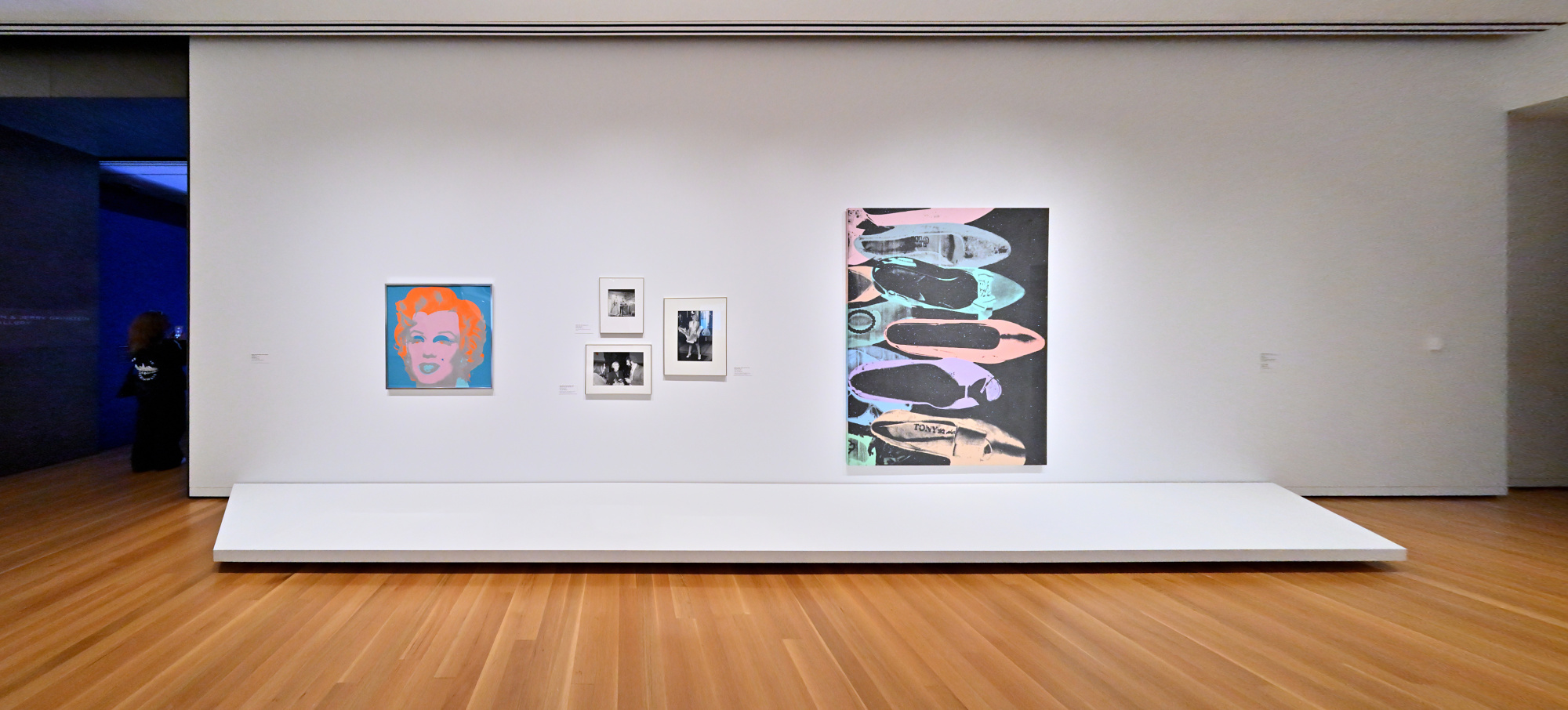
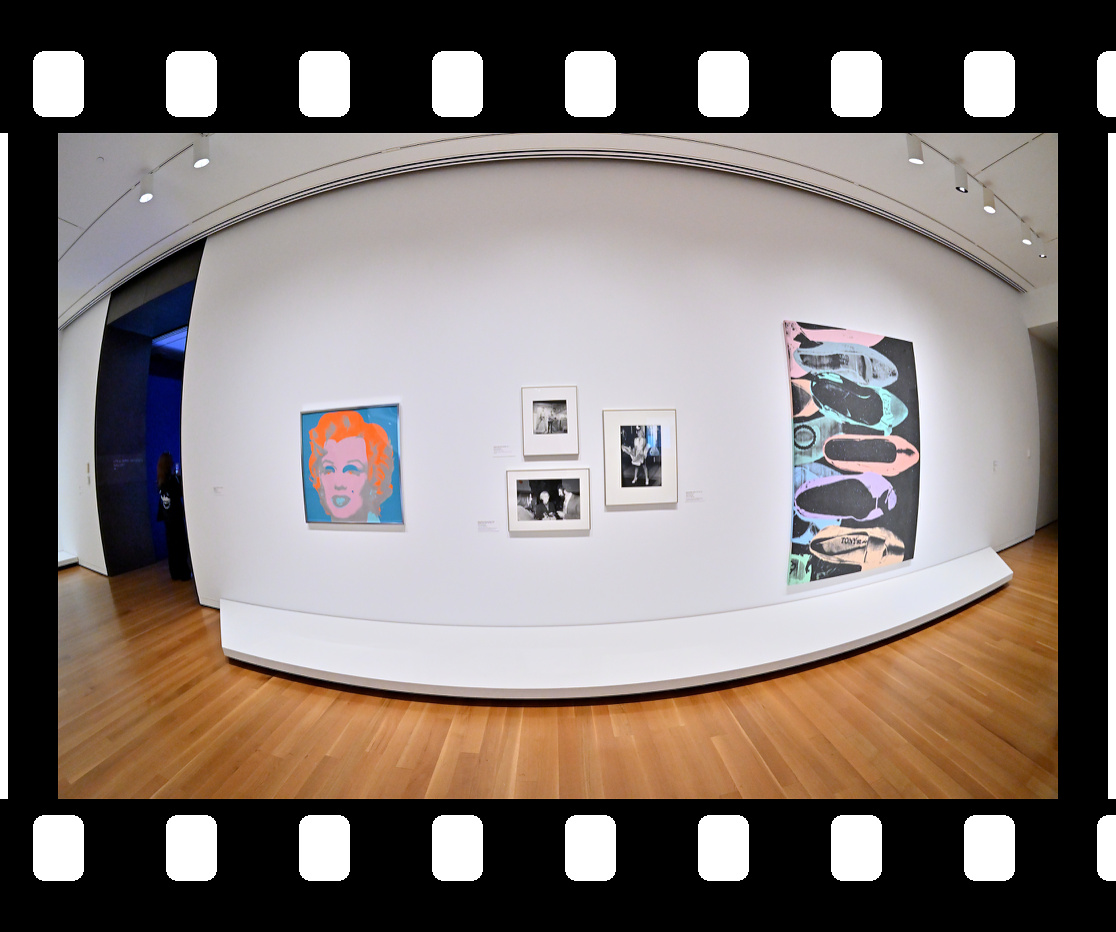
American Art: The Stories We Carry
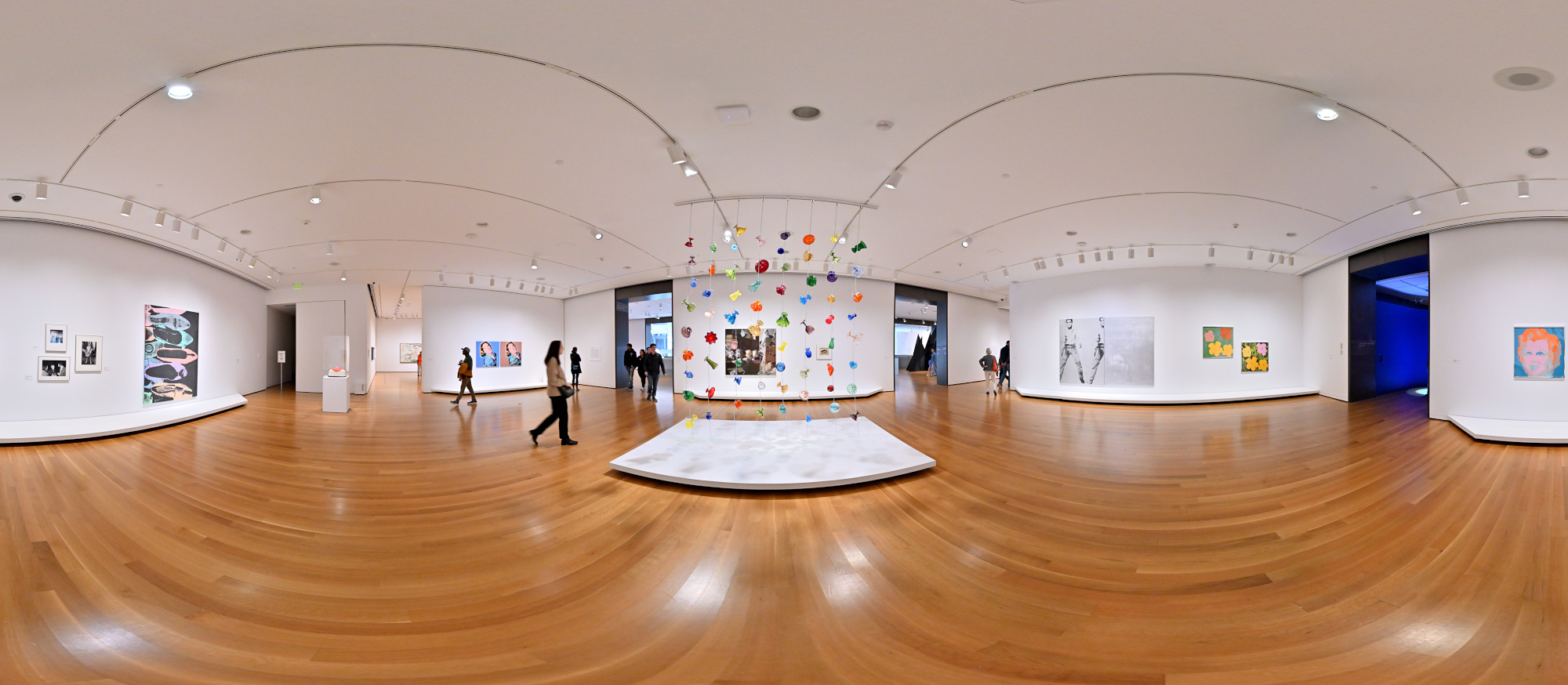
This exhibition includes several works by Andy Warhol, highlighting his iconic Pop Art style.
1/40s f/5,6 ISO 2000/34° f=7,5mm
1/40s f/5,6 ISO 2500/35° f=7,5mm
1/40s f/5,6 ISO 6400/39° f=7,5mm
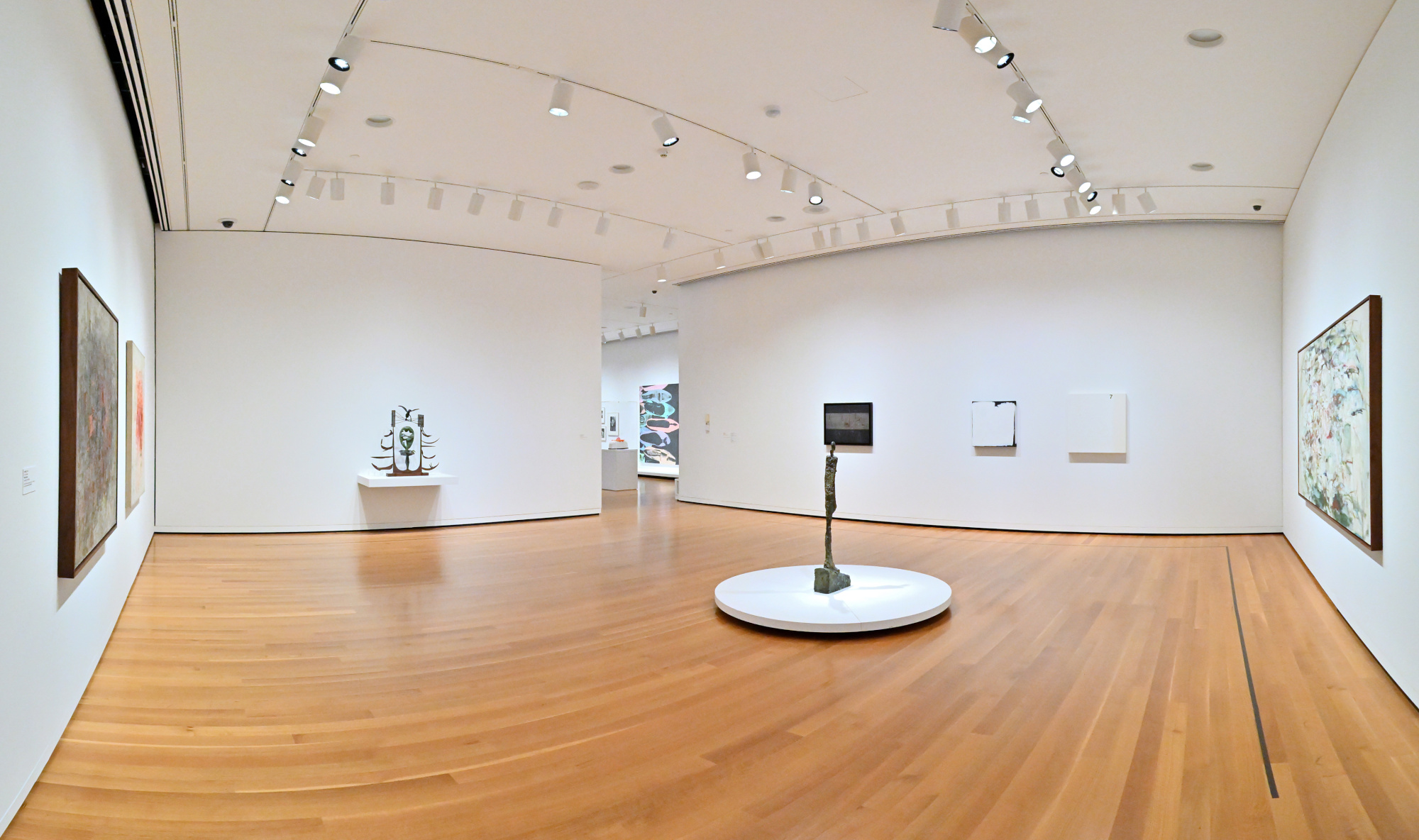
1/50s f/5,6 ISO 3200/36° f=7,5mm
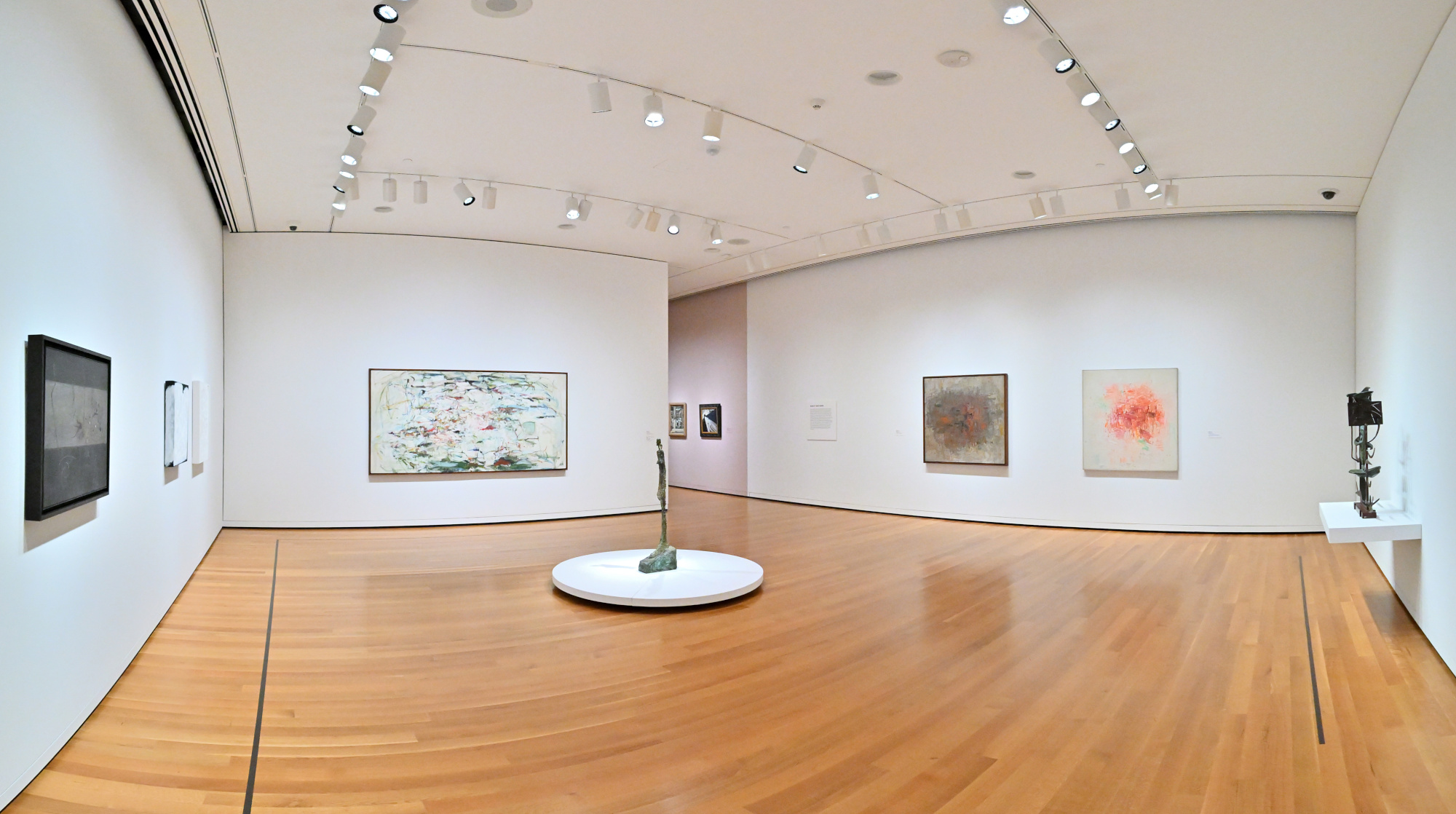
1/50s f/5,6 ISO 3200/36° f=7,5mm
Interactive Panorama American Art: The Stories We Carry
1/40s f/5,6 ISO 2500/35° f=7,5mm
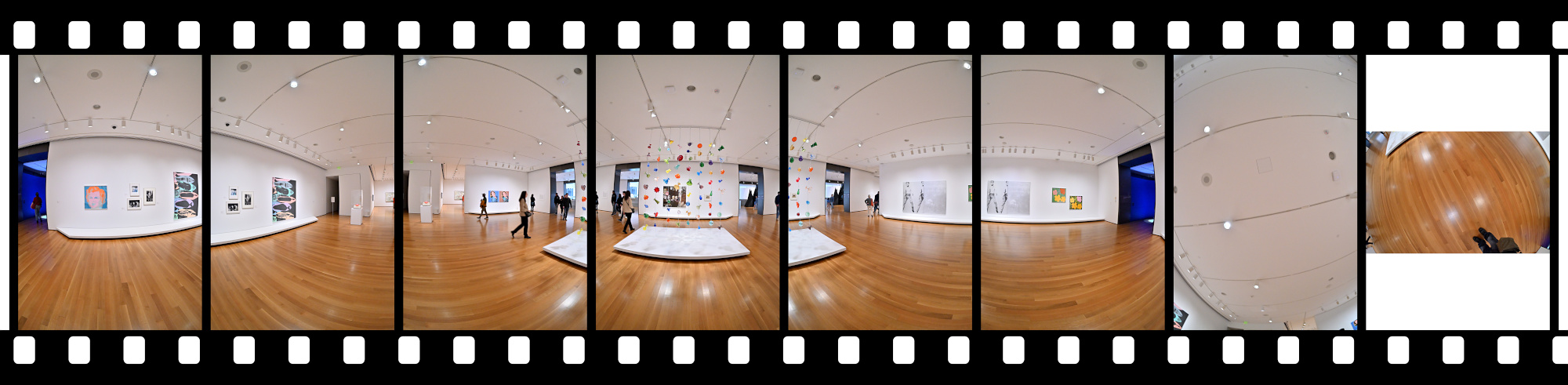
1/50s f/5,6 ISO 1000/31° f=7,5mm
1/50s f/5,6 ISO 1000/31° f=7,5mm
1/50s f/5,6 ISO 1600/33° f=7,5mm
1/50s f/5,6 ISO 1600/33° f=7,5m
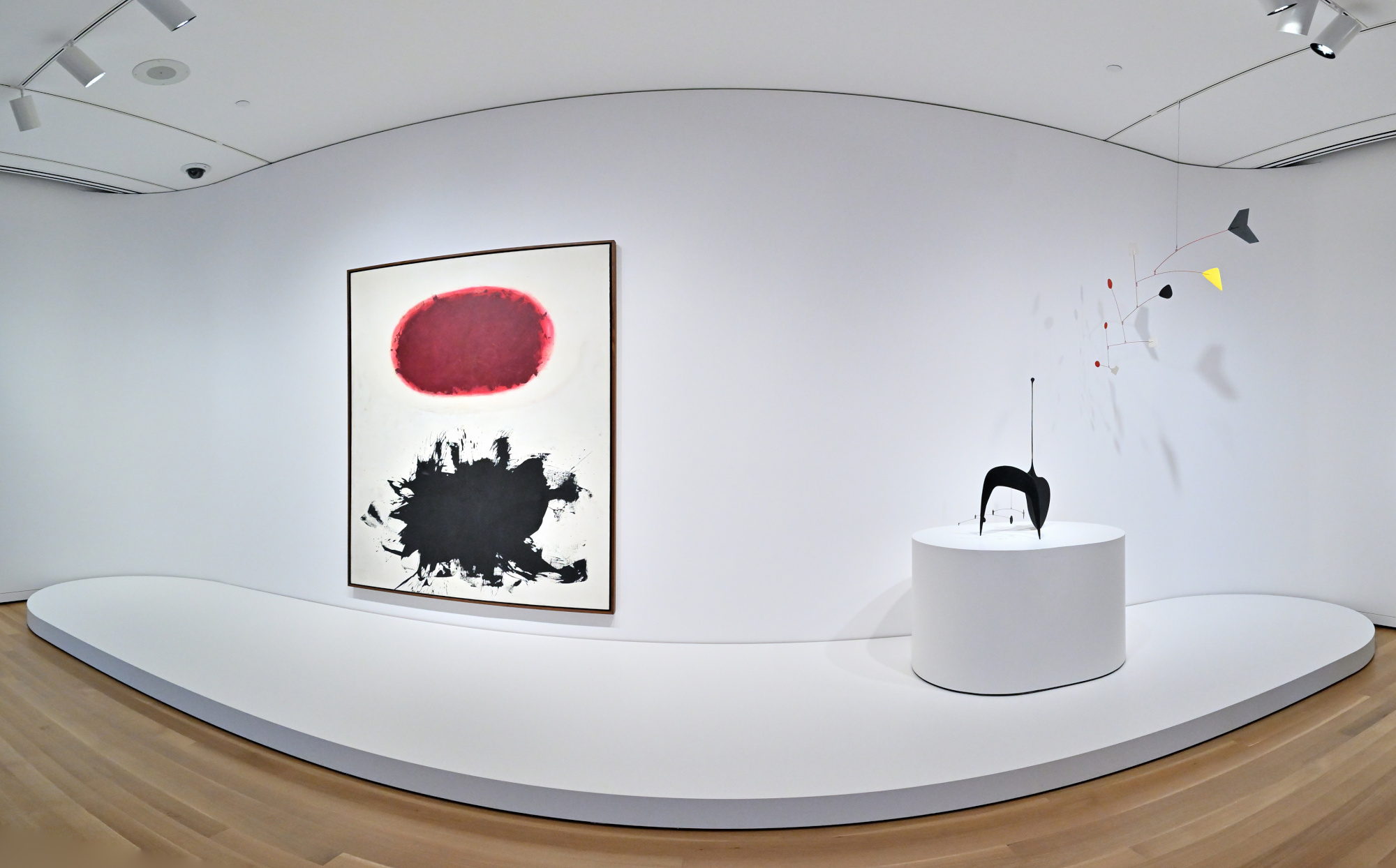
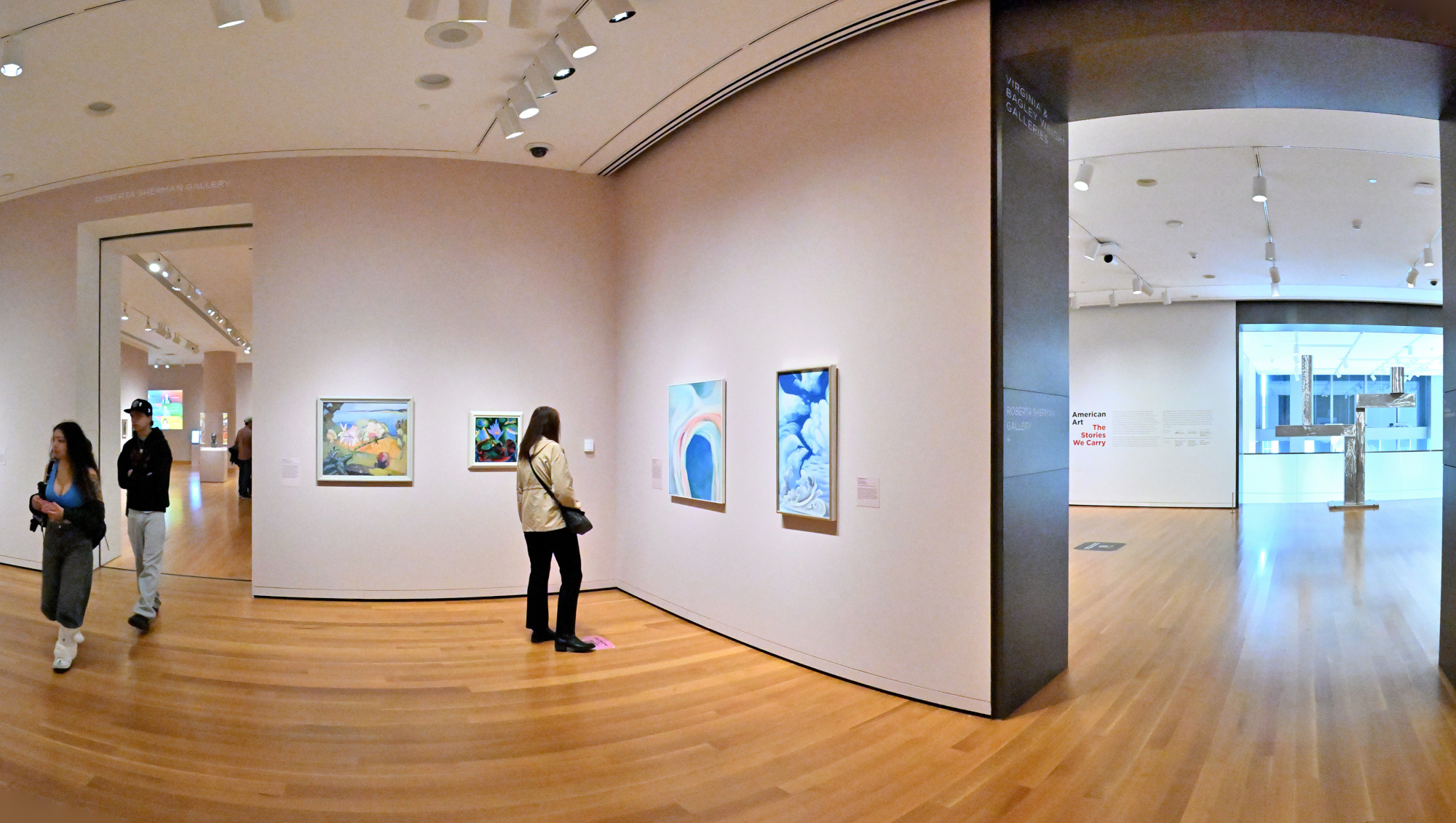
1/80s f/5,6 ISO 5000/38° f=7,5mm
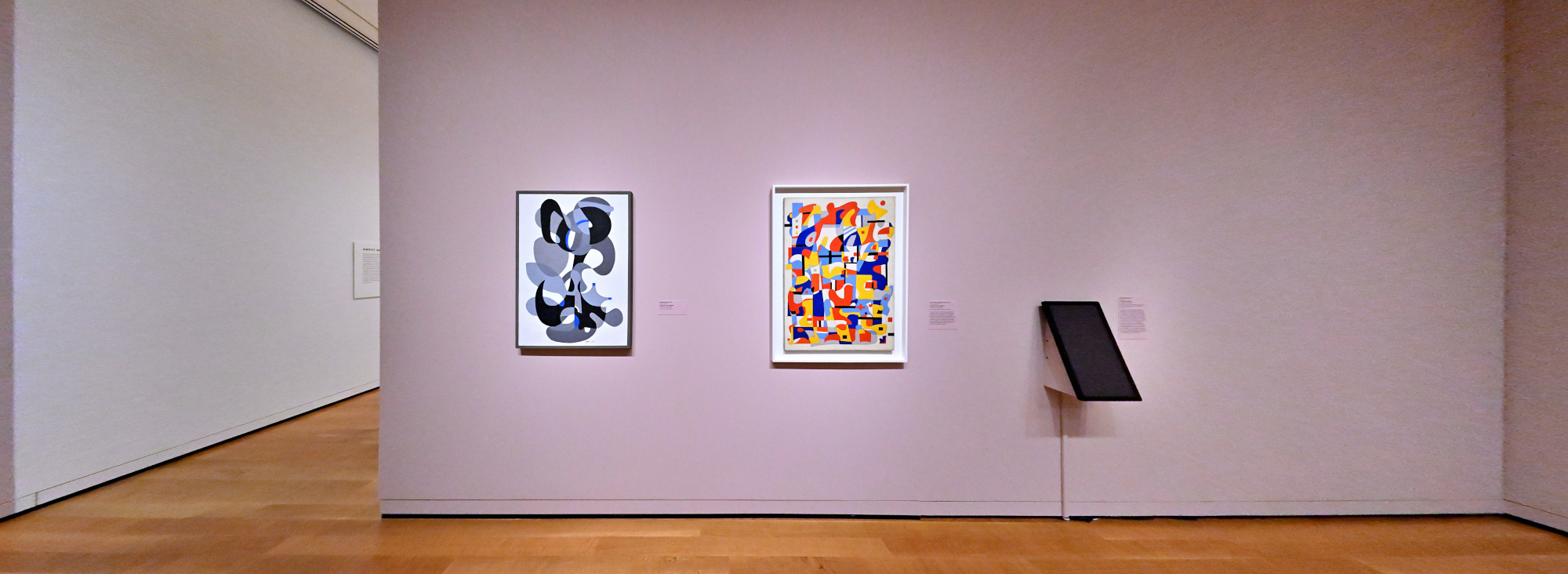
Only Connect: The Art of Devotion
1/50s f/5,6 ISO 16000/43° f=7,5mm
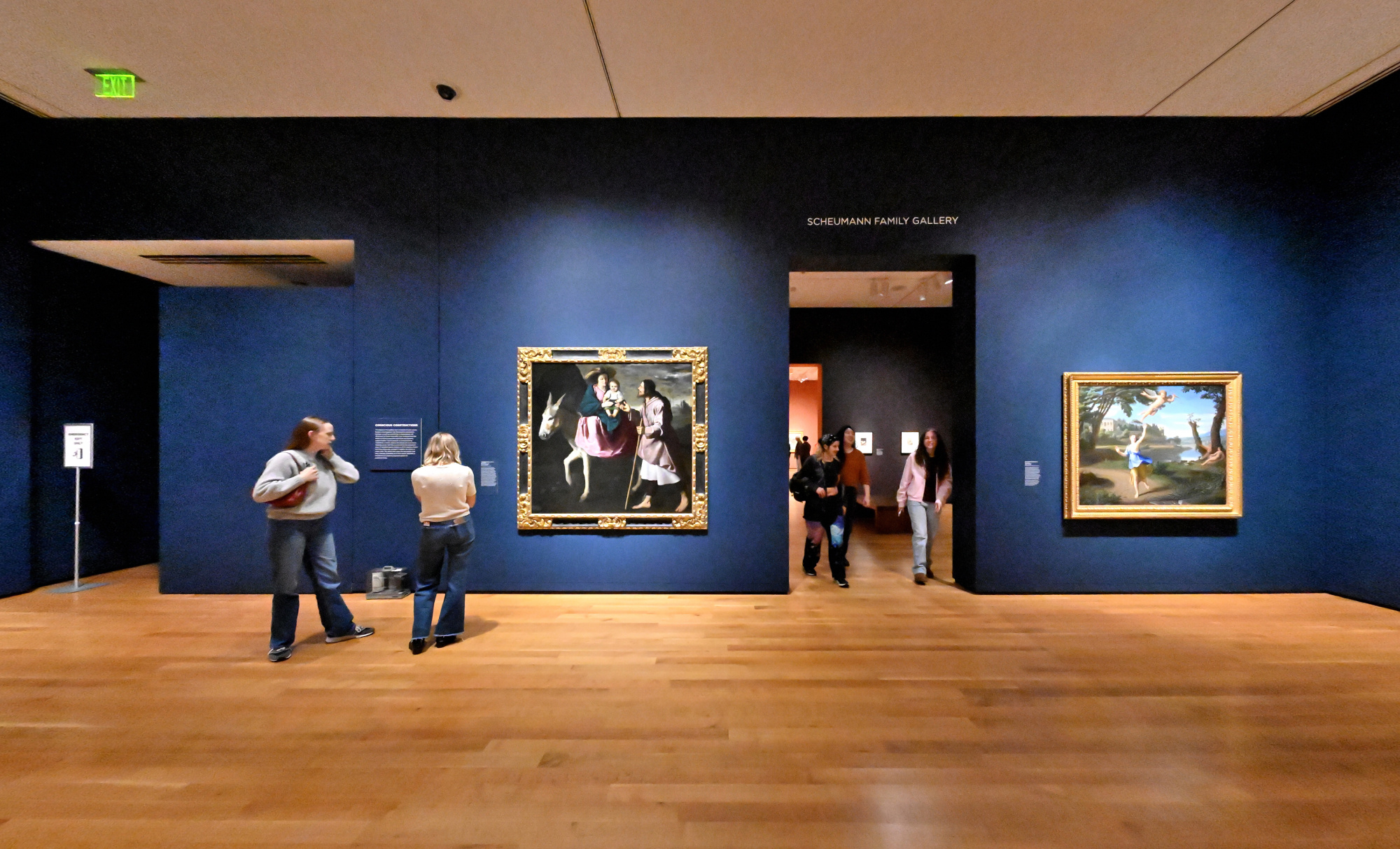
SAM Stories, The Visitation, 1643, Philippe de Champaigne
1/50s f/5,6 ISO 8000/40° f=7,5mm
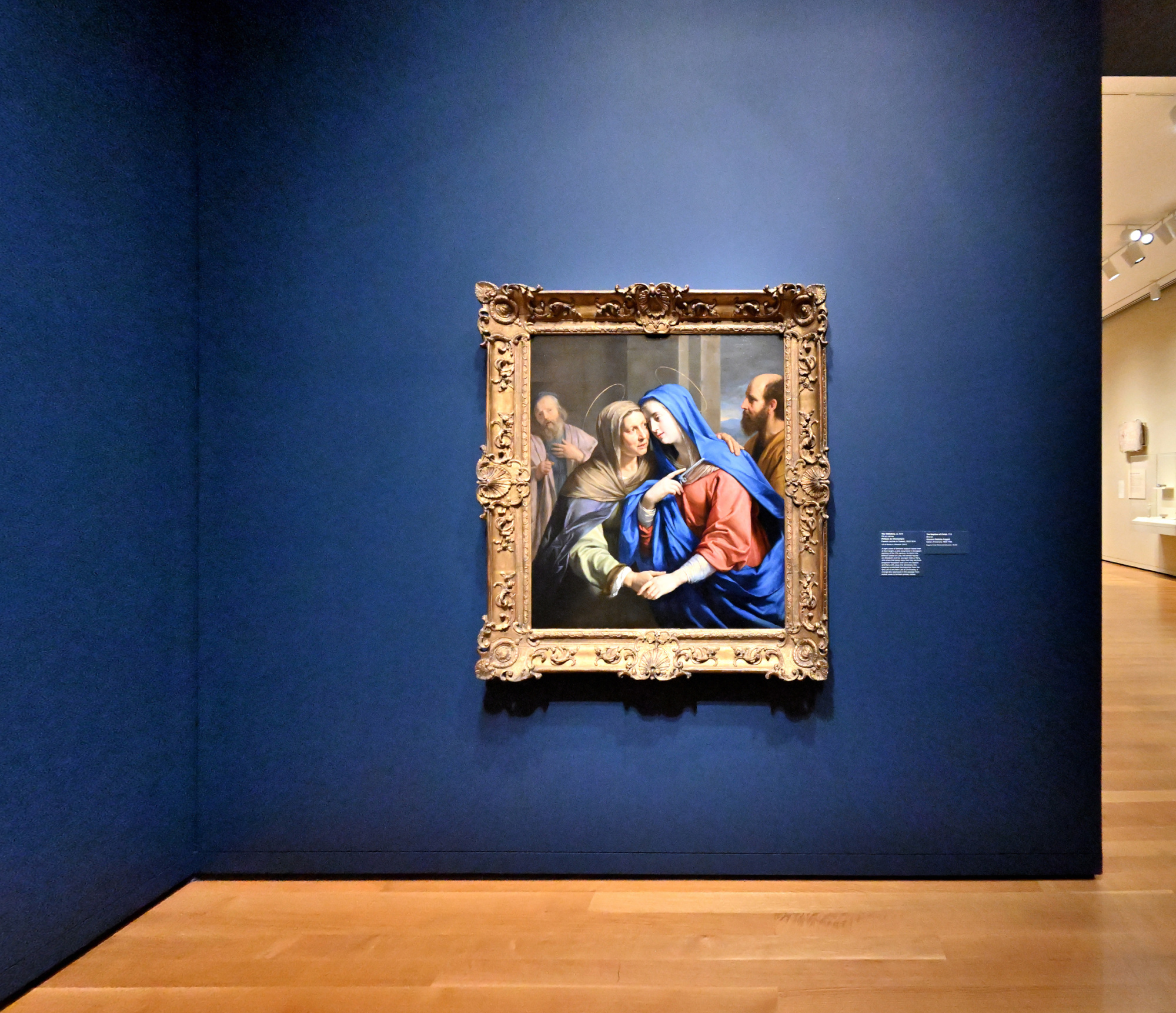
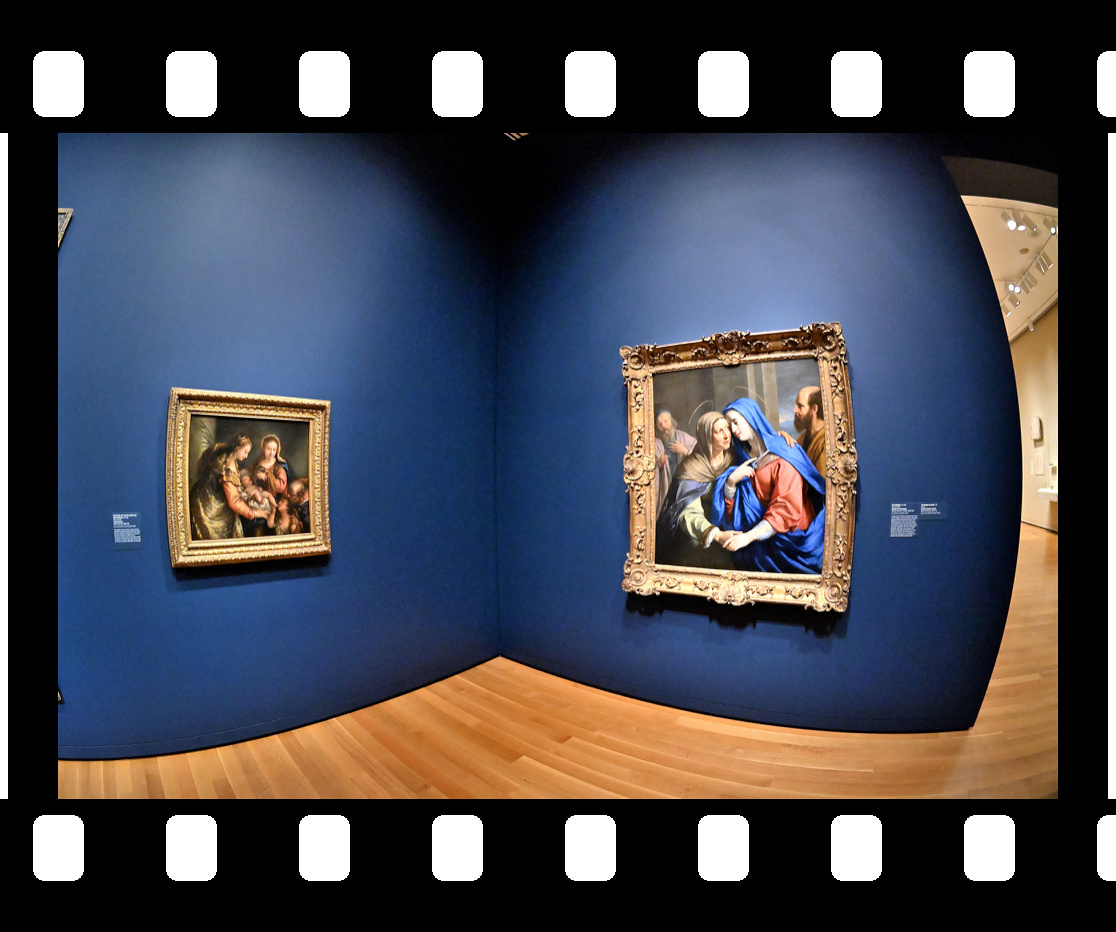
Interactive Panorama Only Connect: The Art of Devotion
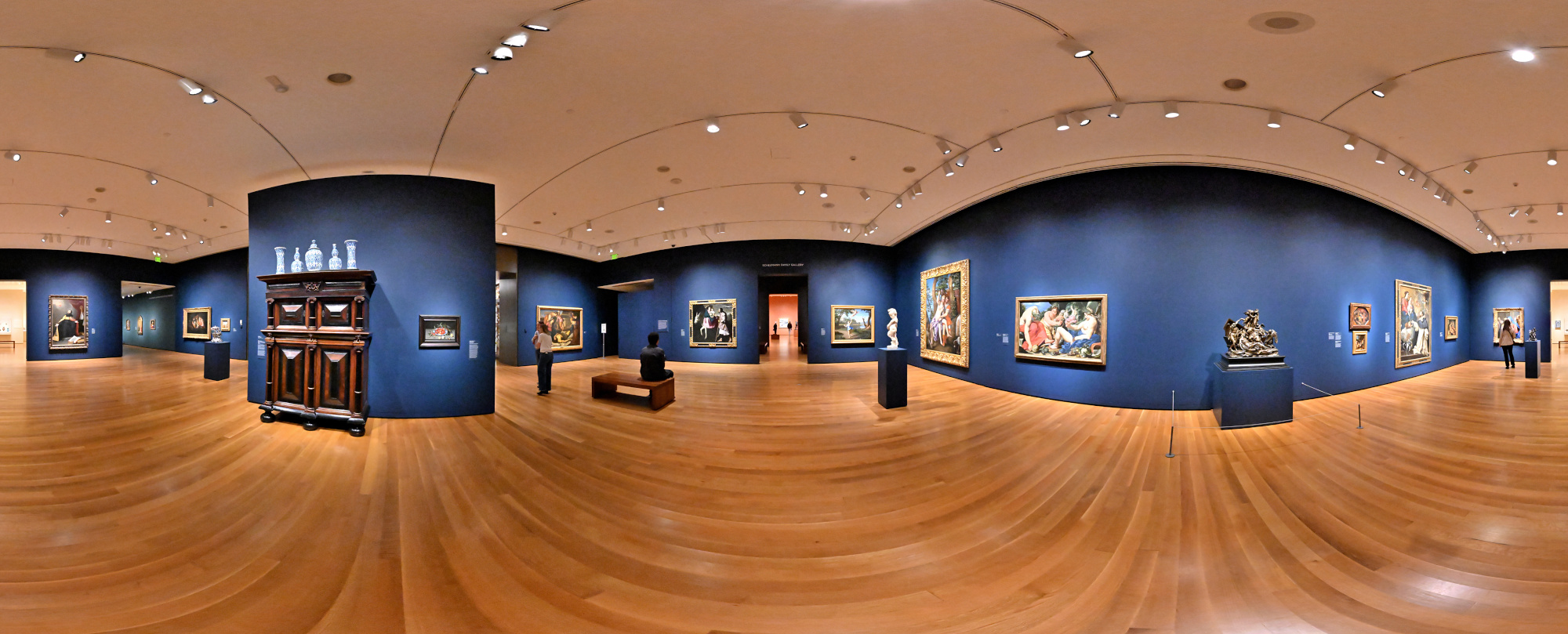
1/50s f/5,6 ISO 16000/43° f=7,5mm

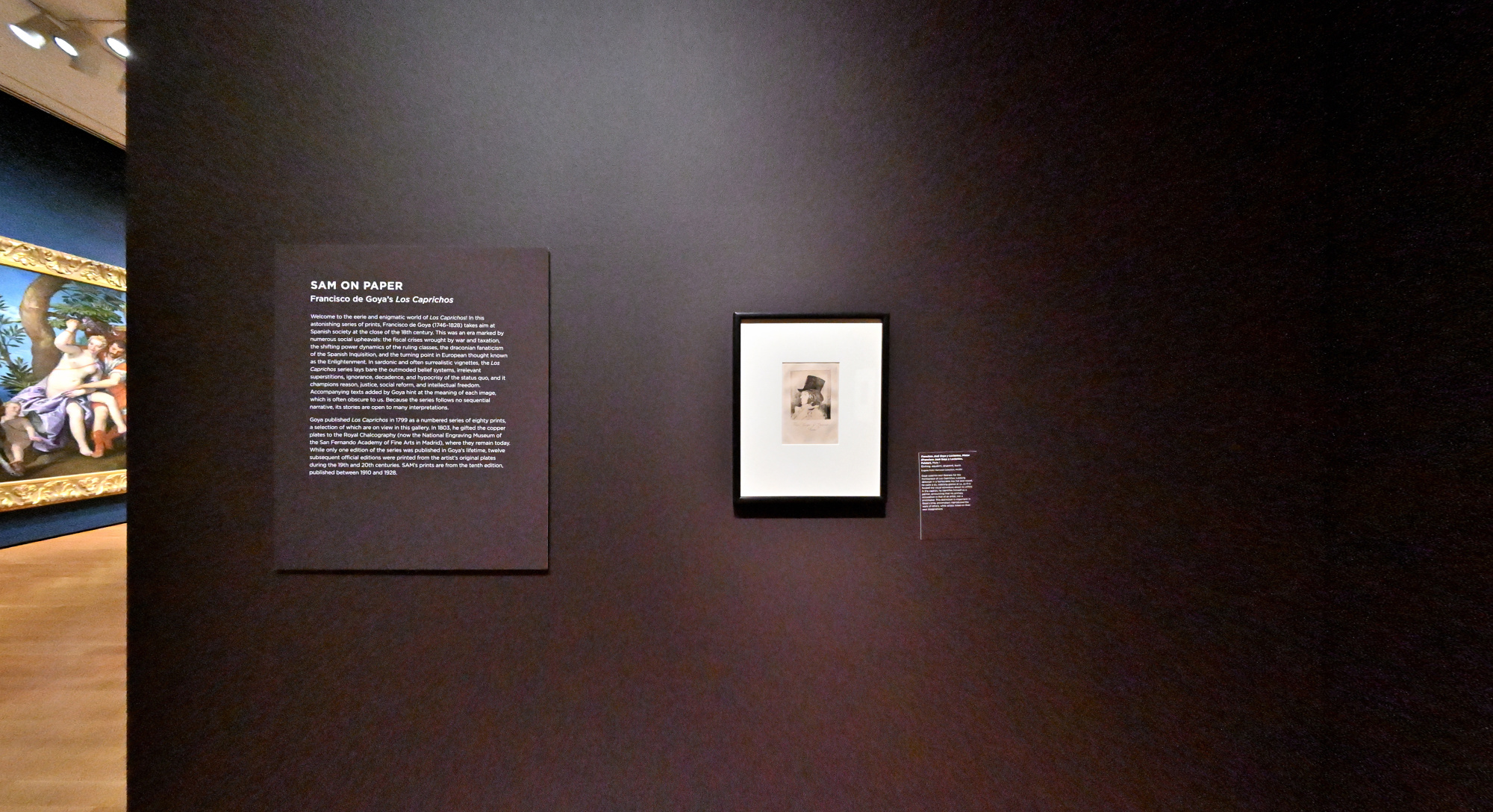
A Goya worth reversing entropy for, but today I let time flow forward through my lens. Tenet.
SAM Stories1/50s f/5,6 ISO 6400/39° f=7,5mm
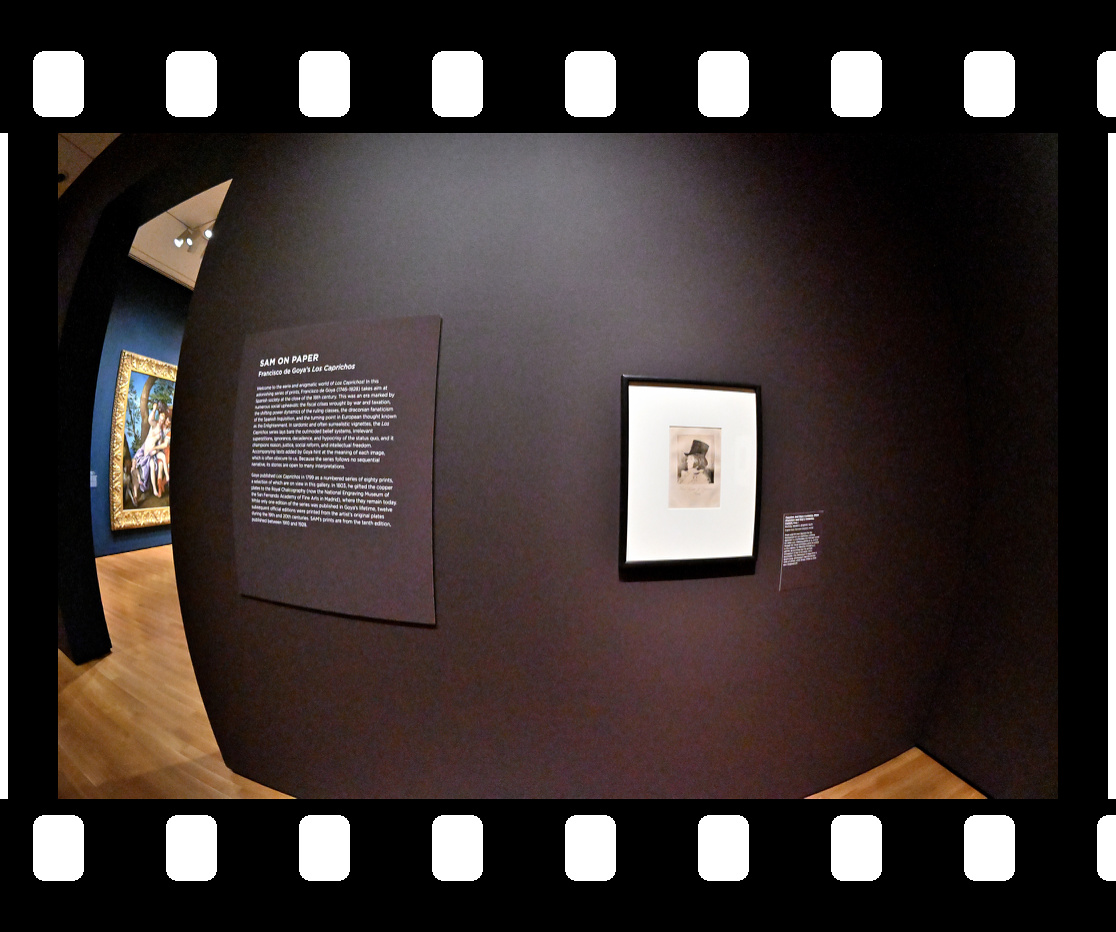
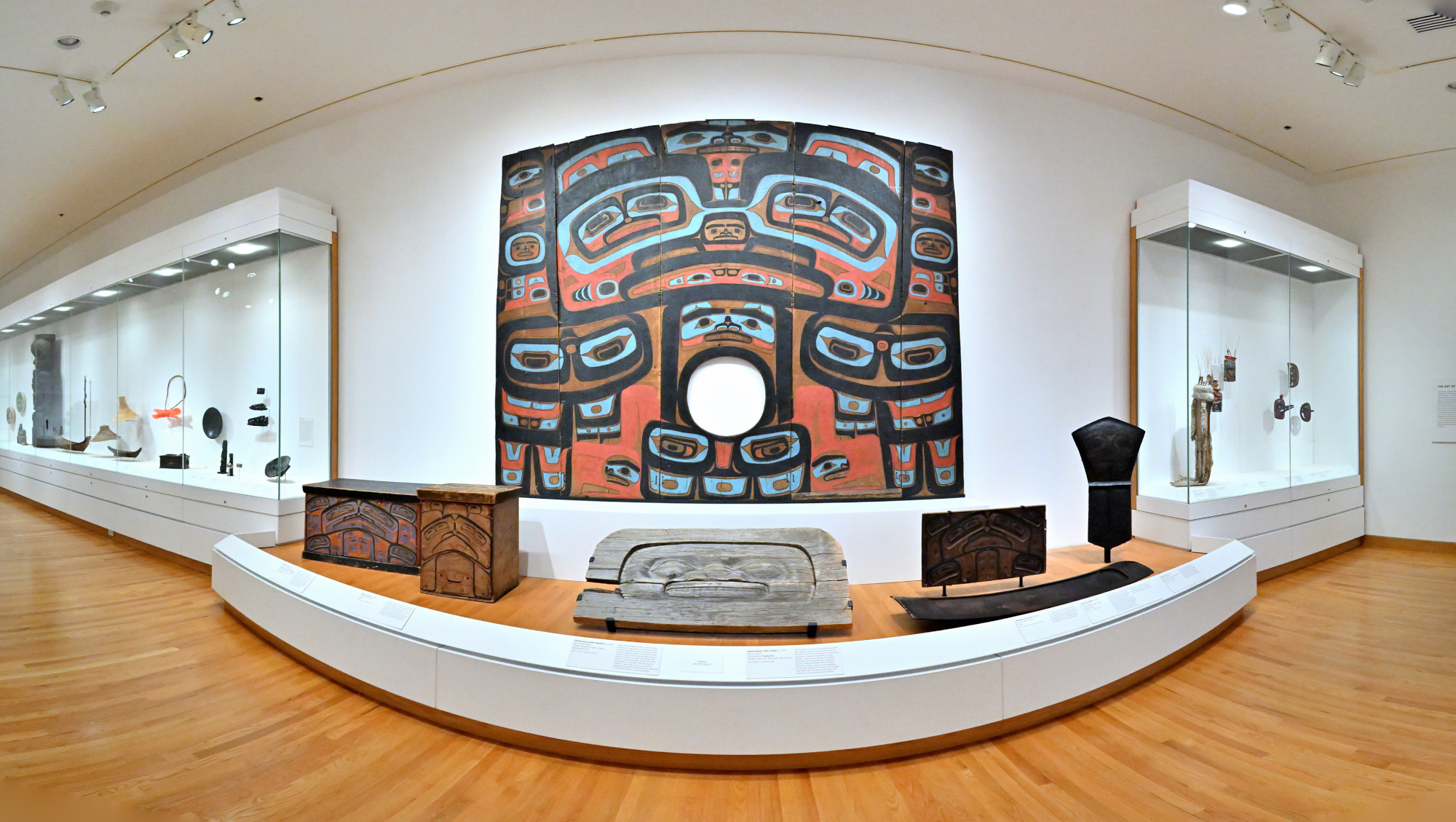
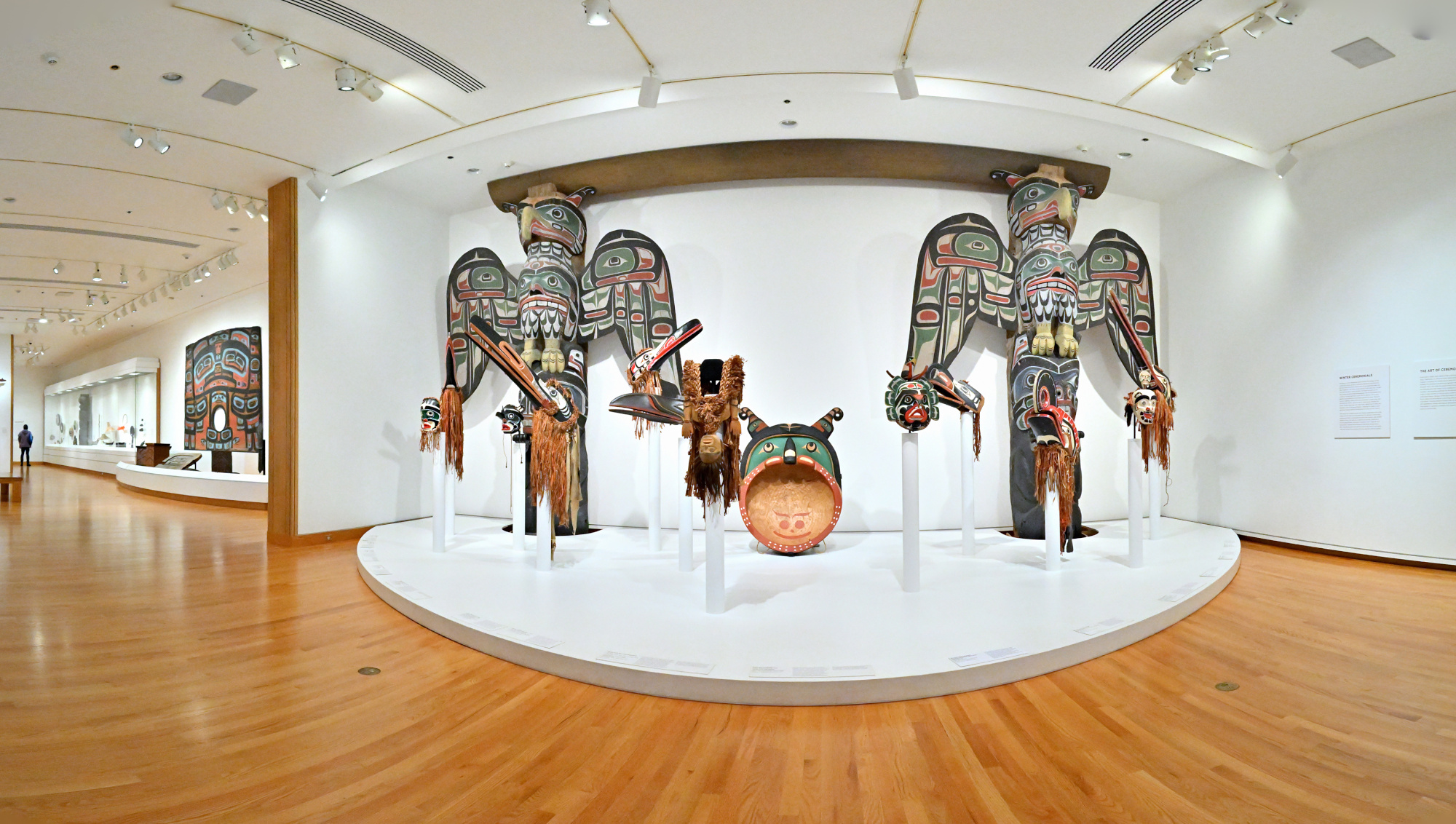
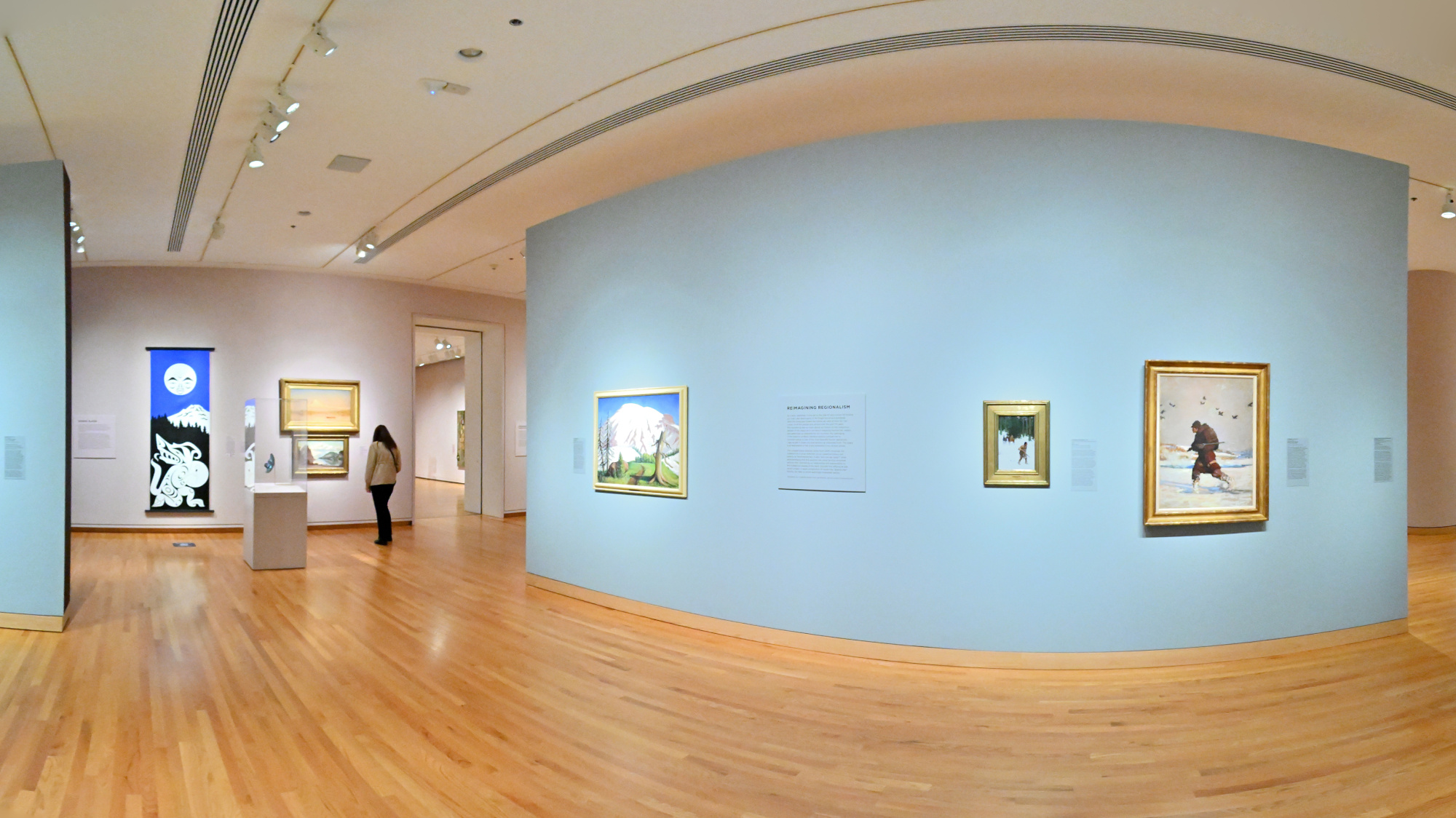
Art and Life Along the Northwest Coast
1/50s f/5,6 ISO 4000/37° f=7,5mm
1/50s f/5,6 ISO 4000/37° f=7,5mm
1/50s f/5,6 ISO 5000/38° f=7,5mm
1/50s f/5,6 ISO 5000/38° f=7,5mm
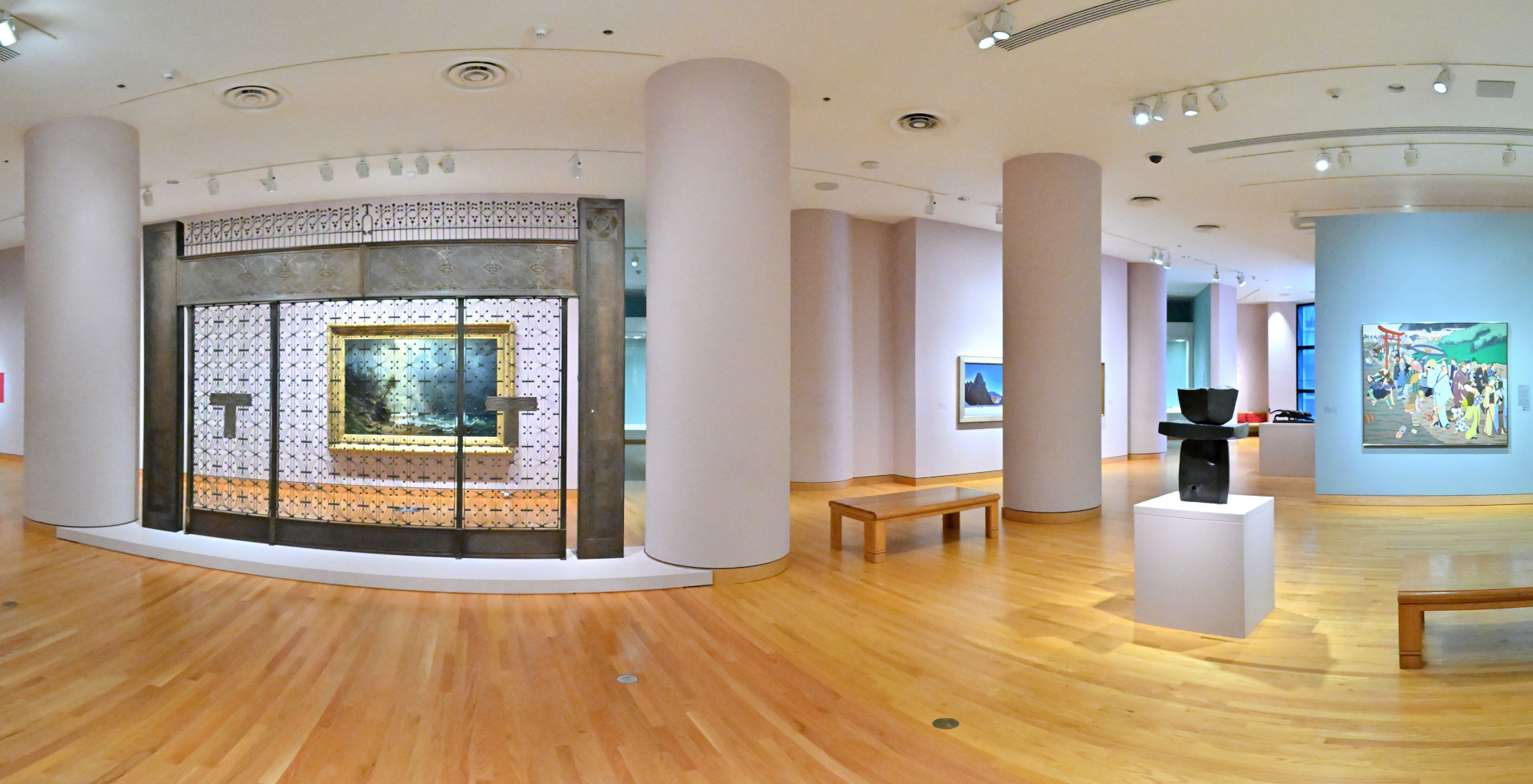
Chronicles of a Global East
1/80s f/5,6 ISO 16000/43° f=7,5mm
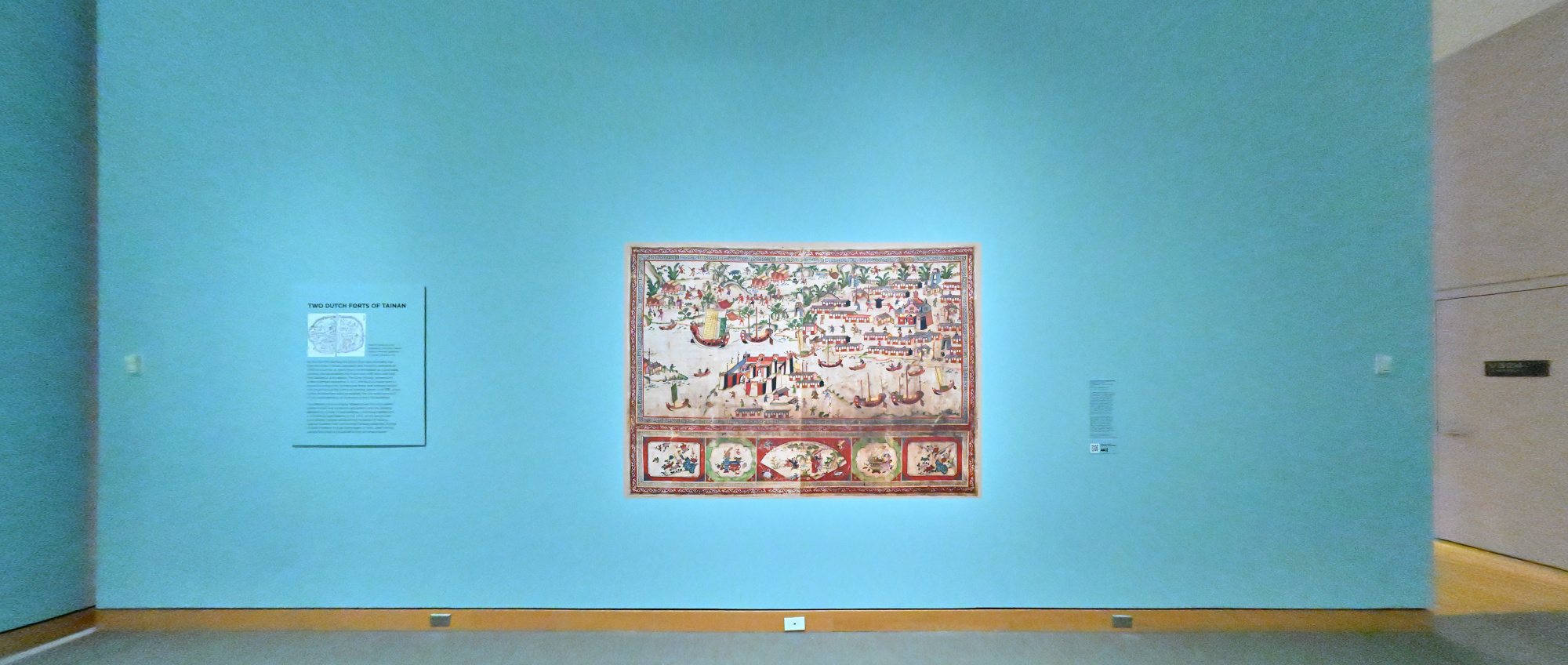
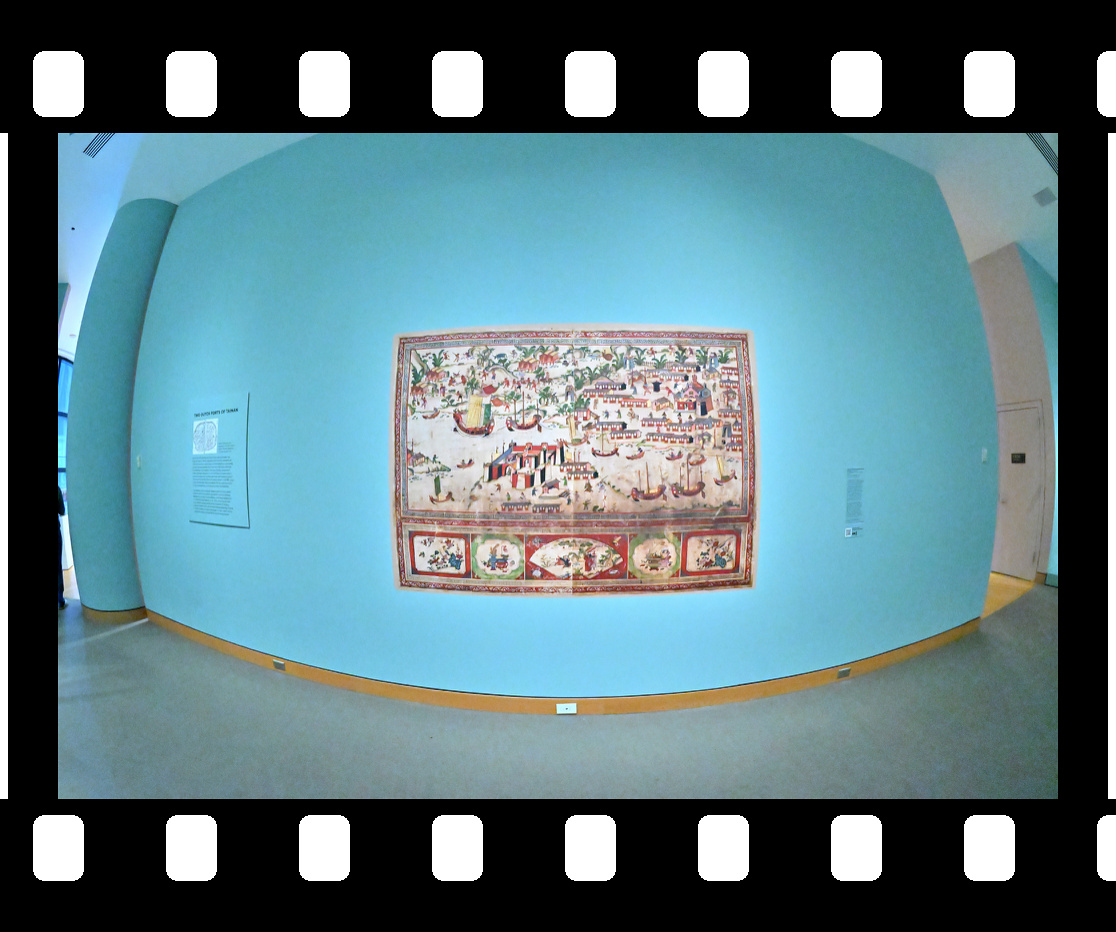
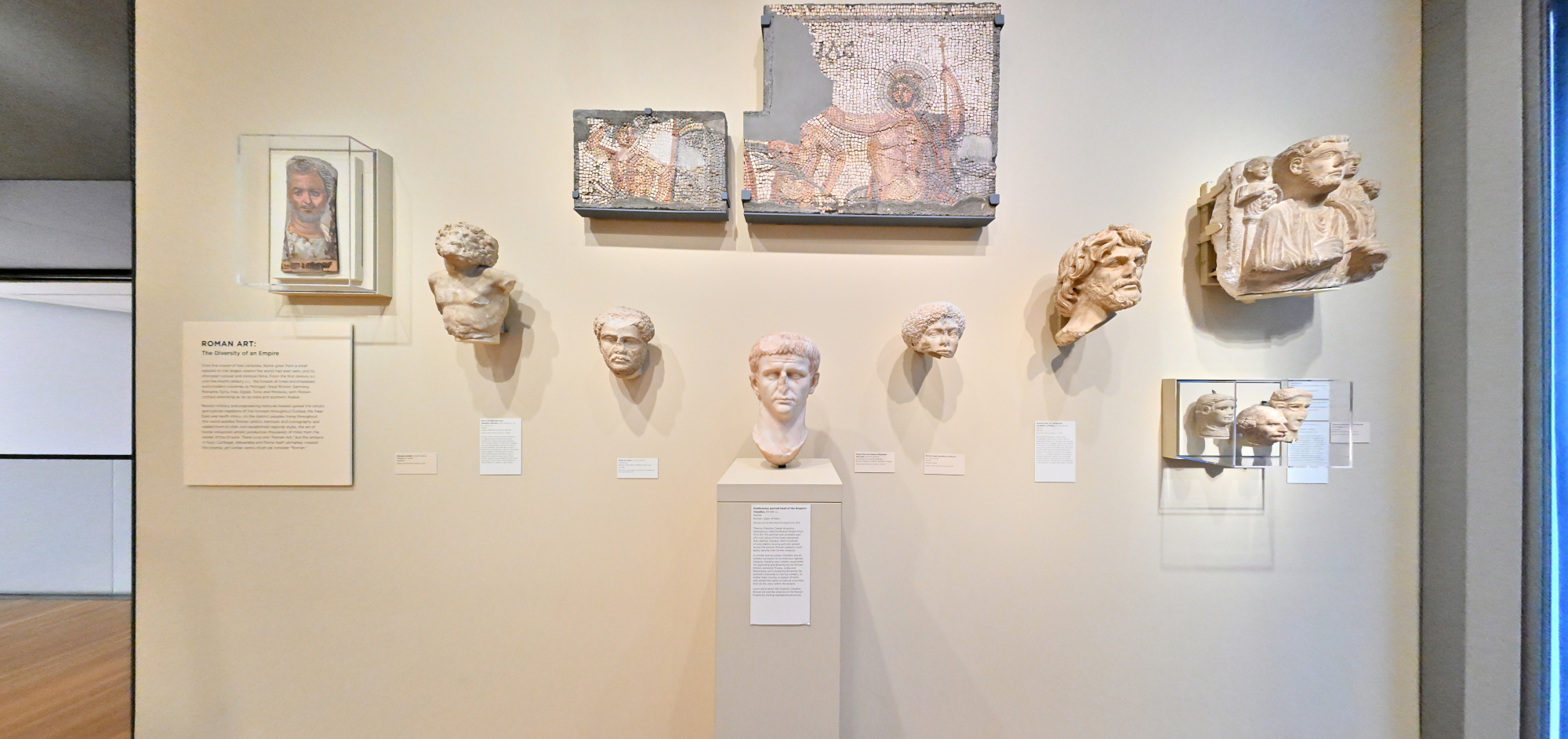
Roman Art: The Diversity of an Empire
1/50s f/5,6 ISO 4000/37° f=7,5mm
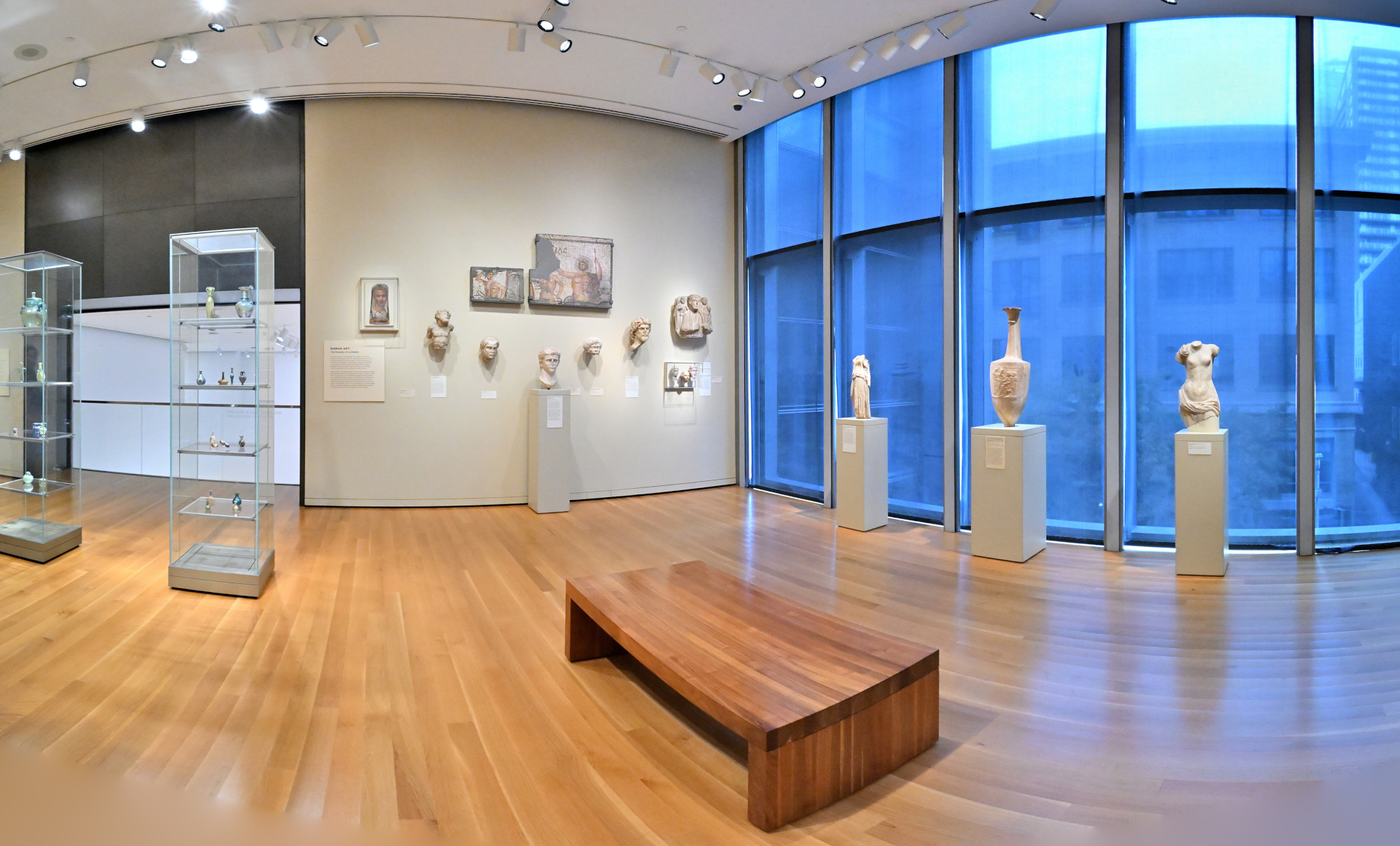
1/50s f/5,6 ISO 4000/37° f=7,5mm
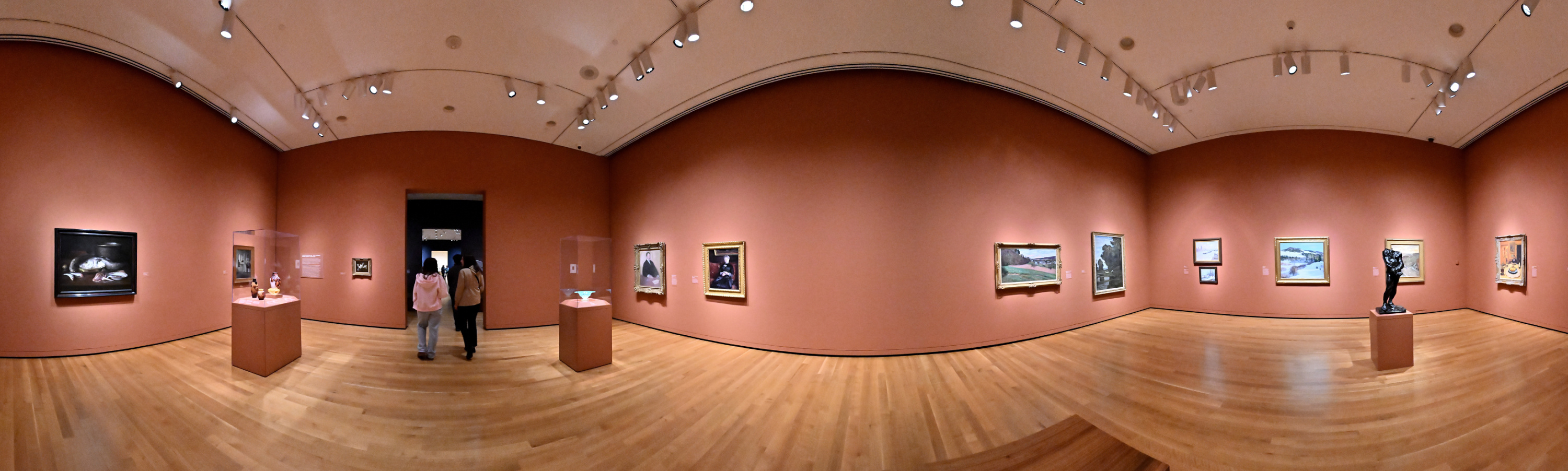
Impressionisms: The Global 19th Century
1/50s f/5,6 ISO 6400/39° f=7,5mm
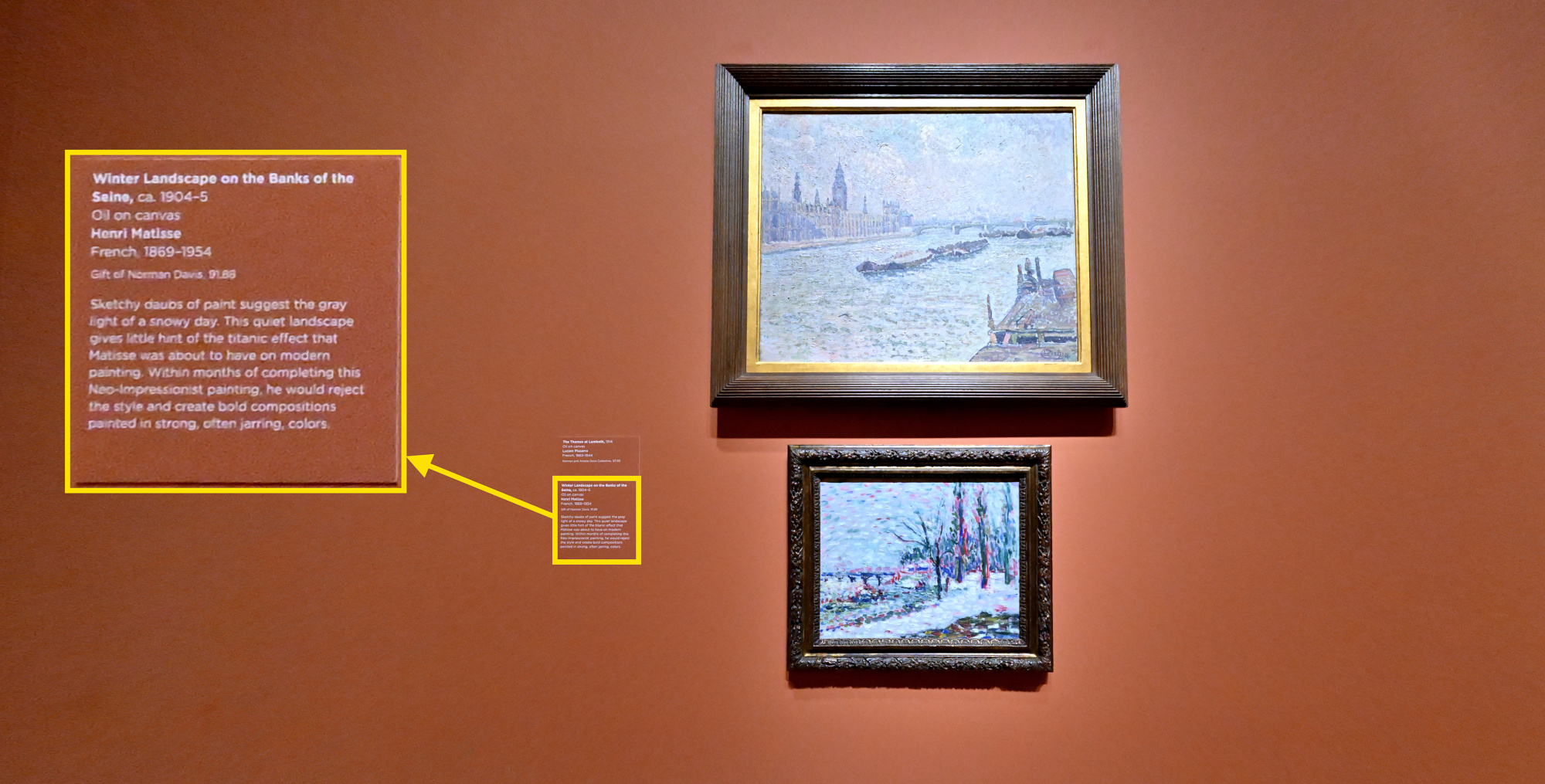
Winter Landscape on the Bank of the Seine, Henri Matisse
SAM Stories and SAM's collection
1/50s f/5,6 ISO 6400/39° f=7,5mm
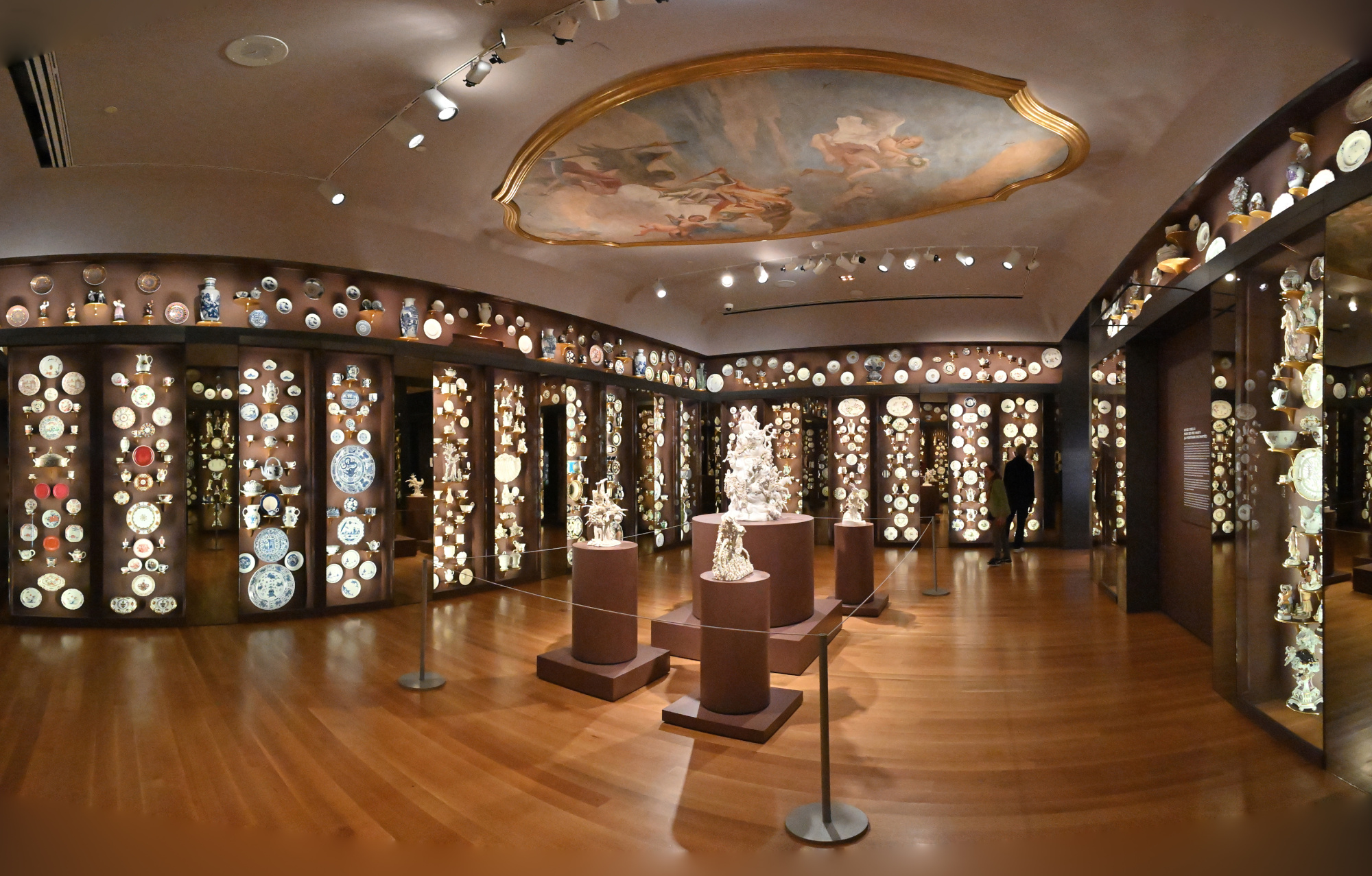
Porcelain Room
1/50s f/5,6 ISO 8000/40° f=7,5mm
The Italian Room
SAM Stories and SAM's collection
1/50s f/5,6 ISO 8000/40° f=7,5mm
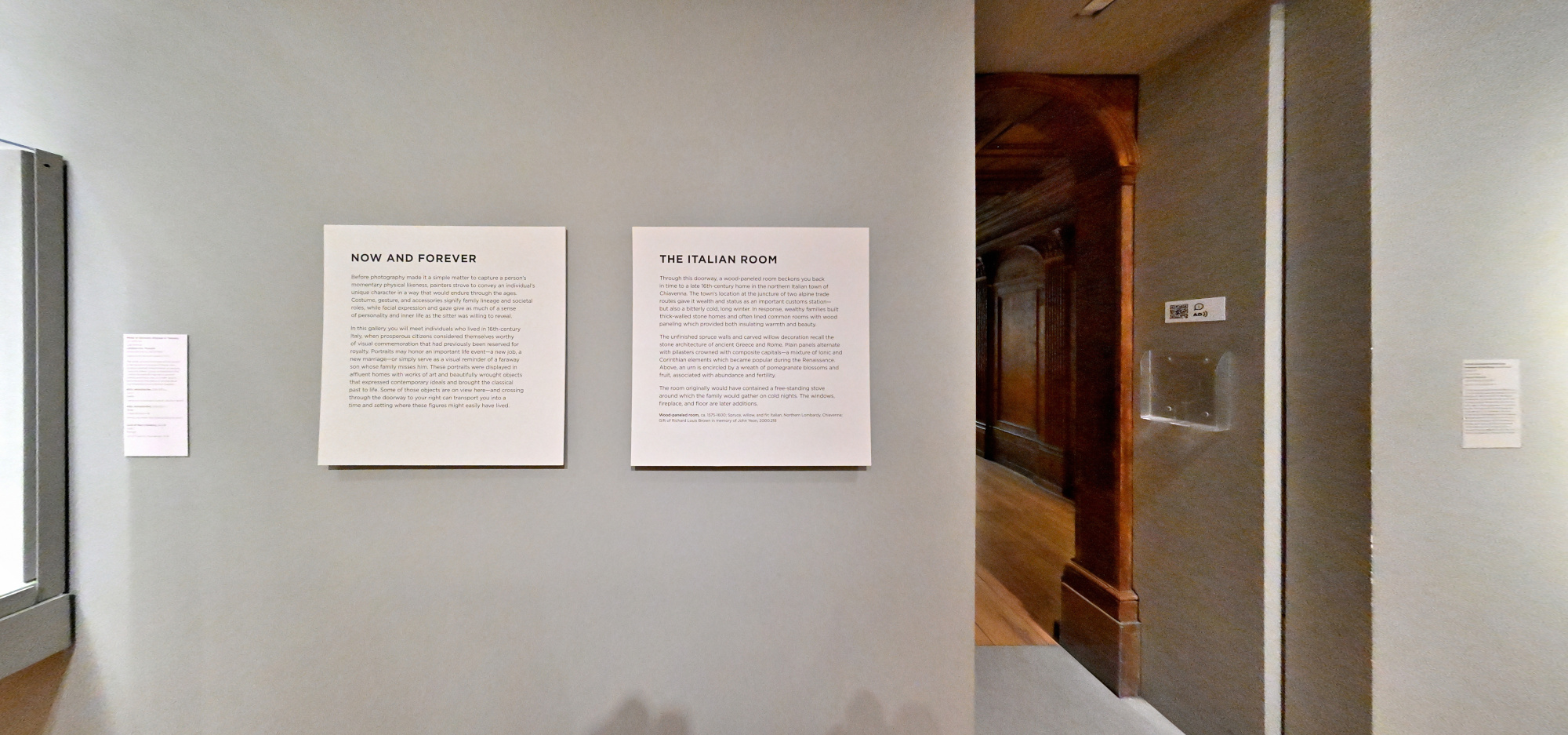
Interactive Panorama The Italian Room
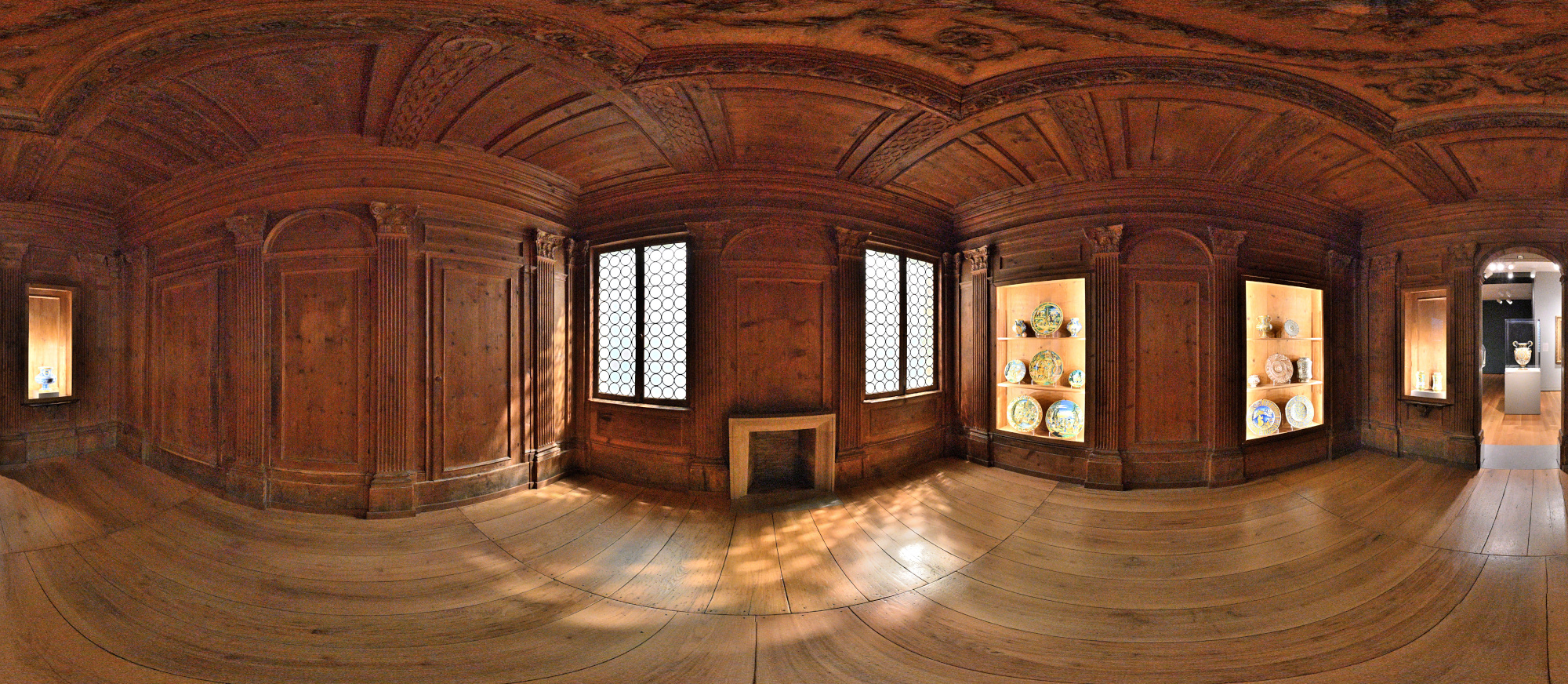
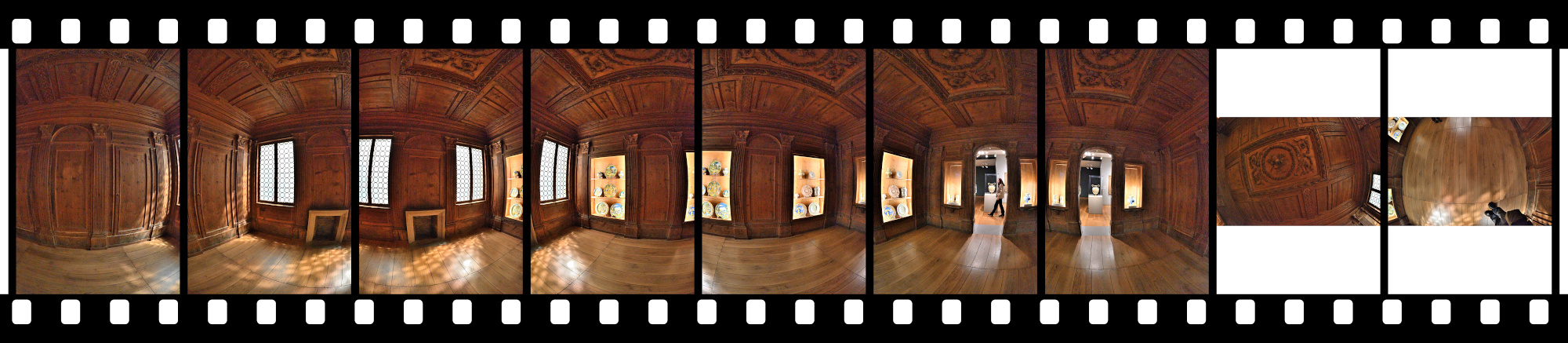
Noise reduction was not applied to retain details; the images were only graded6.
There was no time for multiple exposures for HDR, and of course no tripod because we were in a museum. I only had a brief moment when the room was empty to capture a 360°×180° panorama.1/50s f/5,6 ISO 8000/40° f=7,5mm
It was really dark in this room. Here are the ungraded raw images:
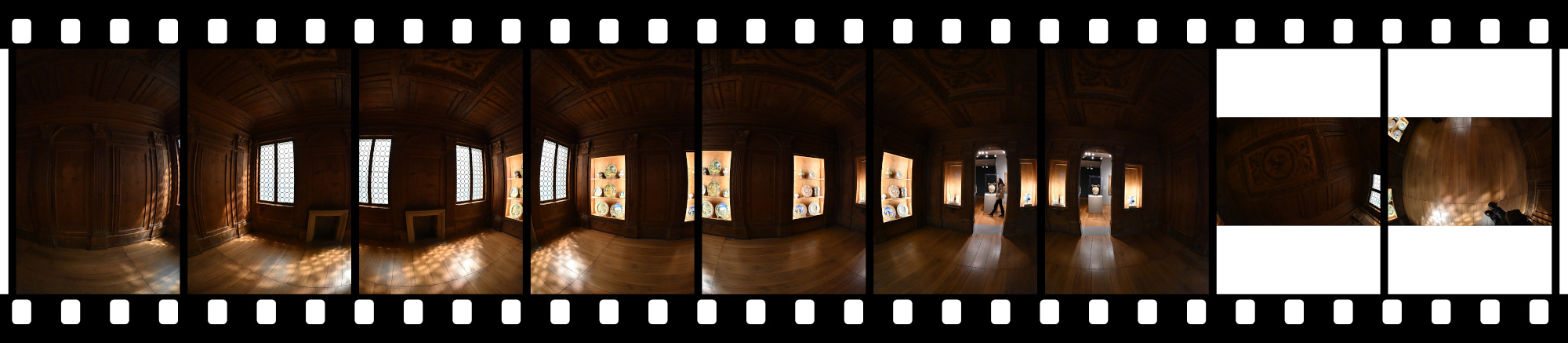
1/50s f/5,6 ISO 8000/40° f=7,5mm
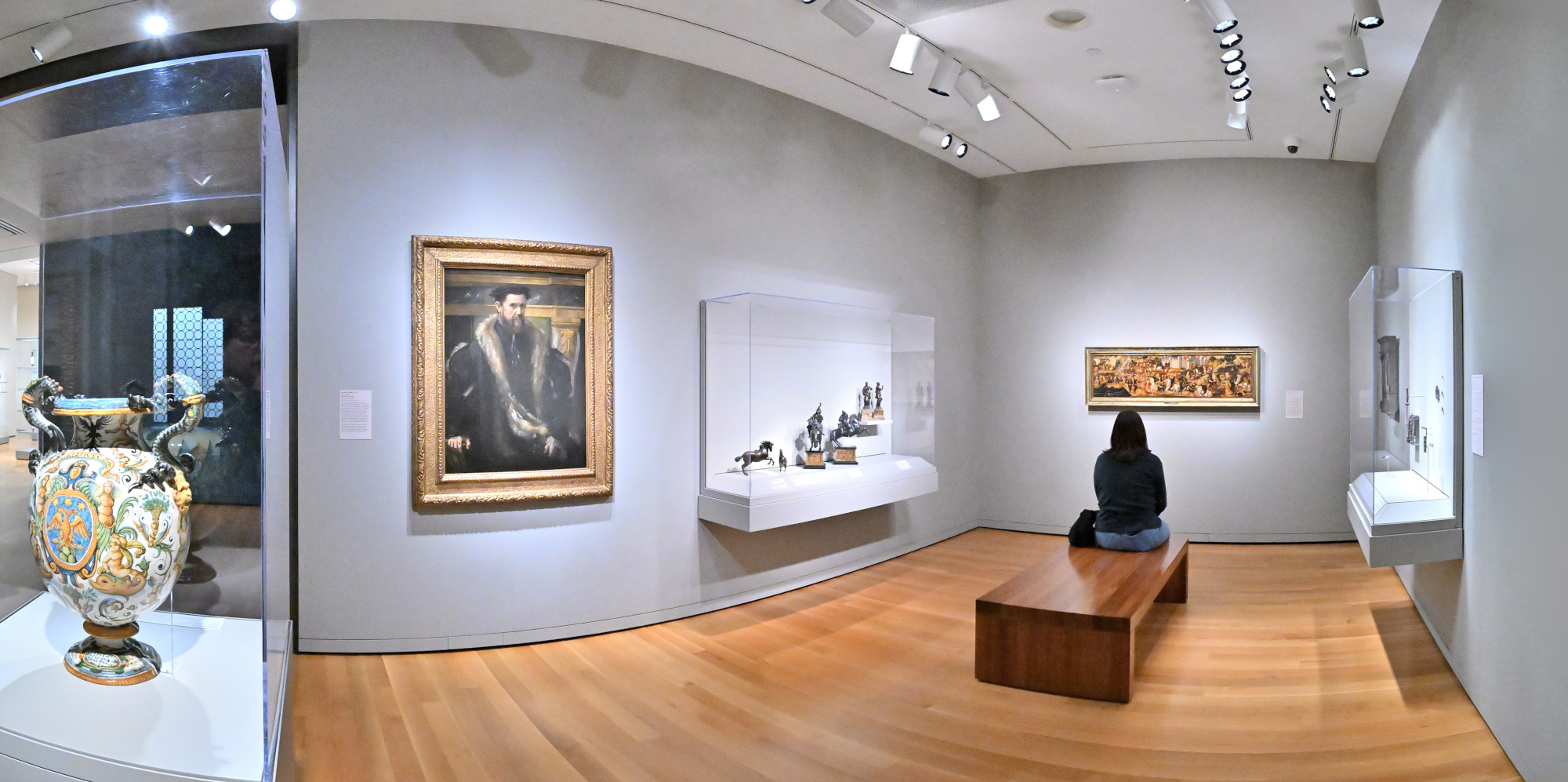
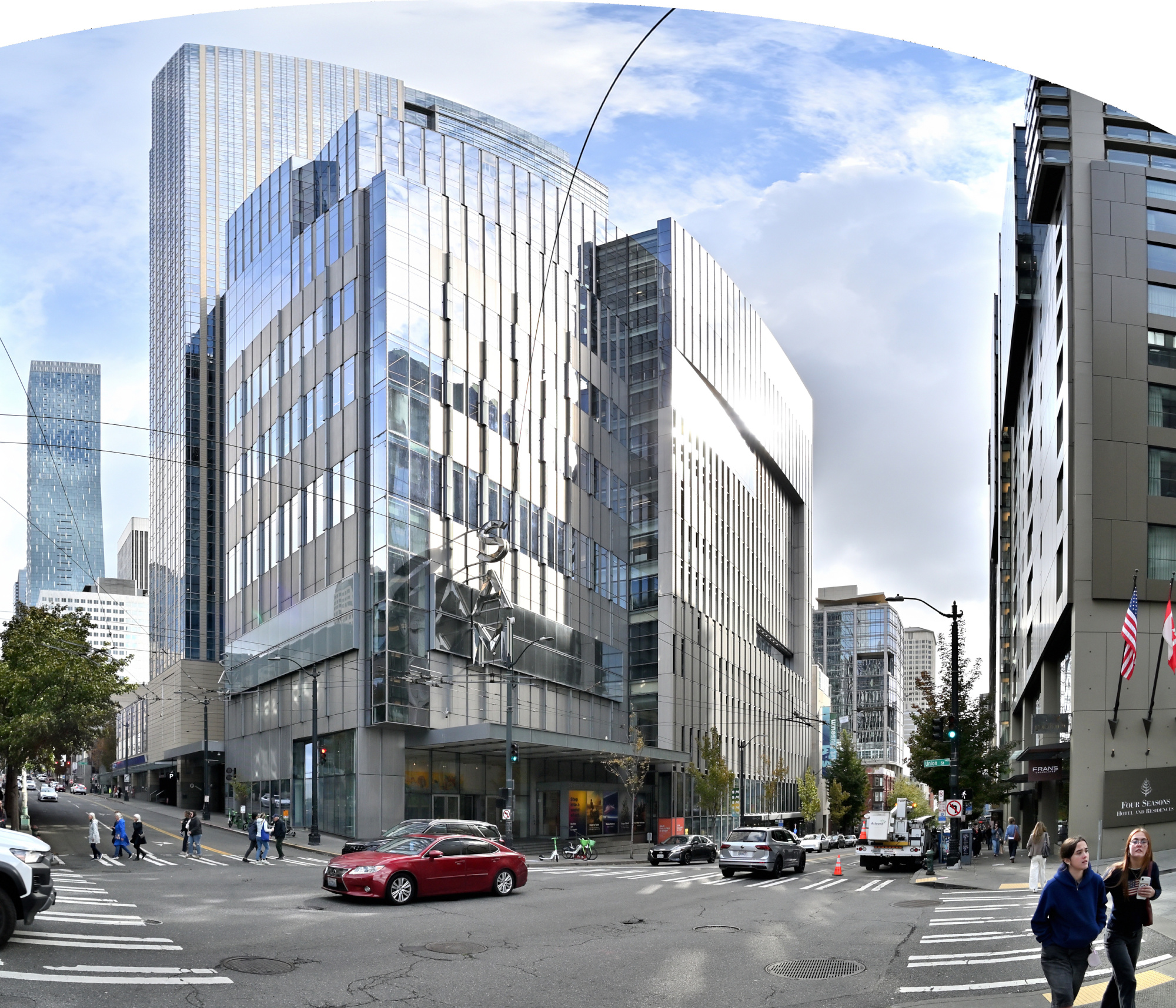
From Galleries to Sidewalks
When we left the museum, it was only partly cloudy with a hint of sunshine. The Pacific Northwest's quiet way of saying thanks for staying.
1/400s f/5,6 ISO 100/21° f=7,5mm
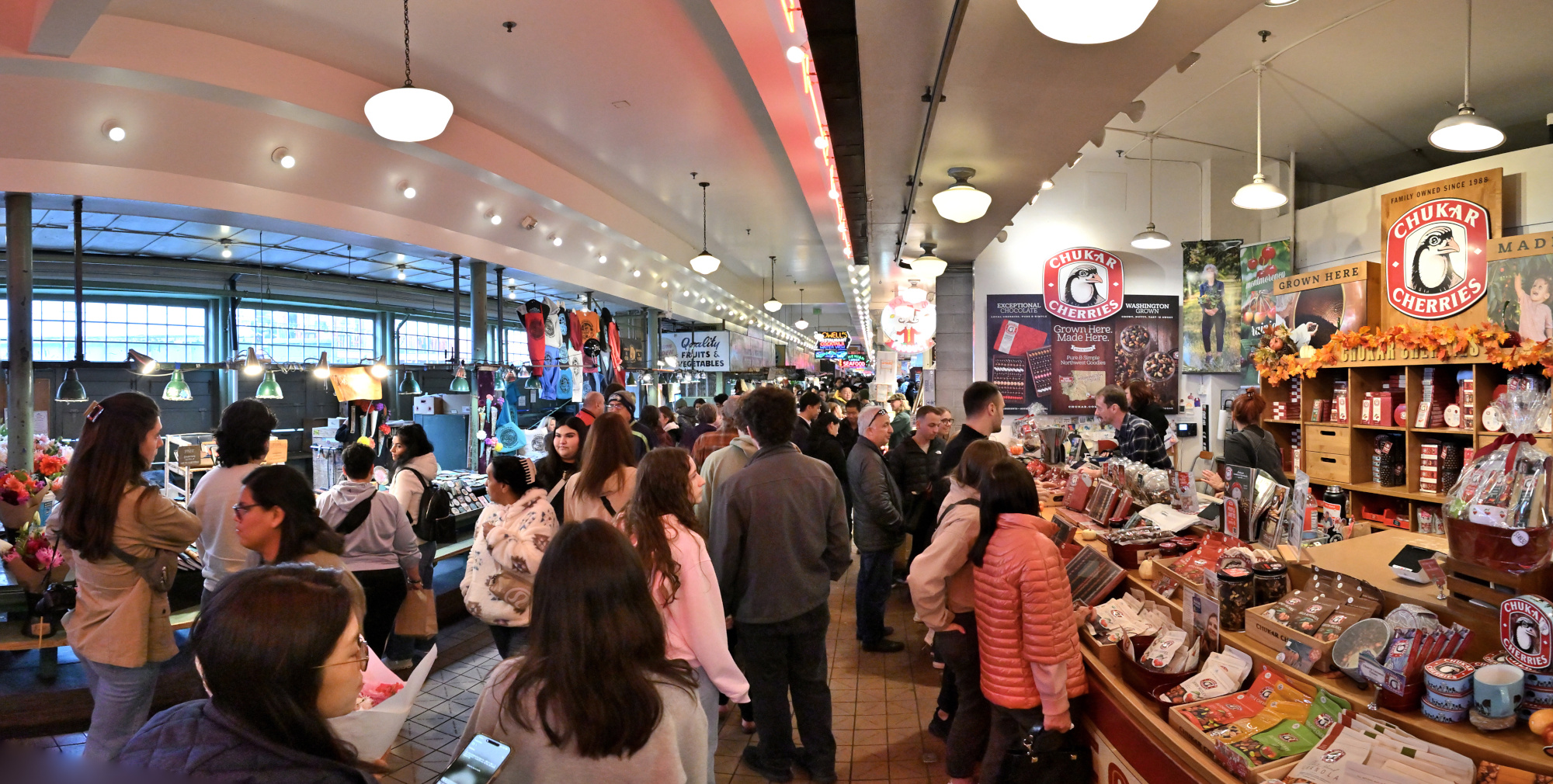
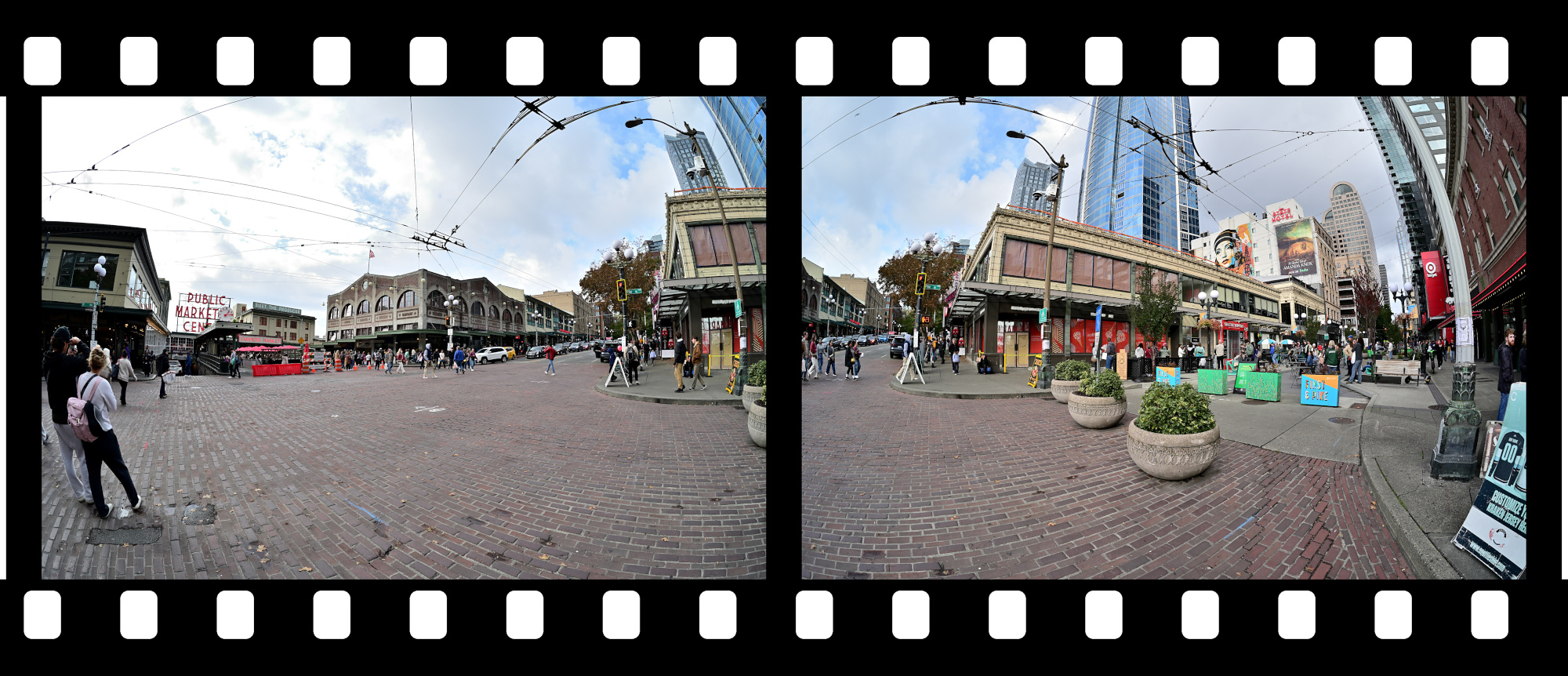
From the calm of the galleries to the vibrant pulse of Pike Place Market
1/125s f/5,6 ISO 2500/35° f=7,5mm
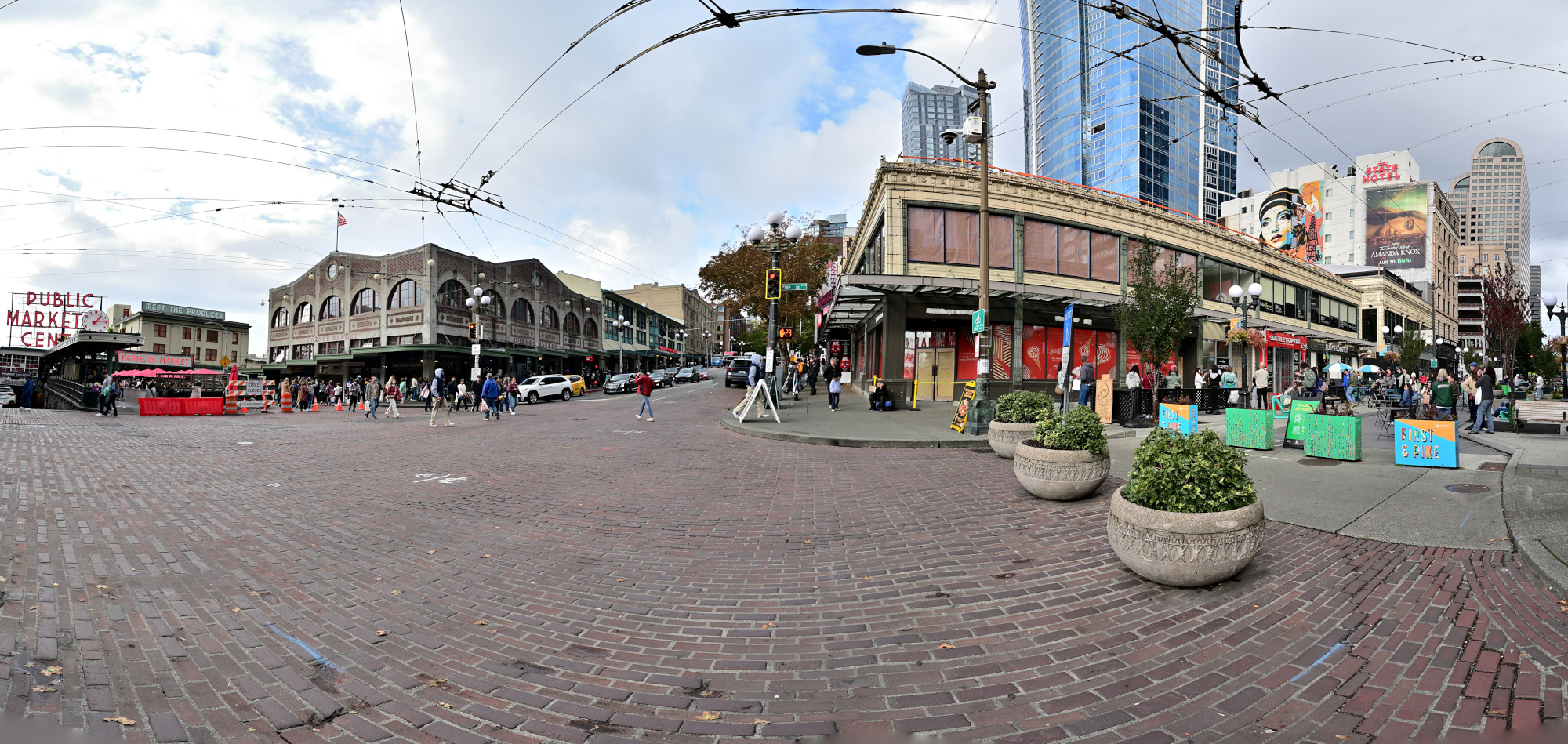
1/125s f/5,6 ISO 100/21° f=7,5mm
-
List of Exhibitions for 2025:
• FriendsWithYou: Little Cloud Sky – Jun 27, 2025 – ongoing
• Ash-Glazed Ceramics from Korea and Japan – Jul 9, 2025 – Jul 12, 2027
• Diego Cibelli: Fiori dei Miei Habiti / La Montagne Enchantée – May 31, 2024 – May 10, 2026
• Yirrkala: Art from Australia's Top End – May 10, 2024 – ongoing
• Lessons from the Institute of Empathy – Mar 31, 2018 – ongoing
• Impressionisms: The Global Nineteenth Century – Mar 27, 2024 – ongoing
• American Art: The Stories We Carry – Oct 20, 2022 – ongoing
• Chronicles of a Global East – Oct 20, 2022 – ongoing
• Pacific Species – Dec 22, 2022 – ongoing
• Cosmic Beings in Mesoamerican and Andean Art – Nov 10, 2018 – ongoing
• Art and Life Along the Northwest Coast – Nov 26, 2014 – ongoing
• Only Connect: The Art of Devotion – Apr 29, 2011 – ongoing
• Porcelain Room – May 5, 2007 – ongoing
↩ -
In this context, graded refers to applying tone curve adjustments to brighten dark areas and make details more visible. ↩
-
-
Bellevue Connector Bridge
Die Bellevue Connector Bridge – Licht, Schatten und der perfekte Moment
Die Bellevue Connector Bridge ist Teil eines städtebaulichen Konzepts, das Fußgänger und Radfahrer besser mit dem Stadtzentrum verbindet. Sie steht exemplarisch für moderne Infrastruktur, die nicht nur funktional, sondern auch ästhetisch ansprechend gestaltet ist.
Am Vormittag liegt die Seite der Brücke mit dem Mural7 im Schatten:
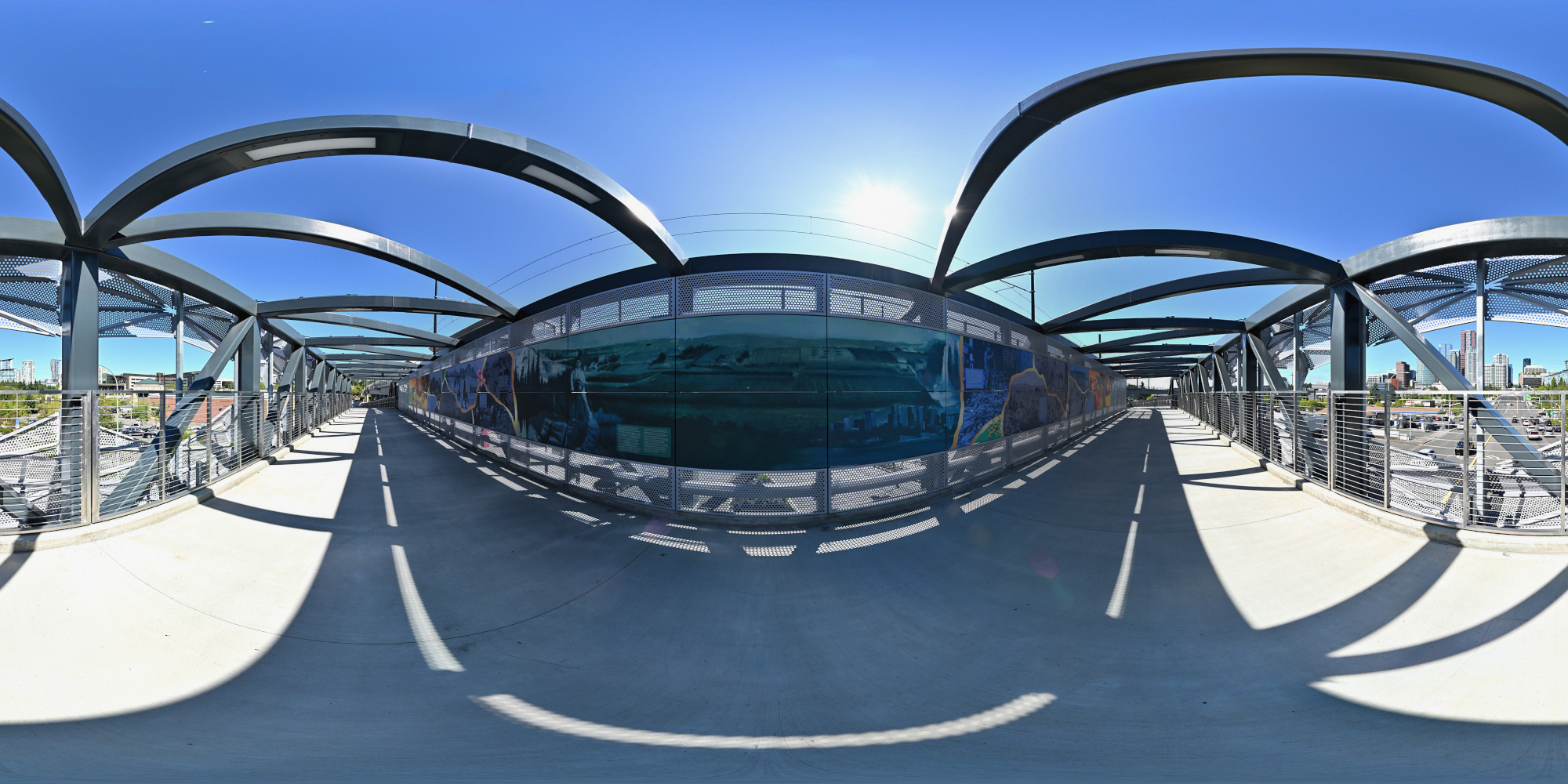
Erst am Nachmittag fällt Sonnenlicht direkt auf das Mural. Allerdings werfen dann auch die architektonischen Elemente der Brücke markante Schatten auf die Wand.
Kurz nach Mittag entsteht ein besonderer Moment: Die Sonne steht in einem Winkel, bei dem das Mural vollständig aus dem Schatten tritt, während die Brückenarchitektur noch keine Schatten wirft. Ich habe diesen seltenen Lichtmoment genutzt, um das Panorama aufzunehmen. Fast so selten wie eine Sonnenfinsternis, nur ohne Schutzbrille und mit deutlich besserer Auflösung.
Die Nord-Süd-Ausrichtung sorgt dafür, dass die Sonne einmal täglich exakt genug steht, um das Mural für wenige Minuten wie eine Bühne auszuleuchten. Ein Moment, in dem Architektur und Sonnenstand kurz in Konjunktion treten.
Interactive Panorama Bellevue Connector Bridge
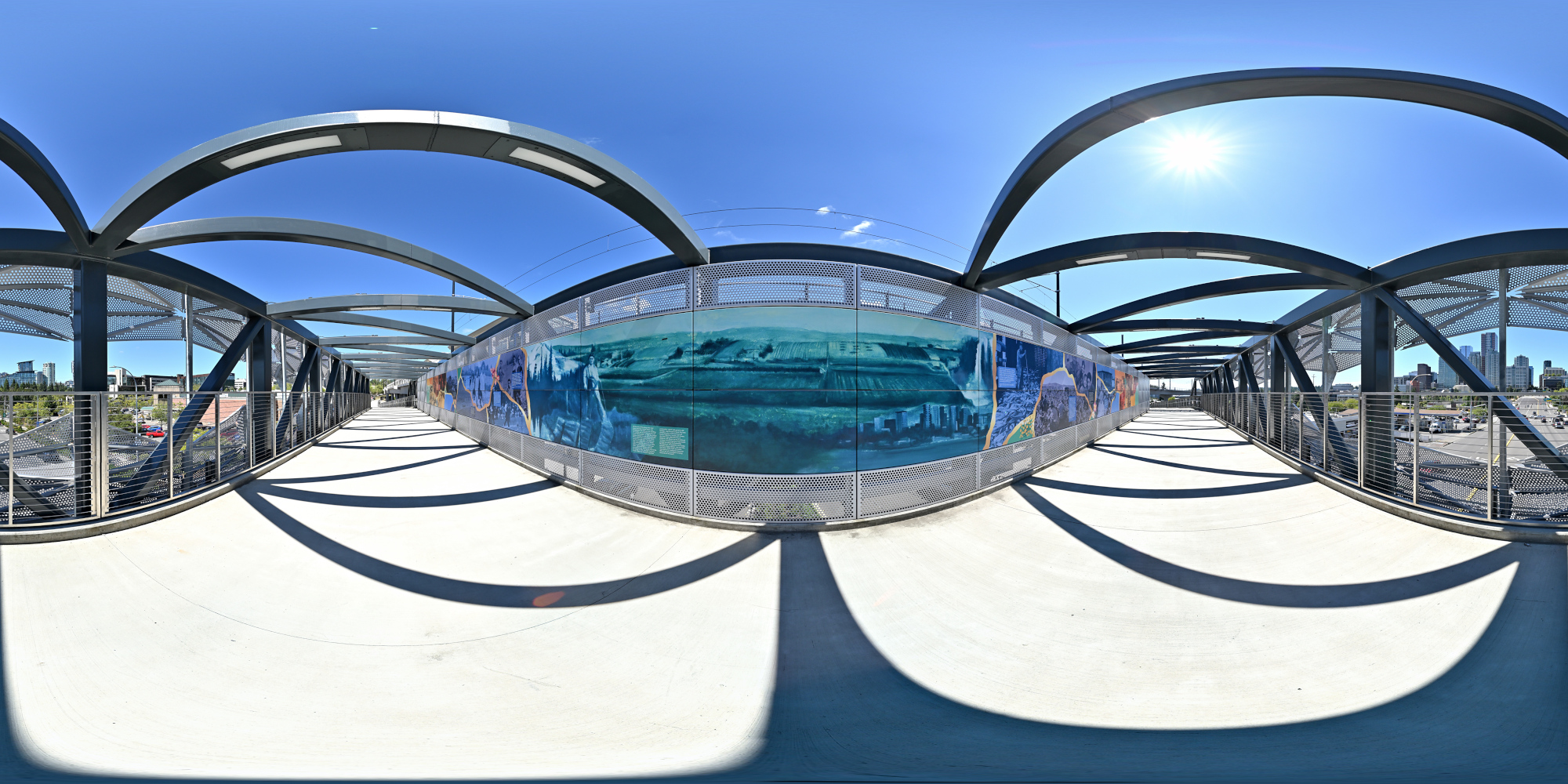
1/800s f/5,6 ISO 100/21° f=7,5mm
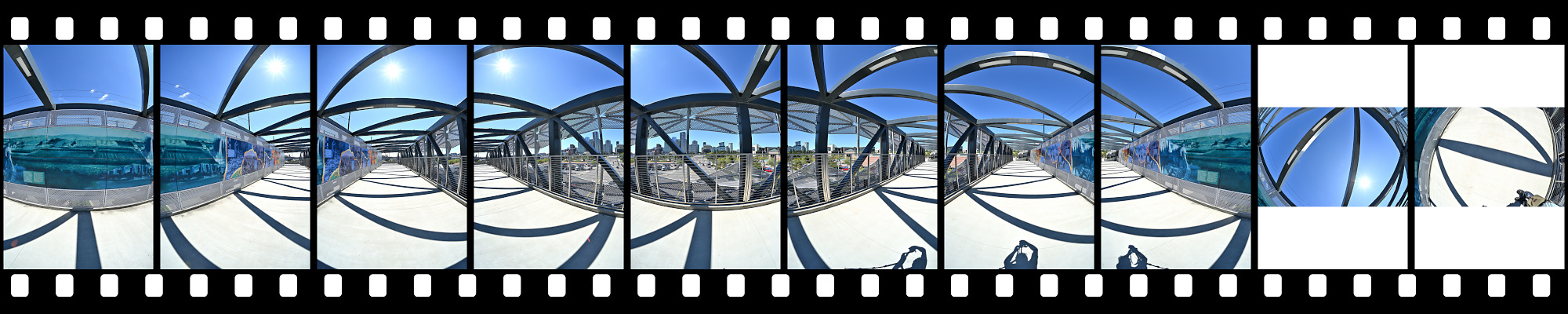
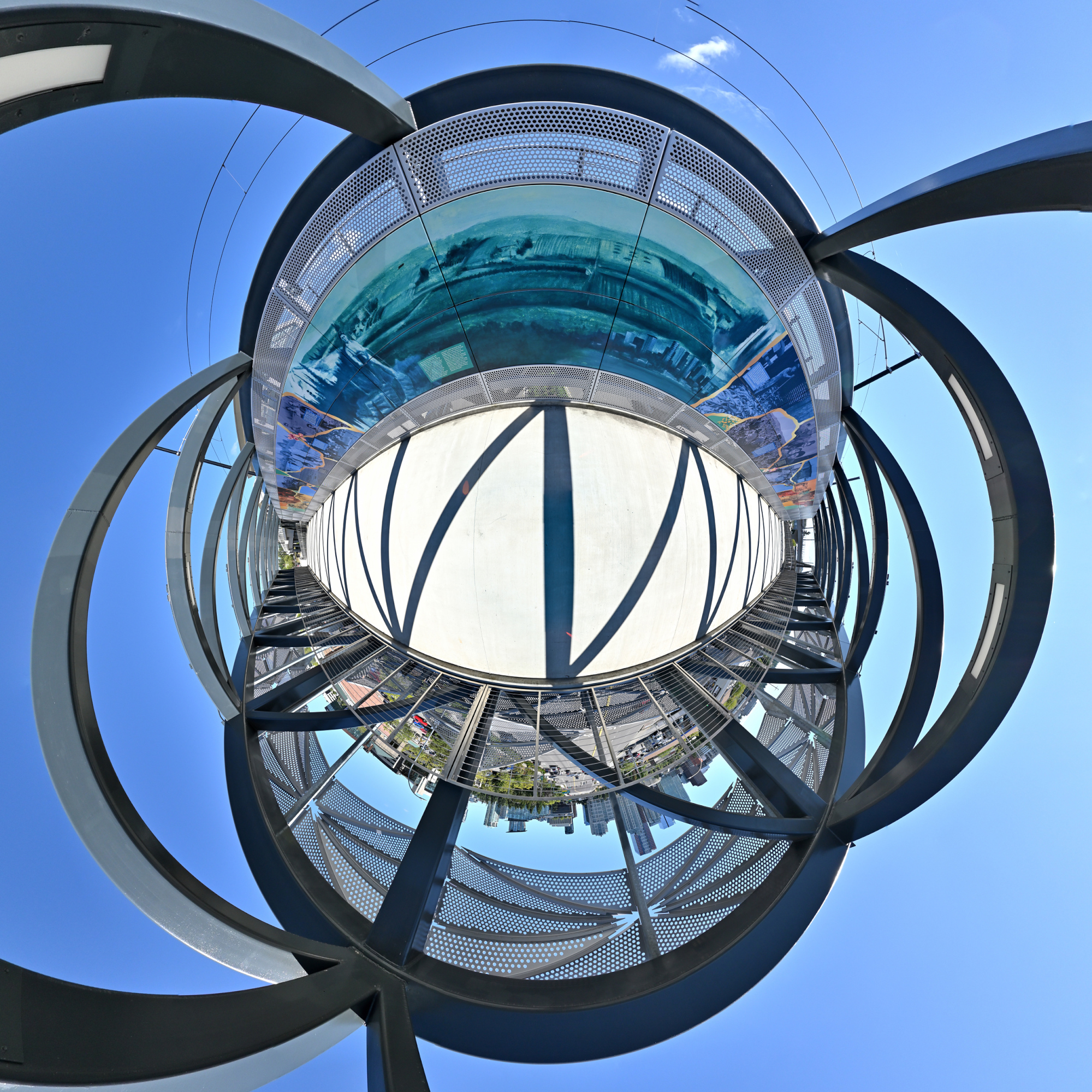
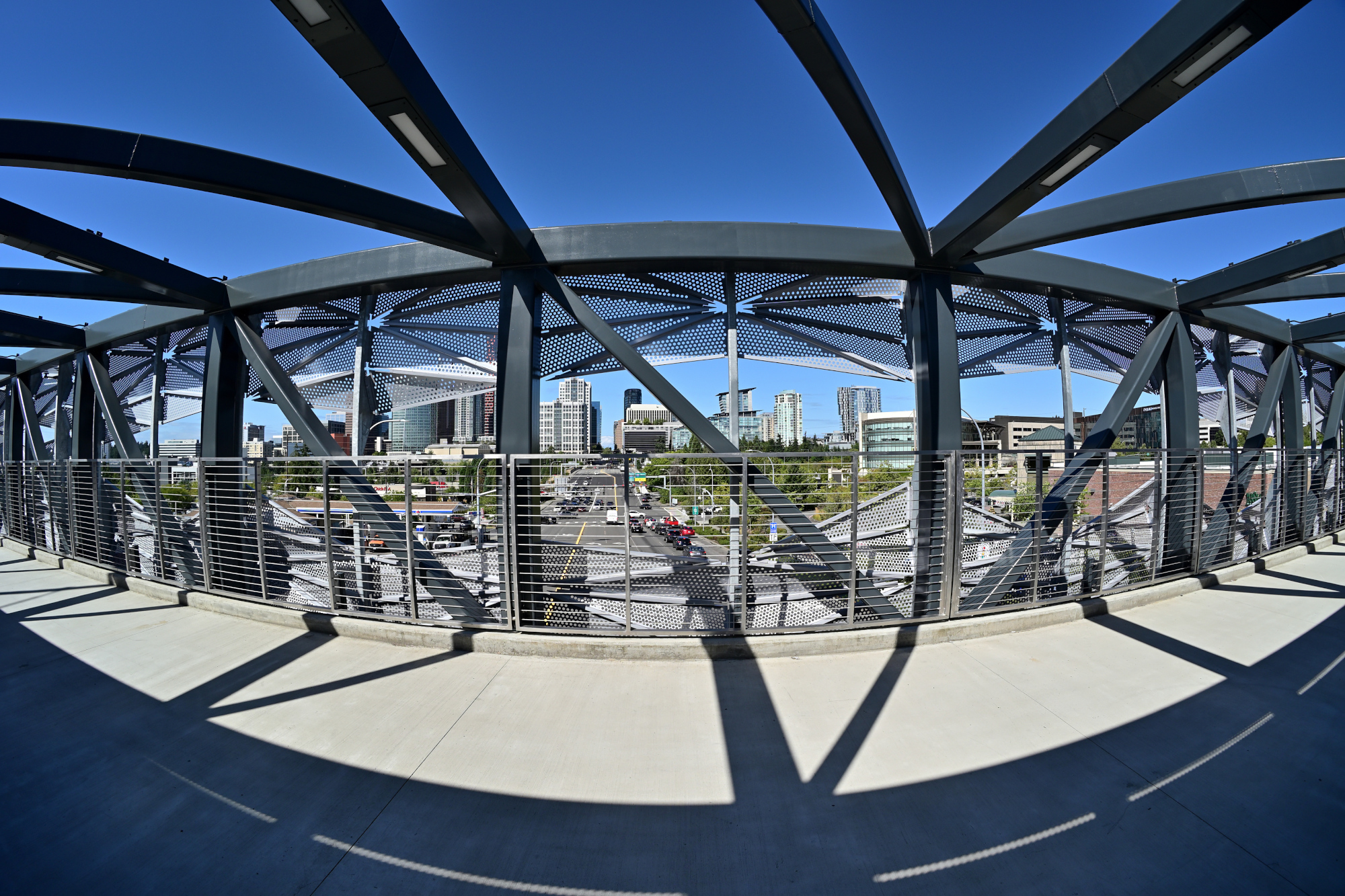
Ein Blick hinter das Geländer
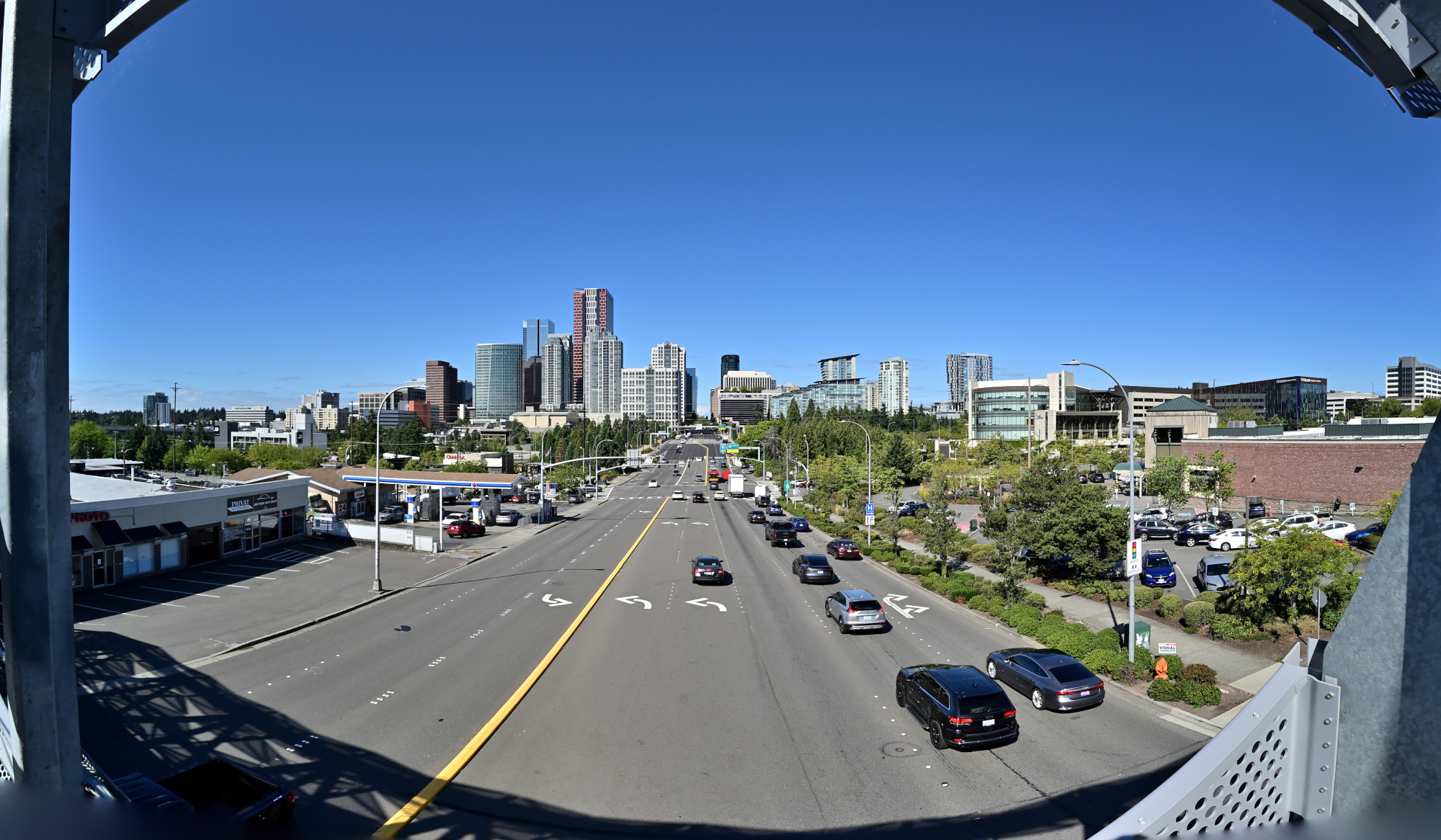
Und nebendran rauscht ein Zug vorbei. Vermutlich weil der Lärmpegel noch nicht ganz bei 'Großstadt' war.
Mural als lineares Panorama:
1/320s f/6,3 ISO 100/21° 18-140mm f/3,5-6,3 VR f=18mm/27mm

Skaliert auf 7k×500 für die Webansicht:

Größere Version mit 27k×2k, 13MB
-
Ein Mural ist ein großflächiges Wandgemälde, das direkt auf eine Wand oder andere architektonische Oberfläche gemalt oder aufgebracht wird. ↩
-