-
Lossless Exposure & Contrast Adjustment in JPEG10
Lossless Tonal Adjustments in JPEG's DCT Domain: Exposure Compensation and Multi-Band Contrast
Most JPEG workflows treat exposure (brightness) and contrast as inherently "lossy": decode pixels, apply curves, then re-encode. That approach works, but it always introduces an additional step of quantization error.
In this github fork of the IJG JPEG-10 code, I added two options to
jpegtranthat operate directly on quantized DCT coefficients:-exposure-comp EV-contrast DC LOW MID HIGH
Both are applied during transcoding, so they combine naturally with existing
jpegtranoperations such as rotation, flipping, cropping, marker copying, and progressive conversion.https://github.com/jurgen178/jpeg10
Download Windows x64 binary: jpegtran.zip
Quick Usage
jpegtran [standard options] [-exposure-comp EV] [-contrast DC LOW MID HIGH] input.jpg output.jpgExamples:
# Brighten by 1 stop
jpegtran -copy all -exposure-comp 1 input.jpg output.jpg

# Darken by 0.5 stops
jpegtran -copy all -exposure-comp -0.5 input.jpg output.jpg

# Contrast (uniform: DC=LOW=MID=HIGH)
jpegtran -copy all -contrast -1   -1   -1   -1   input.jpg out-contrast-u-1.jpg
jpegtran -copy all -contrast -0.5 -0.5 -0.5 -0.5 input.jpg out-contrast-u-0.5.jpg
jpegtran -copy all -contrast  0.5  0.5  0.5  0.5 input.jpg out-contrast-u+0.5.jpg
jpegtran -copy all -contrast  1    1    1    1   input.jpg out-contrast-u+1.jpg

# Contrast (band-specific examples)
jpegtran -copy all -contrast 0 0 0.6 0   input.jpg out-contrast-mid+0.6.jpg
jpegtran -copy all -contrast 0 0 0 0.4   input.jpg out-contrast-high+0.4.jpg
jpegtran -copy all -contrast 0 0.4 0 0   input.jpg out-contrast-low+0.4.jpg

# Combine: rotate 90°, brighten 0.5 EV, and add uniform contrast +0.5
jpegtran -copy all -rot 90 -exposure-comp 0.5 -contrast 0.5 0.5 0.5 0.5 input.jpg output.jpg
Both switches accept fractional values. Practical ranges:
Option Practical range Neutral -exposure-comp EV-3 … +3 0 -contrast DC LOW MID HIGH-2 … +2 0 Integrated into cPicture with live preview:
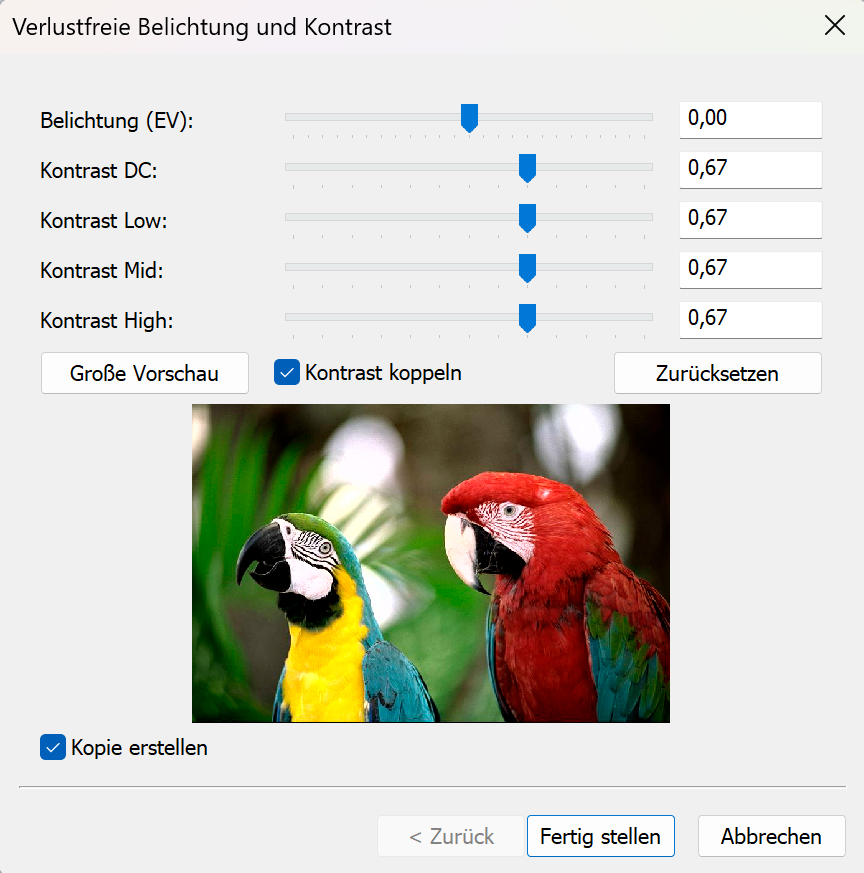
Background: DCT Coefficient Basics
A JPEG image is encoded as a grid of DCT blocks (with 8×8 Elements in size). Each block has one DC coefficient and 63 AC coefficients. But each MCU might have more than one block depending on the color subsampling.
-
DC[0] represents the (level-shifted) average sample value of the block. The relationship to pixel mean is:
$$\mu = \frac{DC_\text{unquant}}{N} + \text{center}$$
where $N$ is the DCT block size of 8 and $\text{center} = 2^{\text{precision}-1}$ (e.g. 128 for 8‑bit).
-
AC[1..N²−1] represent spatial frequency components (texture, edges, contrast).
Both DC and AC are stored quantized: the actual stored integer is $\text{round}(\text{value} / Q_k)$, where $Q_k$ is the quantization step for coefficient $k$.
-exposure-comp EV— Exposure CompensationExposure compensation from -2EV to +2EV:

Concept
A photographic EV step corresponds to doubling (or halving) the amount of light. Applied in linear light:
$$\text{gain} = 2^{EV}$$
Because JPEG samples are gamma-coded (sRGB), pixel values cannot be multiplied directly. Instead:
- Estimate a representative level from the DC blocks.
- Compute the equivalent additive pixel-domain offset by applying the gain in linear light at that reference level.
- Translate the offset into a quantized DC delta.
- Add the delta to every DC coefficient.
Only DC is modified. AC coefficients are not modified, so local contrast and texture are preserved.
Reference Level — Log-Average
A geometric mean (log-average) of all block mean levels is used as the exposure reference:
$$\bar{L} = \exp\!\left(\frac{1}{B}\sum_{i=1}^{B} \ln(L_i + 1)\right) - 1$$
where $L_i$ is the intensity mean of block $i$ (clamped to $[0, \text{MAX}]$) and $B$ is the total number of blocks.
sRGB Linearisation
The gain is applied in linear light:
$$u_\text{ref} = \frac{\bar{L}}{\text{MAX}}$$
$$u_\text{ref,lin} = f_\text{lin}(u_\text{ref})$$
$$u_\text{new,lin} = \min(u_\text{ref,lin} \cdot \text{gain},\; 1.0)$$
$$u_\text{new} = f_\text{sRGB}(u_\text{new,lin})$$
The sRGB transfer functions used:
$$f_\text{lin}(u) = \begin{cases} u / 12.92 & u \le 0.04045 \\ \left(\dfrac{u + 0.055}{1.055}\right)^{2.4} & u > 0.04045 \end{cases}$$
$$f_\text{sRGB}(u) = \begin{cases} 12.92\,u & u \le 0.0031308 \\ 1.055\,u^{1/2.4} - 0.055 & u > 0.0031308 \end{cases}$$
Pixel-Domain Offset → Quantized DC Delta
$$\Delta_\text{samples} = (u_\text{new} - u_\text{ref}) \cdot \text{MAX}$$
Clamped to available headroom/shadow room to limit clipping, then converted to a quantized DC delta:
$$\Delta_{DC} = \text{round}\!\left(\frac{\Delta_\text{samples} \cdot N}{Q_0}\right)$$
where $N$ is the DCT block size and $Q_0$ is the DC quantization step.
Component Policy
Color space Components adjusted YCbCr, BG_YCC, YCCK Luma only (component 0) RGB/BG_RGB + subtract-green transform Green/base only (component 1) CMYK, all others All components For CMYK and YCCK the delta is computed in an inverted intensity domain ($I = \text{MAX} - \text{sample}$) so that +EV brightens and −EV darkens.
-contrast DC LOW MID HIGH— Contrast AdjustmentContrast from -1CV to +1CV:

Concept
This option provides four separate controls (all in stops):
DCcontrols the DC coefficient (block mean)LOW,MID,HIGHcontrol the AC coefficients in frequency order
All controls are interpreted as log2 gains (stops). For a value $x$, the gain is:
$$g(x) = 2^{x}$$
So +1 doubles, -1 halves.
DC
DC is scaled by:
$$g_\mathrm{DC} = 2^{DC}$$
and applied as:
$$DC' = \mathrm{clamp}(\mathrm{round}(g_\mathrm{DC} \cdot DC))$$
AC (low/mid/high weighting)
AC coefficients are processed in zigzag order (the JPEG natural order). Let $z$ be the AC position with $z = 1 \ldots A$, where $A$ is the number of AC coefficients.
Define a normalized position:
$$t = \begin{cases} \dfrac{z-1}{A-1} & A > 1 \\ 0 & A = 1 \end{cases}$$
Triangular weights:
- low weight fades out from low frequencies
$$w_\mathrm{low} = \max(0, 1 - 2t)$$
- mid weight peaks in the middle
$$w_\mathrm{mid} = 1 - |2t - 1|$$
- high weight fades in toward high frequencies
$$w_\mathrm{high} = \max(0, 2t - 1)$$
Per-coefficient exponent and gain:
$$v(z) = LOW\cdot w_\mathrm{low} + MID\cdot w_\mathrm{mid} + HIGH\cdot w_\mathrm{high}$$
$$g(z) = 2^{v(z)}$$
Applied to each AC coefficient:
$$AC'[z] = \mathrm{clamp}(\mathrm{round}(g(z)\cdot AC[z]))$$
If
DC = LOW = MID = HIGH = X, then all coefficients are scaled by the same gain $2^X$ (uniform contrast adjustment).Component Policy
Same as
-exposure-comp:- YCbCr/BG_YCC/YCCK: luma only
- RGB subtract-green: base/green only
- otherwise: all components
Ordering and Composition
Both
-exposure-compand-contrastare applied as a post step after any geometric transform (-rot,-flip,-crop, …). The tonal operations work on the final output coefficient arrays, so the order of switches on the command line does not matter.
Implementation notes
- Core implementation:
transupp.c:do_exposure_comp()anddo_contrast()transupp.h: adds new fields tojpeg_transform_info
- CLI parsing:
jpegtran.c
- Feature flags and parameters are stored in
jpeg_transform_infointransupp.h
Summary
-exposure-comp EVshifts brightness by changing only DC coefficients, with EV evaluated in linear light (sRGB transfer) at a log-average reference.-contrast DC LOW MID HIGHscales DC and AC coefficients, with AC gains varying smoothly over frequency order using low/mid/high controls.- Both run in the DCT domain and integrate naturally into the lossless-transformation workflow of
jpegtran.
-
Chagall Fenster der Stephanskirche in Mainz
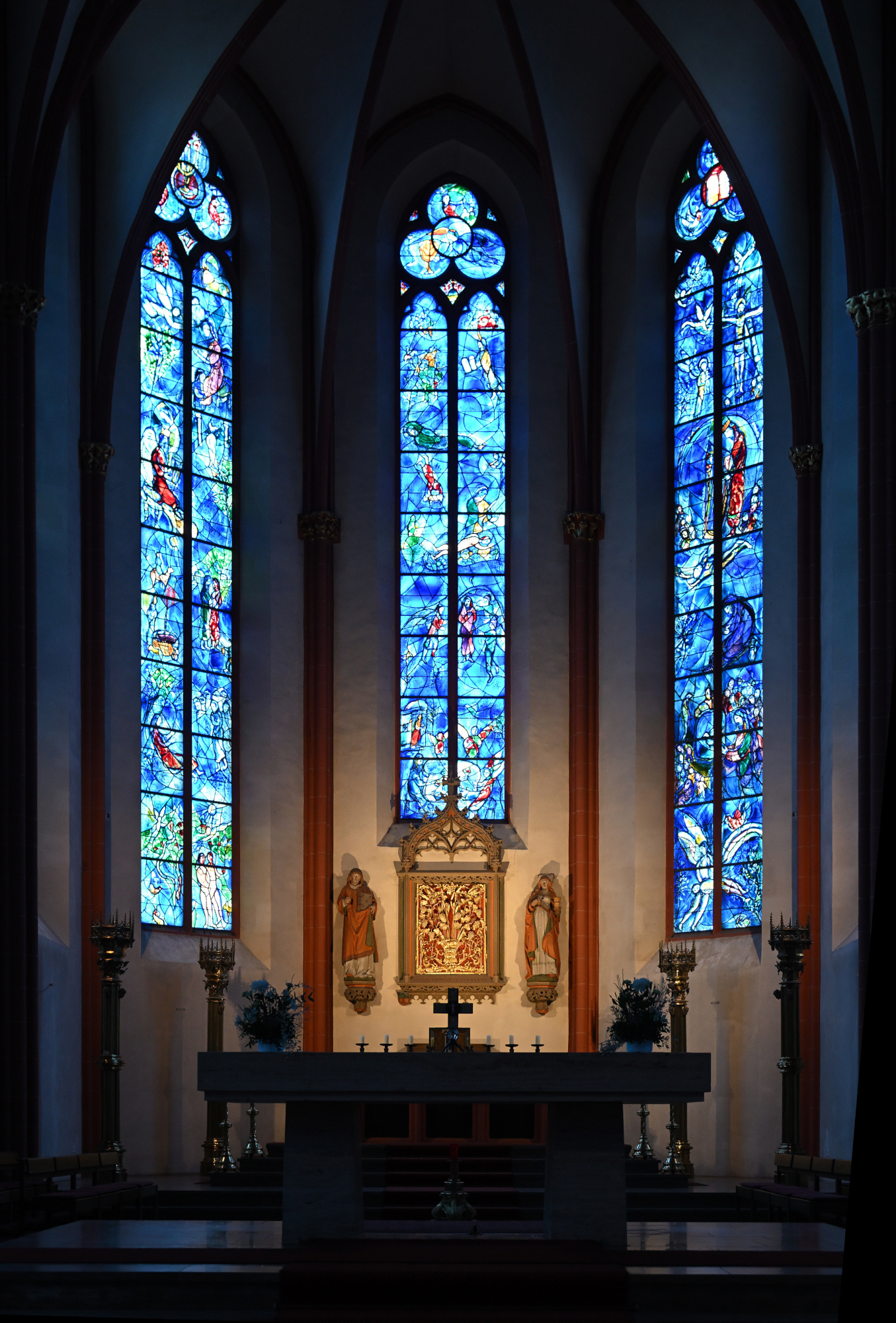
Chagall-Fenster im Chor
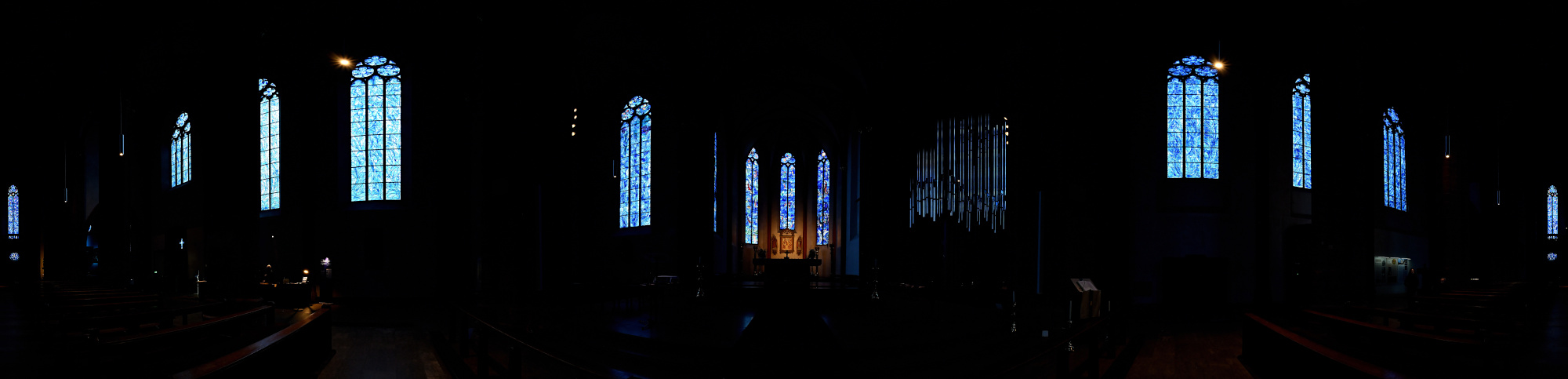
Die Fenster der Stephanskirche wurden von Marc Chagall gestaltet und prägen den gesamten Raum. Das tiefe Blau und die warmen Farbtöne fangen das Licht auf eine Weise ein, die sofort eine besondere Ruhe entstehen lässt. Beim Betreten der Kirche verändert sich die Wahrnehmung fast unmerklich, doch sehr deutlich. Farbe, Licht und Stille verbinden sich zu einem Moment, der lange nachwirkt.
Chagall begann in der zweiten Hälfte der 1970er Jahre damit, für die Stephanskirche Fenster zu entwerfen, damals bereits fast neunzig Jahre alt. Das erste Fenster wurde 1978 eingebaut und war ursprünglich als einzelnes Werk gedacht. Doch er arbeitete weiter. Bis zu seinem Tod 1985 schuf Chagall insgesamt neun Fenster für den vorderen Teil der Kirche. Chagall entwarf die Glasgemälde und führte auch die Schwarzlotmalerei eigenhändig aus. Seine Arbeit verstand er als Zeichen der jüdisch-deutschen Aussöhnung. Nach seinem Tod wurde die Arbeit an den weiteren Fenstern in St. Stephan von Charles Marq fortgesetzt.
Das tiefe Blau, das seine Arbeiten auszeichnet, verändert den ganzen Raum. Das Licht wird weicher, die Farben wirken fast schwebend, und die Kirche bekommt eine Ruhe, die man sofort spürt.
360°-Ansicht aller Fenster, 1/40s f/2 ISO 640/29°
1/50s f/3,5 ISO 800/30° 16-50mm f/2,8 VR f=32mm/48mm
1/25s f/4 ISO 400/27° 16-50mm f/2,8 VR f=22mm/33mm
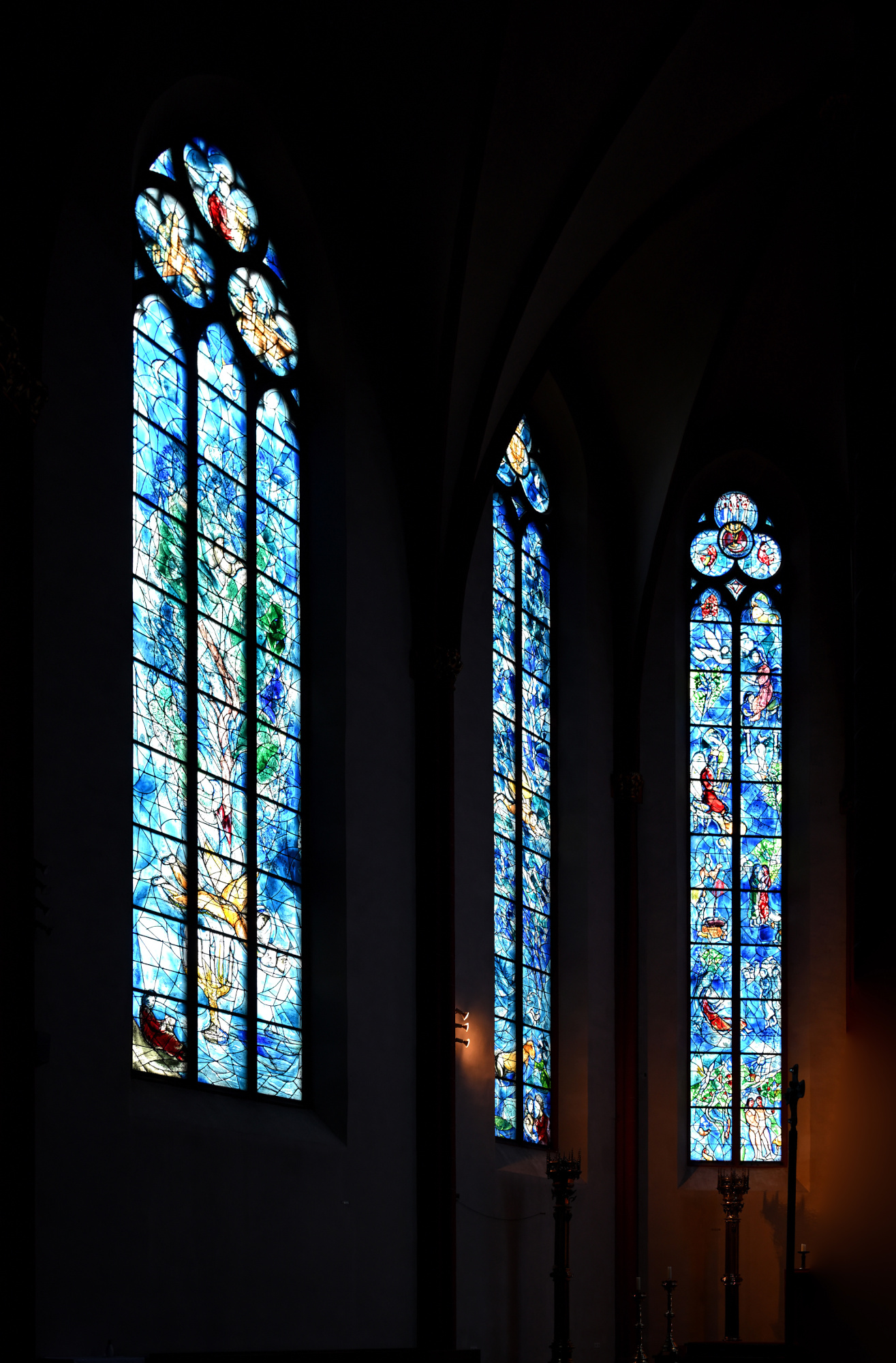
1/20s f/2,8 ISO 250/25° 16-50mm f/2,8 VR f=38mm/57mm
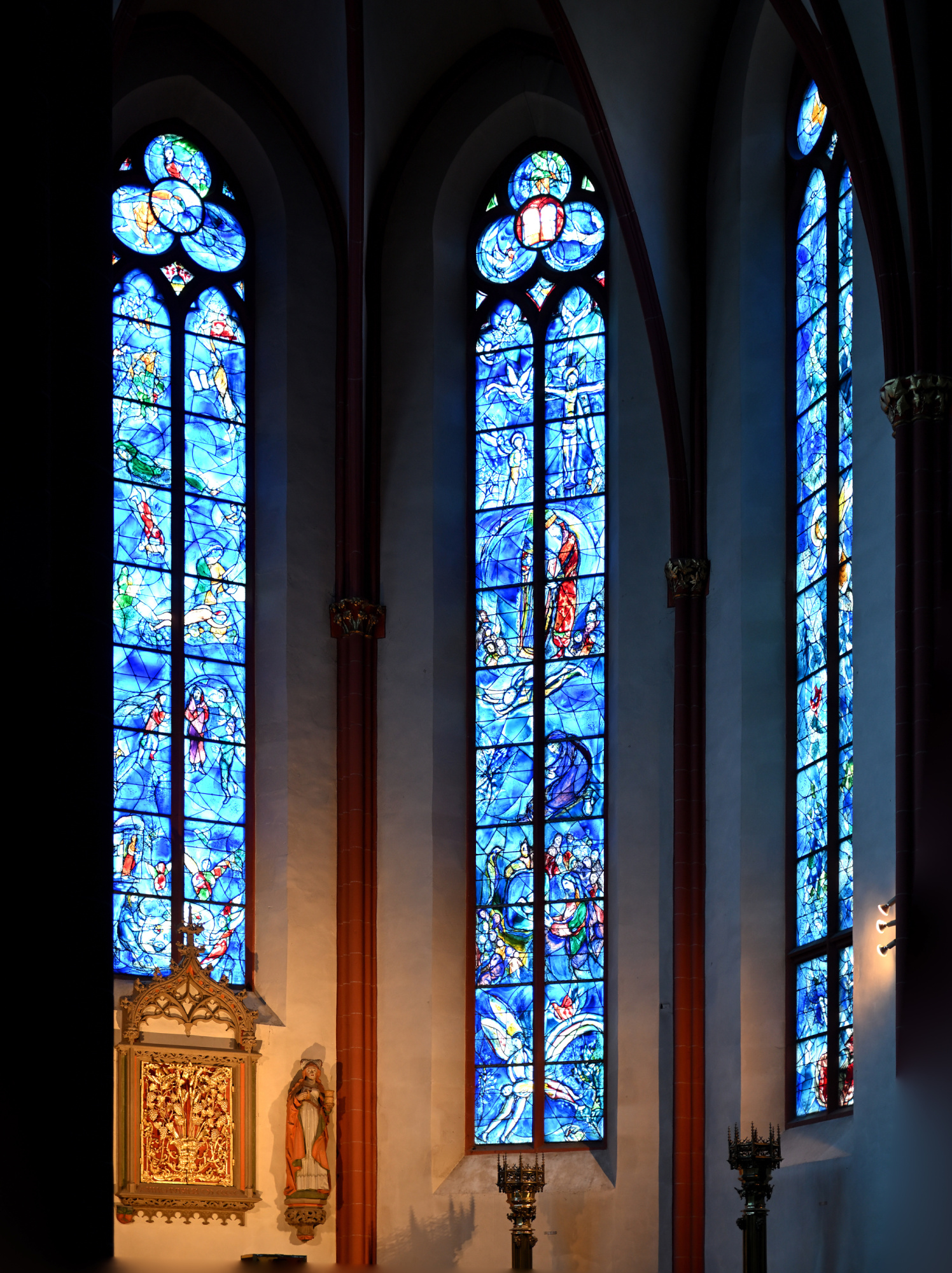
1/30s f/2,8 ISO 250/25° 16-50mm f/2,8 VR f=31mm/46mm
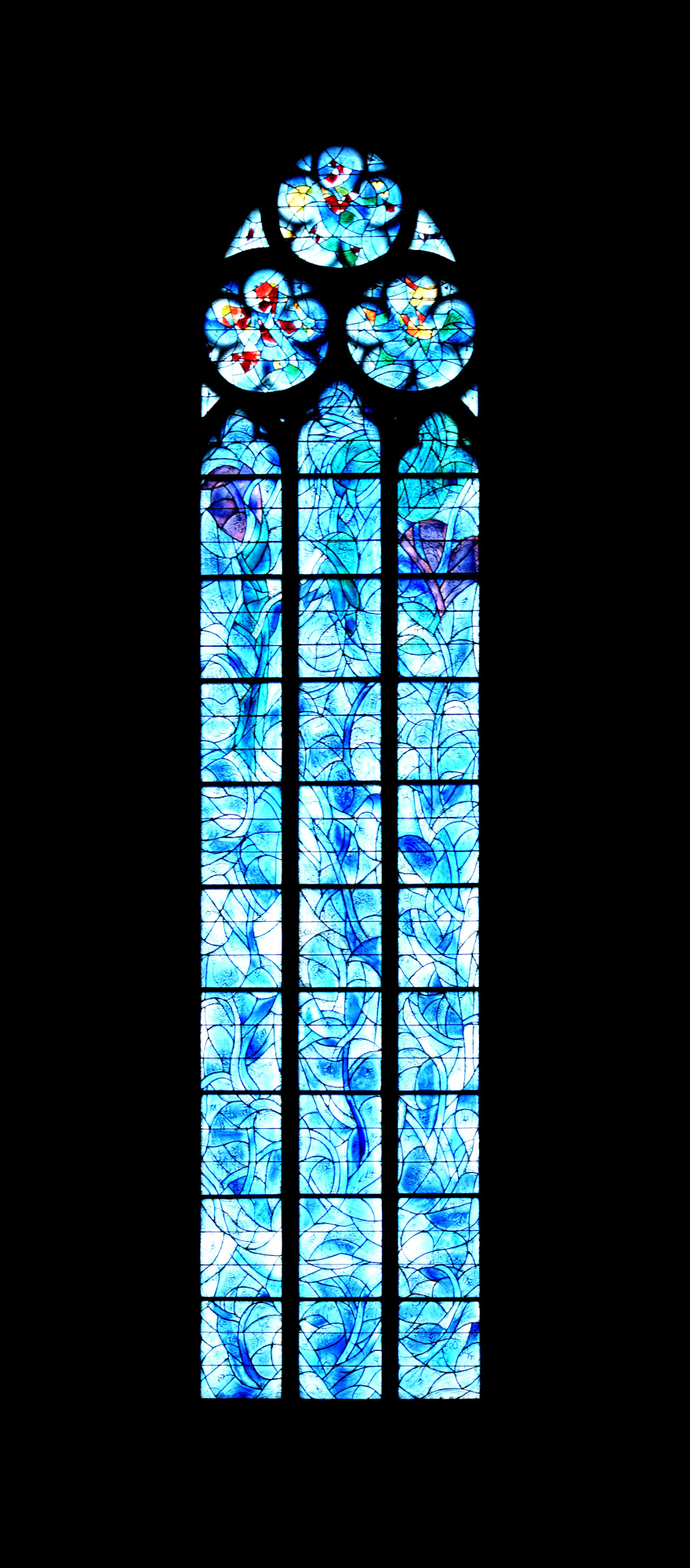
1/30s f/4,5 ISO 400/27° f=13mm
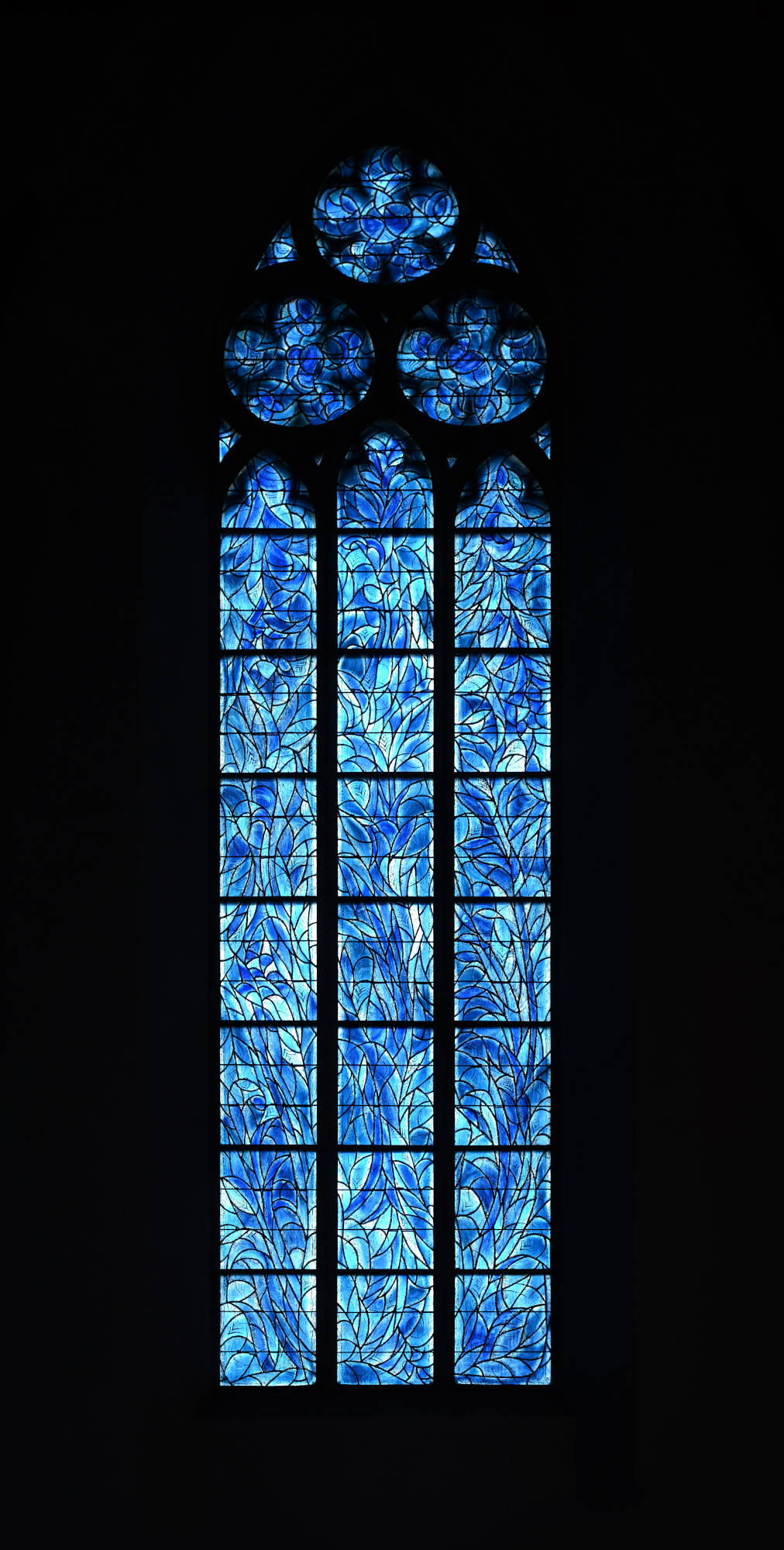
1/25s f/4 ISO 250/25° 16-50mm f/2,8 VR f=30mm/45mm
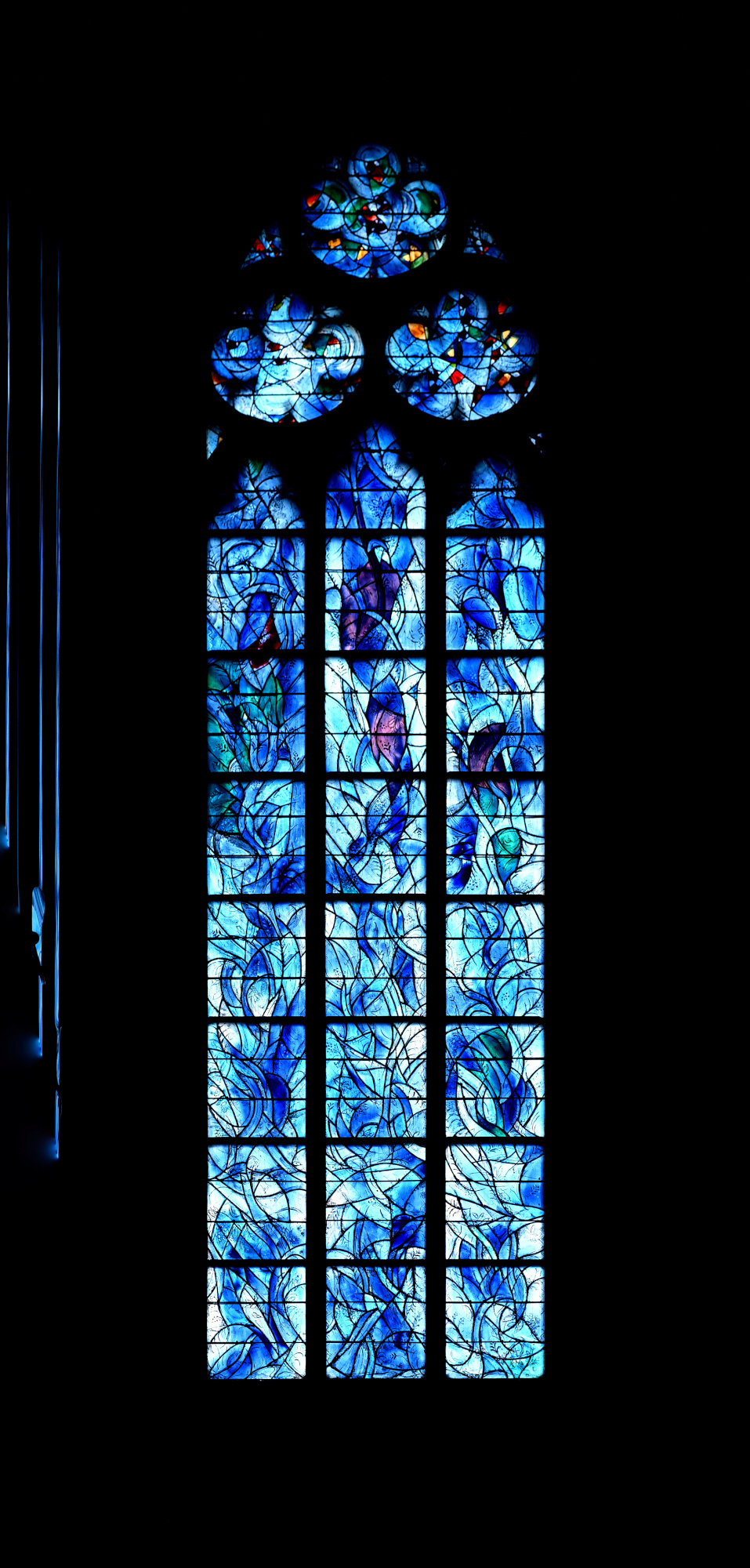
1/13s f/3,5 ISO 400/27° 16-50mm f/2,8 VR f=41mm/61mm
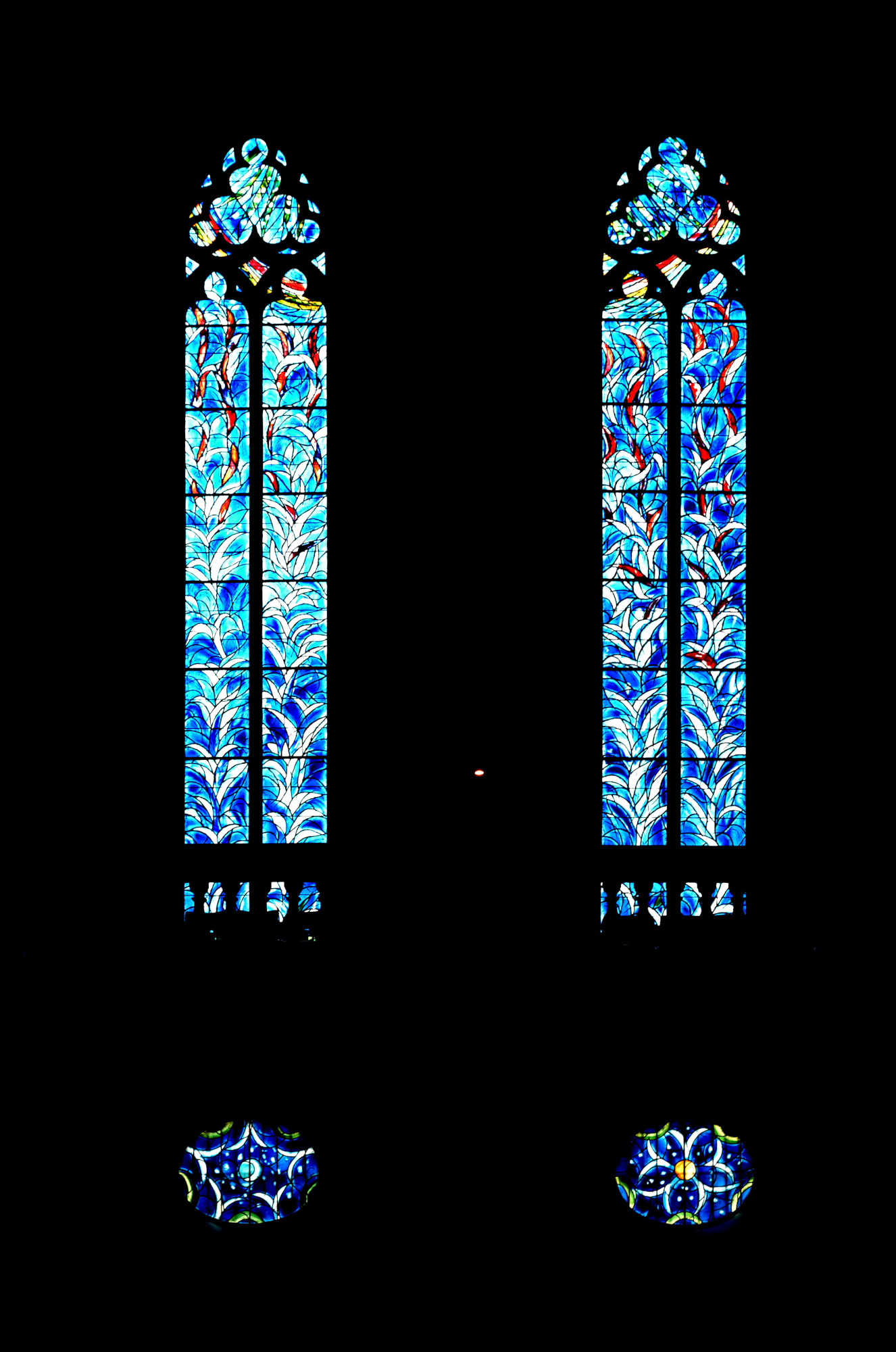
1/40s f/3,2 ISO 800/30° 16-50mm f/2,8 VR f=50mm/75mm
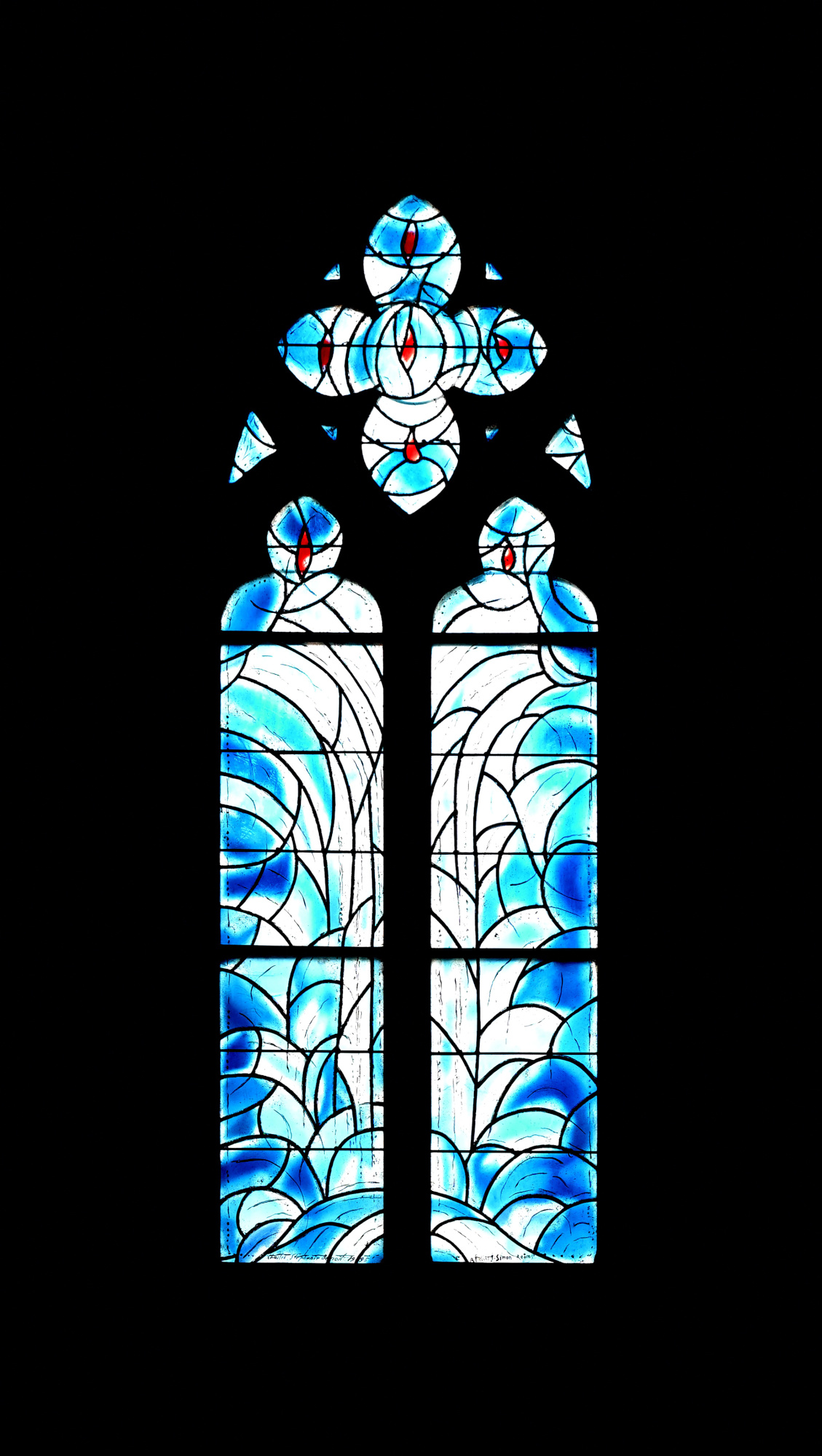
1/50s f/3,5 ISO 800/30° 16-50mm f/2,8 VR f=50mm/75mm
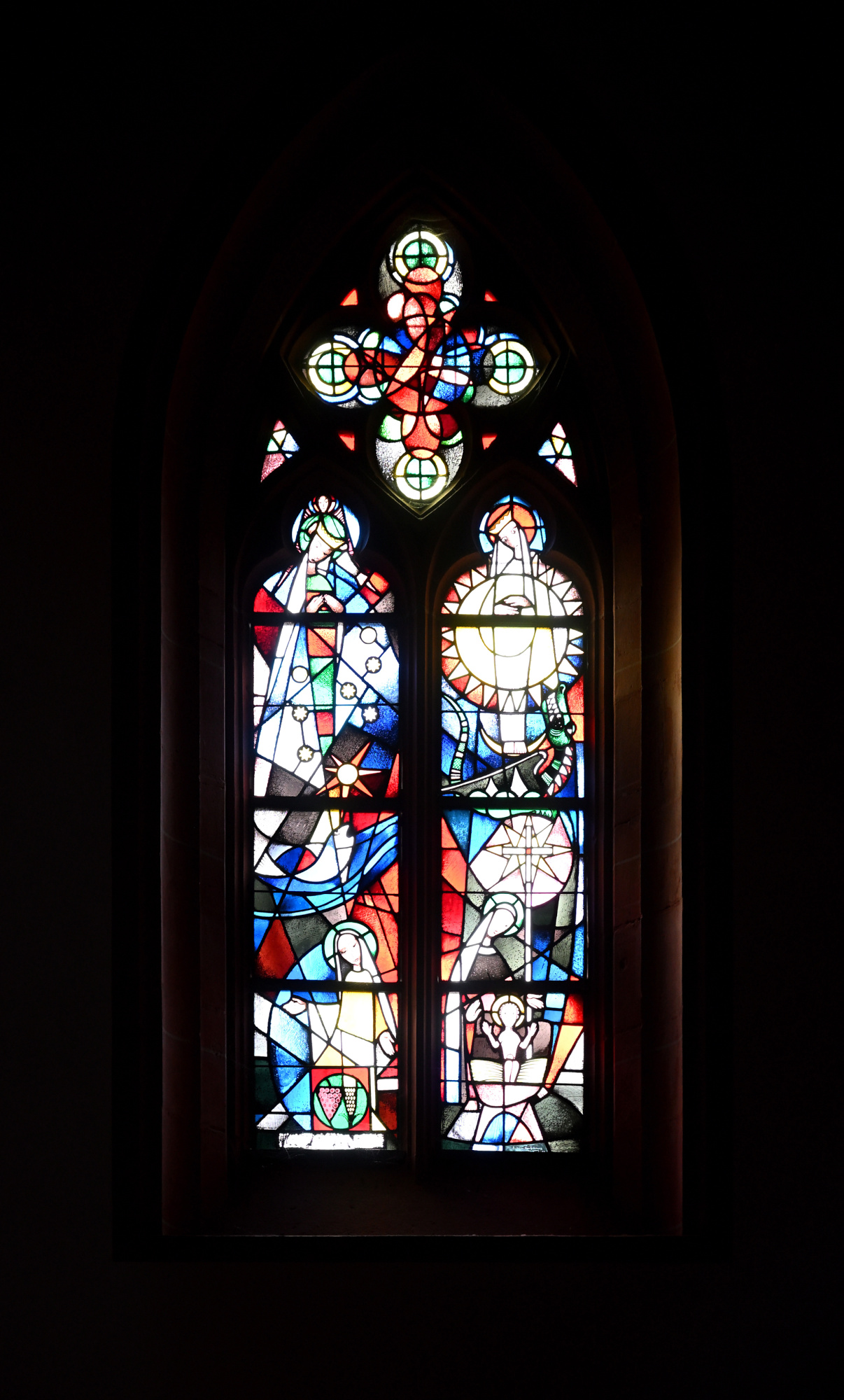
Interaktives Panorama Chagall Fenster der Stephanskirche 1
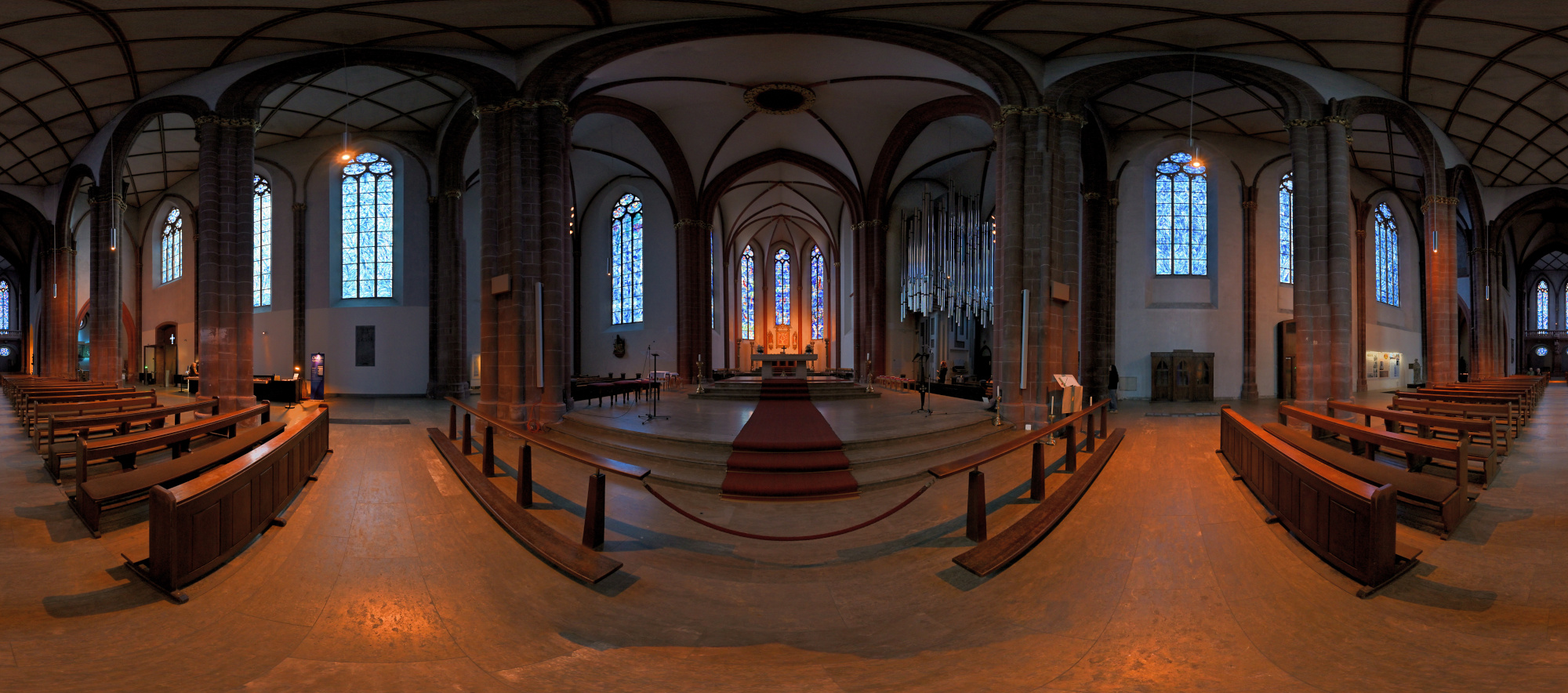
1/50s f/2 ISO 200/24° f=7,5mm

Interaktives Panorama Chagall Fenster der Stephanskirche 2
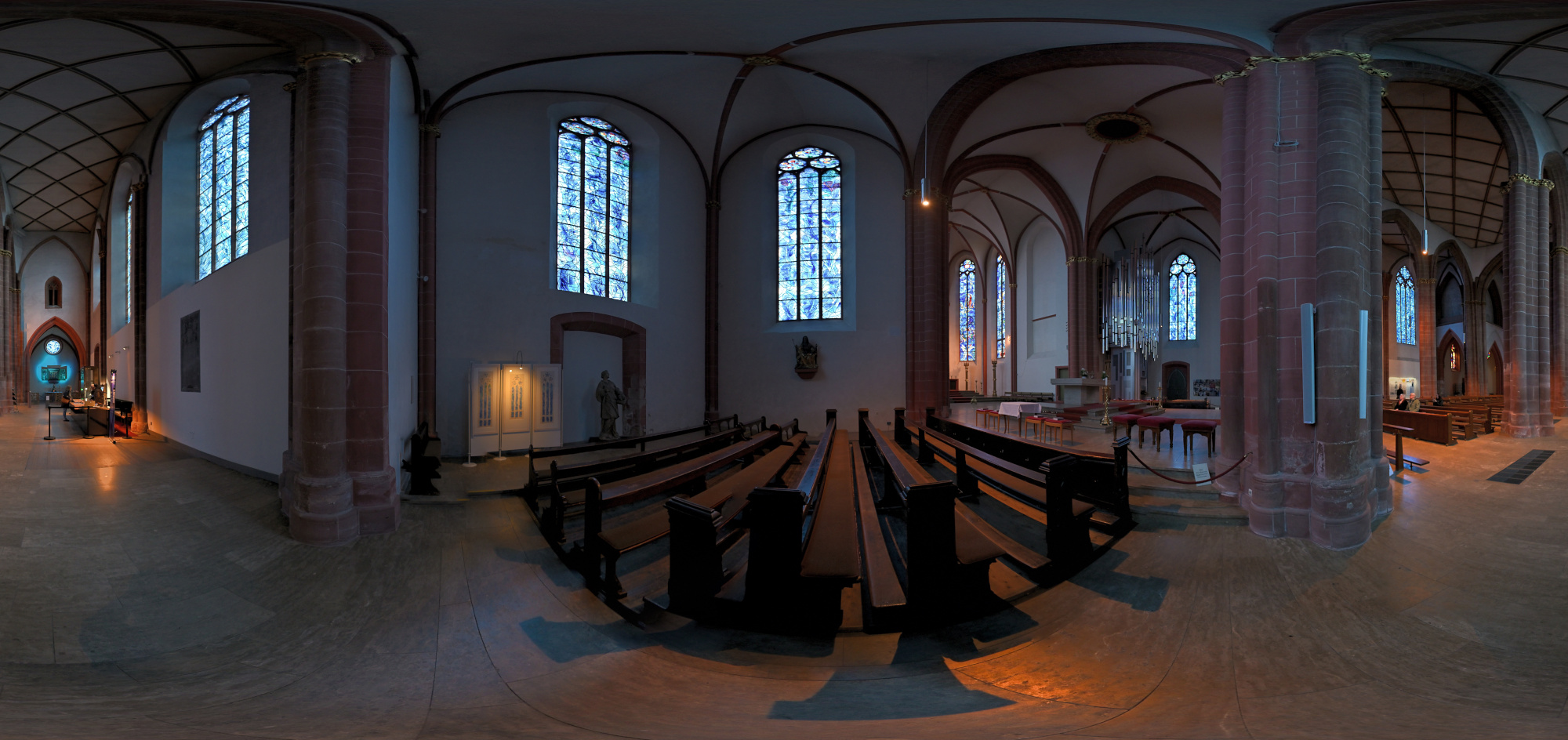
1/50s f/2 ISO 250/25° f=7,5mm

Klais-Orgel im St Stephan, Klang trifft Licht
Die heutige Orgel der Stephanskirche wurde von der Werkstatt Klais aus Bonn gebaut und im Jahr 2013 eingeweiht. Sie entstand nach einem Wettbewerb, bei dem der Entwurf von Klais überzeugte, weil er sich bewusst an der Architektur und am Licht der Kirche orientiert. Die metallischen Flächen der Orgel nehmen die Farben der Chagall Fenster auf und spiegeln sie im Raum wider.
Das Instrument besitzt drei Manuale und Pedal sowie 47 Register und wurde so konzipiert, dass es den weiten Kirchenraum mühelos füllt. Die schlanke Bauweise lässt die Orgel fast wie eine Skulptur wirken, die sich nach oben öffnet und den Raum nicht dominiert, sondern begleitet.
Hier wurde eine längere Belichtungszeit mit niedrigem ISO verwendet, aber die Bildstabilisierung konnte das nicht ganz ausgleichen.
0,3s f/3,5 ISO 400/27° 16-50mm f/2,8 VR f=24mm/36mm
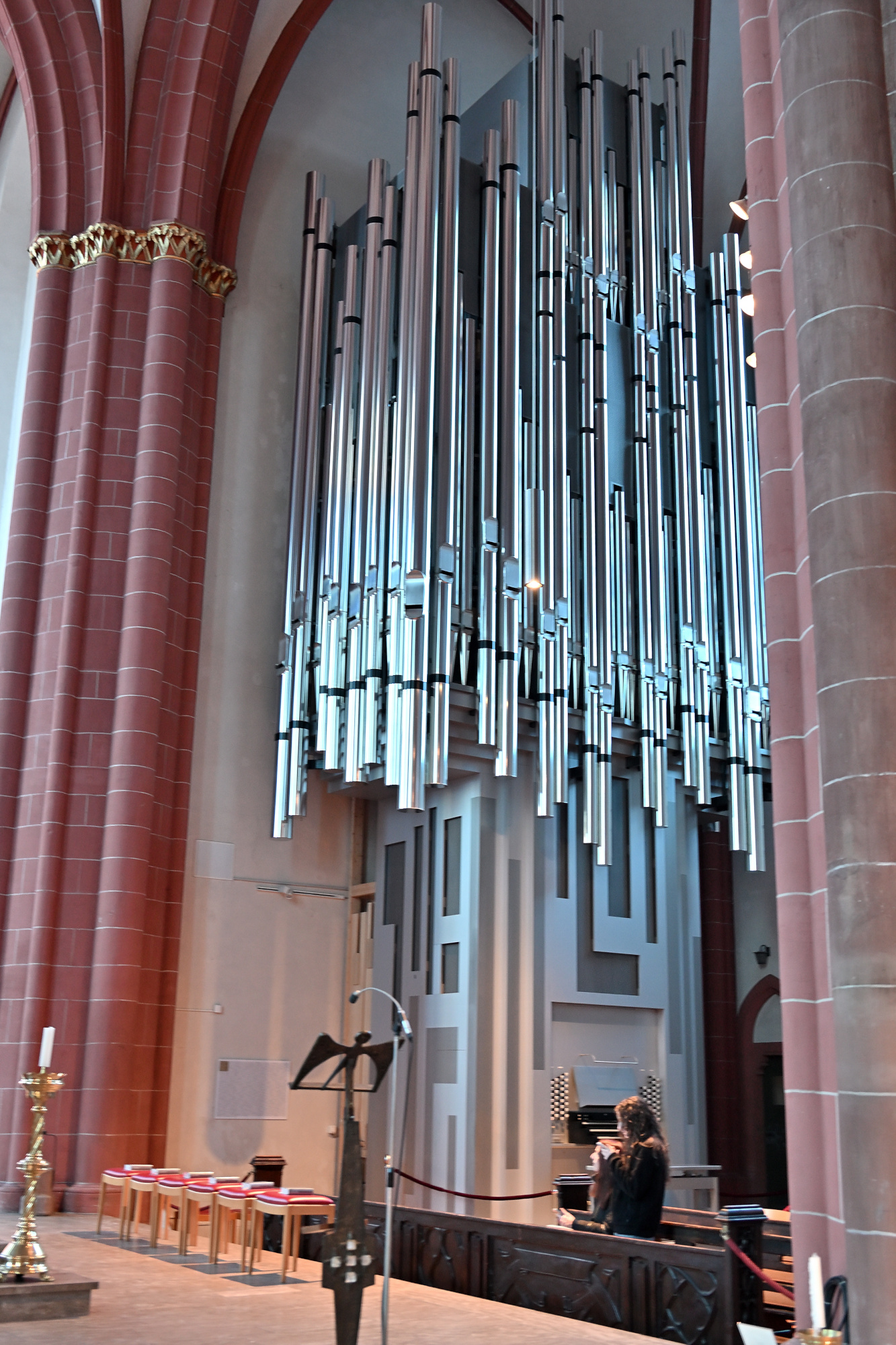
0,4s f/2,8 ISO 250/25° 16-50mm f/2,8 VR f=20mm/30mm
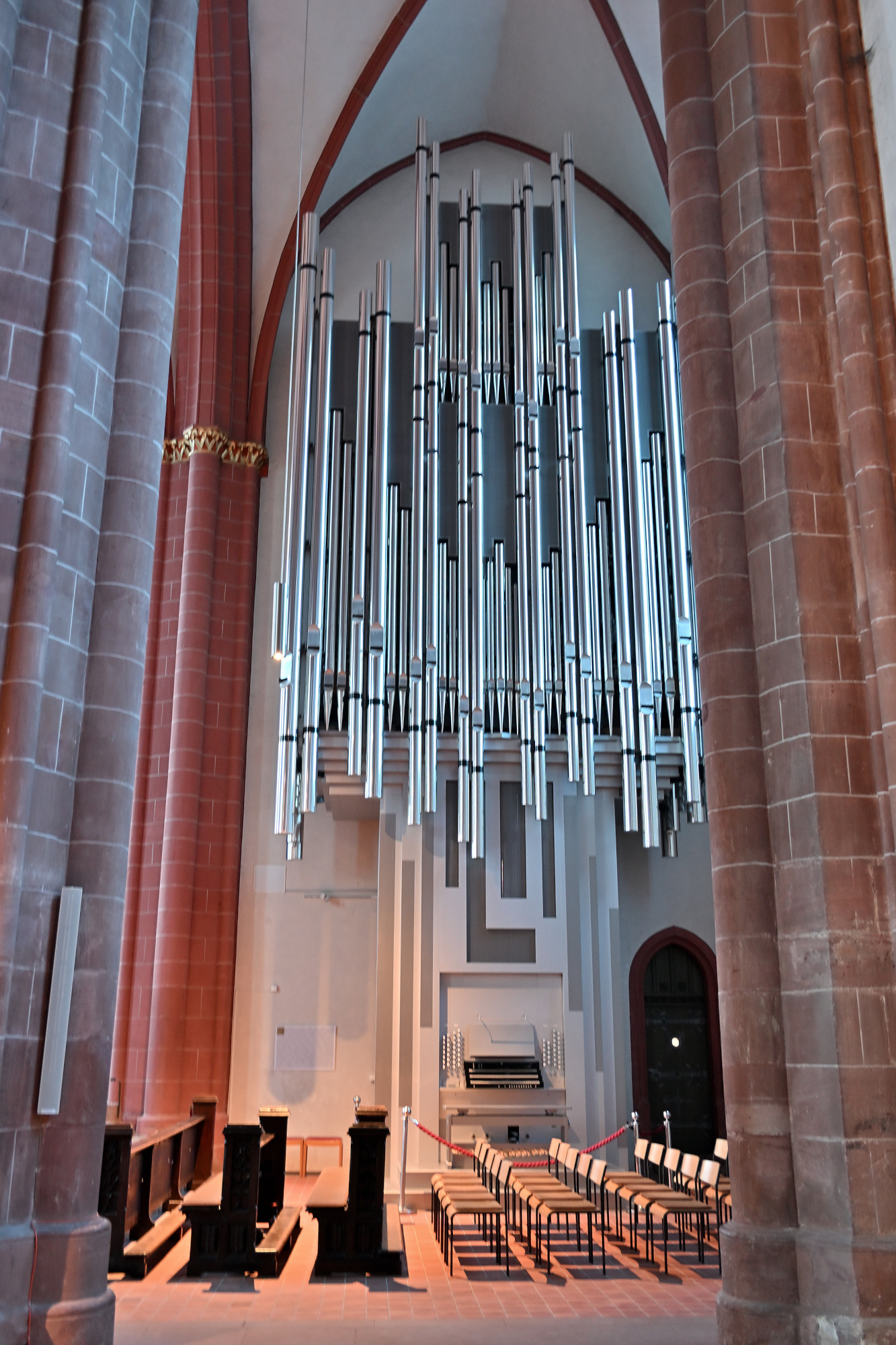
Innenraum der Stephanskirche
1/5s f/2,8 ISO 800/30° 16-50mm f/2,8 VR f=16mm/24mm
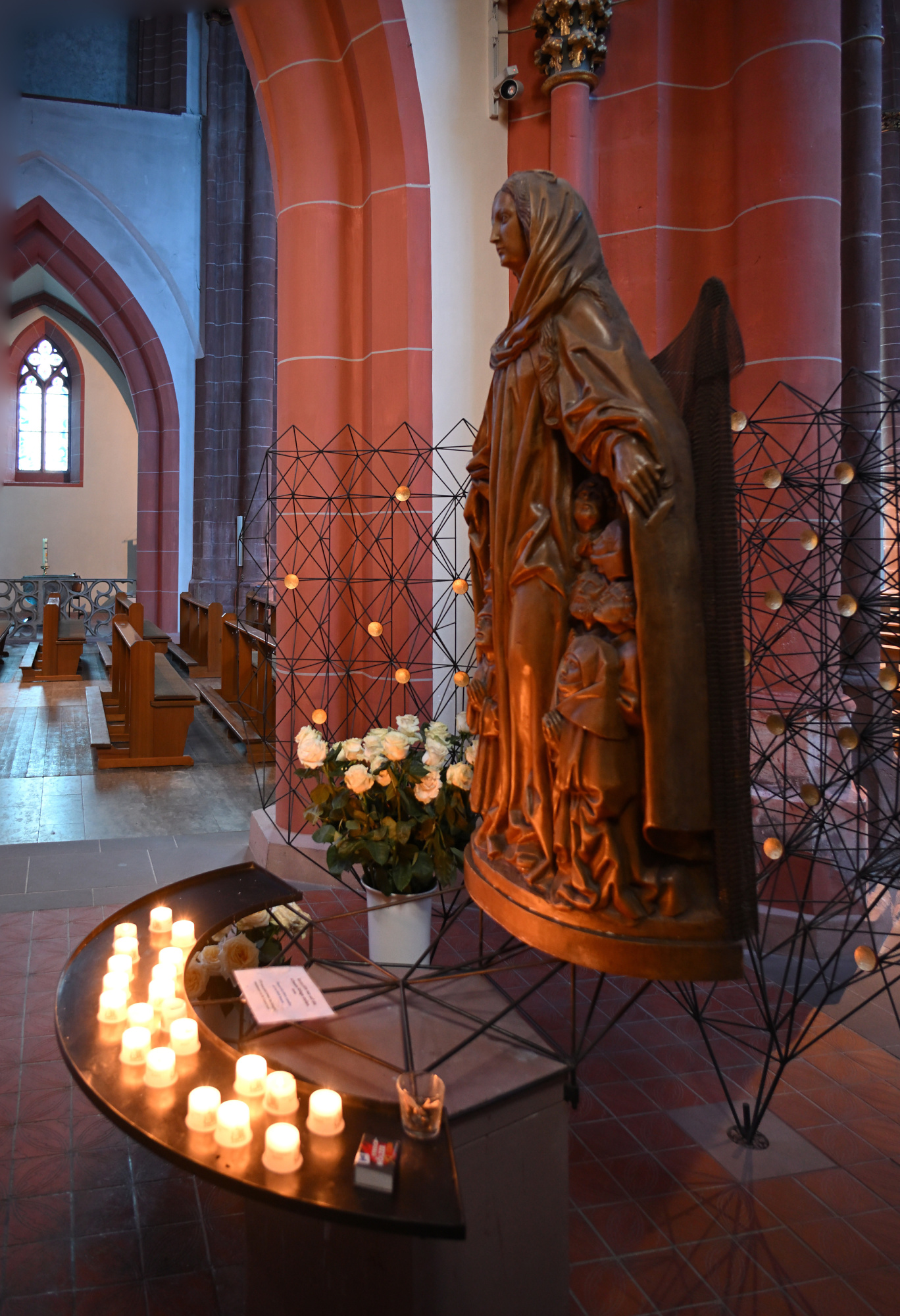
1/30s f/2,8 ISO 800/30° 16-50mm f/2,8 VR f=50mm/75mm
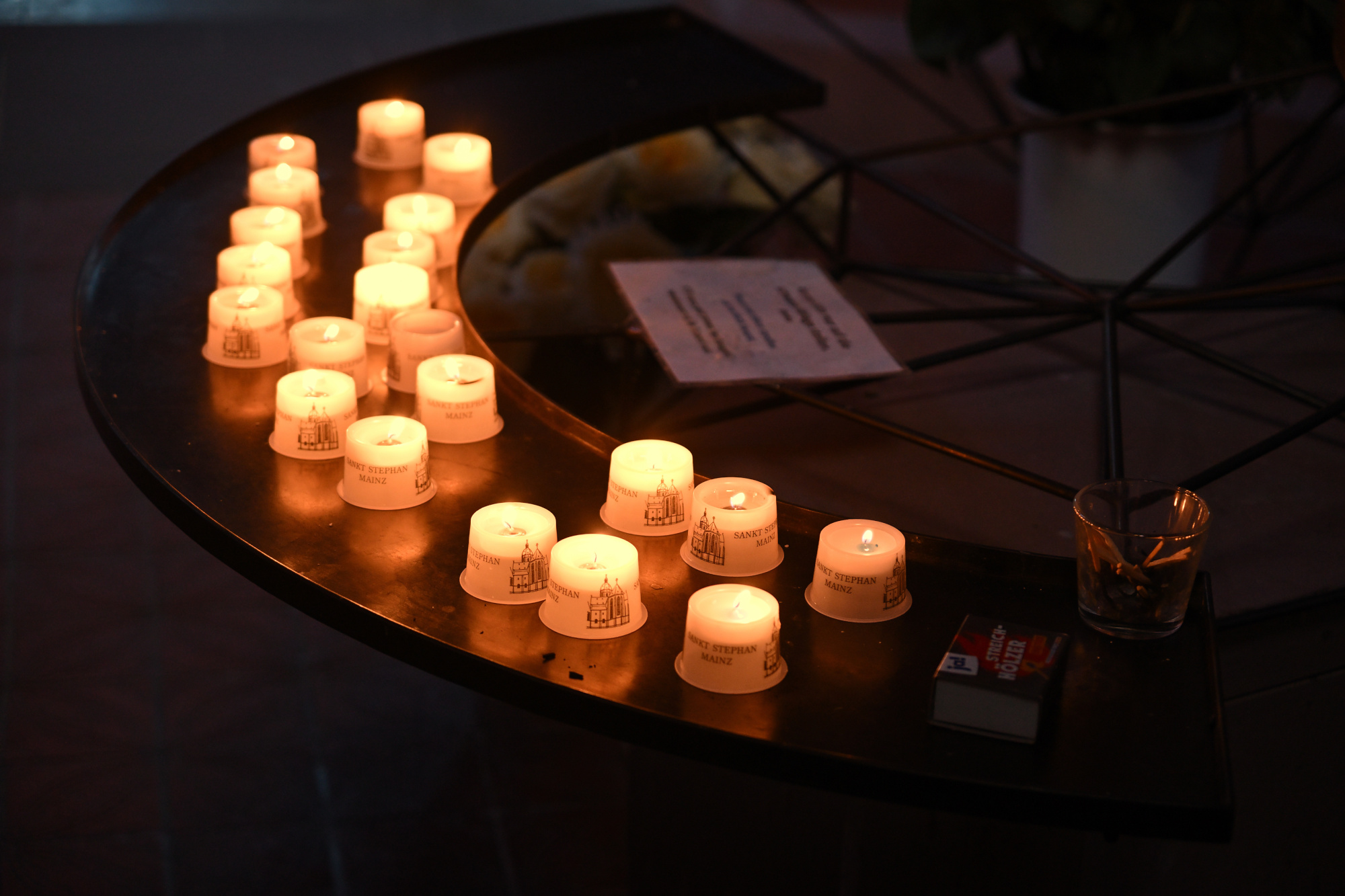
0,3s f/3,5 ISO 1000/31° 16-50mm f/2,8 VR f=26mm/39mm
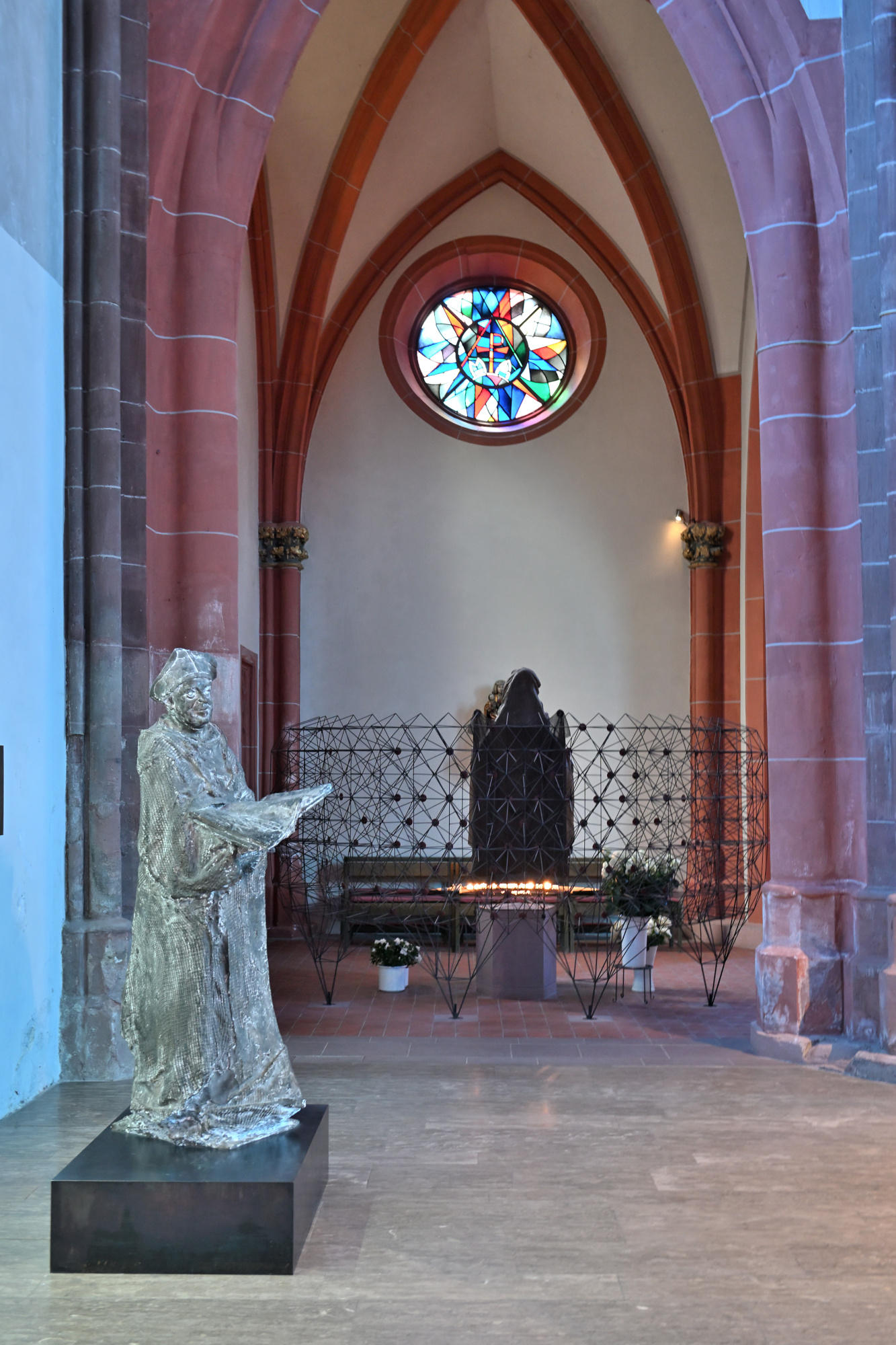
1/25s f/2,8 ISO 800/30° 16-50mm f/2,8 VR f=16mm/24mm
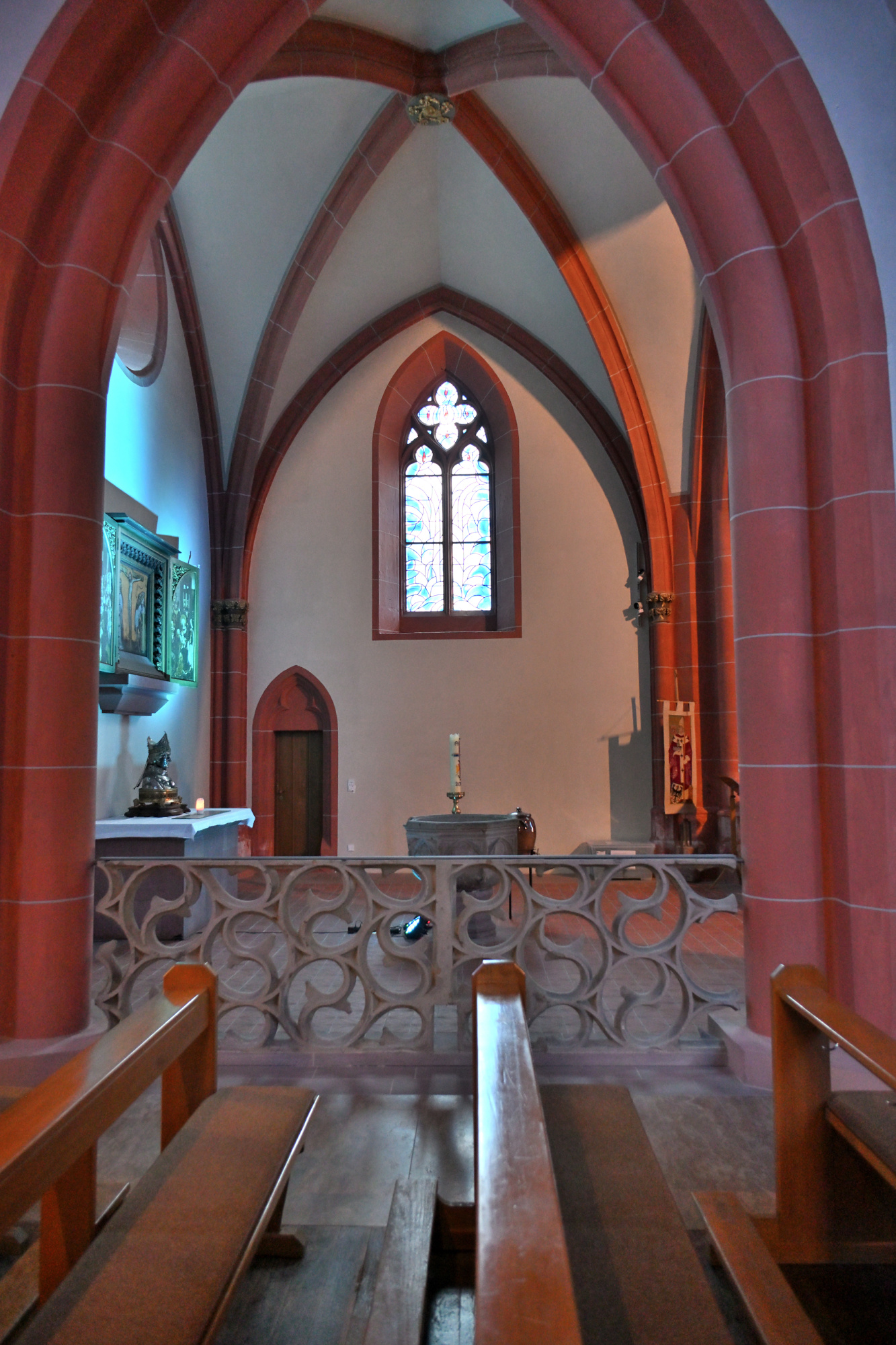
1/25s f/2,8 ISO 800/30° 16-50mm f/2,8 VR f=16mm/24mm
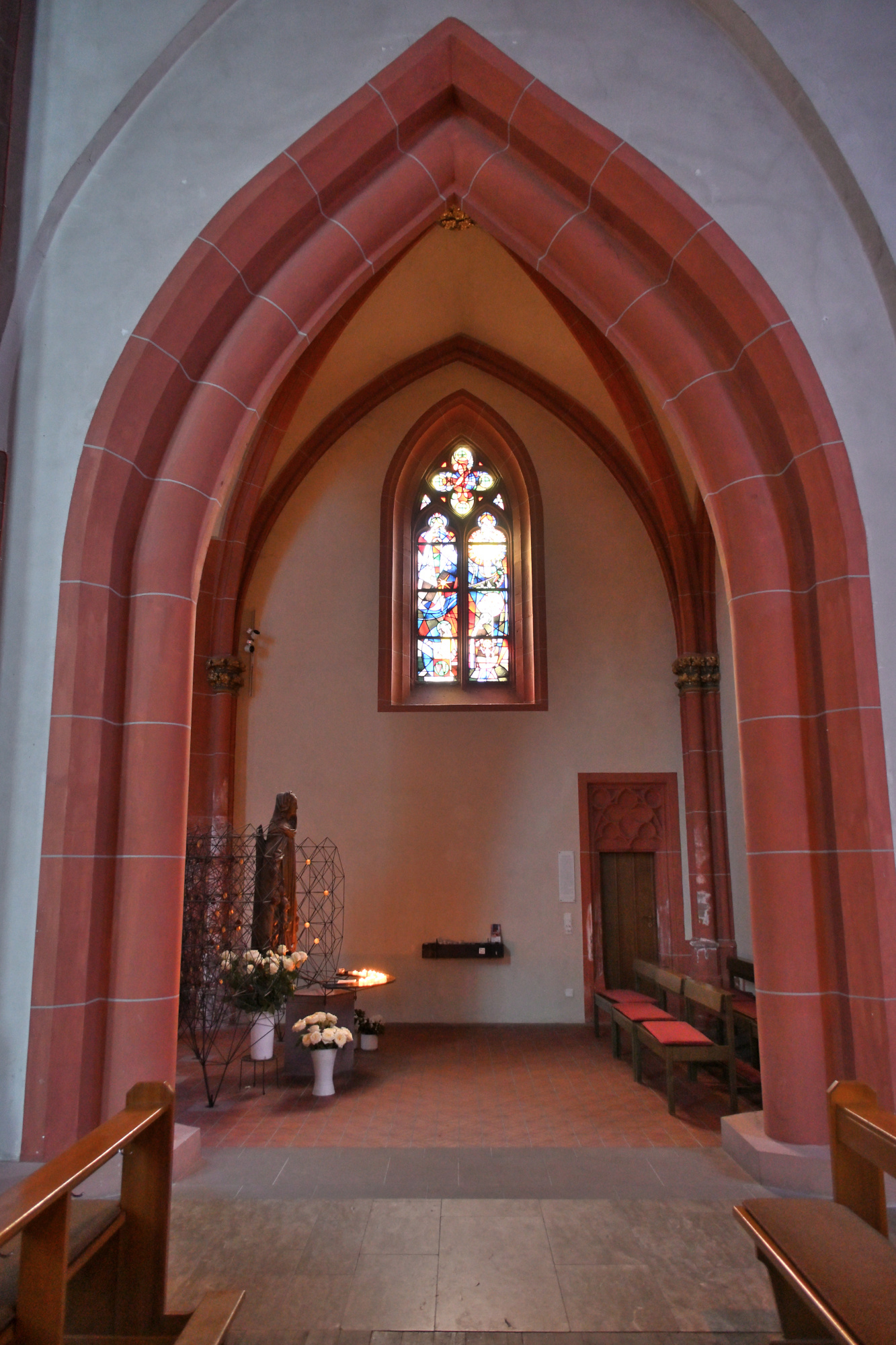
1/50s f/5,6 ISO 640/29° f=7,5mm
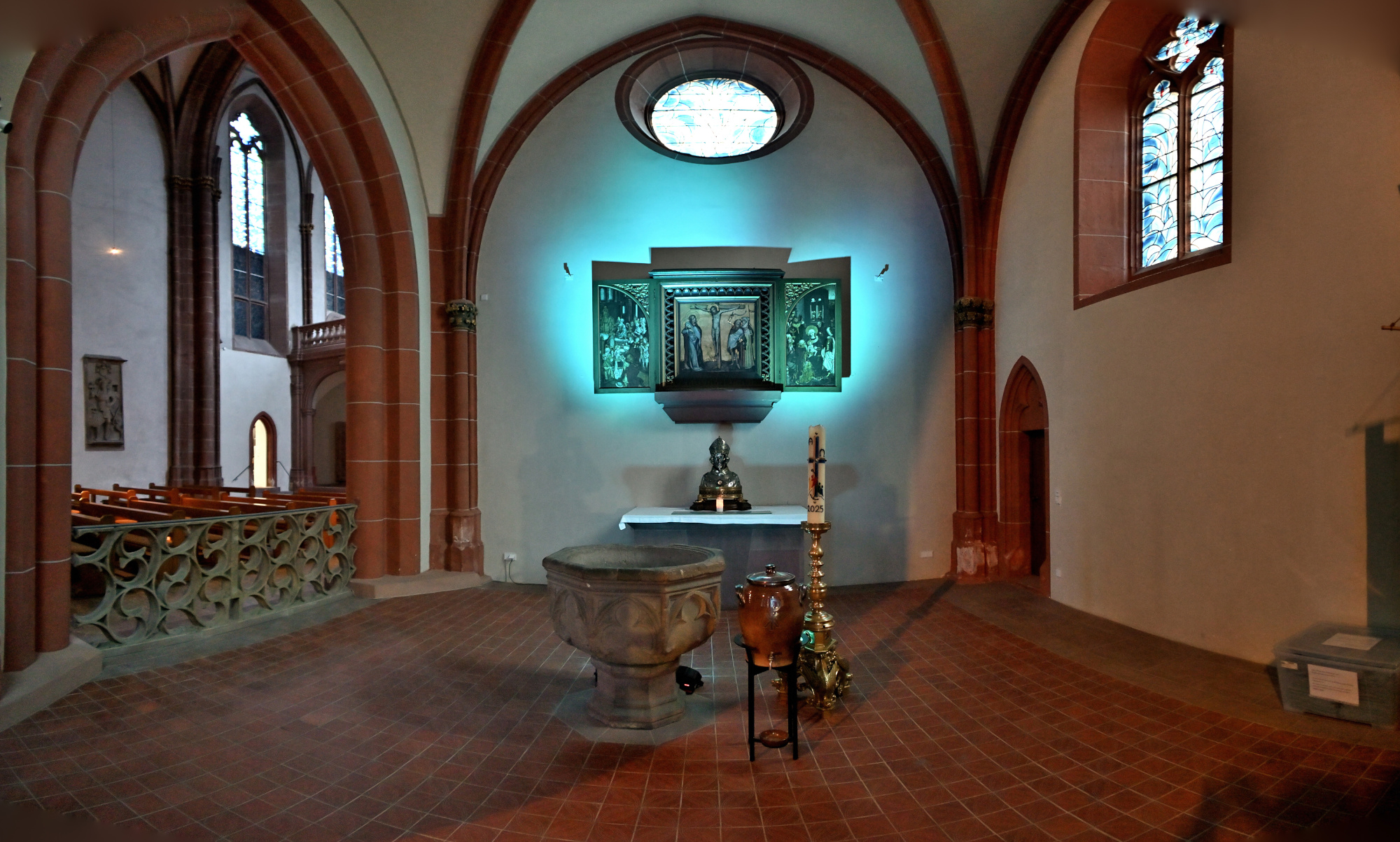
1/8s f/3,5 ISO 1000/31° 16-50mm f/2,8 VR f=28mm/42mm
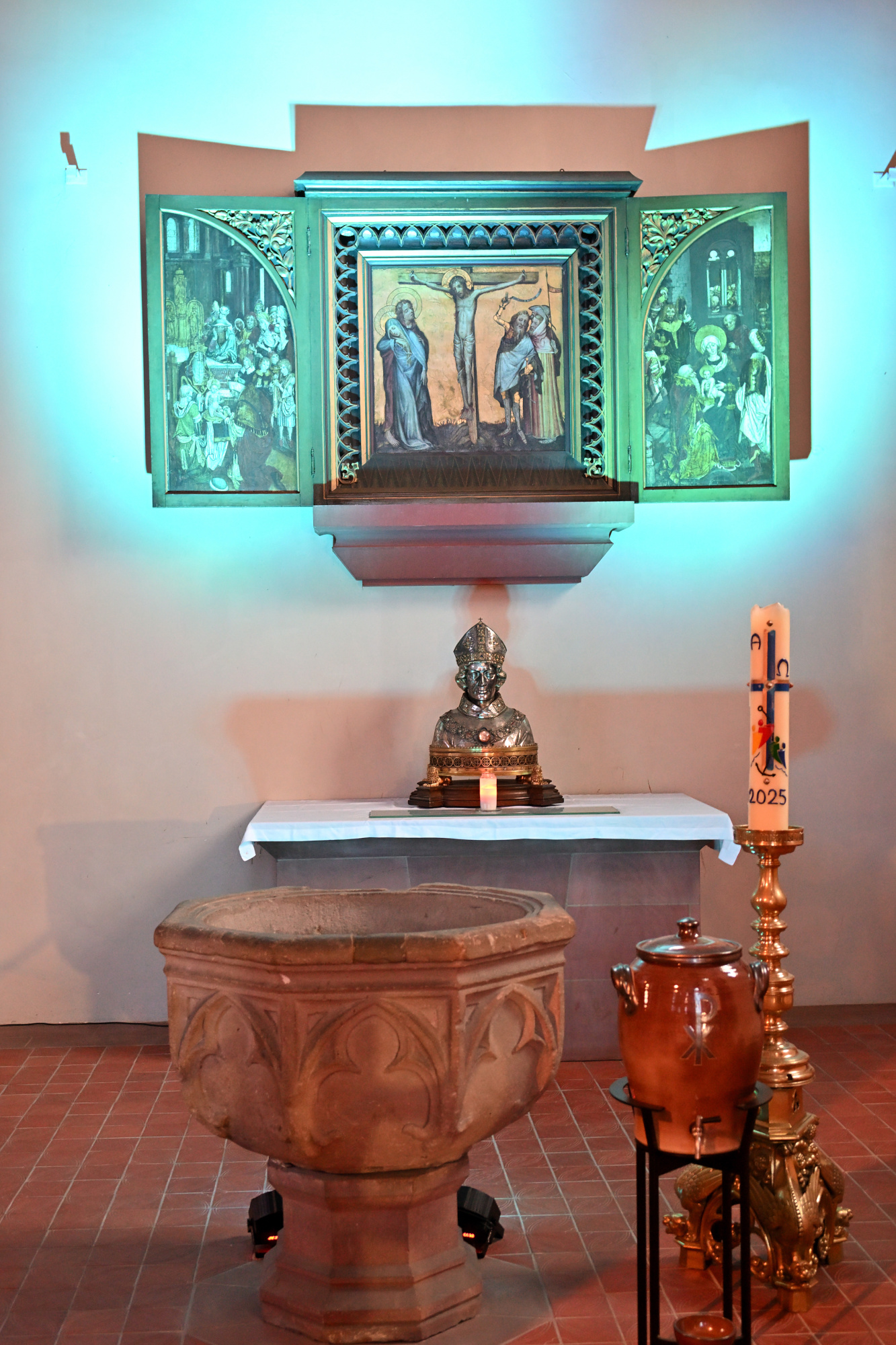
1/13s f/3,5 ISO 1000/31° 16-50mm f/2,8 VR f=16mm/24mm
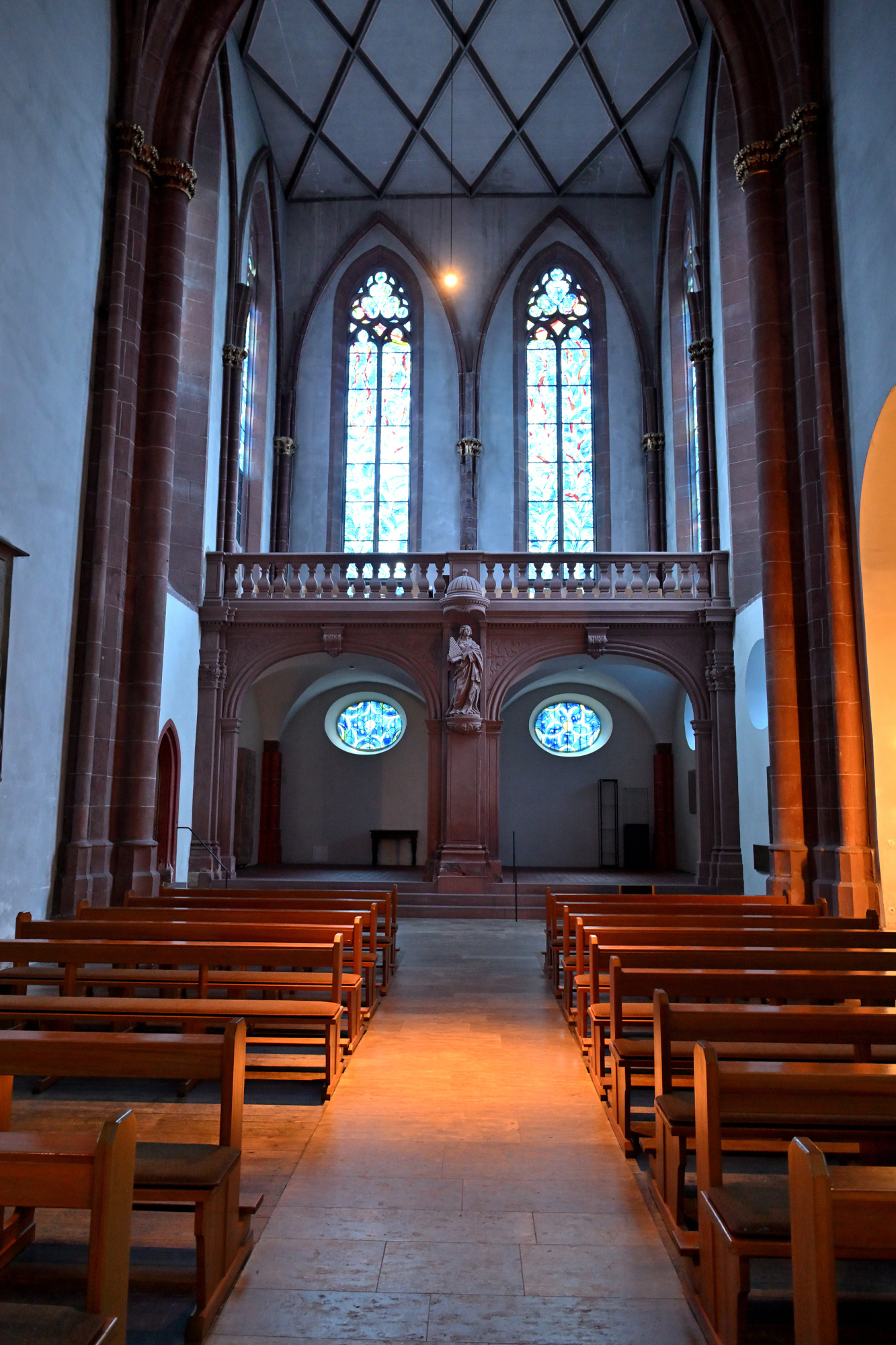
1/15s f/3,5 ISO 1000/31° 16-50mm f/2,8 VR f=16mm/24mm
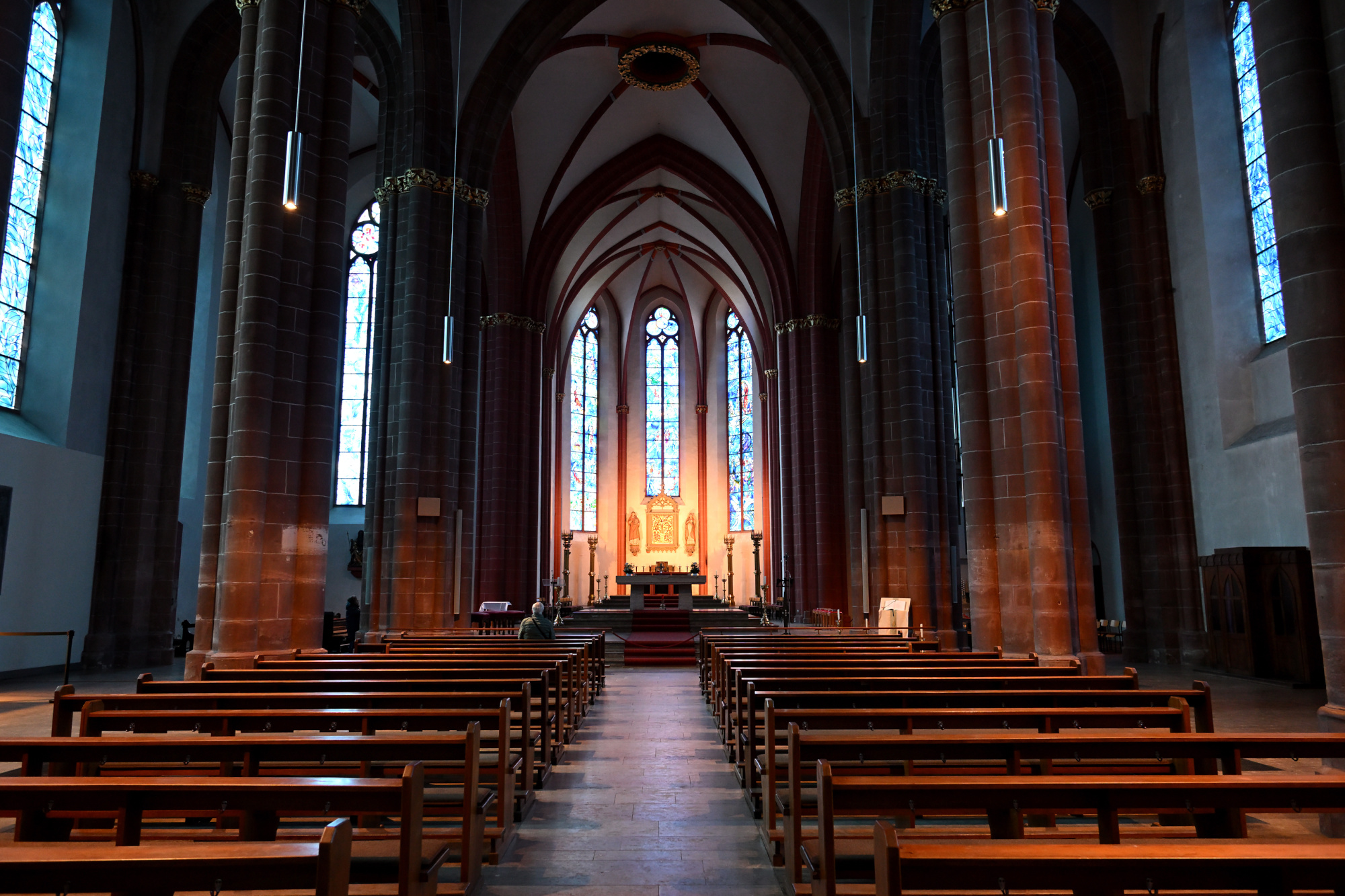
1/5s f/3,5 ISO 400/27° 16-50mm f/2,8 VR f=16mm/24mm
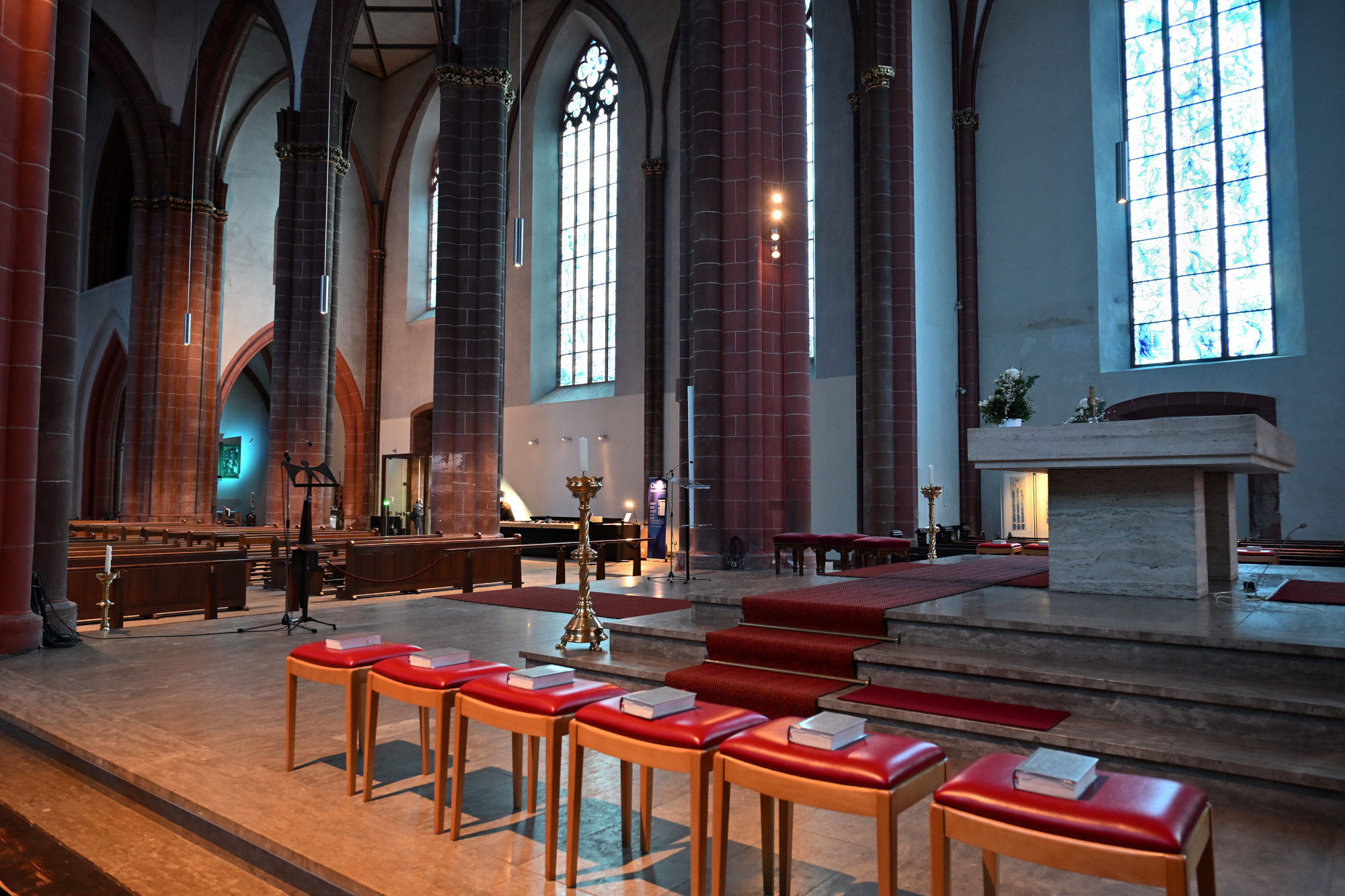
1/25s f/4 ISO 1000/31° 16-50mm f/2,8 VR f=16mm/24mm
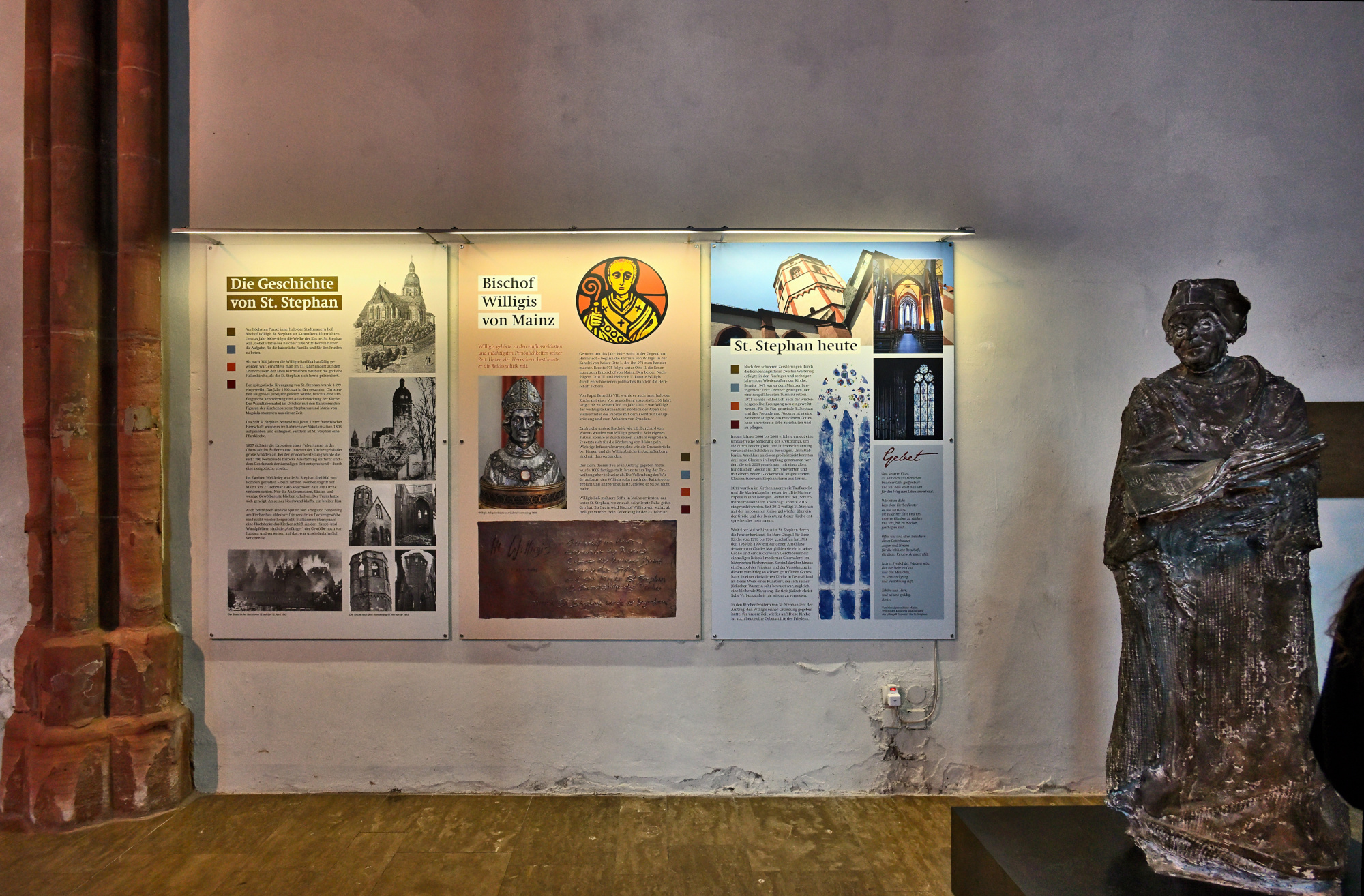
Kreuzgang der Stephanskirche
Der Kreuzgang der Stephanskirche gehört zu den spätgotischen Anlagen der Stadt und wurde im Jahr 1499 vollendet. Er entstand rund eine Generation nach dem Bau der Kirche und wurde von den Stiftsherren in Auftrag gegeben, die damit einen geschützten, ruhigen Bereich an der Südseite der Kirche schufen.
Die Anlage zeigt bis heute viele Spuren ihrer langen Geschichte. An den Wänden stehen zahlreiche Grabplatten, von denen die älteste aus dem Jahr 1048 stammt. Sie wurden im 19. Jahrhundert aus der Kirche hierher gebracht, um sie besser zu erhalten.
Auch der Kapitelsaal gehört zu diesem Ensemble. Seine Mittelsäule wurde bereits um das Jahr 780 geschaffen und später als Abgabe an das Stift übergeben, bevor sie hier ihren Platz fand.
Der Kreuzgang wurde im Laufe der Jahrhunderte mehrfach beschädigt, unter anderem durch die Explosion eines Pulverturms im Jahr 1857 und später im Zweiten Weltkrieg. Zwischen 1968 und 1971 wurde er sorgfältig wiederhergestellt.
Heute wirkt der Innenhof trotz seiner Geschichte leicht und offen. Wer dort entlanggeht, spürt die Ruhe des Ortes und die vielen Schichten der Vergangenheit, die sich in den Mauern gesammelt haben.
1/40s f/5,6 ISO 100/21° f=7,5mm
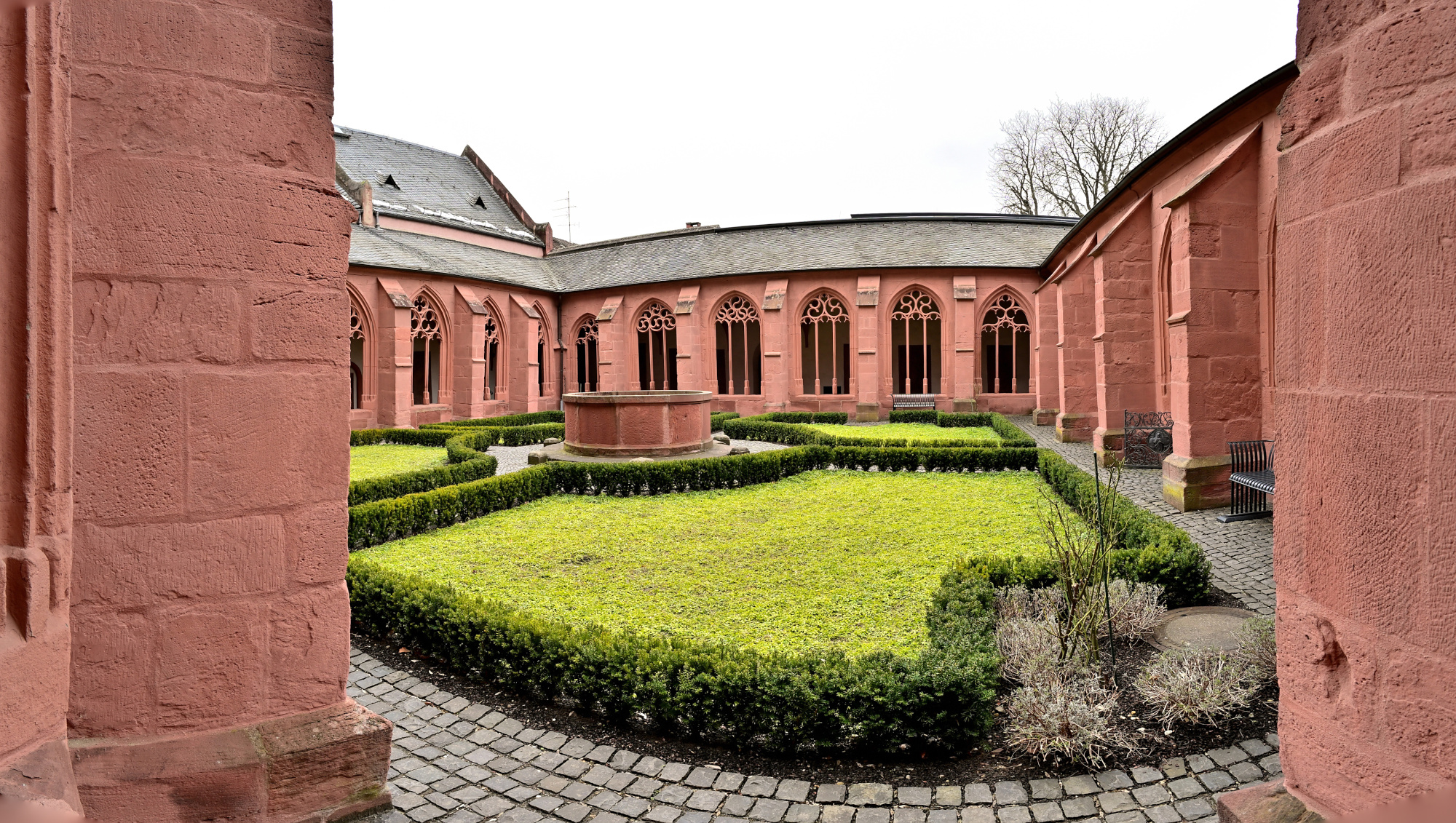
1/40s f/5,6 ISO 100/21° f=7,5mm
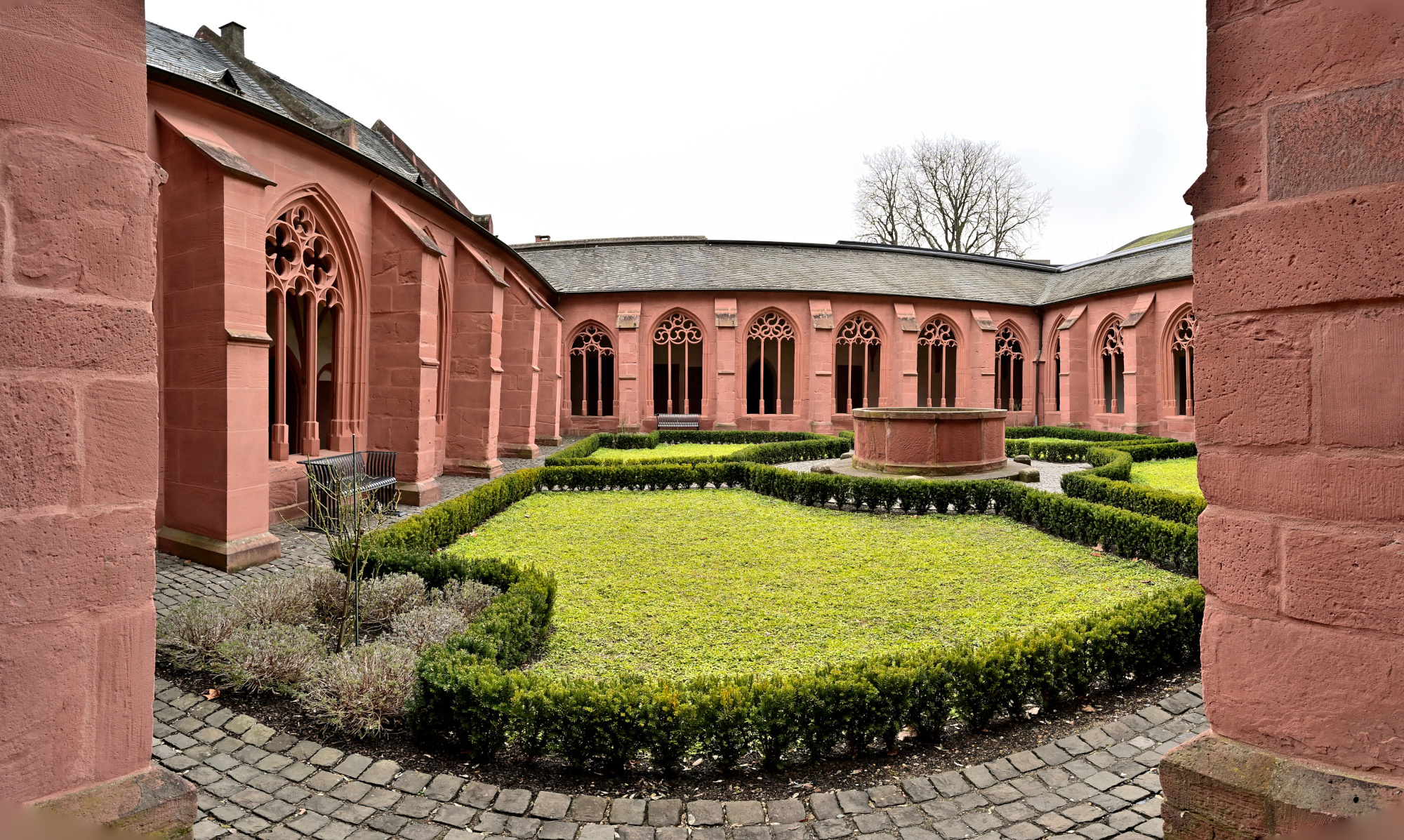
1/60s f/5,6 ISO 100/21° f=7,5mm
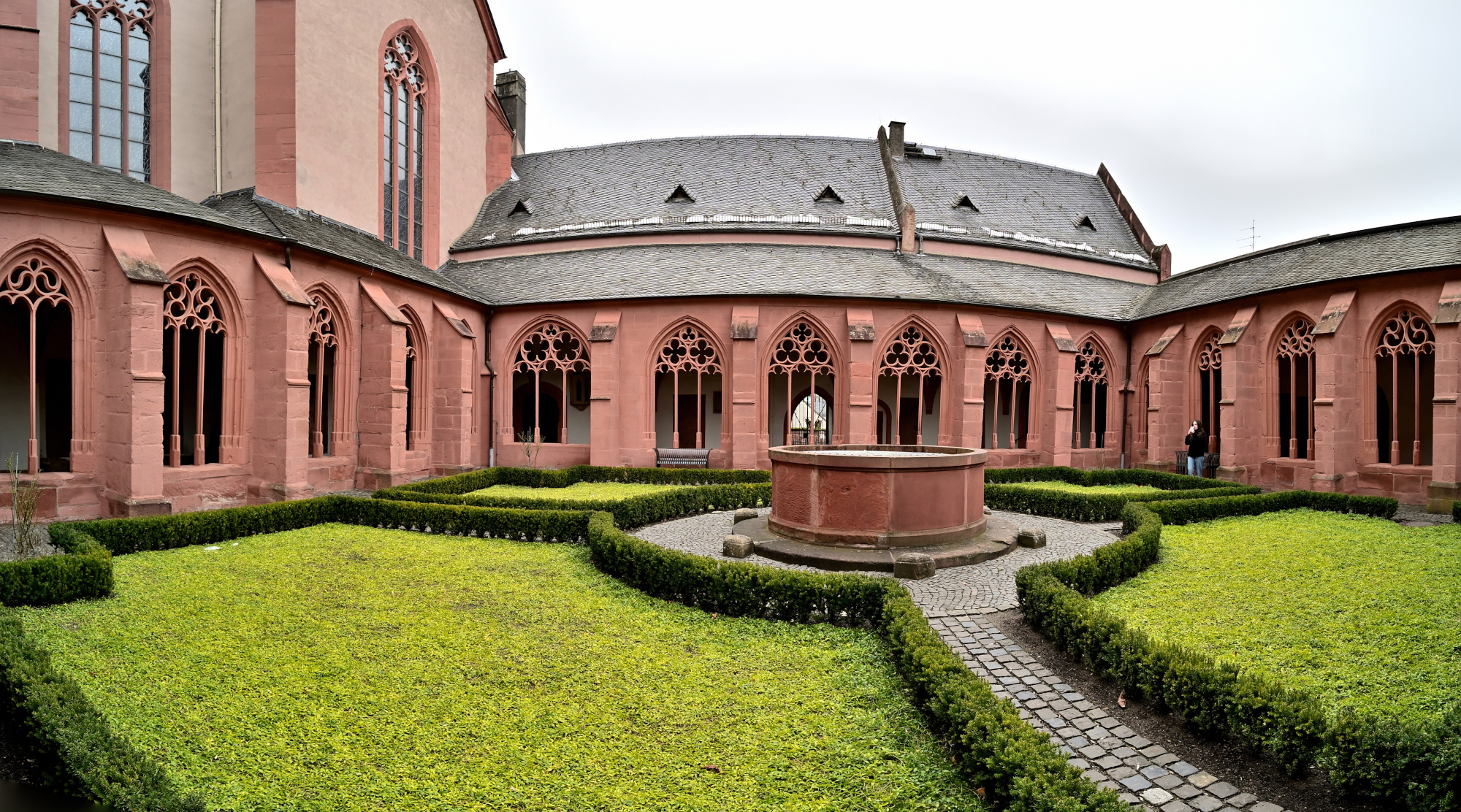
1/50s f/5,6 ISO 100/21° f=7,5mm
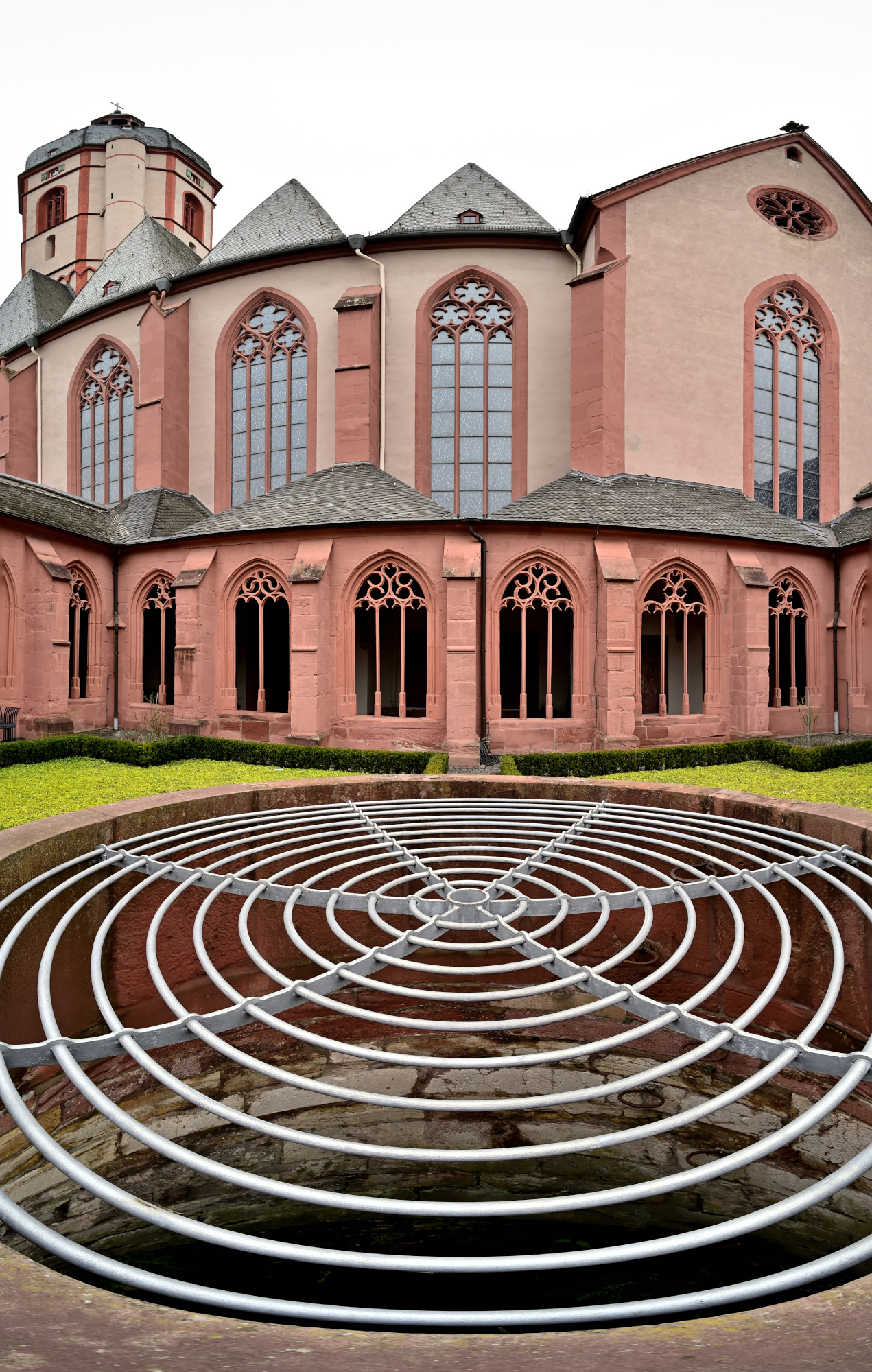
Kreuzgang-Ecken
1/40s f/5,6 ISO 640/29° f=7,5mm
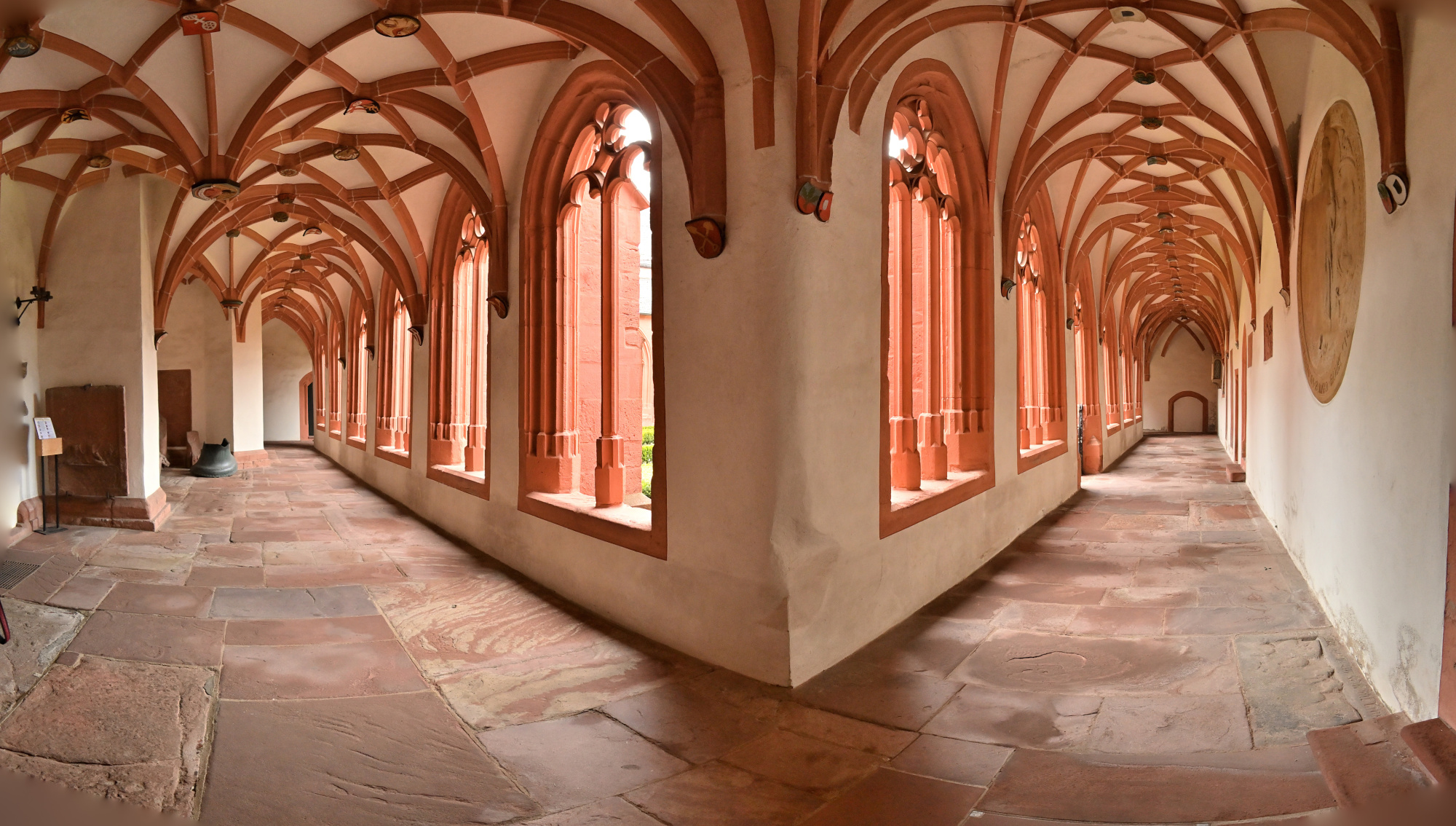
1/40s f/5,6 ISO 640/29° f=7,5mm
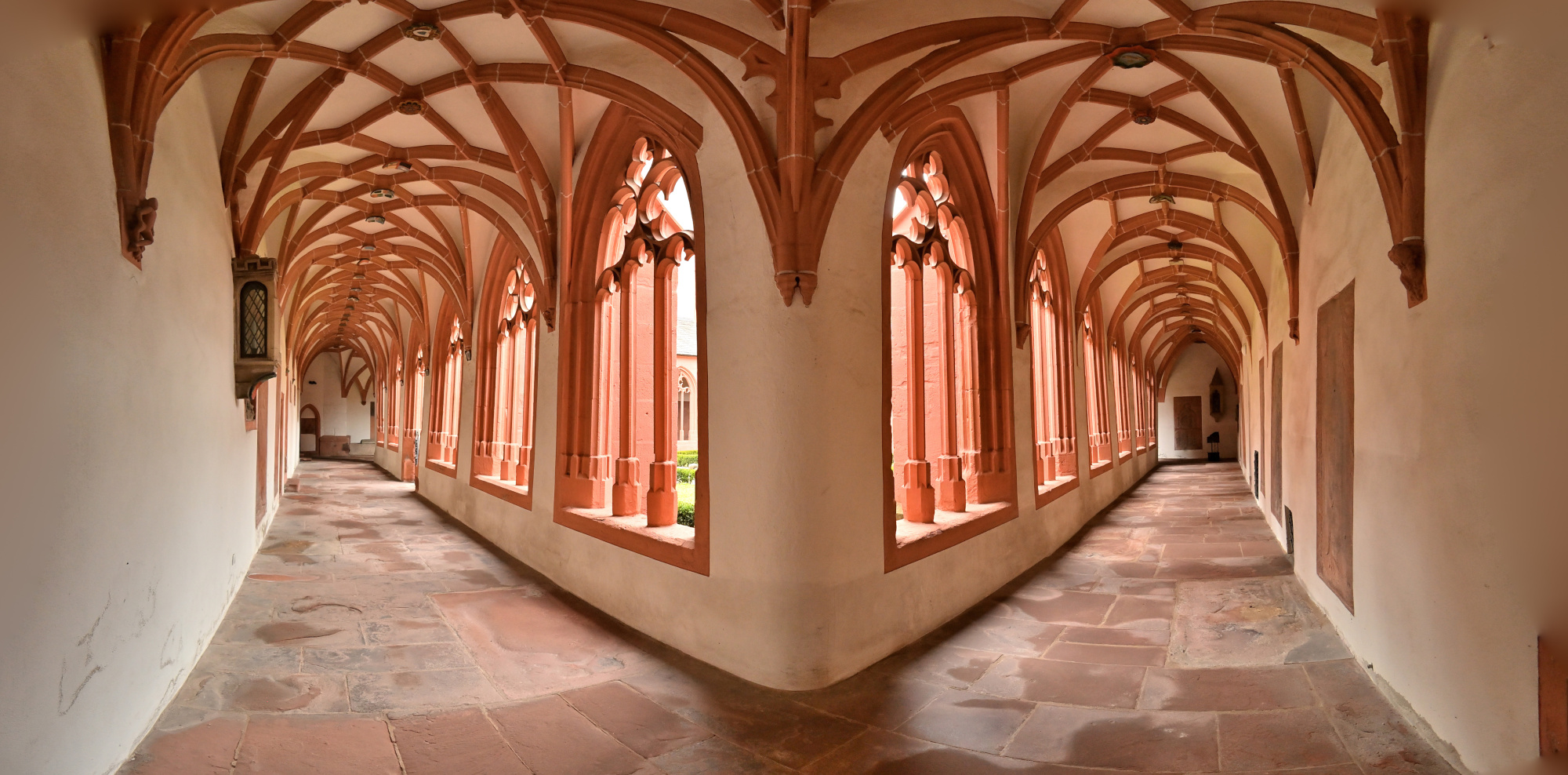
1/40s f/5,6 ISO 640/29° f=7,5mm
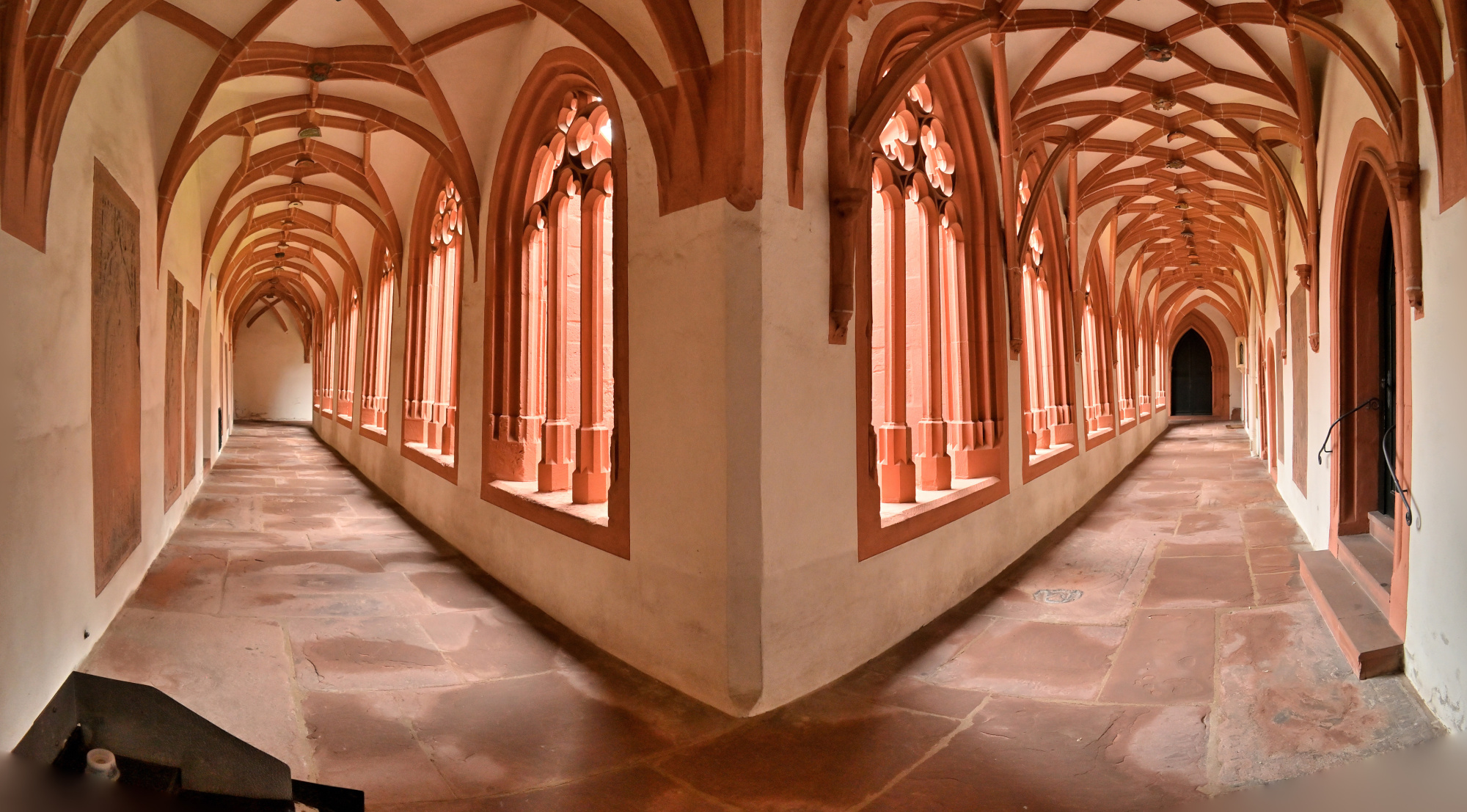
1/40s f/5,6 ISO 640/29° f=7,5mm
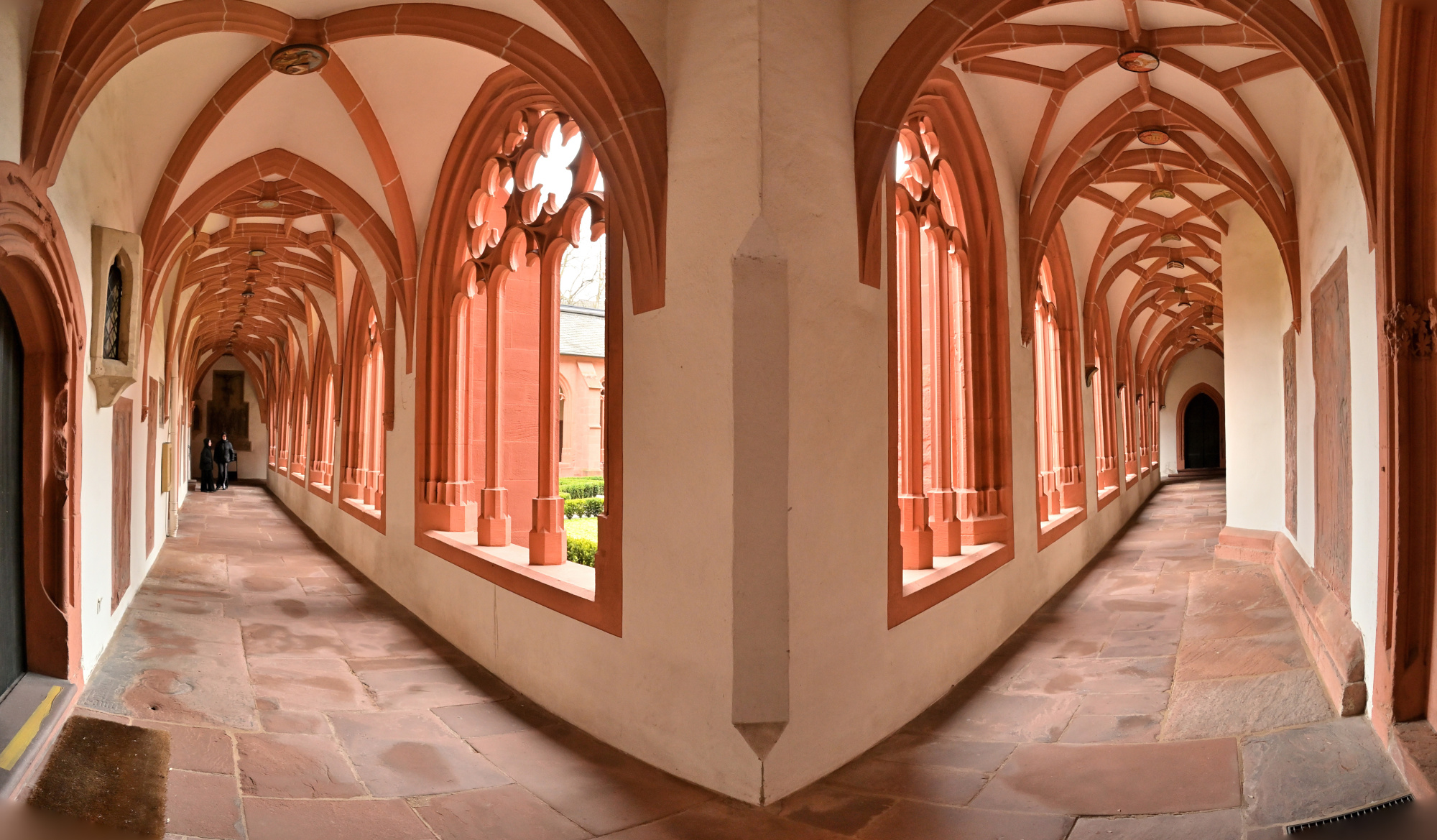
Kreuzgang-Eckpanorama

1/40s f/5,6 ISO 640/29° f=7,5mm
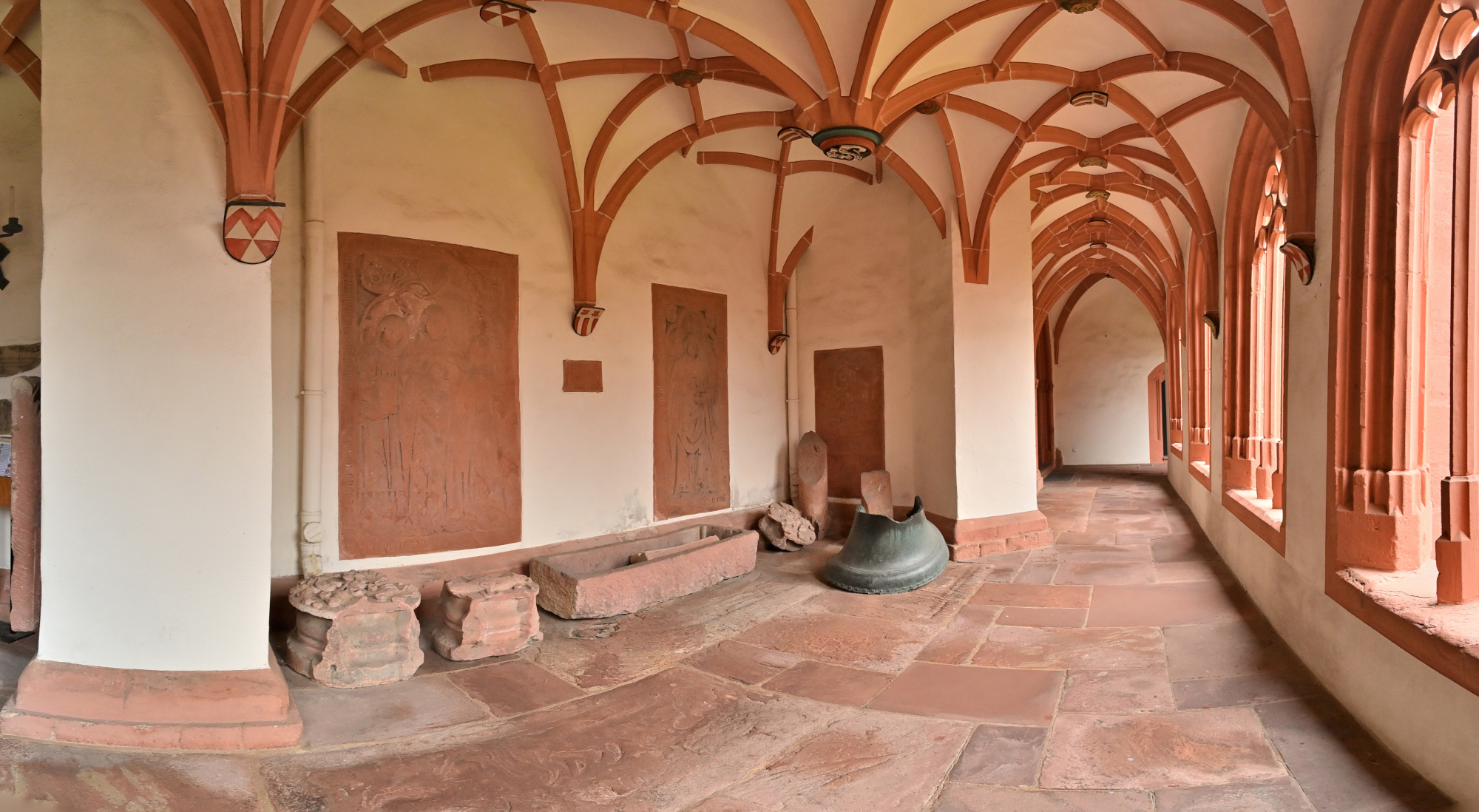
1/40s f/5,6 ISO 100/21° f=7,5mm
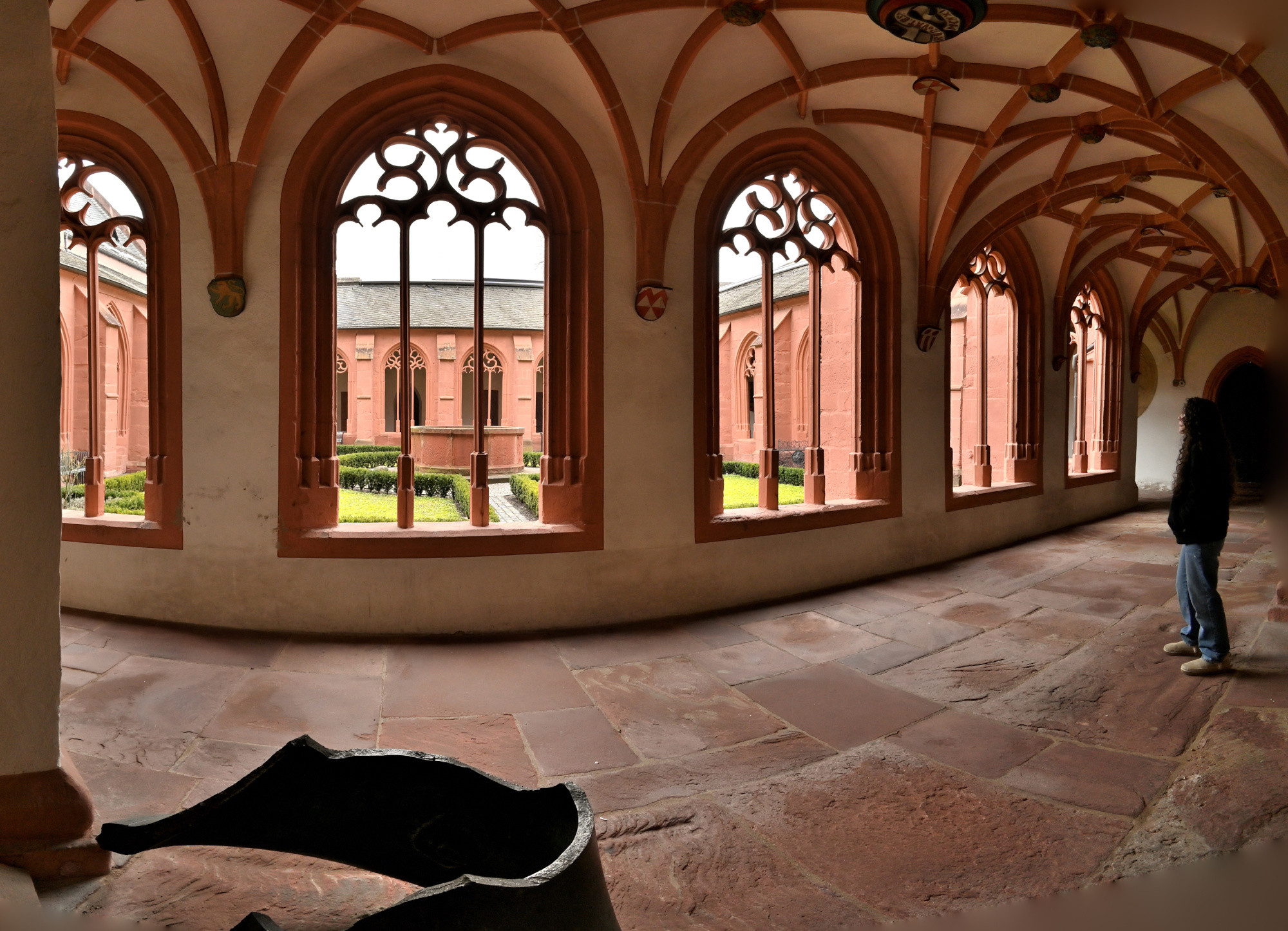
1/40s f/5,6 ISO 2000/34° f=7,5mm
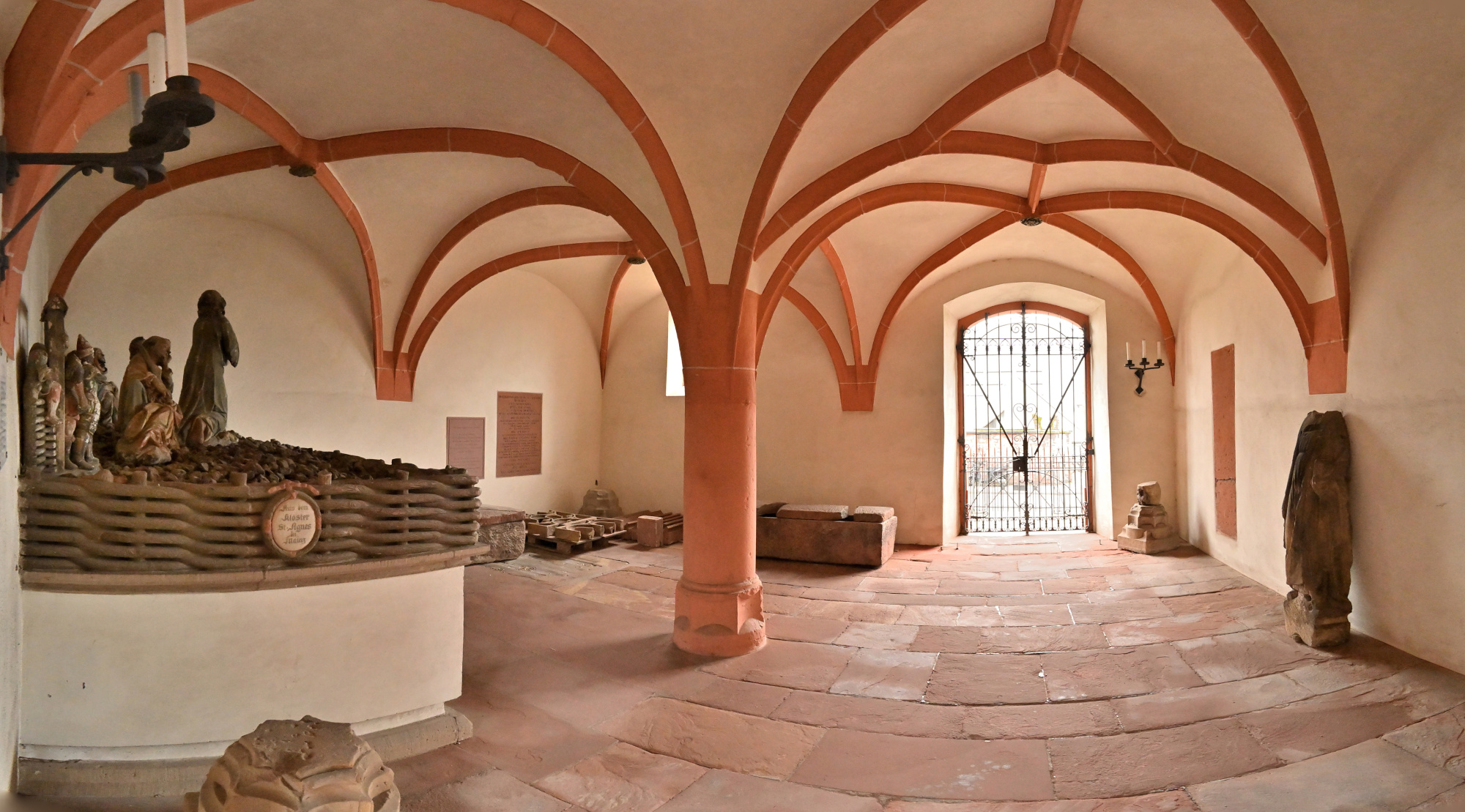
Interaktives Panorama Kreuzgang 1 360x180
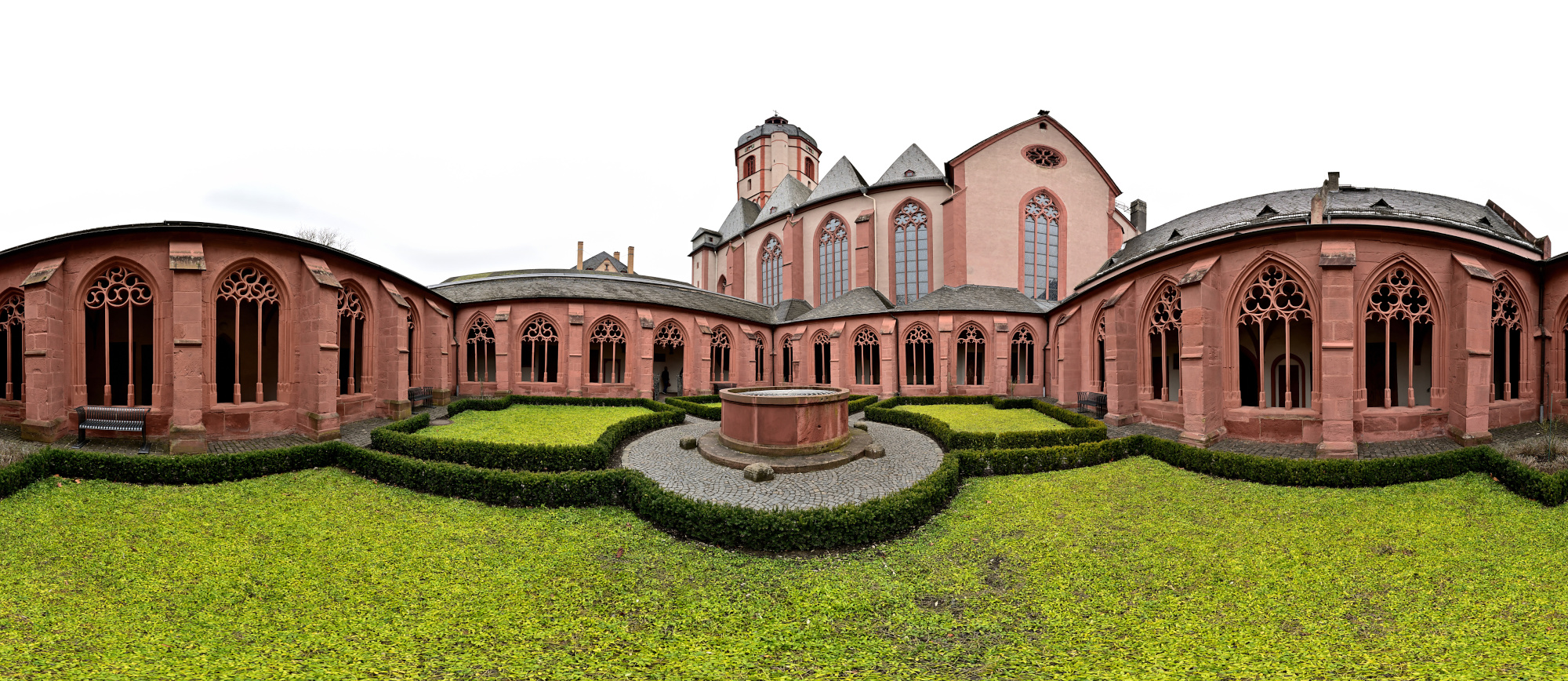
1/50s f/2 ISO 100/21° f=7,5mm

Interaktives Panorama Kreuzgang 2 360x180
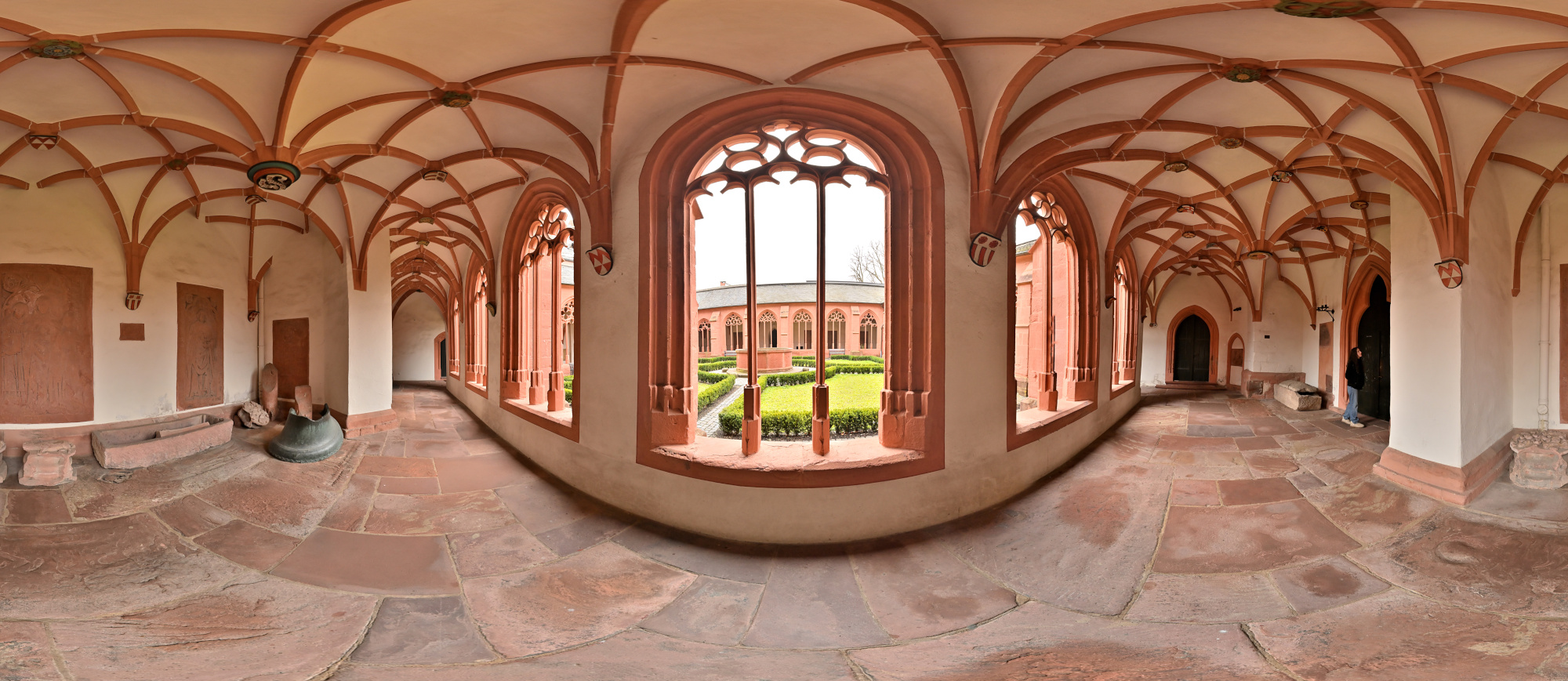
1/50s f/2 ISO 100/21° f=7,5mm

Außenansicht
1/160s f/5,6 ISO 100/21° f=7,5mm
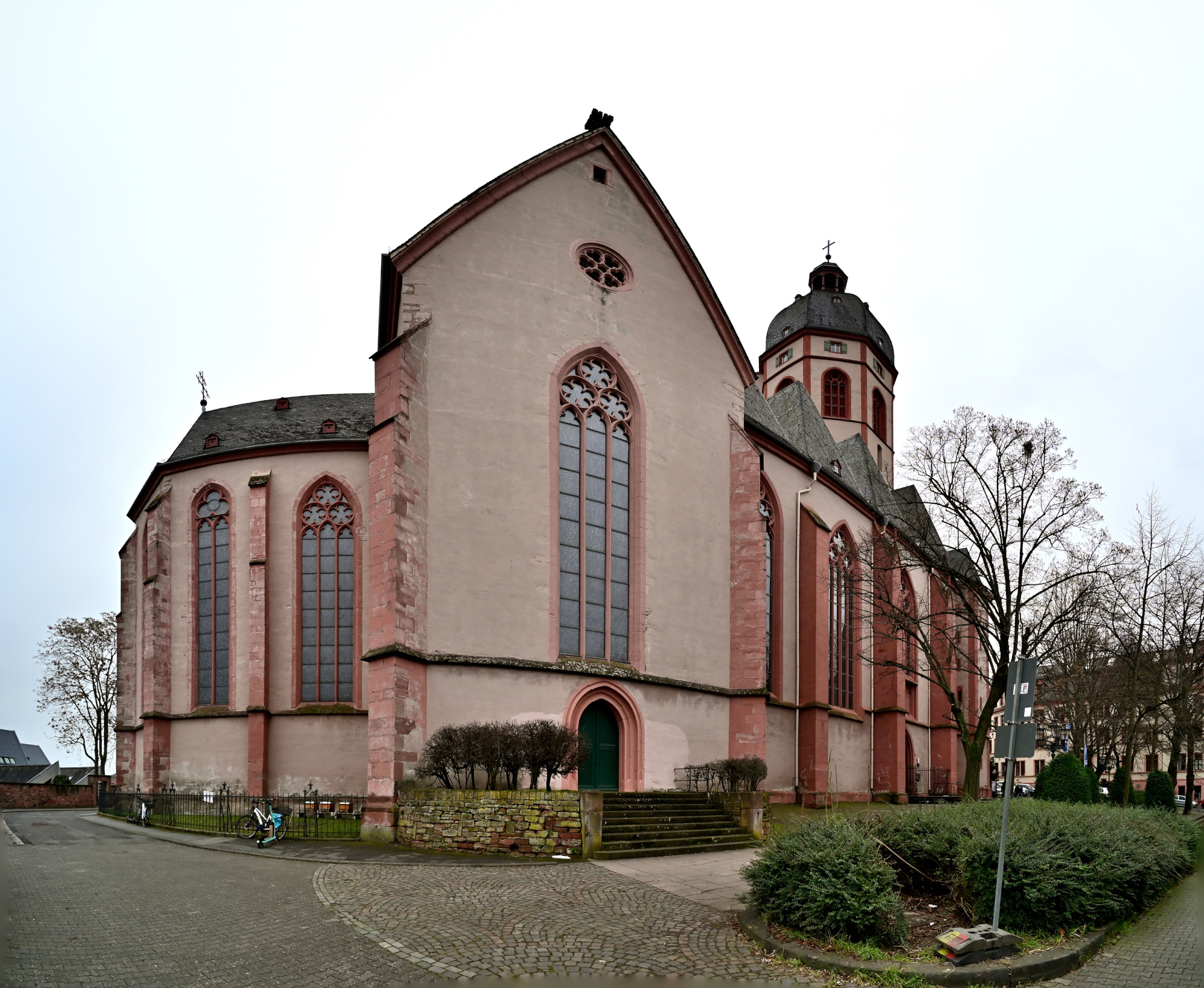
1/100s f/5,6 ISO 100/21° f=7,5mm
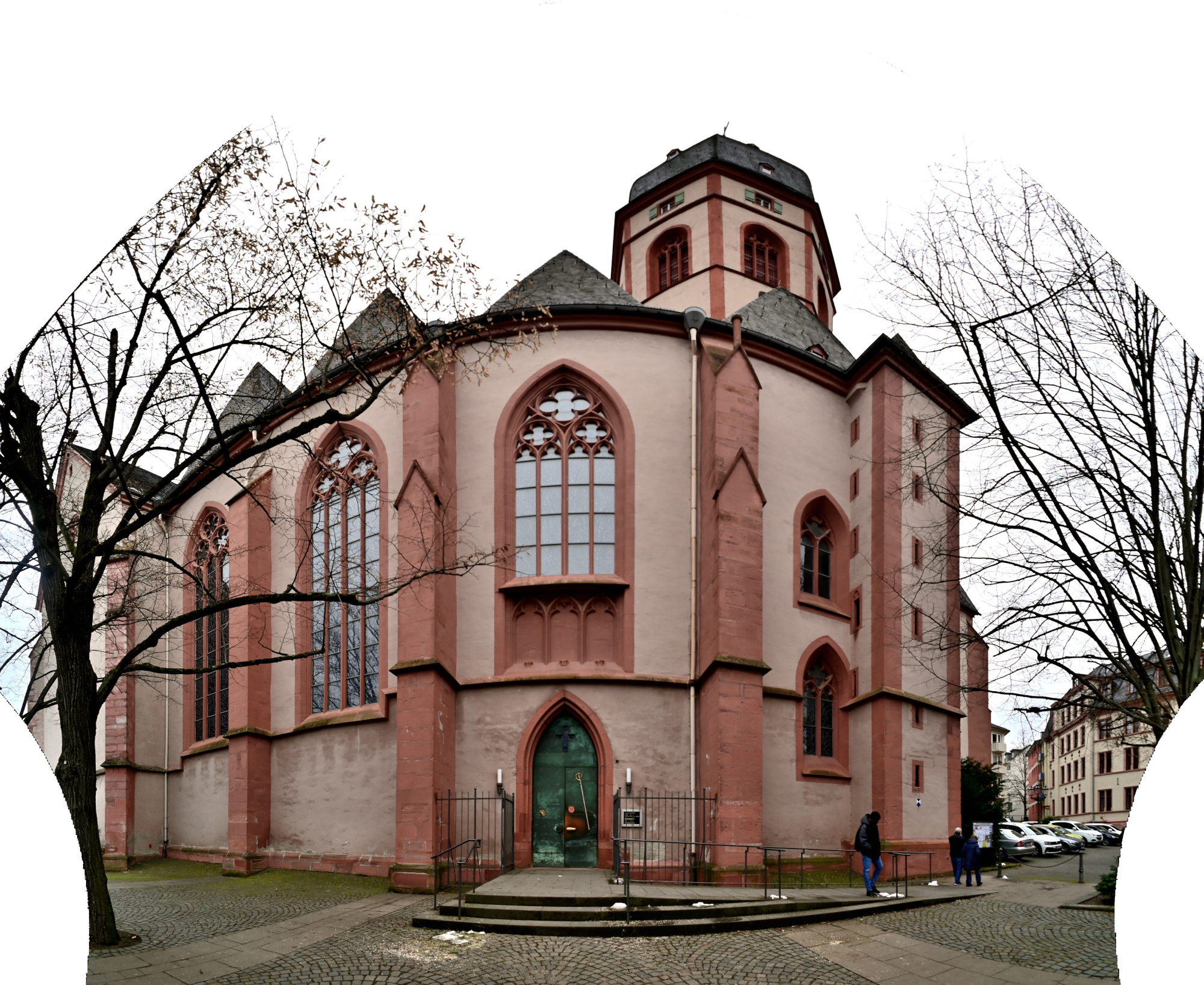
Mercator-Projektionen von:
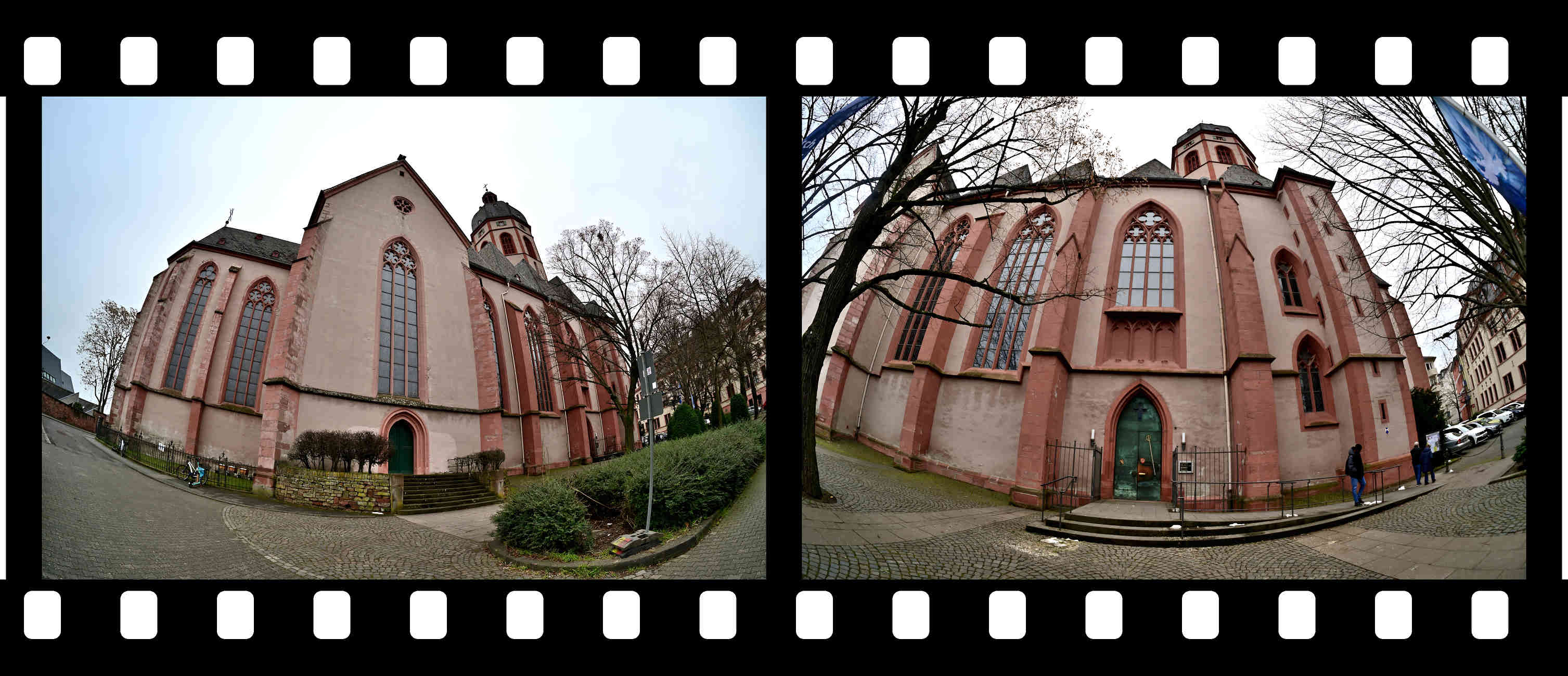
-
Porta Nigra, Trier
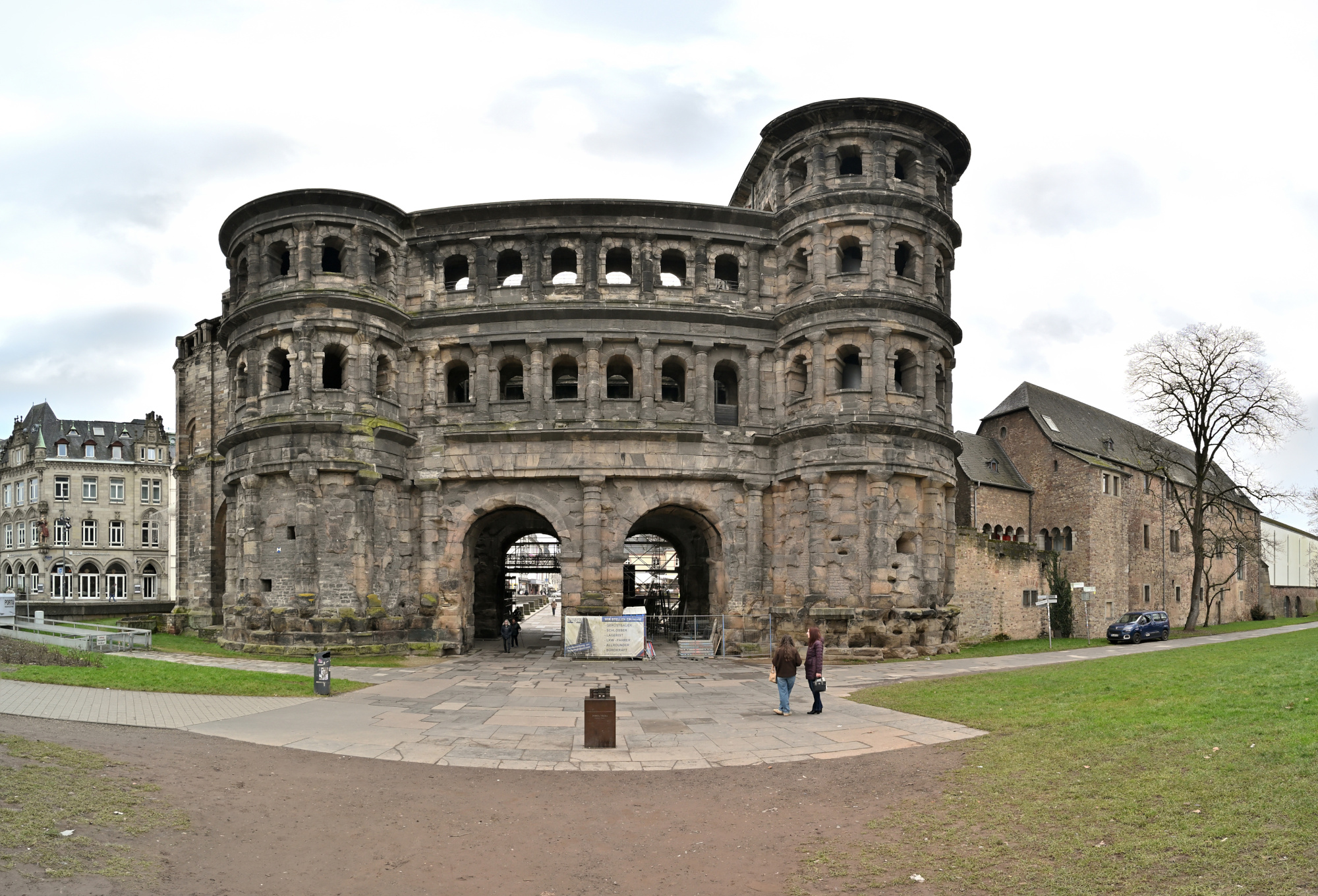
Die Porta Nigra in Trier stammt aus der römischen Zeit und wurde im zweiten Jahrhundert nach Christus als Stadttor der damaligen Stadt Augusta Treverorum errichtet. Sie gilt als das am besten erhaltene römische Stadttor nördlich der Alpen. Der Bau besteht aus großen Sandsteinquadern, die ohne Mörtel gesetzt wurden und bis heute einen geschlossenen, massiven Eindruck vermitteln.
Der Name Porta Nigra, das schwarze Tor, entstand erst im Mittelalter und bezieht sich auf die im Laufe der Zeit nachgedunkelte Oberfläche des Steins. Im elften Jahrhundert wurde das Bauwerk zu einer Kirche umgebaut, was maßgeblich zu seinem Erhalt beigetragen hat. Erst im neunzehnten Jahrhundert ließ Napoleon die späteren Anbauten wieder entfernen und den römischen Zustand weitgehend herstellen.
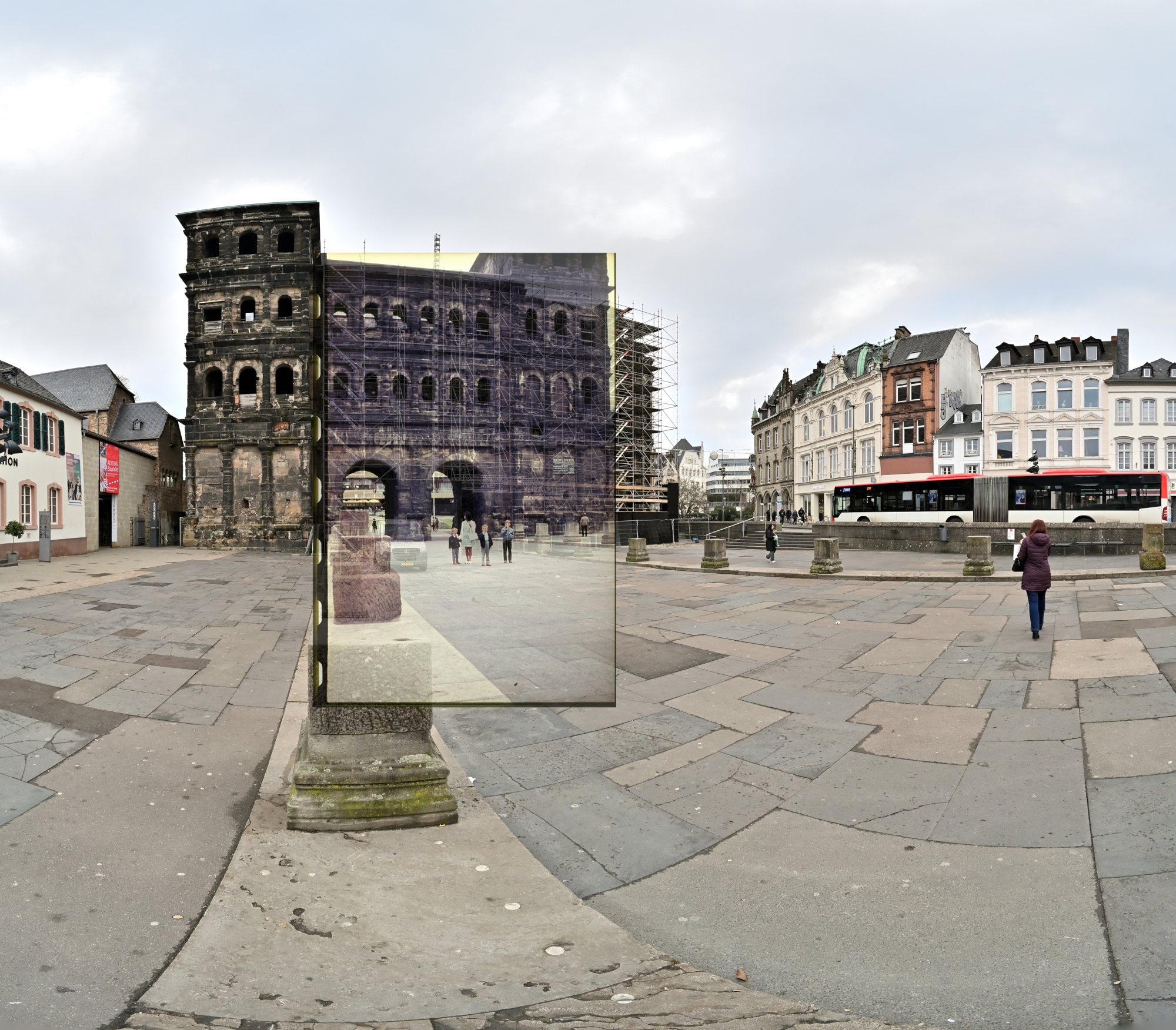
Das Panorama zeigt die Porta Nigra im Zusammenhang mit der heutigen Stadt Trier, während die beiden Einzelaufnahmen den Blick auf Struktur, Proportionen und Details des Bauwerks lenken. So wird sichtbar, wie selbstverständlich dieses römische Bauwerk noch immer Teil des Stadtbildes ist.
Interactive Panorama Porta Nigra
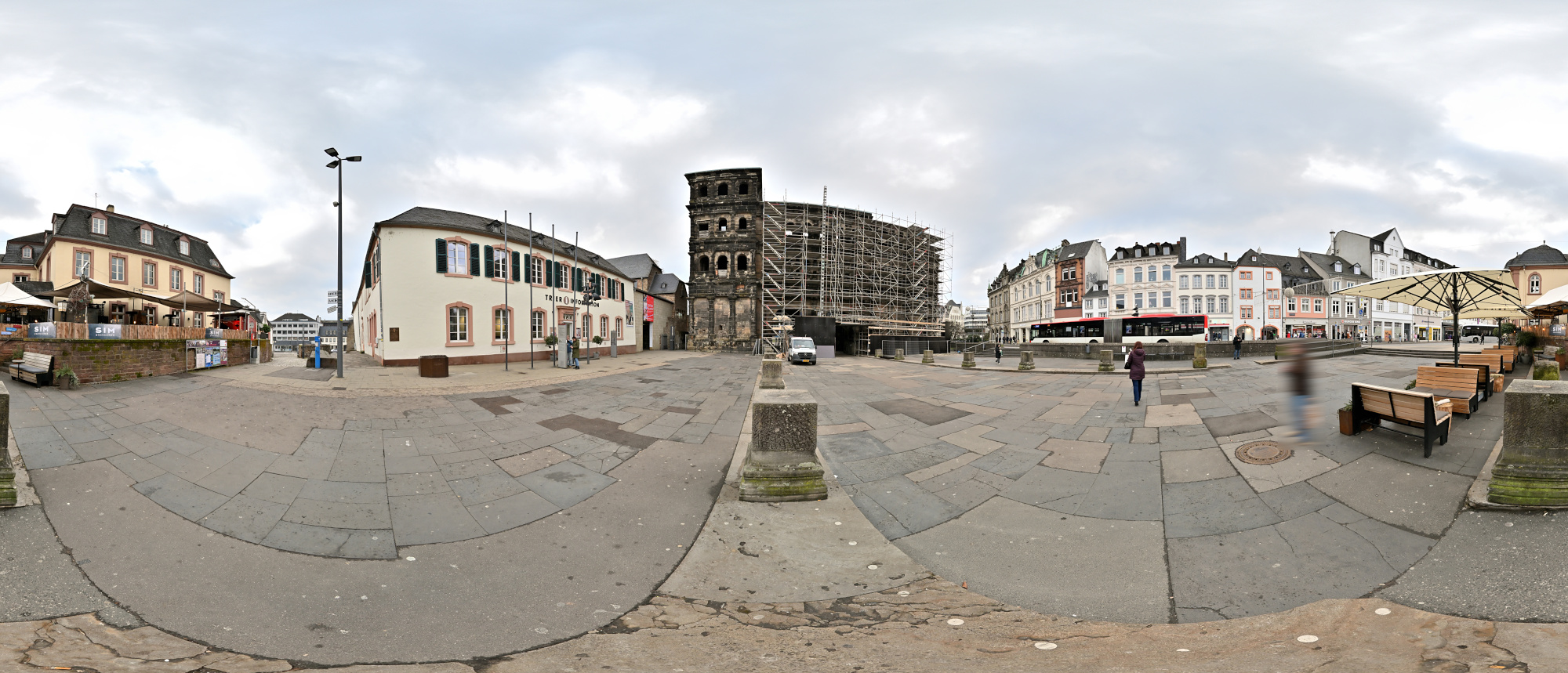
1/200s f/5,6 ISO 100/21° f=7,5mm
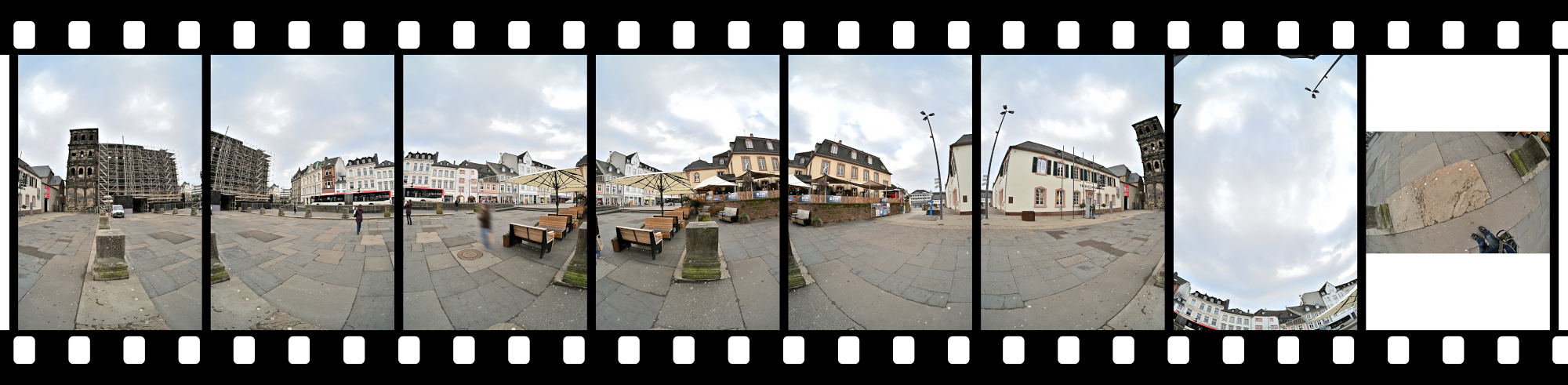
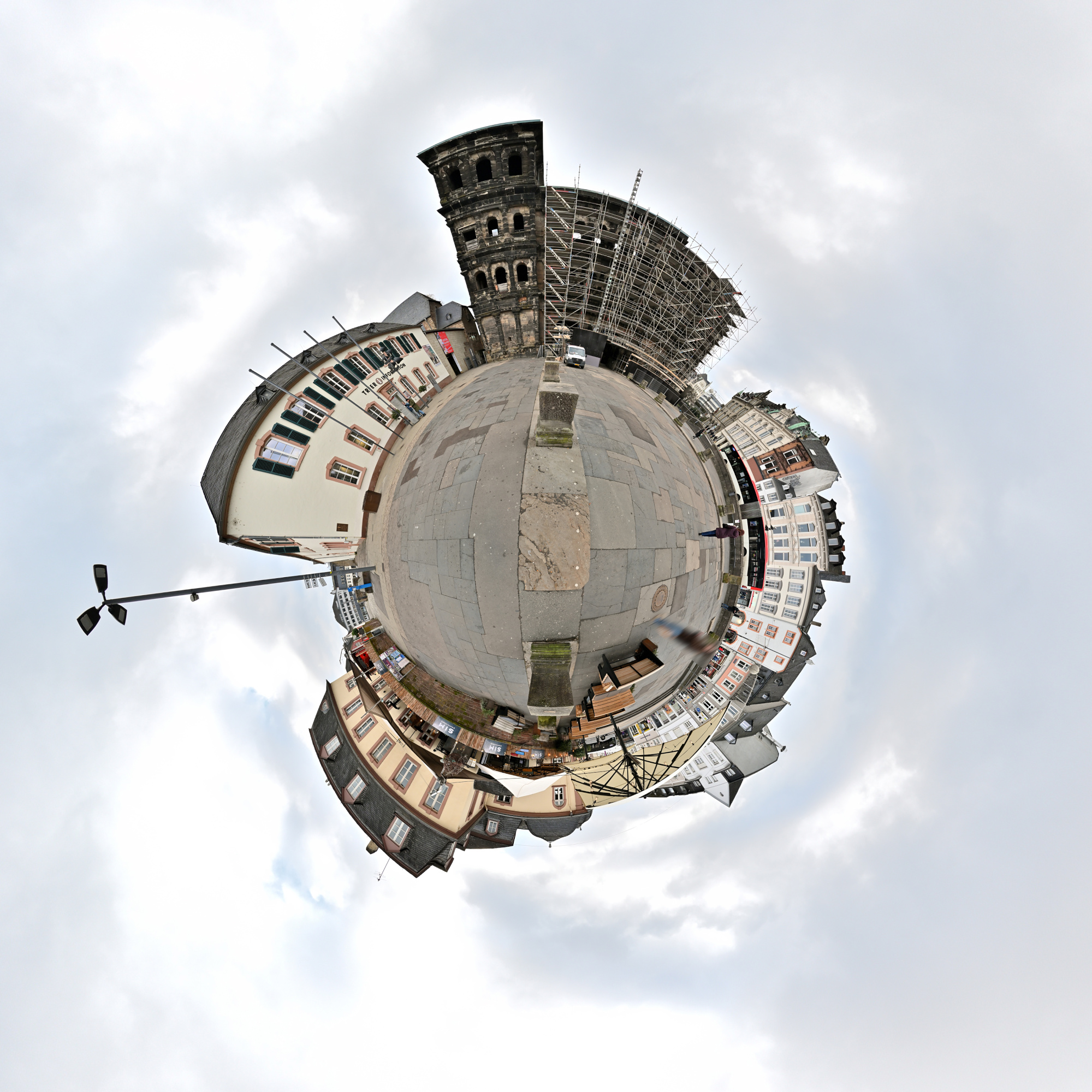
Ein Ausschnitt aus dem heutigen Panorama der Porta Nigra ist mit einer älteren Aufnahme aus dem Familienalbum kombiniert. Der Blick von früher liegt im aktuellen Bild und markiert dieselbe Stelle zu einer anderen Zeit.
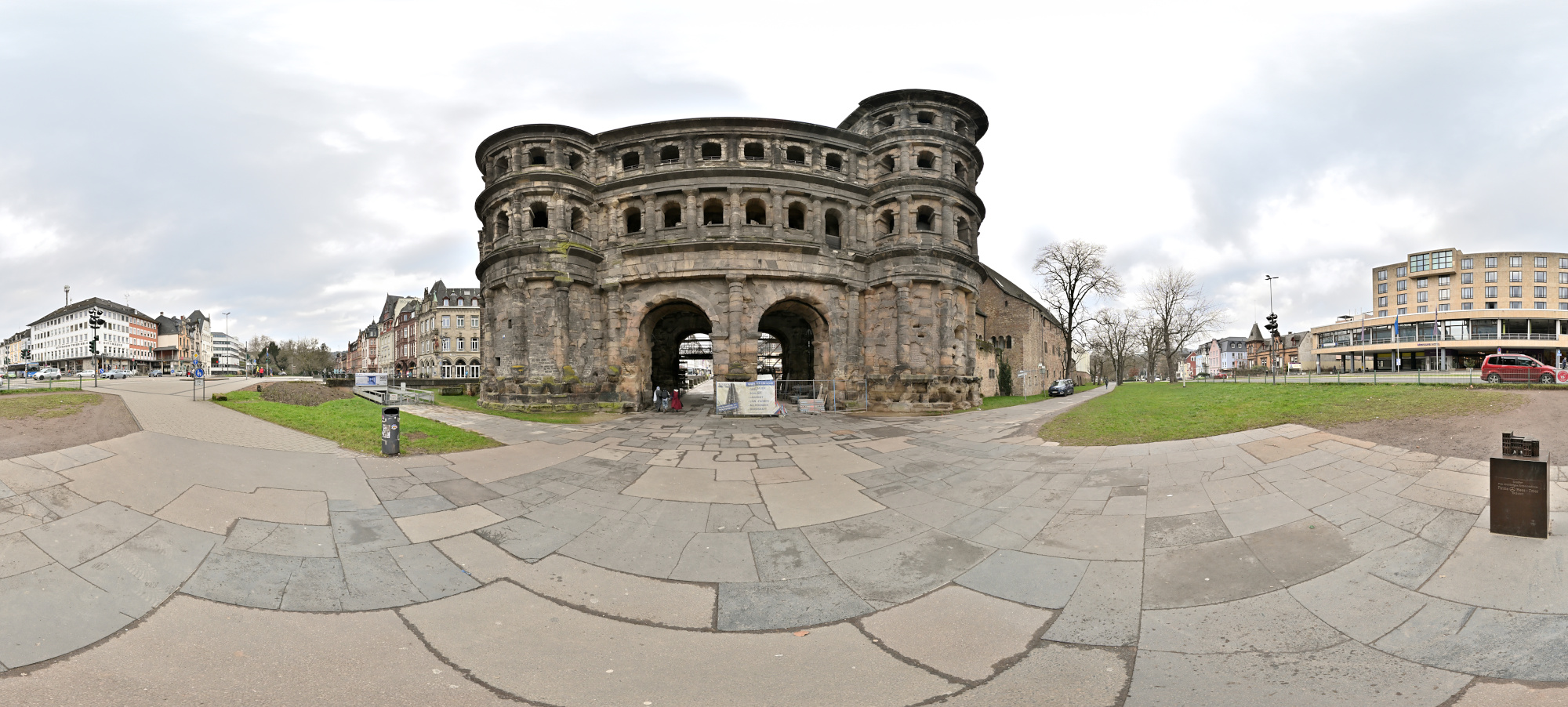
Die Feldseite der Porta Nigra ist hier als Breitbild zu sehen. Geplant war ein vollständiges 360×180-Panorama, geblieben ist dieser Blick auf die Rückseite. Nicht jedes Panorama wird eines, der Ort bleibt aber derselbe.
Außerdem war das Wetter nicht ideal. Die Belichtung lässt sich ändern, das Wetter nicht.
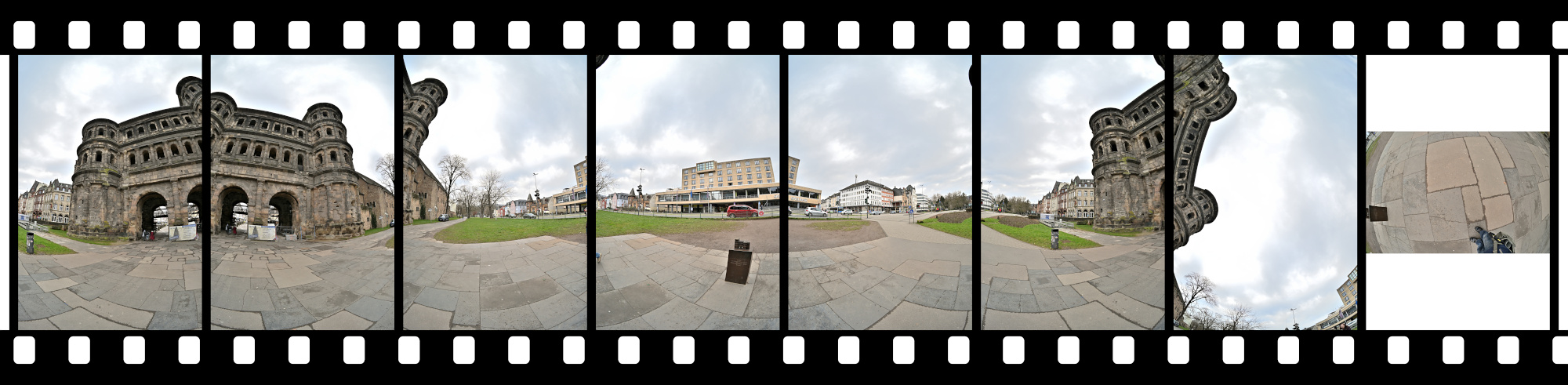
1/160s f/5,6 ISO 100/21° f=7,5mm
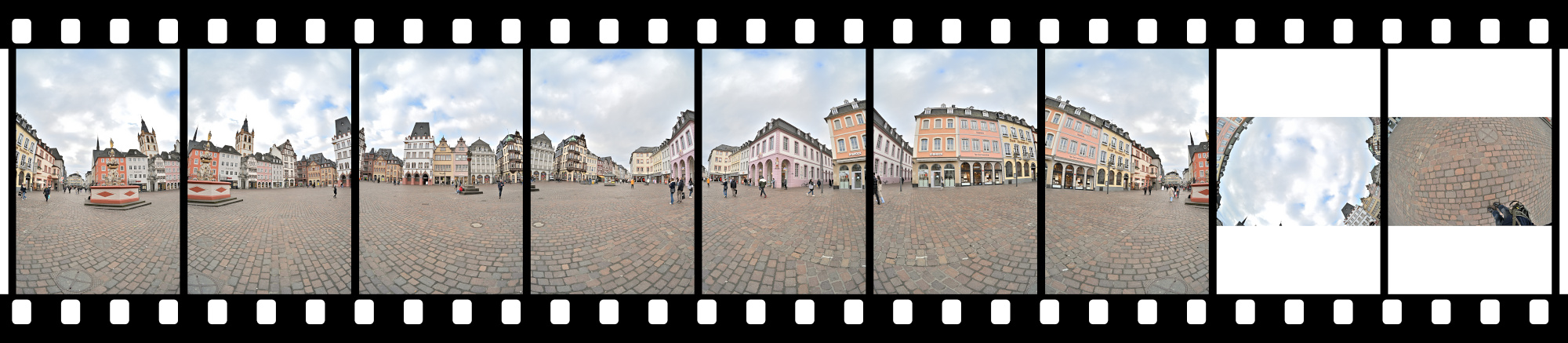
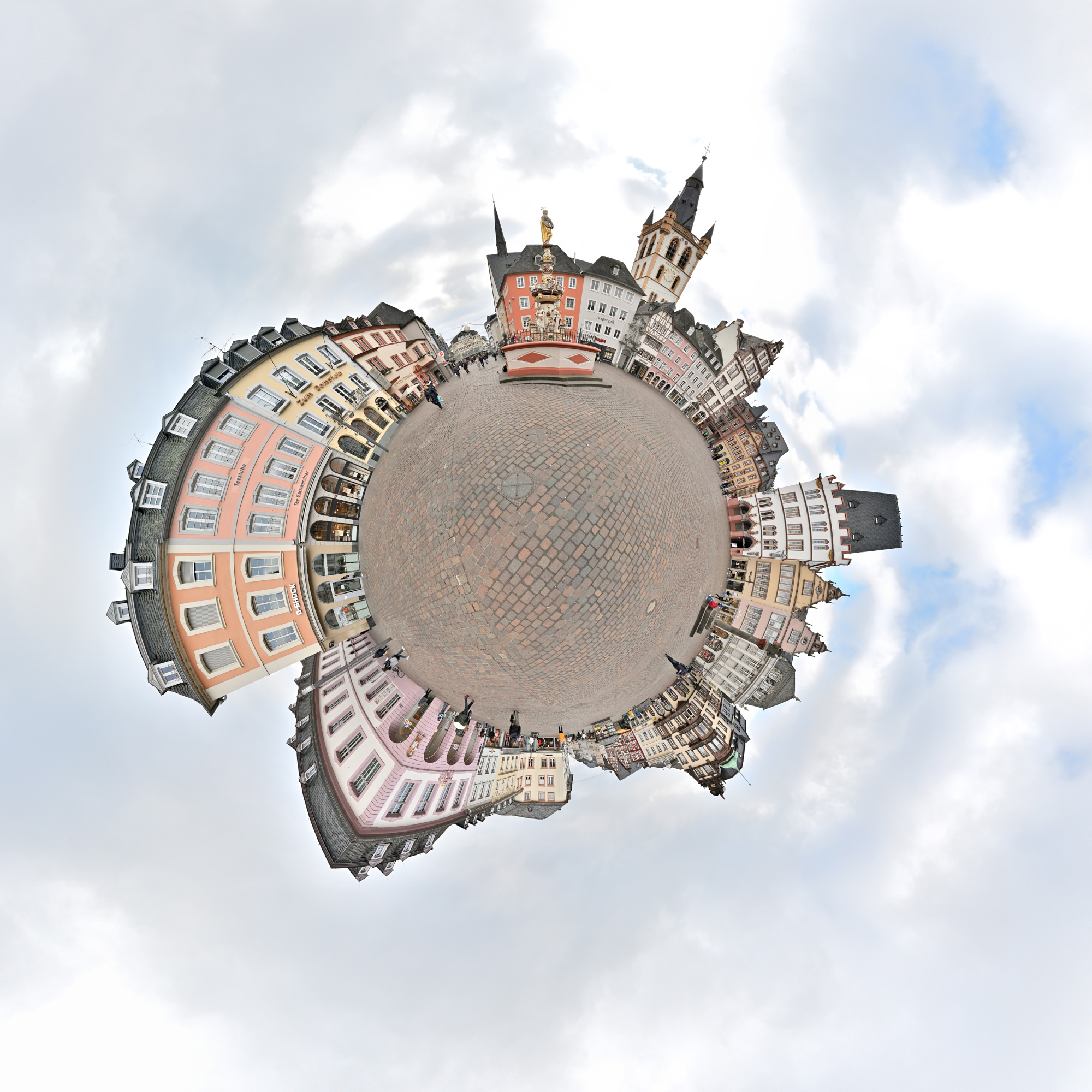
Und direkt in Fußnähe steht der Petrusbrunnen auf dem Hauptmarkt. Er wurde 1595 vom Bildhauer Hans Ruprecht Hoffmann errichtet und zählt zu den bedeutenden Renaissancebrunnen der Stadt. Bekrönt wird er von der Figur des heiligen Petrus, dem Schutzpatron Triers, ergänzt durch Darstellungen der vier Kardinaltugenden.
Interactive Panorama Petrusbrunnen 360x180
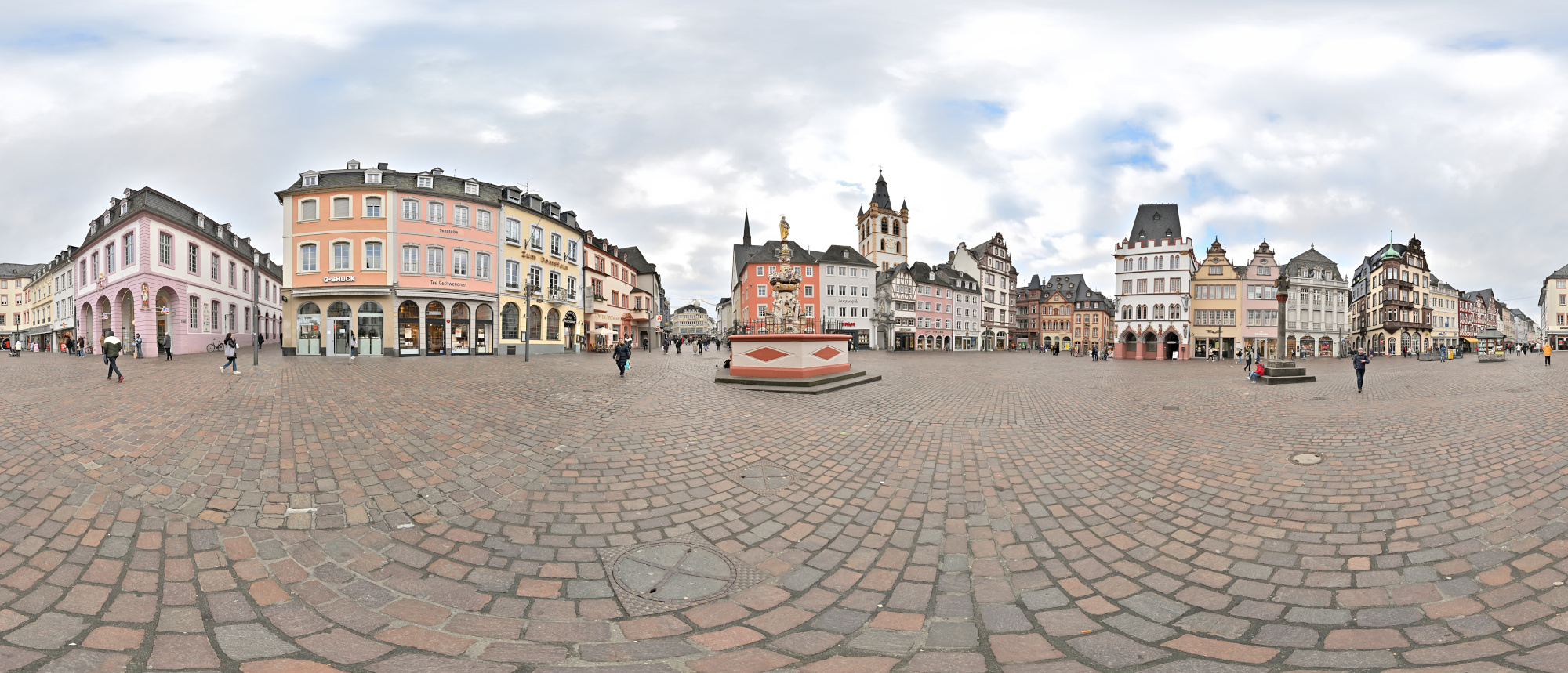
1/250s f/5,6 ISO 100/21° f=7,5mm
-
Kloster Sankt Josef, Trier
Eine Fahrt über die Hunsrückhöhenstraße führt uns zum Kloster Sankt Josef.
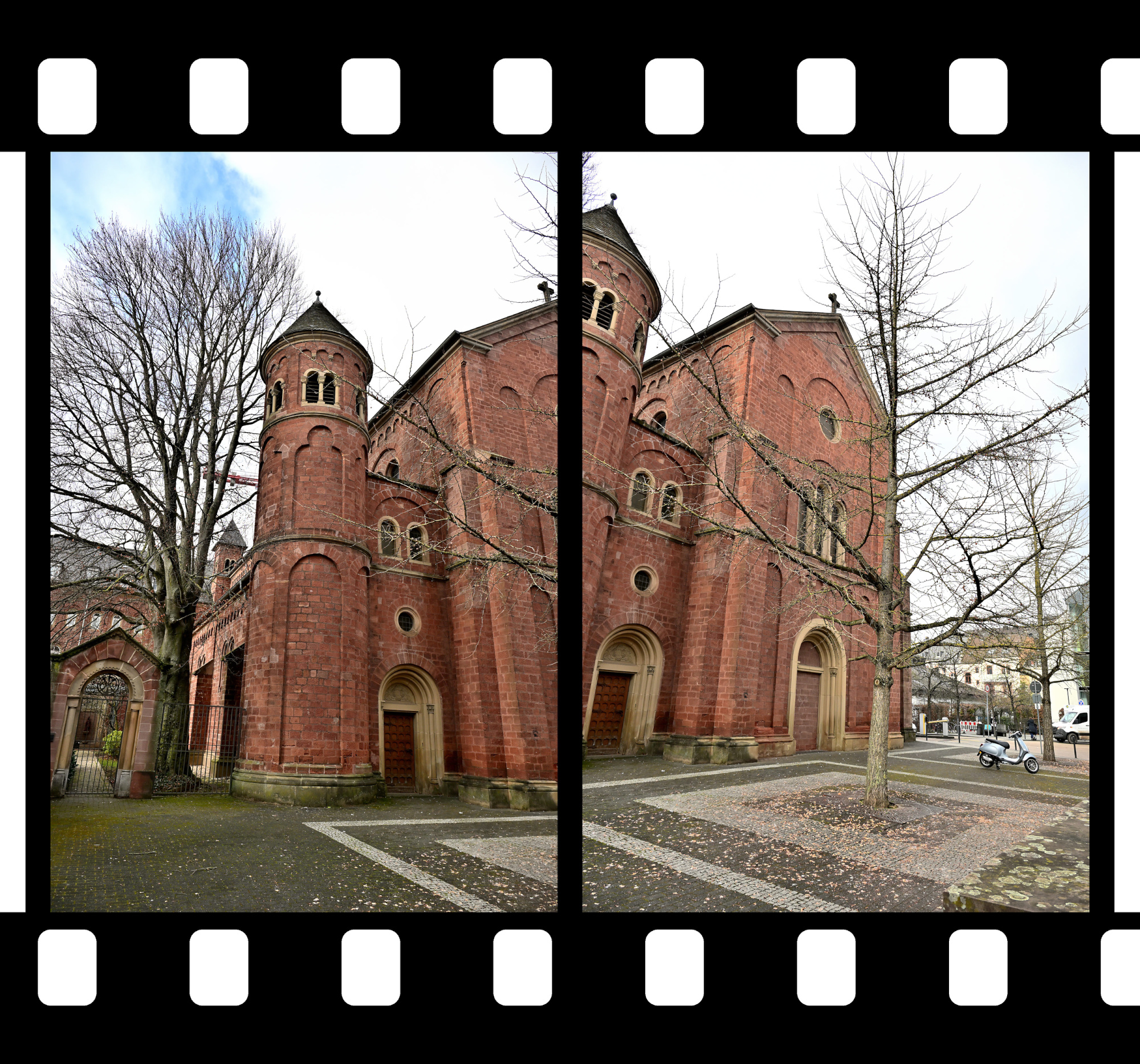
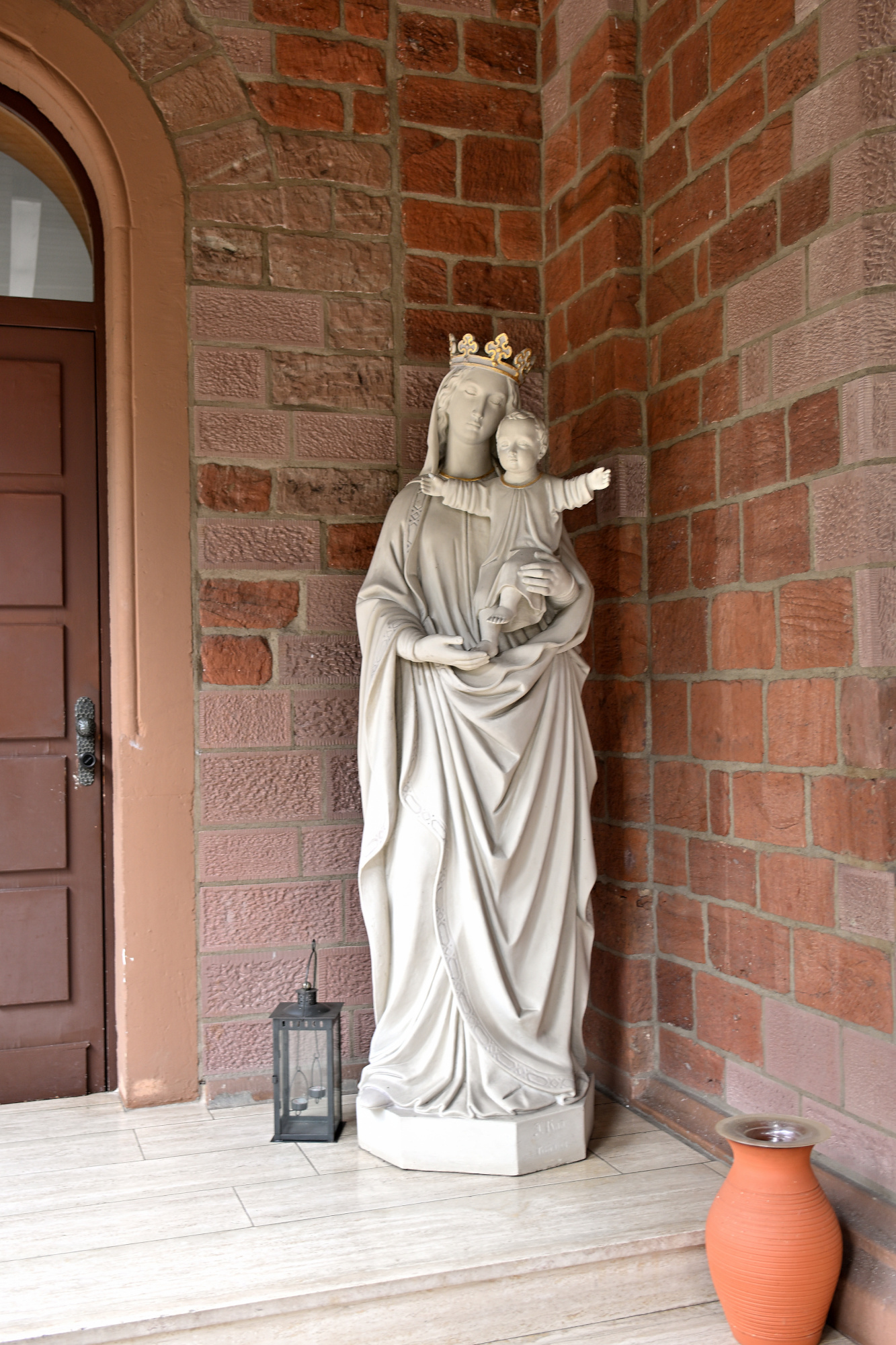
Das ehemalige Redemptoristenkloster Sankt Josef in Trier zeigt eine klare neuromanische Formensprache aus rotem Sandstein. Charakteristisch sind die rundbogigen Fensterreihen und die ausgewogene Gliederung der Fassaden, die dem Bau eine ruhige und konzentrierte Wirkung geben. Die Kirche war ursprünglich als dreischiffige Pfeilerbasilika mit Kreuzgewölben konzipiert und erhielt nach Kriegszerstörungen schlichte Flachdecken, wodurch der Innenraum heute heller und zurückhaltender wirkt. Markante Elemente wie die Chorflankentürme und die runden Ecktreppentürme an der Ostseite prägen bis heute das Erscheinungsbild.
Seit den siebziger Jahren wird der Klosterkomplex vom Orden der Borromäerinnen als geistliches und gemeinschaftliches Zentrum geführt.
1/100s f/4 ISO 100/21° f=7,5mm
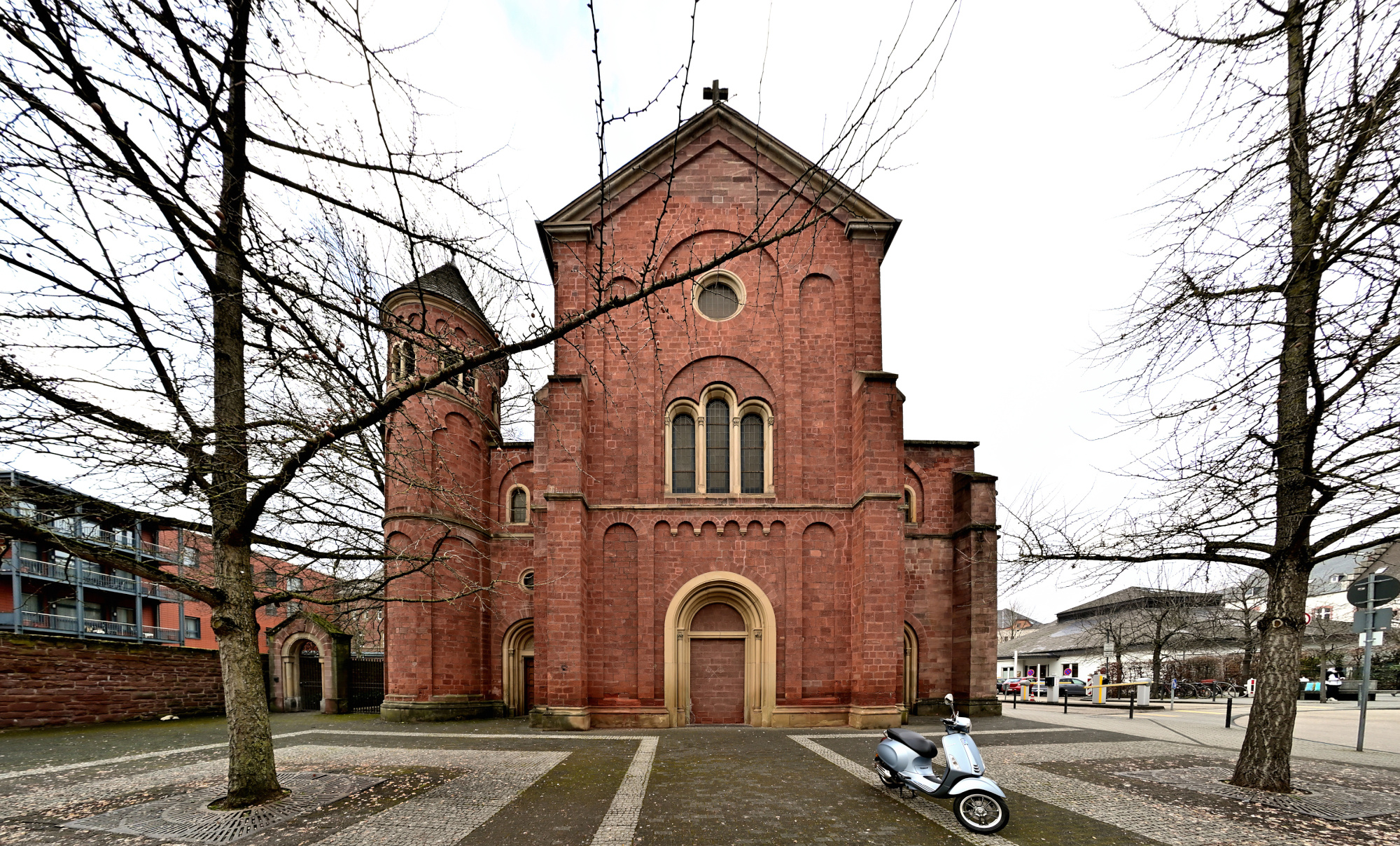
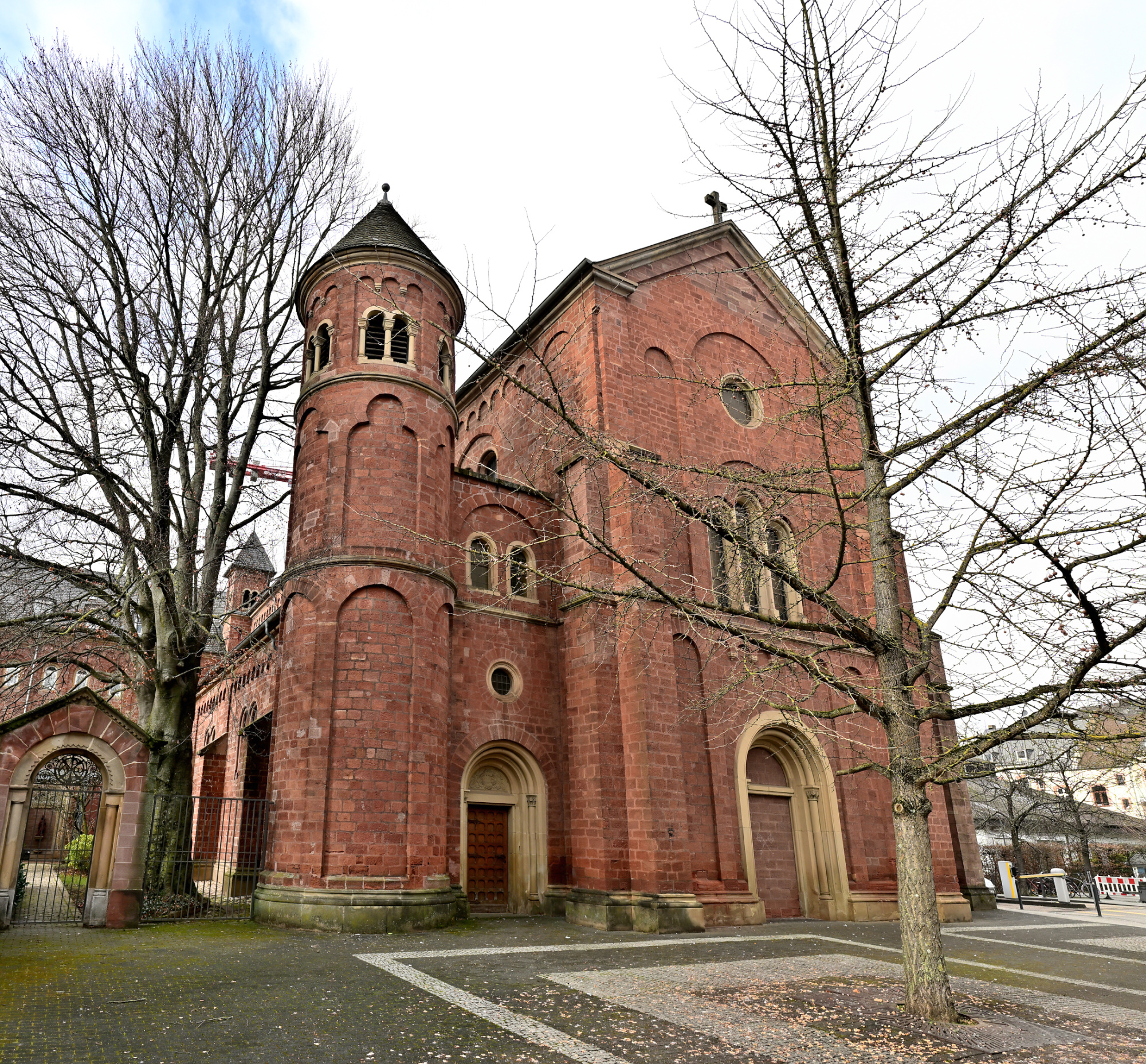
1/125s f/6,3 ISO 100/21° 16-50mm f/2,8 VR f=16mm/24mm
1/30s f/2,8 ISO 800/30° 16-50mm f/2,8 VR f=16mm/24mm
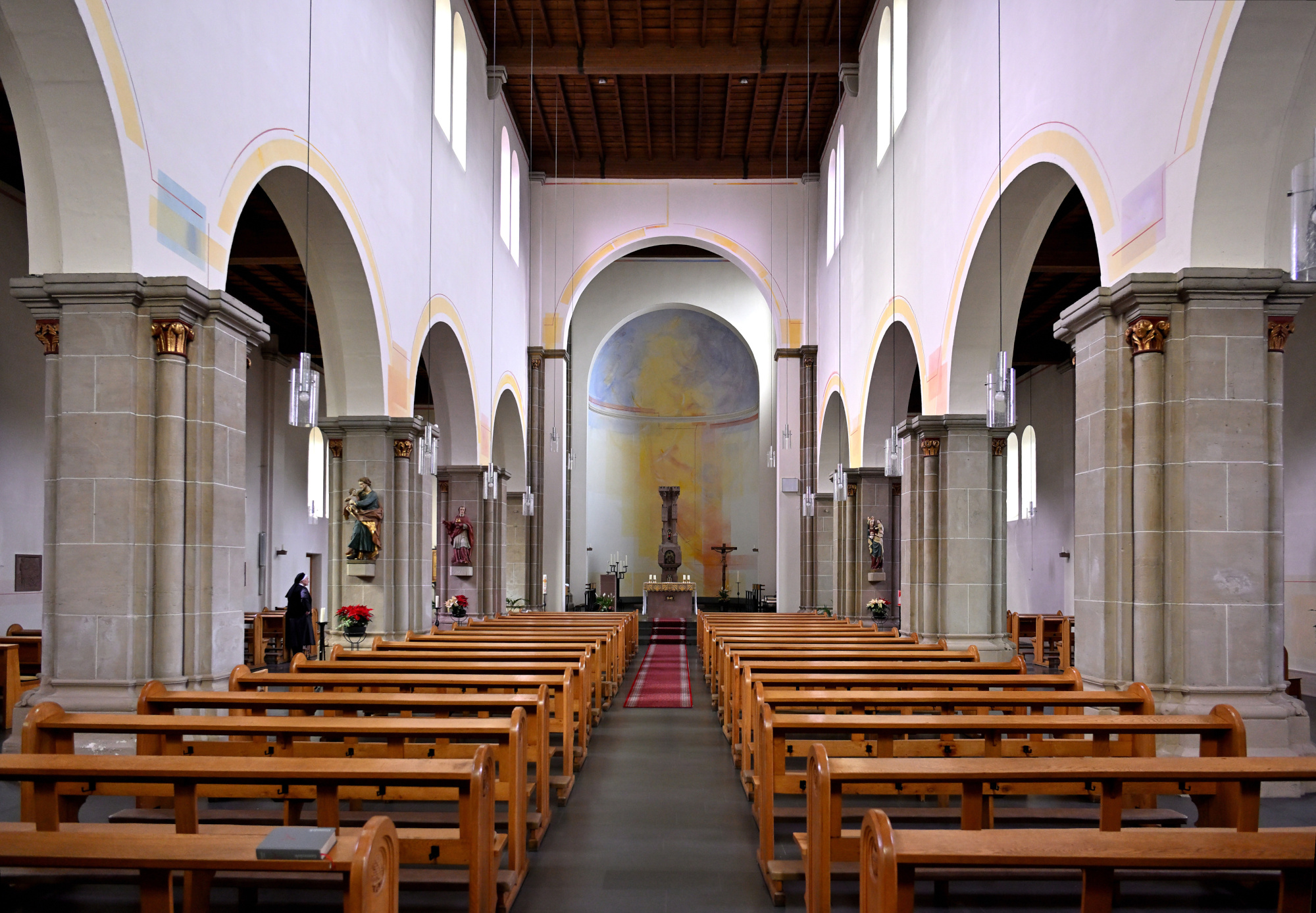
1/30s f/2,8 ISO 800/30° 16-50mm f/2,8 VR f=16mm/24mm
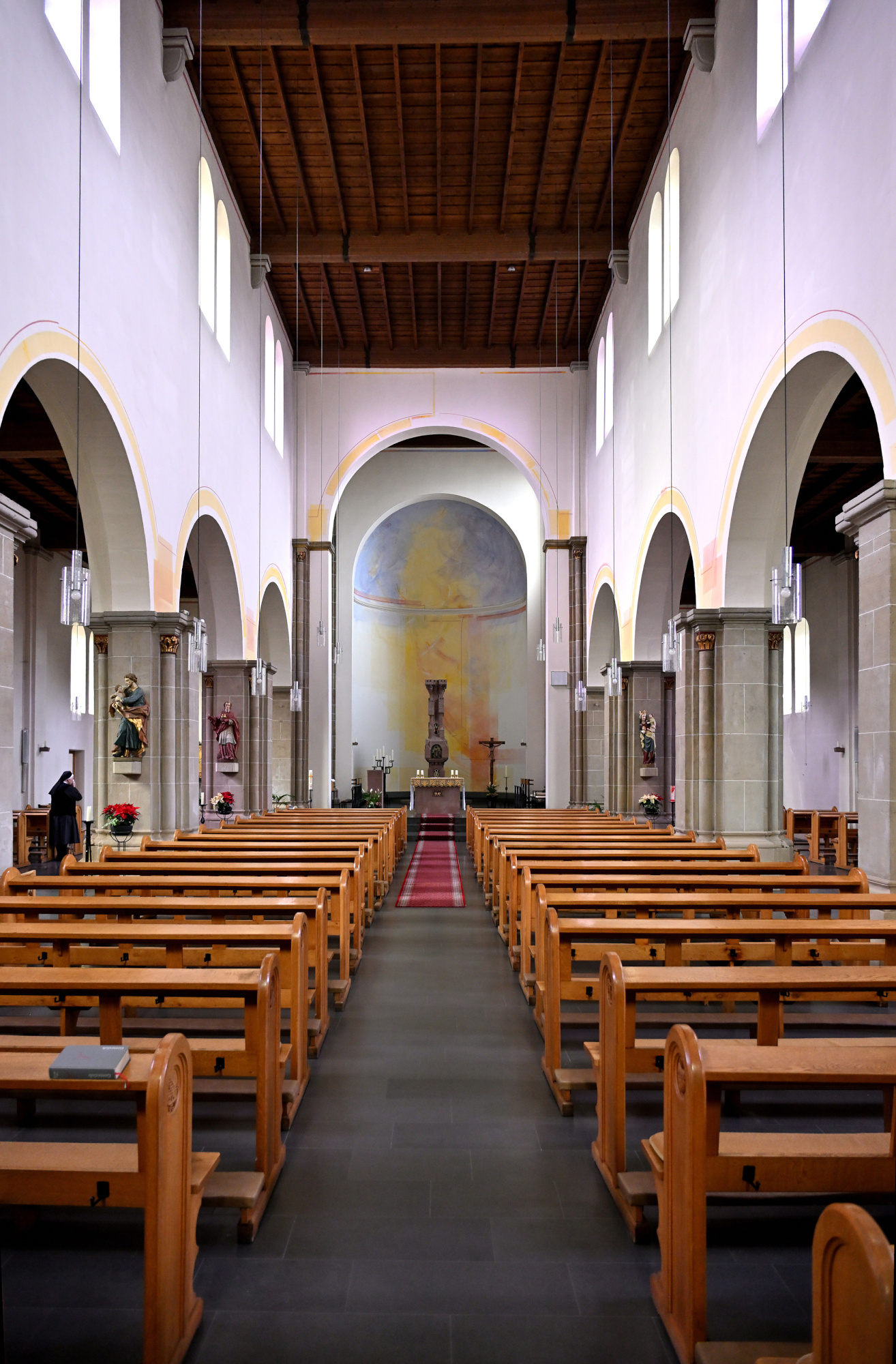
1/30s f/2,8 ISO 800/30° 16-50mm f/2,8 VR f=17mm/26mm
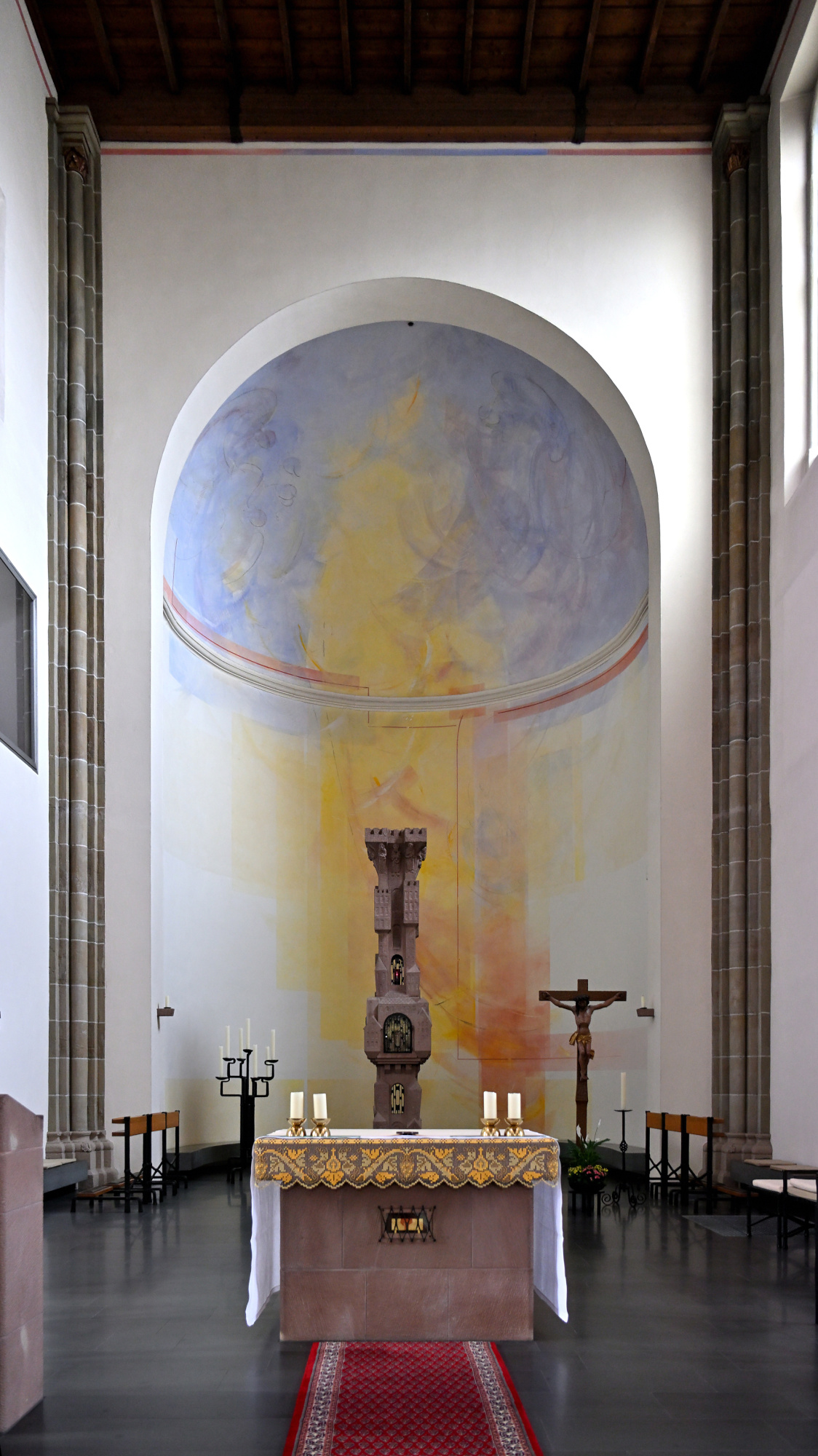
1/20s f/2,8 ISO 800/30° 16-50mm f/2,8 VR f=17mm/26mm
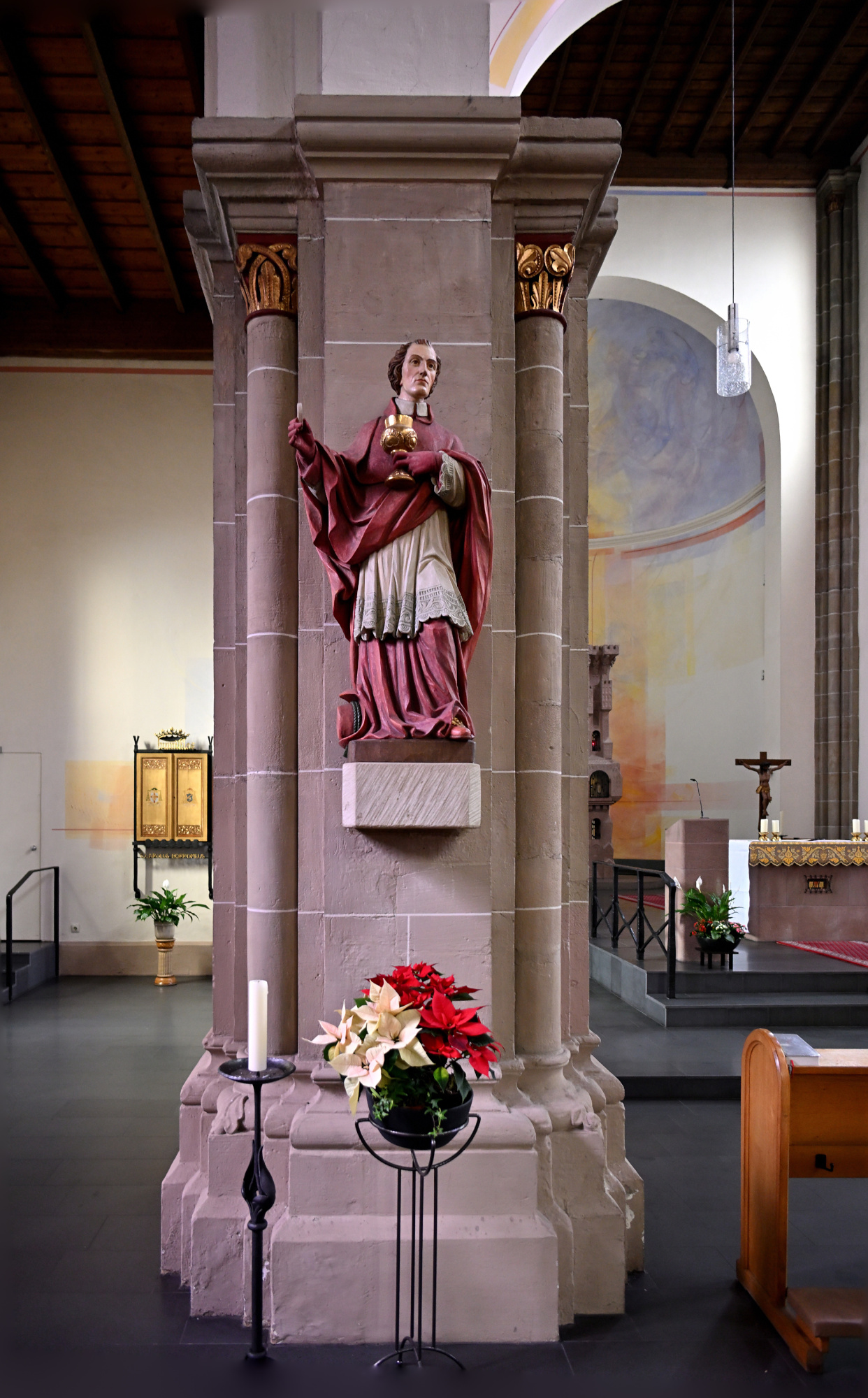
1/25s f/2,8 ISO 800/30° 16-50mm f/2,8 VR f=17mm/26mm
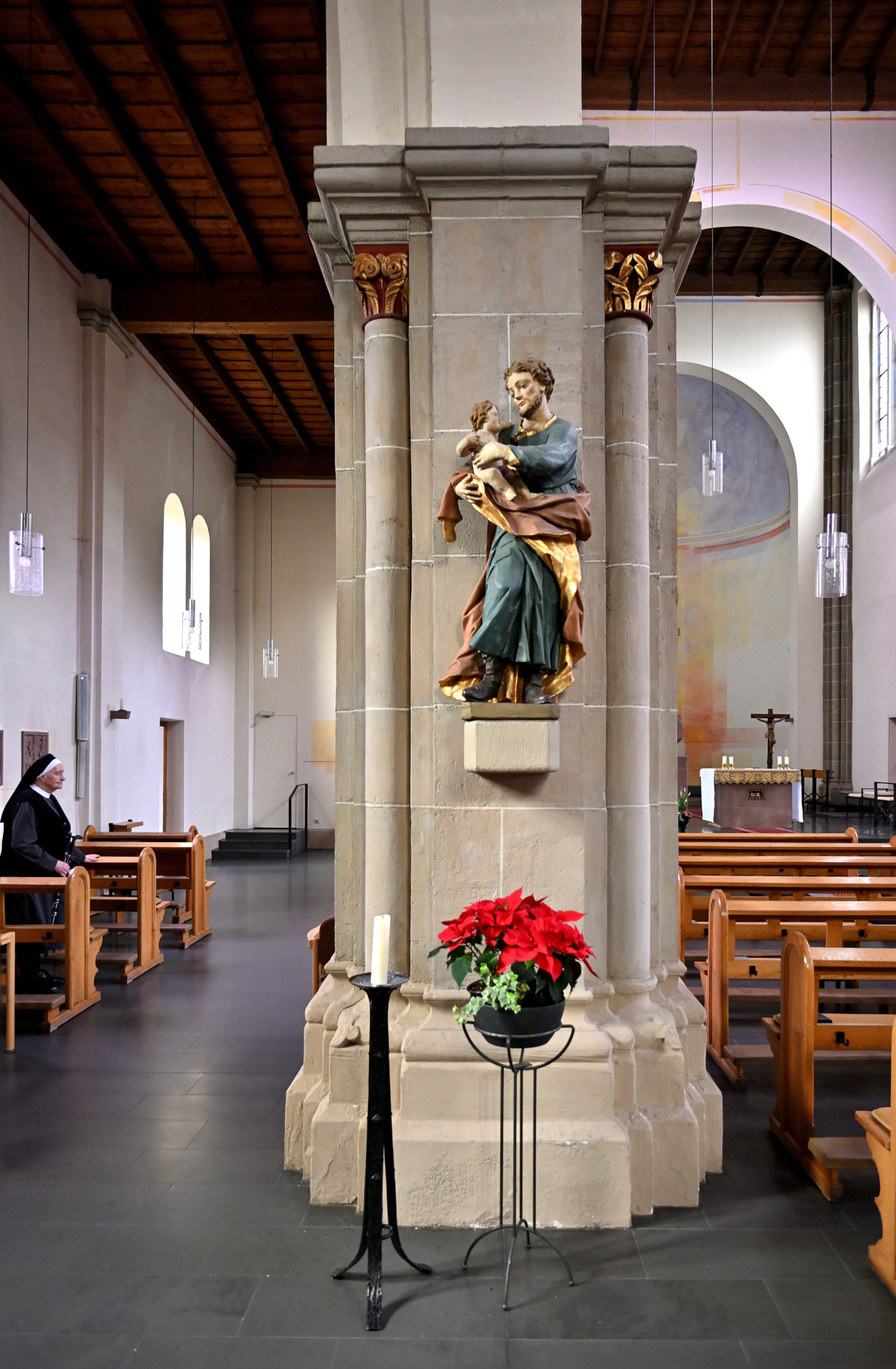
1/20s f/2,8 ISO 800/30° 16-50mm f/2,8 VR f=17mm/26mm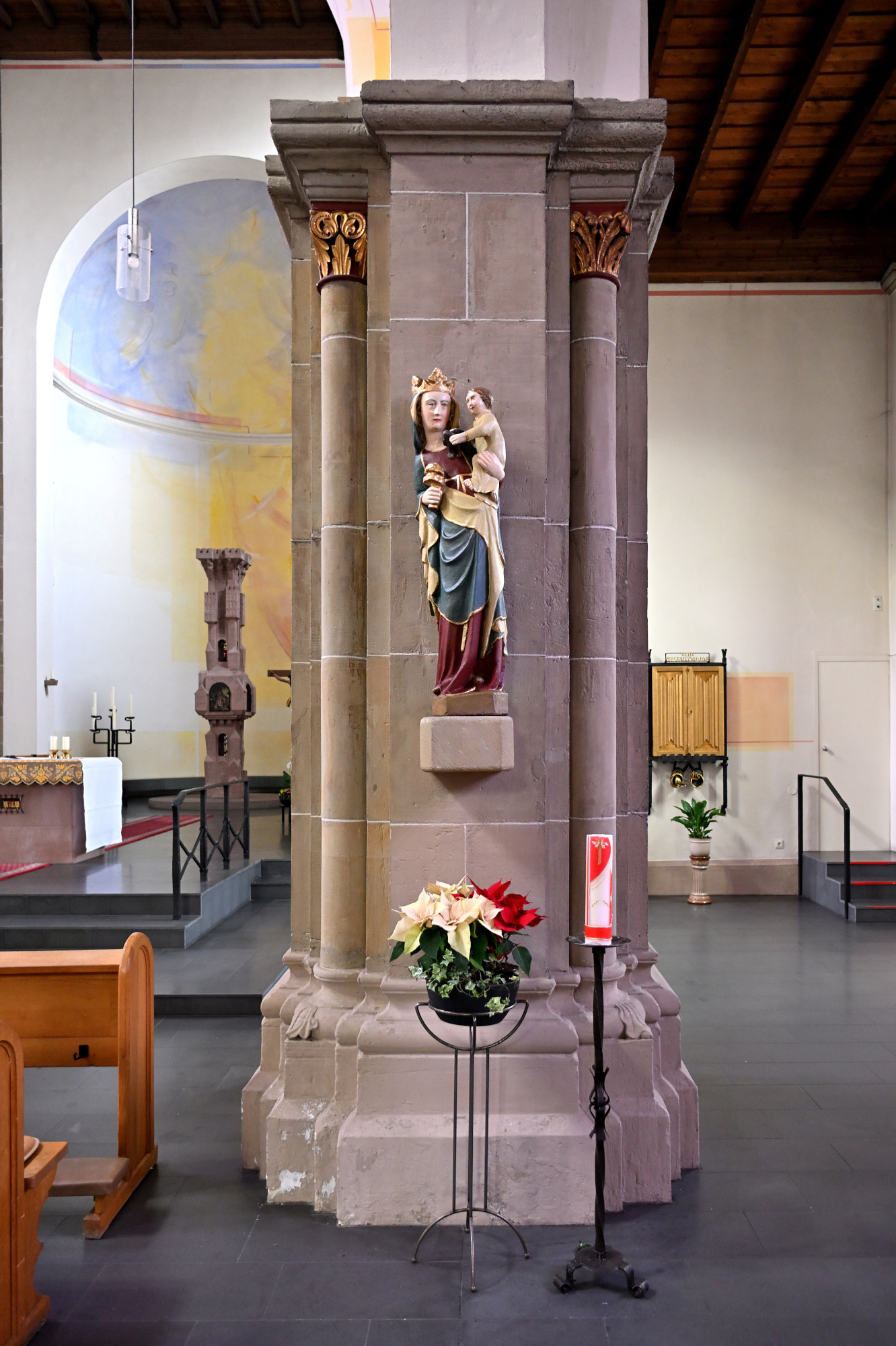
1/40s f/3,2 ISO 800/30° 16-50mm f/2,8 VR f=17mm/26mm
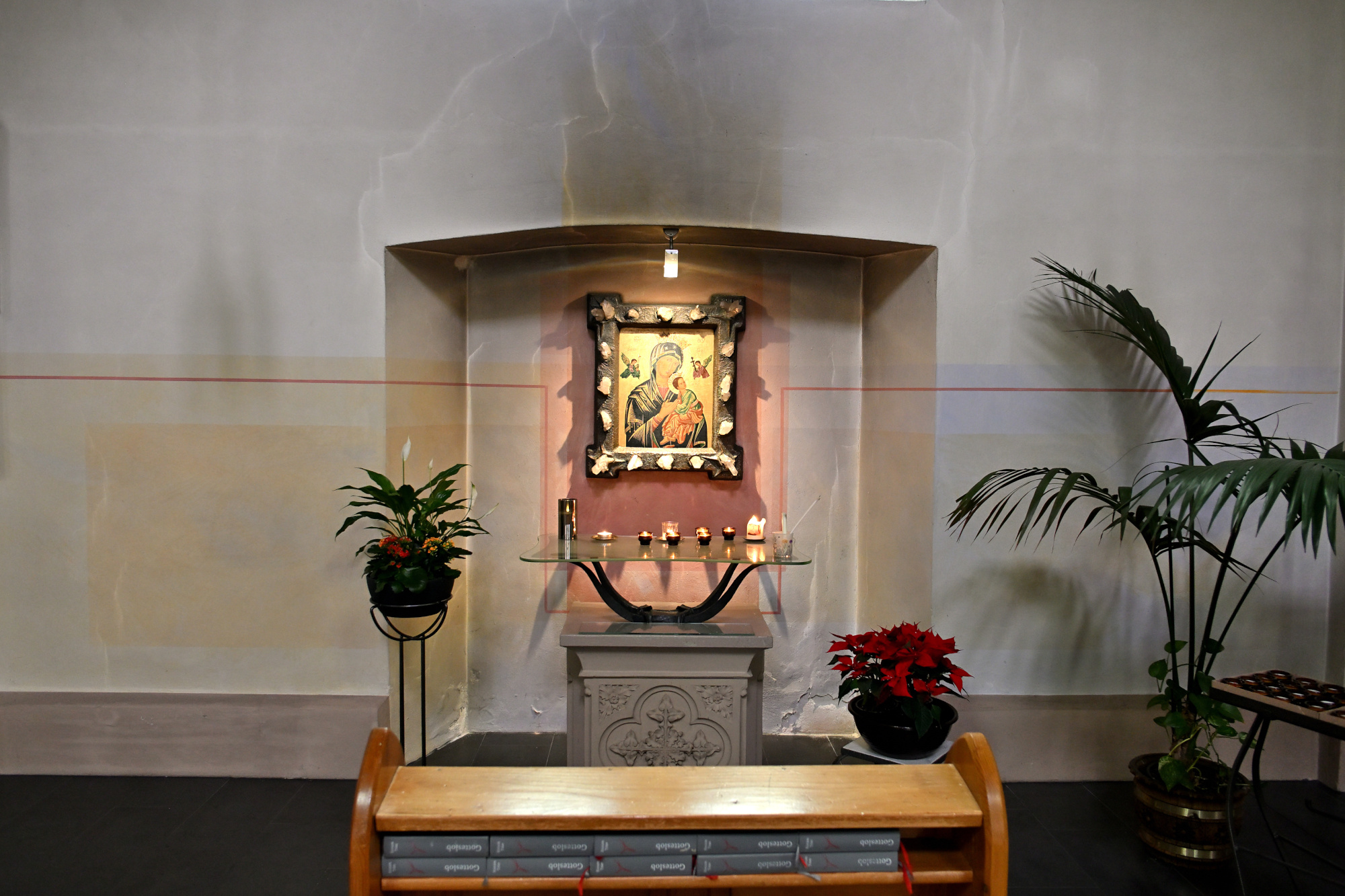
1/15s f/2,8 ISO 100/21° 16-50mm f/2,8 VR f=24mm/36mm
Interaktives Panorama Sankt Josef 1
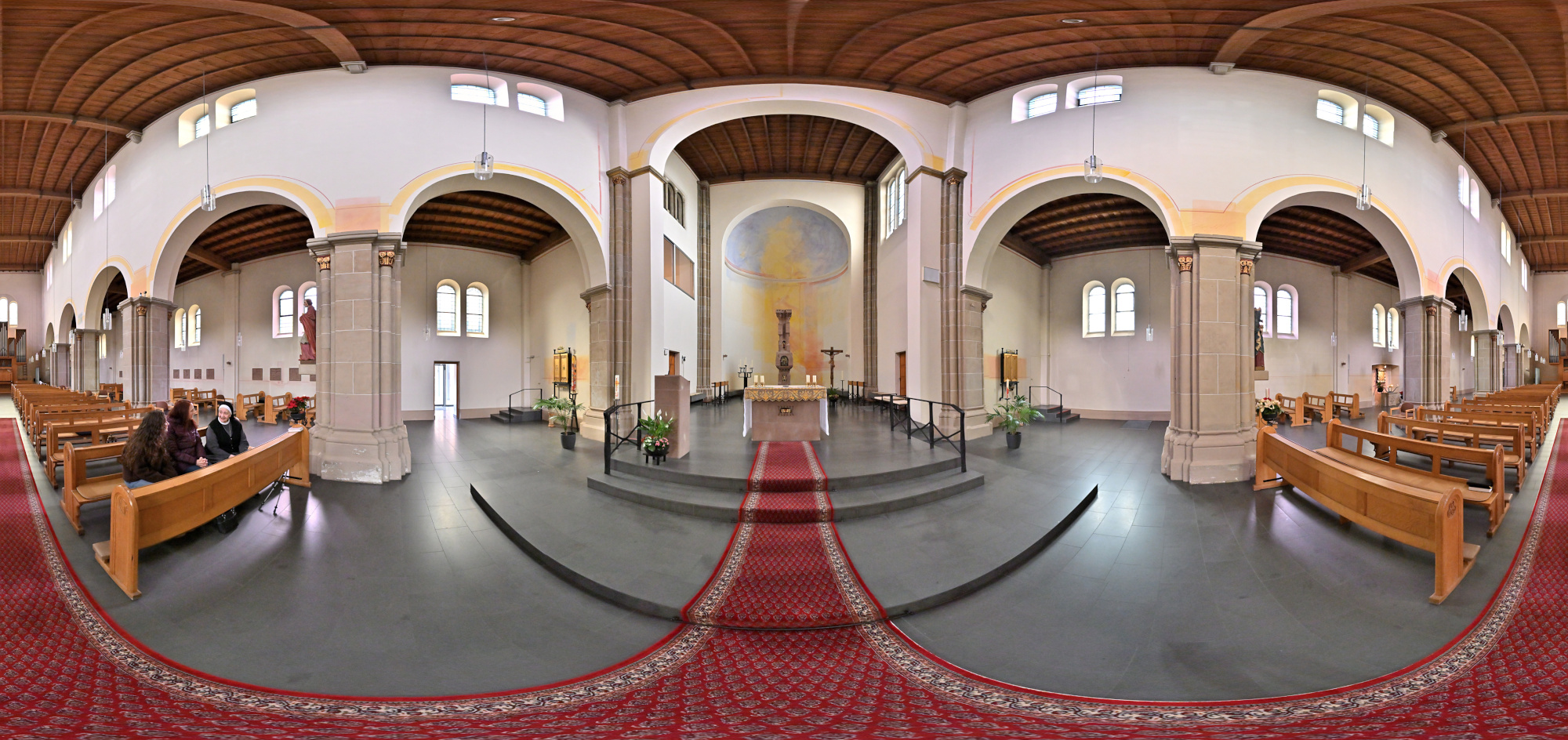
1/50s f/4 ISO 2000/34° f=7,5mm

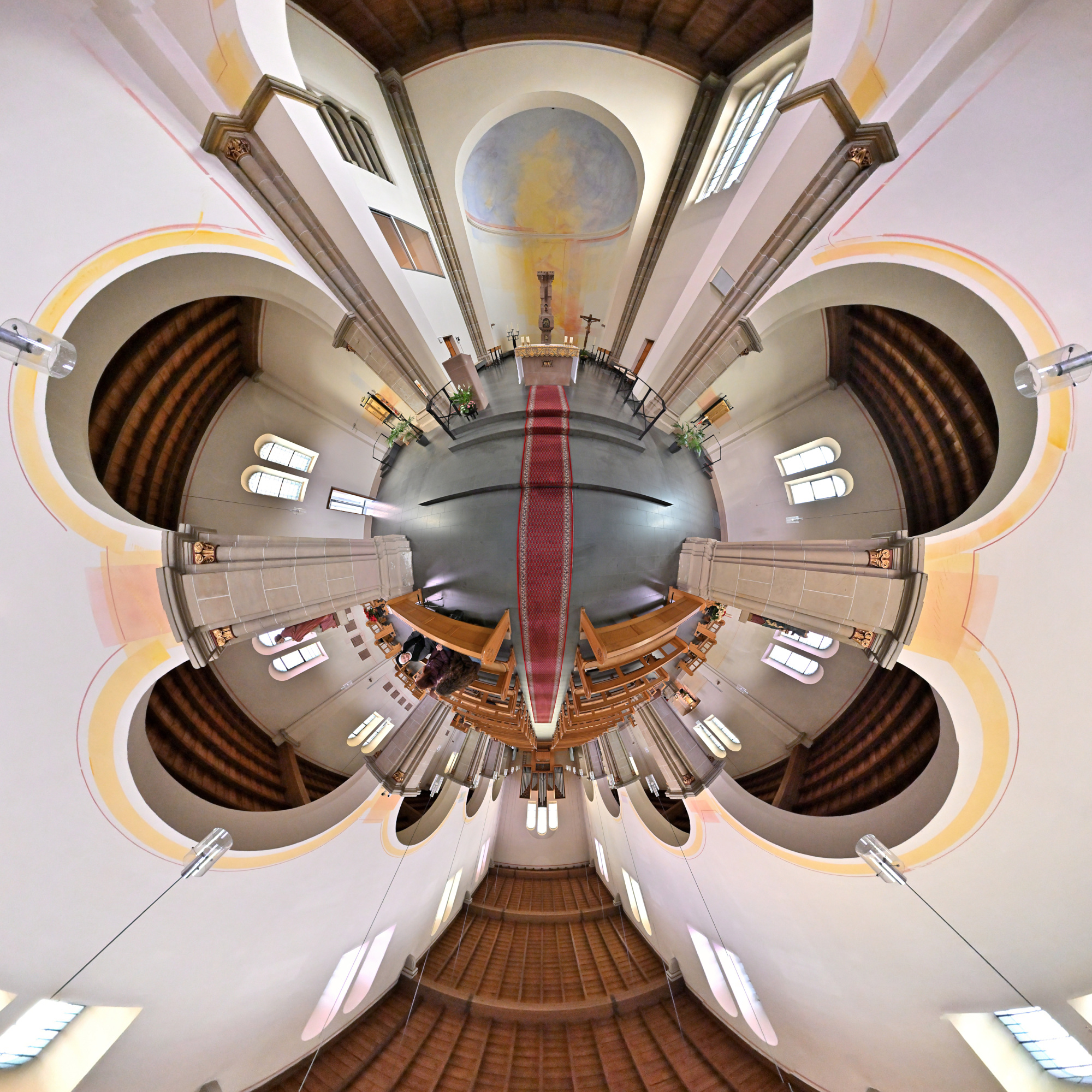
Interaktives Panorama Sankt Josef 2
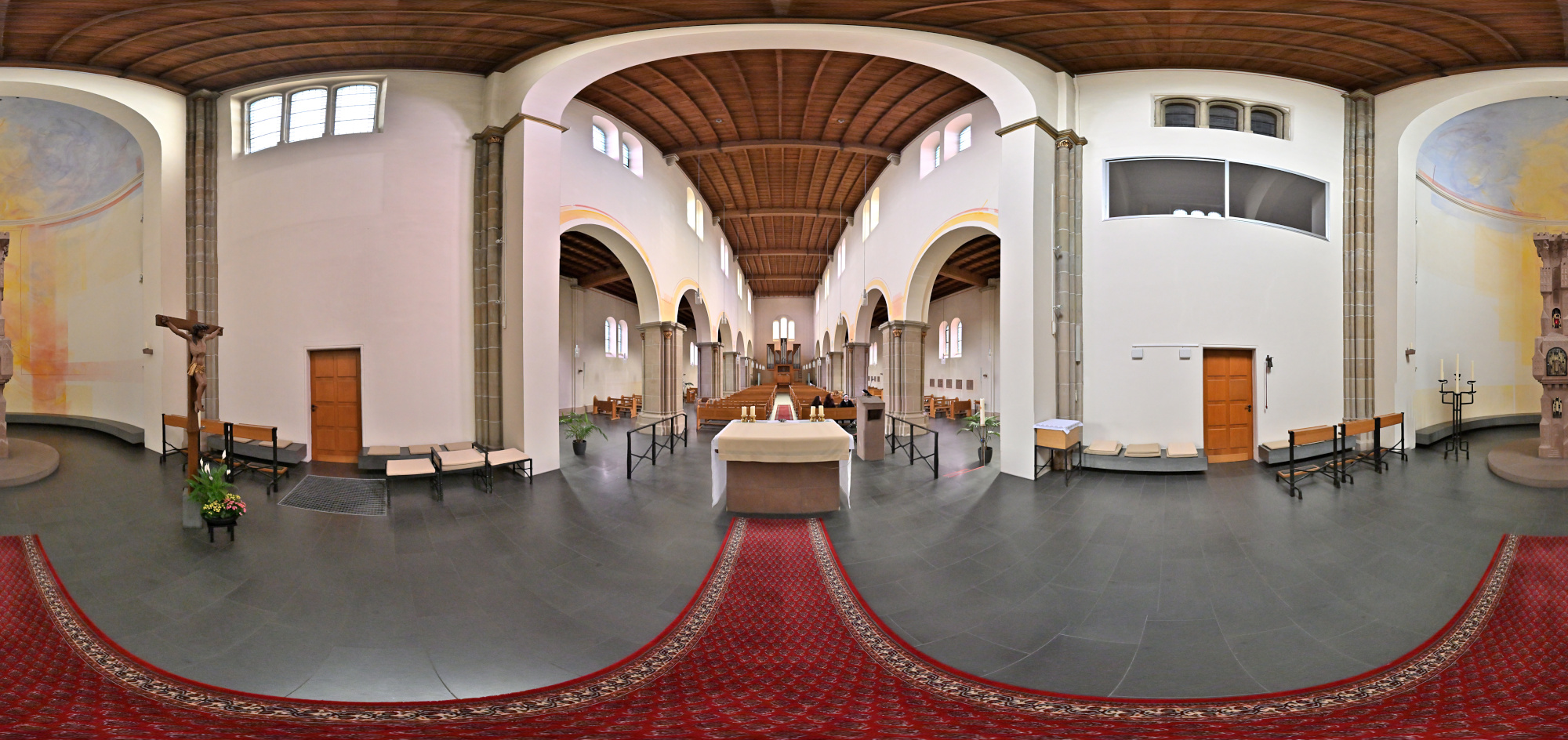
1/50s f/4 ISO 2000/34° f=7,5mm

1/125s f/2,8 ISO 2500/35° 16-50mm f/2,8 VR f=16mm/24mm
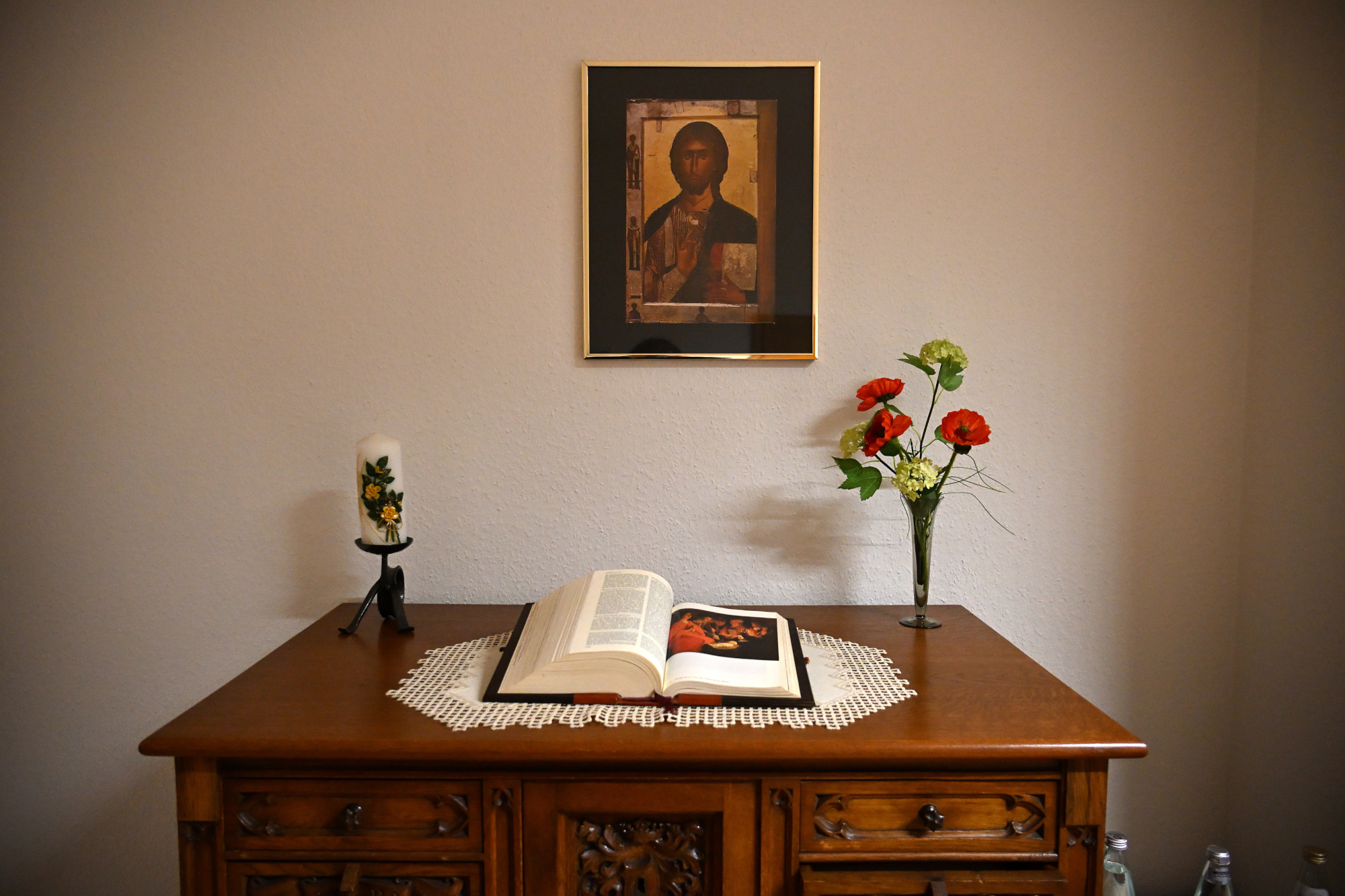
Zum Ende des Tages machen wir uns auf den Weg zurück.
A drive along the Hunsrückhöhenstraße takes us to the Monastery of Saint Josef.
The former Redemptorist monastery Saint Josef in Trier displays a clear Neo Romanesque architectural style made of red sandstone. Characteristic features include the rows of round arched windows and the balanced structure of the facades, which give the building a calm and focused appearance. The church was originally designed as a three aisled pillar basilica with cross vaults and received plain flat ceilings after war damage, giving the interior a brighter and more restrained atmosphere today. Distinctive elements such as the choir flank towers and the round stair towers on the east side continue to shape its appearance.
Since the nineteen seventies the monastery complex has been run by the Sisters of Saint Charles Borromeo as a spiritual and communal center.
1/100s f/4 ISO 100/21° f=7,5mm
1/125s f/6,3 ISO 100/21° 16-50mm f/2,8 VR f=16mm/24mm
1/30s f/2,8 ISO 800/30° 16-50mm f/2,8 VR f=16mm/24mm
1/30s f/2,8 ISO 800/30° 16-50mm f/2,8 VR f=16mm/24mm
1/30s f/2,8 ISO 800/30° 16-50mm f/2,8 VR f=17mm/26mm
1/20s f/2,8 ISO 800/30° 16-50mm f/2,8 VR f=17mm/26mm
1/25s f/2,8 ISO 800/30° 16-50mm f/2,8 VR f=17mm/26mm
1/20s f/2,8 ISO 800/30° 16-50mm f/2,8 VR f=17mm/26mm
1/40s f/3,2 ISO 800/30° 16-50mm f/2,8 VR f=17mm/26mm
1/15s f/2,8 ISO 100/21° 16-50mm f/2,8 VR f=24mm/36mm
Interactive Panorama Saint Josef 1
1/50s f/4 ISO 2000/34° f=7,5mm
Interactive Panorama Saint Josef 2
1/50s f/4 ISO 2000/34° f=7,5mm
1/125s f/2,8 ISO 2500/35° 16-50mm f/2,8 VR f=16mm/24mm
At the end of the day we make our way back.
-
Bellevue Downtown Park
A short walk through the Bellevue Downtown Park.
Entrance of the Bellevue Downtown Park
Bellevue apparently keeps the largest Christmas tree all year.
1/800s f/5,6 ISO 100/21° 18-140mm f/3,5-6,3 VR f=18mm/27mm
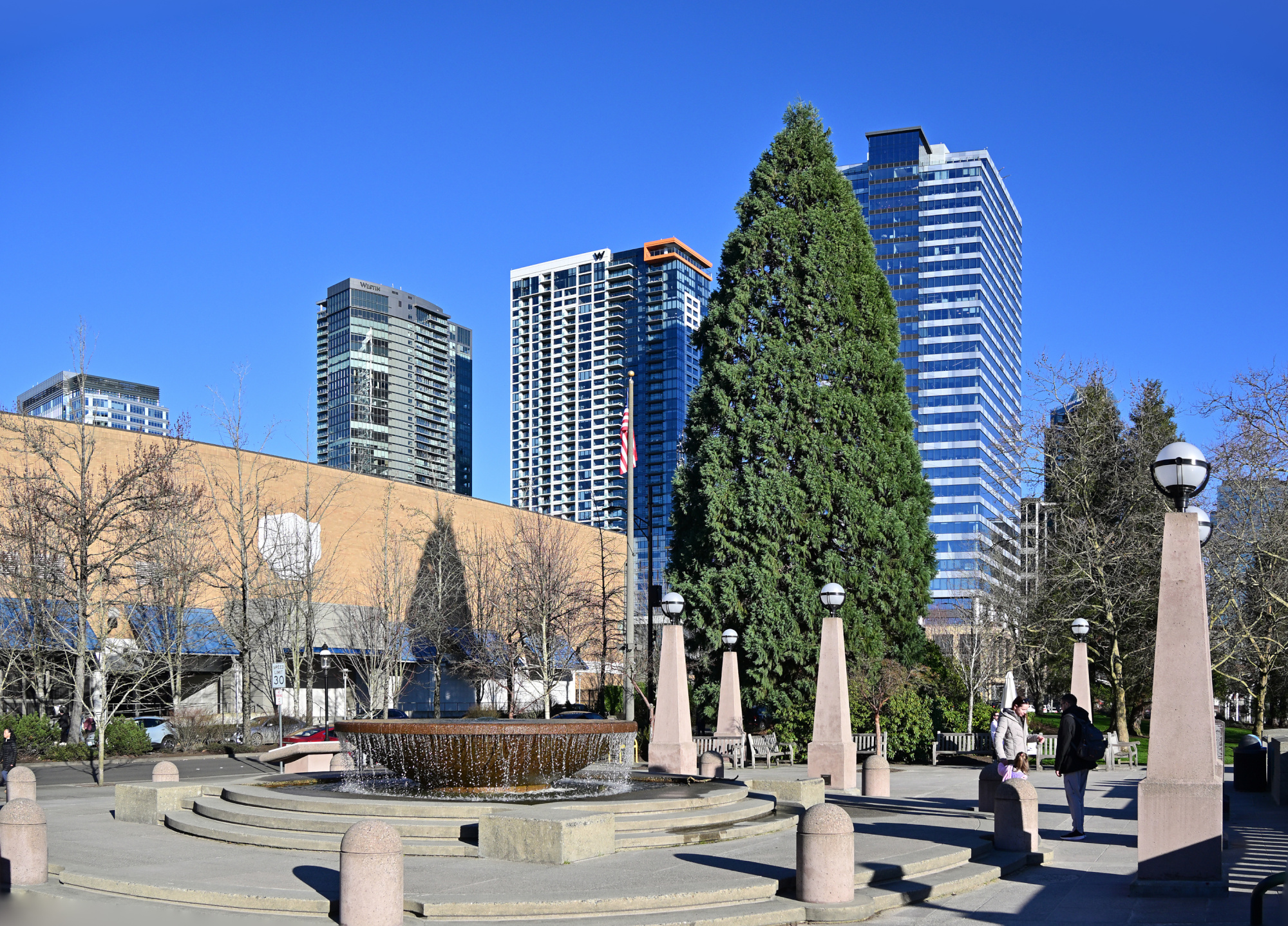
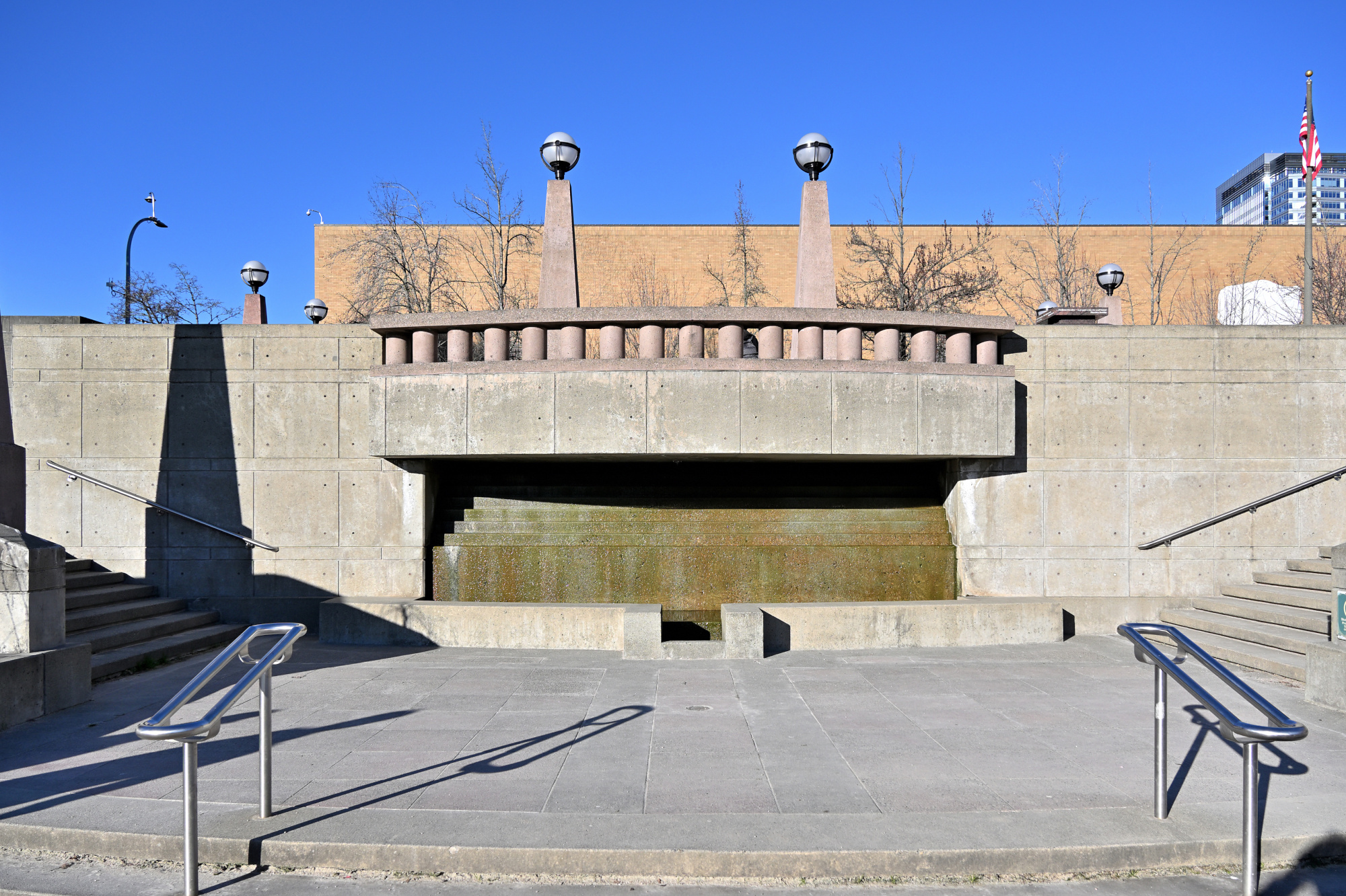
At The Fountain
The place was lively, though the frame suggests otherwise. A quiet trick of timing made it possible.
1/800s f/5,6 ISO 100/21° 18-140mm f/3,5-6,3 VR f=18mm/27mm
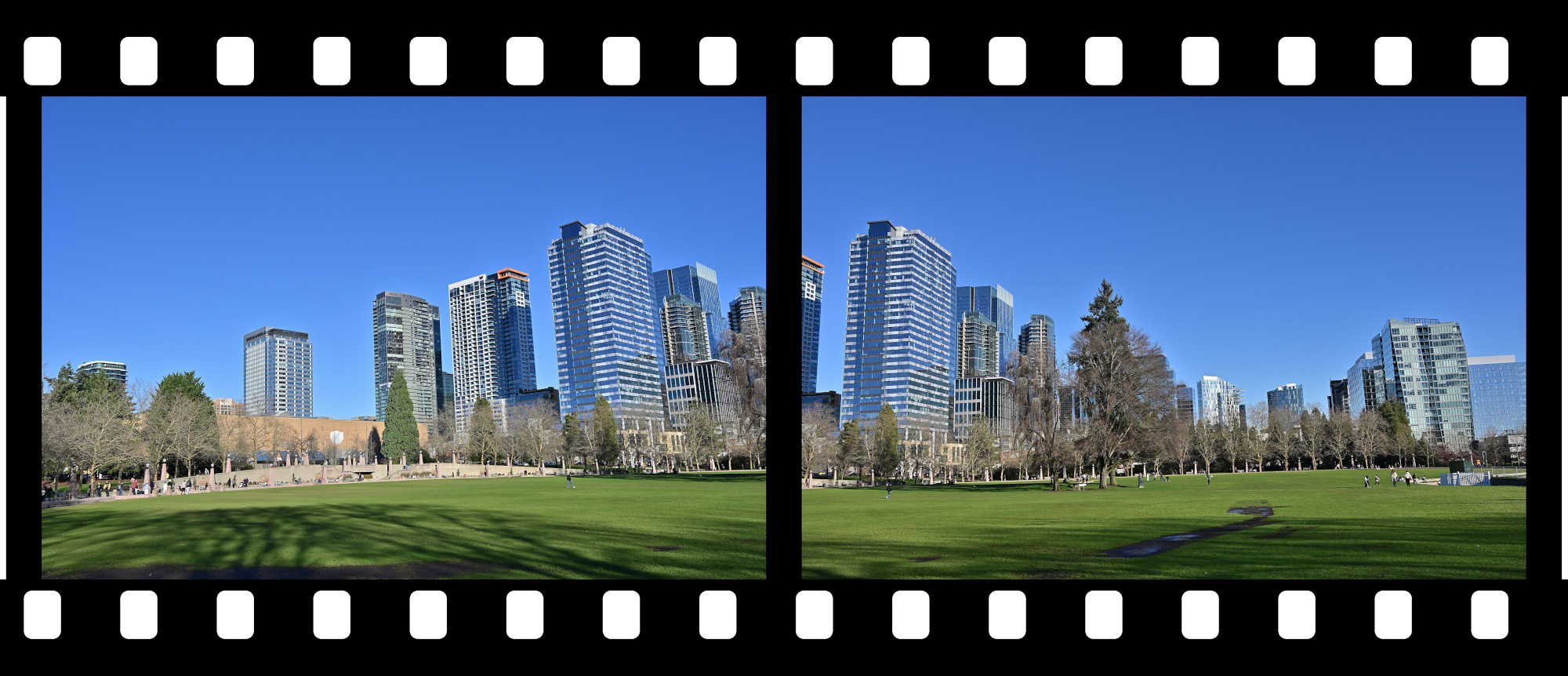
View to Downtown Bellevue
A calm view of a busy city arranged as if waiting for its next frame.
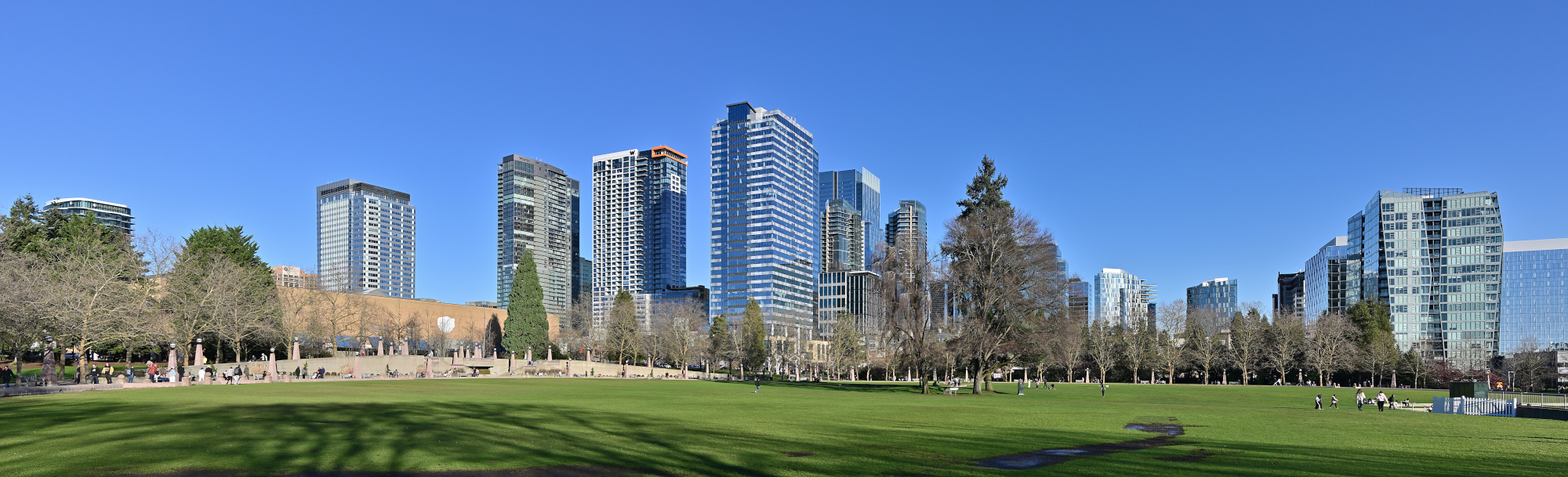
1/320s f/9 ISO 100/21° 18-140mm f/3,5-6,3 VR f=22mm/33mm
Bellevue Ice Skating Arena
A quiet scene around the arena, everything held in a clear winter light.
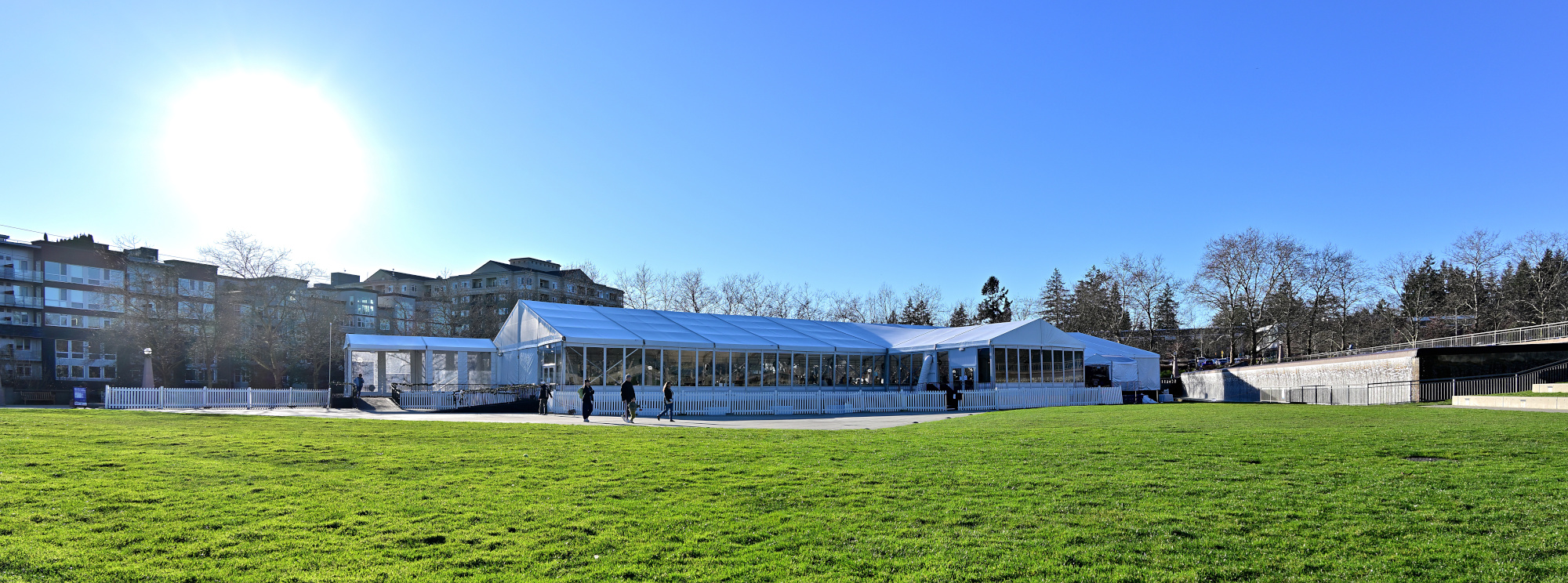
1/200s f/7,1 ISO 100/21° 18-140mm f/3,5-6,3 VR f=18mm/27mm
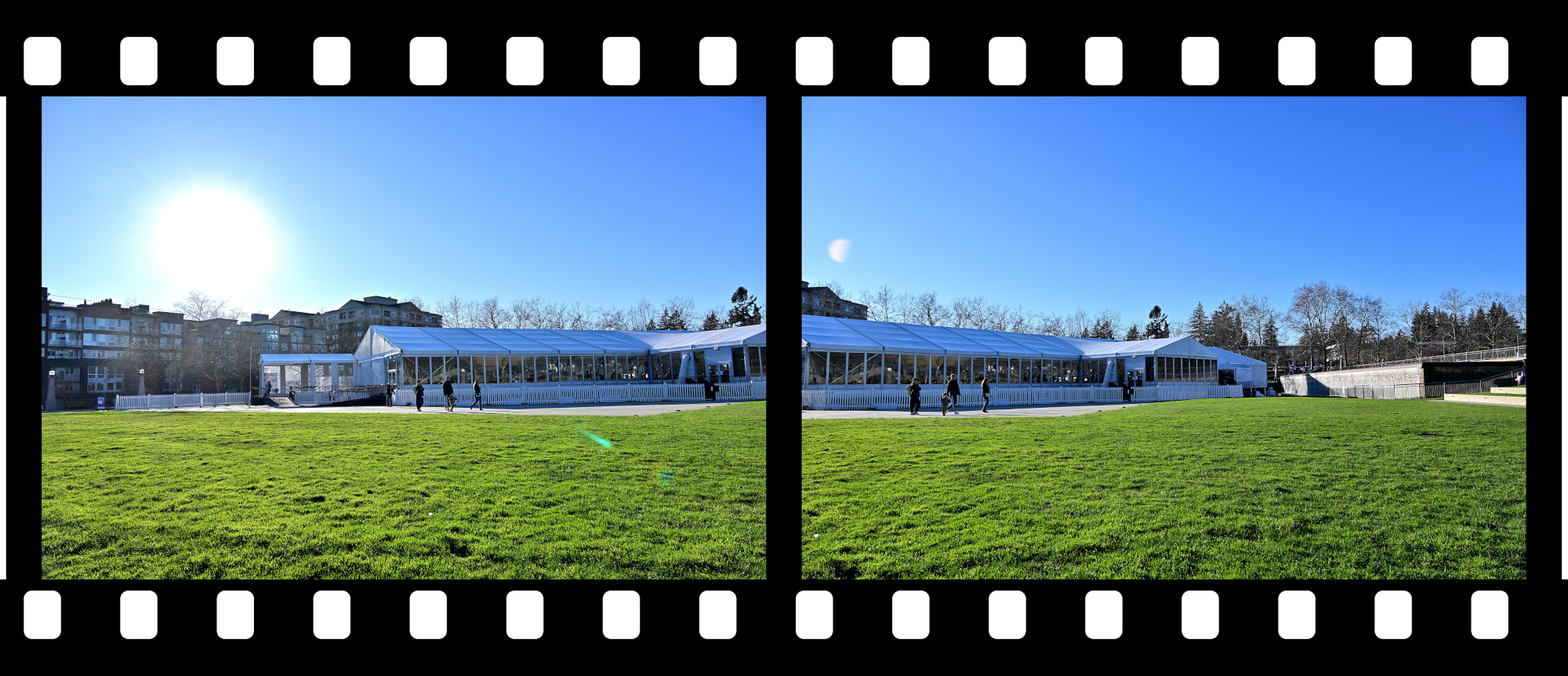
Views from the Walking Path
1/250s f/8 ISO 100/21° 18-140mm f/3,5-6,3 VR f=38mm/57mm
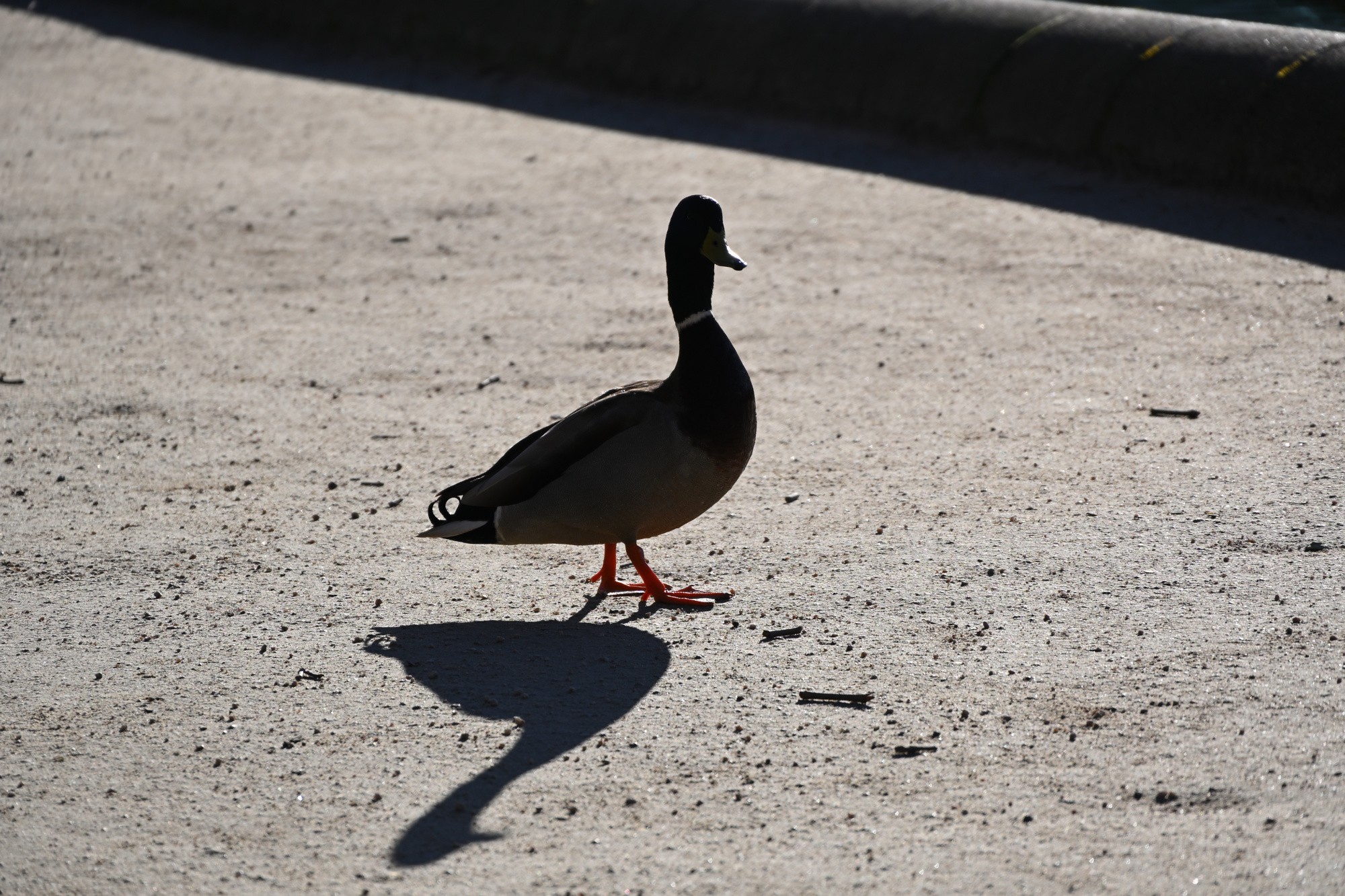
Watched closely under Tiny Director Protocol, a silhouette with the calm presence of an agent making sure the panorama was in order1.
1/500s f/6,3 ISO 100/21° 18-140mm f/3,5-6,3 VR f=140mm/210mm
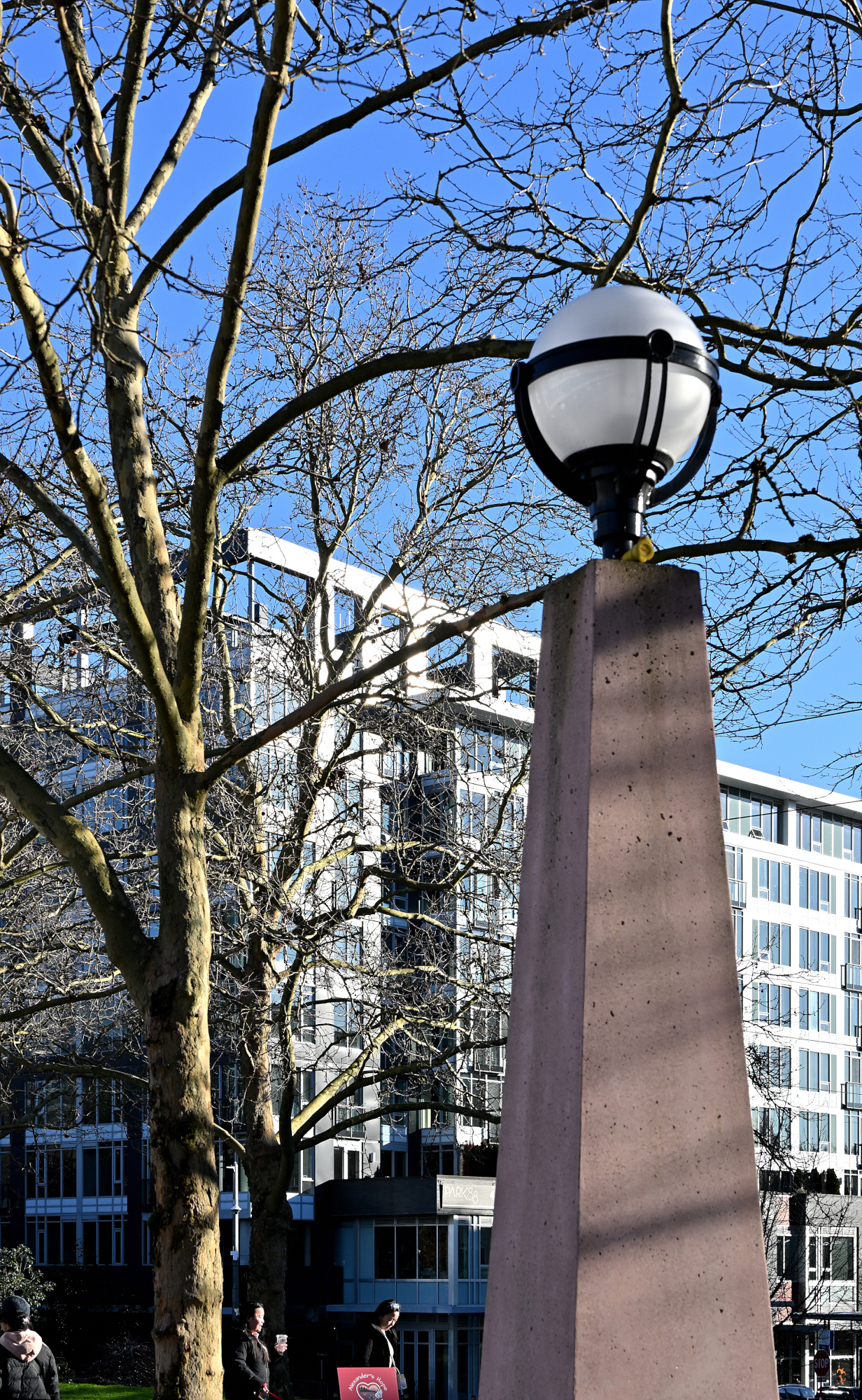
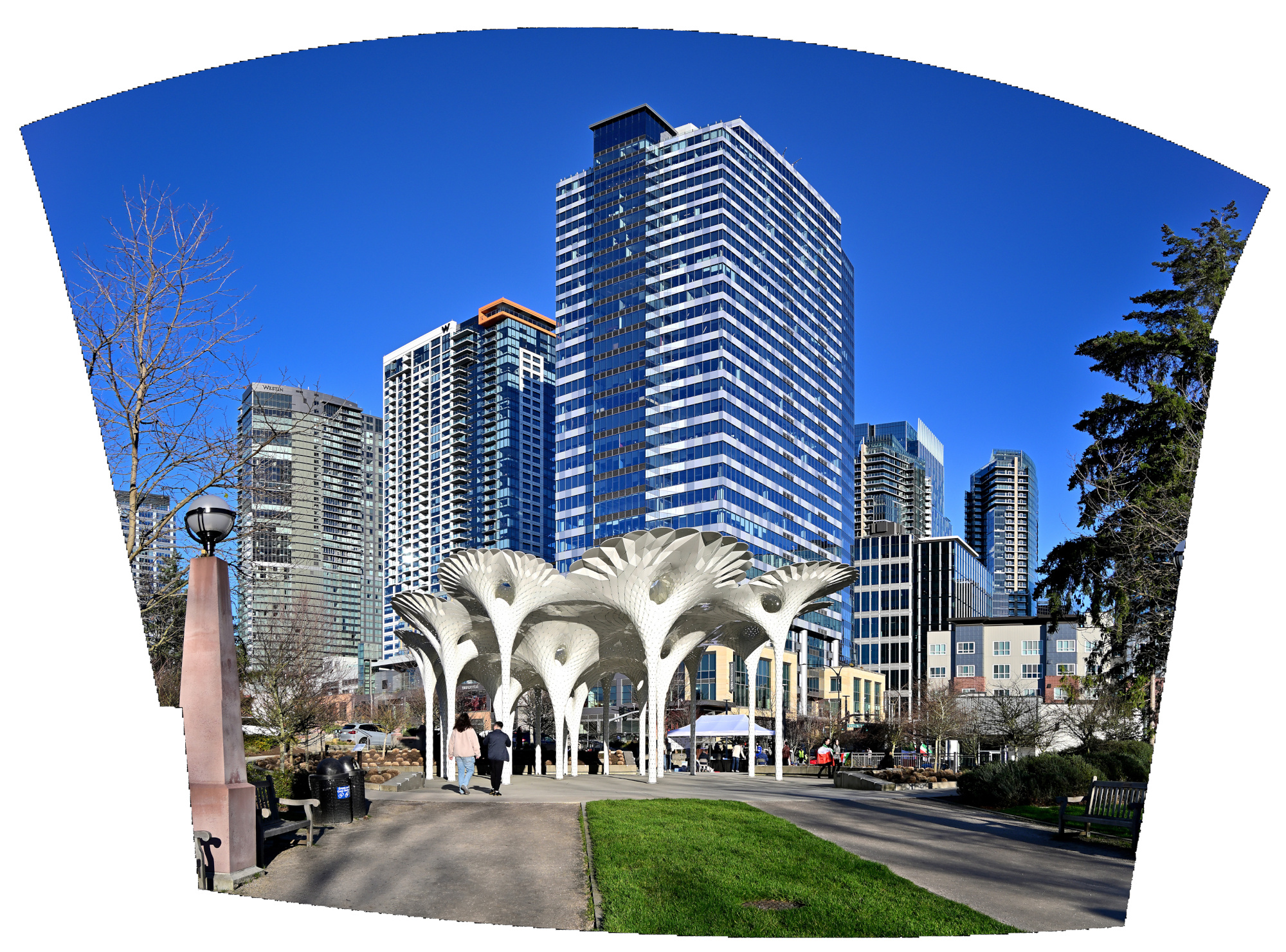
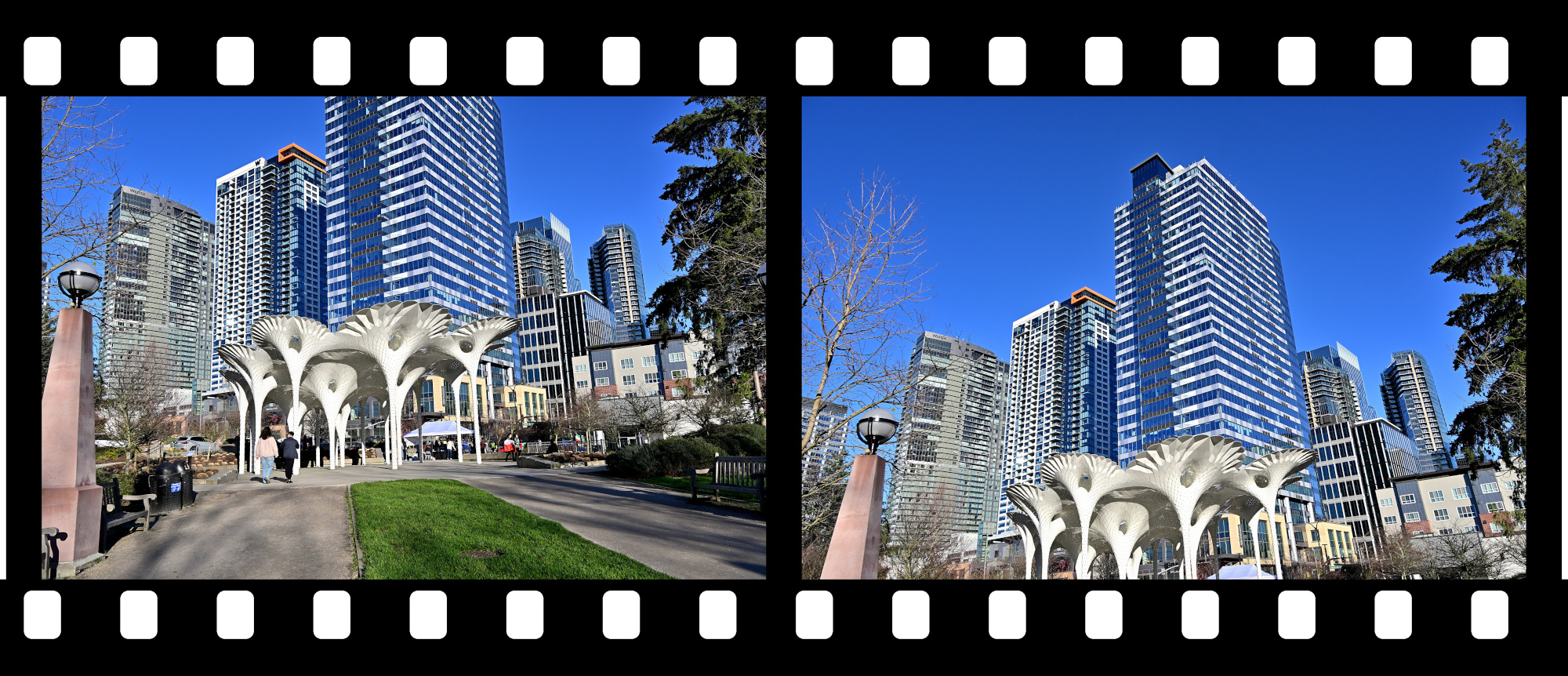
Piloti Scupture2
Geometry and shade, stitched into a brief vertical view.
1/250s f/8 ISO 100/21° 18-140mm f/3,5-6,3 VR f=18mm/27mm
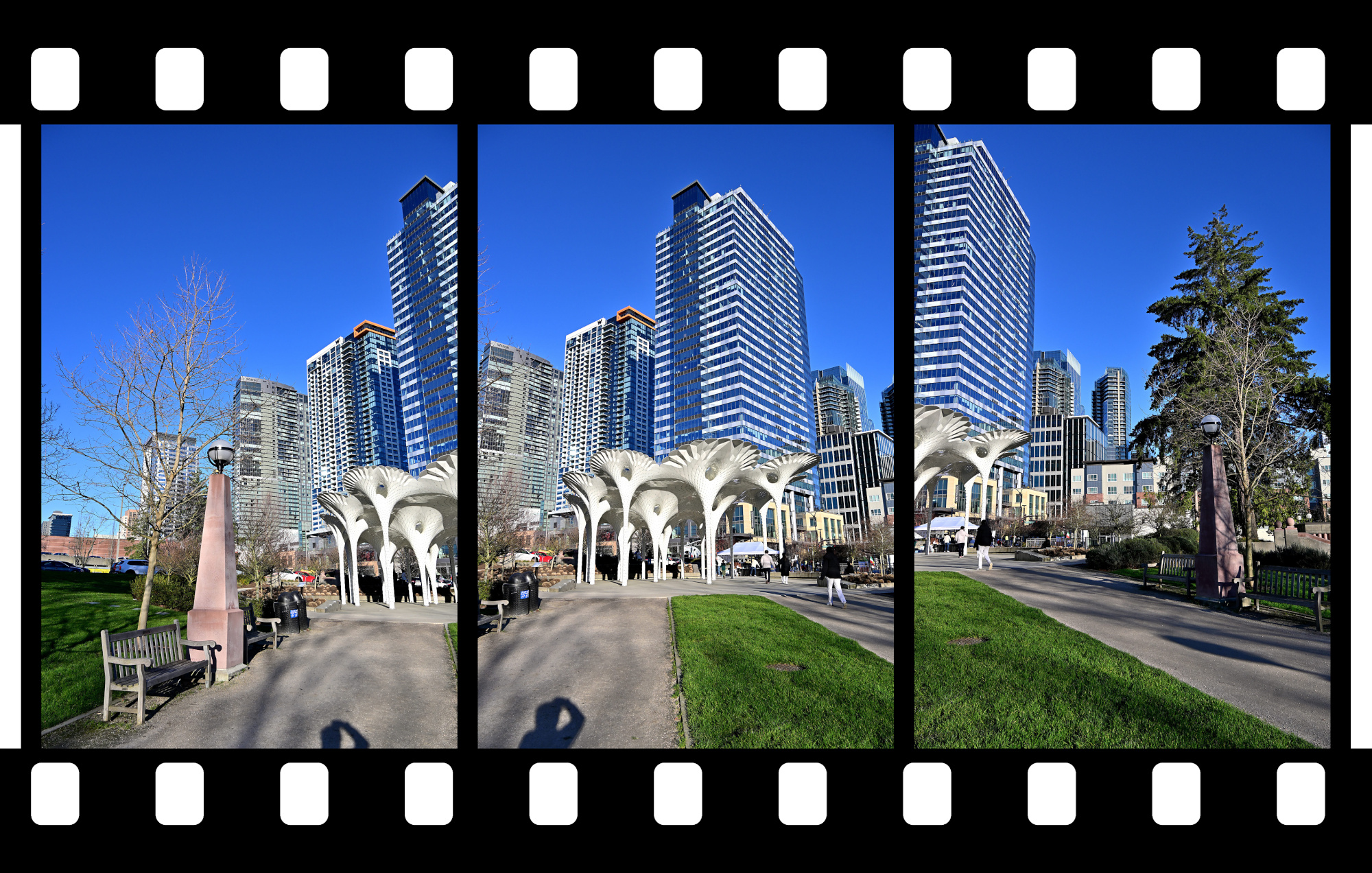
Piloti scupture taken with two vertical aligned pictures.
1/320s f/9 ISO 100/21° 18-140mm f/3,5-6,3 VR f=18mm/27mm
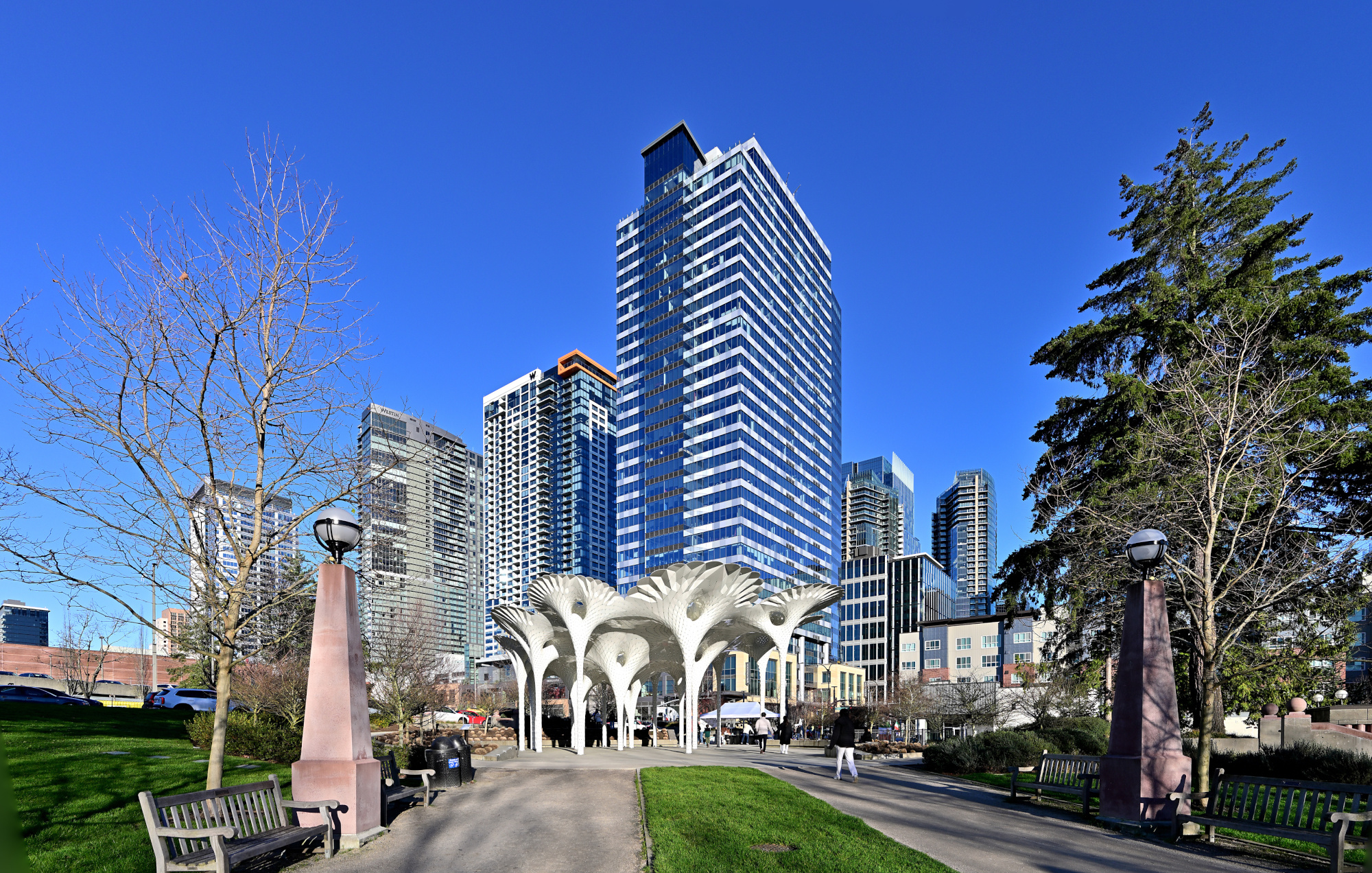
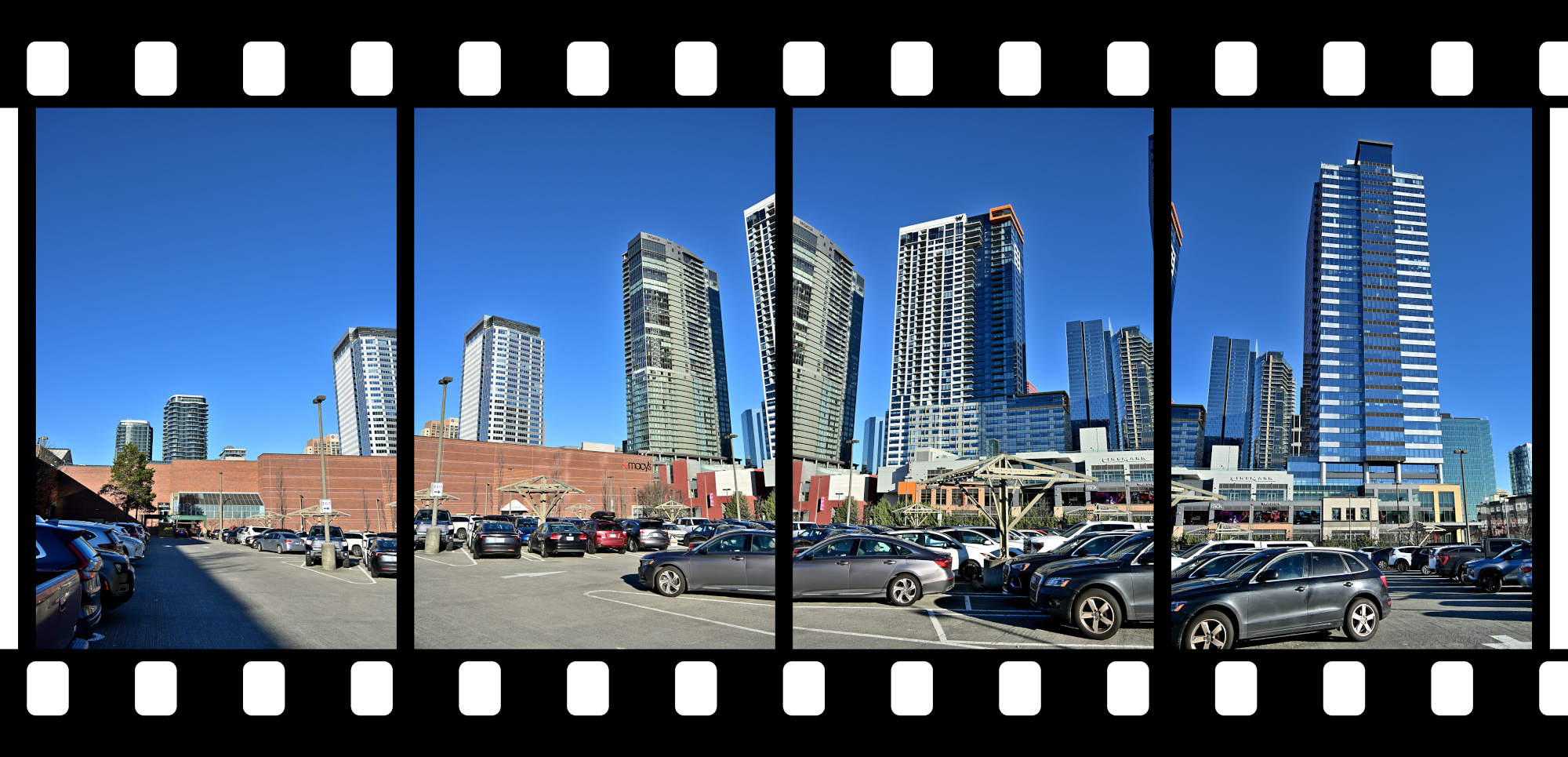
Back at the Bellevue Square
A clear sweep across the skyline, settling the scene before the light shifted again.
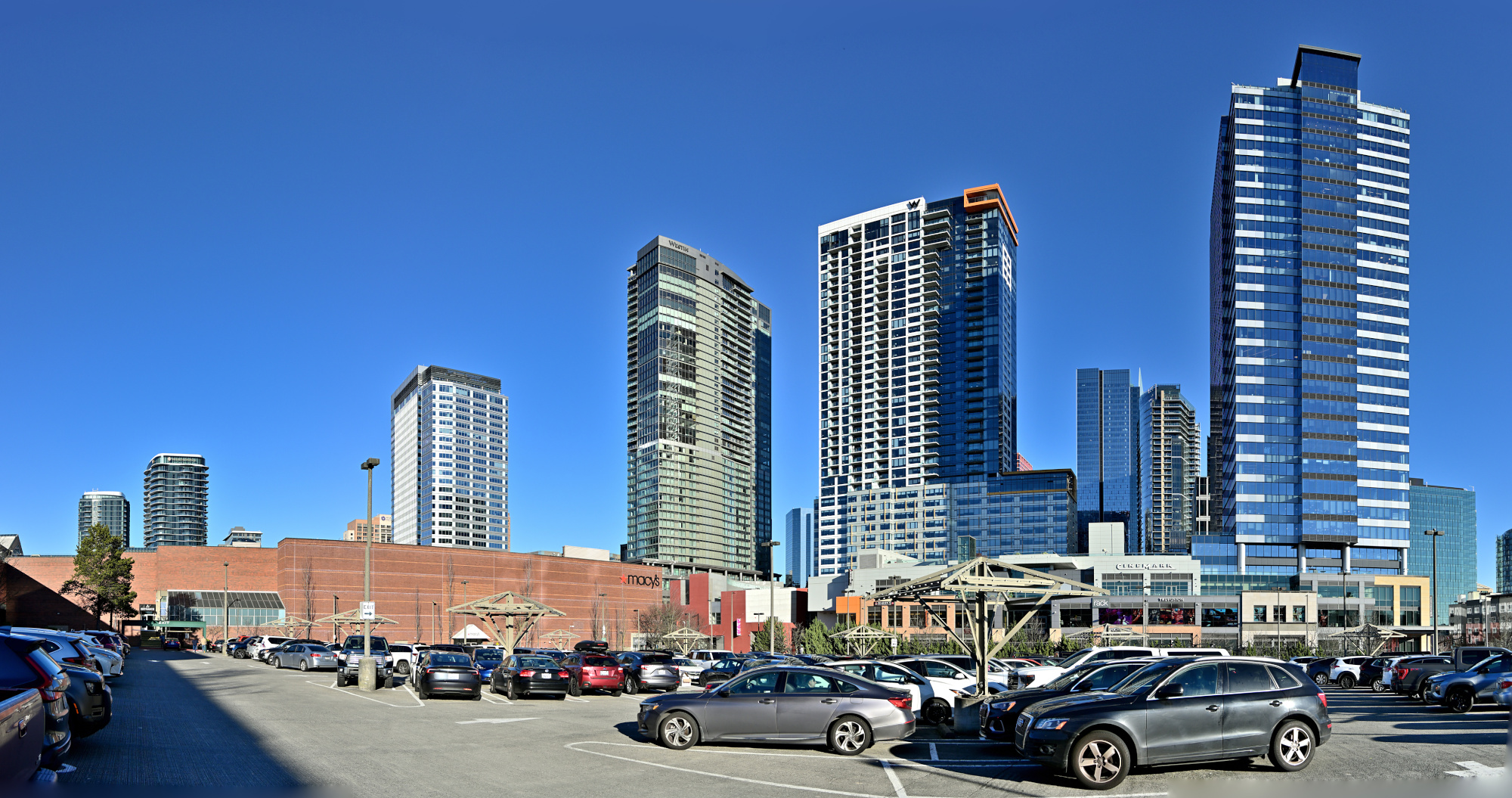
1/800s f/5,6 ISO 100/21° 18-140mm f/3,5-6,3 VR f=21mm/31mm
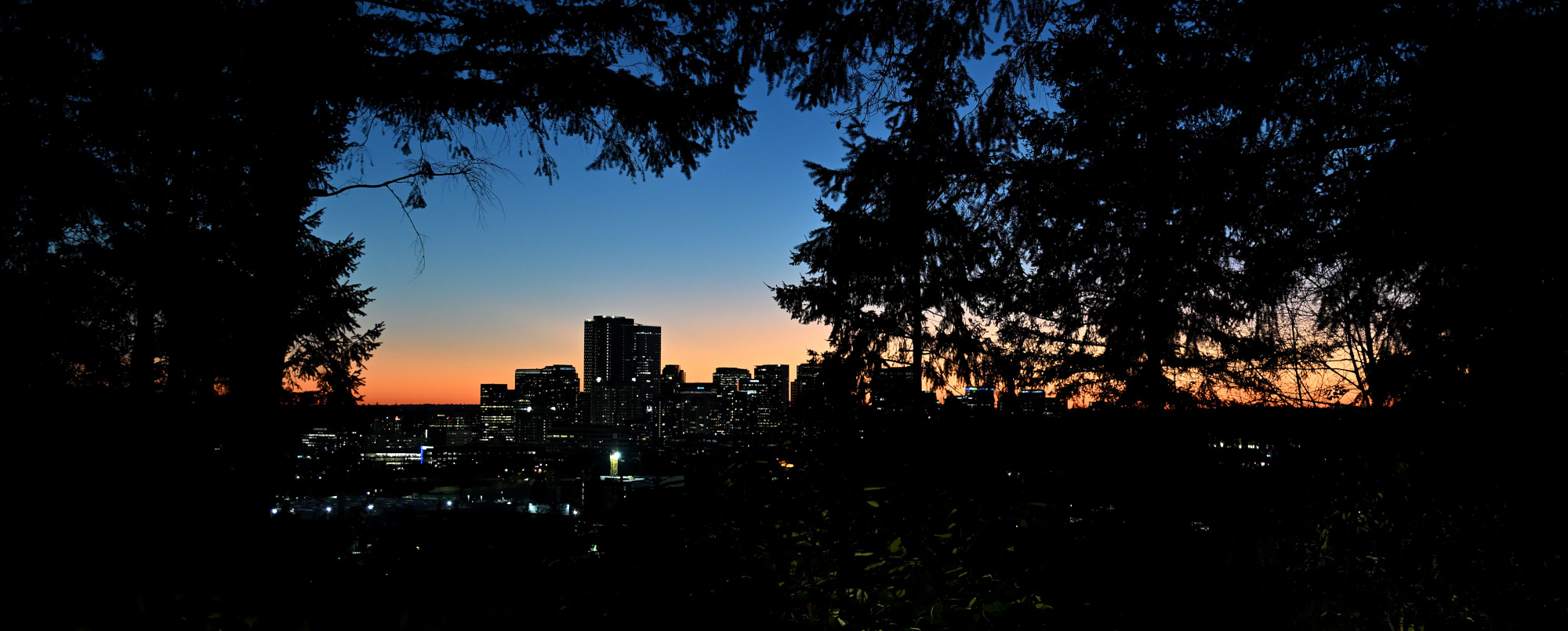
The Last Frame
And the sunny day ended quietly over Downtown Bellevue.
1/30s f/3,2 ISO 640/29° 16-50mm f/2,8 VR f=25mm/38mm
See also panoramas from the Bellevue Downtown Park in 2025
-
With Gaze Vector Analysis the observer was identified as Agent Ducky.
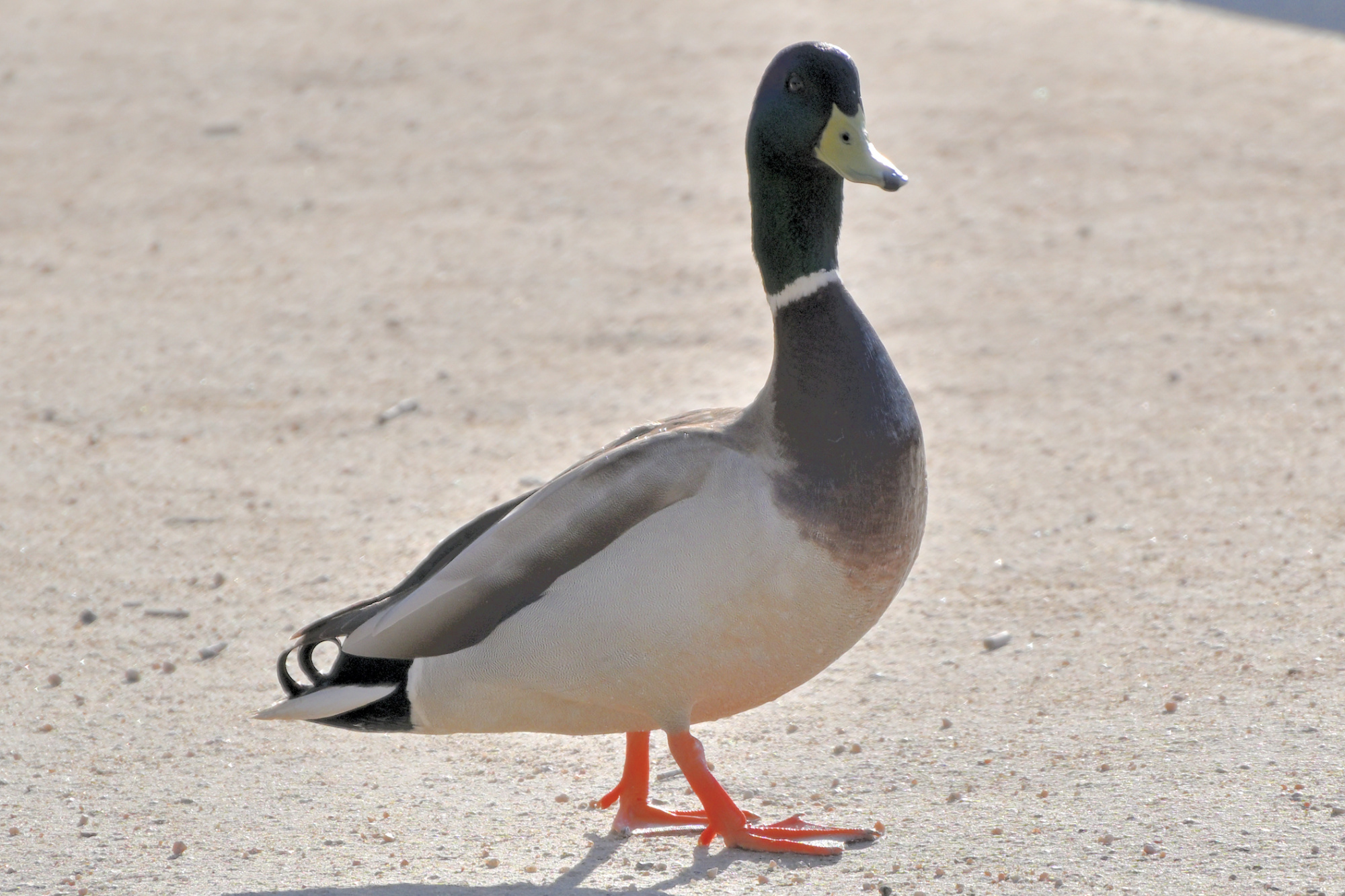
ADK 07, internal
Field Operative for the Panorama Supervision Unit
Special focus on persistent observation
Eyes on scene, confirmation by Gaze Vector Analysis
Identity confirmed as Agent Ducky
Tiny Director Protocol first noted during the prior observation. ↩
-
Seite 1 von 52
Ältere Beiträge →